3D Models
 3D Print Models
 3D Scans
 Animation & MoCap
 Textures
 Materials
 Skin Reference
 2D Game Assets
 Sound Effects
 Brushes & Tools
 Reference Photos
 Stock Images
 HDR Images
 3ds Max
 Maya
Maya Blender
 Unreal Engine
 Unity
Unity ZBrush
 Cinema 4D
 LightWave
 Marmoset
 SketchUp
 FBX
FBX DAE
DAE DXF
DXF GLB
GLB


! REPORT

Simply Red
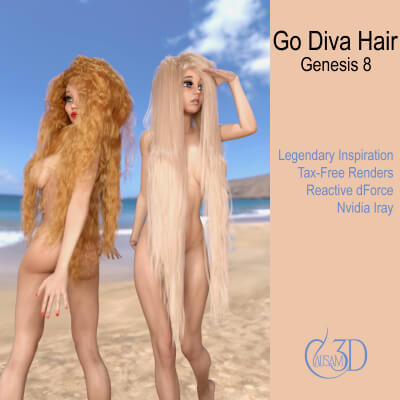
3D Render by Causam3DAddie in Go Diva Hair with the "Redhead" material. The second image is the morph settings for the simulation and render. All scene simulation settings are Daz default, except the collision quality is set to "Best". dForce Preset is Length Longest and Wet Behavior modifier (you choose the length you want and then use the wet or dry modifier - by default the length presets load with Dry behavior). Smoothing Iterations are set to 3. You should always use the default "1" when simulating and increase as desired after the simulation. Also, it's best to zero all of the "blue" morph sliders before simulating, then dial them in afterwards as desired.
You can get Go Diva Hair here:
https://www.renderhub.com/causam3d/go-diva-legendary-dforce-long-hair-for-genesis-8-female
You can get Go Diva Hair here:
https://www.renderhub.com/causam3d/go-diva-legendary-dforce-long-hair-for-genesis-8-female


 Daz Studio
 Nvidia Iray Render