


 Free 3D
 3D Print Models
 3D Scans
 Animation & MoCap
 Textures
 Materials
 Skin Reference
 2D Game Assets
 Sound Effects
 Brushes & Tools
 Reference Photos
 Stock Images
 HDR Images
 3ds Max
 Maya
Maya Blender
 Unreal Engine
 Unity
Unity ZBrush
 Cinema 4D
 LightWave
 Marmoset
 SketchUp
 FBX
FBX DAE
DAE DXF
DXF GLB
GLBDAZ 3D Guide to MatineeFX Cinematic Rendering and Finishing

Not Rated Yet


! REPORT
NOTE: DIGITAL DOWNLOAD, NOT A PHYSICAL ITEM

Add to Collection

0 Likes
Share This Tutorial


Offered By


License
Personal Use Only License
This item comes with our Personal Use Only Licensing. This means you may not share this model or use it for any commercial purposes or in any way that involves an exchange of money, promotes a business entity, or otherwise results directly or indirectly in financial gain.
For full license terms, see our 3D Content Licensing Agreement
3D Tutorial Details
| Vendor: | 3XK |
| Published: | Oct 18, 2026 |
| Download Size: | 170.9 KB |
Included Formats

Statistics
| Favorites: | 0 |
| Likes: | 0 |
| Views: | 5 |
Item Ratings
Not Rated Yet
DAZ 3D Guide to MatineeFX Cinematic Rendering and Finishing
MatineeFX Tutorial Guide for Daz Studio: Cinematic Iray Rendering by 3XK
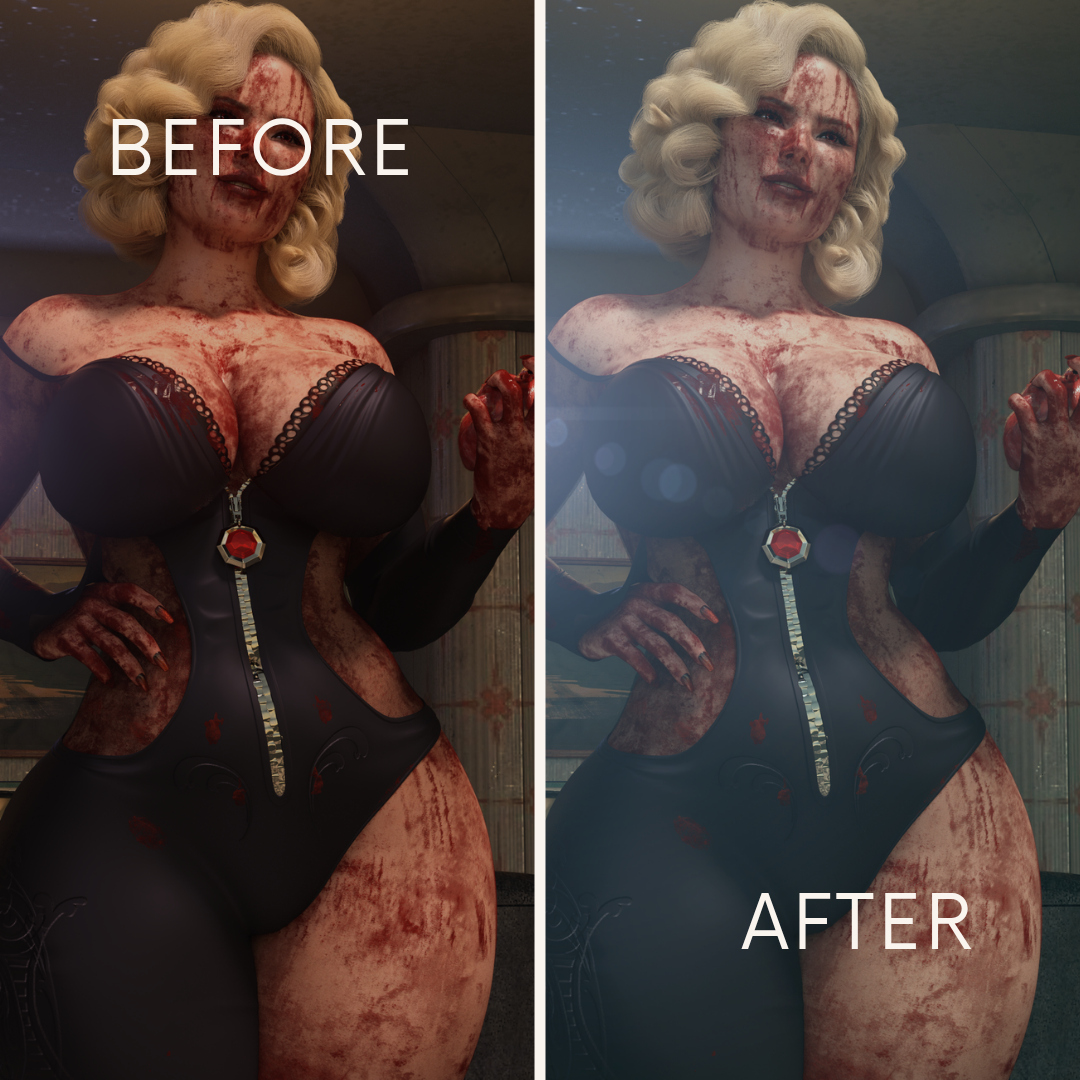
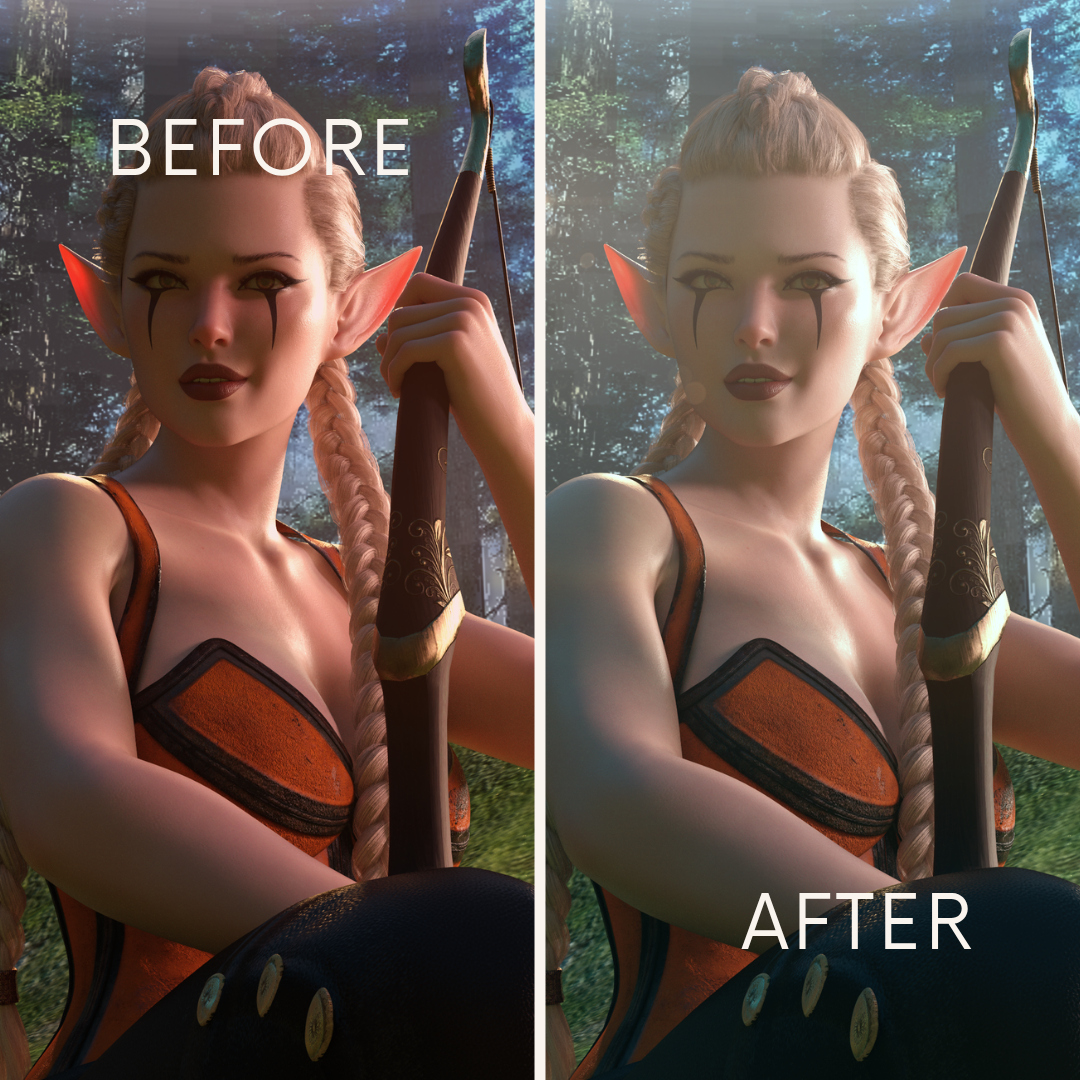
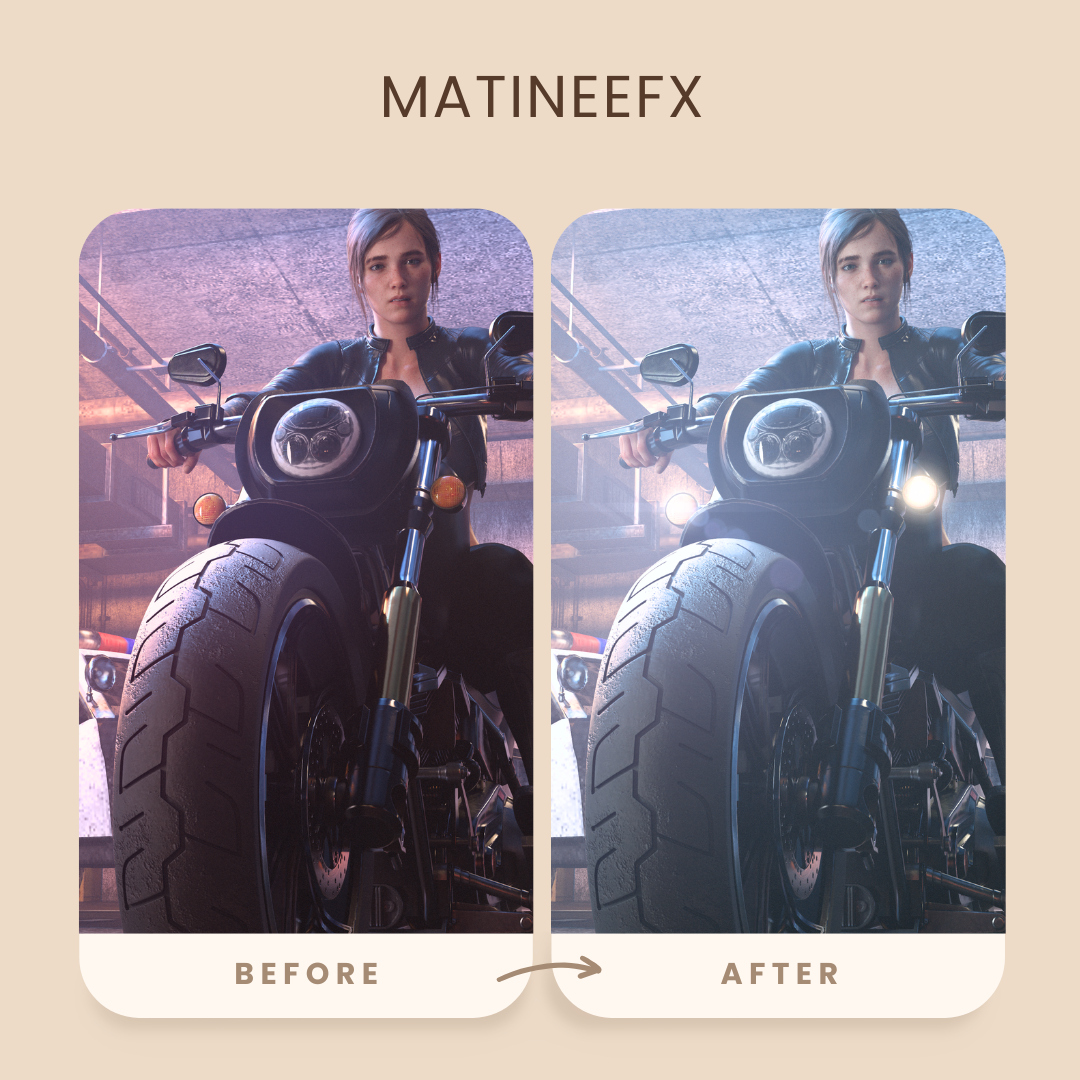
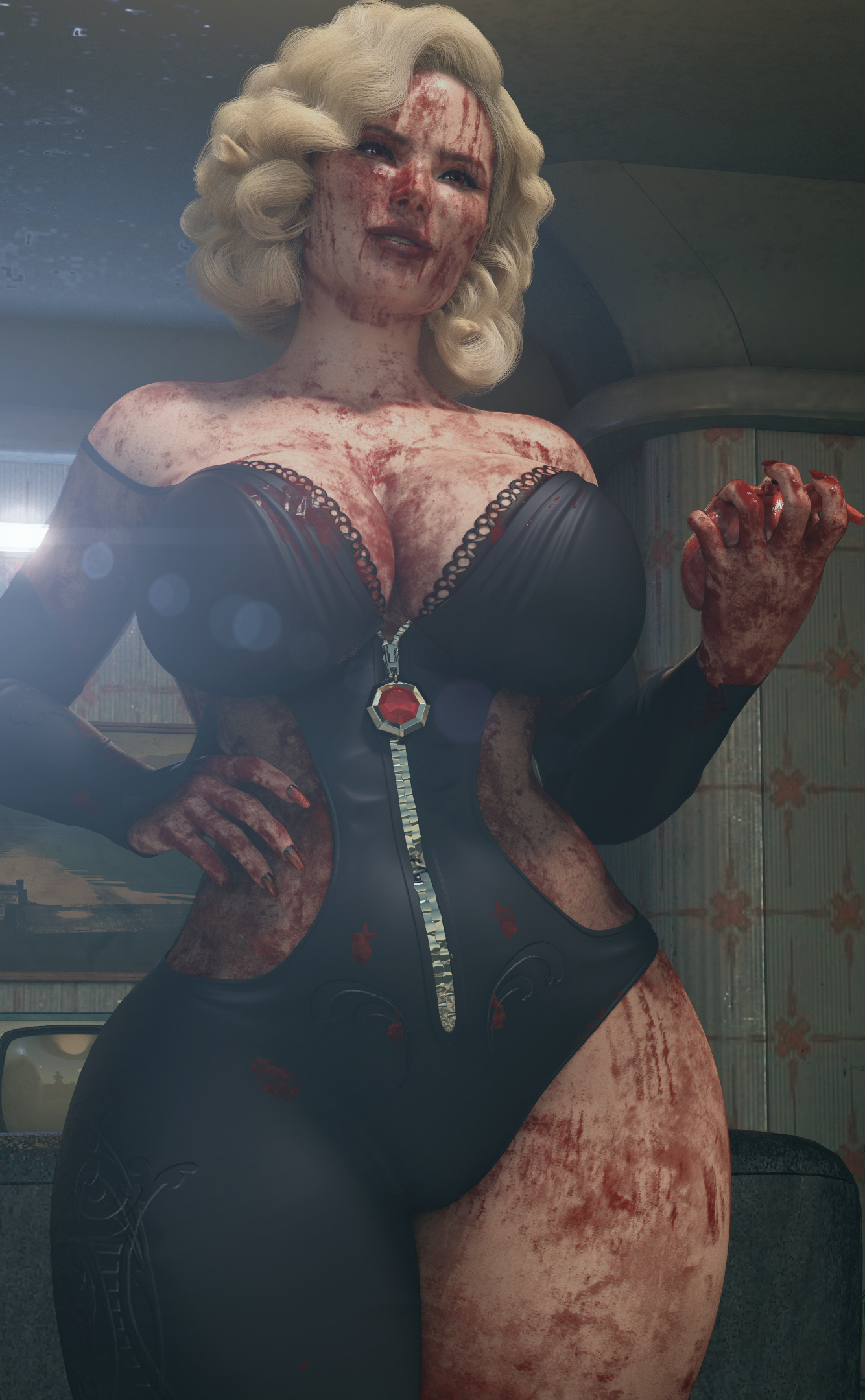
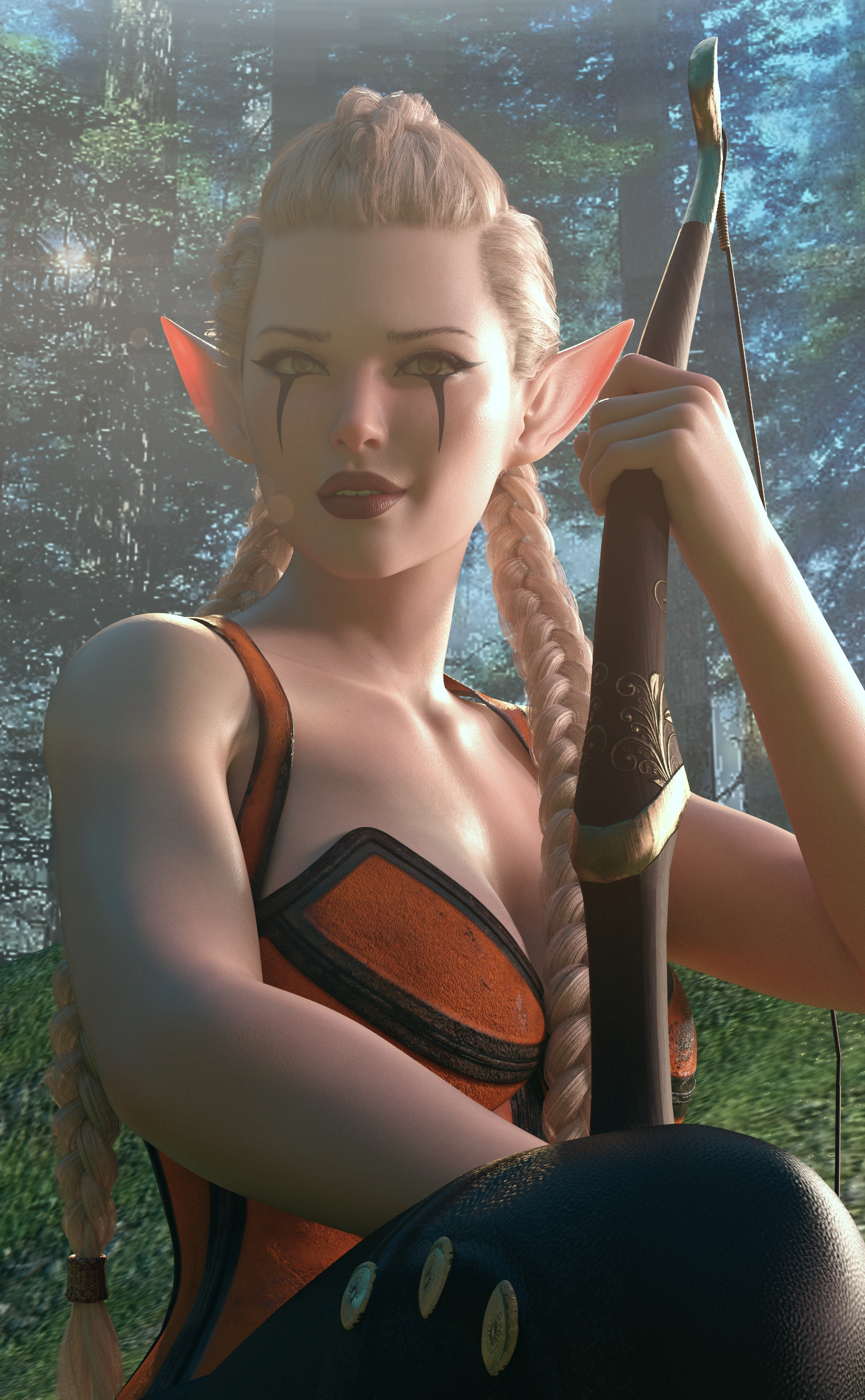
Give your Daz Studio renders a more cinematic finish with this detailed 49-page MatineeFX tutorial guide by 3XK. Learn how to shape colour, atmosphere, focus, lighting effects and film texture through practical explanations and step-by-step creative workflows.
Designed for artists who understand basic Daz Studio rendering, this digital PDF explains both how to approach each effect and why to use it. Develop a more deliberate finishing process, recognise common mistakes and choose adjustments that strengthen your image’s mood and visual storytelling.
Inside the guide, you’ll learn to:
Build cinematic colour grades: Balance exposure, contrast, shadows, midtones and highlights; refine saturation; explore film-inspired presets; and develop your own reusable looks.
Create atmospheric depth: Use depth-aware haze, ground fog and atmospheric variation to separate foreground, subject and background.
Control focus and bokeh: Understand Pick Focus, focus range, near and far blur, aperture shapes and the limitations of image-based depth of field.
Shape cinematic light effects: Explore lens flares, bloom, halation, anamorphic streaks and veiling glare while keeping your subject readable.
Add convincing film and lens character: Apply grain, vignette, chromatic aberration, lens dirt, light leaks and sharpening with restraint.
Organise and deliver your work: Understand capture data, saved sessions, creative variations, Commit Look and export-quality checks.
Put these techniques into practice with five cinematic rendering workflows: a warm courtyard, neon night scene, cinematic portrait, noir interior and atmospheric sci-fi environment.
You’ll also receive teaching diagrams, installation and image troubleshooting guidance, a structured practice plan, a reusable shot worksheet, a glossary, PDF bookmarks and clickable source references.
Whether you create character portraits, architectural scenes or narrative artwork, this guide helps you make more informed MatineeFX post-processing decisions.
WHO THIS IS FOR
This guide is for Daz Studio artists who want to use MatineeFX to create more cinematic, polished Iray renders.
MatineeFX beginners who want clear explanations and practical workflows for learning the plugin.
Character and portrait artists looking to refine skin tones, direct attention and create pleasing background blur.
Environment artists wanting to add depth, atmosphere and convincing light effects to architectural, fantasy or sci-fi scenes.
Visual storytellers who want colour, lighting and focus to communicate a specific mood.
Intermediate 3D artists looking to move beyond trial-and-error adjustments and build a more consistent finishing process.
Recommended starting knowledge: You should be comfortable loading a Daz Studio scene and creating a basic Iray render. No advanced colour-grading experience is required.
Product details: Digital PDF • 49 pages • English • Author: 3XK
An independent educational guide covering publicly documented MatineeFX features. Exact version-specific controls should be checked against the bundled software manual. MatineeFX, Daz Studio and scene assets are not included.
Give your Daz Studio renders a more cinematic finish with this detailed 49-page MatineeFX tutorial guide by 3XK. Learn how to shape colour, atmosphere, focus, lighting effects and film texture through practical explanations and step-by-step creative workflows.
Designed for artists who understand basic Daz Studio rendering, this digital PDF explains both how to approach each effect and why to use it. Develop a more deliberate finishing process, recognise common mistakes and choose adjustments that strengthen your image’s mood and visual storytelling.
Inside the guide, you’ll learn to:
Build cinematic colour grades: Balance exposure, contrast, shadows, midtones and highlights; refine saturation; explore film-inspired presets; and develop your own reusable looks.
Create atmospheric depth: Use depth-aware haze, ground fog and atmospheric variation to separate foreground, subject and background.
Control focus and bokeh: Understand Pick Focus, focus range, near and far blur, aperture shapes and the limitations of image-based depth of field.
Shape cinematic light effects: Explore lens flares, bloom, halation, anamorphic streaks and veiling glare while keeping your subject readable.
Add convincing film and lens character: Apply grain, vignette, chromatic aberration, lens dirt, light leaks and sharpening with restraint.
Organise and deliver your work: Understand capture data, saved sessions, creative variations, Commit Look and export-quality checks.
Put these techniques into practice with five cinematic rendering workflows: a warm courtyard, neon night scene, cinematic portrait, noir interior and atmospheric sci-fi environment.
You’ll also receive teaching diagrams, installation and image troubleshooting guidance, a structured practice plan, a reusable shot worksheet, a glossary, PDF bookmarks and clickable source references.
Whether you create character portraits, architectural scenes or narrative artwork, this guide helps you make more informed MatineeFX post-processing decisions.
WHO THIS IS FOR
This guide is for Daz Studio artists who want to use MatineeFX to create more cinematic, polished Iray renders.
MatineeFX beginners who want clear explanations and practical workflows for learning the plugin.
Character and portrait artists looking to refine skin tones, direct attention and create pleasing background blur.
Environment artists wanting to add depth, atmosphere and convincing light effects to architectural, fantasy or sci-fi scenes.
Visual storytellers who want colour, lighting and focus to communicate a specific mood.
Intermediate 3D artists looking to move beyond trial-and-error adjustments and build a more consistent finishing process.
Recommended starting knowledge: You should be comfortable loading a Daz Studio scene and creating a basic Iray render. No advanced colour-grading experience is required.
Product details: Digital PDF • 49 pages • English • Author: 3XK
An independent educational guide covering publicly documented MatineeFX features. Exact version-specific controls should be checked against the bundled software manual. MatineeFX, Daz Studio and scene assets are not included.
Categories
