


 Free 3D
 3D Print Models
 3D Scans
 Animation & MoCap
 Textures
 Materials
 Skin Reference
 2D Game Assets
 Sound Effects
 Brushes & Tools
 Reference Photos
 Stock Images
 HDR Images
 3ds Max
 Maya
 Blender
 Unreal Engine
 Unity
 ZBrush
 Cinema 4D
 LightWave
 Marmoset
 SketchUp
 FBX
 DAE
 DXF
 GLB
Active Morph Report for DAZ 4+6

Not Rated Yet


! REPORT
NOTE: DIGITAL DOWNLOAD, NOT A PHYSICAL ITEM

Add to Collection

0 Likes
Share This Daz Content


Offered By


License
Extended Use License
This item comes with our Extended Use Licensing. This means that you may use the model for both non-commercial and commercial purposes, in a variety of mediums and applications.
For full license terms, see our 3D Content Licensing Agreement
Item Details
| Vendor: | AffectionX |
| Published: | Nov 22, 2026 |
| Download Size: | 7.7 KB |
| Software: | Daz Studio |
| dForce: | – |
Included Formats

Statistics
| Favorites: | 0 |
| Likes: | 0 |
| Views: | 27 |
Item Ratings
Not Rated Yet
Active Morph Report for DAZ 4+6
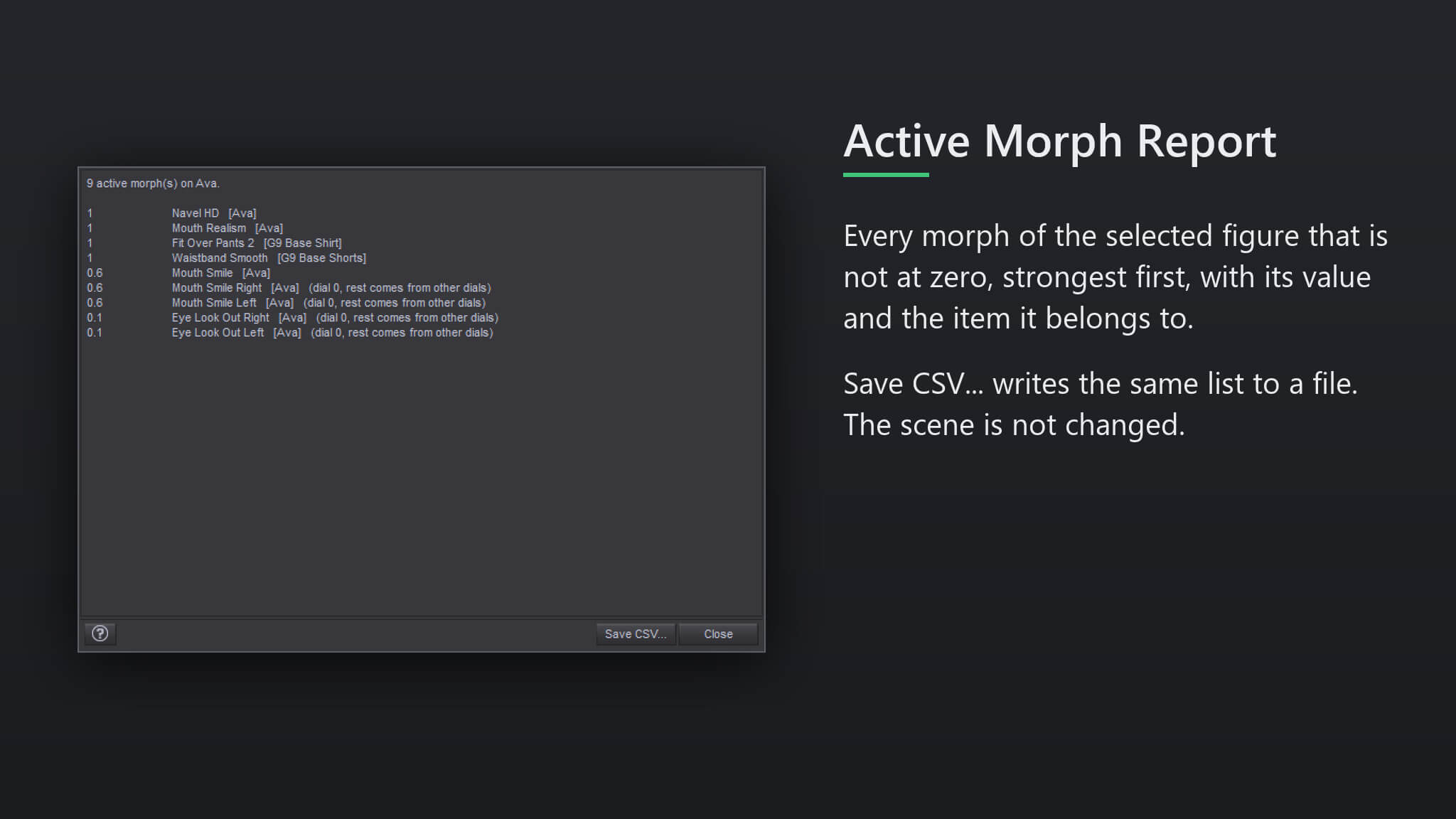
Active Morph Report lists every morph on the selected figure that is not at zero, with its value, and saves the list as a CSV file. It answers the question "what exactly is dialed into this character?" without scrolling through hundreds of sliders in the Parameters pane.
Features
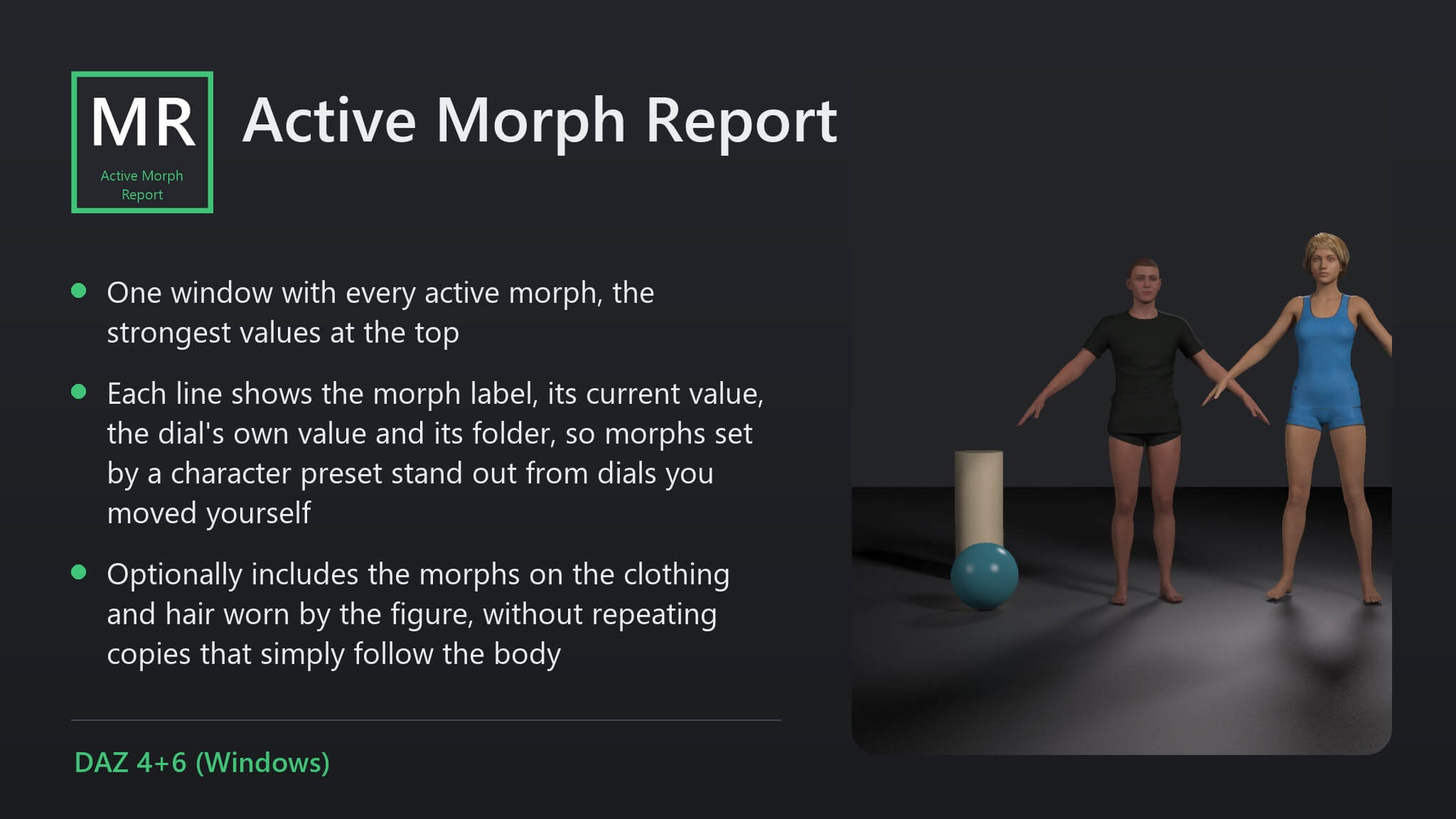
• One window with every active morph, the strongest values at the top.
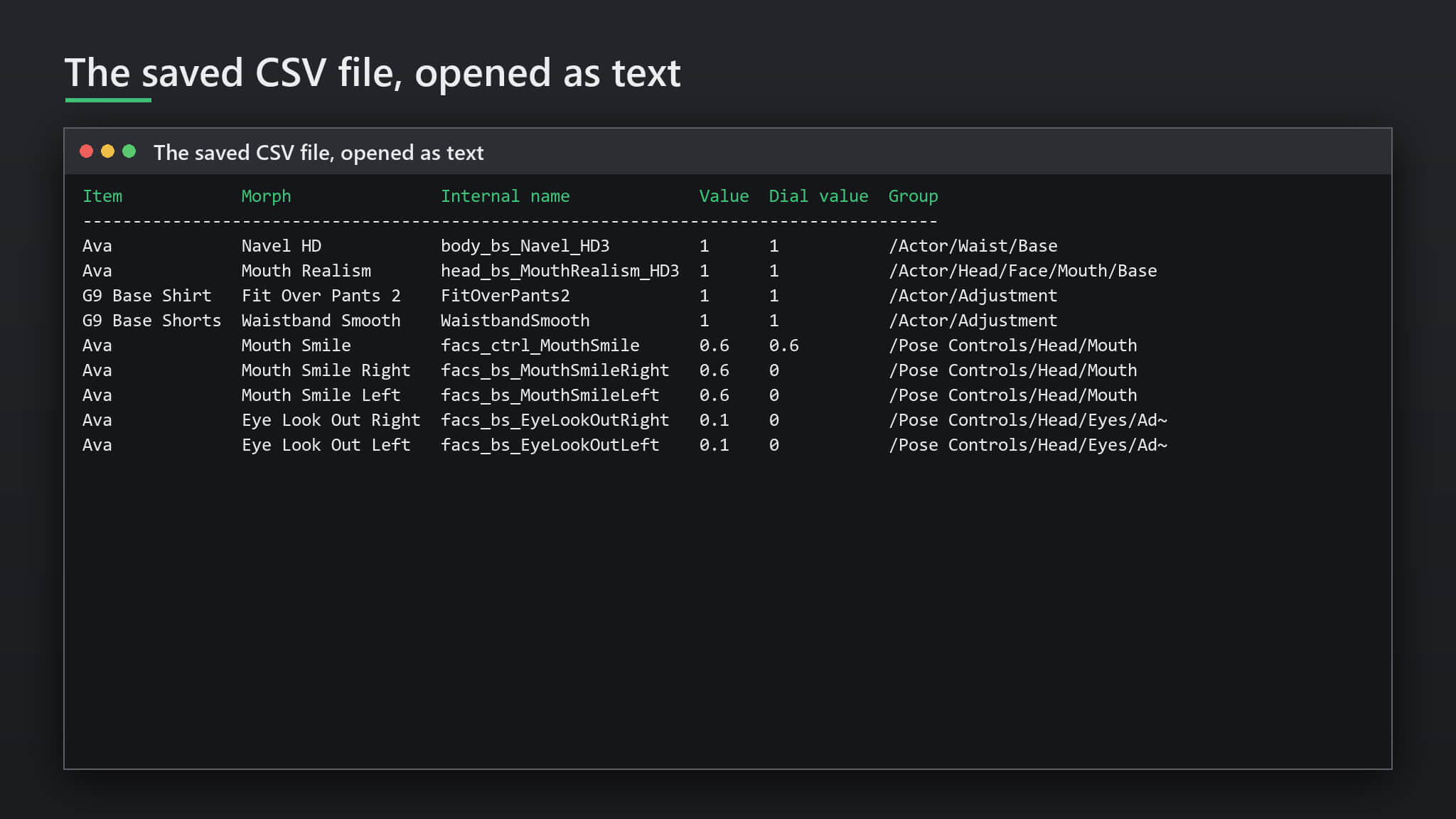
• Each line shows the morph label, its current value, the dial's own value and its folder, so morphs set by a character preset stand out from dials you moved yourself.
• Optionally includes the morphs on the clothing and hair worn by the figure, without repeating copies that simply follow the body.
• "Save CSV..." writes the list to a file you can open in any spreadsheet.
• Read-only: the script changes nothing in the scene.
How to use
1. Select a figure.
2. Run the script and read the list.
3. Press "Save CSV..." to keep a copy.
Compatibility
• DAZ 4+6 (Windows).
• Tested with a dressed Genesis 9 figure: the list included a morph set to 0.5 for the test, and the CSV was written.
Included
• One script (.dsa) and a ReadMe. Installs to Content Library > Scripts > AffectionX.
Update 1.1: works on the figure when you click its clothing, hair or eyelashes in the viewport (before, the script worked on that item instead of the figure).
Categories
