


 Free 3D
 3D Print Models
 3D Scans
 Animation & MoCap
 Textures
 Materials
 Skin Reference
 2D Game Assets
 Sound Effects
 Brushes & Tools
 Reference Photos
 Stock Images
 HDR Images
 3ds Max
 Maya
 Blender
 Unreal Engine
 Unity
 ZBrush
 Cinema 4D
 LightWave
 Marmoset
 SketchUp
 FBX
 DAE
 DXF
 GLB
Balance Check - Test Pose Balance for DAZ 4+6

Not Rated Yet


! REPORT
NOTE: DIGITAL DOWNLOAD, NOT A PHYSICAL ITEM

Add to Collection

0 Likes
Share This Daz Content


Offered By


License
Extended Use License
This item comes with our Extended Use Licensing. This means that you may use the model for both non-commercial and commercial purposes, in a variety of mediums and applications.
For full license terms, see our 3D Content Licensing Agreement
Item Details
| Vendor: | AffectionX |
| Published: | Nov 22, 2026 |
| Download Size: | 8.5 KB |
| Software: | Daz Studio |
| dForce: | – |
Included Formats

Statistics
| Favorites: | 0 |
| Likes: | 0 |
| Views: | 22 |
Item Ratings
Not Rated Yet
Balance Check - Test Pose Balance for DAZ 4+6
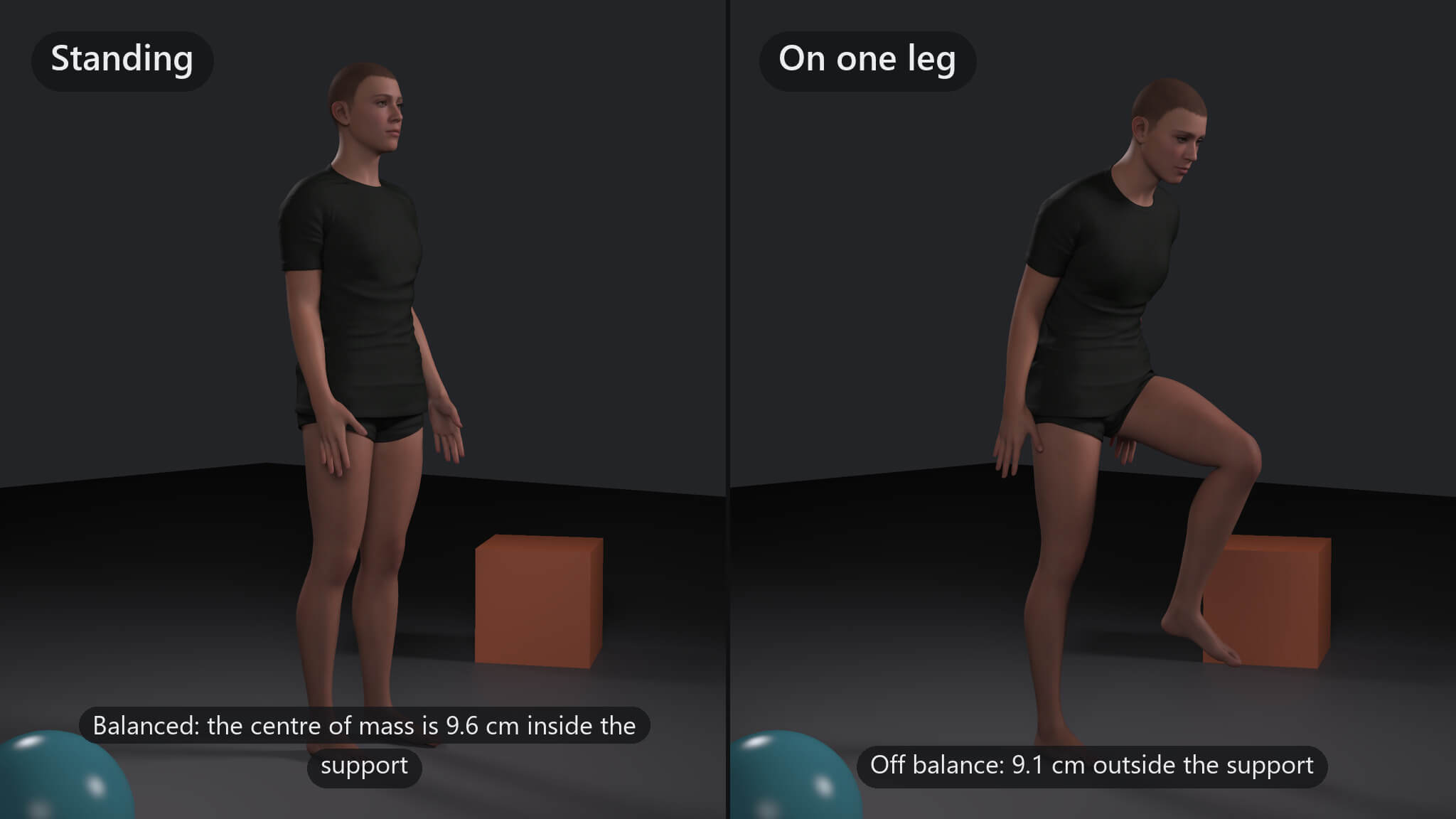
Balance Check tells you whether a standing pose would hold up. It estimates the centre of mass from the bones using average body-part weights, finds the area supported by the feet on the ground, and reports whether the centre falls inside that area and by how many centimetres. Useful for action and one-leg poses.
Features
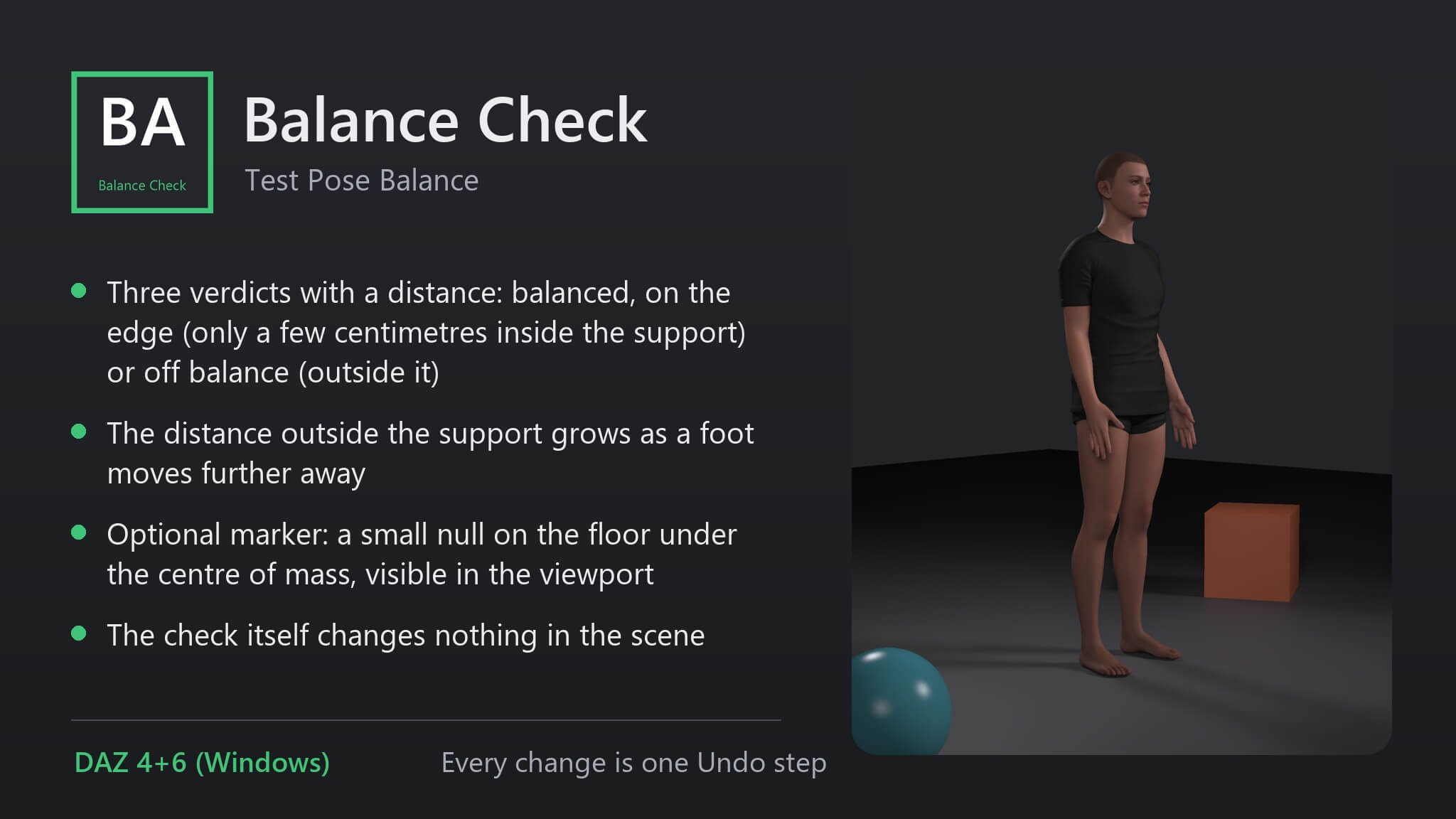
• Three verdicts with a distance: balanced, on the edge (only a few centimetres inside the support) or off balance (outside it).
• The distance outside the support grows as a foot moves further away.
• Optional marker: a small null on the floor under the centre of mass, visible in the viewport.
• The check itself changes nothing in the scene.
How to use
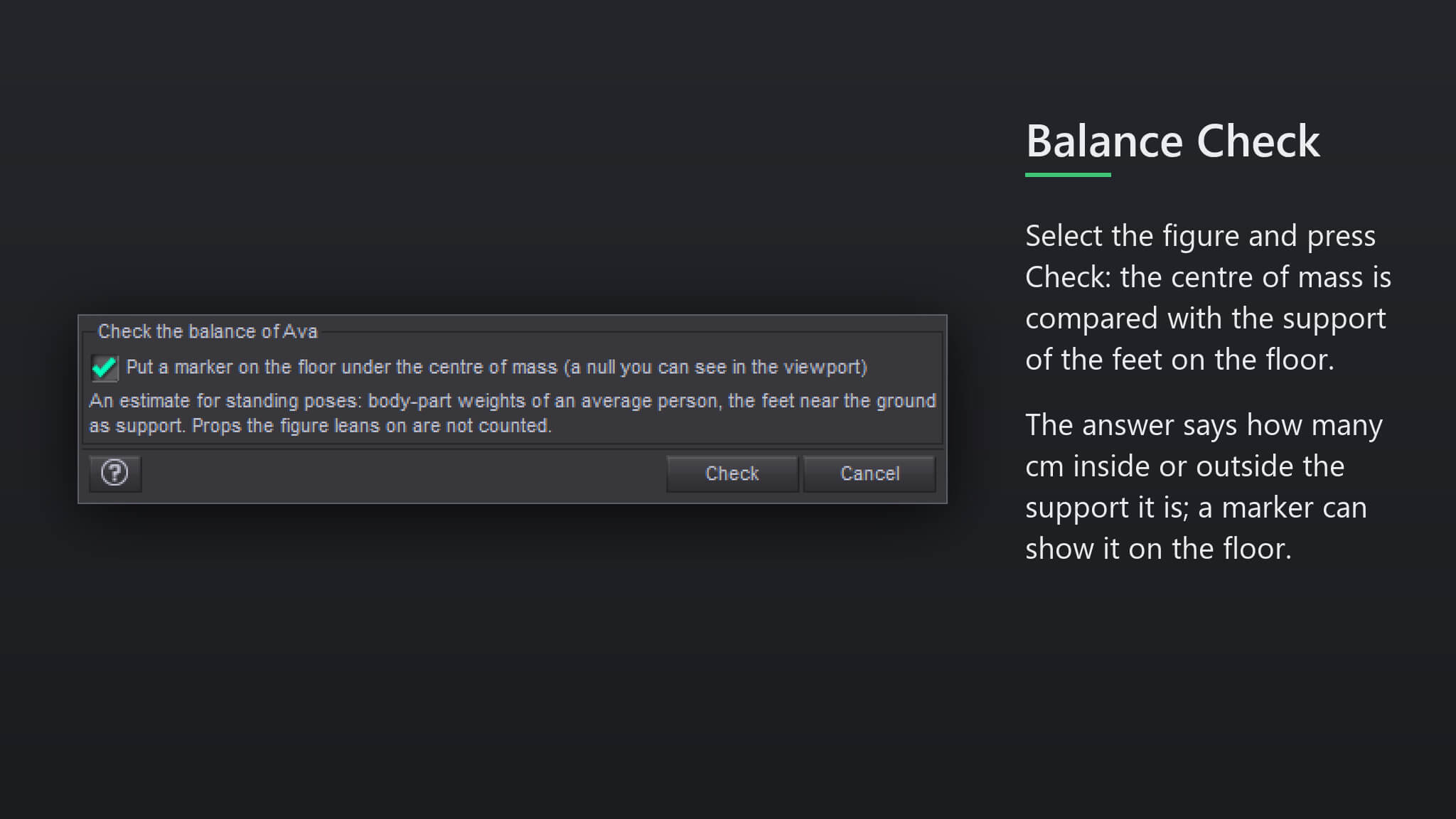
1. Select the figure and run the script.
2. Leave "Put a marker" ticked to see the point on the floor.
3. Press "Check" and read the result.
Compatibility
• DAZ 4+6 (Windows).
• Tested with Genesis 9 and Genesis 8 Female figures: standing poses read as balanced, one-leg poses as on the edge or off balance.
• The floor marker is one Undo step.
Included
• One script (.dsa) and a ReadMe. Installs to Content Library > Scripts > AffectionX.
Update 1.1: checks the figure when you click its clothing or hair in the viewport (before, a garment without feet was checked and the result was 'No foot is on the ground').
Categories
