


 Free 3D
 3D Print Models
 3D Scans
 Animation & MoCap
 Textures
 Materials
 Skin Reference
 2D Game Assets
 Sound Effects
 Brushes & Tools
 Reference Photos
 Stock Images
 HDR Images
 3ds Max
 Maya
 Blender
 Unreal Engine
 Unity
 ZBrush
 Cinema 4D
 LightWave
 Marmoset
 SketchUp
 FBX
 DAE
 DXF
 GLB
Duplicate Content Finder for DAZ 4+6

Not Rated Yet


! REPORT
NOTE: DIGITAL DOWNLOAD, NOT A PHYSICAL ITEM

Add to Collection

0 Likes
Share This Daz Content


Offered By


License
Extended Use License
This item comes with our Extended Use Licensing. This means that you may use the model for both non-commercial and commercial purposes, in a variety of mediums and applications.
For full license terms, see our 3D Content Licensing Agreement
Item Details
| Vendor: | AffectionX |
| Published: | Nov 22, 2026 |
| Download Size: | 8.4 KB |
| Software: | Daz Studio |
| dForce: | – |
Included Formats

Statistics
| Favorites: | 0 |
| Likes: | 0 |
| Views: | 29 |
Item Ratings
Not Rated Yet
Duplicate Content Finder for DAZ 4+6
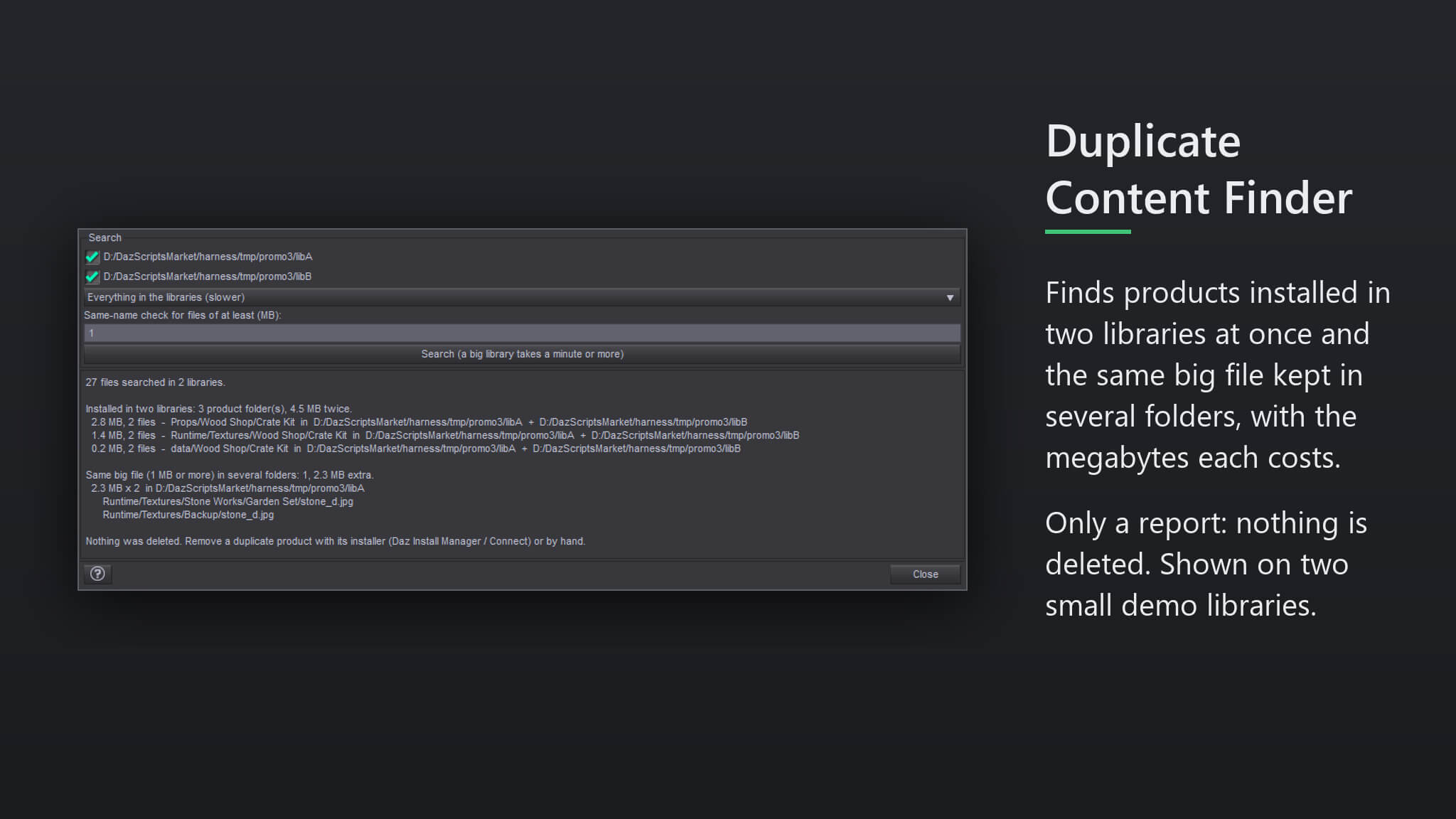
A product installed in two libraries wastes disk space and is a common cause of duplicate formula warnings and slow loading. Duplicate Content Finder finds such copies and shows where each one is and how much space they take.
Features
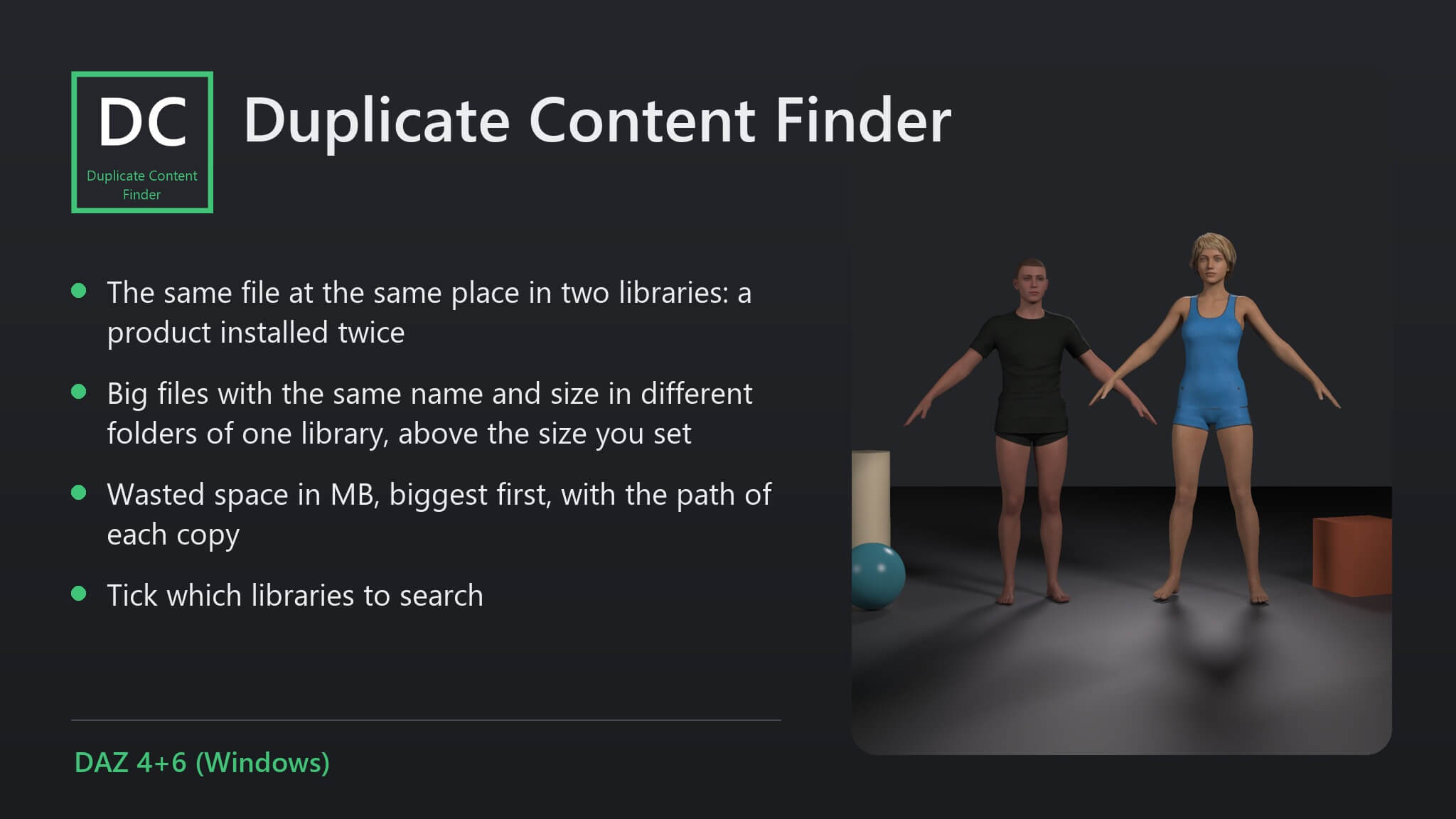
• The same file at the same place in two libraries: a product installed twice
• Big files with the same name and size in different folders of one library, above the size you set
• Wasted space in MB, biggest first, with the path of each copy
• Tick which libraries to search
• 'Only the data folders' for a fast search, or everything
• Nothing is deleted: you decide what to remove
How to use
1. Run the script and tick the libraries.
2. Choose data folders only or everything, and the size for the same-name check.
3. Press 'Search' and read the result.
Compatibility
• DAZ 4+6 (Windows).
• Read-only.
Included
• One script (.dsa) and a ReadMe; installs to Content Library > Scripts > AffectionX.
Categories
