


 Free 3D
 3D Print Models
 3D Scans
 Animation & MoCap
 Textures
 Materials
 Skin Reference
 2D Game Assets
 Sound Effects
 Brushes & Tools
 Reference Photos
 Stock Images
 HDR Images
 3ds Max
 Maya
 Blender
 Unreal Engine
 Unity
 ZBrush
 Cinema 4D
 LightWave
 Marmoset
 SketchUp
 FBX
 DAE
 DXF
 GLB
Duplicate Formula Fixer - Find Clashing Morphs for DAZ 4+6

Not Rated Yet


! REPORT
NOTE: DIGITAL DOWNLOAD, NOT A PHYSICAL ITEM

Add to Collection

1 Like
Share This Daz Content


Offered By


License
Extended Use License
This item comes with our Extended Use Licensing. This means that you may use the model for both non-commercial and commercial purposes, in a variety of mediums and applications.
For full license terms, see our 3D Content Licensing Agreement
Item Details
| Vendor: | AffectionX |
| Published: | Nov 22, 2026 |
| Download Size: | 8.2 KB |
| Software: | Daz Studio |
| dForce: | – |
Included Formats

Statistics
| Favorites: | 0 |
| Likes: | 1 |
| Views: | 39 |
Item Ratings
Not Rated Yet
Duplicate Formula Fixer - Find Clashing Morphs for DAZ 4+6
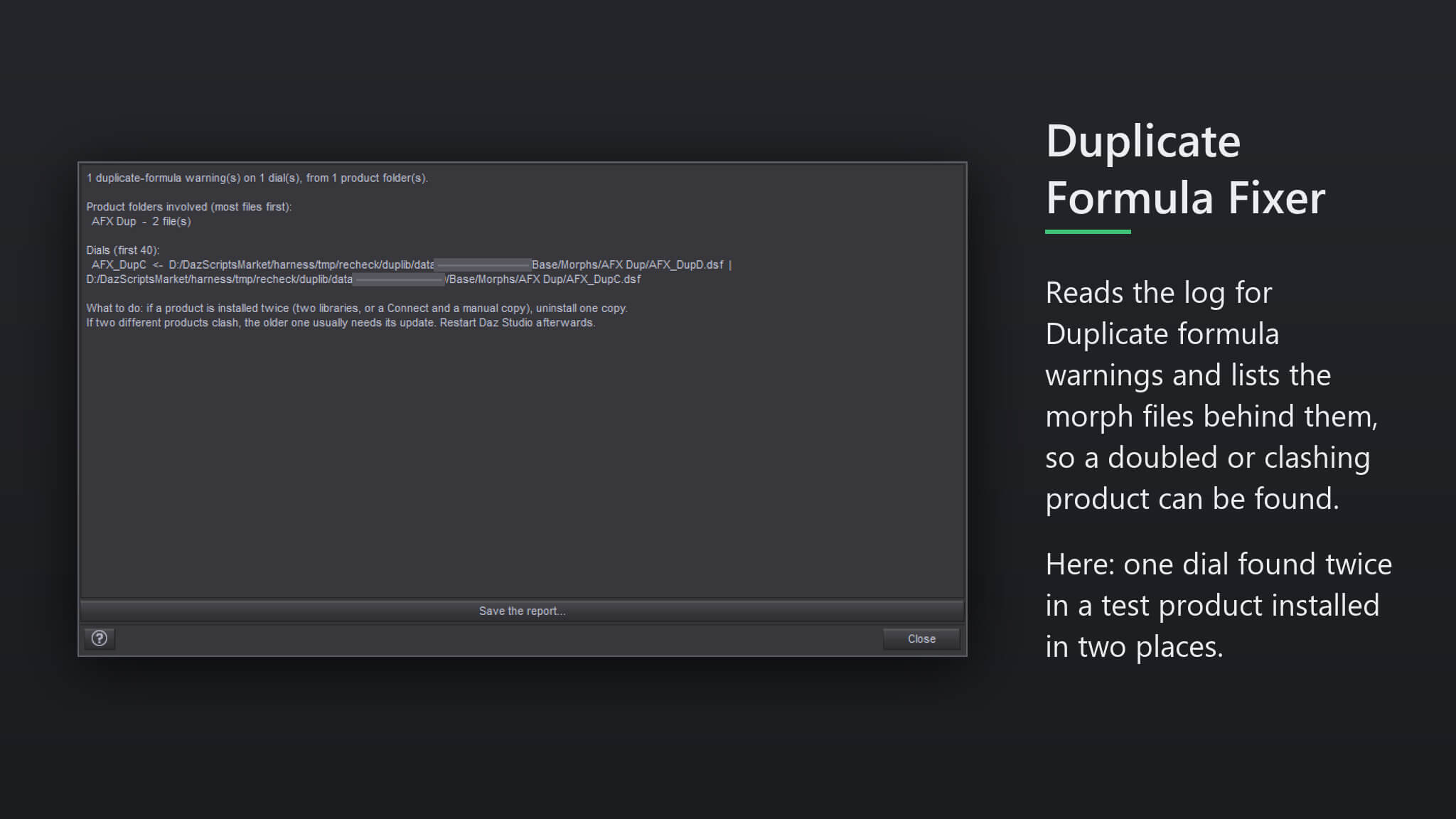
DAZ Studio says 'Duplicate Formulas Found' but not which content caused it. Duplicate Formula Fixer reads the DAZ Studio log, finds the dials that got the same formula twice and the morph files behind them, and groups them by product folder, so you know where to look. Nothing is deleted: you decide what to remove.
Features
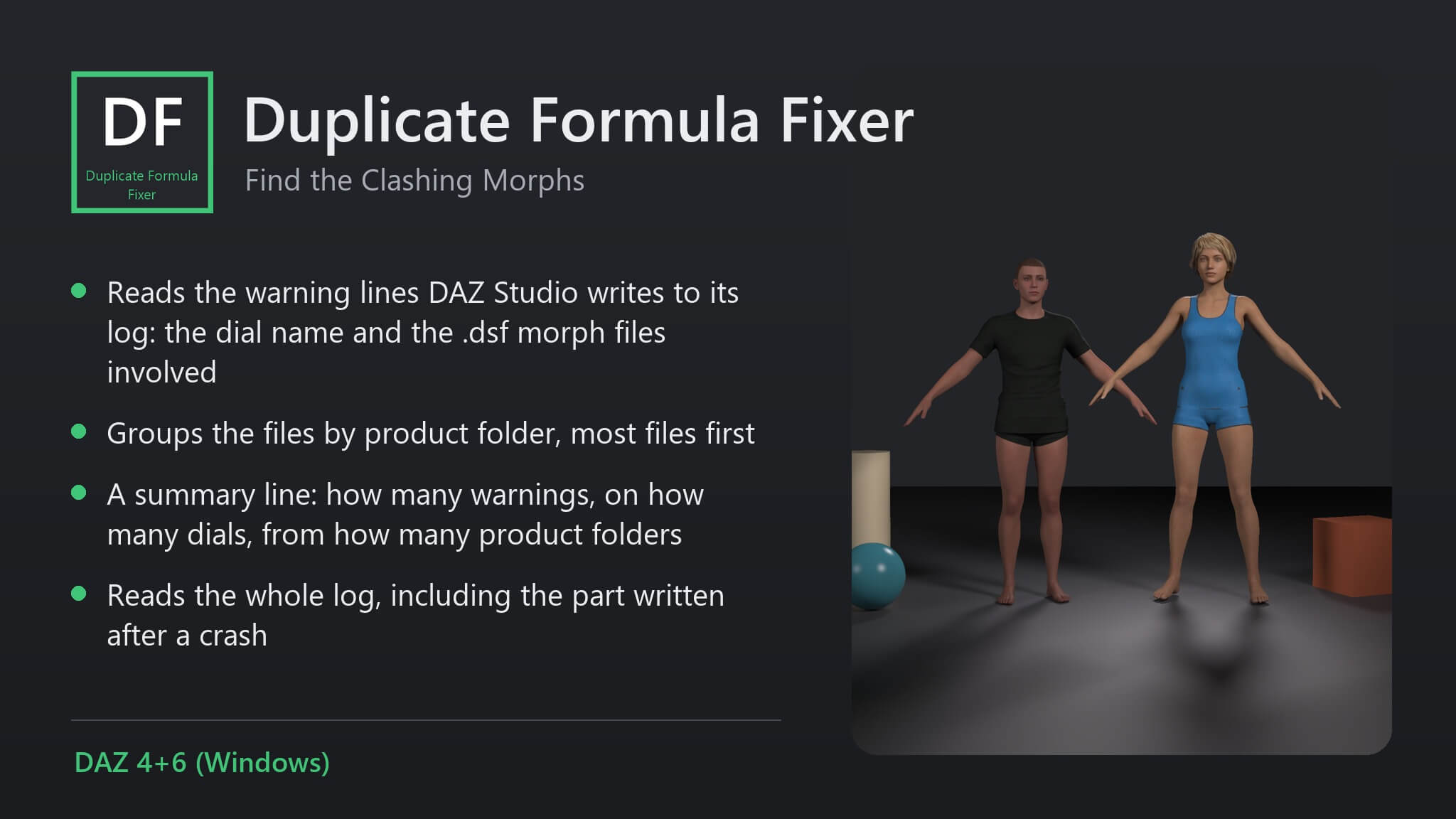
• Reads the warning lines DAZ Studio writes to its log: the dial name and the .dsf morph files involved
• Groups the files by product folder, most files first
• A summary line: how many warnings, on how many dials, from how many product folders
• Reads the whole log, including the part written after a crash
• A clear message when the log has no such warnings
• Read-only: the scene and your content are not changed
How to use
1. Load the figure or scene that showed the warning.
2. Run the script and read the report.
3. Remove or update the content it points to, then restart DAZ Studio.
Compatibility
• DAZ 4+6 (Windows).
• Tested with a Genesis 9 figure and a real 'Duplicate Formulas Found' warning.
Included
• One script (.dsa) and a ReadMe; installs to Content Library > Scripts > AffectionX.
Update 1.1: file paths and product folders with non-Latin letters (a Cyrillic folder, for example) now read right in the report, also where Daz Studio itself writes such a path in the Windows code page, and 'Save the report' writes UTF-8; before, they came out as garbled characters (and as question marks in the saved file).
Categories
