


 Free 3D
 3D Print Models
 3D Scans
 Animation & MoCap
 Textures
 Materials
 Skin Reference
 2D Game Assets
 Sound Effects
 Brushes & Tools
 Reference Photos
 Stock Images
 HDR Images
 3ds Max
 Maya
 Blender
 Unreal Engine
 Unity
 ZBrush
 Cinema 4D
 LightWave
 Marmoset
 SketchUp
 FBX
 DAE
 DXF
 GLB
FBX Presets - Quick FBX Export for Engines for DAZ 4+6

Not Rated Yet


! REPORT
NOTE: DIGITAL DOWNLOAD, NOT A PHYSICAL ITEM

Add to Collection

0 Likes
Share This Daz Content


Offered By


License
Extended Use License
This item comes with our Extended Use Licensing. This means that you may use the model for both non-commercial and commercial purposes, in a variety of mediums and applications.
For full license terms, see our 3D Content Licensing Agreement
Item Details
| Vendor: | AffectionX |
| Published: | Nov 22, 2026 |
| Download Size: | 7.7 KB |
| Software: | Daz Studio |
| dForce: | – |
Included Formats

Statistics
| Favorites: | 0 |
| Likes: | 0 |
| Views: | 13 |
Item Ratings
Not Rated Yet
FBX Presets - Quick FBX Export for Engines for DAZ 4+6
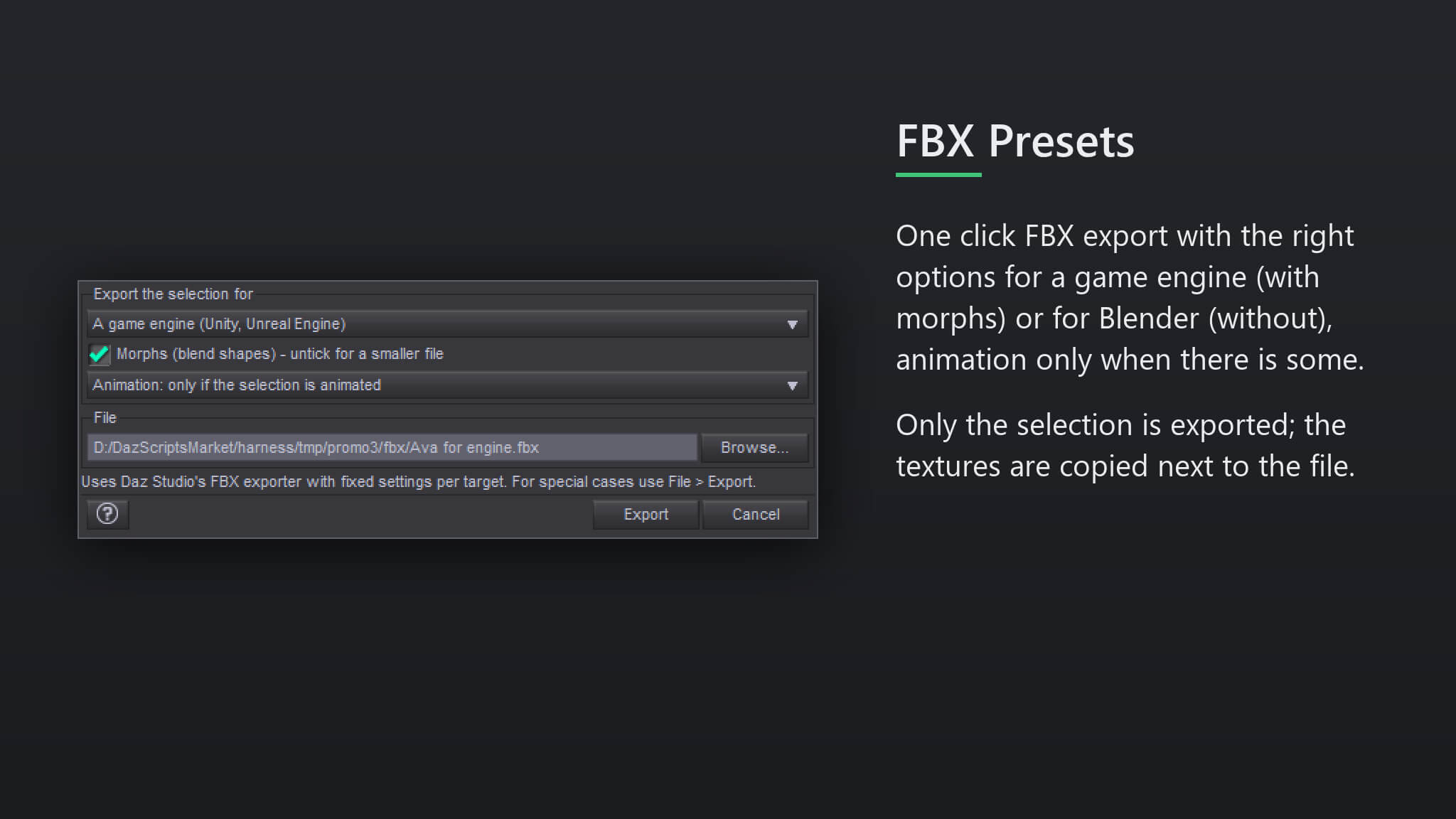
Exporting to FBX means the long exporter option window every time. FBX Presets exports the selection with settings for a game engine or for Blender in one step, using DAZ Studio's own FBX exporter.
Features
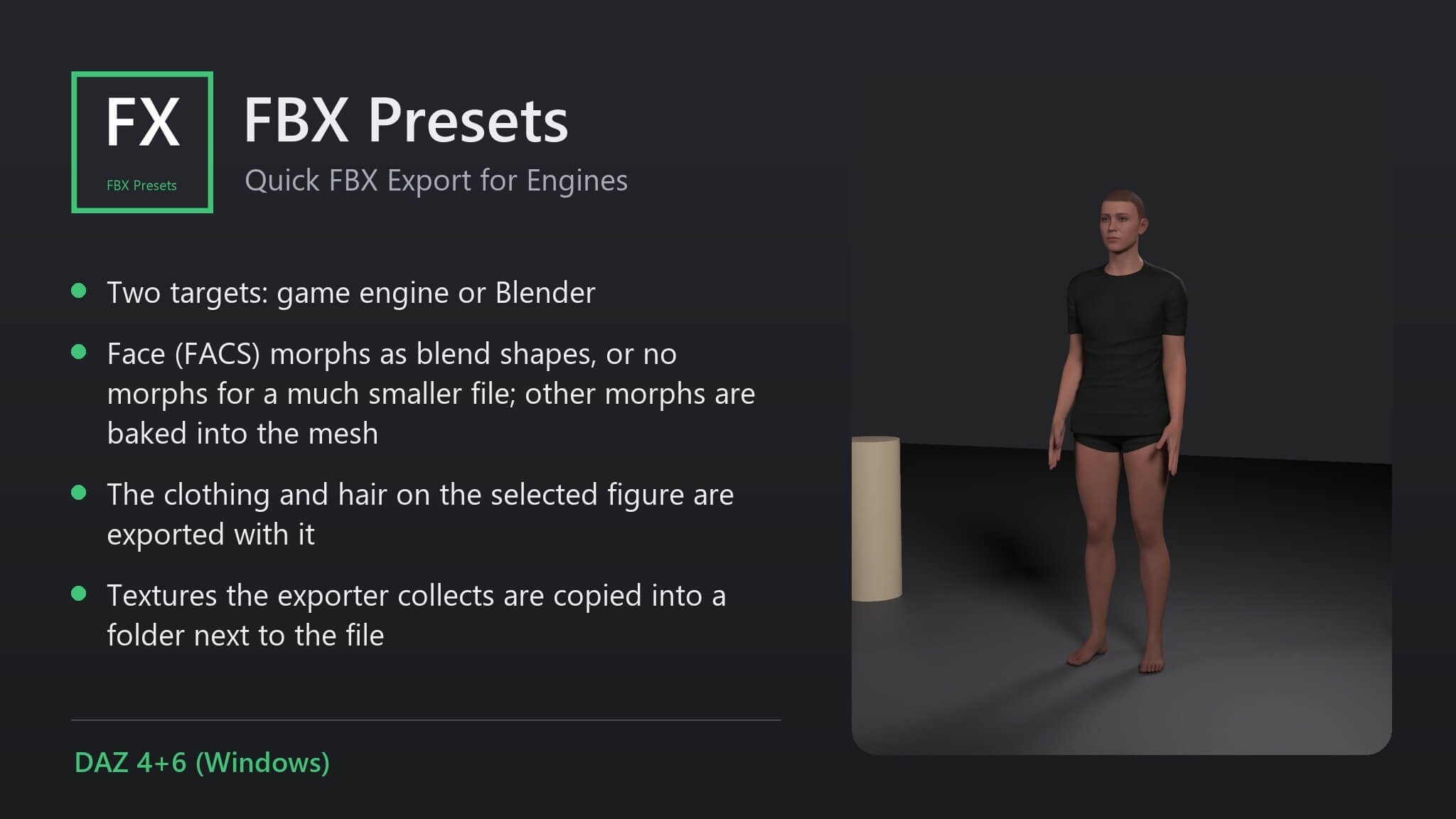
• Two targets: game engine or Blender
• Face (FACS) morphs as blend shapes, or no morphs for a much smaller file; other morphs are baked into the mesh
• The clothing and hair on the selected figure are exported with it
• Textures the exporter collects are copied into a folder next to the file
• Animation is included when the item or its bones have keys
• The scene and your selection are not changed
How to use
1. Select the figure(s) and props and run the script.
2. Choose the target, morphs and animation, and the file.
3. Press 'Export'.
Compatibility
• DAZ 4+6 (Windows).
• Tested with Genesis 9 figures and props.
Included
• One script (.dsa) and a ReadMe; installs to Content Library > Scripts > AffectionX.
Update 1.1: if a new export fails, the previous file is kept (before, it was deleted); when the file already exists, the window asks whether to replace it; the line about textures appears only when a textures folder was written. With a garment or hair selected, the figure wearing it is exported.
Categories
