


 Free 3D
 3D Print Models
 3D Scans
 Animation & MoCap
 Textures
 Materials
 Skin Reference
 2D Game Assets
 Sound Effects
 Brushes & Tools
 Reference Photos
 Stock Images
 HDR Images
 3ds Max
 Maya
 Blender
 Unreal Engine
 Unity
 ZBrush
 Cinema 4D
 LightWave
 Marmoset
 SketchUp
 FBX
 DAE
 DXF
 GLB
Grid Snap - Snap Props to a Grid for DAZ 4+6

Not Rated Yet


! REPORT
NOTE: DIGITAL DOWNLOAD, NOT A PHYSICAL ITEM

Add to Collection

0 Likes
Share This Daz Content


Offered By


License
Extended Use License
This item comes with our Extended Use Licensing. This means that you may use the model for both non-commercial and commercial purposes, in a variety of mediums and applications.
For full license terms, see our 3D Content Licensing Agreement
Item Details
| Vendor: | AffectionX |
| Published: | Nov 22, 2026 |
| Download Size: | 7.3 KB |
| Software: | Daz Studio |
| dForce: | – |
Included Formats

Statistics
| Favorites: | 0 |
| Likes: | 0 |
| Views: | 16 |
Item Ratings
Not Rated Yet
Grid Snap - Snap Props to a Grid for DAZ 4+6
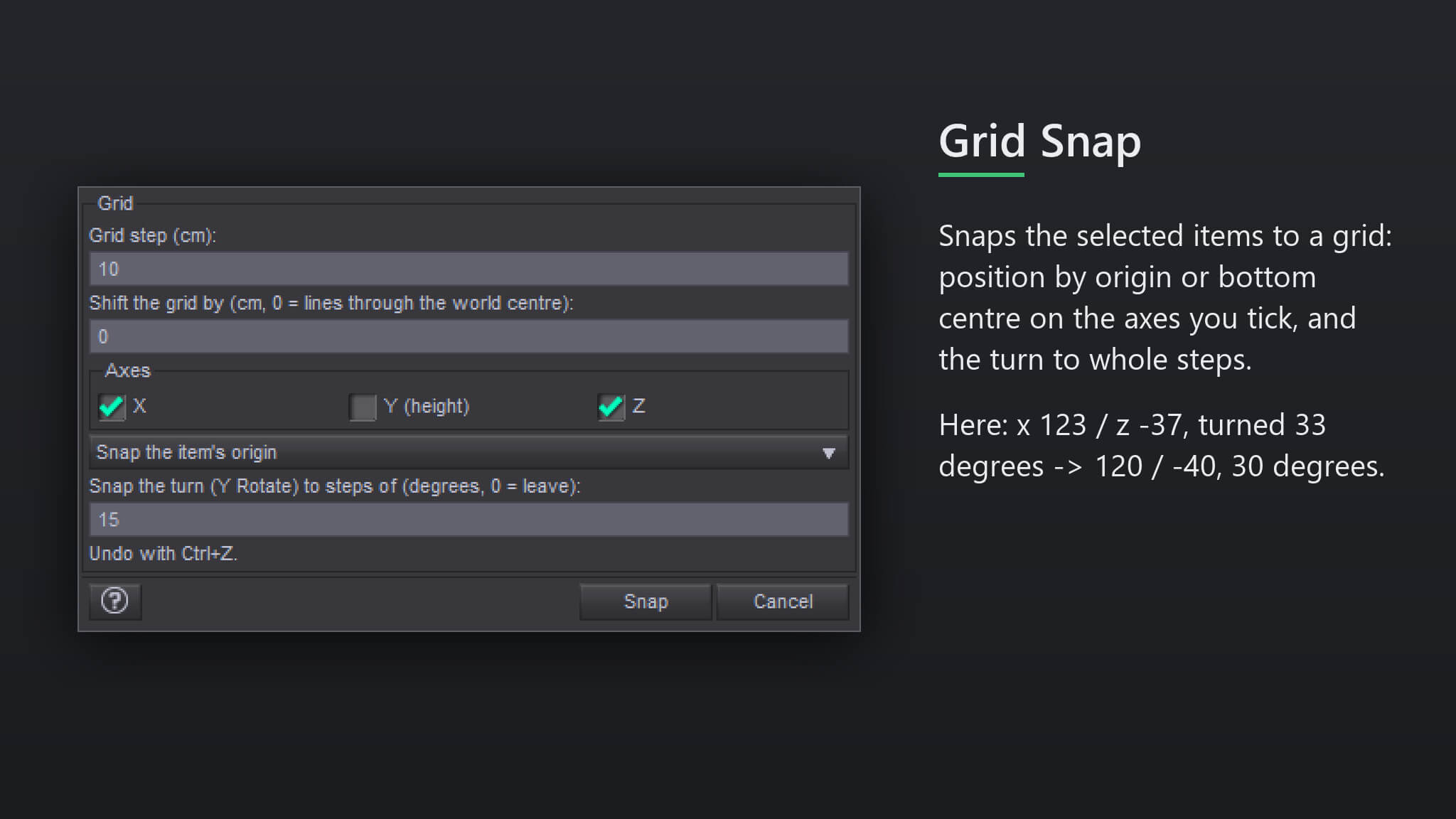
Floor tiles, shelves, rows of seats and modular sets line up only when they sit on exact numbers. Grid Snap moves the selected items to the nearest grid point and their turns to round angles.
Features
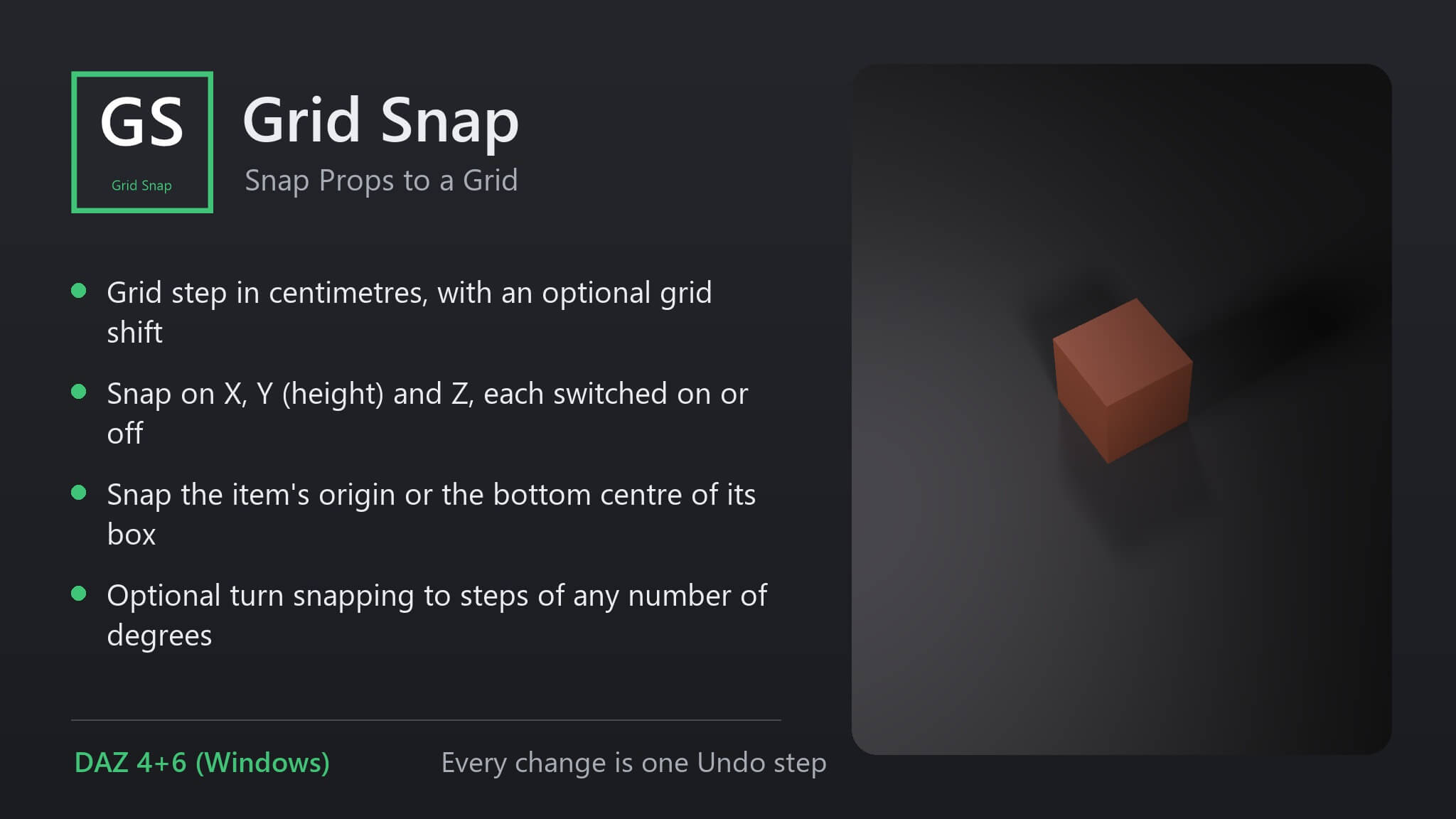
• Grid step in centimetres, with an optional grid shift
• Snap on X, Y (height) and Z, each switched on or off
• Snap the item's origin or the bottom centre of its box
• Optional turn snapping to steps of any number of degrees
• Reports the largest move it made
How to use
1. Select the items and run the script.
2. Set the grid step, the axes and the turn step.
3. Press 'Snap'.
Compatibility
• DAZ 4+6 (Windows).
• Every snap is one Undo step.
Included
• One script (.dsa) and a ReadMe; installs to Content Library > Scripts > AffectionX.
Update 1.1: snaps the figure when you click its clothing or hair in the viewport (before, only that item moved).
Categories
