


 Free 3D
 3D Print Models
 3D Scans
 Animation & MoCap
 Textures
 Materials
 Skin Reference
 2D Game Assets
 Sound Effects
 Brushes & Tools
 Reference Photos
 Stock Images
 HDR Images
 3ds Max
 Maya
 Blender
 Unreal Engine
 Unity
 ZBrush
 Cinema 4D
 LightWave
 Marmoset
 SketchUp
 FBX
 DAE
 DXF
 GLB
HDRI Rotator - Turn the Iray Environment for DAZ Studio 4

Not Rated Yet


! REPORT
NOTE: DIGITAL DOWNLOAD, NOT A PHYSICAL ITEM

Add to Collection

0 Likes
Share This Daz Content


Offered By


License
Extended Use License
This item comes with our Extended Use Licensing. This means that you may use the model for both non-commercial and commercial purposes, in a variety of mediums and applications.
For full license terms, see our 3D Content Licensing Agreement
Item Details
| Vendor: | AffectionX |
| Published: | Nov 22, 2026 |
| Download Size: | 5.5 KB |
| Software: | Daz Studio |
| dForce: | – |
Included Formats

Statistics
| Favorites: | 0 |
| Likes: | 0 |
| Views: | 3 |
Item Ratings
Not Rated Yet
HDRI Rotator - Turn the Iray Environment for DAZ Studio 4
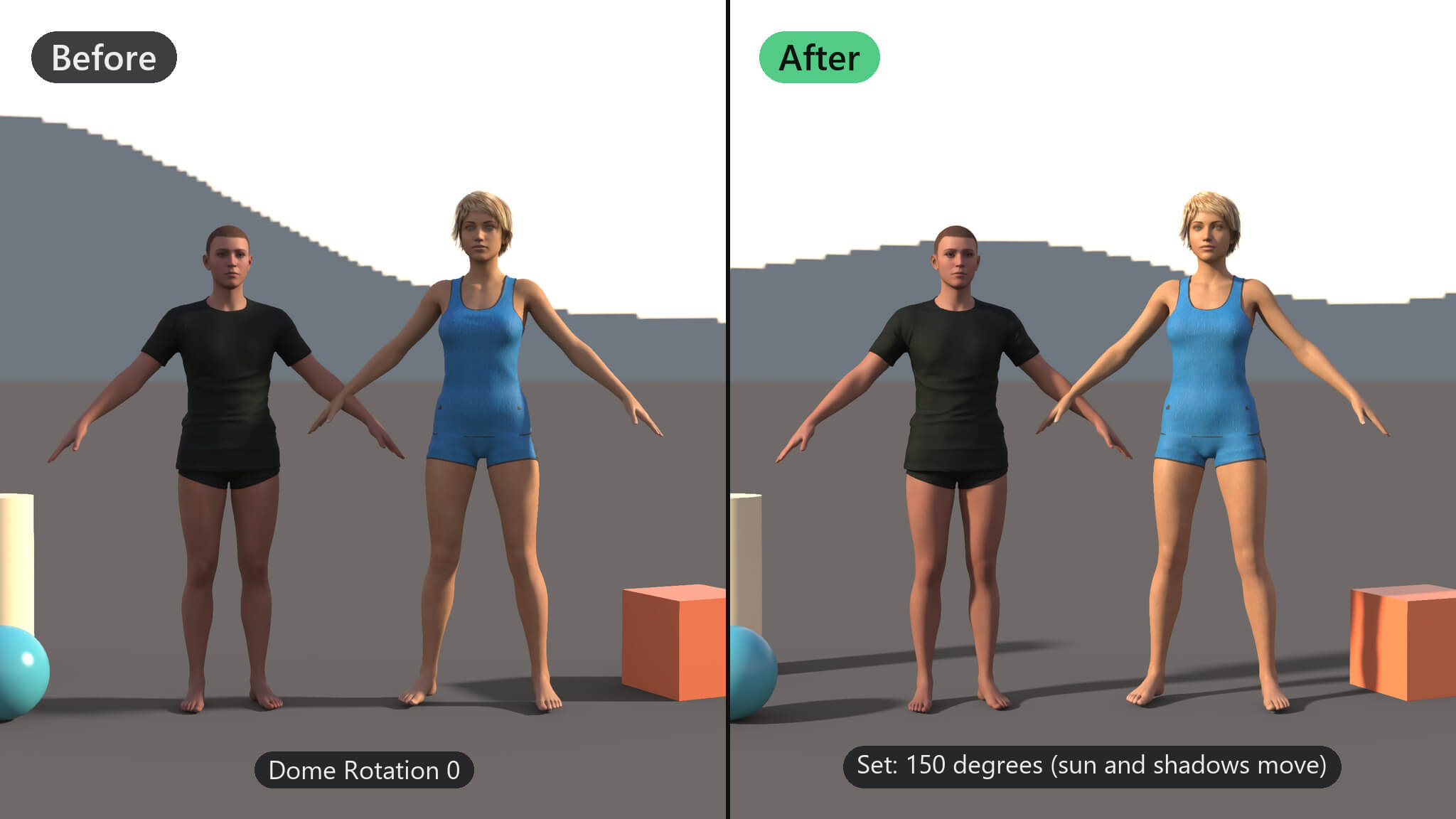
Finding the best direction for an HDRI means typing angles into Render Settings again and again. HDRI Rotator turns the Iray environment dome in steps or to an exact angle from a small window that stays open, so you can watch the Iray preview while you turn it.
Features
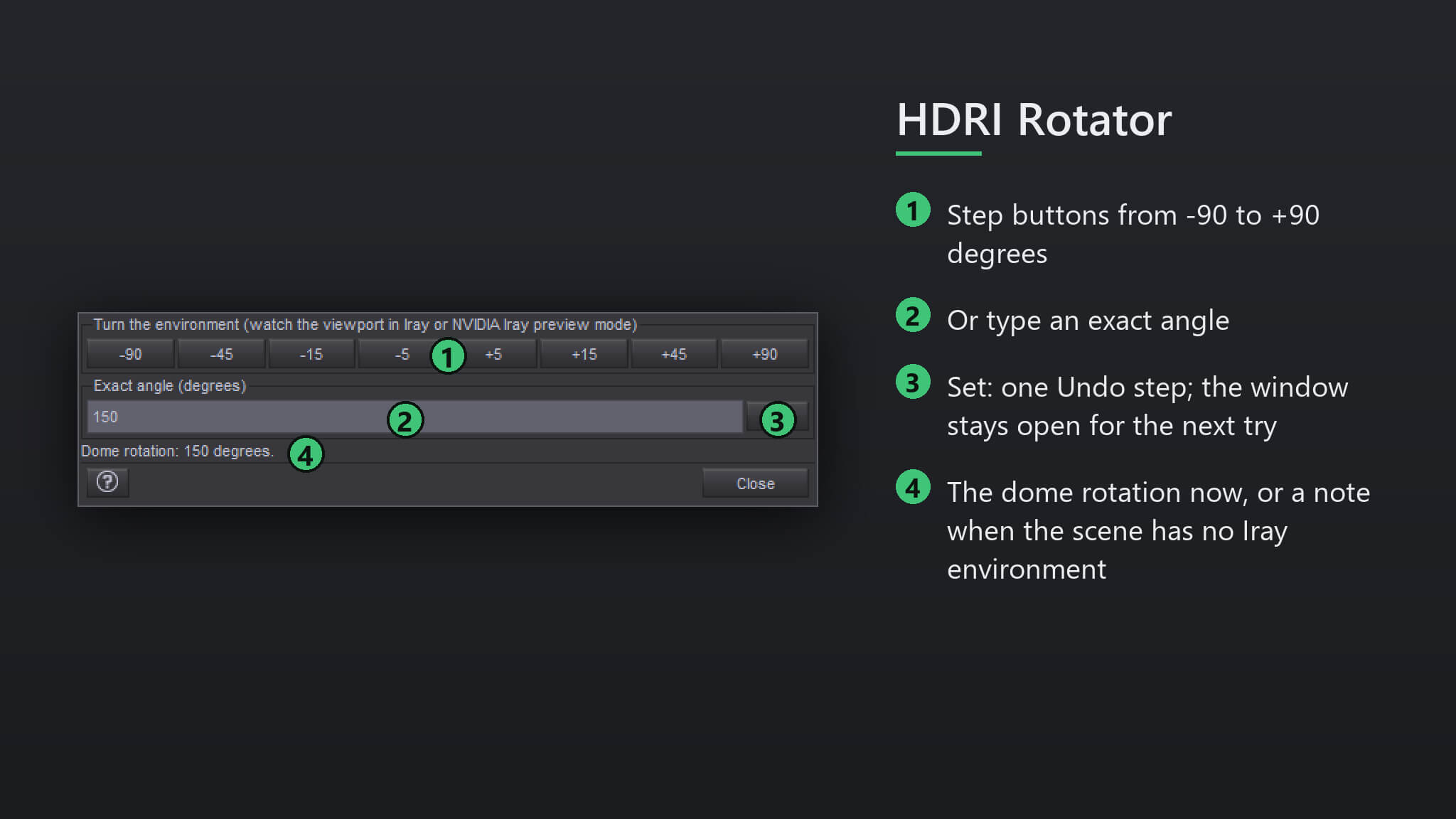
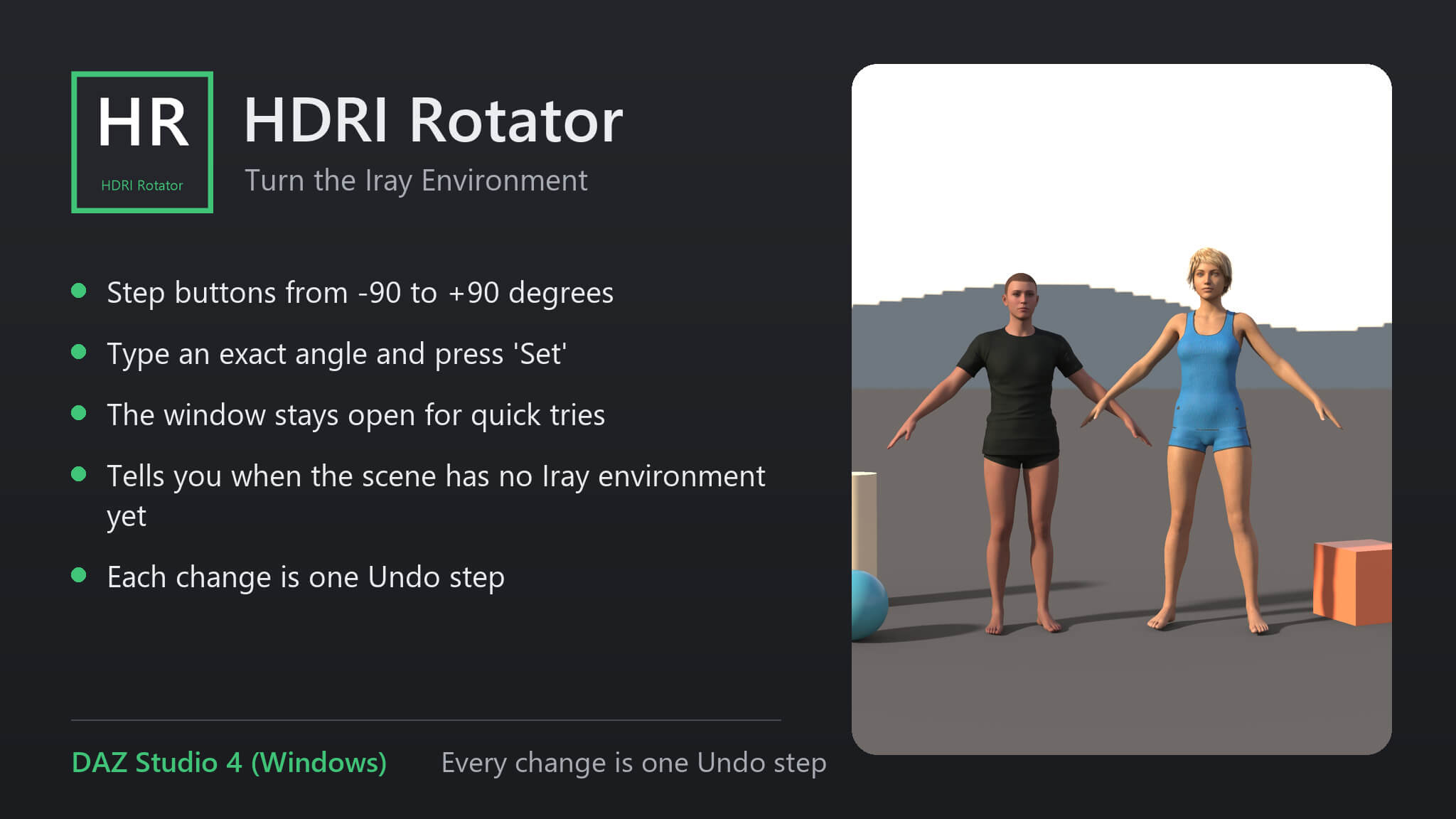
• Step buttons from -90 to +90 degrees
• Type an exact angle and press 'Set'
• The window stays open for quick tries
• Tells you when the scene has no Iray environment yet
• Each change is one Undo step
How to use
1. Switch the viewport to Iray preview to see the effect.
2. Run the script.
3. Press the step buttons, or enter an angle and press 'Set'.
Compatibility
• DAZ Studio 4 (Windows).
Included
• One script (.dsa) and a ReadMe. Installs to Content Library > Scripts > AffectionX.
Features
• Step buttons from -90 to +90 degrees
• Type an exact angle and press 'Set'
• The window stays open for quick tries
• Tells you when the scene has no Iray environment yet
• Each change is one Undo step
How to use
1. Switch the viewport to Iray preview to see the effect.
2. Run the script.
3. Press the step buttons, or enter an angle and press 'Set'.
Compatibility
• DAZ Studio 4 (Windows).
Included
• One script (.dsa) and a ReadMe. Installs to Content Library > Scripts > AffectionX.
Categories
