


 Free 3D
 3D Print Models
 3D Scans
 Animation & MoCap
 Textures
 Materials
 Skin Reference
 2D Game Assets
 Sound Effects
 Brushes & Tools
 Reference Photos
 Stock Images
 HDR Images
 3ds Max
 Maya
 Blender
 Unreal Engine
 Unity
 ZBrush
 Cinema 4D
 LightWave
 Marmoset
 SketchUp
 FBX
 DAE
 DXF
 GLB
Incremental Save - Numbered Scene Versions for DAZ Studio 4

Not Rated Yet


! REPORT
NOTE: DIGITAL DOWNLOAD, NOT A PHYSICAL ITEM

Add to Collection

0 Likes
Share This Daz Content


Offered By


License
Extended Use License
This item comes with our Extended Use Licensing. This means that you may use the model for both non-commercial and commercial purposes, in a variety of mediums and applications.
For full license terms, see our 3D Content Licensing Agreement
Item Details
| Vendor: | AffectionX |
| Published: | Nov 22, 2026 |
| Download Size: | 5.1 KB |
| Software: | Daz Studio |
| dForce: | – |
Included Formats

Statistics
| Favorites: | 0 |
| Likes: | 0 |
| Views: | 2 |
Item Ratings
Not Rated Yet
Incremental Save - Numbered Scene Versions for DAZ Studio 4
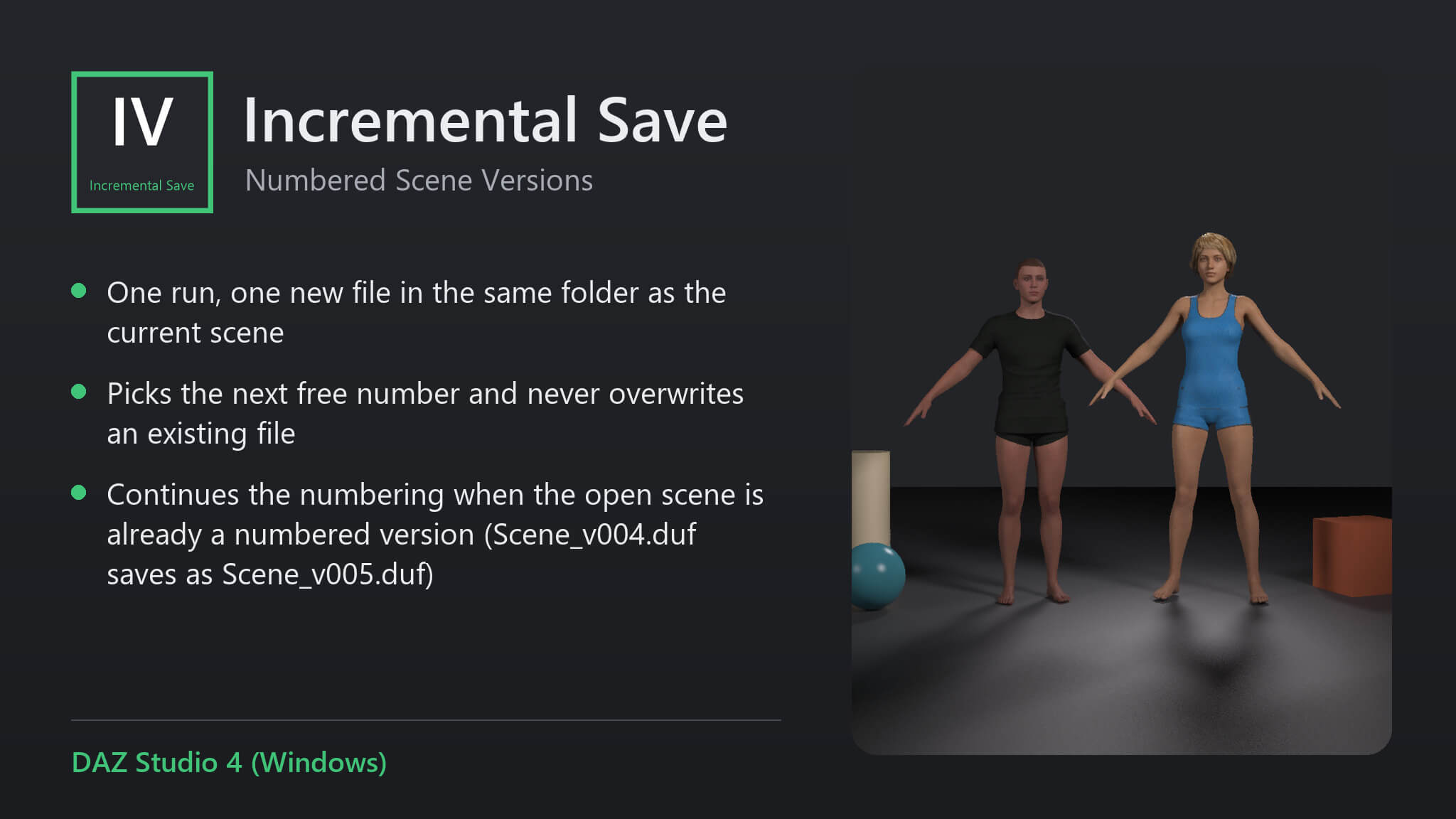
Incremental Save saves your scene as the next numbered version next to the current file: Scene.duf, then Scene_v001.duf, Scene_v002.duf and so on. The earlier versions stay on disk to go back to, and you never type a new file name or overwrite yesterday's work by accident.
Features
• One run, one new file in the same folder as the current scene.
• Picks the next free number and never overwrites an existing file.
• Continues the numbering when the open scene is already a numbered version (Scene_v004.duf saves as Scene_v005.duf).
• If the scene has never been saved, it tells you to use File > Save As first instead of guessing a location.
How to use
1. Save the scene once normally with File > Save As.
2. From then on, run Incremental Save whenever you want to keep a version.
3. Open any earlier version with File > Open if you need to go back.
Compatibility
• DAZ Studio 4 (Windows).
• Tested: the first run wrote Test scene_v001.duf, the second Test scene_v002.duf, and both files were on disk.
Included
• One script (.dsa) and a ReadMe. Installs to Content Library > Scripts > AffectionX.
Features
• One run, one new file in the same folder as the current scene.
• Picks the next free number and never overwrites an existing file.
• Continues the numbering when the open scene is already a numbered version (Scene_v004.duf saves as Scene_v005.duf).
• If the scene has never been saved, it tells you to use File > Save As first instead of guessing a location.
How to use
1. Save the scene once normally with File > Save As.
2. From then on, run Incremental Save whenever you want to keep a version.
3. Open any earlier version with File > Open if you need to go back.
Compatibility
• DAZ Studio 4 (Windows).
• Tested: the first run wrote Test scene_v001.duf, the second Test scene_v002.duf, and both files were on disk.
Included
• One script (.dsa) and a ReadMe. Installs to Content Library > Scripts > AffectionX.
Categories
