


 Free 3D
 3D Print Models
 3D Scans
 Animation & MoCap
 Textures
 Materials
 Skin Reference
 2D Game Assets
 Sound Effects
 Brushes & Tools
 Reference Photos
 Stock Images
 HDR Images
 3ds Max
 Maya
 Blender
 Unreal Engine
 Unity
 ZBrush
 Cinema 4D
 LightWave
 Marmoset
 SketchUp
 FBX
 DAE
 DXF
 GLB
Library Validator - Find Broken Presets for DAZ 4+6

Not Rated Yet


! REPORT
NOTE: DIGITAL DOWNLOAD, NOT A PHYSICAL ITEM

Add to Collection

0 Likes
Share This Daz Content


Offered By


License
Extended Use License
This item comes with our Extended Use Licensing. This means that you may use the model for both non-commercial and commercial purposes, in a variety of mediums and applications.
For full license terms, see our 3D Content Licensing Agreement
Item Details
| Vendor: | AffectionX |
| Published: | Nov 22, 2026 |
| Download Size: | 8.8 KB |
| Software: | Daz Studio |
| dForce: | – |
Included Formats

Statistics
| Favorites: | 0 |
| Likes: | 0 |
| Views: | 23 |
Item Ratings
Not Rated Yet
Library Validator - Find Broken Presets for DAZ 4+6
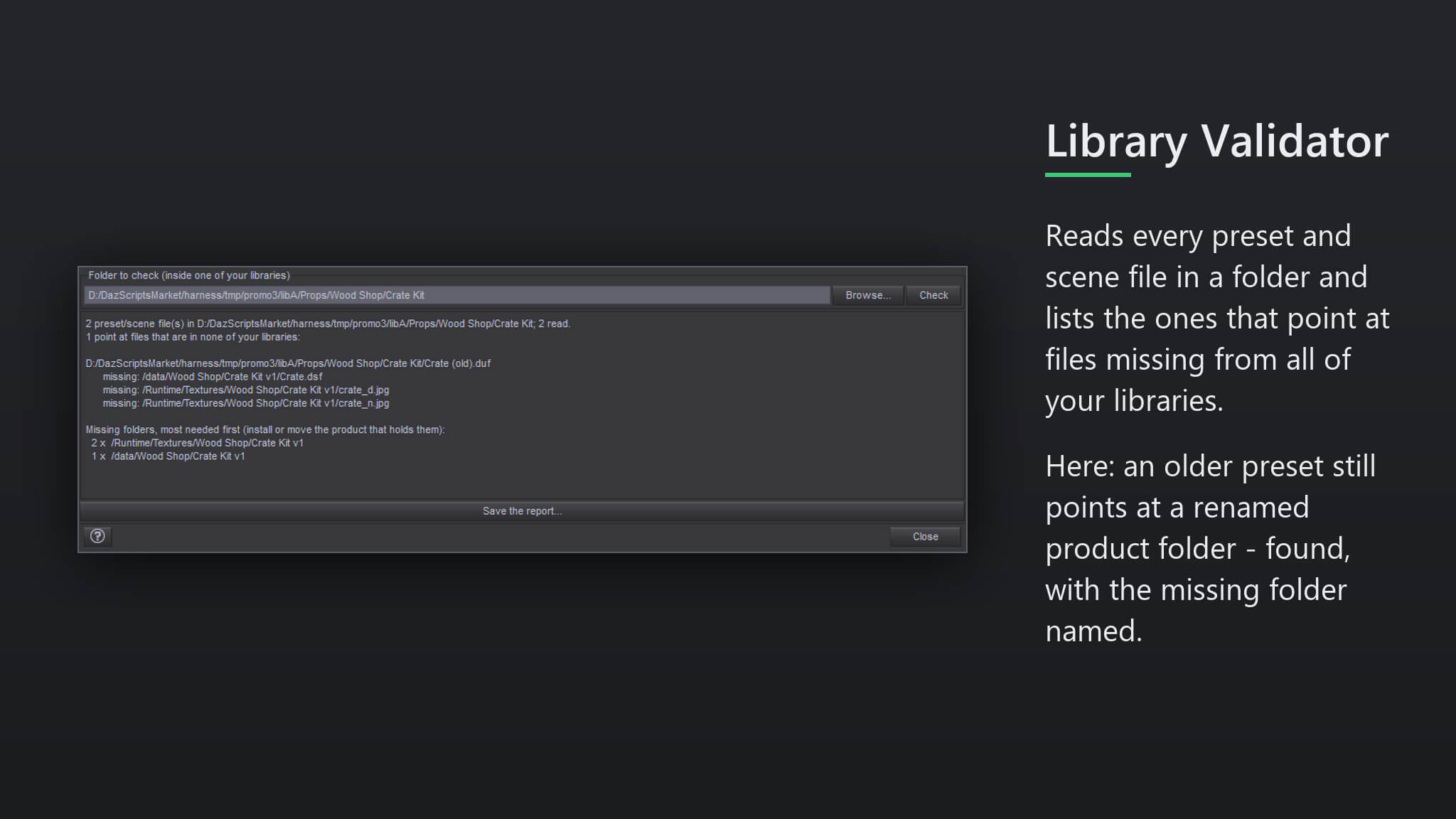
Find broken presets before you meet them in a scene. Library Validator reads the presets and scenes in a library folder and lists the data files, geometry and textures they point to that are in none of your libraries.
Features
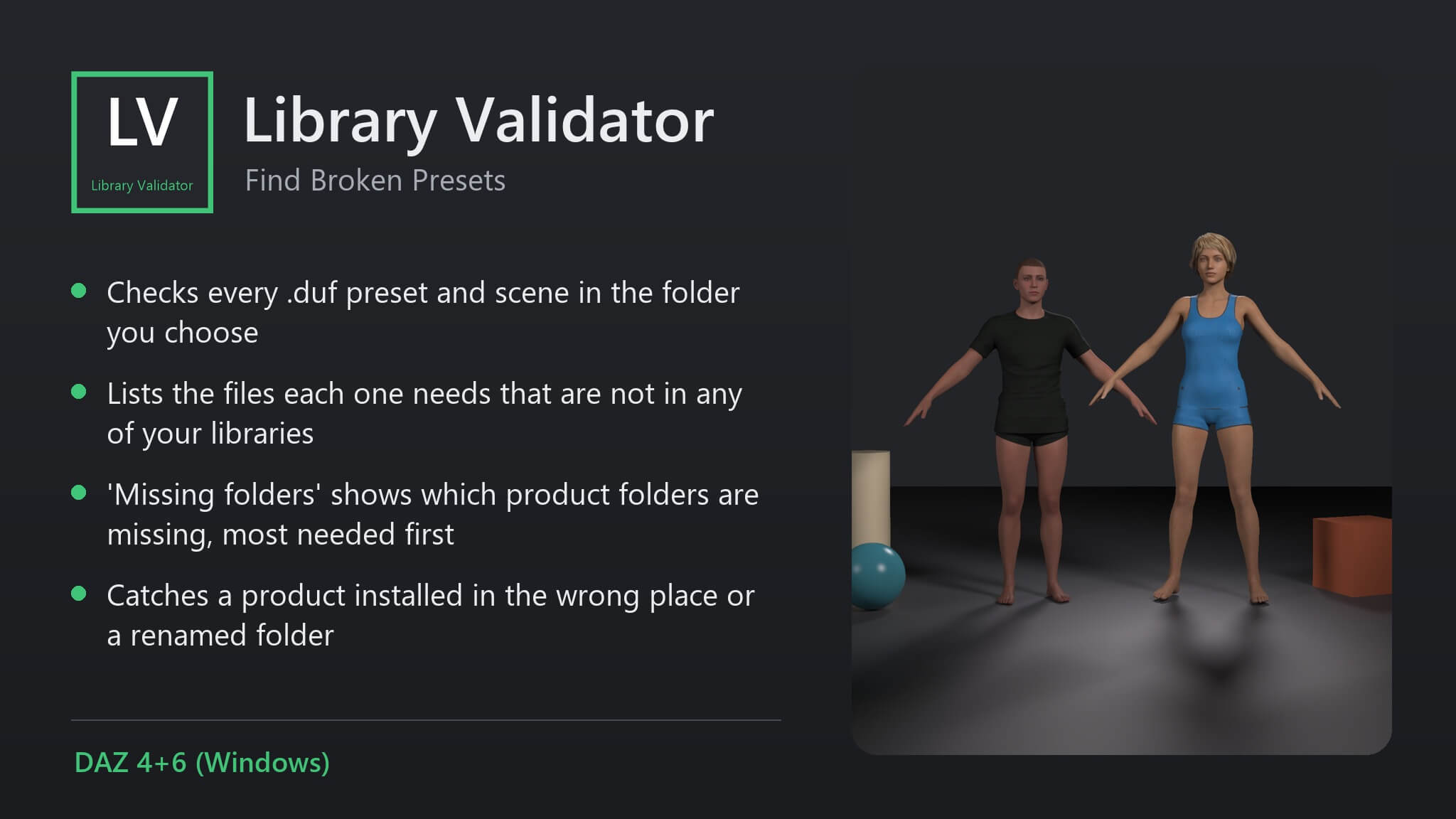
• Checks every .duf preset and scene in the folder you choose
• Lists the files each one needs that are not in any of your libraries
• 'Missing folders' shows which product folders are missing, most needed first
• Catches a product installed in the wrong place or a renamed folder
• Compressed .duf files are read and checked too
• Save the report as text; read-only, nothing is changed
How to use
1. Run the script and choose a folder inside a library (one product, or People/Genesis 9).
2. Press 'Check'.
3. Install or move the products the report points to.
Compatibility
• DAZ 4+6 (Windows).
Included
• One script (.dsa) and a ReadMe; installs to Content Library > Scripts > AffectionX.
Update 1.1: Save writes UTF-8, so non-Latin letters in paths are kept. Compressed .duf files are now read and checked (before, they were skipped and the report could say 'No broken references'); the original source file noted inside a converted preset no longer counts as a missing reference.
Update 1.2: in DAZ Studio 4, compressed .duf files in folders with non-Latin letters in the path (such as a Cyrillic user name) are now read and checked too; before, they were reported as 'could not be read (NOT checked)'.
Categories
