


 Free 3D
 3D Print Models
 3D Scans
 Animation & MoCap
 Textures
 Materials
 Skin Reference
 2D Game Assets
 Sound Effects
 Brushes & Tools
 Reference Photos
 Stock Images
 HDR Images
 3ds Max
 Maya
Maya Blender
 Unreal Engine
 Unity
Unity ZBrush
 Cinema 4D
 LightWave
 Marmoset
 SketchUp
 FBX
FBX DAE
DAE DXF
DXF GLB
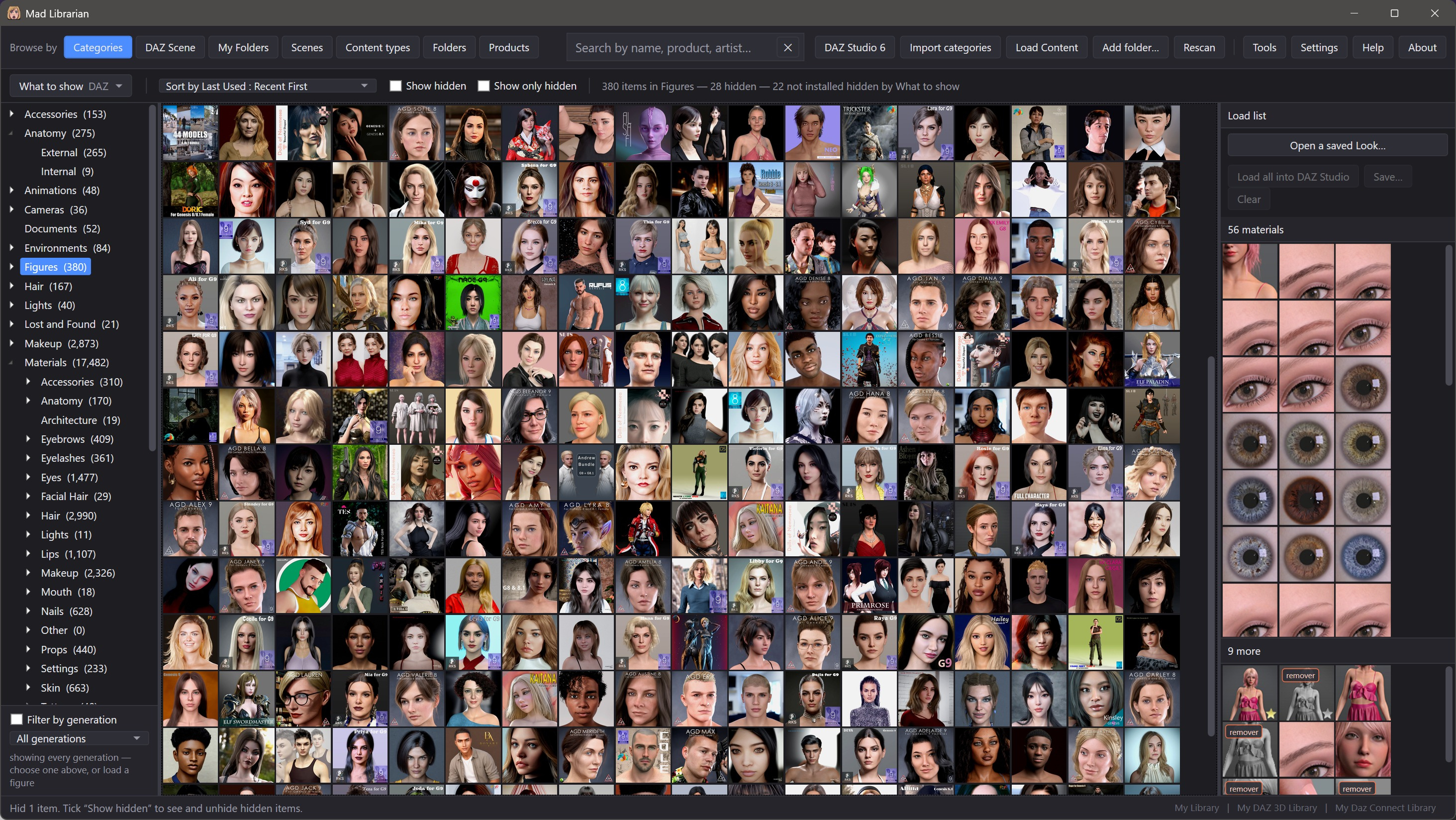
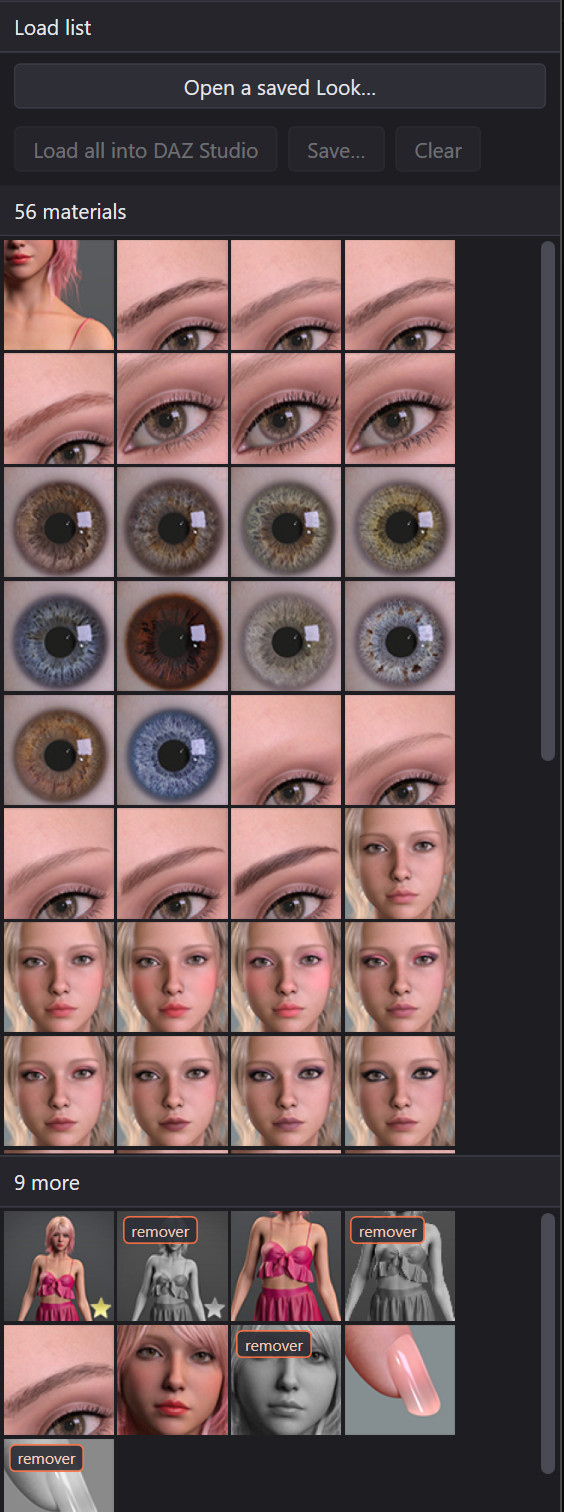
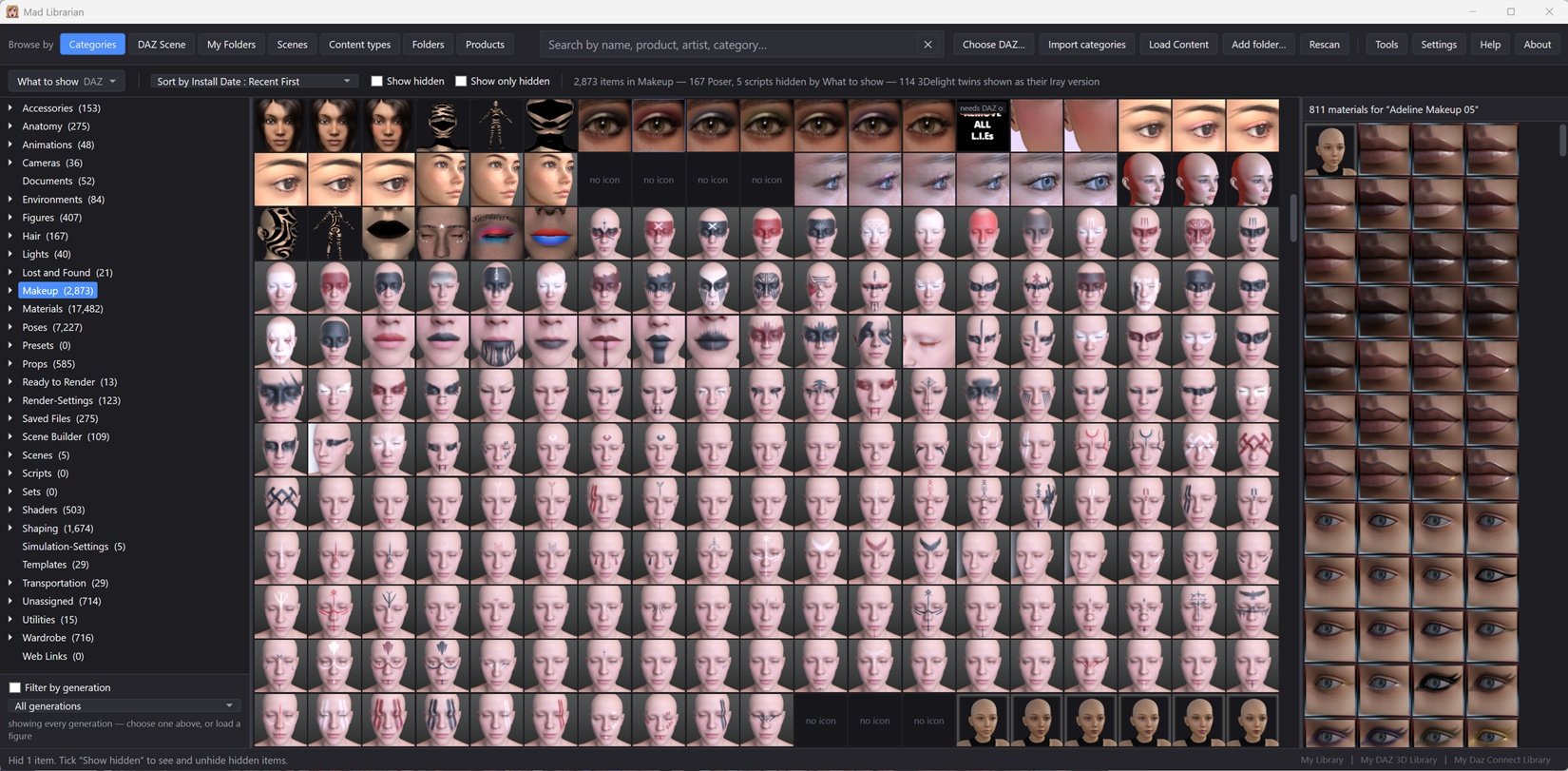
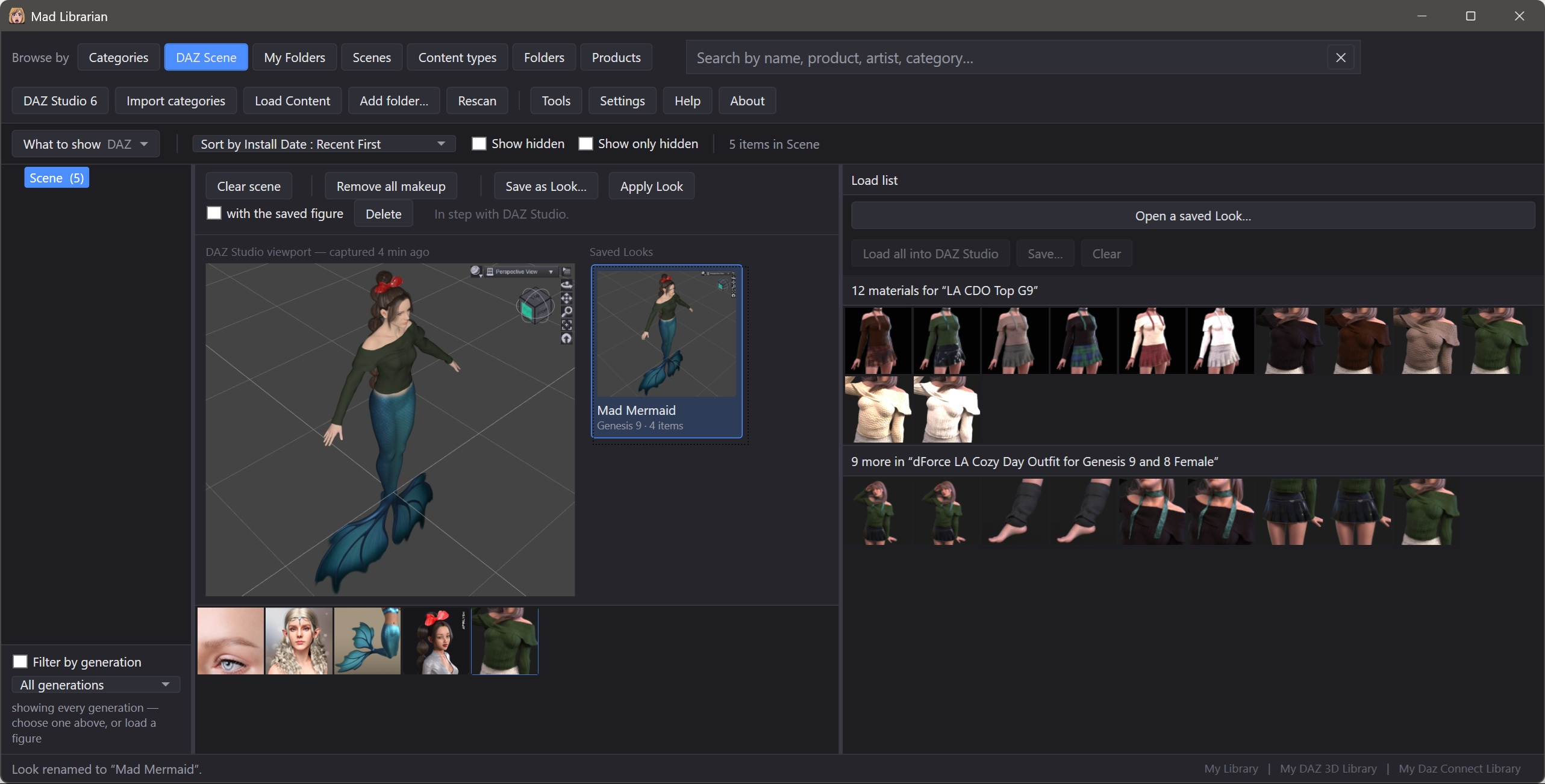
GLBMad Librarian for DAZ Content 7-Day Free Trial

Not Rated Yet


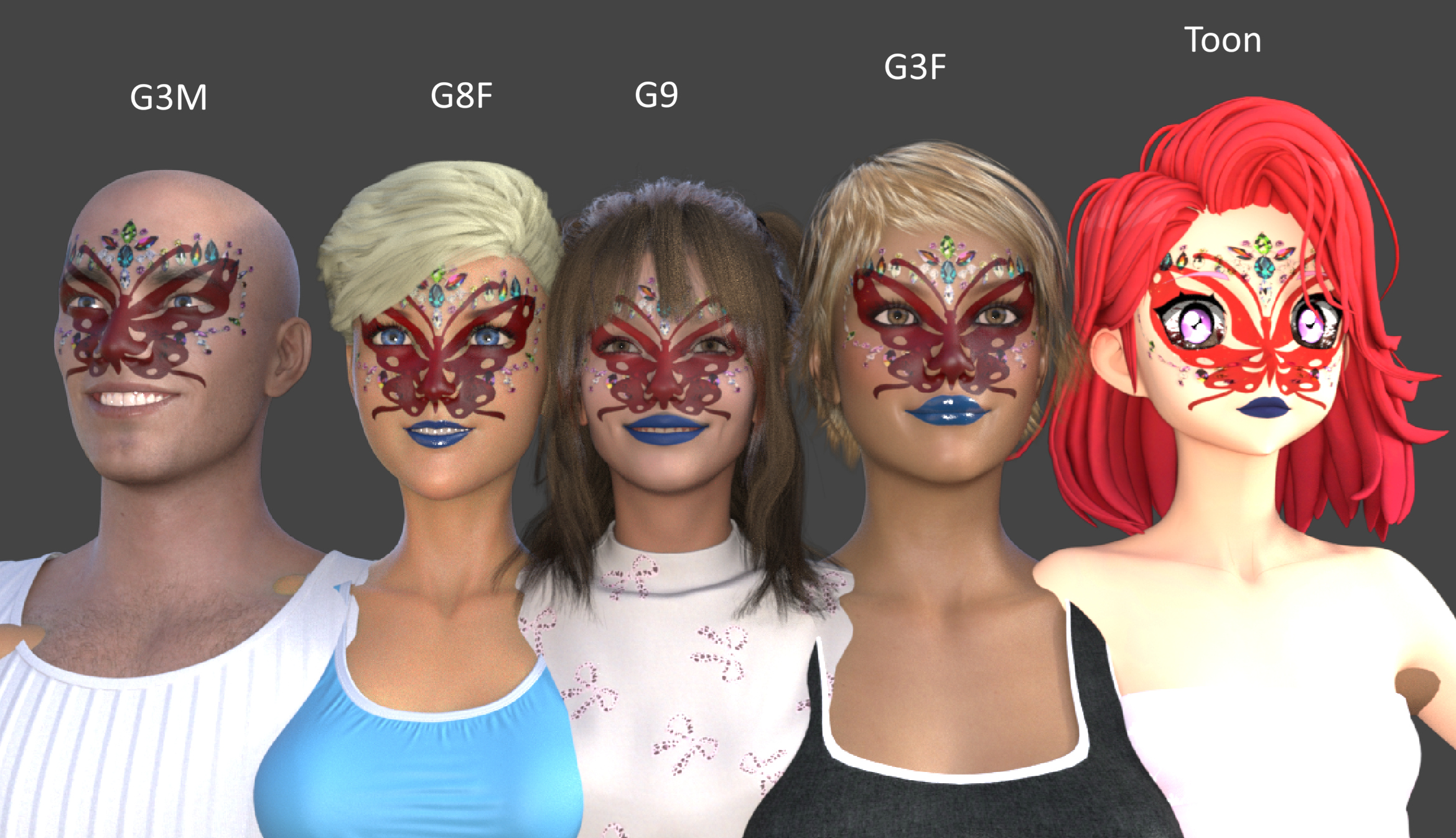
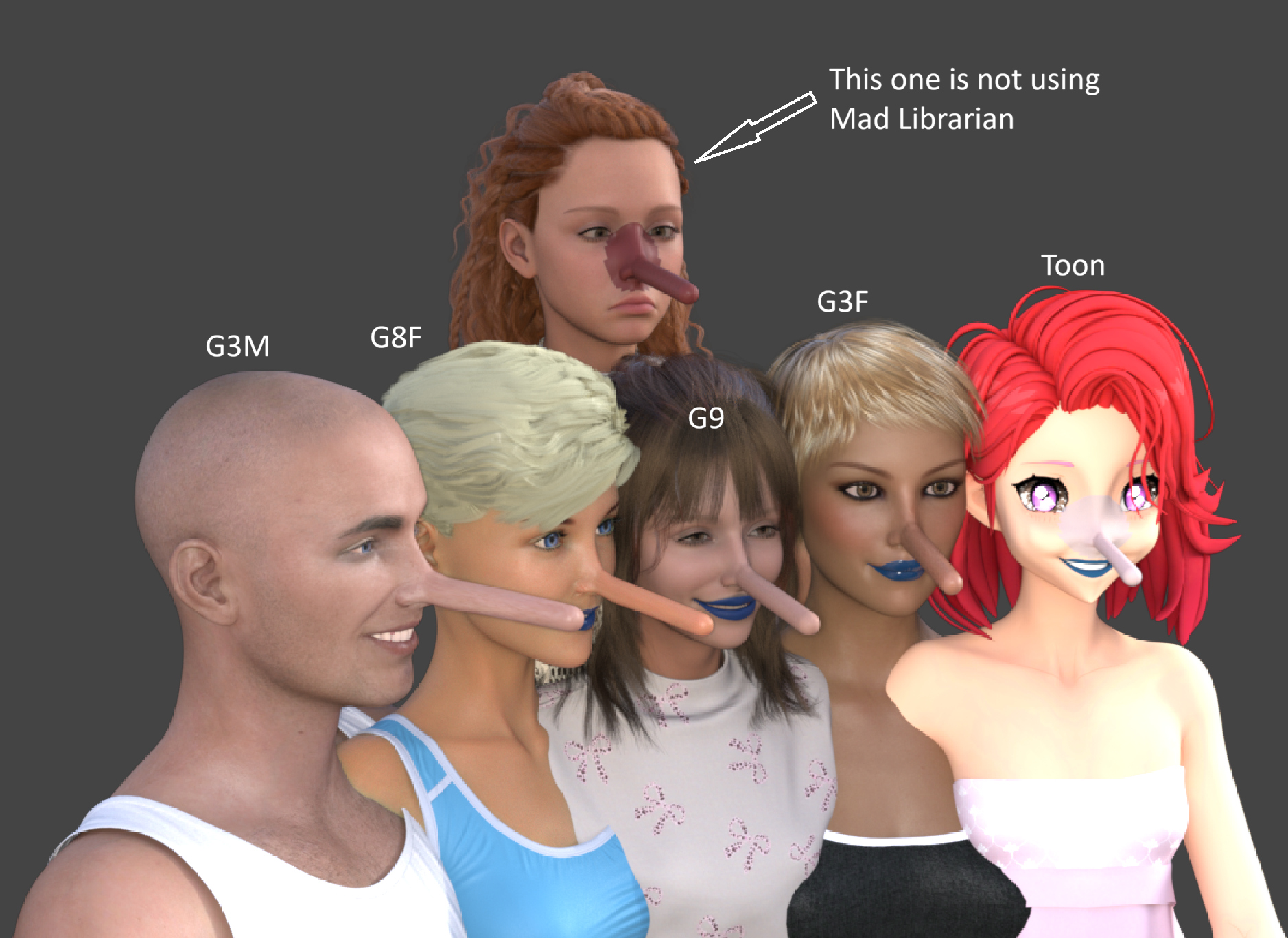
! REPORT
FREE
NOTE: DIGITAL DOWNLOAD, NOT A PHYSICAL ITEM

Add to Collection

2 Likes
Share This Daz Content


Offered By


License
Extended Use License
This item comes with our Extended Use Licensing. This means that you may use the model for both non-commercial and commercial purposes, in a variety of mediums and applications.
For full license terms, see our 3D Content Licensing Agreement
Item Details
| Vendor: | AffectionX |
| Published: | Oct 23, 2026 |
| Download Size: | 128.8 MB |
| Software: | Daz Studio |
| Compatible Figures: | Genesis 9 Genesis 8.1 Female Genesis 8 Female Genesis 8.1 Male |
| dForce: | – |
Included Formats

Statistics
| Favorites: | 1 |
| Likes: | 2 |
| Views: | 769 |
Item Ratings
Not Rated Yet
Mad Librarian for DAZ Content 7-Day Free Trial
Try Mad Librarian free for 7 calendar days, starting when you first launch it. No license key is needed to begin. An internet connection is required each time you start the trial.
After the trial ends, purchase a license to continue using Mad Librarian. Activate your key through About > License in the same installation.
Full version: mad-librarian
Requires Windows 10 or 11 (64-bit). Works with DAZ Studio 4 and DAZ Studio 6.
For a large library, the quickest way is to index it in parts. Download the latest version from My Downloads on RenderHub and run the installer. When it shows the folders to index, uncheck most of them. After Mad Librarian starts, add more folders one at a time in Settings. The first build of each part takes a while once; later starts are quick.
After the trial ends, purchase a license to continue using Mad Librarian. Activate your key through About > License in the same installation.
Full version: mad-librarian
Requires Windows 10 or 11 (64-bit). Works with DAZ Studio 4 and DAZ Studio 6.
For a large library, the quickest way is to index it in parts. Download the latest version from My Downloads on RenderHub and run the installer. When it shows the folders to index, uncheck most of them. After Mad Librarian starts, add more folders one at a time in Settings. The first build of each part takes a while once; later starts are quick.
