


 Free 3D
 3D Print Models
 3D Scans
 Animation & MoCap
 Textures
 Materials
 Skin Reference
 2D Game Assets
 Sound Effects
 Brushes & Tools
 Reference Photos
 Stock Images
 HDR Images
 3ds Max
 Maya
 Blender
 Unreal Engine
 Unity
 ZBrush
 Cinema 4D
 LightWave
 Marmoset
 SketchUp
 FBX
 DAE
 DXF
 GLB
Motion Trail - See Animation Paths for DAZ 4+6

Not Rated Yet


! REPORT
NOTE: DIGITAL DOWNLOAD, NOT A PHYSICAL ITEM

Add to Collection

1 Like
Share This Daz Content


Offered By


License
Extended Use License
This item comes with our Extended Use Licensing. This means that you may use the model for both non-commercial and commercial purposes, in a variety of mediums and applications.
For full license terms, see our 3D Content Licensing Agreement
Item Details
| Vendor: | AffectionX |
| Published: | Nov 22, 2026 |
| Download Size: | 7 KB |
| Software: | Daz Studio |
| dForce: | – |
Included Formats

Statistics
| Favorites: | 0 |
| Likes: | 1 |
| Views: | 20 |
Item Ratings
Not Rated Yet
Motion Trail - See Animation Paths for DAZ 4+6
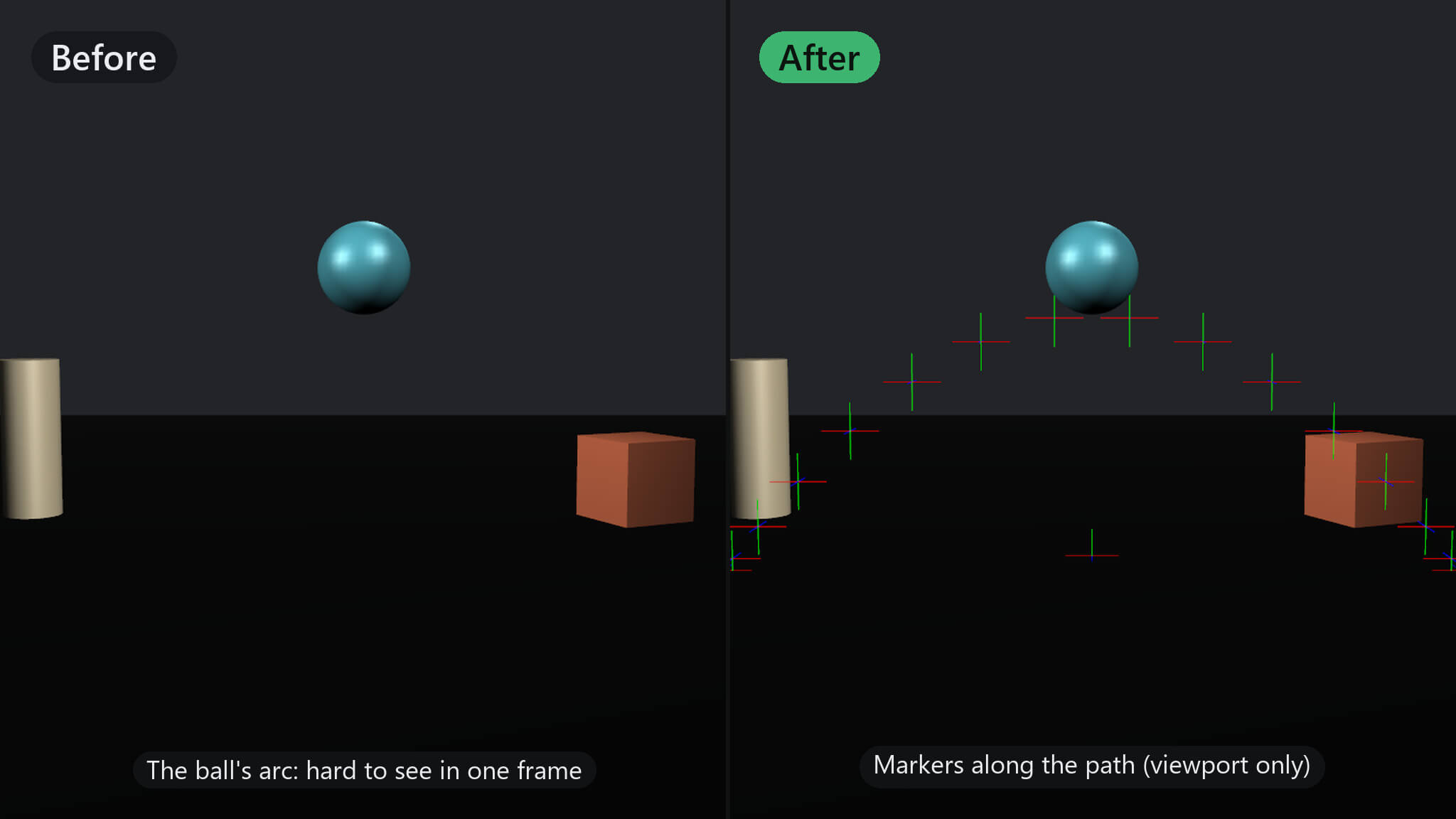
DAZ Studio does not draw the path an animated item takes. Motion Trail places small null markers along it, so you can see the arc of a hand, the flight of a prop or the move of a camera and fix it before rendering.
Features
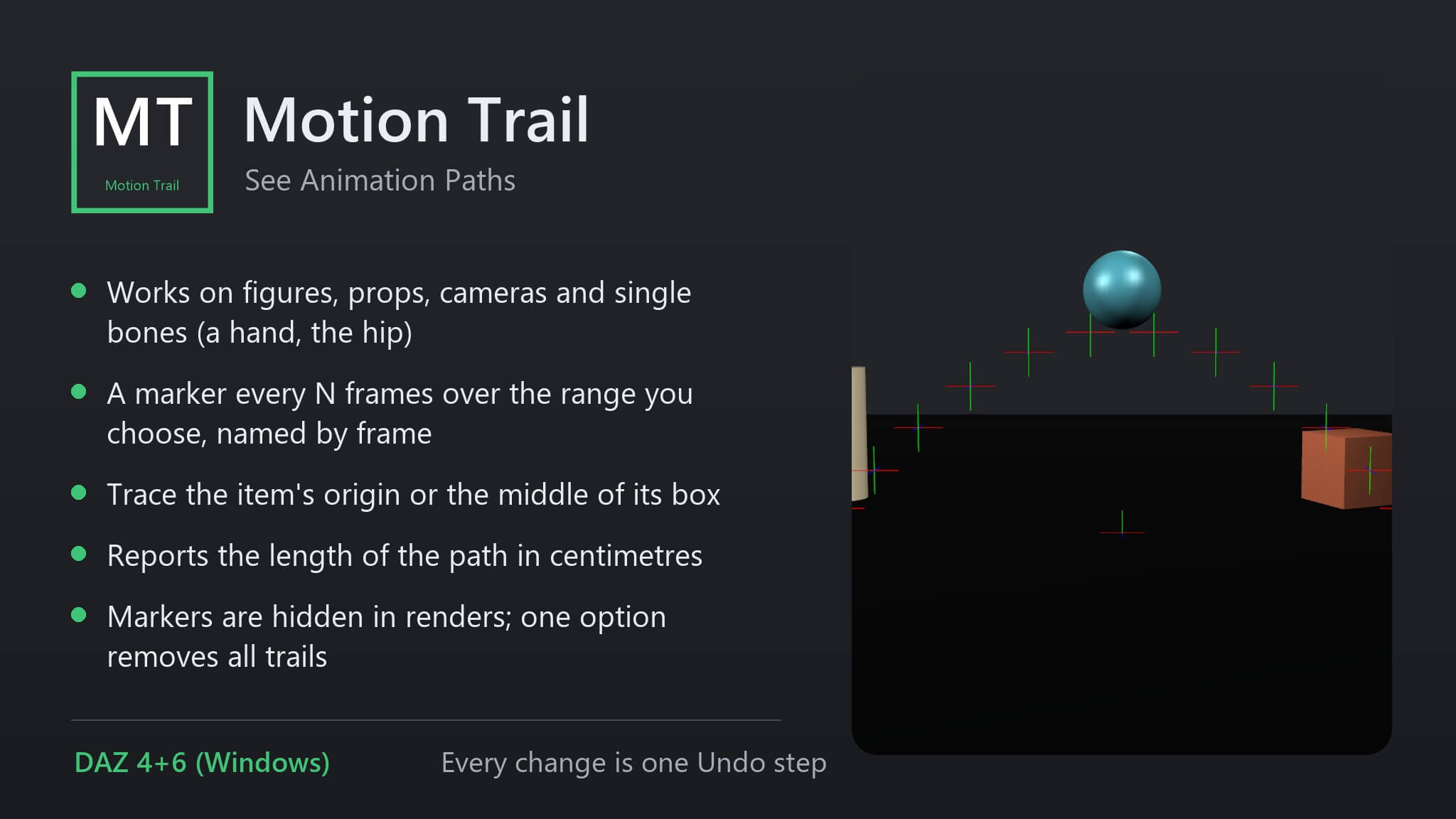
• Works on figures, props, cameras and single bones (a hand, the hip)
• A marker every N frames over the range you choose, named by frame
• Trace the item's origin or the middle of its box
• Reports the length of the path in centimetres
• Markers are hidden in renders; one option removes all trails
How to use
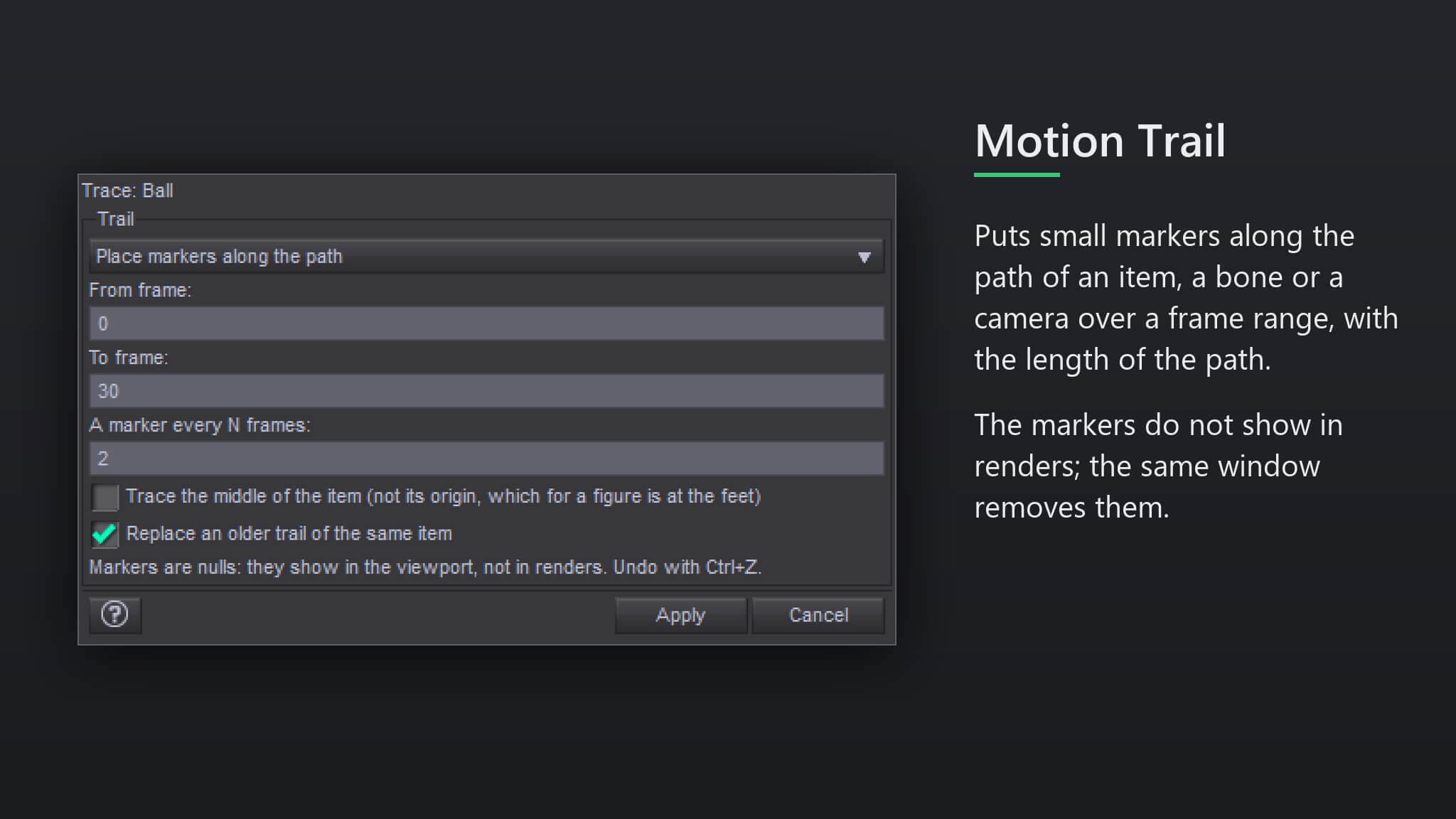
1. Select the animated item or bone and run the script.
2. Choose the frames and the marker step.
3. Press 'Apply'; run again with 'Remove all motion trails' to clear them.
Compatibility
• DAZ 4+6 (Windows).
• Every change is one Undo step.
Included
• One script (.dsa) and a ReadMe; installs to Content Library > Scripts > AffectionX.
Categories
