


 Free 3D
 3D Print Models
 3D Scans
 Animation & MoCap
 Textures
 Materials
 Skin Reference
 2D Game Assets
 Sound Effects
 Brushes & Tools
 Reference Photos
 Stock Images
 HDR Images
 3ds Max
 Maya
 Blender
 Unreal Engine
 Unity
 ZBrush
 Cinema 4D
 LightWave
 Marmoset
 SketchUp
 FBX
 DAE
 DXF
 GLB
Parameters Declutter - Hide Unused Dials for DAZ 4+6

Not Rated Yet


! REPORT
NOTE: DIGITAL DOWNLOAD, NOT A PHYSICAL ITEM

Add to Collection

0 Likes
Share This Daz Content


Offered By


License
Extended Use License
This item comes with our Extended Use Licensing. This means that you may use the model for both non-commercial and commercial purposes, in a variety of mediums and applications.
For full license terms, see our 3D Content Licensing Agreement
Item Details
| Vendor: | AffectionX |
| Published: | Nov 22, 2026 |
| Download Size: | 7.2 KB |
| Software: | Daz Studio |
| dForce: | – |
Included Formats

Statistics
| Favorites: | 0 |
| Likes: | 0 |
| Views: | 26 |
Item Ratings
Not Rated Yet
Parameters Declutter - Hide Unused Dials for DAZ 4+6
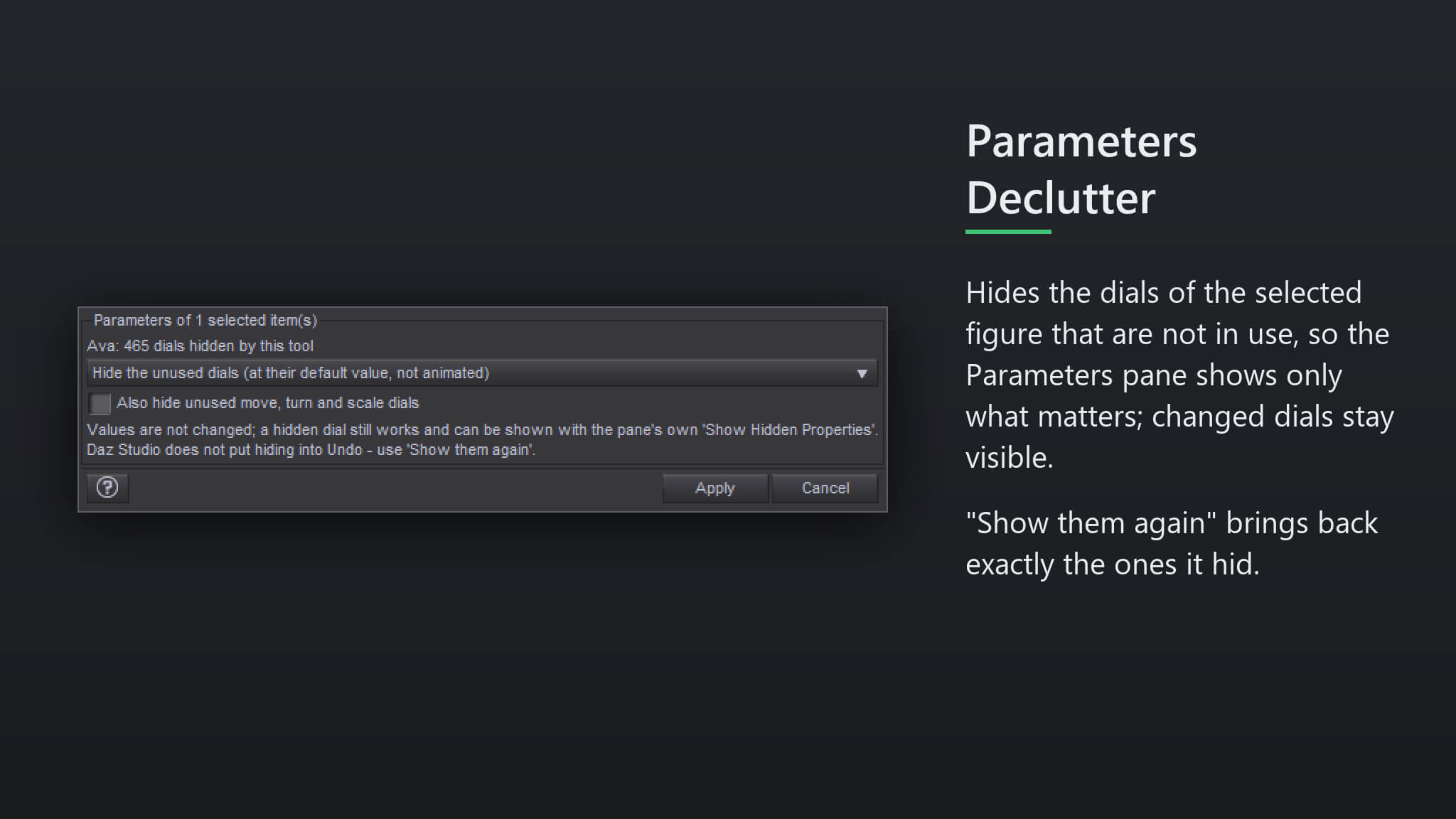
A figure with many morph packages fills the Parameters pane with hundreds of dials at zero, and the few you are using get lost. Parameters Declutter hides the slider dials of the selected items that sit at their default value and are not animated.
Features
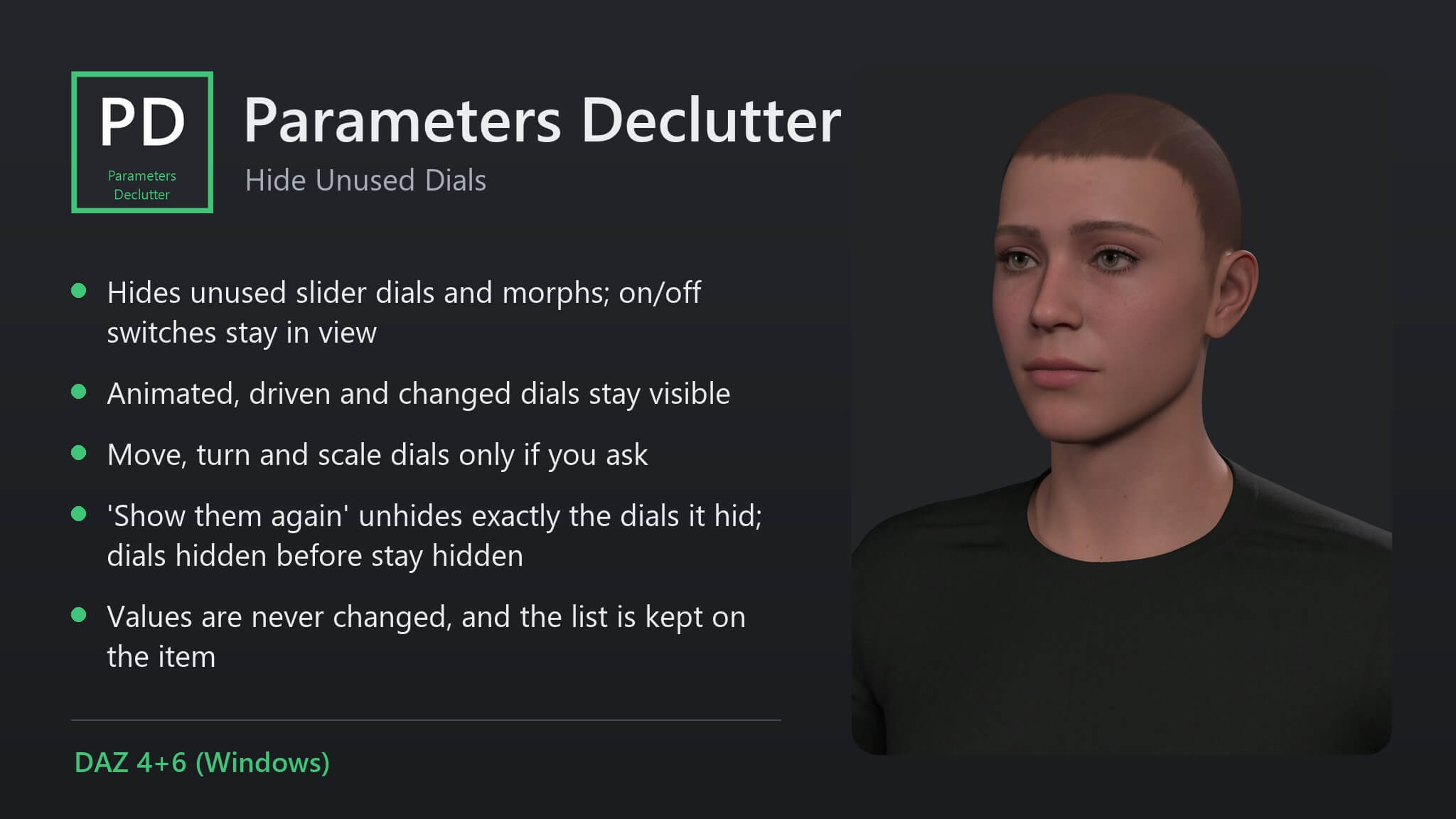
• Hides unused slider dials and morphs; on/off switches stay in view
• Animated, driven and changed dials stay visible
• Move, turn and scale dials only if you ask
• 'Show them again' unhides exactly the dials it hid; dials hidden before stay hidden
• Values are never changed, and the list is kept on the item
How to use
1. Select the items and run the script.
2. Choose 'Hide the unused dials' and press Apply.
3. Later, run it again and choose 'Show them again'.
Compatibility
• DAZ 4+6 (Windows).
• Hiding is not an Undo step in DAZ Studio; 'Show them again' brings the dials back.
Included
• One script (.dsa) and a ReadMe; installs to Content Library > Scripts > AffectionX.
Categories
