


 Free 3D
 3D Print Models
 3D Scans
 Animation & MoCap
 Textures
 Materials
 Skin Reference
 2D Game Assets
 Sound Effects
 Brushes & Tools
 Reference Photos
 Stock Images
 HDR Images
 3ds Max
 Maya
 Blender
 Unreal Engine
 Unity
 ZBrush
 Cinema 4D
 LightWave
 Marmoset
 SketchUp
 FBX
 DAE
 DXF
 GLB
Pose Copy - Copy a Pose Between Figures for DAZ Studio 4

Not Rated Yet


! REPORT
NOTE: DIGITAL DOWNLOAD, NOT A PHYSICAL ITEM

Add to Collection

0 Likes
Share This Daz Content


Offered By


License
Extended Use License
This item comes with our Extended Use Licensing. This means that you may use the model for both non-commercial and commercial purposes, in a variety of mediums and applications.
For full license terms, see our 3D Content Licensing Agreement
Item Details
| Vendor: | AffectionX |
| Published: | Nov 22, 2026 |
| Download Size: | 6.7 KB |
| Software: | Daz Studio |
| dForce: | – |
Included Formats

Statistics
| Favorites: | 0 |
| Likes: | 0 |
| Views: | 2 |
Item Ratings
Not Rated Yet
Pose Copy - Copy a Pose Between Figures for DAZ Studio 4
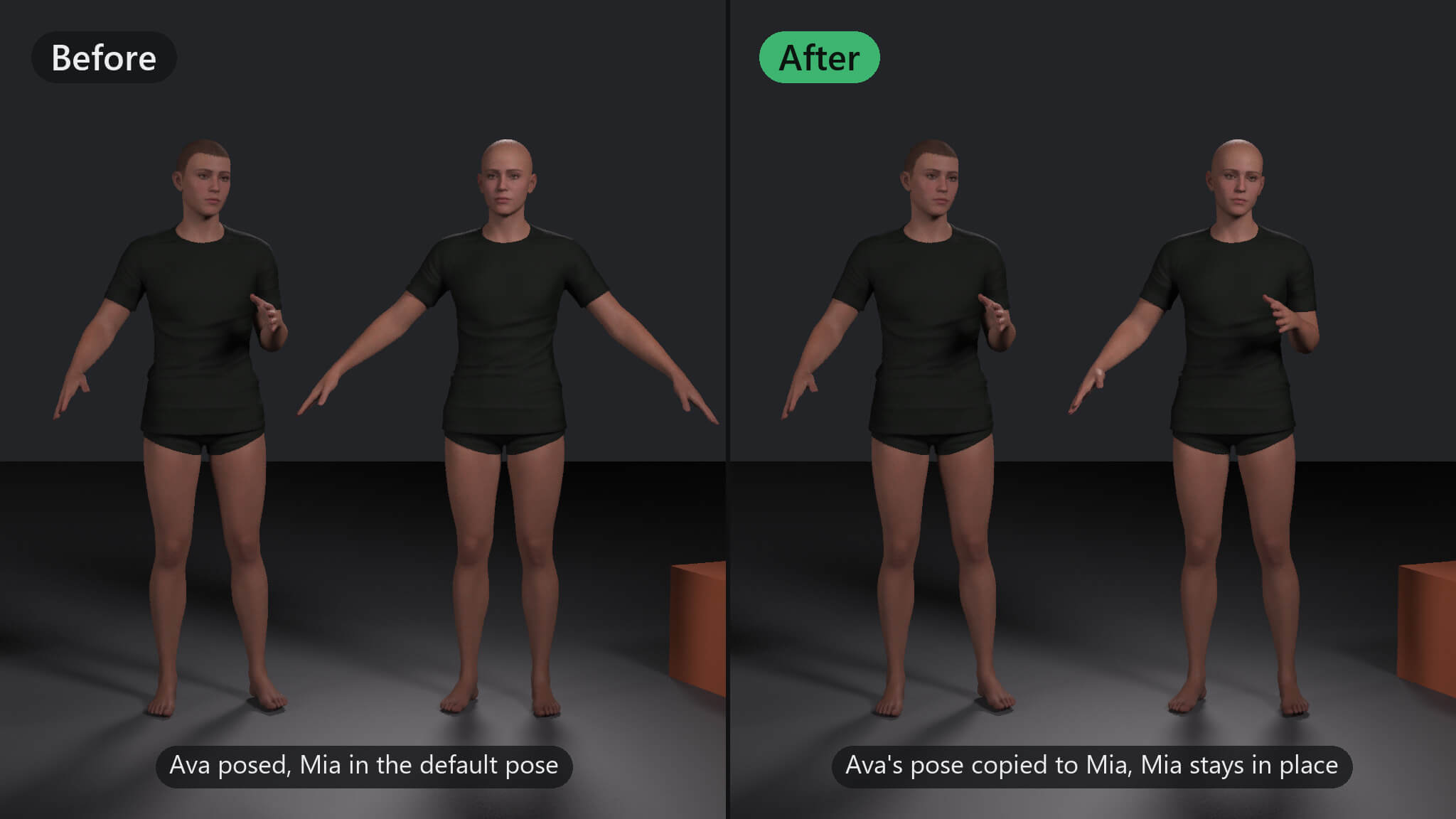
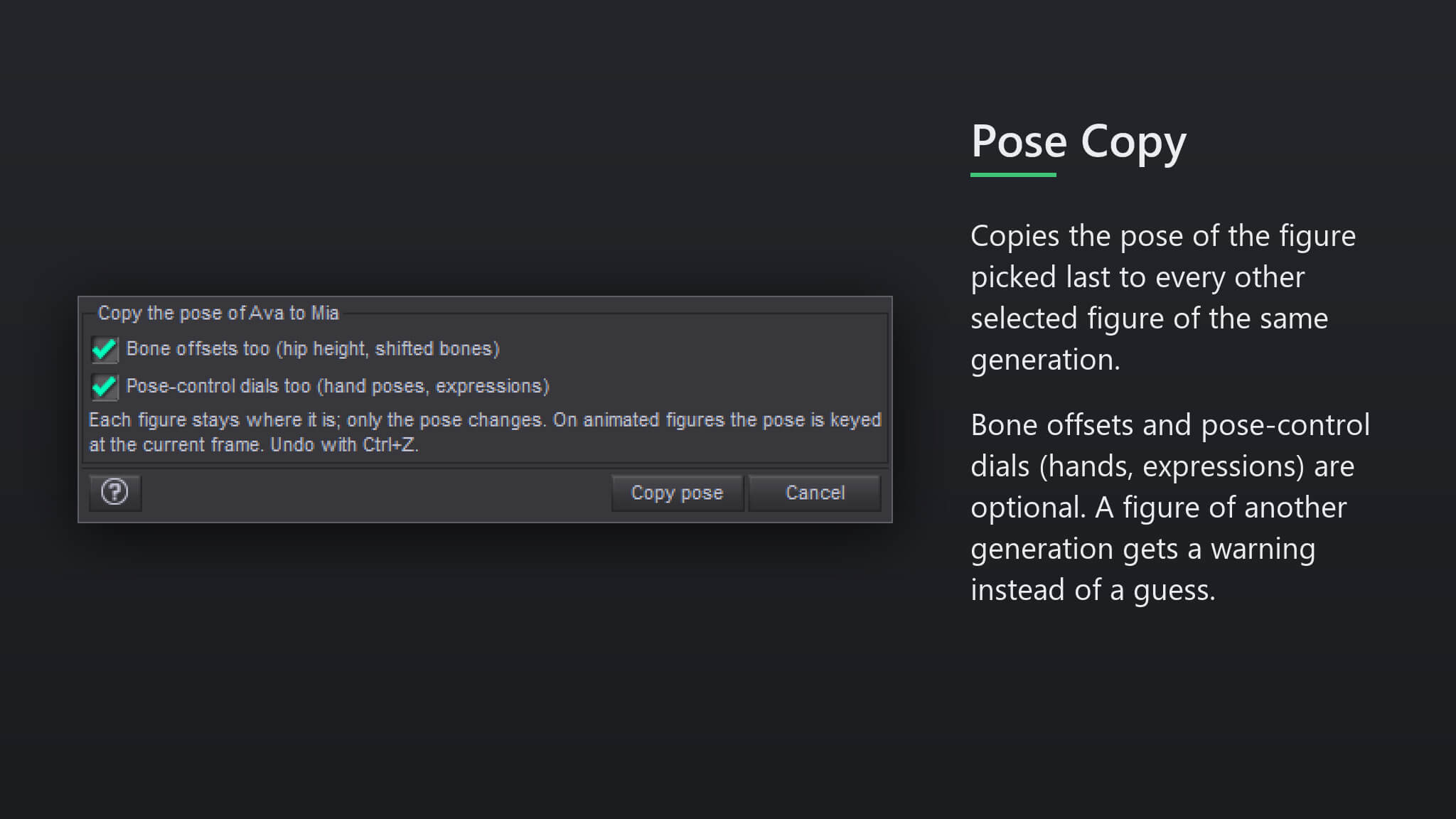
Saving a pose preset just to put the same pose on a second figure is a detour. Pose Copy copies the pose of one figure, the one you pick last, to every other selected figure of the same generation in one step.
Features
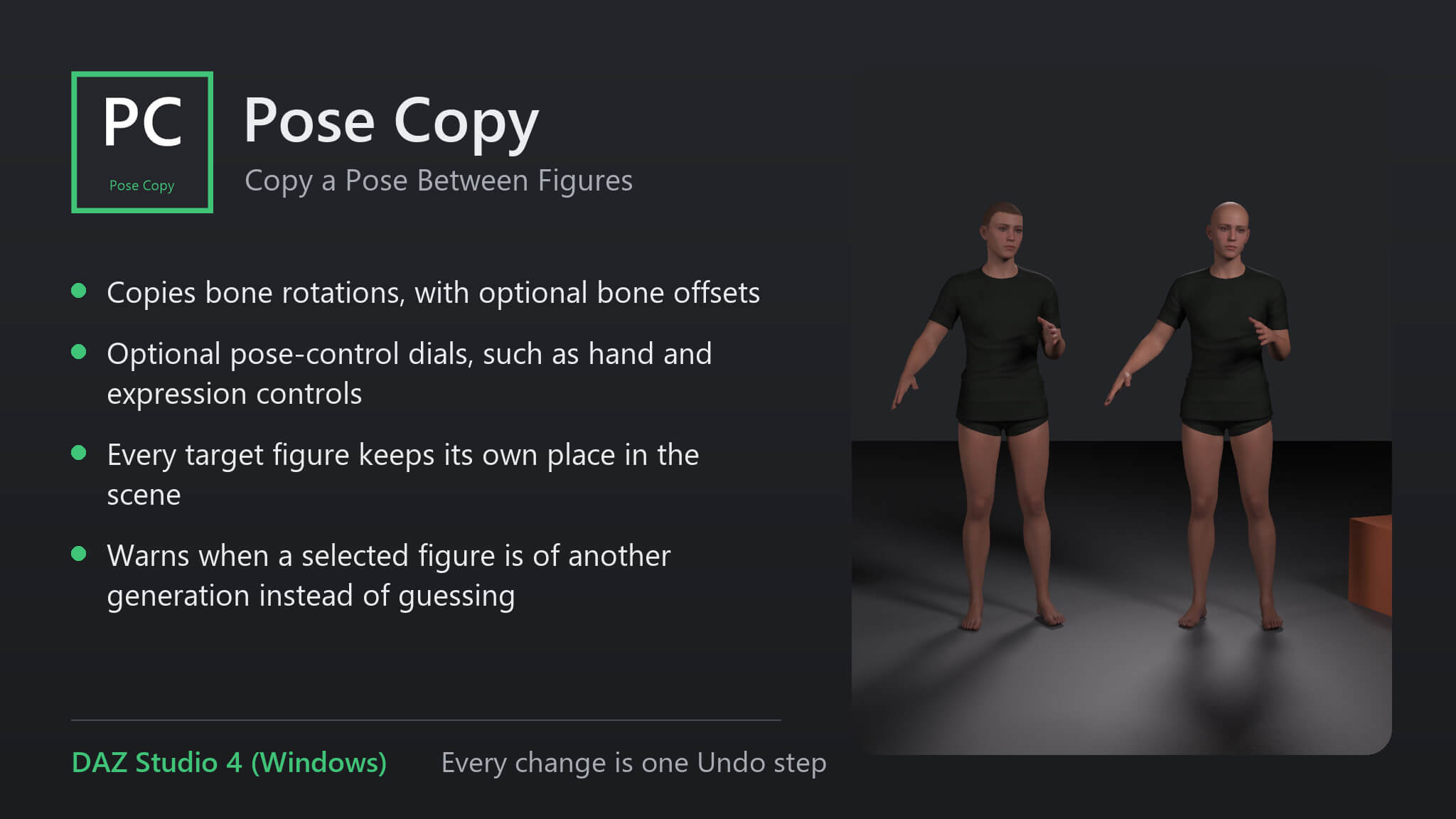
• Copies bone rotations, with optional bone offsets
• Optional pose-control dials, such as hand and expression controls
• Every target figure keeps its own place in the scene
• Warns when a selected figure is of another generation instead of guessing
How to use
1. Select the figures that should get the pose.
2. Ctrl+click the figure with the pose last.
3. Run the script, choose offsets and pose controls, and press 'Copy pose'.
Compatibility
• DAZ Studio 4 (Windows).
• Tested with Genesis 9 figures; figures of another generation are refused with a message
• Every change is one Undo step
Included
• One script (.dsa) and a ReadMe. Installs to Content Library > Scripts > AffectionX.
Features
• Copies bone rotations, with optional bone offsets
• Optional pose-control dials, such as hand and expression controls
• Every target figure keeps its own place in the scene
• Warns when a selected figure is of another generation instead of guessing
How to use
1. Select the figures that should get the pose.
2. Ctrl+click the figure with the pose last.
3. Run the script, choose offsets and pose controls, and press 'Copy pose'.
Compatibility
• DAZ Studio 4 (Windows).
• Tested with Genesis 9 figures; figures of another generation are refused with a message
• Every change is one Undo step
Included
• One script (.dsa) and a ReadMe. Installs to Content Library > Scripts > AffectionX.
Categories
