


 Free 3D
 3D Print Models
 3D Scans
 Animation & MoCap
 Textures
 Materials
 Skin Reference
 2D Game Assets
 Sound Effects
 Brushes & Tools
 Reference Photos
 Stock Images
 HDR Images
 3ds Max
 Maya
 Blender
 Unreal Engine
 Unity
 ZBrush
 Cinema 4D
 LightWave
 Marmoset
 SketchUp
 FBX
 DAE
 DXF
 GLB
Quick Materials - Metal and Plastic Looks for DAZ 4+6

Not Rated Yet


! REPORT
NOTE: DIGITAL DOWNLOAD, NOT A PHYSICAL ITEM

Add to Collection

1 Like
Share This Daz Content


Offered By


License
Extended Use License
This item comes with our Extended Use Licensing. This means that you may use the model for both non-commercial and commercial purposes, in a variety of mediums and applications.
For full license terms, see our 3D Content Licensing Agreement
Item Details
| Vendor: | AffectionX |
| Published: | Nov 22, 2026 |
| Download Size: | 9.3 KB |
| Software: | Daz Studio |
| dForce: | – |
Included Formats

Statistics
| Favorites: | 0 |
| Likes: | 1 |
| Views: | 18 |
Item Ratings
Not Rated Yet
Quick Materials - Metal and Plastic Looks for DAZ 4+6
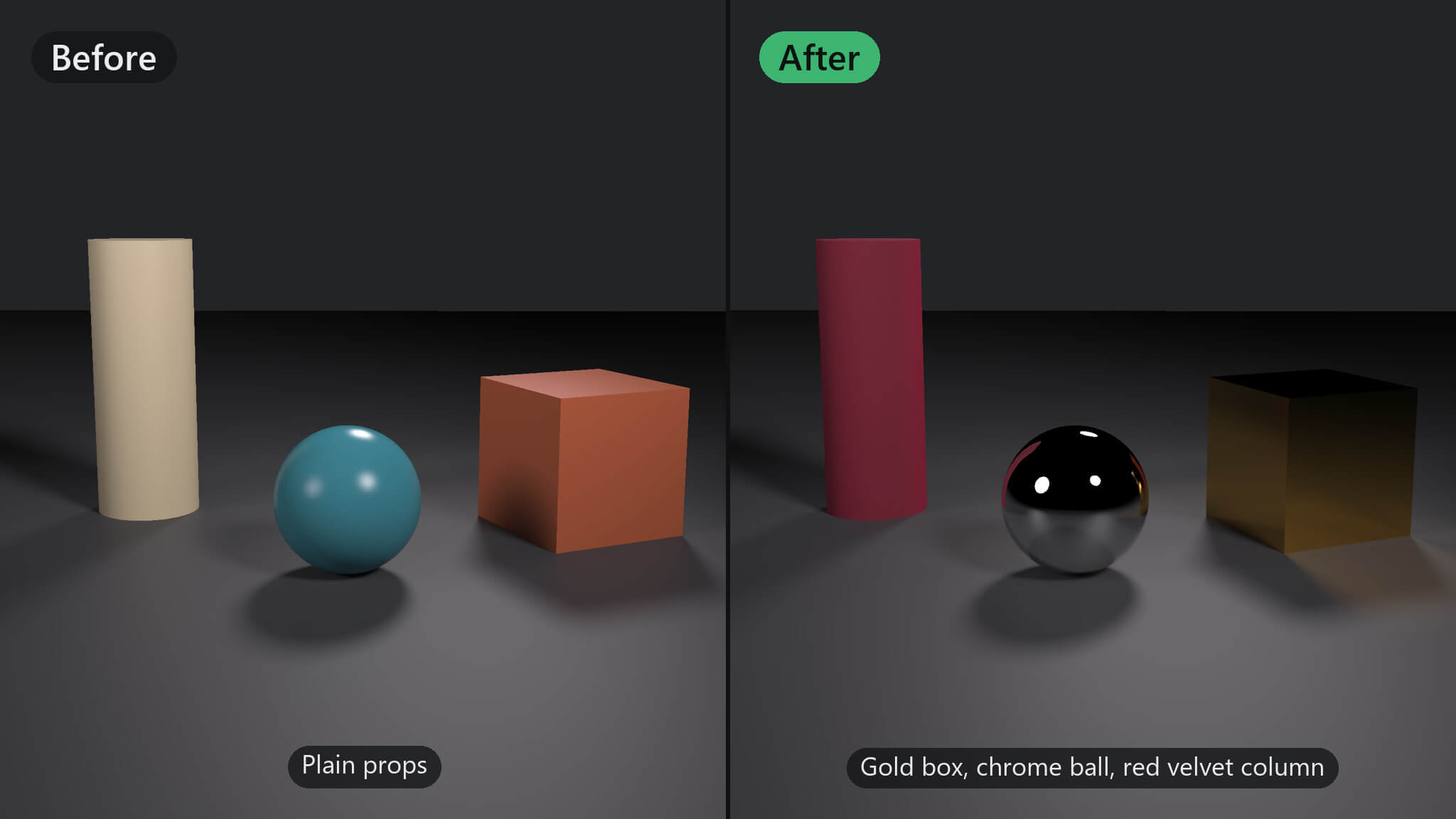
Turn a prop into gold, chrome or glazed ceramic in one click. Quick Materials puts ready looks on the surfaces you choose, so you do not have to remember Iray Uber values.
Features
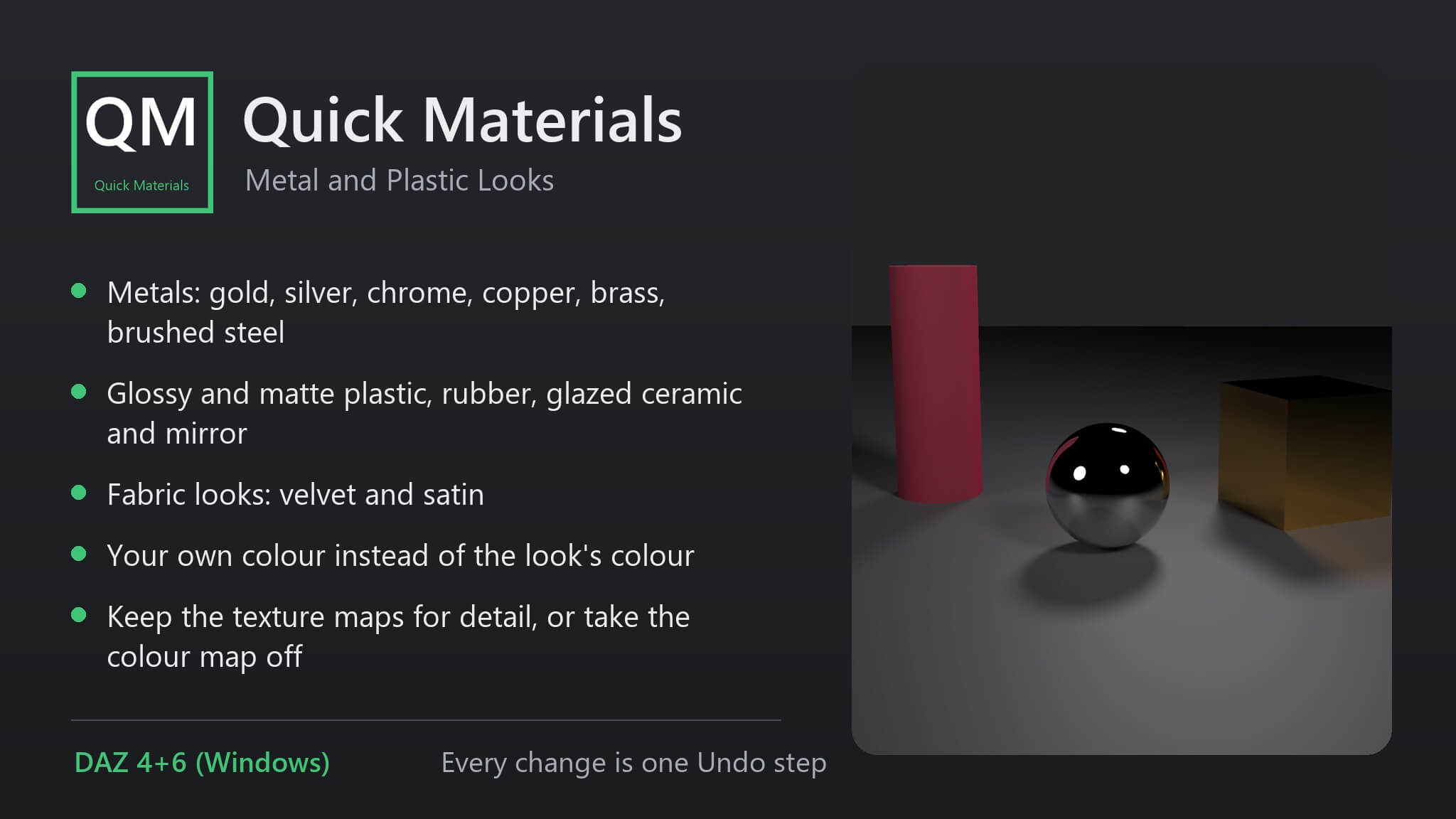
• Metals: gold, silver, chrome, copper, brass, brushed steel
• Glossy and matte plastic, rubber, glazed ceramic and mirror
• Fabric looks: velvet and satin
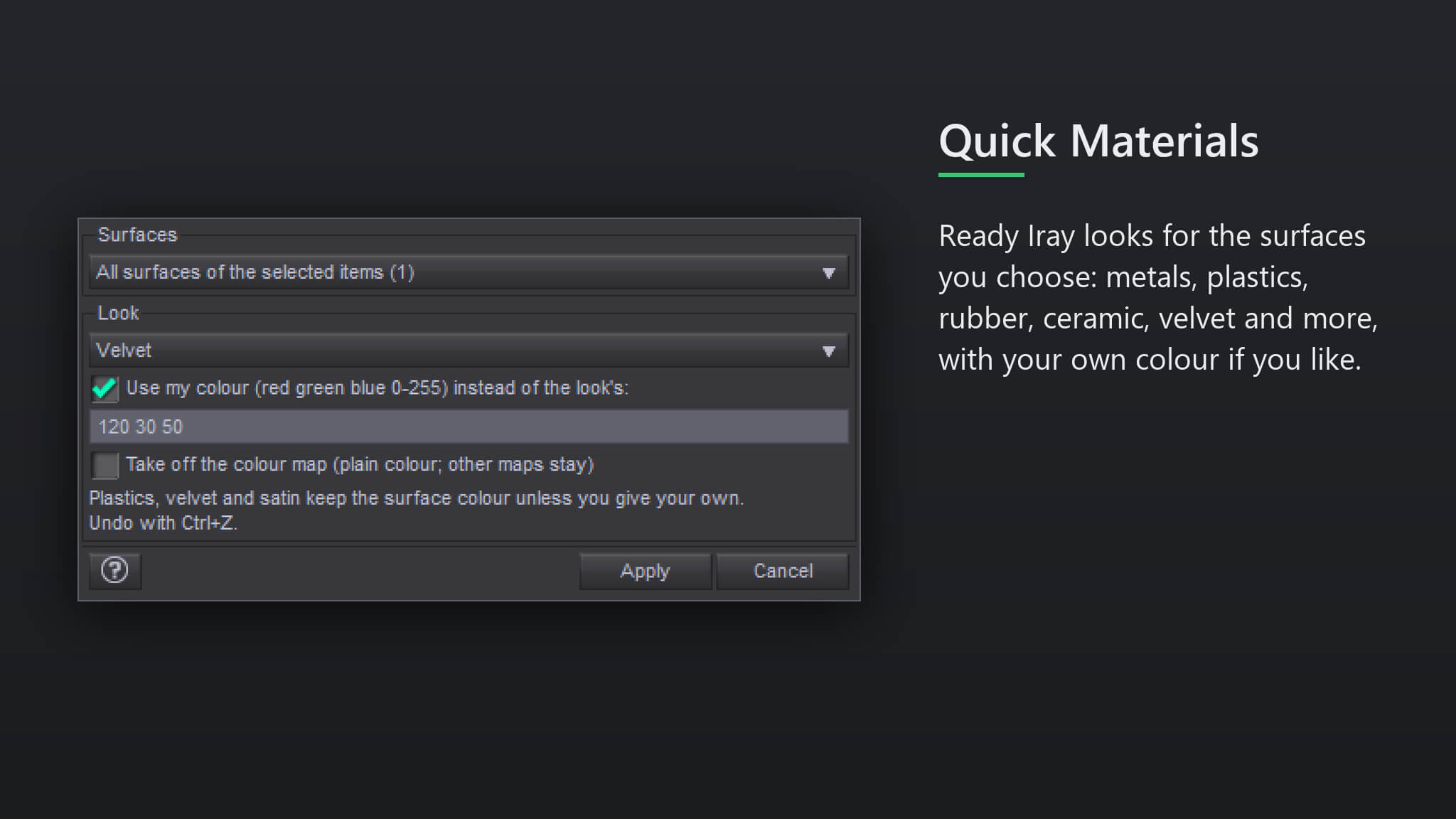
• Your own colour instead of the look's colour
• Keep the texture maps for detail, or take the colour map off
• Surfaces picked in the Surfaces pane or all surfaces of the selected items
How to use
1. Select the items or pick surfaces in the Surfaces pane.
2. Choose the look and, if you like, your own colour.
3. Press 'Apply'.
Compatibility
• DAZ 4+6 (Windows).
• Iray Uber surfaces.
• Every change is one Undo step.
Included
• One script (.dsa) and a ReadMe; installs to Content Library > Scripts > AffectionX.
Update 1.1: in the Specular / Glossiness mode the material is switched to Metallicity / Roughness, so it really changes (before, for example, plastic stayed as it was).
Categories
