


 Free 3D
 3D Print Models
 3D Scans
 Animation & MoCap
 Textures
 Materials
 Skin Reference
 2D Game Assets
 Sound Effects
 Brushes & Tools
 Reference Photos
 Stock Images
 HDR Images
 3ds Max
 Maya
 Blender
 Unreal Engine
 Unity
 ZBrush
 Cinema 4D
 LightWave
 Marmoset
 SketchUp
 FBX
 DAE
 DXF
 GLB
Render Preflight - Check Before Rendering for DAZ 4+6

Not Rated Yet


! REPORT
NOTE: DIGITAL DOWNLOAD, NOT A PHYSICAL ITEM

Add to Collection

0 Likes
Share This Daz Content


Offered By


License
Extended Use License
This item comes with our Extended Use Licensing. This means that you may use the model for both non-commercial and commercial purposes, in a variety of mediums and applications.
For full license terms, see our 3D Content Licensing Agreement
Item Details
| Vendor: | AffectionX |
| Published: | Nov 22, 2026 |
| Download Size: | 6.7 KB |
| Software: | Daz Studio |
| dForce: | – |
Included Formats

Statistics
| Favorites: | 0 |
| Likes: | 0 |
| Views: | 13 |
Item Ratings
Not Rated Yet
Render Preflight - Check Before Rendering for DAZ 4+6
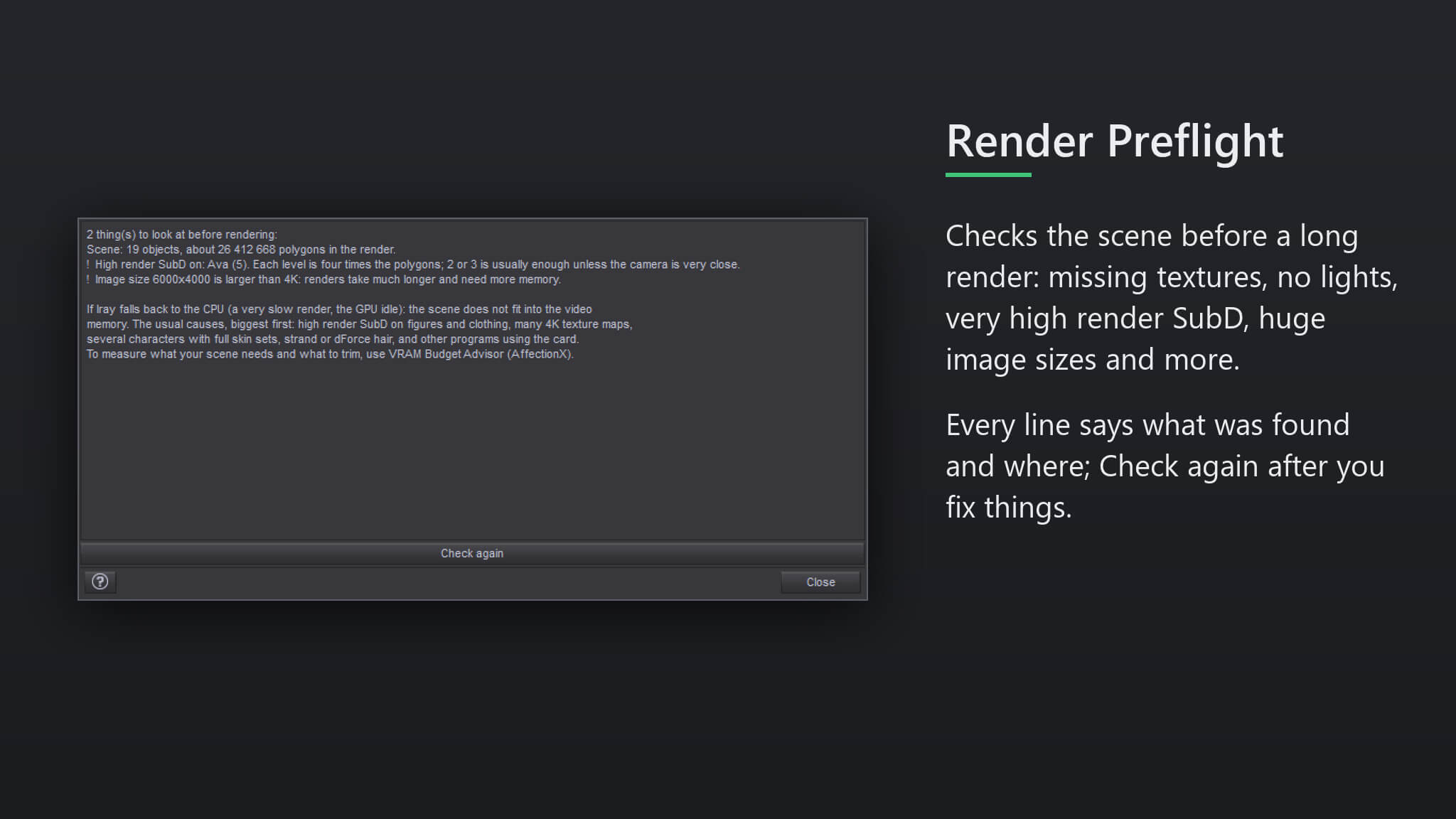
Catch the problems that ruin a long render before you start it. Render Preflight checks the scene and lists what is wrong, each line with what to do about it.
Features
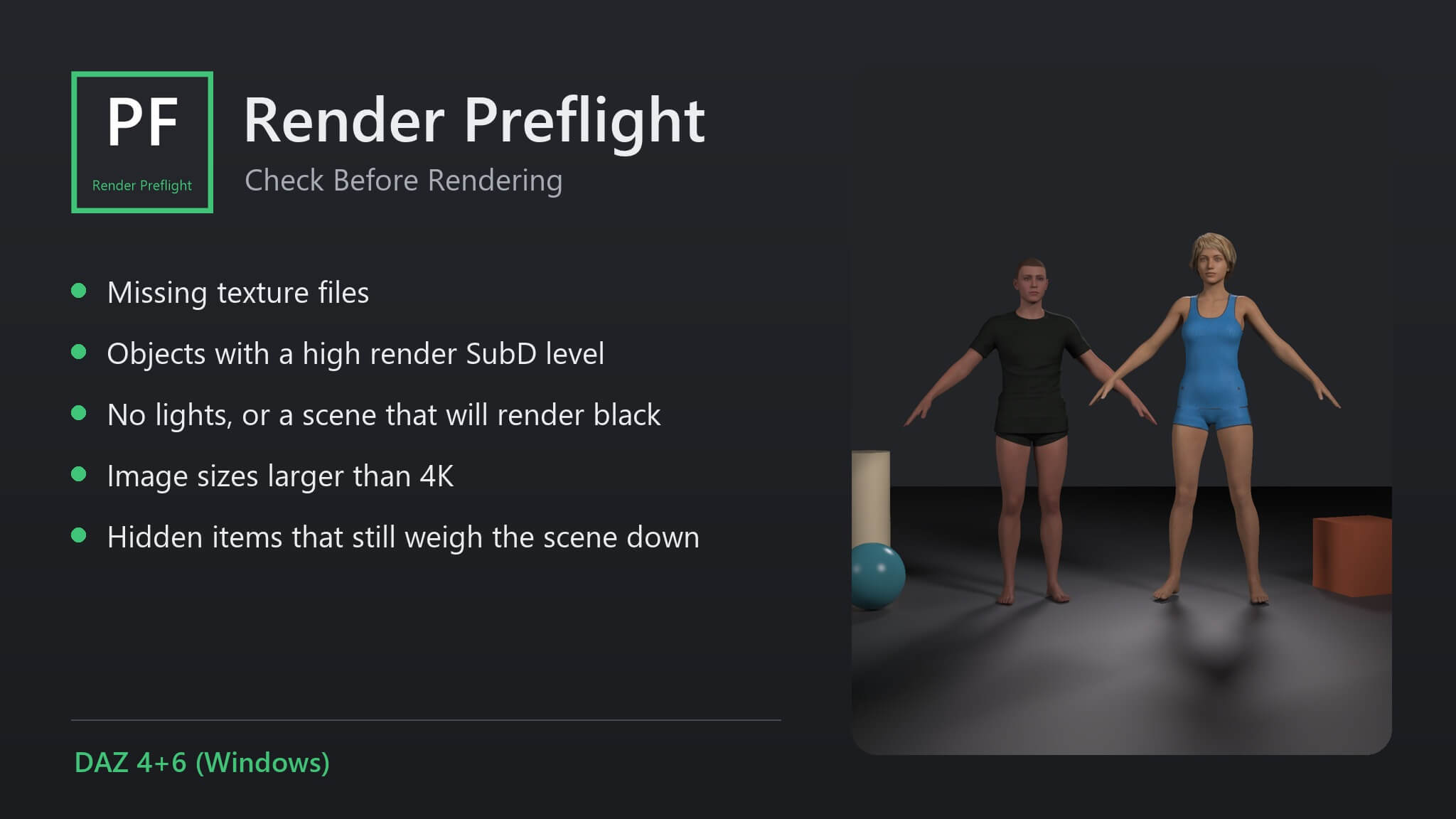
• Missing texture files
• Objects with a high render SubD level
• No lights, or a scene that will render black
• Image sizes larger than 4K
• Hidden items that still weigh the scene down
• The usual reasons Iray falls back to the slow CPU
How to use
1. Run the script.
2. Read the list and fix what is marked with '!'.
3. Press 'Check again' after a change.
Compatibility
• DAZ 4+6 (Windows).
• Read-only: the scene is not changed. Memory use is covered by our VRAM Budget Advisor.
Included
• One script (.dsa) and a ReadMe; installs to Content Library > Scripts > AffectionX.
Update 1.1: the 'Scene Only' environment check is more reliable: the Environment Mode is also found in the render settings, by the option's name.
Categories
