


 Free 3D
 3D Print Models
 3D Scans
 Animation & MoCap
 Textures
 Materials
 Skin Reference
 2D Game Assets
 Sound Effects
 Brushes & Tools
 Reference Photos
 Stock Images
 HDR Images
 3ds Max
 Maya
 Blender
 Unreal Engine
 Unity
 ZBrush
 Cinema 4D
 LightWave
 Marmoset
 SketchUp
 FBX
 DAE
 DXF
 GLB
Render Settings Compare for DAZ 4+6

Not Rated Yet


! REPORT
NOTE: DIGITAL DOWNLOAD, NOT A PHYSICAL ITEM

Add to Collection

0 Likes
Share This Daz Content


Offered By


License
Extended Use License
This item comes with our Extended Use Licensing. This means that you may use the model for both non-commercial and commercial purposes, in a variety of mediums and applications.
For full license terms, see our 3D Content Licensing Agreement
Item Details
| Vendor: | AffectionX |
| Published: | Nov 22, 2026 |
| Download Size: | 9 KB |
| Software: | Daz Studio |
| dForce: | – |
Included Formats

Statistics
| Favorites: | 0 |
| Likes: | 0 |
| Views: | 21 |
Item Ratings
Not Rated Yet
Render Settings Compare for DAZ 4+6
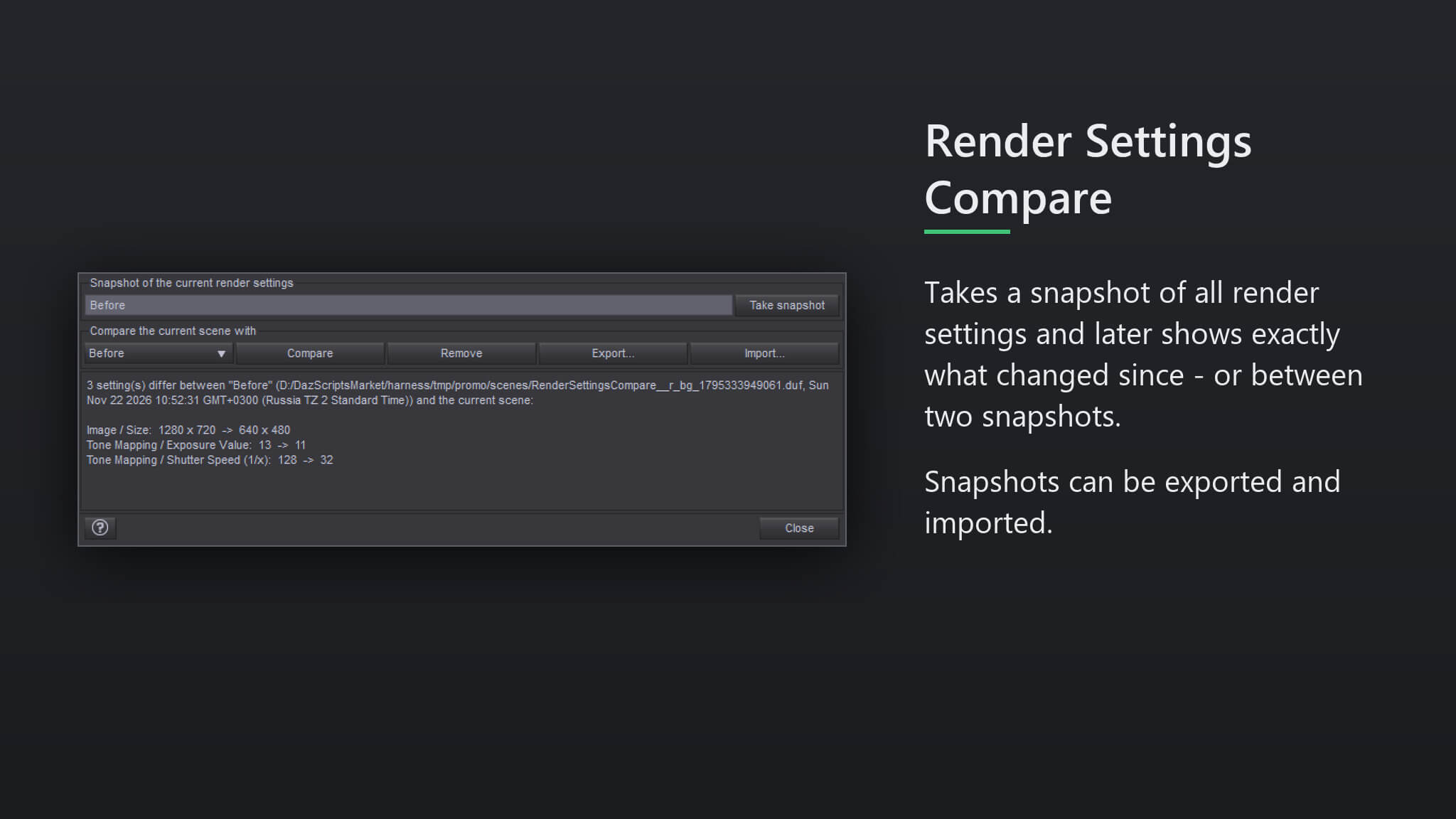
Two scenes look different in the render and you cannot see why. Render Settings Compare snapshots every render setting and lists exactly what differs.
Features
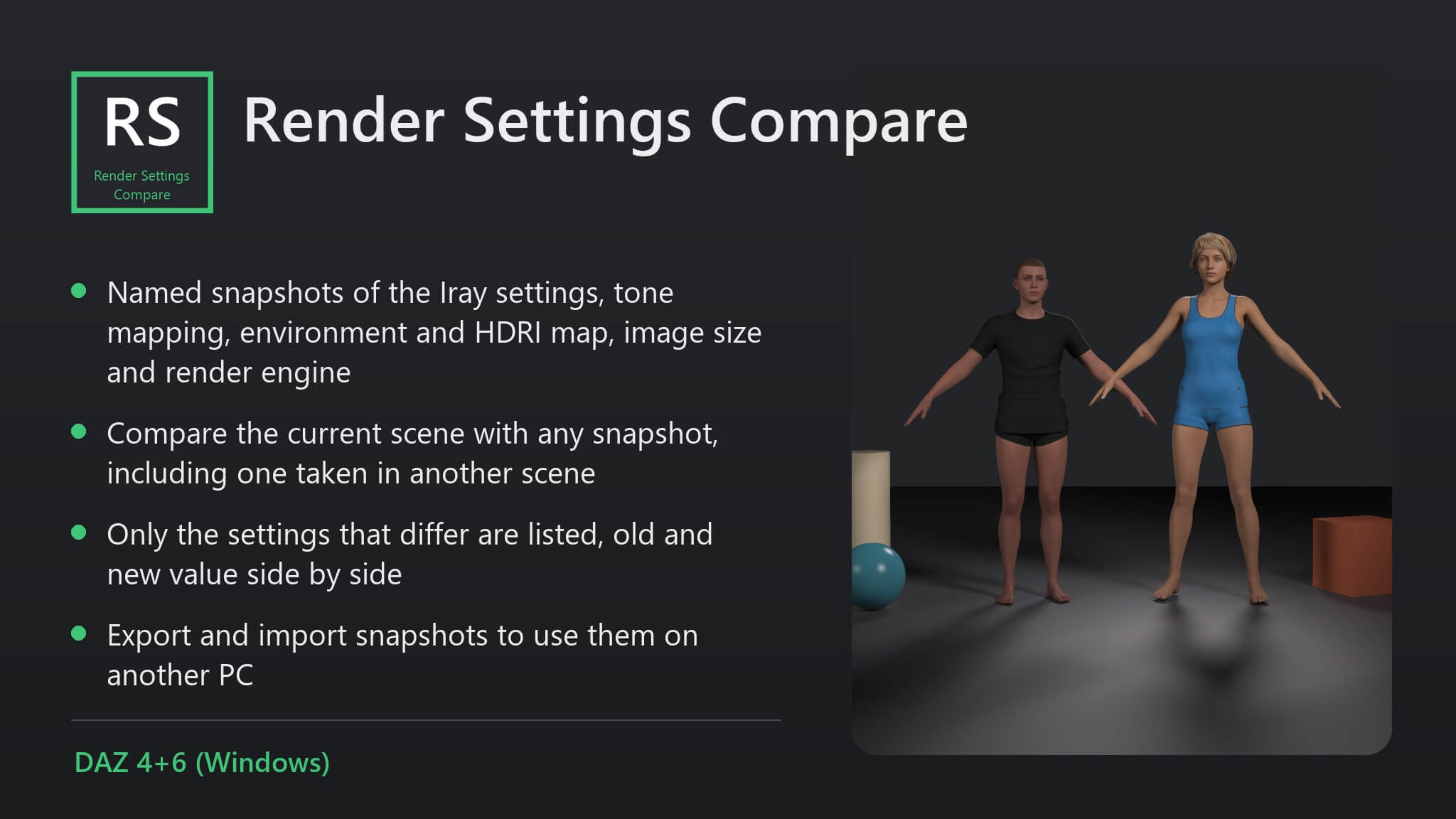
• Named snapshots of the Iray settings, tone mapping, environment and HDRI map, image size and render engine
• Compare the current scene with any snapshot, including one taken in another scene
• Only the settings that differ are listed, old and new value side by side
• Export and import snapshots to use them on another PC
• Read only: nothing in the scene is changed
How to use
1. Open the scene that renders well and press 'Take snapshot'.
2. Open the other scene, run the script and press 'Compare'.
3. Read the list of differences.
Compatibility
• DAZ 4+6 (Windows).
• The scene is not changed.
Included
• One script (.dsa) and a ReadMe; installs to Content Library > Scripts > AffectionX.
Categories
