


 Free 3D
 3D Print Models
 3D Scans
 Animation & MoCap
 Textures
 Materials
 Skin Reference
 2D Game Assets
 Sound Effects
 Brushes & Tools
 Reference Photos
 Stock Images
 HDR Images
 3ds Max
 Maya
 Blender
 Unreal Engine
 Unity
 ZBrush
 Cinema 4D
 LightWave
 Marmoset
 SketchUp
 FBX
 DAE
 DXF
 GLB
Scene Doctor - Render Problem Finder for DAZ 4+6

Not Rated Yet


! REPORT
NOTE: DIGITAL DOWNLOAD, NOT A PHYSICAL ITEM

Add to Collection

0 Likes
Share This Daz Content


Offered By


License
Extended Use License
This item comes with our Extended Use Licensing. This means that you may use the model for both non-commercial and commercial purposes, in a variety of mediums and applications.
For full license terms, see our 3D Content Licensing Agreement
Item Details
| Vendor: | AffectionX |
| Published: | Nov 22, 2026 |
| Download Size: | 8 KB |
| Software: | Daz Studio |
| dForce: | – |
Included Formats

Statistics
| Favorites: | 0 |
| Likes: | 0 |
| Views: | 25 |
Item Ratings
Not Rated Yet
Scene Doctor - Render Problem Finder for DAZ 4+6
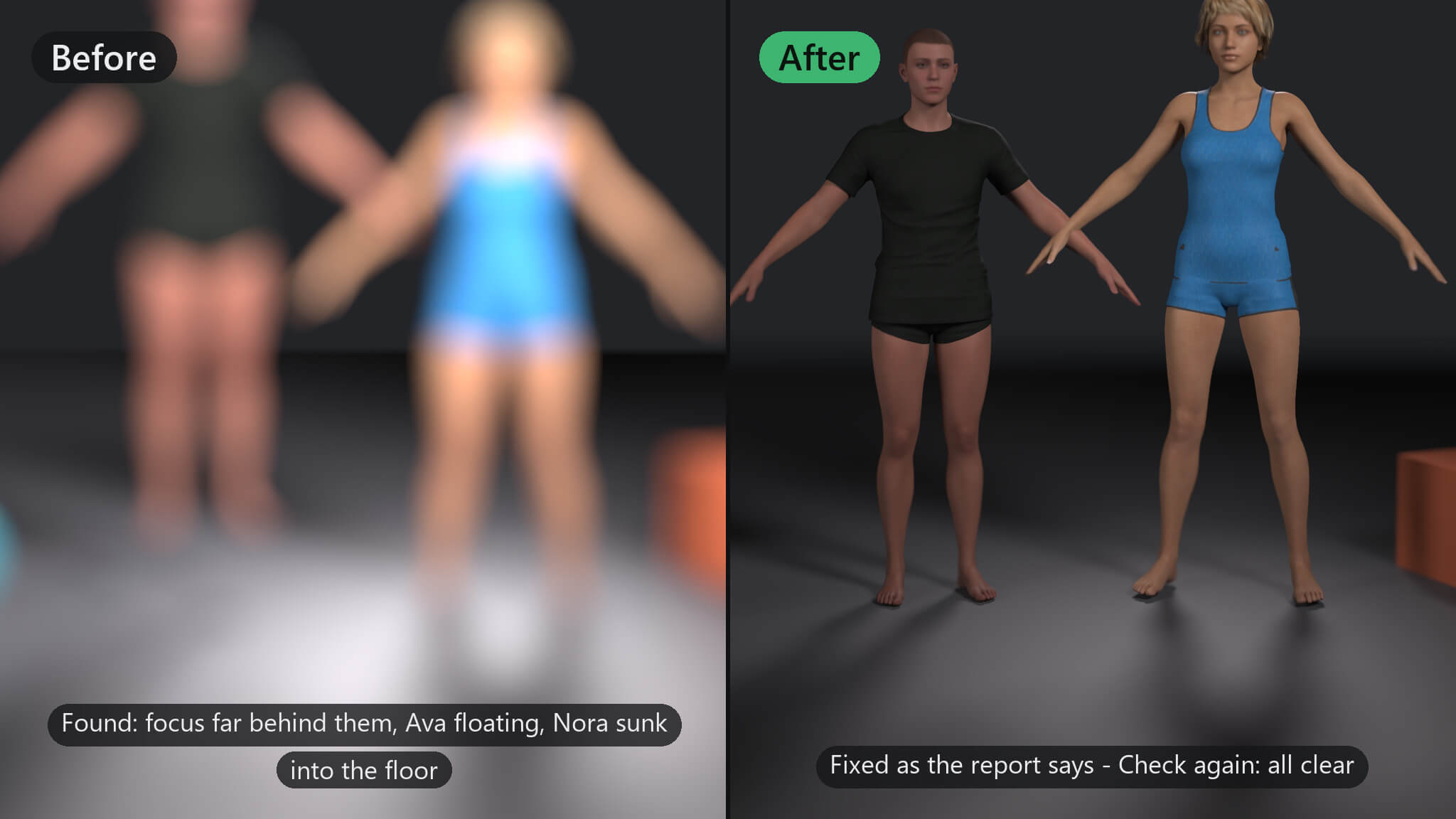
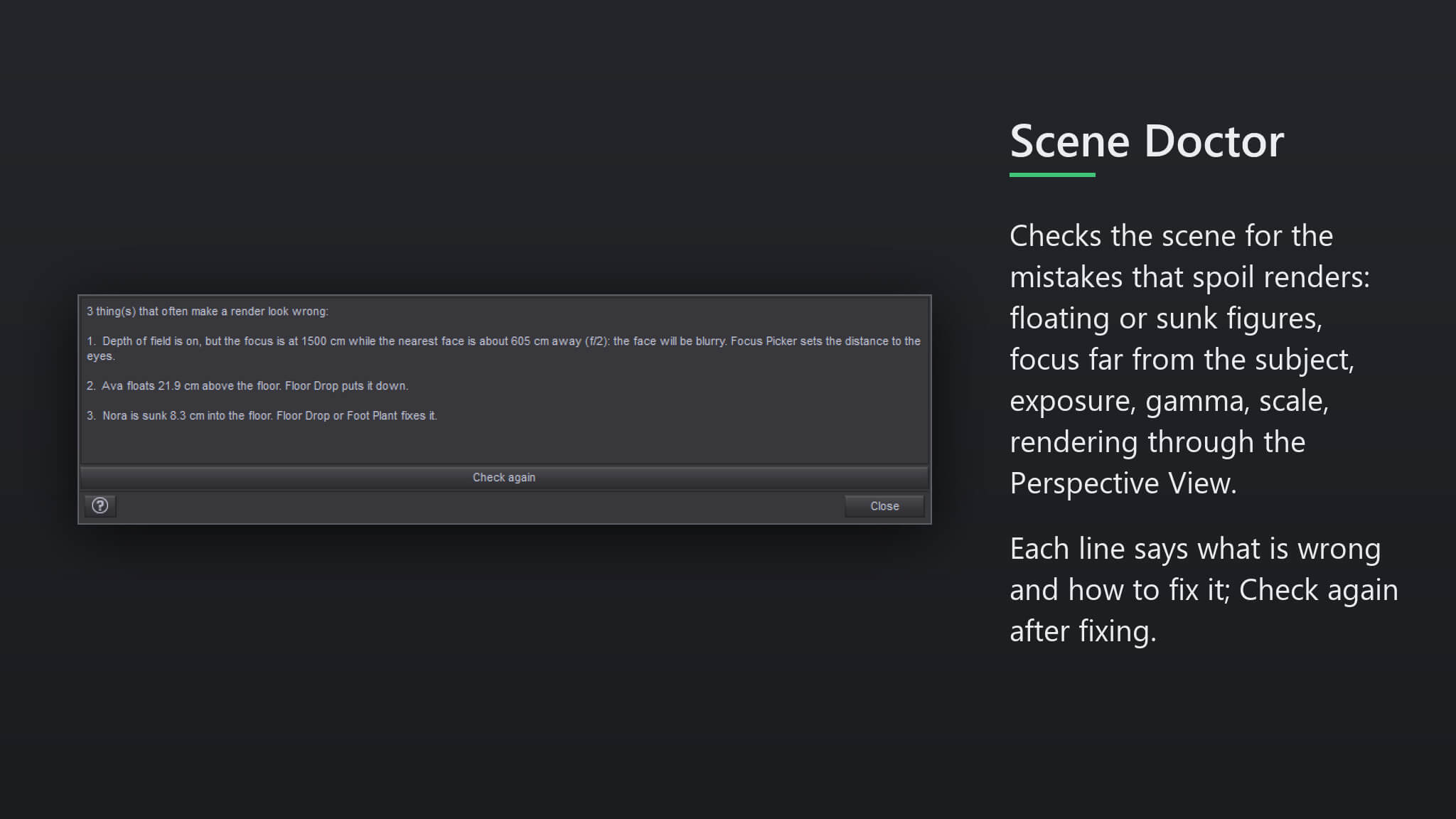
'Why does my render look like that?' Scene Doctor checks the scene for the classic causes of a disappointing render and explains each in plain words.
Features
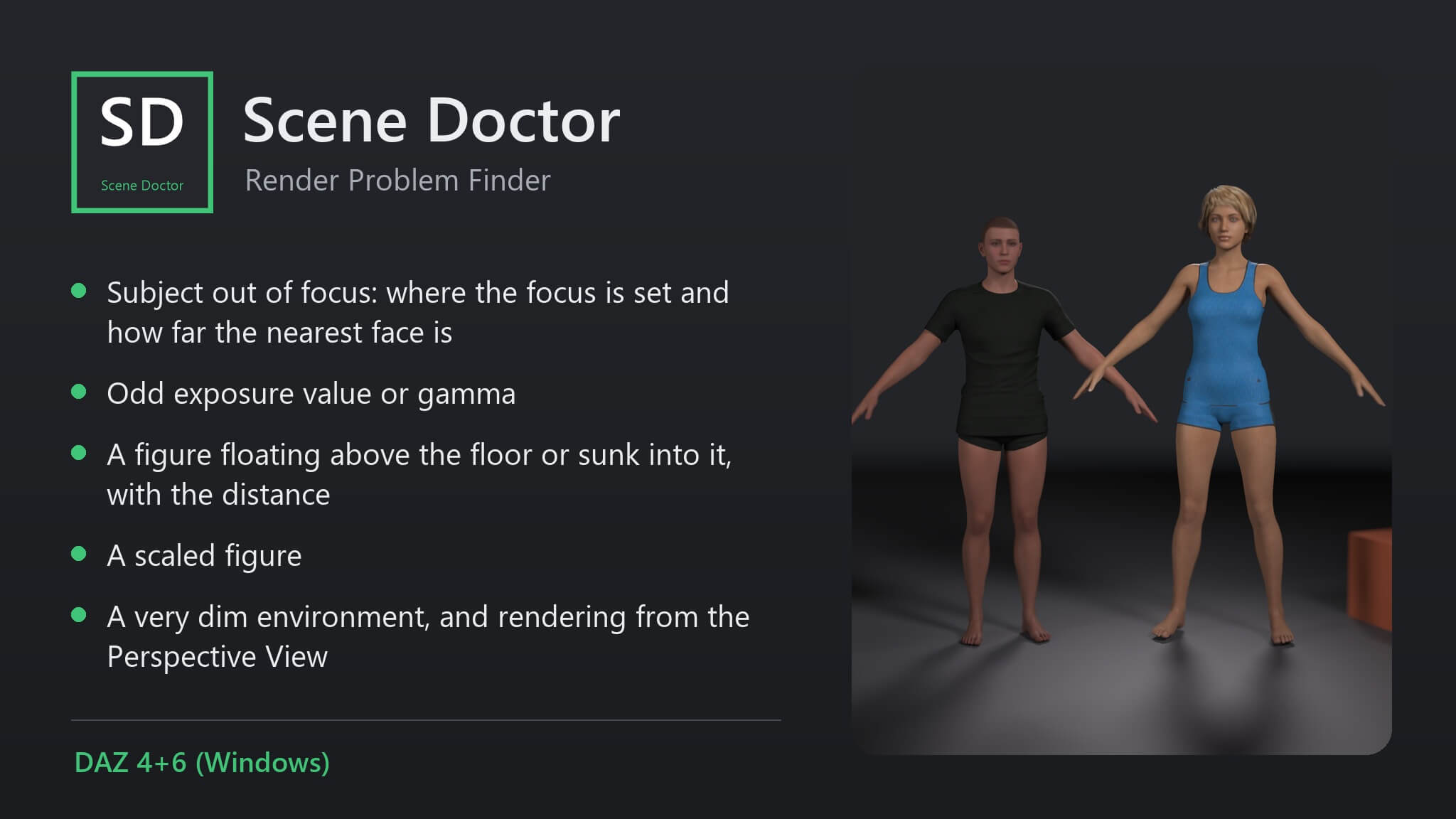
• Subject out of focus: where the focus is set and how far the nearest face is
• Odd exposure value or gamma
• A figure floating above the floor or sunk into it, with the distance
• A scaled figure
• A very dim environment, and rendering from the Perspective View
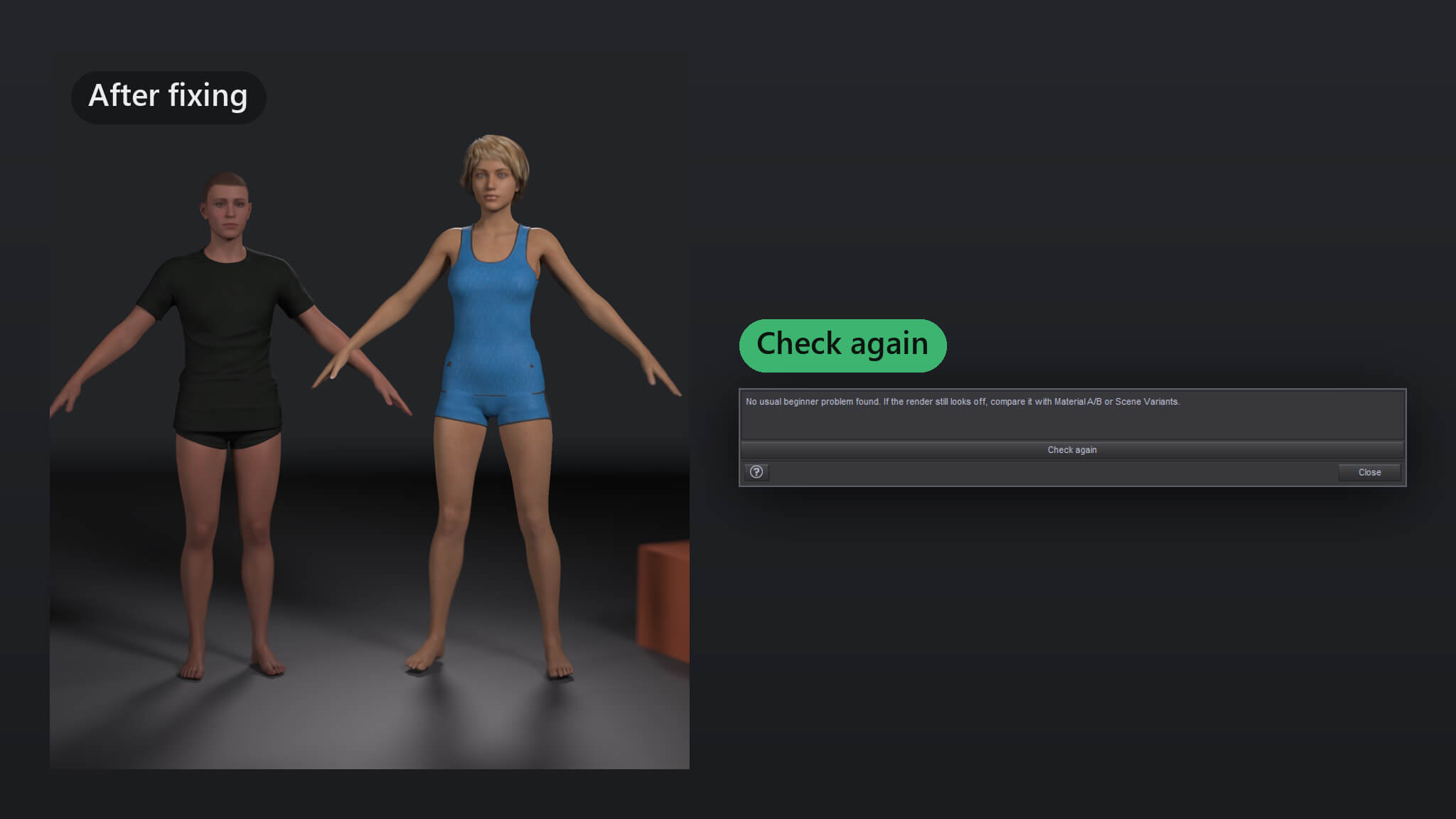
• Run it again after each fix; the scene is not changed
How to use
1. Run the script.
2. Read the numbered list.
3. Close the window, fix what applies and run the script again.
Compatibility
• DAZ 4+6 (Windows).
• Tested with Genesis 8 Female and Genesis 9 figures.
• Exposure and environment are checked once the scene has render settings (after a render or a render preset).
Included
• One script (.dsa) and a ReadMe; installs to Content Library > Scripts > AffectionX.
Update 1.1: figures inside a group or parented to another item are now checked too (before, they were skipped); the message about a figure above the floor now asks whether it stands on a step.
Update 1.2: the window and this ReadMe now say how to check again after a fix: close the window, fix the scene and run the script again (Daz Studio keeps the scene locked while a script window is open, so the 'Check again' button could not see a fix); the button is gone.
Categories
