


 Free 3D
 3D Print Models
 3D Scans
 Animation & MoCap
 Textures
 Materials
 Skin Reference
 2D Game Assets
 Sound Effects
 Brushes & Tools
 Reference Photos
 Stock Images
 HDR Images
 3ds Max
 Maya
 Blender
 Unreal Engine
 Unity
 ZBrush
 Cinema 4D
 LightWave
 Marmoset
 SketchUp
 FBX
 DAE
 DXF
 GLB
Scene Render Queue for DAZ 4+6

Not Rated Yet


! REPORT
NOTE: DIGITAL DOWNLOAD, NOT A PHYSICAL ITEM

Add to Collection

0 Likes
Share This Daz Content


Offered By


License
Extended Use License
This item comes with our Extended Use Licensing. This means that you may use the model for both non-commercial and commercial purposes, in a variety of mediums and applications.
For full license terms, see our 3D Content Licensing Agreement
Item Details
| Vendor: | AffectionX |
| Published: | Nov 22, 2026 |
| Download Size: | 9.1 KB |
| Software: | Daz Studio |
| dForce: | – |
Included Formats

Statistics
| Favorites: | 0 |
| Likes: | 0 |
| Views: | 10 |
Item Ratings
Not Rated Yet
Scene Render Queue for DAZ 4+6
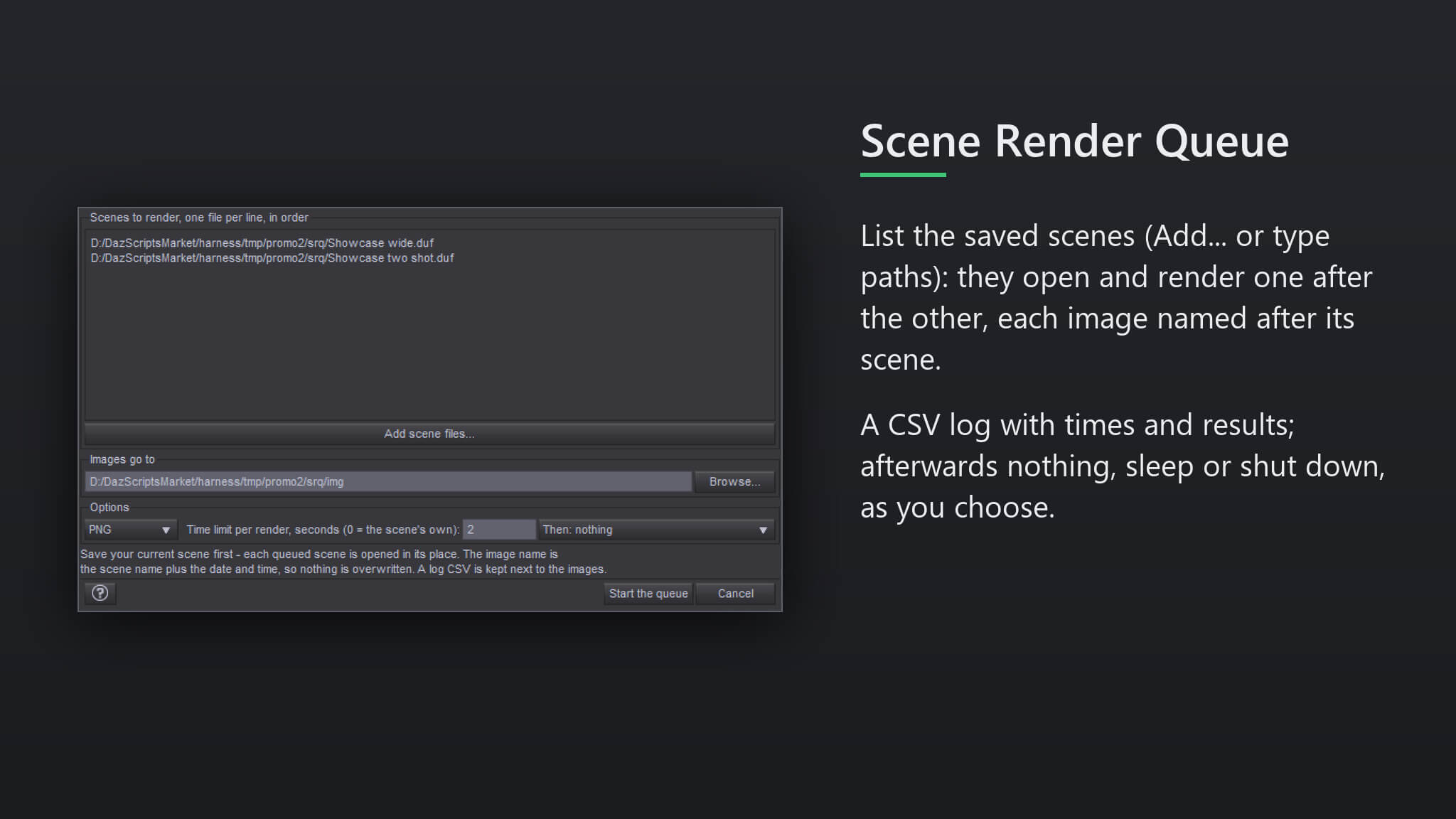
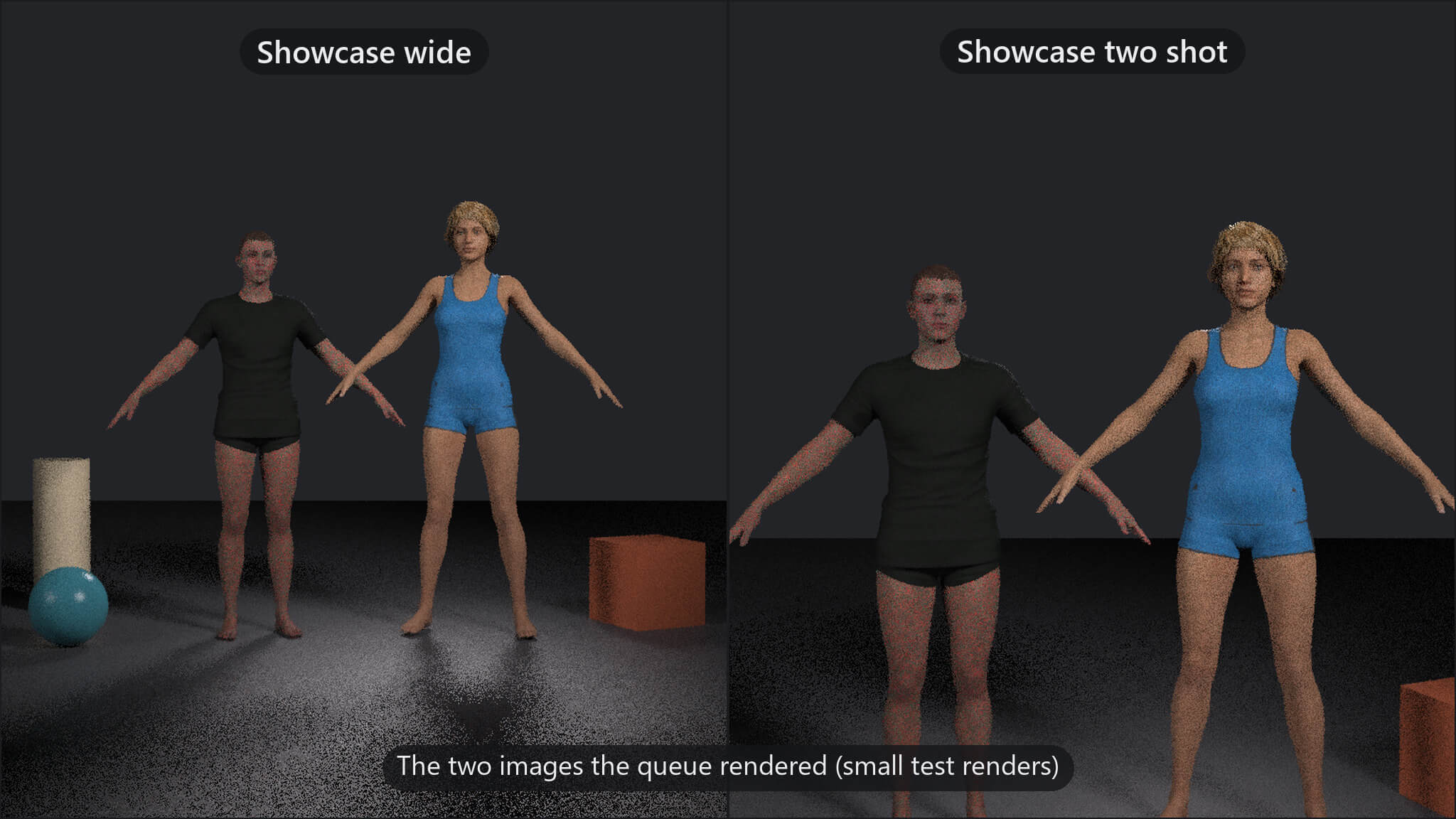
Render a list of saved scenes one after another, for example overnight, without sitting at the PC. Each scene opens with its own render settings, and every image is saved under the scene's name.
Features
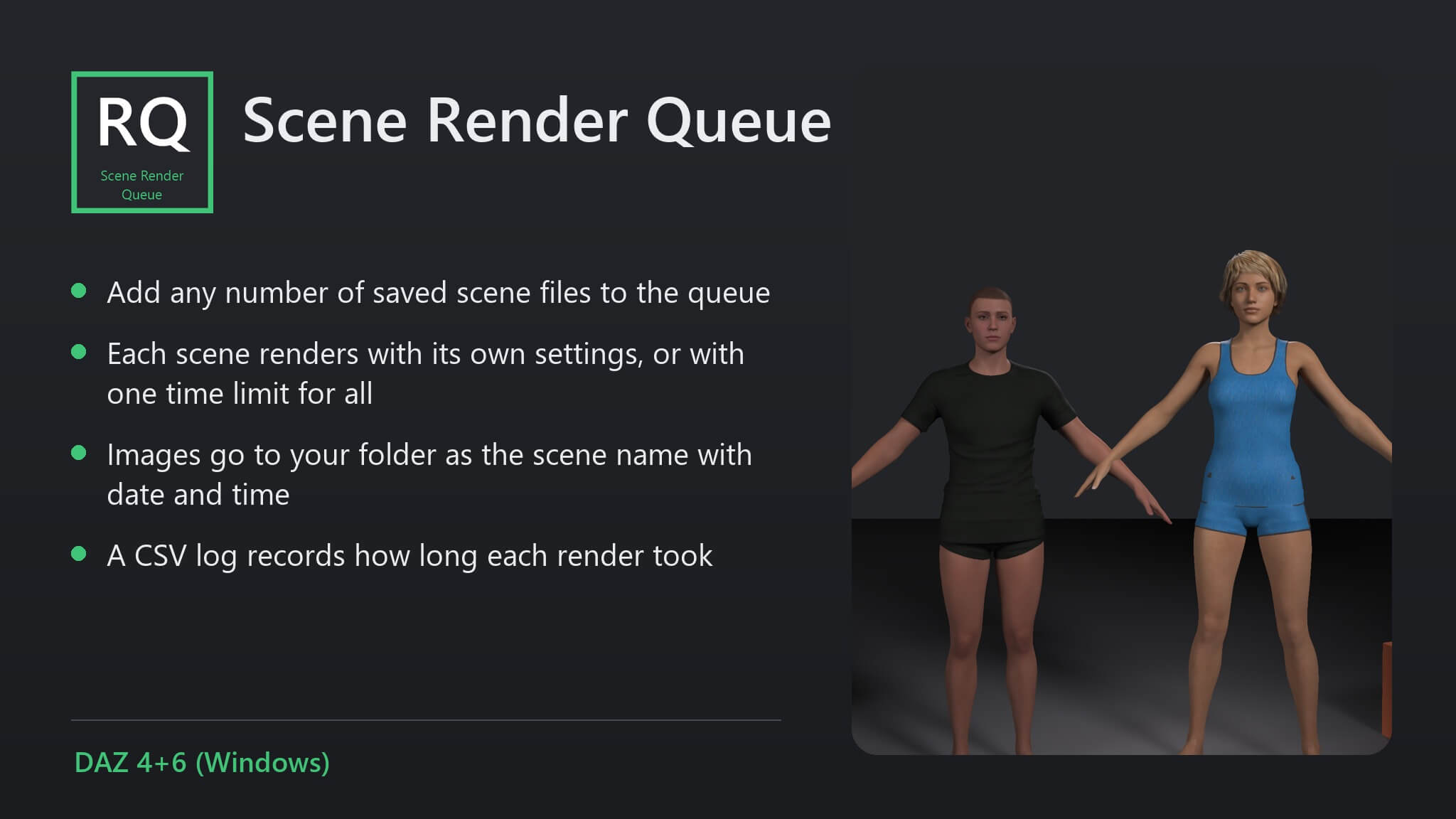
• Add any number of saved scene files to the queue
• Each scene renders with its own settings, or with one time limit for all
• Images go to your folder as the scene name with date and time
• A CSV log records how long each render took
• Optionally runs the Windows sleep or shutdown command when the queue is done (shutdown gives a minute to cancel)
How to use
1. Save your current scene - the queue opens each scene in turn.
2. Run the script, add the scene files, choose the image folder and options.
3. Press 'Start the queue'.
Compatibility
• DAZ 4+6 (Windows).
Included
• One script (.dsa) and a ReadMe; installs to Content Library > Scripts > AffectionX.
Update 1.1: the Render Target is put back after the queue (before, it stayed as the queue set it).
Update 1.2: the render log (CSV) is now written in UTF-8, so scene names and folders with non-Latin letters are readable; before, they came out as question marks.
Categories
