


 Free 3D
 3D Print Models
 3D Scans
 Animation & MoCap
 Textures
 Materials
 Skin Reference
 2D Game Assets
 Sound Effects
 Brushes & Tools
 Reference Photos
 Stock Images
 HDR Images
 3ds Max
 Maya
 Blender
 Unreal Engine
 Unity
 ZBrush
 Cinema 4D
 LightWave
 Marmoset
 SketchUp
 FBX
 DAE
 DXF
 GLB
Seat Snap - Sit Figures on Chairs and Stools for DAZ 4+6

Not Rated Yet


! REPORT
NOTE: DIGITAL DOWNLOAD, NOT A PHYSICAL ITEM

Add to Collection

0 Likes
Share This Daz Content


Offered By


License
Extended Use License
This item comes with our Extended Use Licensing. This means that you may use the model for both non-commercial and commercial purposes, in a variety of mediums and applications.
For full license terms, see our 3D Content Licensing Agreement
Item Details
| Vendor: | AffectionX |
| Published: | Nov 22, 2026 |
| Download Size: | 6.7 KB |
| Software: | Daz Studio |
| dForce: | – |
Included Formats

Statistics
| Favorites: | 0 |
| Likes: | 0 |
| Views: | 28 |
Item Ratings
Not Rated Yet
Seat Snap - Sit Figures on Chairs and Stools for DAZ 4+6
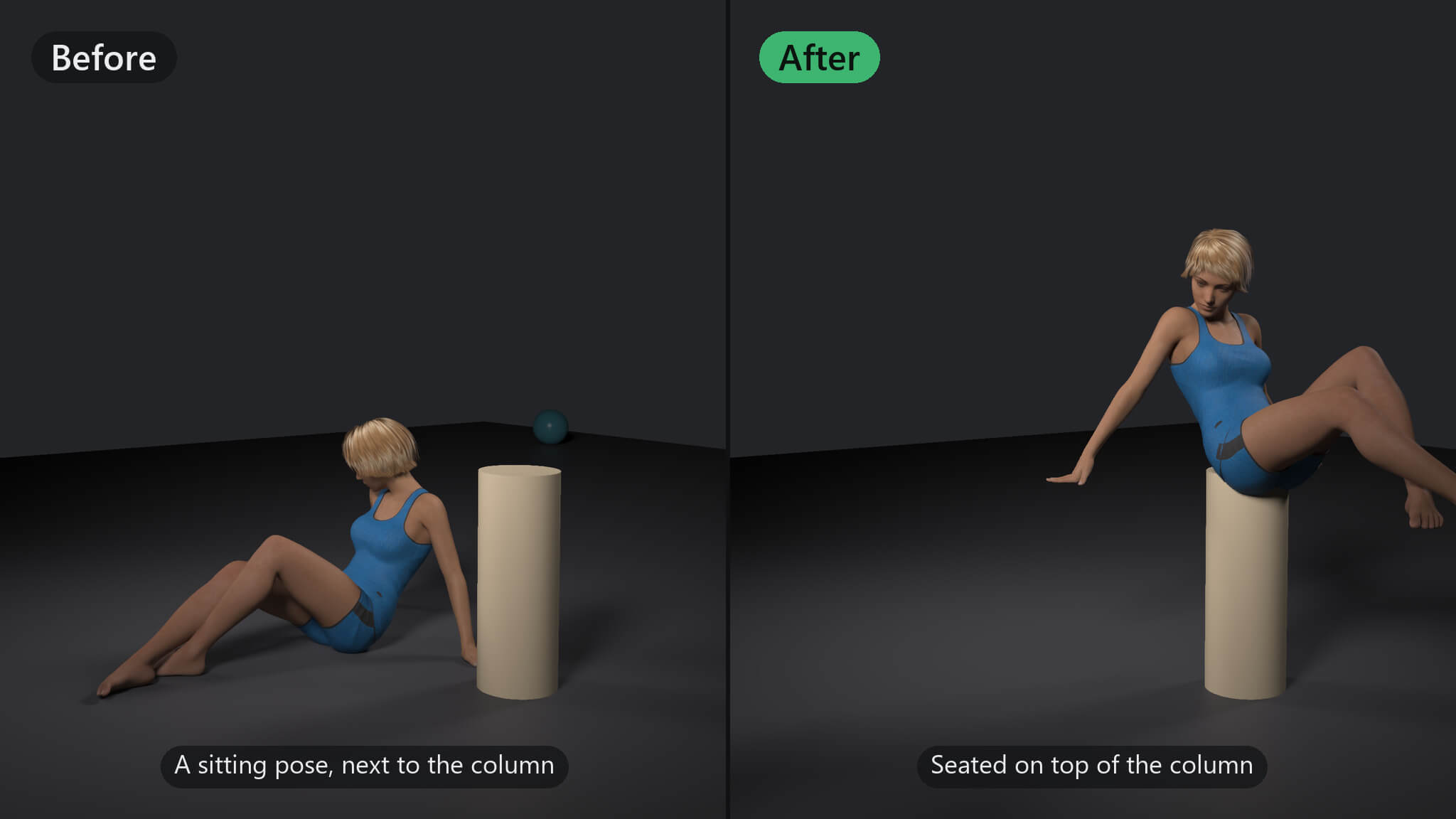
Getting a seated figure onto a chair usually means nudging it up, down, forward and around until the hips stop sinking into the seat. Seat Snap places a figure you have posed sitting onto the seat in one click.
Features
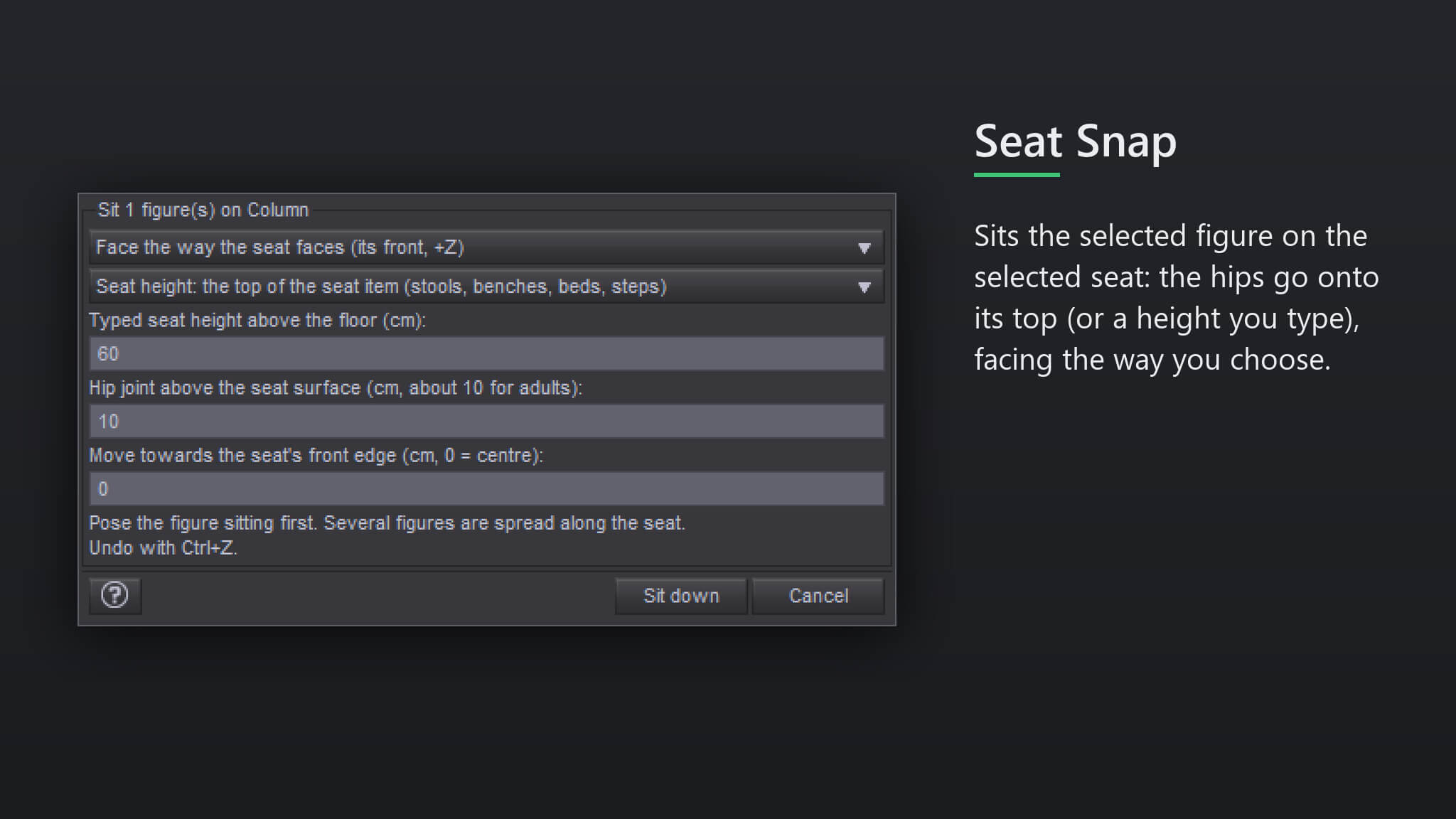
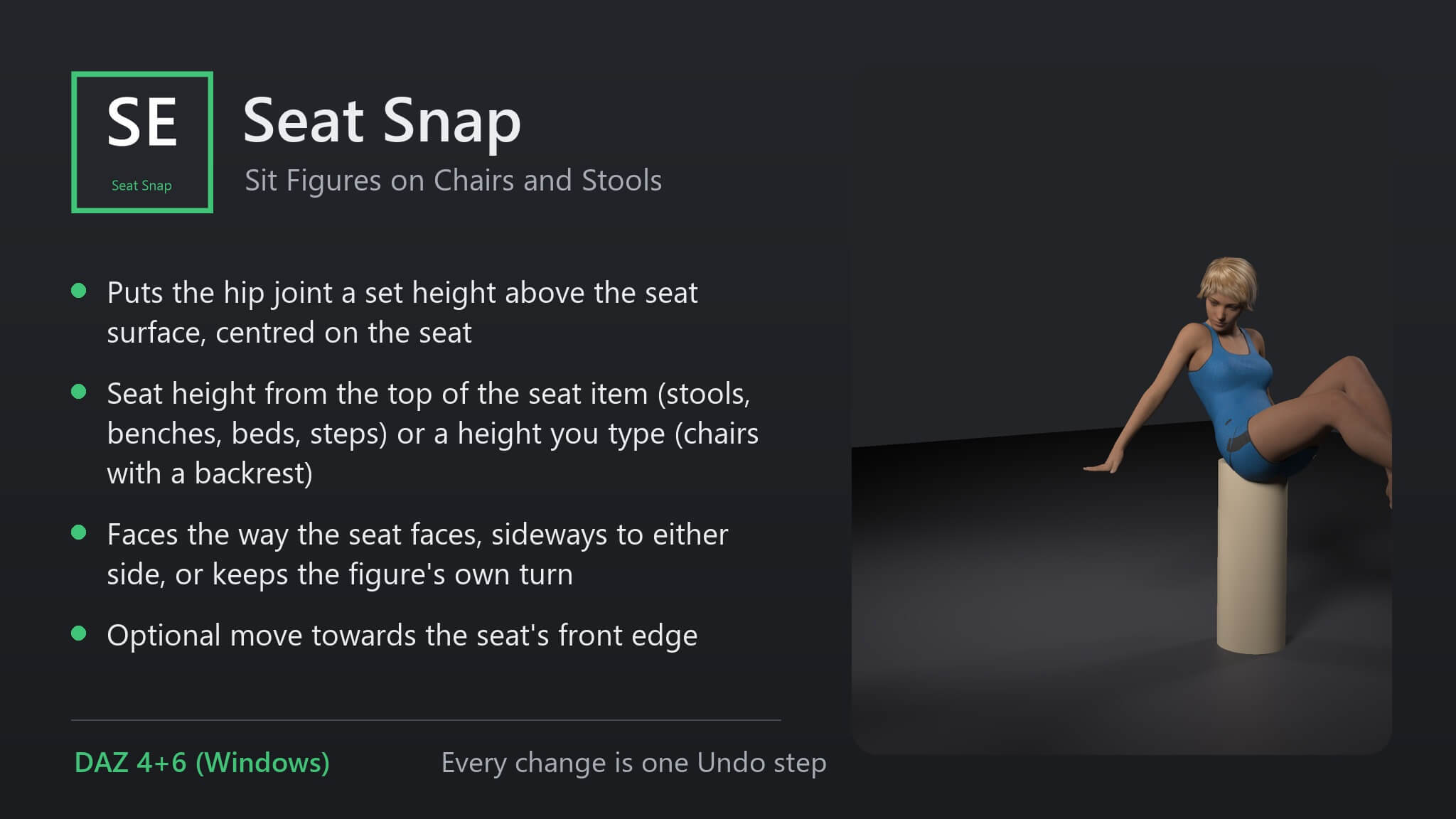
• Puts the hip joint a set height above the seat surface, centred on the seat
• Seat height from the top of the seat item (stools, benches, beds, steps) or a height you type (chairs with a backrest)
• Faces the way the seat faces, sideways to either side, or keeps the figure's own turn
• Optional move towards the seat's front edge
• Several figures are spread side by side along a bench
How to use
1. Pose the figure sitting.
2. Select the figure, then Ctrl+click the seat last, and run the script.
3. Choose the facing and the seat height, then press 'Sit down'.
Compatibility
• DAZ 4+6 (Windows).
• Designed for Genesis 8 and Genesis 9 figures.
• Every change is one Undo step.
Included
• One script (.dsa) and a ReadMe; installs to Content Library > Scripts > AffectionX.
Update 1.1: seats the figure when you click its clothing or hair (before, the garment was seated and the figure stayed standing, or there was no hip bone). A rigged seat (a chair or sofa that is a figure itself) picked last is used as the seat.
Categories
