


 Free 3D
 3D Print Models
 3D Scans
 Animation & MoCap
 Textures
 Materials
 Skin Reference
 2D Game Assets
 Sound Effects
 Brushes & Tools
 Reference Photos
 Stock Images
 HDR Images
 3ds Max
 Maya
 Blender
 Unreal Engine
 Unity
 ZBrush
 Cinema 4D
 LightWave
 Marmoset
 SketchUp
 FBX
 DAE
 DXF
 GLB
Shot List - Export and Import Cameras as CSV for DAZ 4+6

Not Rated Yet


! REPORT
NOTE: DIGITAL DOWNLOAD, NOT A PHYSICAL ITEM

Add to Collection

0 Likes
Share This Daz Content


Offered By


License
Extended Use License
This item comes with our Extended Use Licensing. This means that you may use the model for both non-commercial and commercial purposes, in a variety of mediums and applications.
For full license terms, see our 3D Content Licensing Agreement
Item Details
| Vendor: | AffectionX |
| Published: | Nov 22, 2026 |
| Download Size: | 9.4 KB |
| Software: | Daz Studio |
| dForce: | – |
Included Formats

Statistics
| Favorites: | 0 |
| Likes: | 0 |
| Views: | 20 |
Item Ratings
Not Rated Yet
Shot List - Export and Import Cameras as CSV for DAZ 4+6
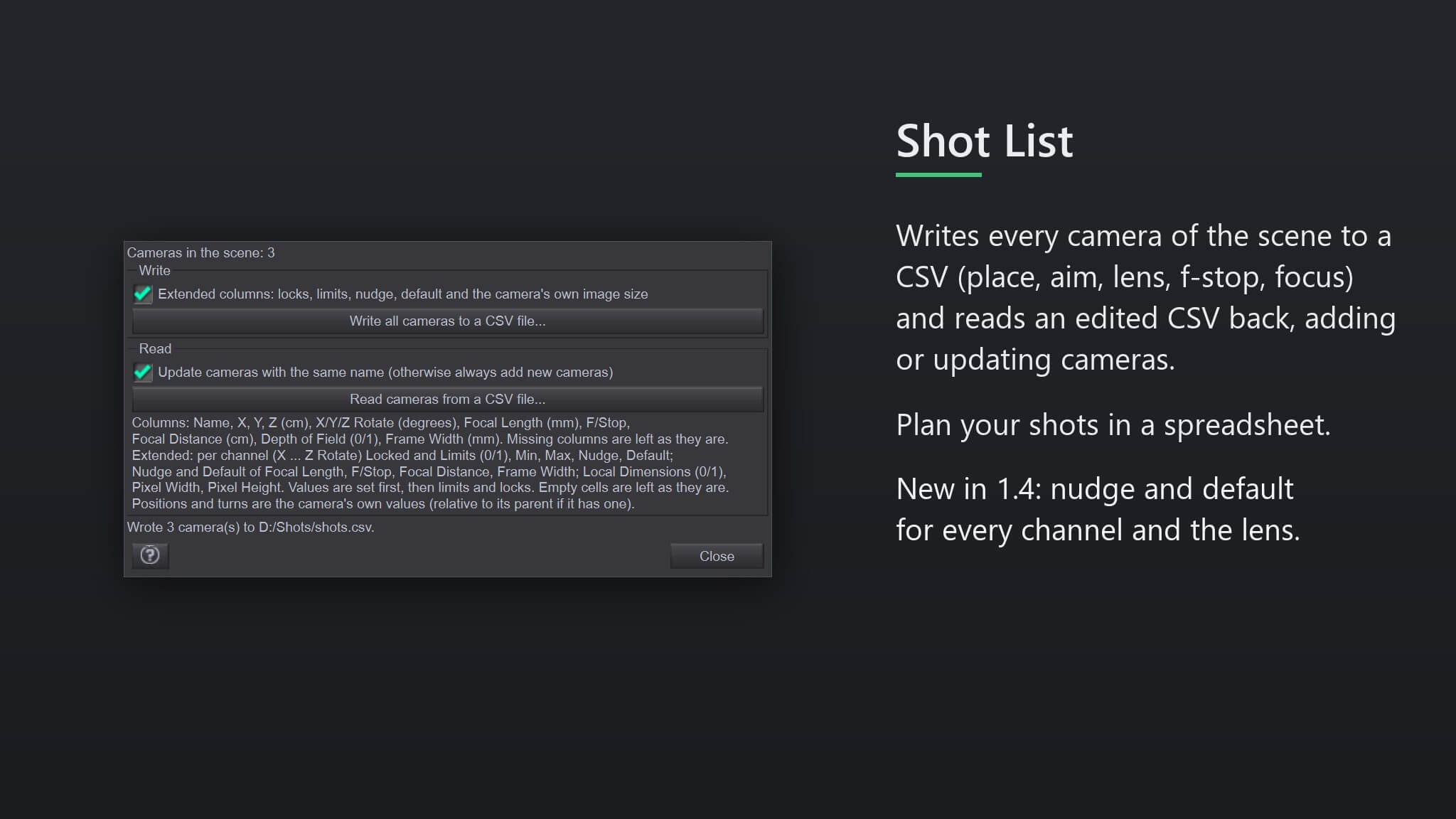
Planning a series of shots is easier in a spreadsheet. Shot List writes all cameras of a scene to a CSV file and turns a CSV back into cameras.
Features
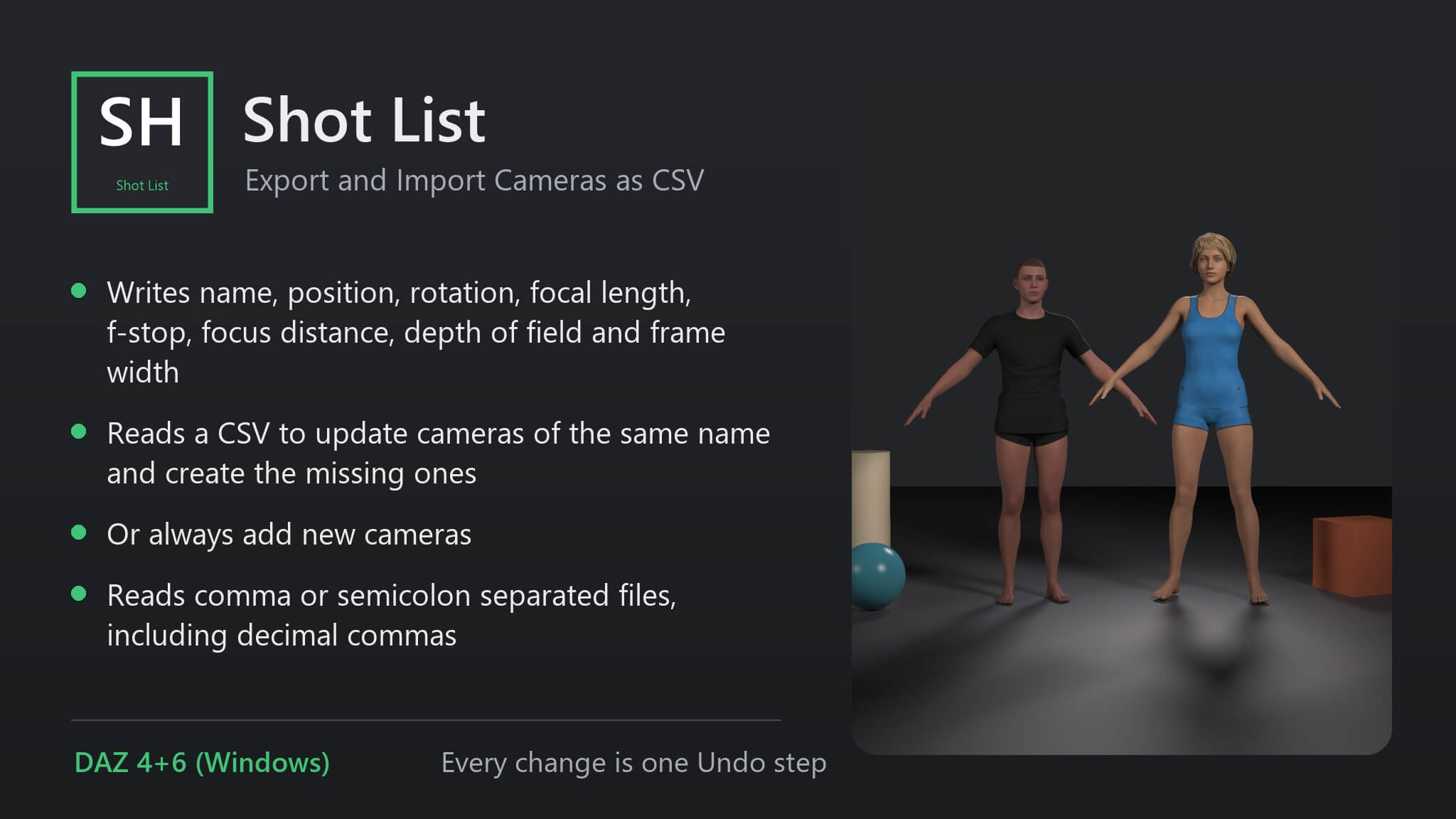
• Writes name, position, rotation, focal length, f-stop, focus distance, depth of field and frame width
• Reads a CSV to update cameras of the same name and create the missing ones
• Or always add new cameras
• Reads comma or semicolon separated files, including decimal commas
• Missing columns are simply left as they are
• Extended columns: each position and rotation channel's lock, limits (Min, Max), nudge and default, the nudge and default of the lens settings, and the camera's own image size (pixel width and height)
• Empty cells leave a setting as it is
How to use
1. Run the script.
2. Press 'Write all cameras to a CSV file...' and choose where to save.
3. Edit the file in a spreadsheet and press 'Read cameras from a CSV file...'.
Compatibility
• DAZ 4+6 (Windows).
• Writing does not change the scene; reading is one Undo step.
Included
• One script (.dsa) and a ReadMe; installs to Content Library > Scripts > AffectionX.
Update 1.1: a CSV saved with a byte order mark (as Excel saves it) is now imported (before, it reported that the first line must hold the column names). No extra message window appears after Close.
Update 1.2: camera names with non-Latin letters (Cyrillic and the like) are now written and read correctly; the CSV is saved as UTF-8 with a byte order mark, as spreadsheets expect (before, such names became question marks and reading a shot list made new cameras with garbled names).
Update 1.3: new 'Extended columns' option: writes and reads, for X, Y, Z and X/Y/Z Rotate, the lock and the limits (on/off, Min, Max), and the camera's own image size (Use Local Dimensions, Pixel Width, Pixel Height). Reading sets the values first, then limits and locks, so a locked camera still takes the file's values (before, a locked value stayed unchanged).
Update 1.4: 'Extended columns' also writes and reads the nudge (step size) and default of each position and rotation channel and of Focal Length, F/Stop, Focal Distance and Frame Width, so long-lens cameras can be given a fine nudge from the spreadsheet. Empty cells leave a setting as it is.
Categories
