


 Free 3D
 3D Print Models
 3D Scans
 Animation & MoCap
 Textures
 Materials
 Skin Reference
 2D Game Assets
 Sound Effects
 Brushes & Tools
 Reference Photos
 Stock Images
 HDR Images
 3ds Max
 Maya
 Blender
 Unreal Engine
 Unity
 ZBrush
 Cinema 4D
 LightWave
 Marmoset
 SketchUp
 FBX
 DAE
 DXF
 GLB
Transform Jitter - Random Prop Variation for DAZ 4+6

Not Rated Yet


! REPORT
NOTE: DIGITAL DOWNLOAD, NOT A PHYSICAL ITEM

Add to Collection

0 Likes
Share This Daz Content


Offered By


License
Extended Use License
This item comes with our Extended Use Licensing. This means that you may use the model for both non-commercial and commercial purposes, in a variety of mediums and applications.
For full license terms, see our 3D Content Licensing Agreement
Item Details
| Vendor: | AffectionX |
| Published: | Nov 22, 2026 |
| Download Size: | 6.1 KB |
| Software: | Daz Studio |
| dForce: | – |
Included Formats

Statistics
| Favorites: | 0 |
| Likes: | 0 |
| Views: | 8 |
Item Ratings
Not Rated Yet
Transform Jitter - Random Prop Variation for DAZ 4+6
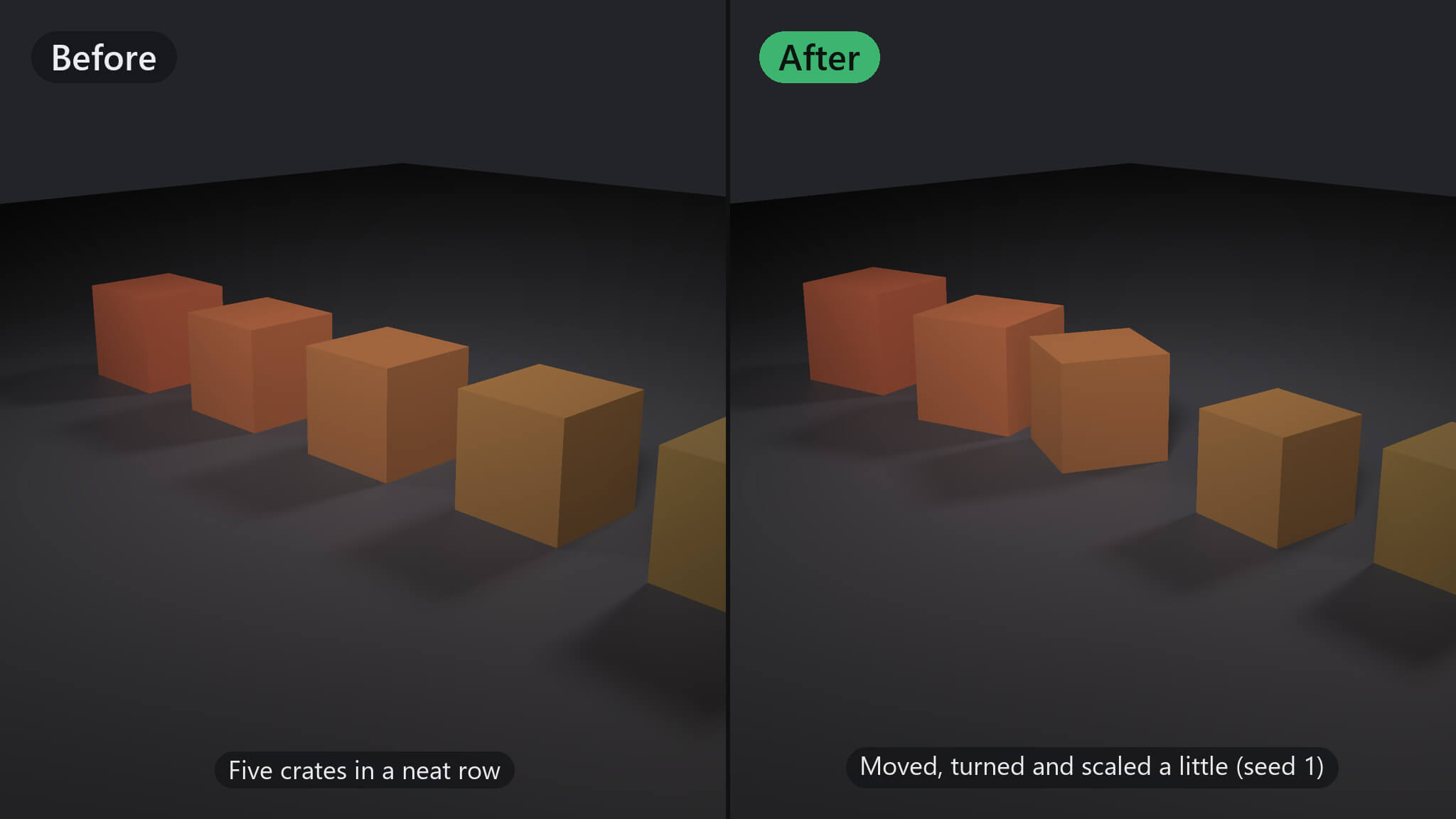
Rows of identical chairs, bottles or trees look copied and pasted. Transform Jitter nudges every selected item by a small random amount, so a set dresses itself in seconds and still looks placed by hand.
Features
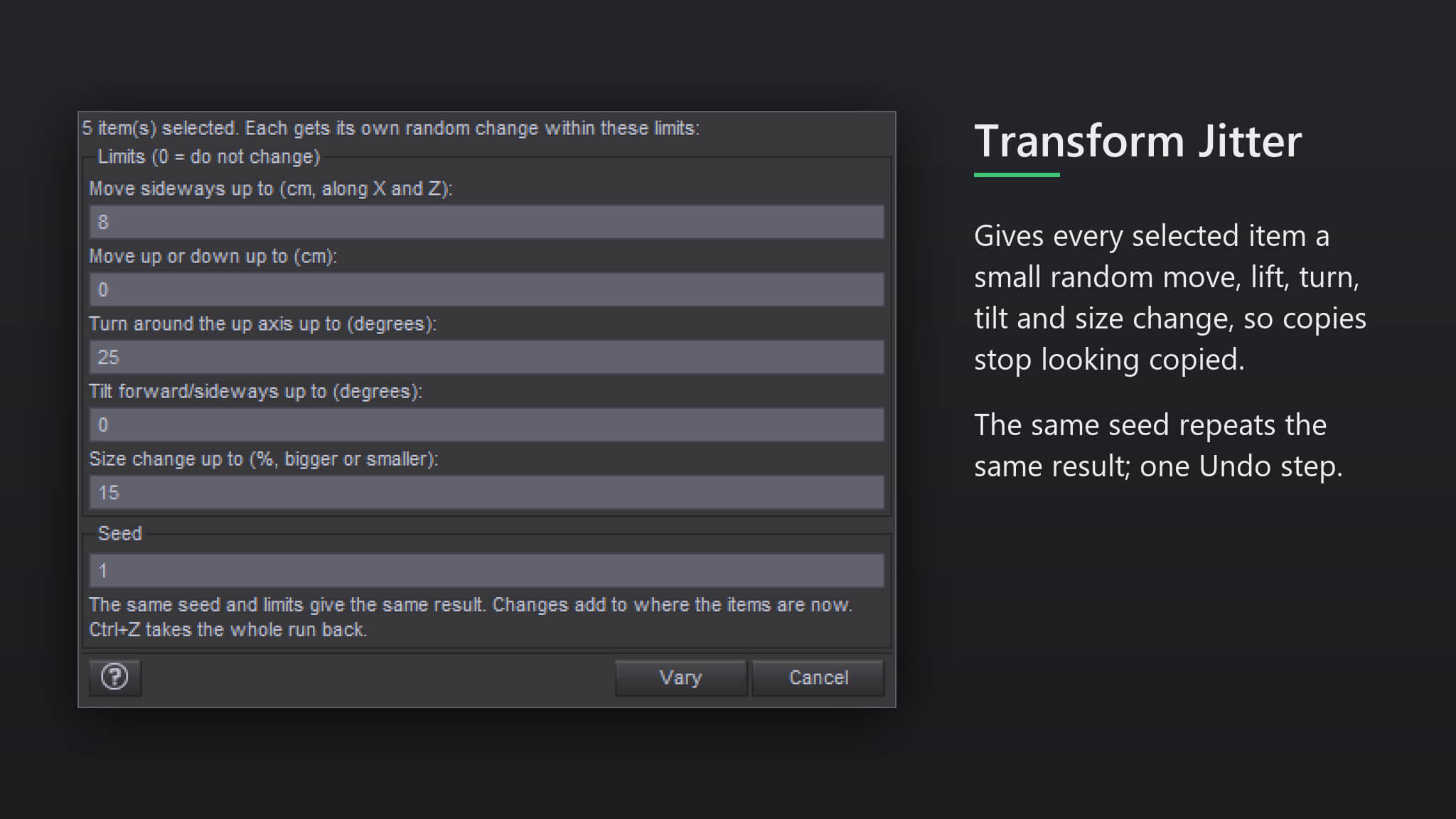
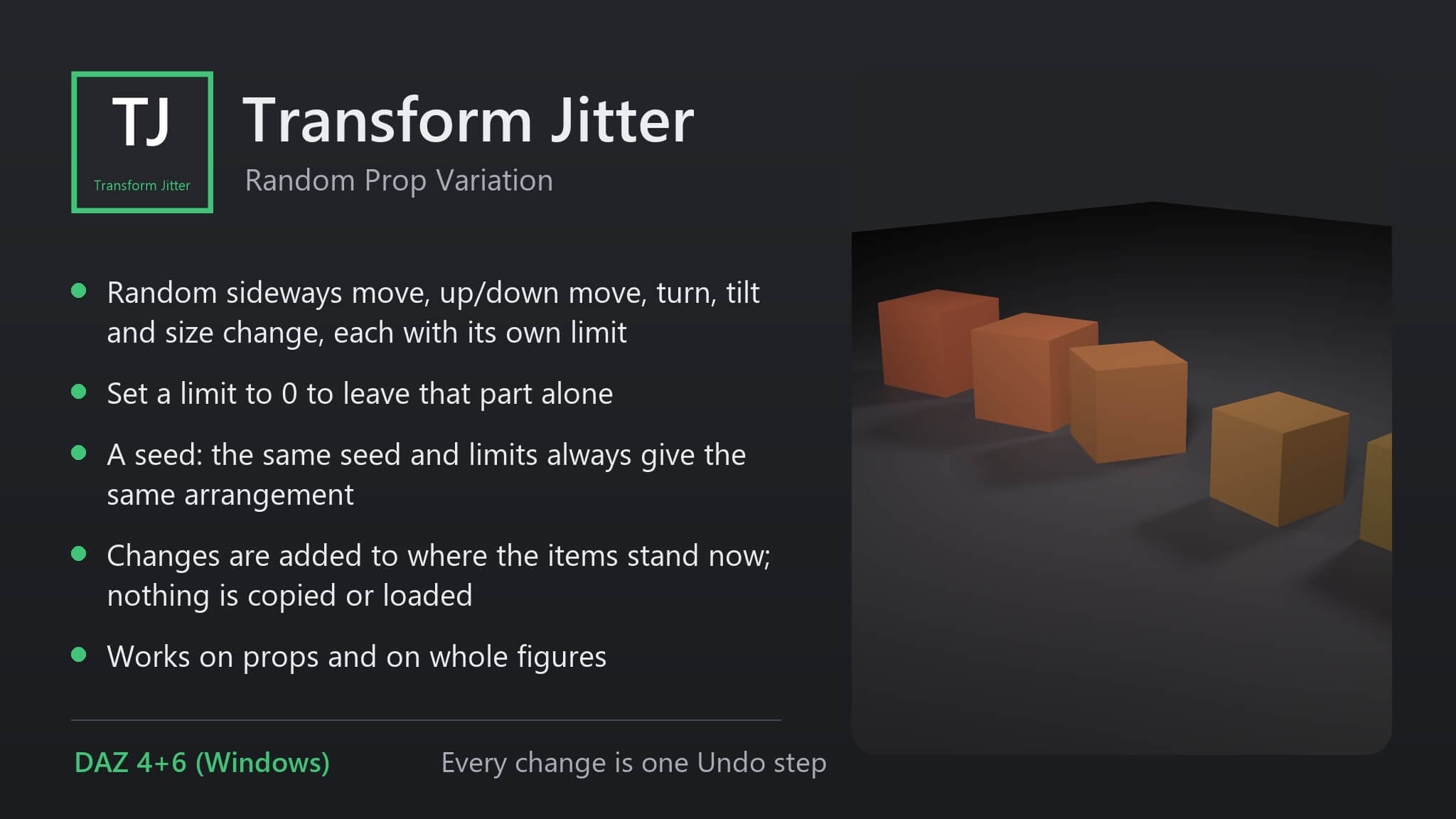
• Random sideways move, up/down move, turn, tilt and size change, each with its own limit
• Set a limit to 0 to leave that part alone
• A seed: the same seed and limits always give the same arrangement
• Changes are added to where the items stand now; nothing is copied or loaded
• Works on props and on whole figures
How to use
1. Select the items to vary and run the script.
2. Set the limits in centimetres, degrees and percent.
3. Enter a seed and press 'Vary'. Not happy? Undo and try another seed.
Compatibility
• DAZ 4+6 (Windows).
• The whole run is one Undo step.
Included
• One script (.dsa) and a ReadMe; installs to Content Library > Scripts > AffectionX.
Update 1.1: jitters the figure when you click its clothing or hair in the viewport (before, only that item moved).
Update 1.2: each seed now gives its own mix from the first item on (before, with a small seed such as 1, 2 or 7 the first selected item always moved by the full sideways limit to the left).
Categories
