


 Free 3D
 3D Print Models
 3D Scans
 Animation & MoCap
 Textures
 Materials
 Skin Reference
 2D Game Assets
 Sound Effects
 Brushes & Tools
 Reference Photos
 Stock Images
 HDR Images
 3ds Max
 Maya
 Blender
 Unreal Engine
 Unity
 ZBrush
 Cinema 4D
 LightWave
 Marmoset
 SketchUp
 FBX
 DAE
 DXF
 GLB
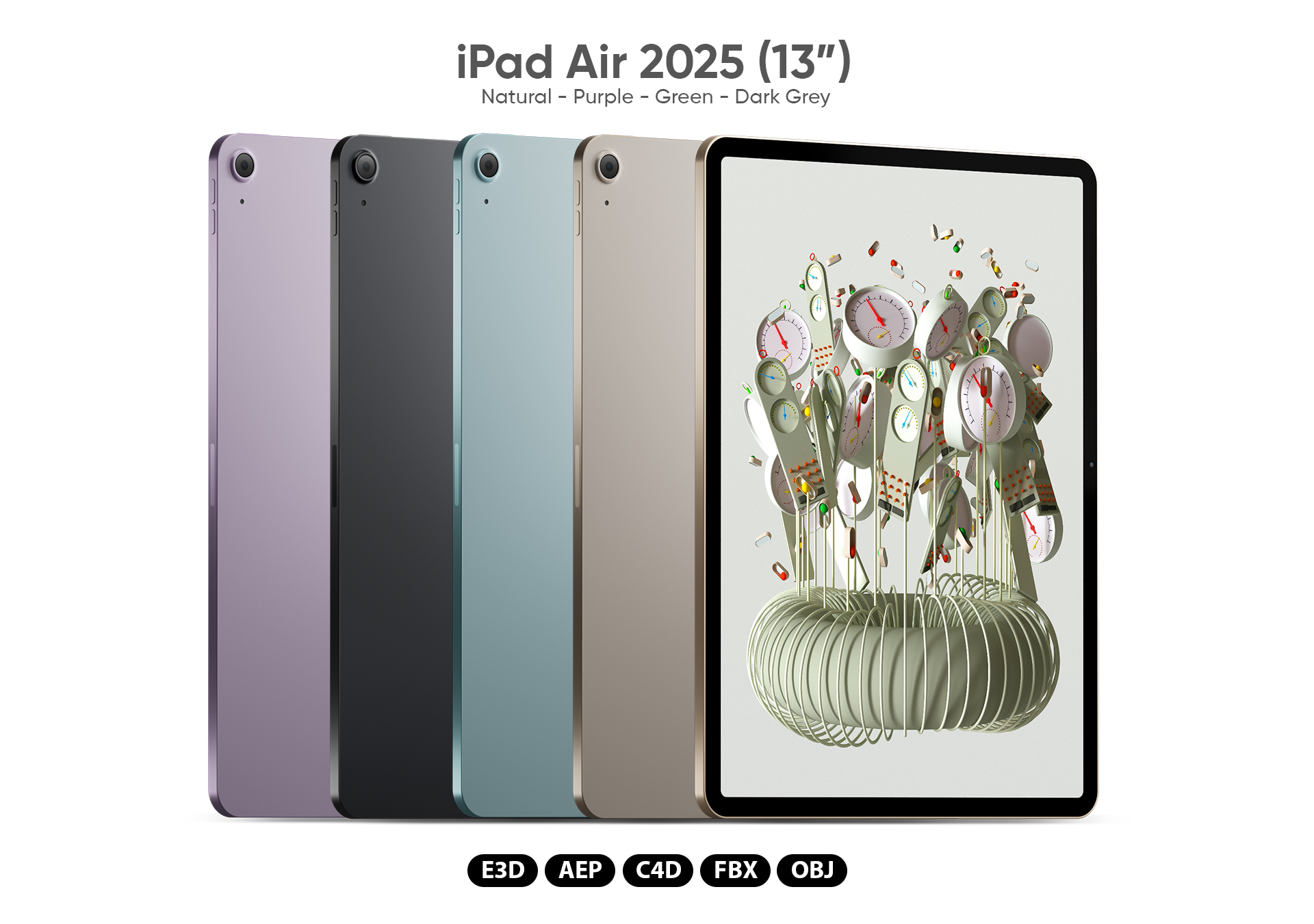
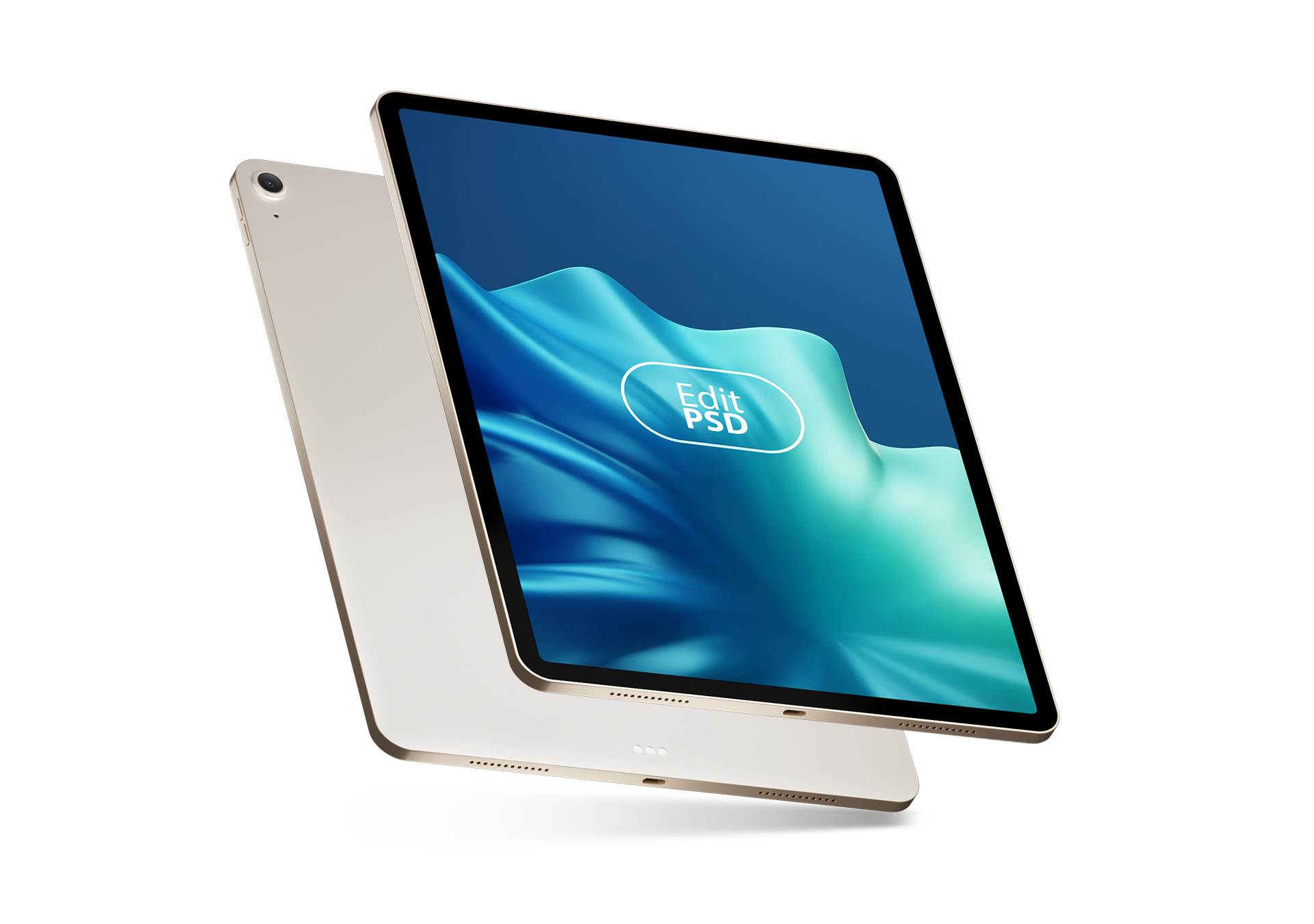
iPad Air 2025 3D Model for Element 3D and Cinema 4D

Not Rated Yet


! REPORT
NOTE: DIGITAL DOWNLOAD, NOT A PHYSICAL ITEM

Add to Collection

0 Likes
Share This 3D Model


Offered By

Modeling the planet is its own reward. Happy to answer any questions about my models. This human 3D artist is always available.
Vendor's Pages


License
Extended Use License (IP Restricted)
This item comes with our Extended Use Licensing. This means that you may use the model in a variety of mediums and applications. But, because certain intellectual property depicted in this model may not be affiliated with or endorsed by the original rights holder, this model is subject to an Editorial Use Only Restriction which limits the ways in which you may use this model.
For full license terms, see our 3D Content Licensing Agreement
3D Model Details
| Vendor: | AM-Graphics |
| Published: | Nov 09, 2026 |
| Download Size: | 28.5 MB |
| Game Ready: | – |
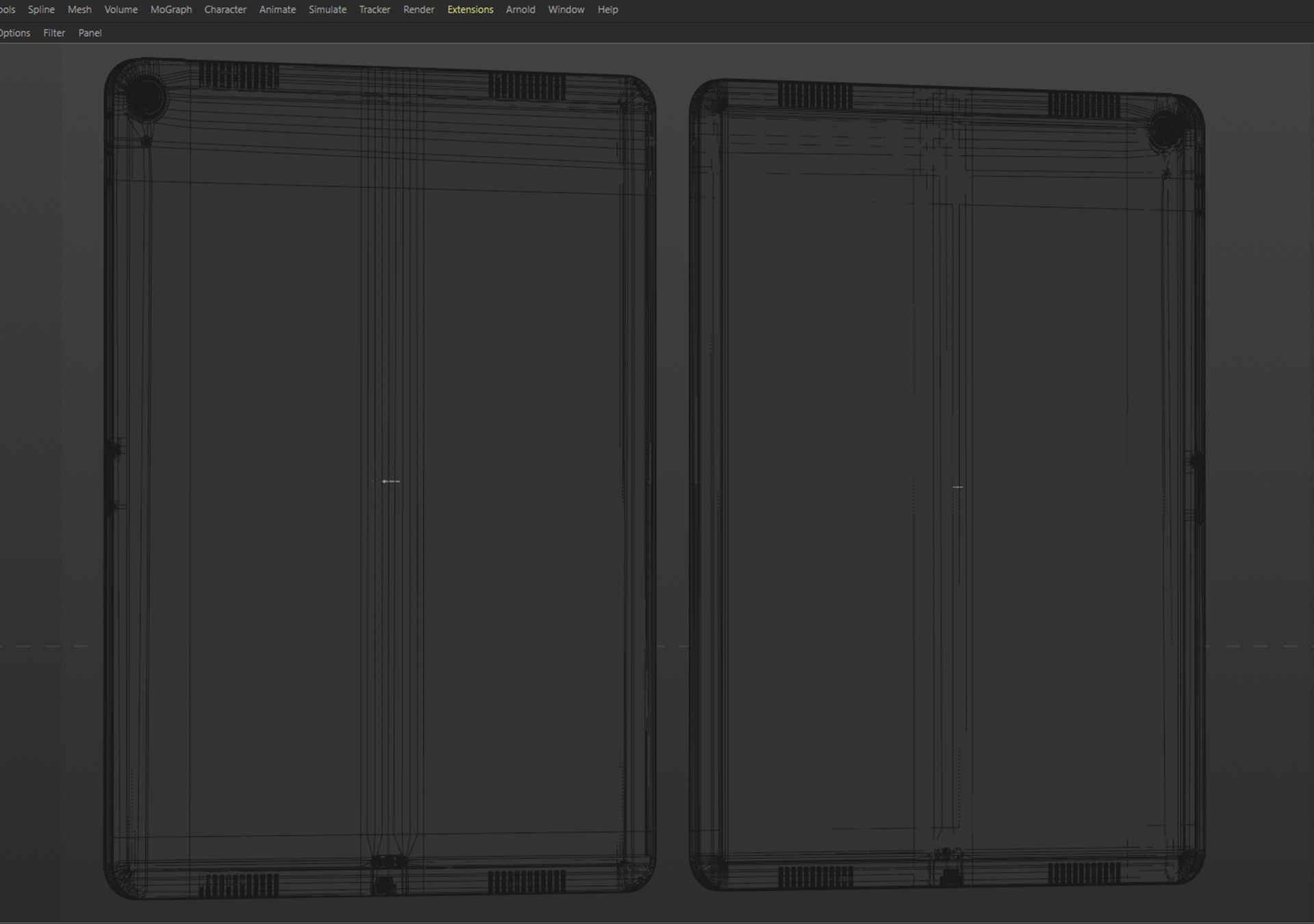
| Polygons: | 15,164 |
| Vertices: | 14,933 |
| Print Ready: | – |
| 3D Scan: | – |
| Textures: | Yes |
| Materials: | Yes |
| UV Mapped: | Yes |
| PBR: | – |
| Rigged: | – |
| Animated: | – |


Statistics
| Favorites: | 0 |
| Likes: | 0 |
| Views: | 1 |
Item Ratings
Not Rated Yet
iPad Air 2025 3D Model for Element 3D and Cinema 4D
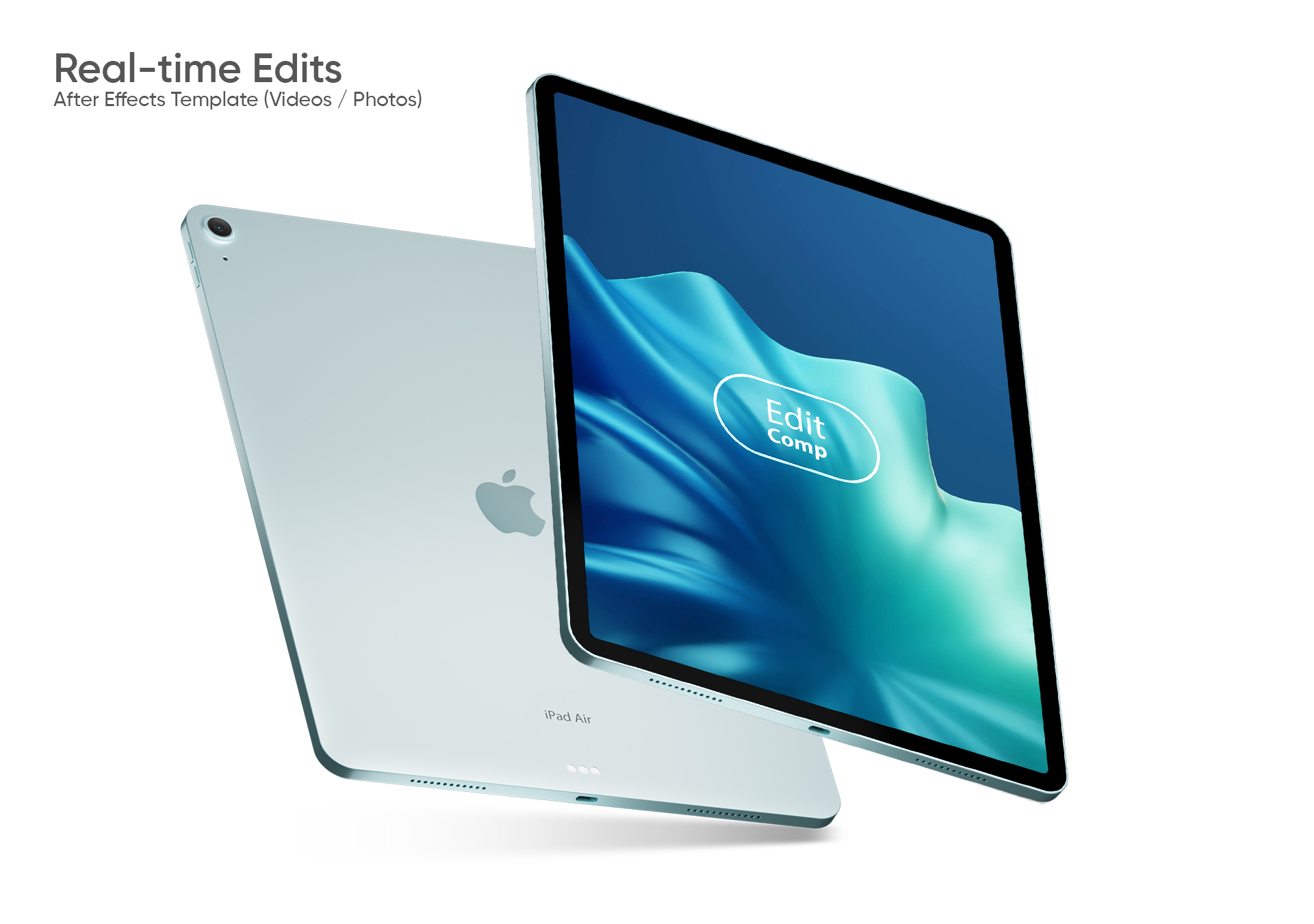
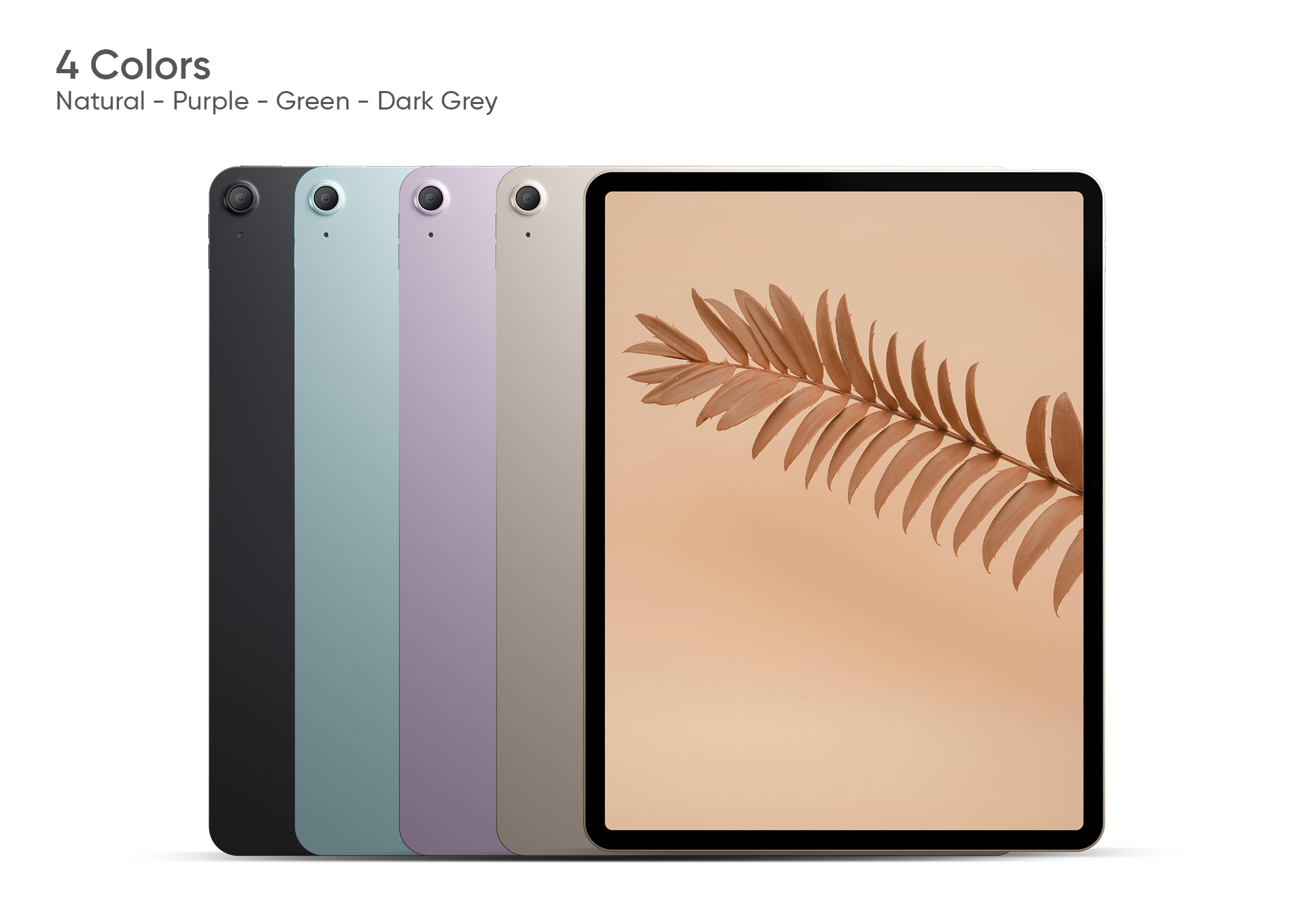
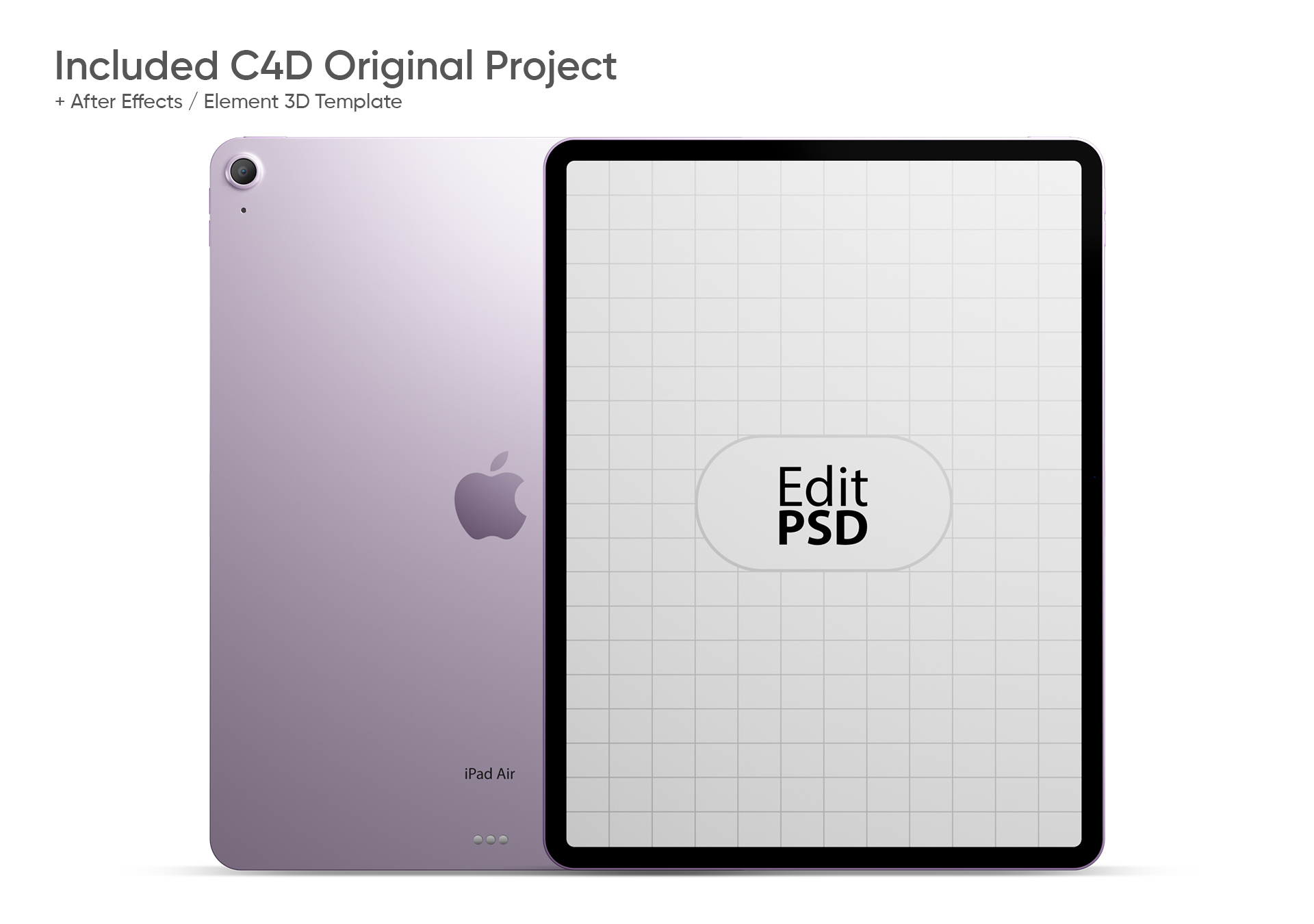
Realistic 3D model of the iPad Air 2025 (13 inch) in 4 colors, including the original studio lighting, well suited for closeups. Available for Element 3D V2.2 / Cinema 4D with easy to use After Effects project file.
Formats:
* E3D: Element 3D (V2.2) files with textures and studio HDRI.
* AEP: After Effects template for easily controlling video / image screen content in real time.
* C4D: R23 (Physical or Arnold).
* OBJ: color assignment only.
* FBX: 7.5 – color assignment only.
* TIF: screen texture file.
* PNG: texture files.
Note:When opening the template file for the first time, you may have to use the option ‘Re-link scene files’ before use.
Formats:
* E3D: Element 3D (V2.2) files with textures and studio HDRI.
* AEP: After Effects template for easily controlling video / image screen content in real time.
* C4D: R23 (Physical or Arnold).
* OBJ: color assignment only.
* FBX: 7.5 – color assignment only.
* TIF: screen texture file.
* PNG: texture files.
Note:When opening the template file for the first time, you may have to use the option ‘Re-link scene files’ before use.
