


 Free 3D
 3D Print Models
 3D Scans
 Animation & MoCap
 Textures
 Materials
 Skin Reference
 2D Game Assets
 Sound Effects
 Brushes & Tools
 Reference Photos
 Stock Images
 HDR Images
 3ds Max
 Maya
 Blender
 Unreal Engine
 Unity
 ZBrush
 Cinema 4D
 LightWave
 Marmoset
 SketchUp
 FBX
 DAE
 DXF
 GLB
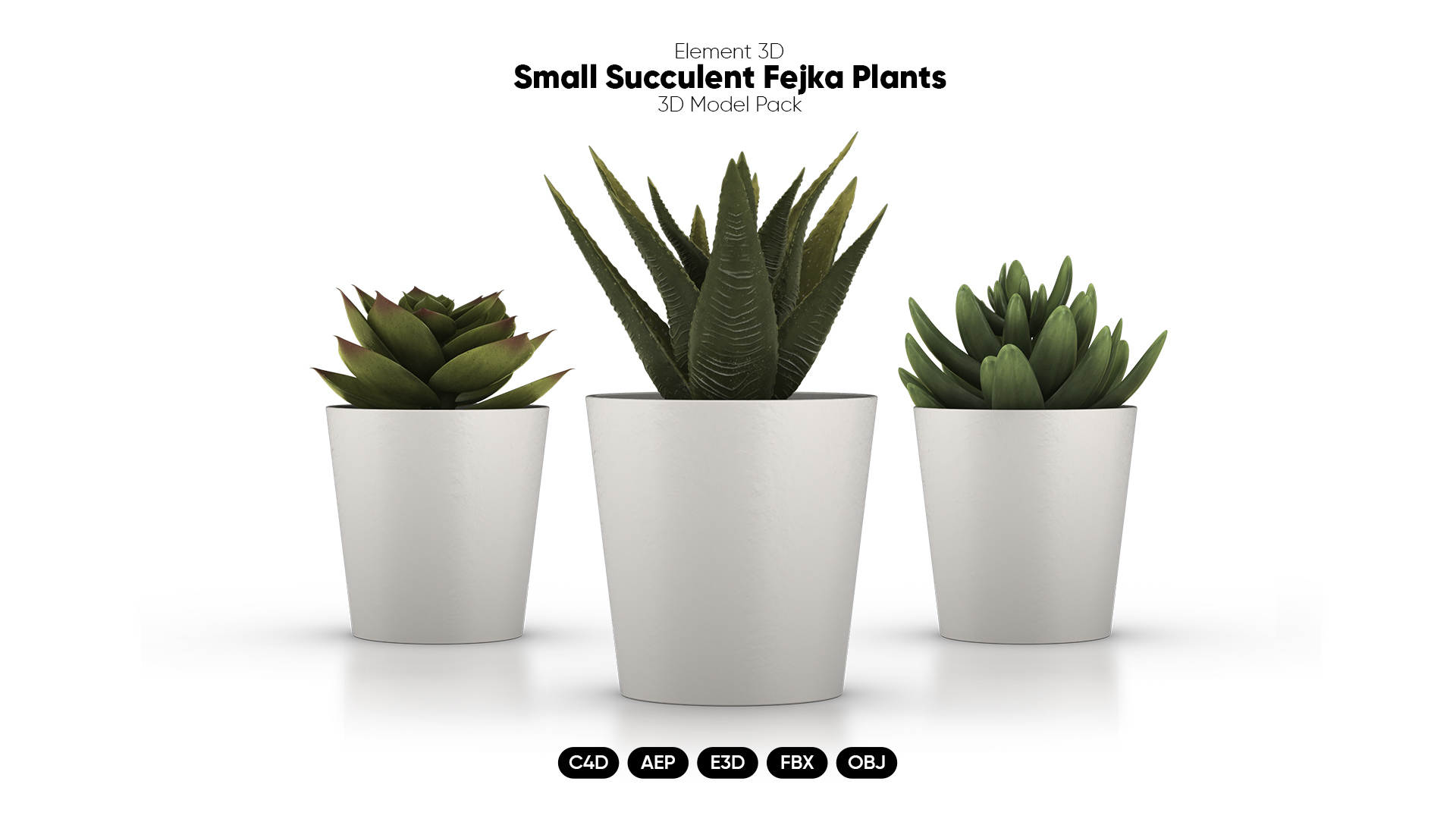
Small Fejka Plants 3D Models for Element 3D And Cinema 4D

Not Rated Yet





! REPORT
NOTE: DIGITAL DOWNLOAD, NOT A PHYSICAL ITEM

Add to Collection

0 Likes
Share This 3D Model


Offered By


Modeling the planet is its own reward. Happy to answer any questions about my models. This human 3D artist is always available.
Vendor's Pages


License
Extended Use License
This item comes with our Extended Use Licensing. This means that you may use the model for both non-commercial and commercial purposes, in a variety of mediums and applications.
For full license terms, see our 3D Content Licensing Agreement
3D Model Details
| Vendor: | AM-Graphics |
| Published: | Nov 08, 2026 |
| Download Size: | 75.7 MB |
| Game Ready: | Yes |
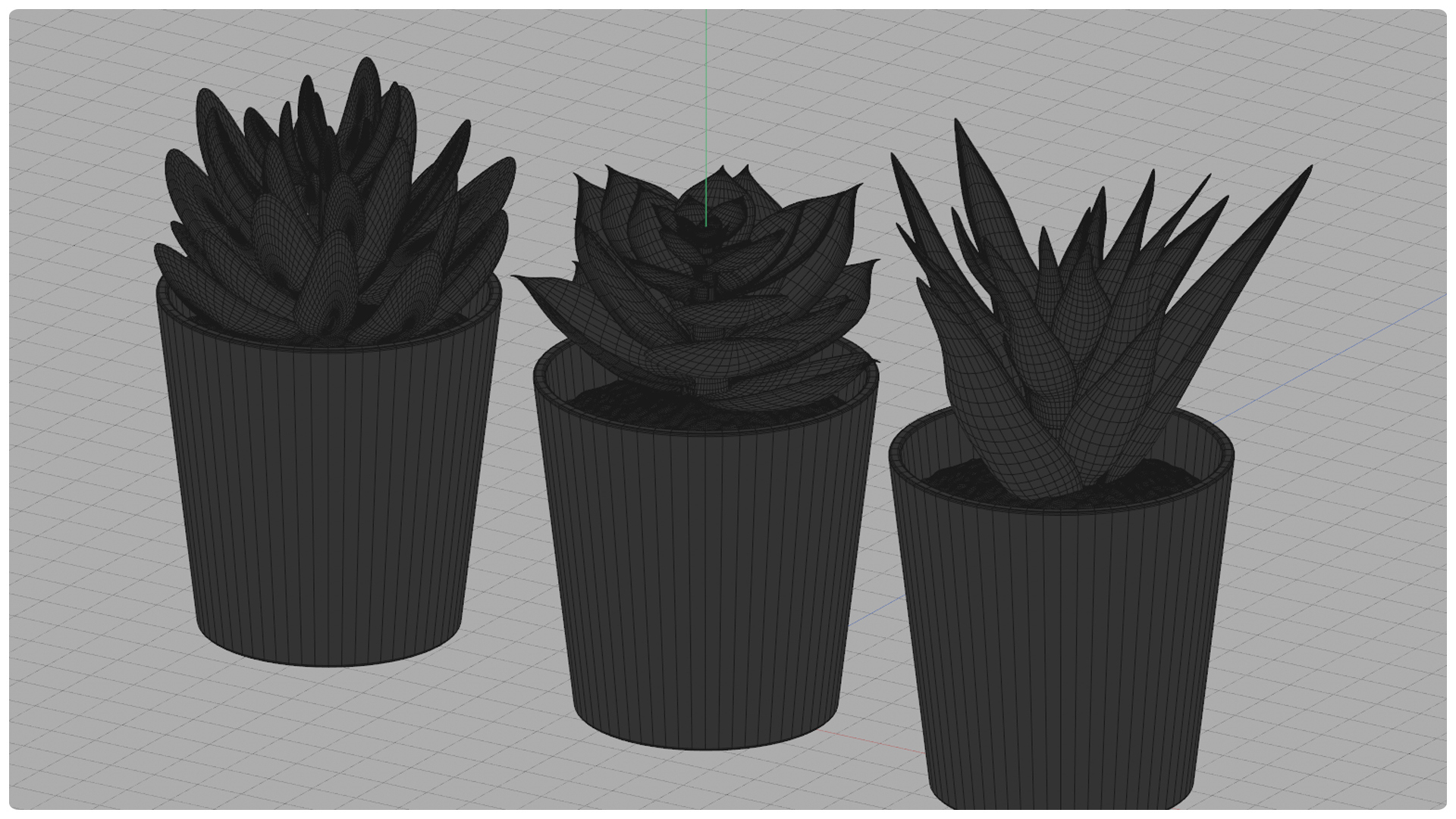
| Polygons: | 58,732 |
| Vertices: | 58,213 |
| Print Ready: | – |
| 3D Scan: | – |
| Textures: | Yes |
| Materials: | Yes |
| UV Mapped: | Yes |
| PBR: | – |
| Rigged: | – |
| Animated: | – |


Statistics
| Favorites: | 0 |
| Likes: | 0 |
| Views: | 1 |
Item Ratings
Not Rated Yet
Small Fejka Plants 3D Models for Element 3D And Cinema 4D
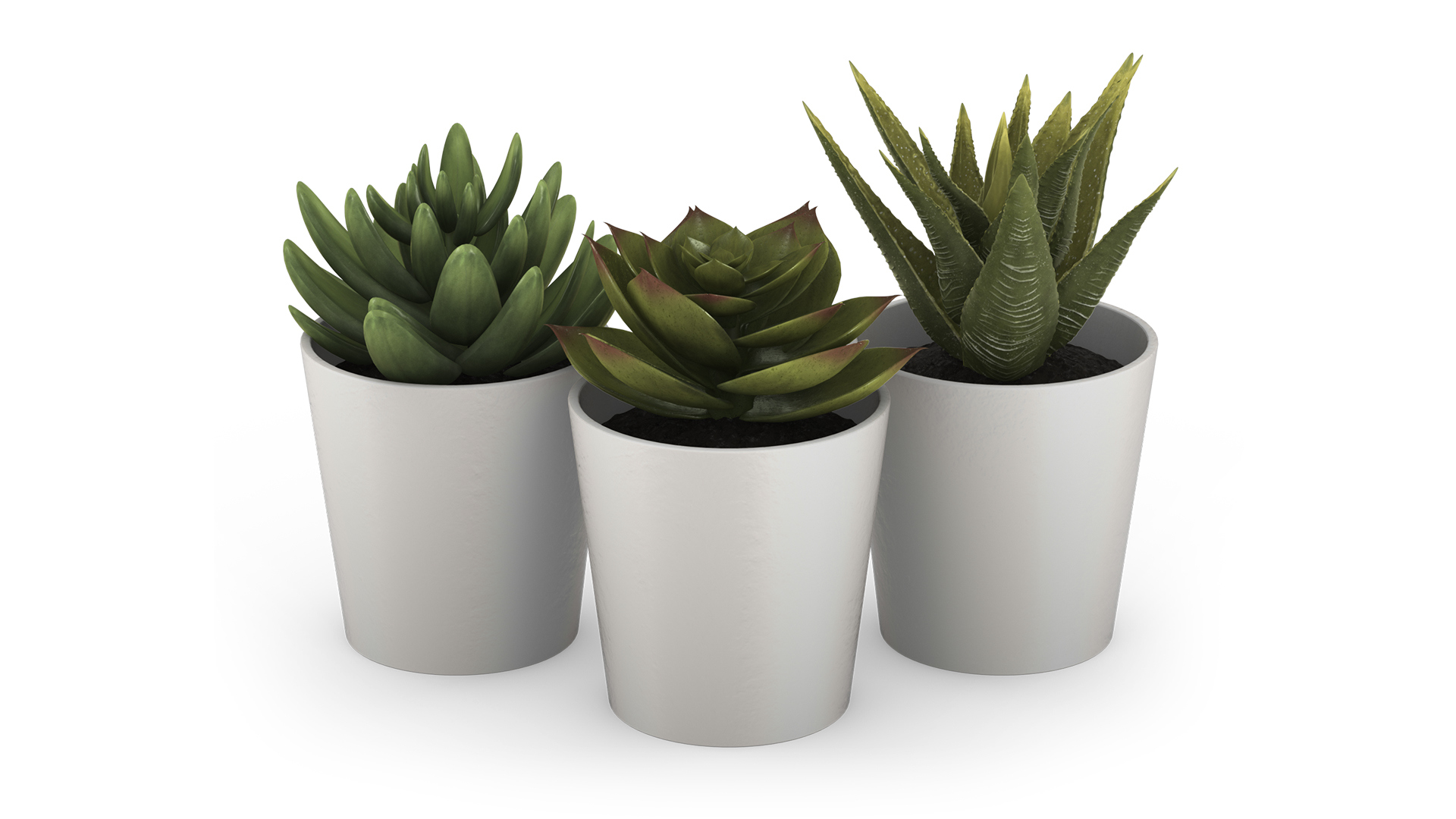
3D model pack of realistic succulent Fejka plants. Pack includes 3 models that can be moved separately to populate a desk or workstation. Physically based materials (PBR) and high resolution textures for closeup renders. Unwrapped geometry.
Formats:
* C4D: Original Cinema 4D studio file, with original lighting.
* E3D: Element 3D V2.2 settings files.
* AEP: After Effects project file on white background (Element 3D V2.2).
* FBX: Geometry and texture assignment.
* OBJ: Geometry and texture assignment.
Polygon Count:
* Plant 1: 62,900.
* Plant 2: 41,000.
* Plant 3: 58,700.
Note: When opening the included After Effects project file for the first time, you will need to click “Re-link Scene Filesin Element 3D scene editor (video tutorial included).
Formats:
* C4D: Original Cinema 4D studio file, with original lighting.
* E3D: Element 3D V2.2 settings files.
* AEP: After Effects project file on white background (Element 3D V2.2).
* FBX: Geometry and texture assignment.
* OBJ: Geometry and texture assignment.
Polygon Count:
* Plant 1: 62,900.
* Plant 2: 41,000.
* Plant 3: 58,700.
Note: When opening the included After Effects project file for the first time, you will need to click “Re-link Scene Filesin Element 3D scene editor (video tutorial included).
