


 Free 3D
 3D Print Models
 3D Scans
 Animation & MoCap
 Textures
 Materials
 Skin Reference
 2D Game Assets
 Sound Effects
 Brushes & Tools
 Reference Photos
 Stock Images
 HDR Images
 3ds Max
 Maya
Maya Blender
 Unreal Engine
 Unity
Unity ZBrush
 Cinema 4D
 LightWave
 Marmoset
 SketchUp
 FBX
FBX DAE
DAE DXF
DXF GLB
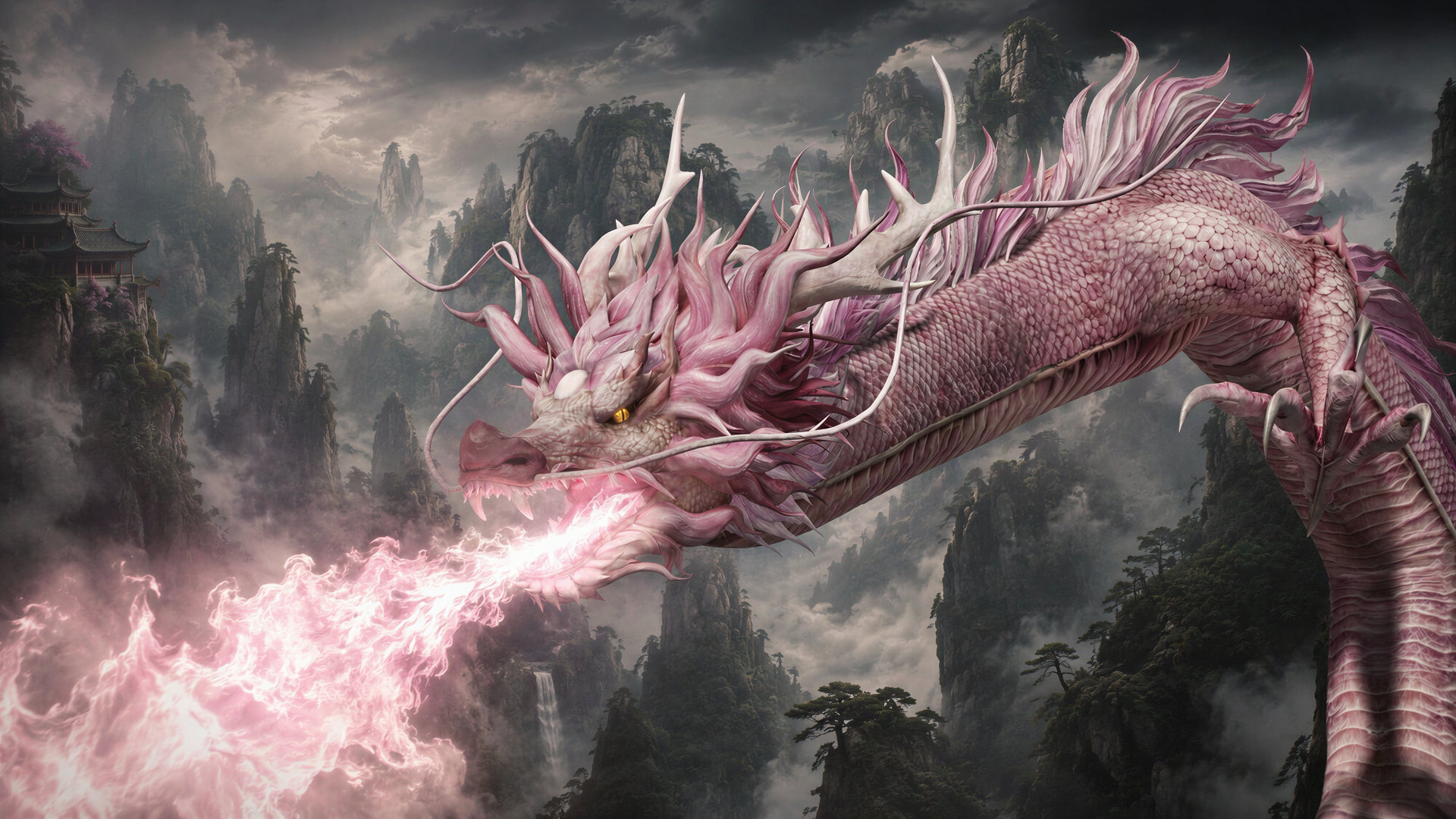
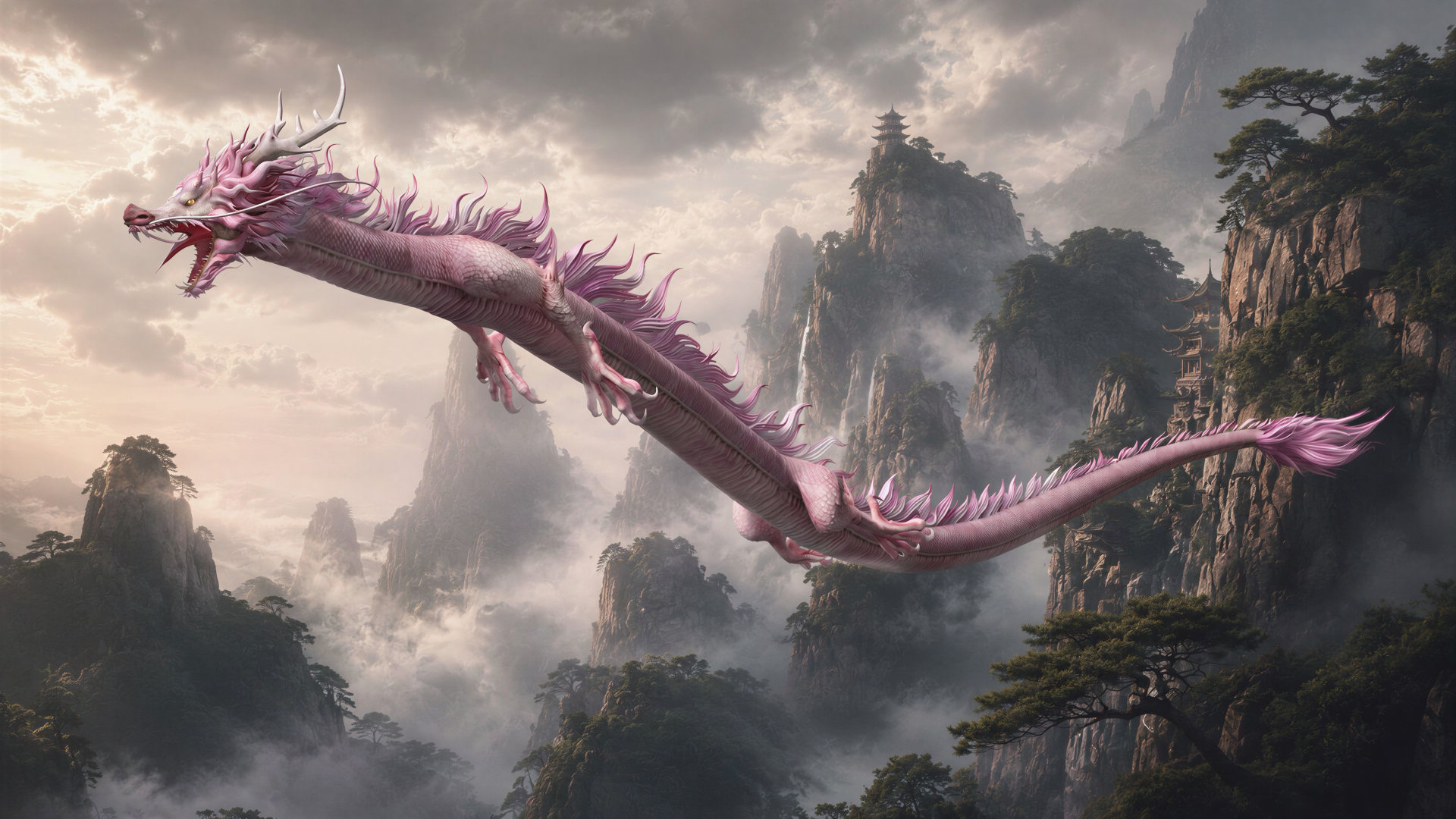
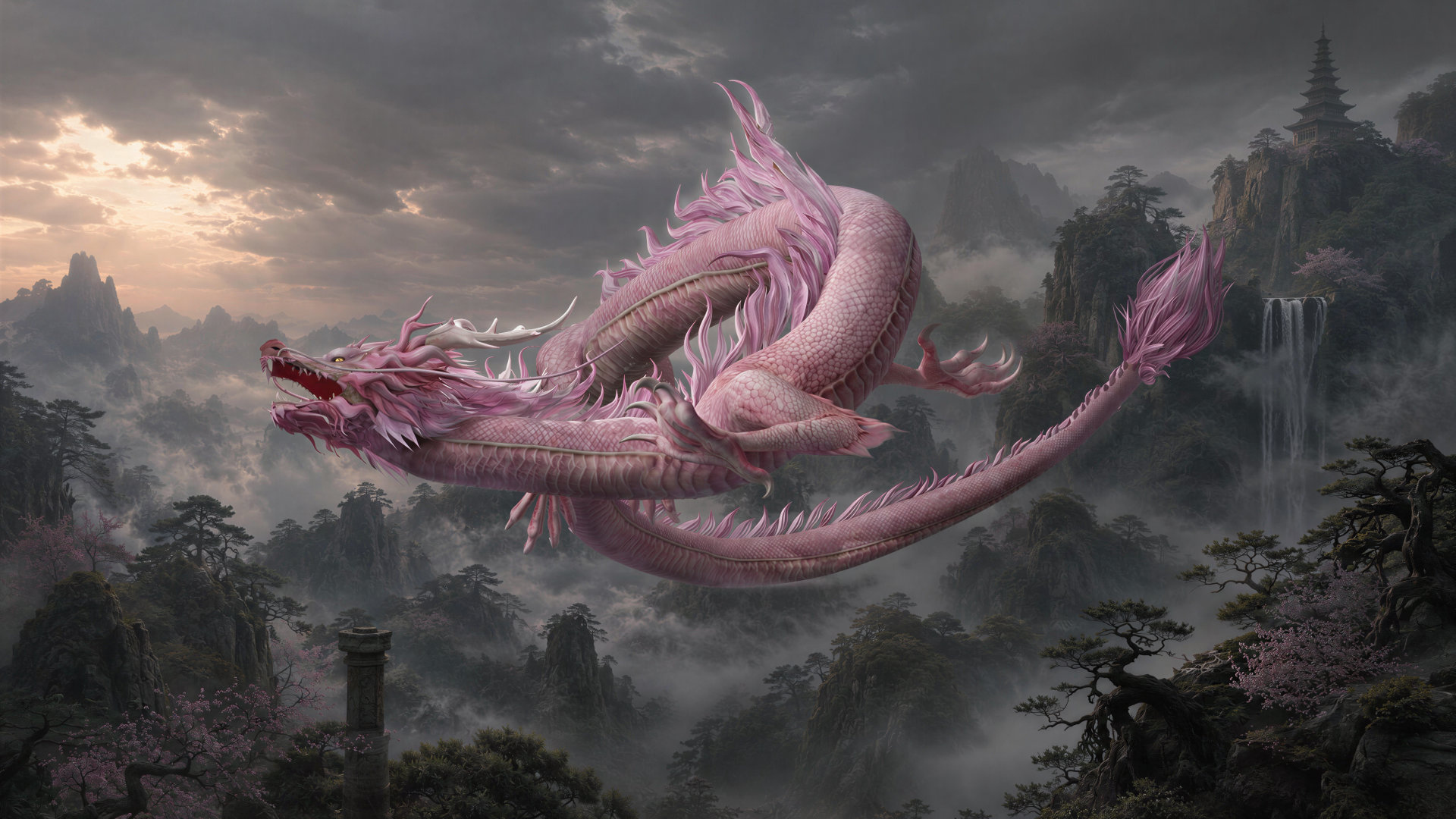
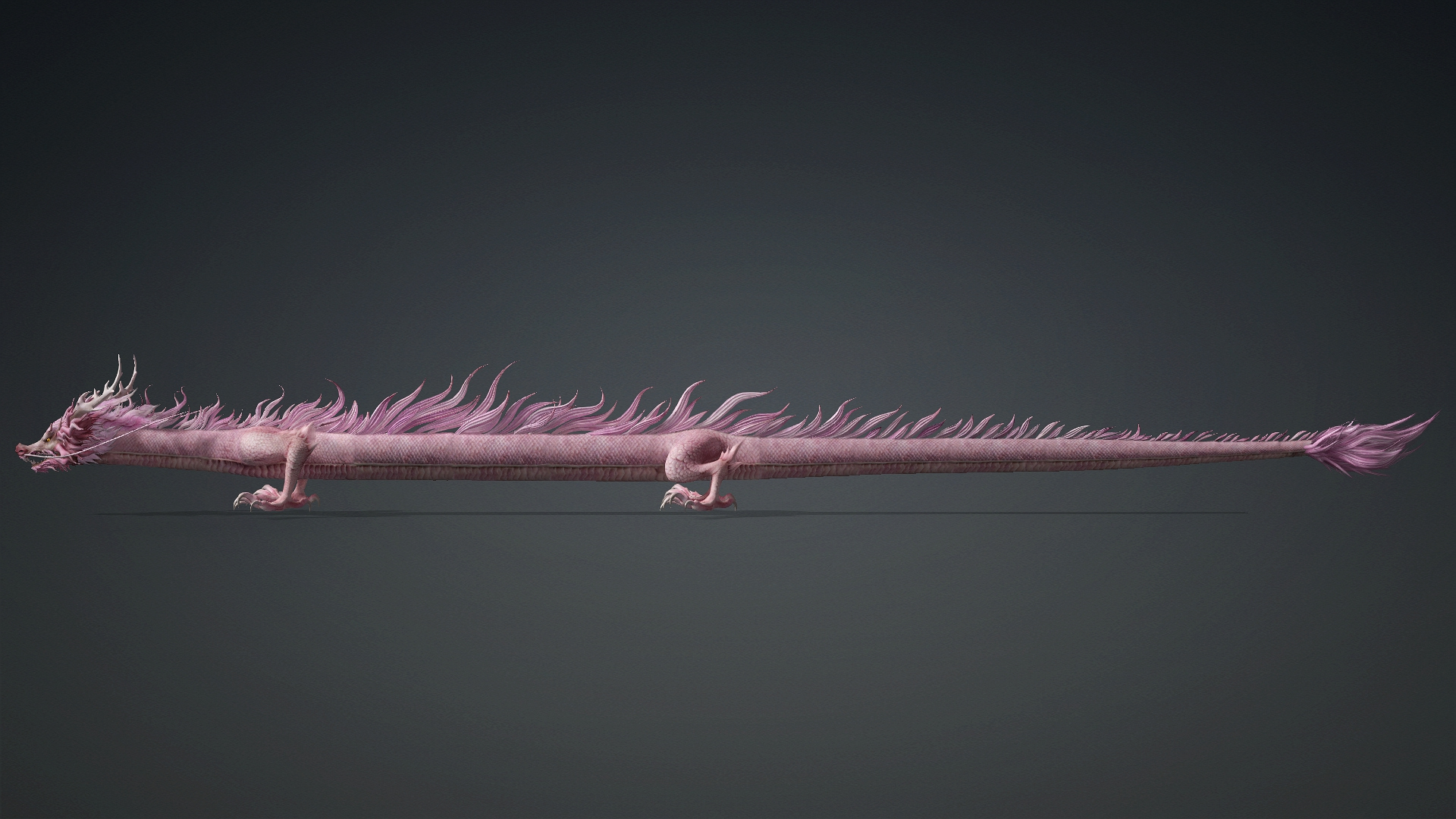
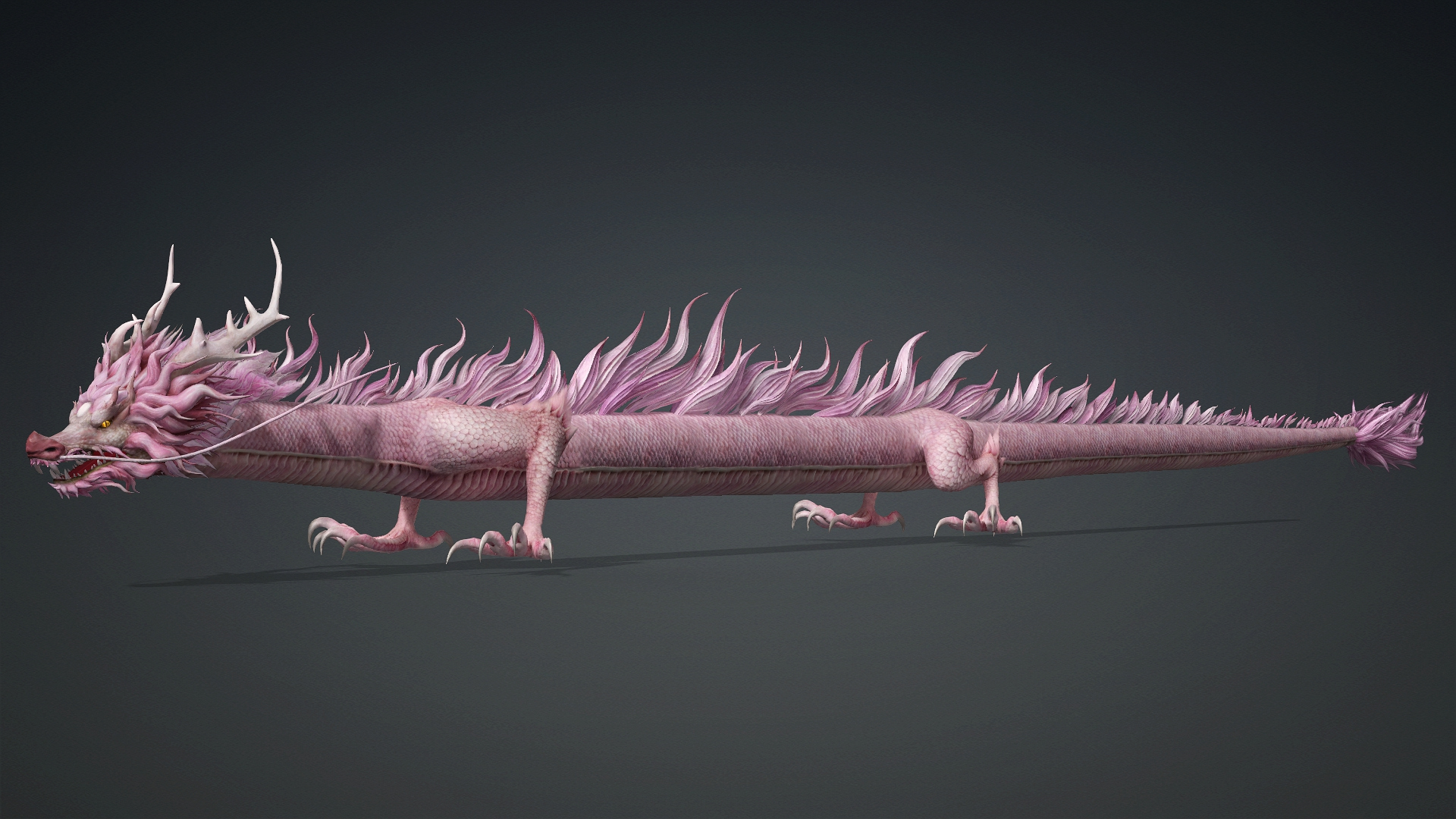
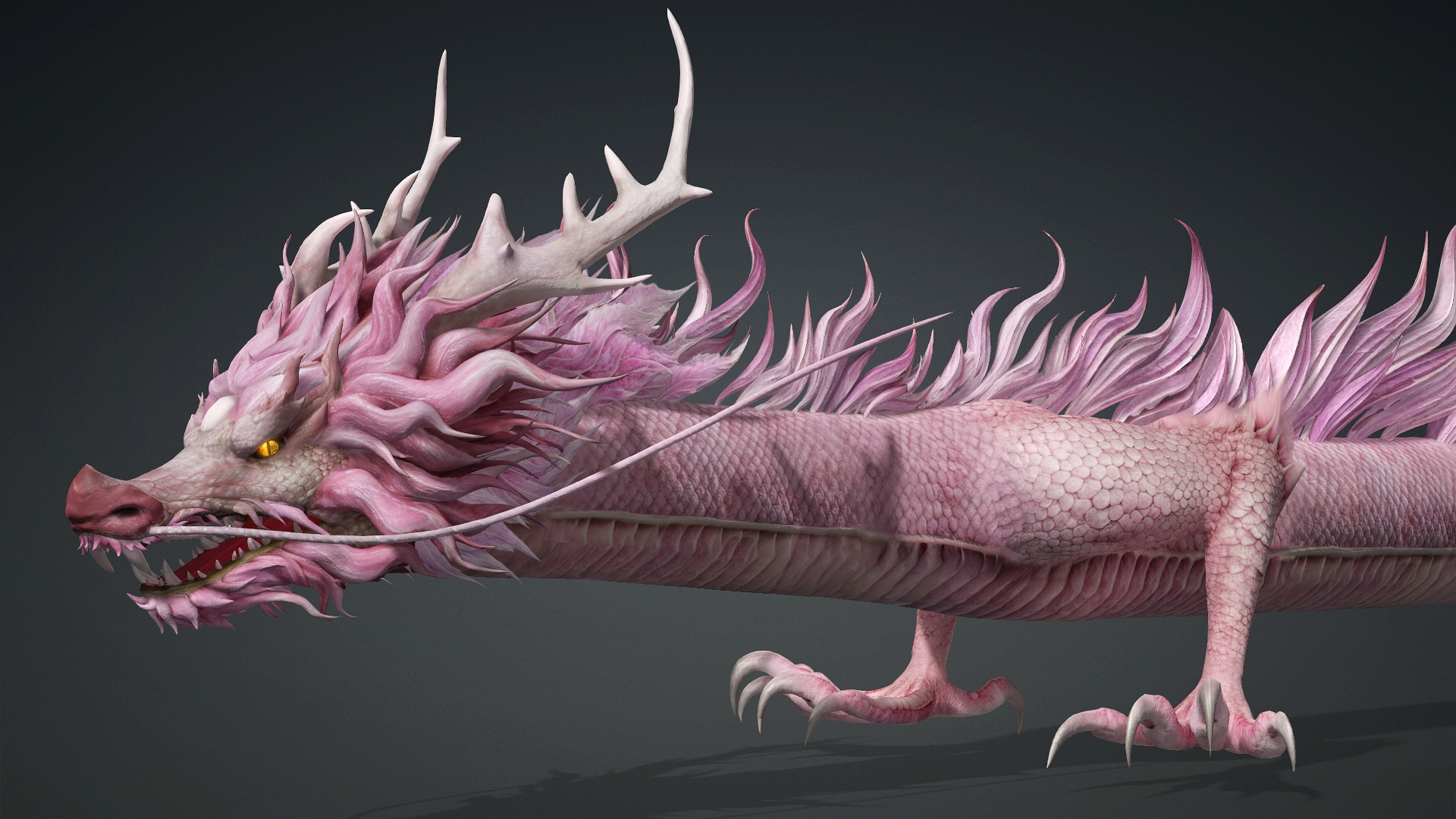
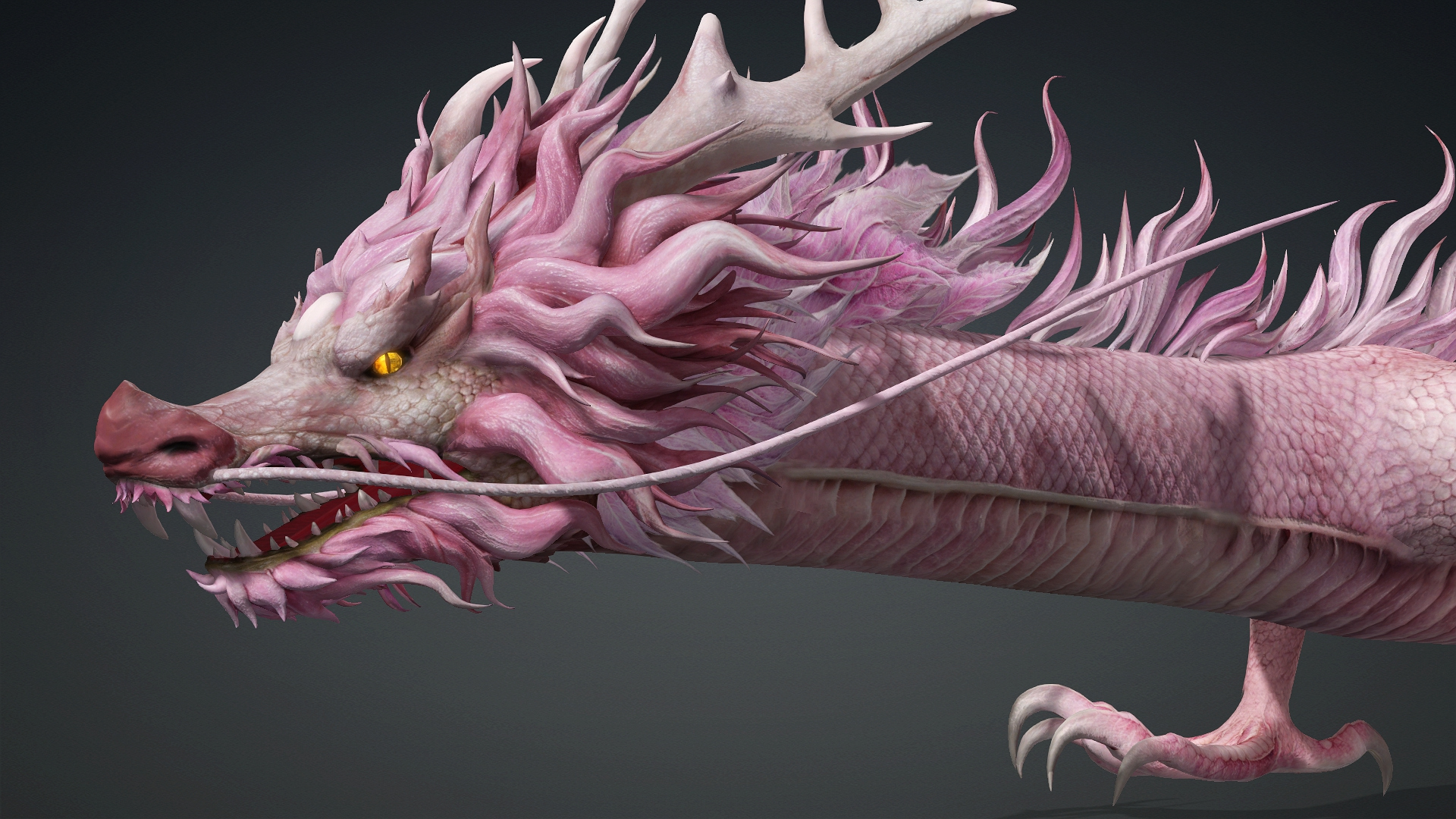
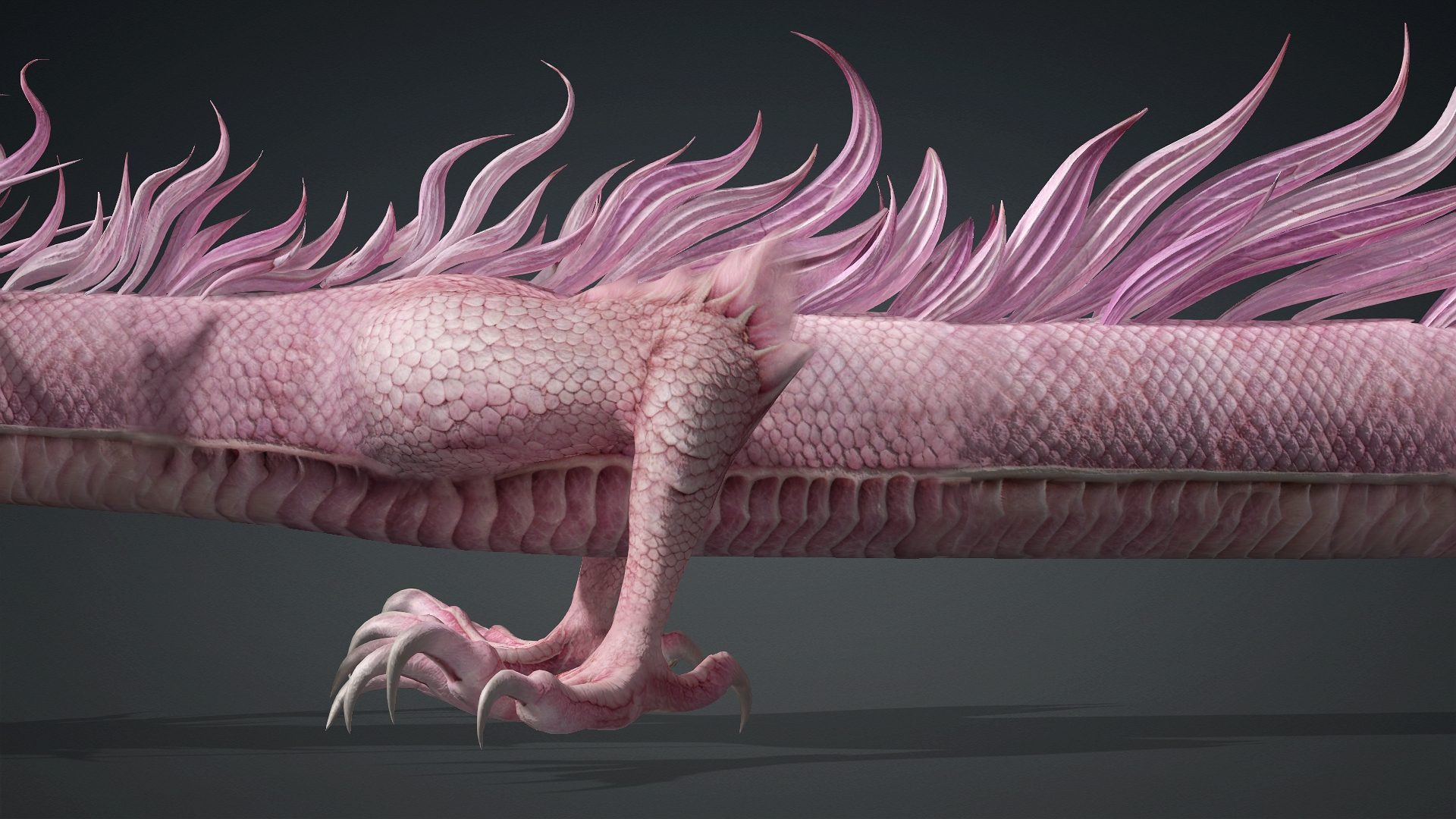
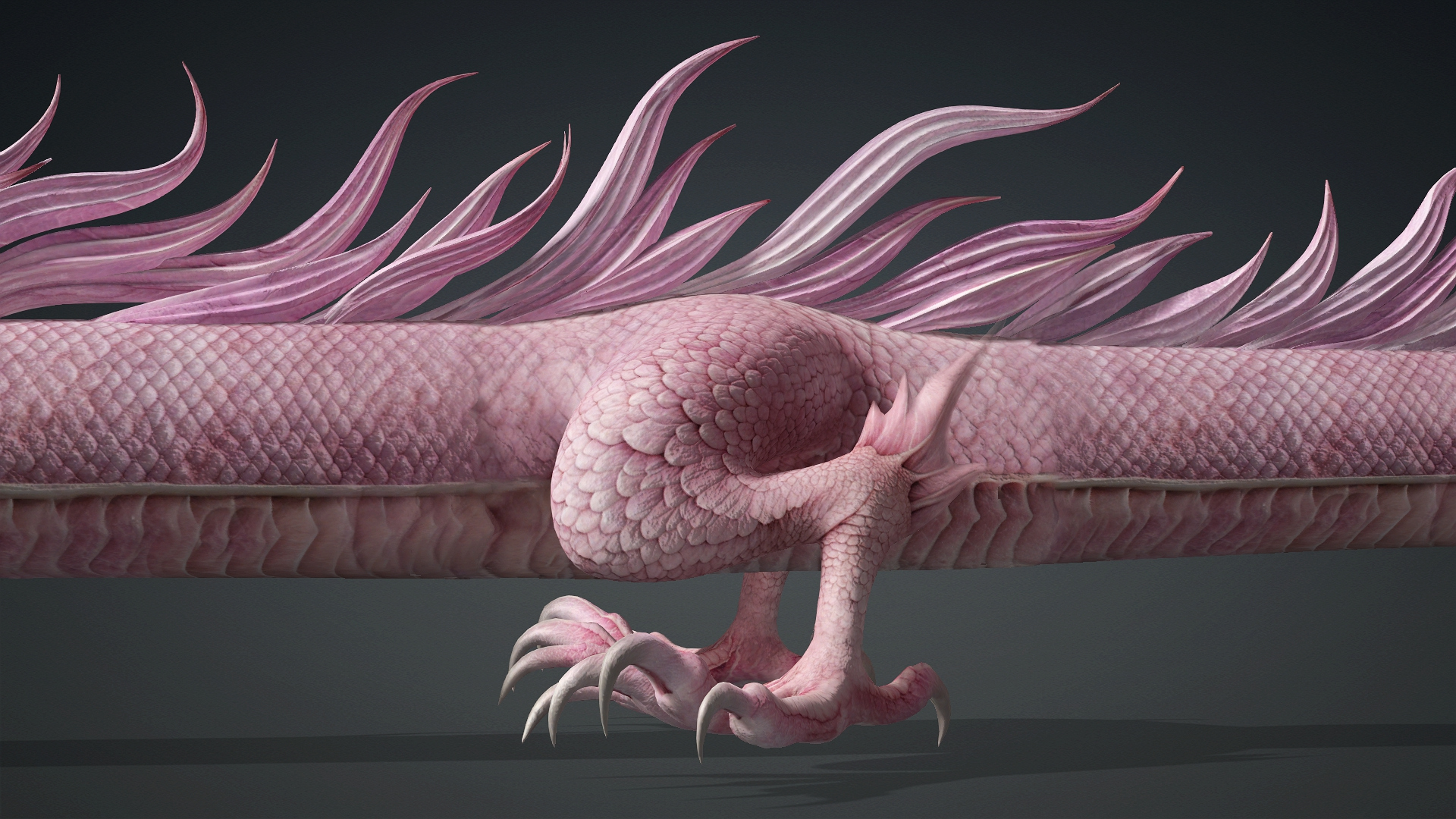
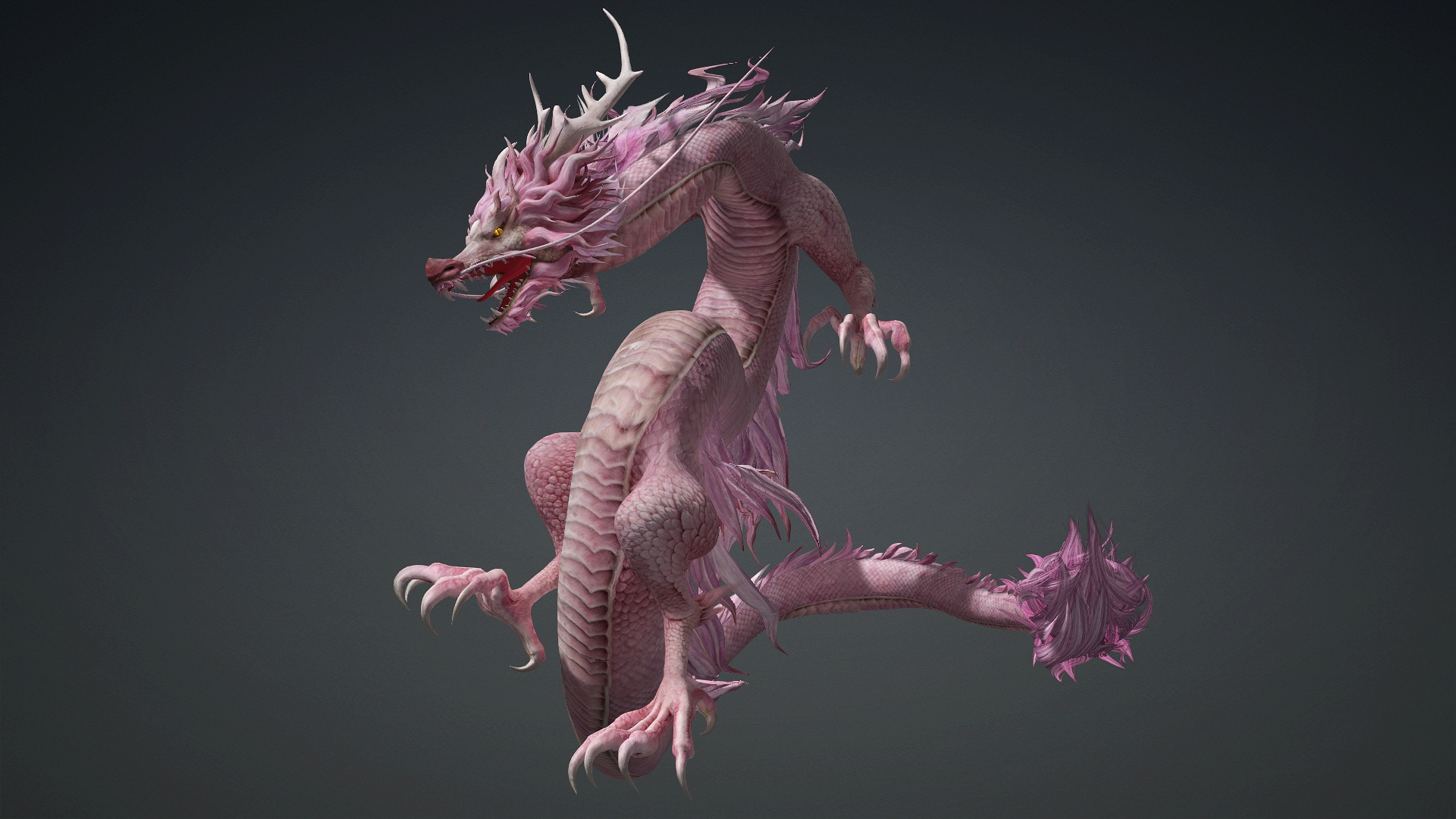
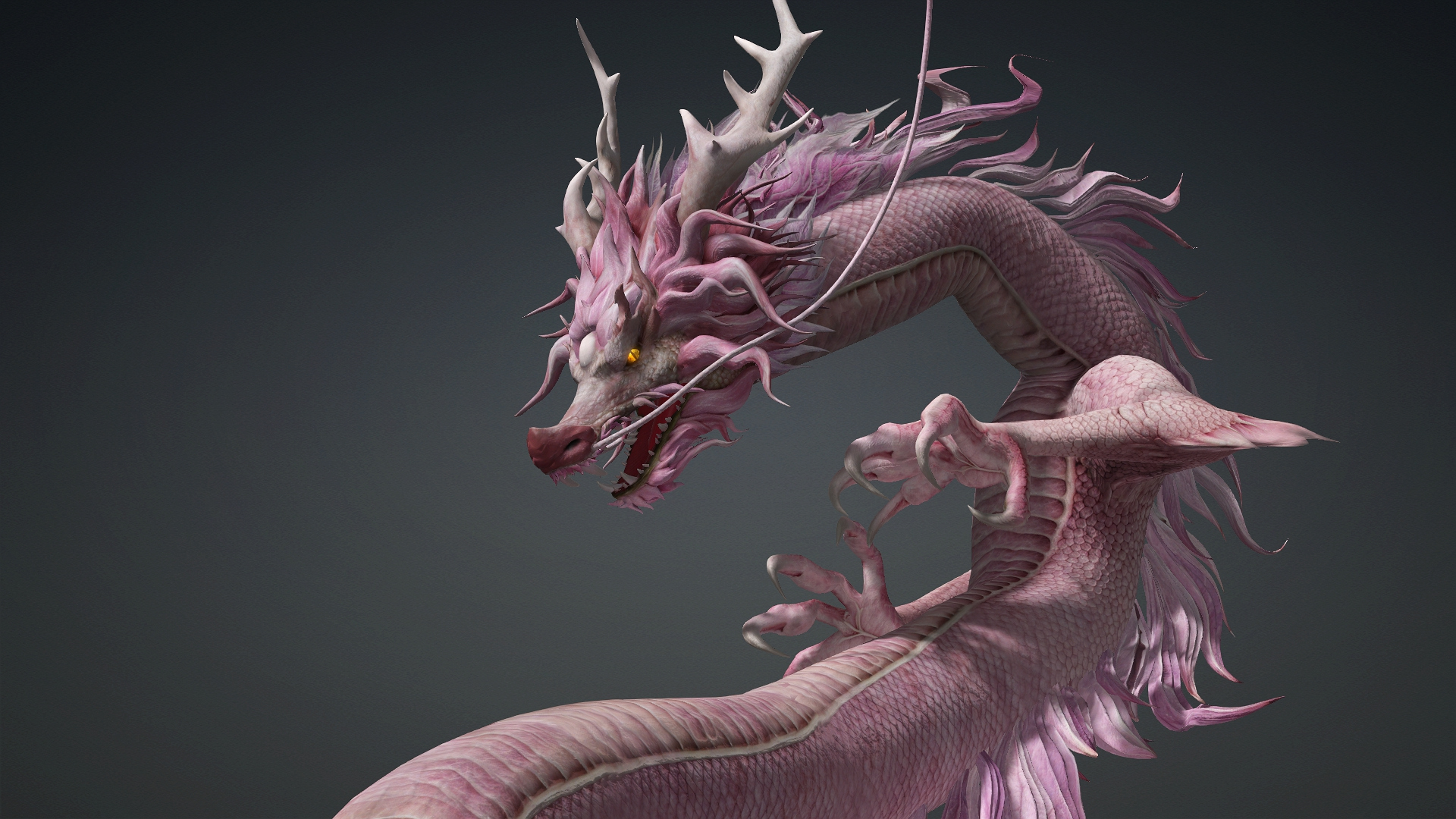
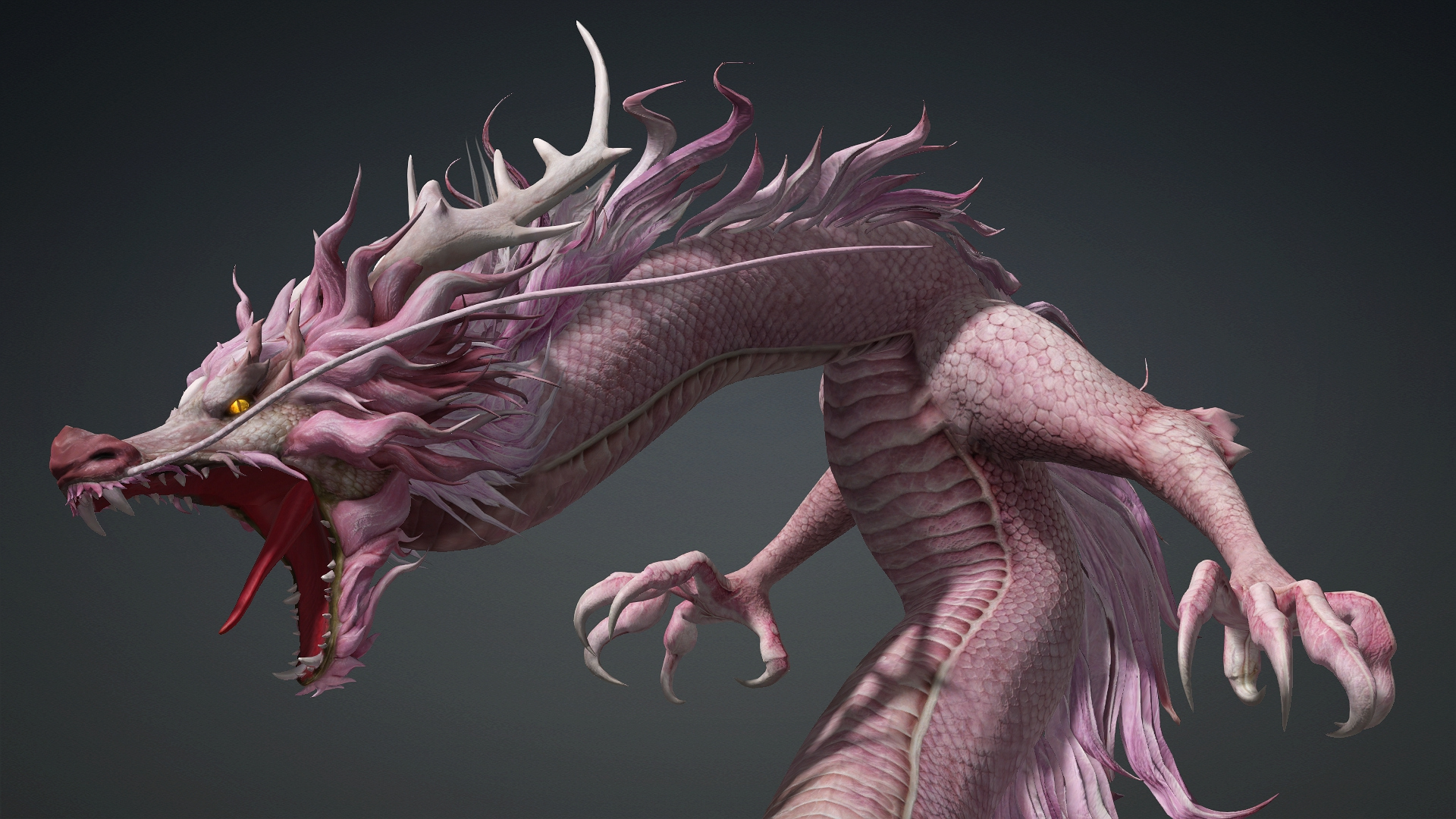
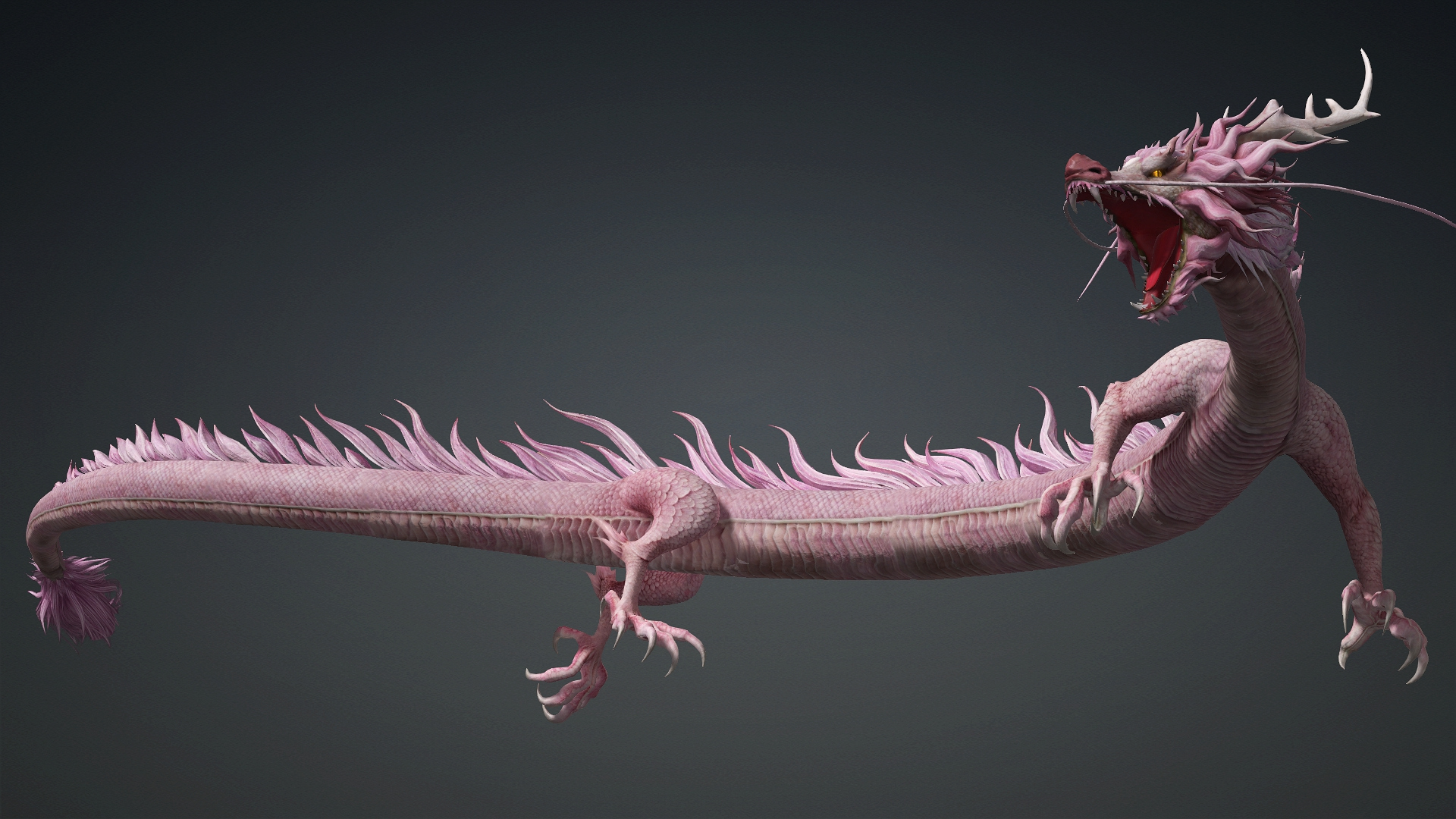
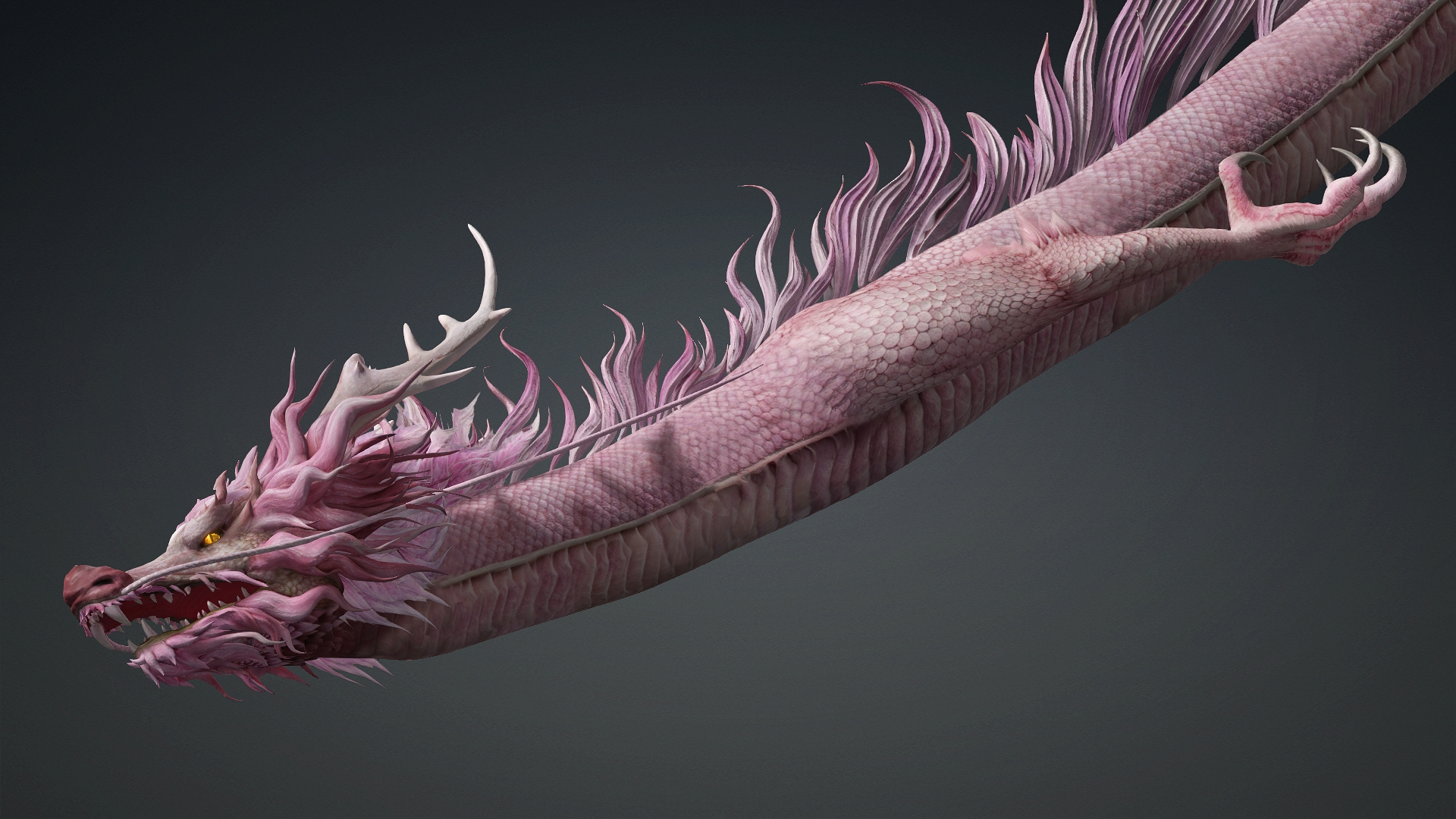
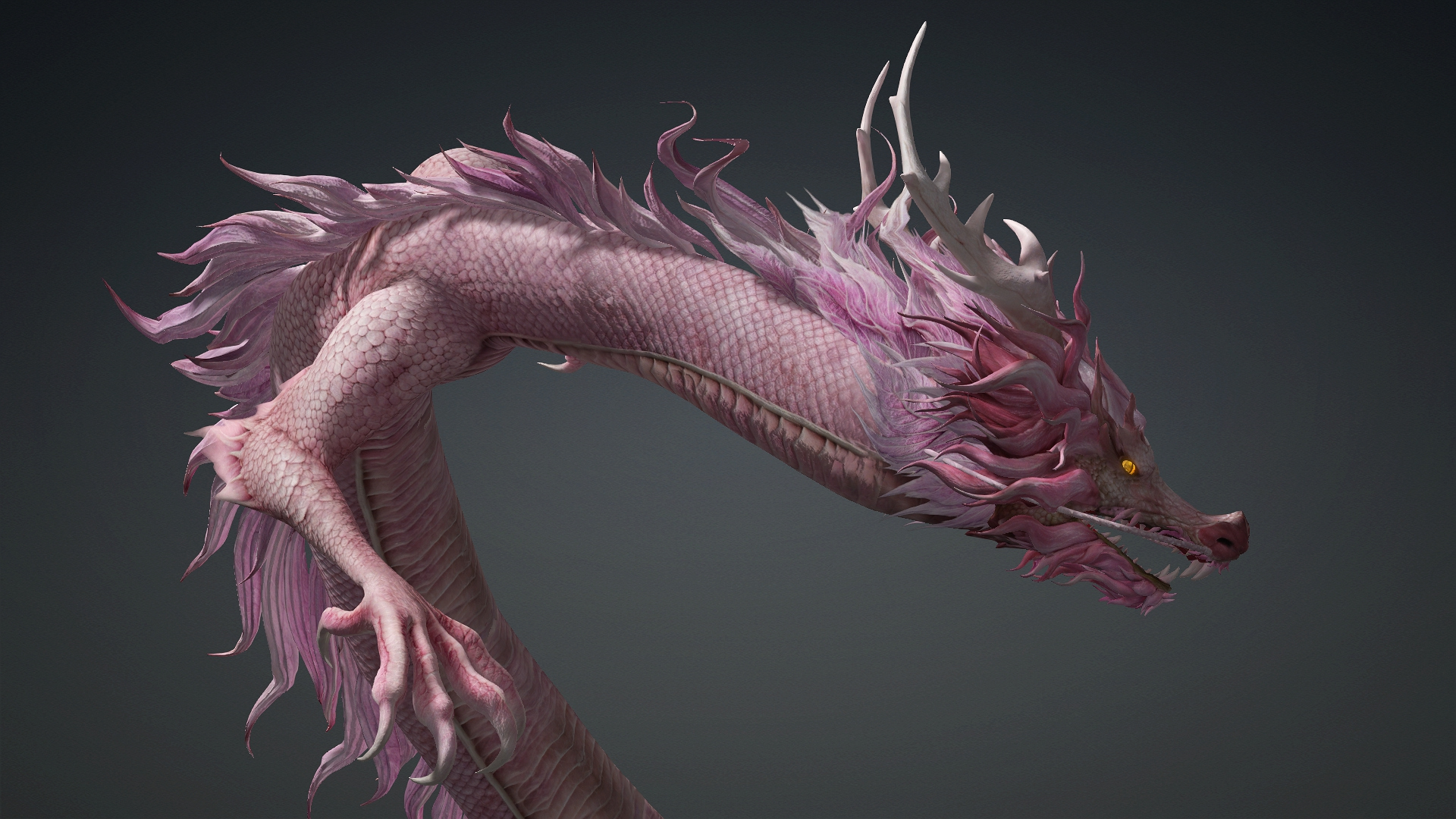
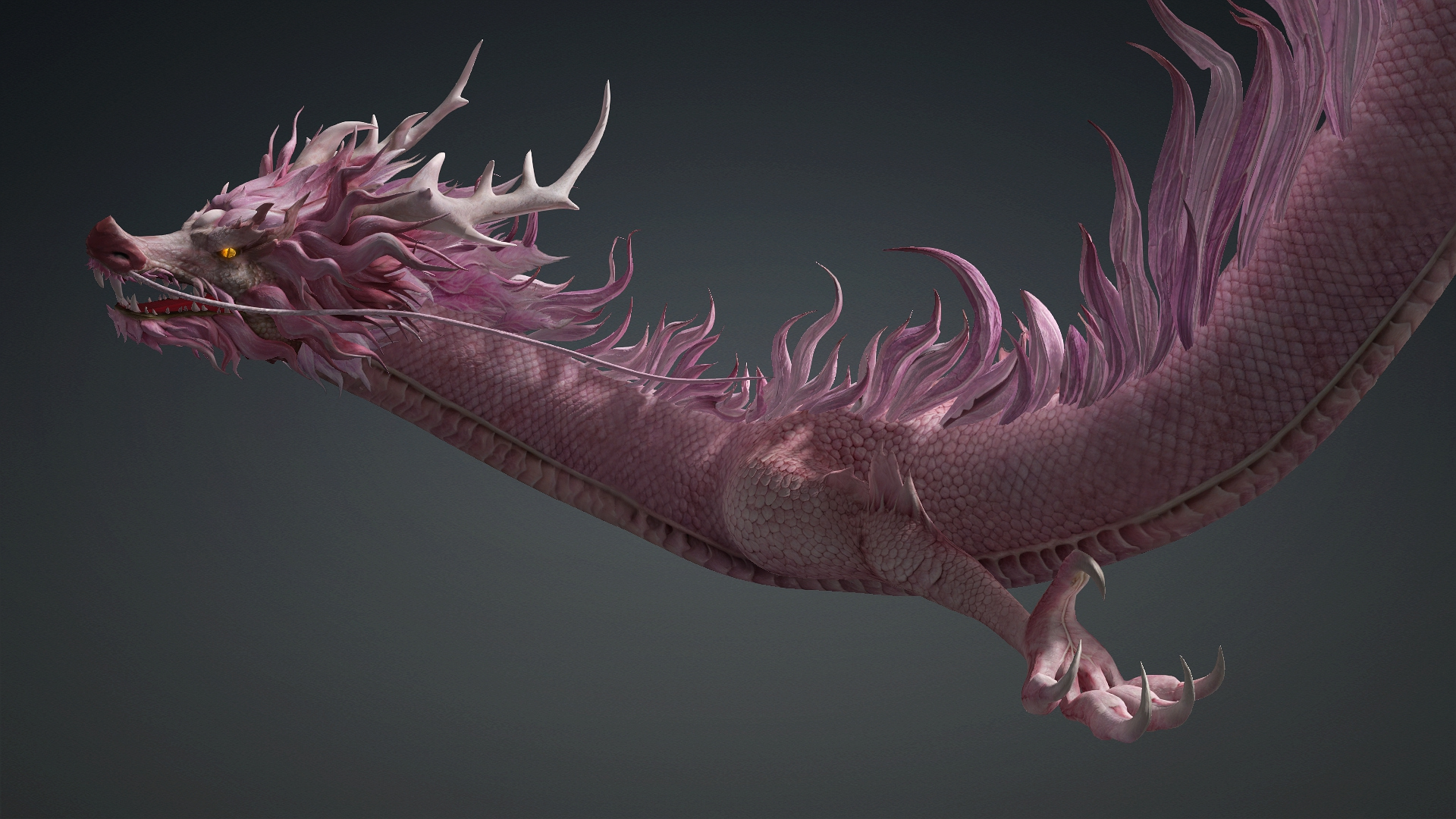
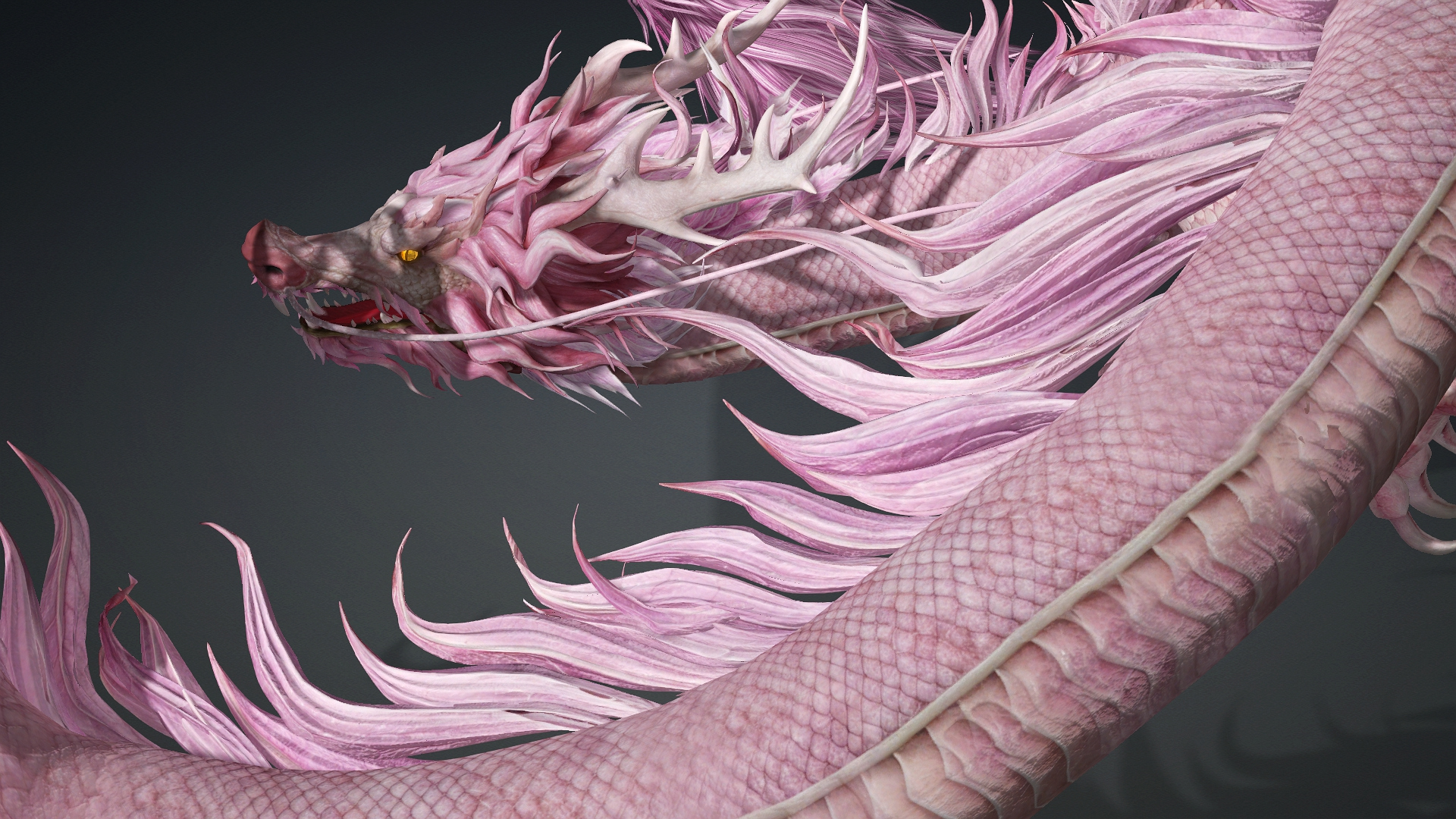
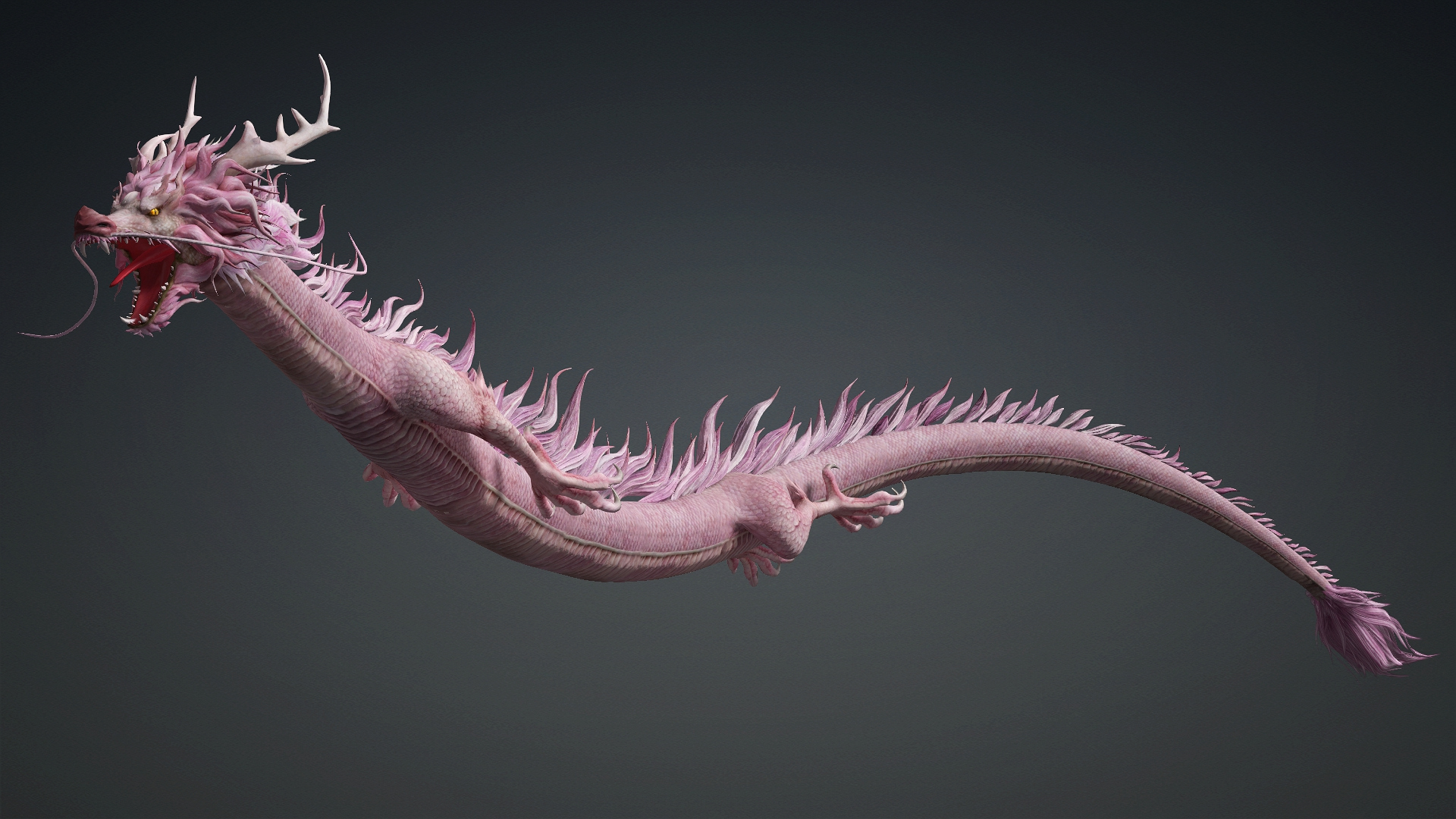
GLBRoselyth Dragon-D4 3D Model

Not Rated Yet


! REPORT
NOTE: DIGITAL DOWNLOAD, NOT A PHYSICAL ITEM

Add to Collection

0 Likes
Share This 3D Model


Offered By


We provide colorful and vivid 3D products of moving animals with high accuracy in reproducing their actions and expressions. Our products include various animal species, from birds to carnivorous and herbivorous animals. Each product can display a range of actions such as flying, swimming, running and walking.
With our 3D products, customers can create animated movies, entertainment videos, electronic games, and many other applications. We commit to providing customers with products that meet the most stringent requirements and make their work easier and more convenient.
With our 3D products, customers can create animated movies, entertainment videos, electronic games, and many other applications. We commit to providing customers with products that meet the most stringent requirements and make their work easier and more convenient.
Vendor's Pages


License
Extended Use License (IP Restricted)
This item comes with our Extended Use Licensing. This means that you may use the model in a variety of mediums and applications. But, because certain intellectual property depicted in this model may not be affiliated with or endorsed by the original rights holder, this model is subject to an Editorial Use Only Restriction which limits the ways in which you may use this model.
For full license terms, see our 3D Content Licensing Agreement
3D Model Details
| Vendor: | Animated3d |
| Published: | Oct 28, 2026 |
| Game Ready: | – |
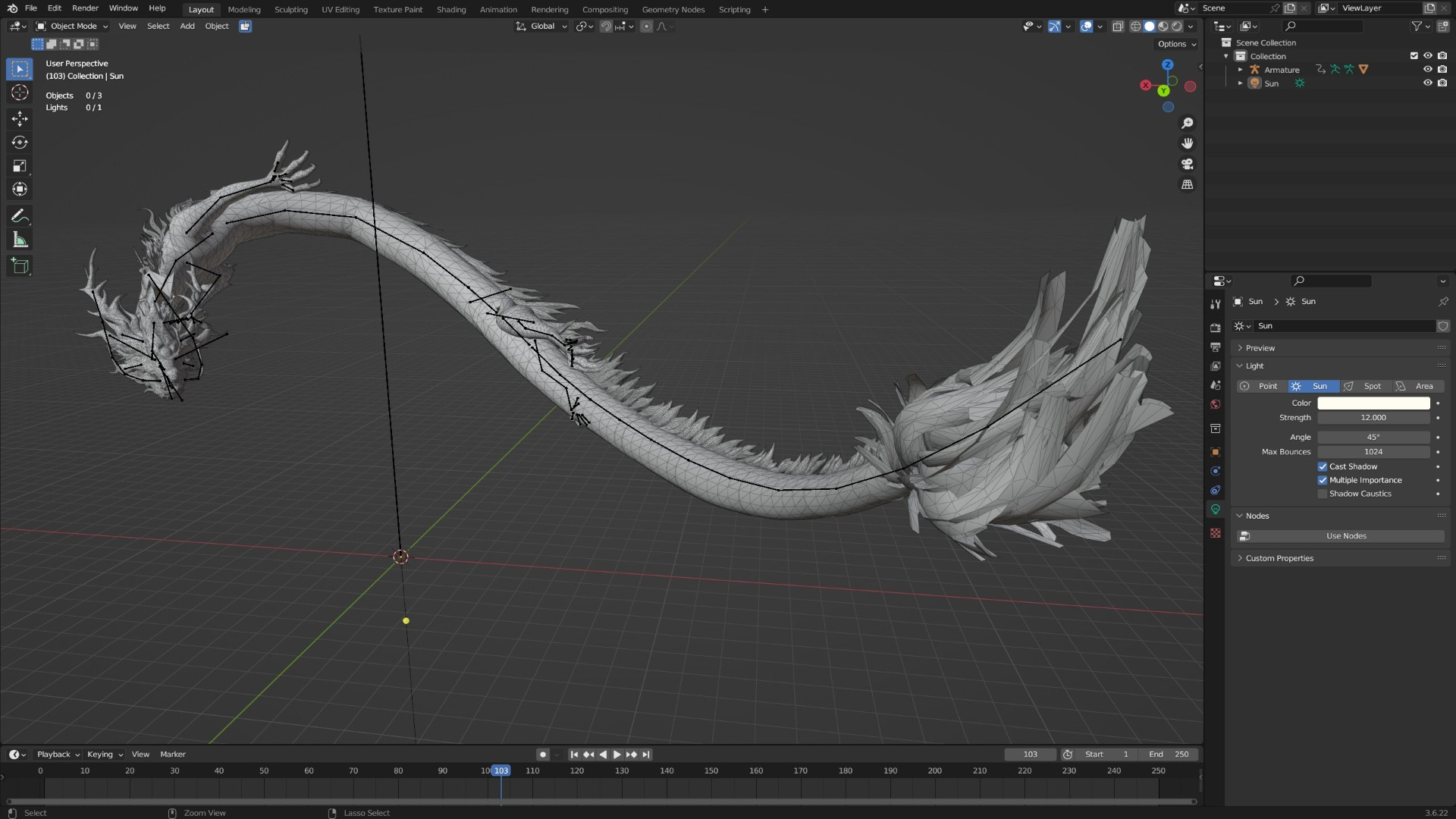
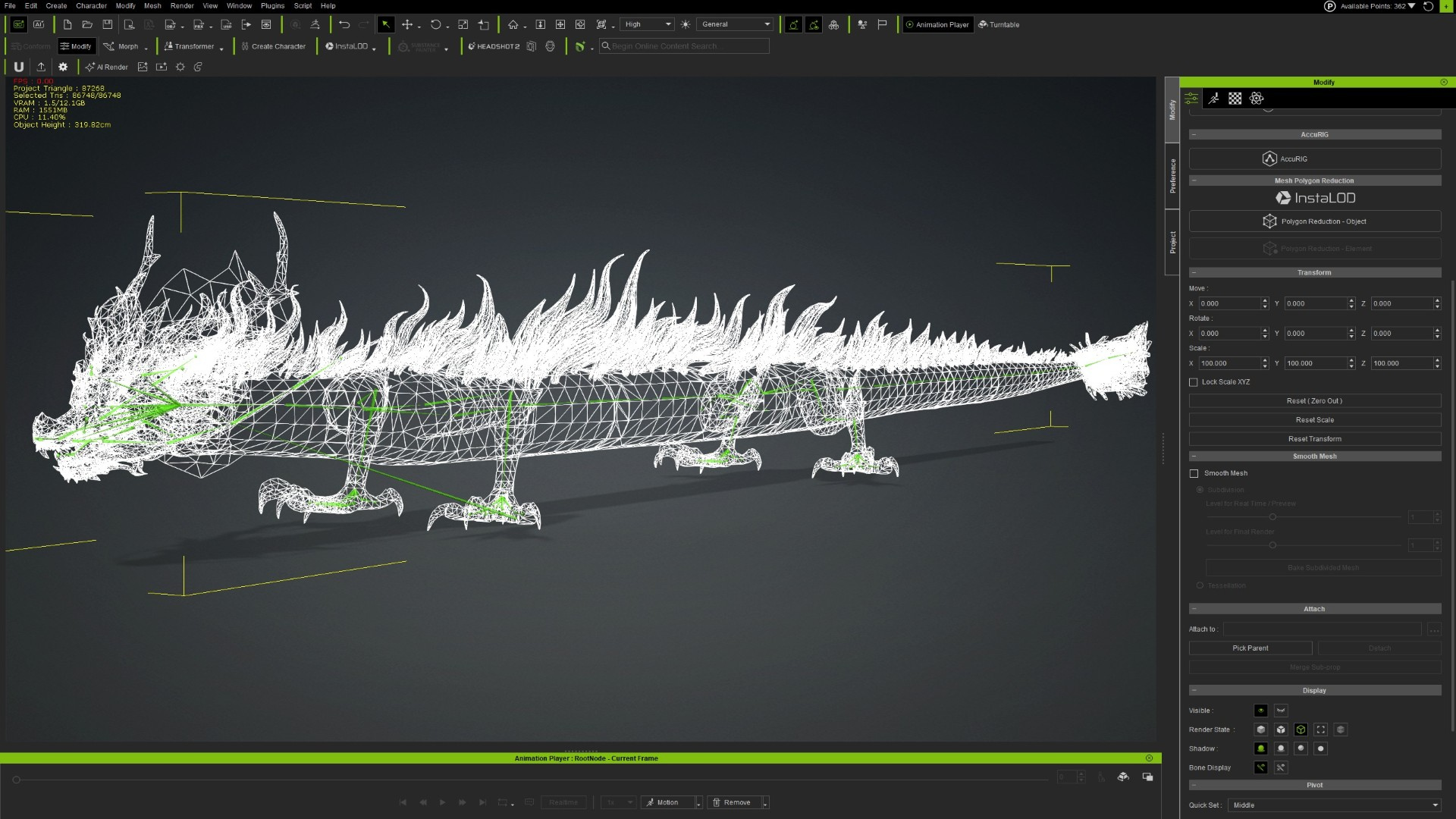
| Polygons: | 86,748 |
| Vertices: | 47,709 |
| Print Ready: | – |
| 3D Scan: | – |
| Textures: | Yes |
| Materials: | Yes |
| UV Mapped: | Yes |
| PBR: | Yes |
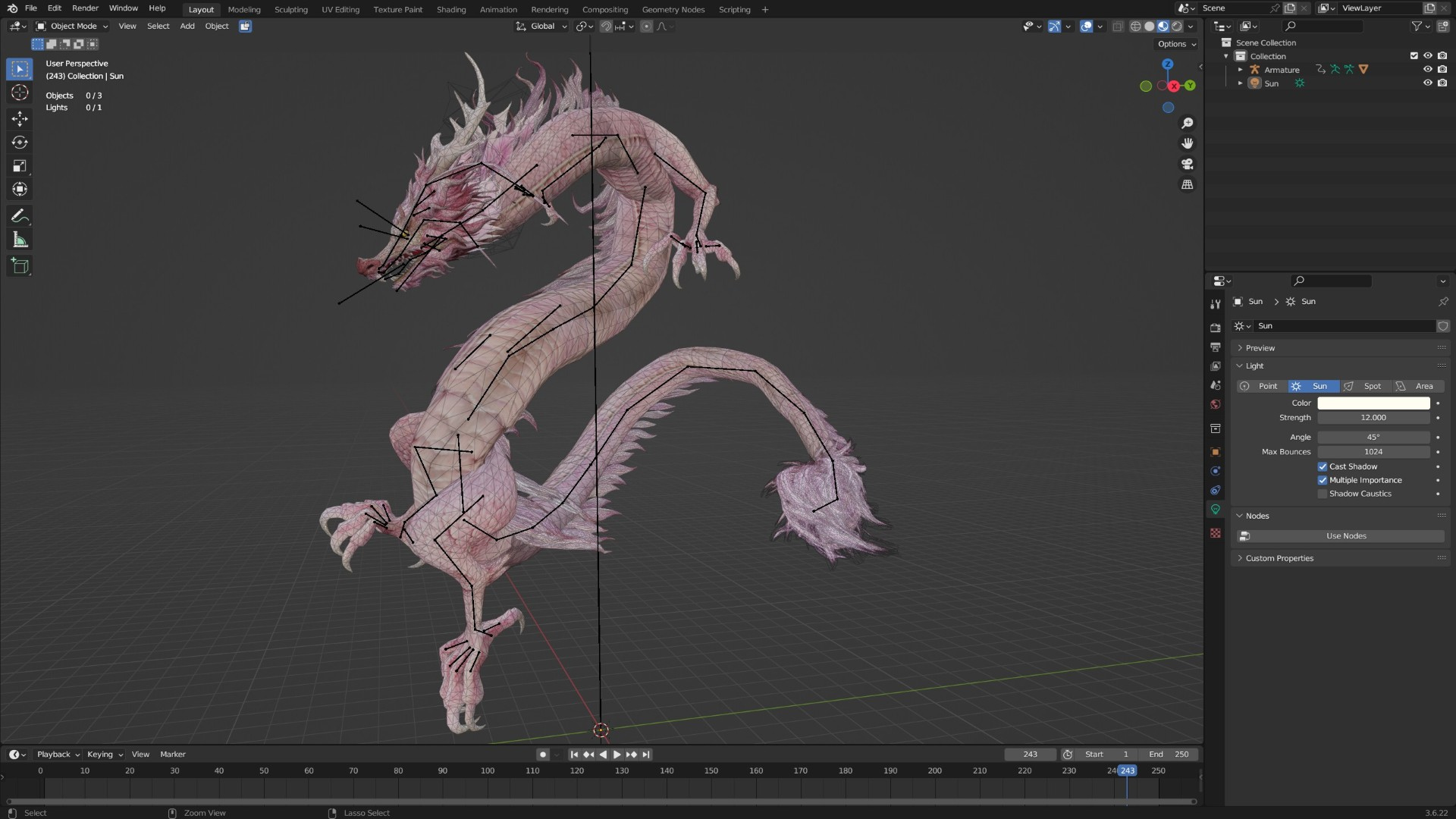
| Rigged: | Yes |
| Animated: | Yes |


Statistics
| Favorites: | 0 |
| Likes: | 0 |
| Views: | 1 |
Item Ratings
Not Rated Yet
Roselyth Dragon-D4 3D Model
Please read product information carefully before purchasing.
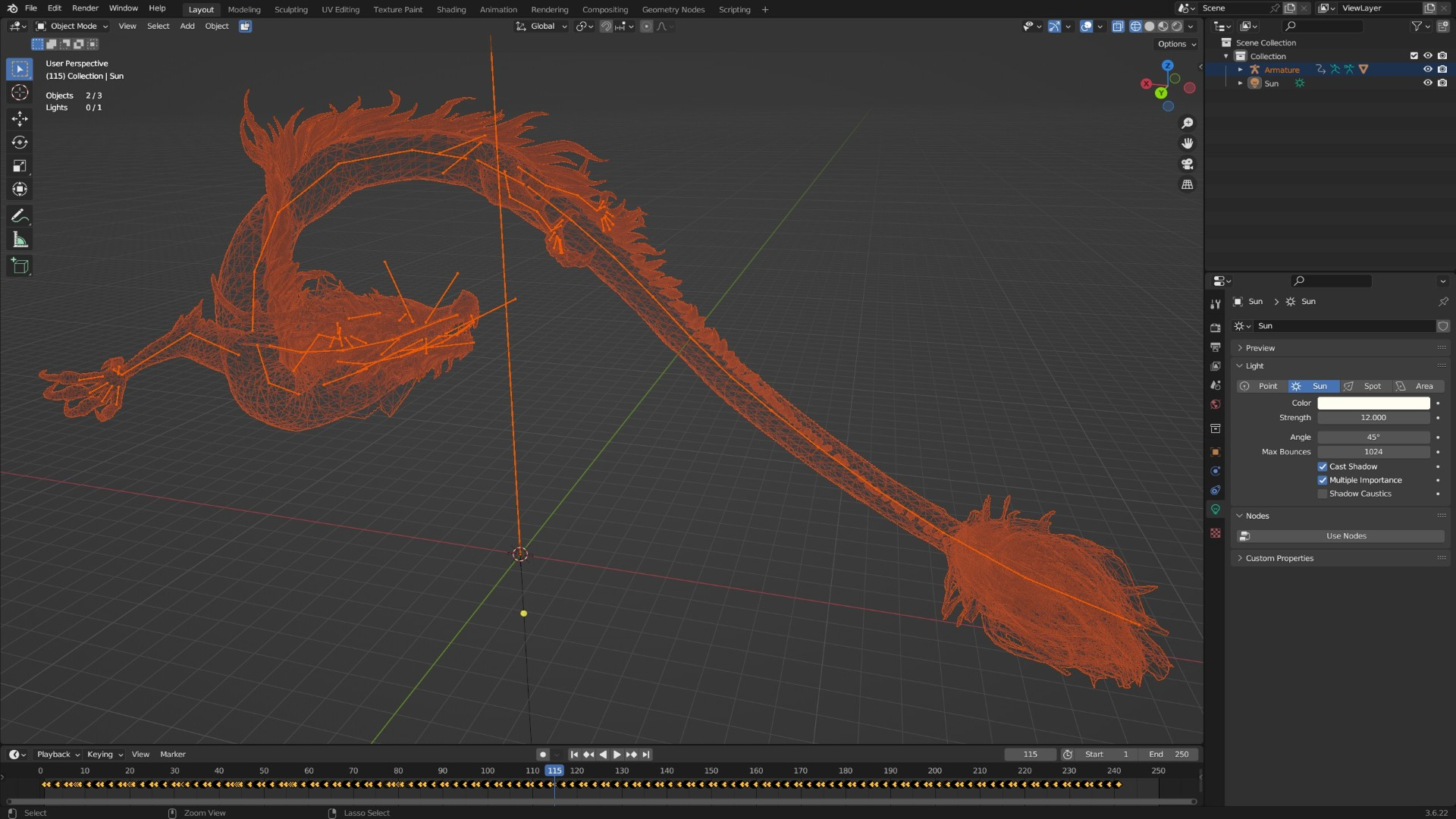
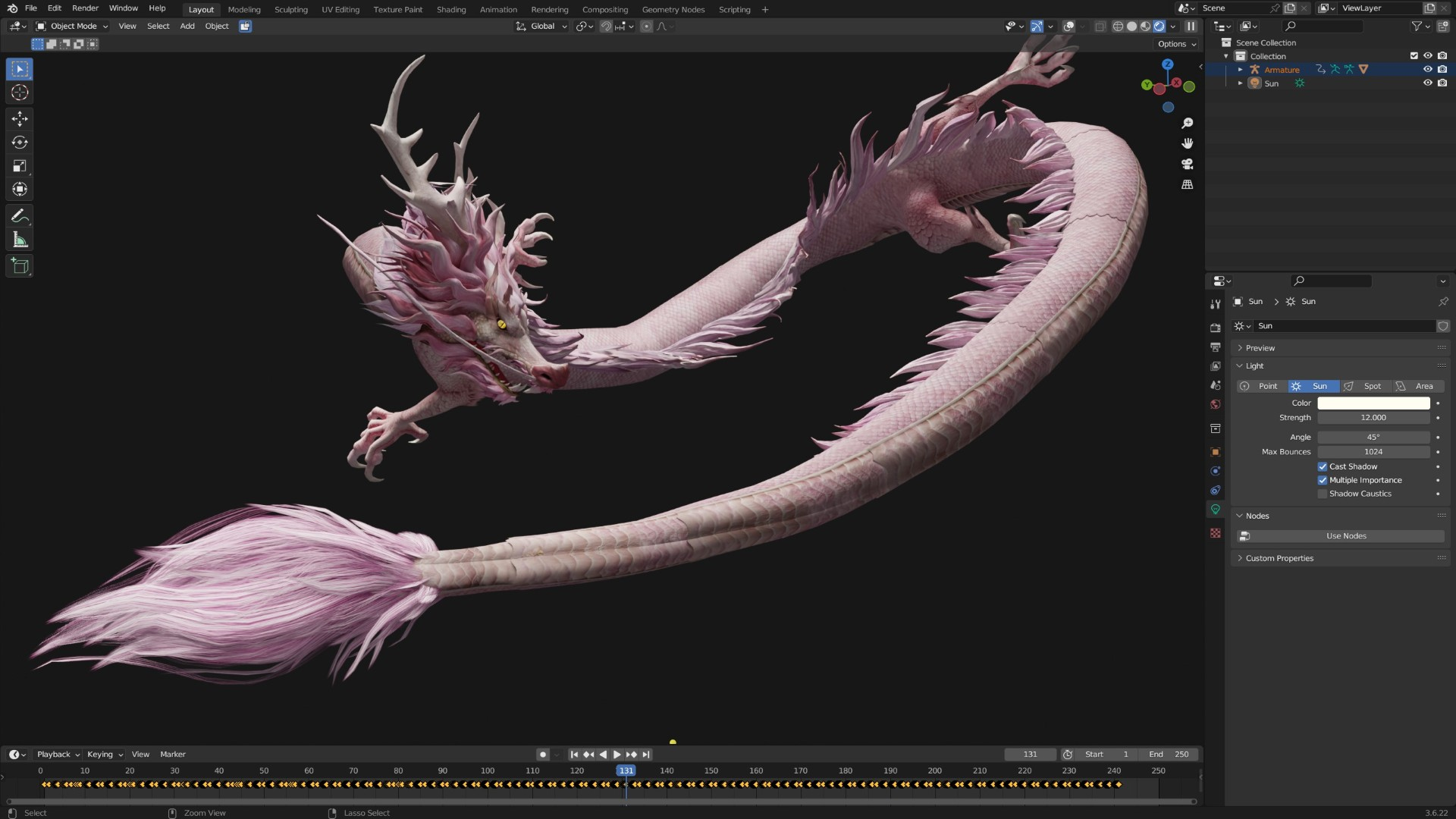
1- Product Compatible with : 3Dsmax, Maya, Blender, Iclone 8 and CC4_CC5, Unity, UE5, Marmoset Toolbag …vv
2- Format file:
• Blend-Blender 3.6-5.0
• FBX Blender
• FBX Unity
• FBX UE5
• FBX 3DSmax
• FBX Maya
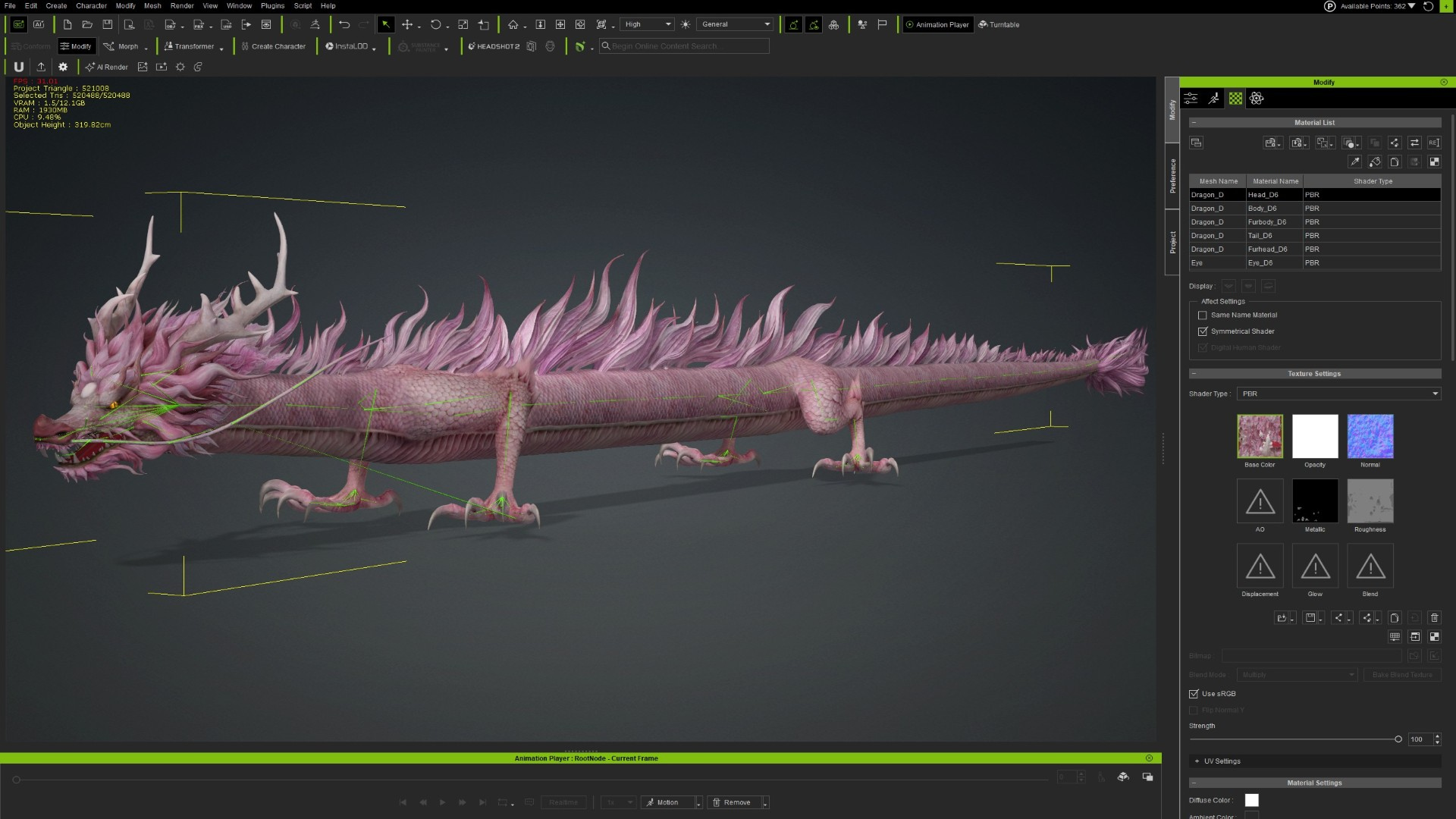
• iProp- Iclone8_CC4_CC5 and iMotionPlus
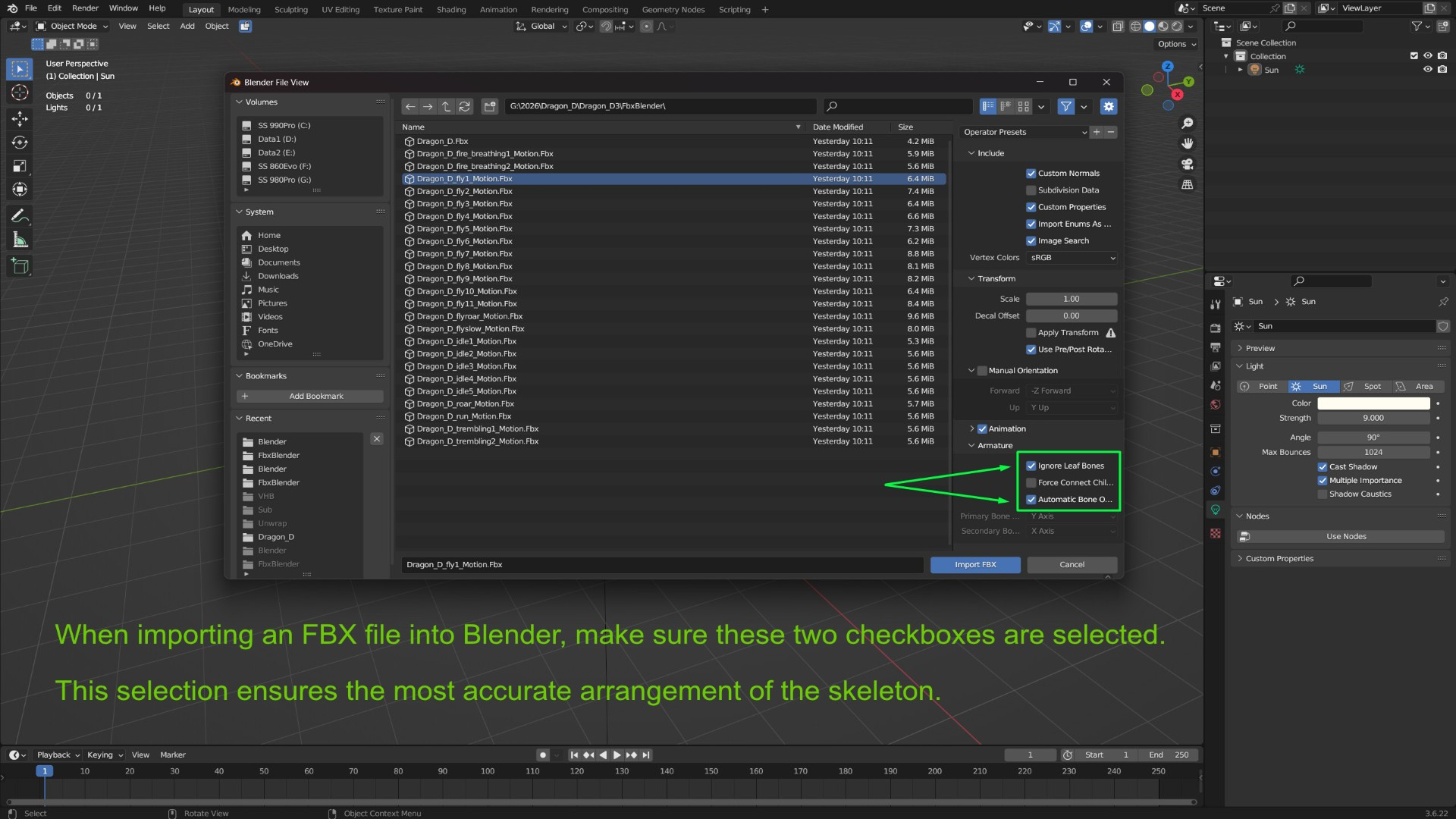
Each fbx file contains one animation and is used as a separate file. Importing fbx animations from one file to another may cause animation errors. Please consider this when using fbx.
The Iclone8_CC4_CC5 model format uses the iProp format for the main model with iMotionPlus animations. Converting the iProp to Creature format will cause animation errors.
The Blender file is a template file containing only the fly1 animation and standard material settings. To use other animations, import the corresponding animation FBX file. For settings when importing FBX files, please refer to the illustrated instructions.
3- Frame Rate: 60 Fps
4- Faces: 86.748 - Vertices: 47.709
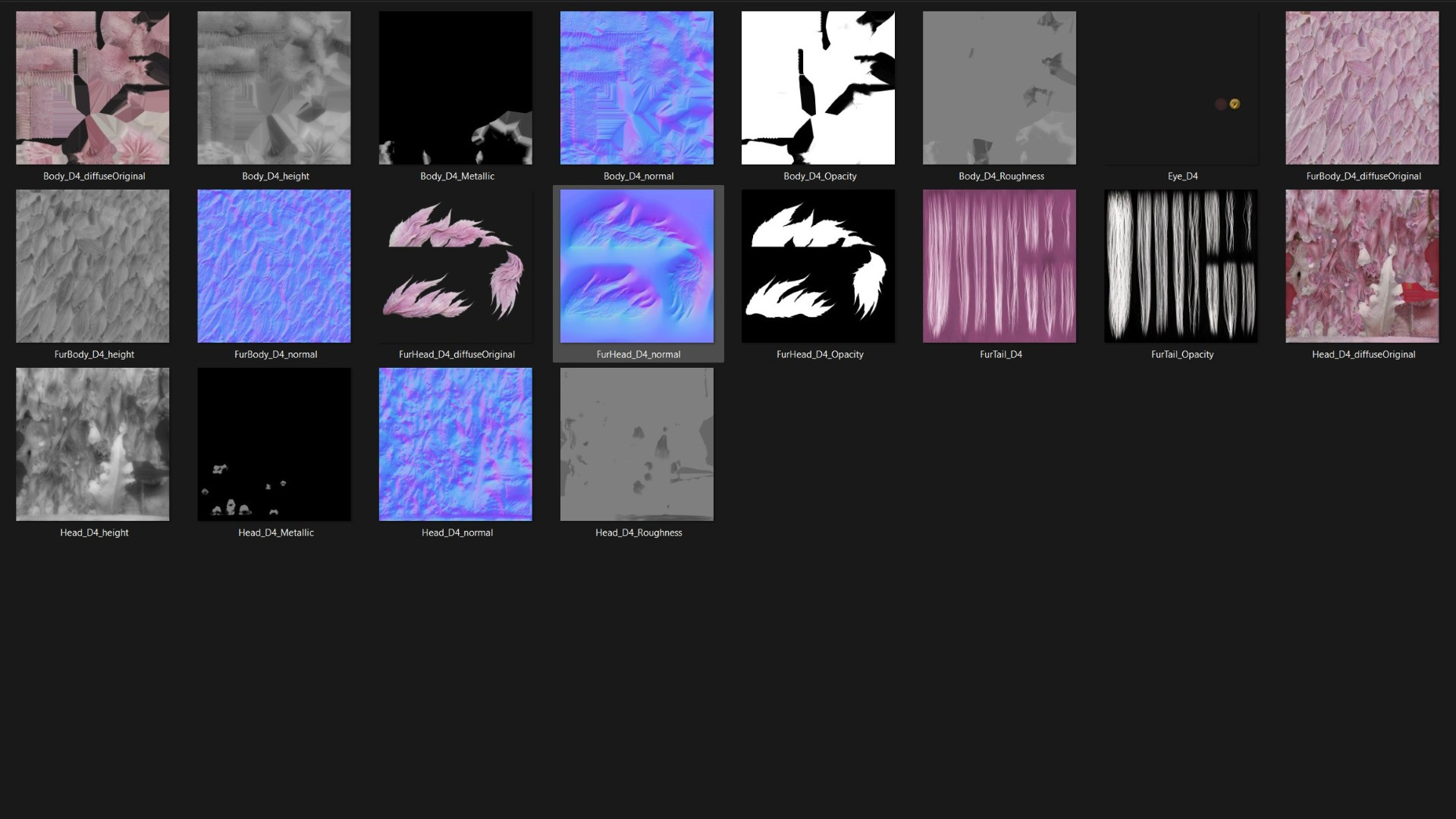
5- Textures: PBR_Yes
• DiffuseMap PNG 4096 x 4096
• NormalMap PNG 4096 x 4096
• MetallicMap PNG 4096 x 4096
• RoughnessMap PNG 4096 x 4096
• OpacityMap PNG 4096 x 4096
6- Motions: 24-fire_breathing1, fire_breathing2,fly1,fly2,fly3,fly4,fly5,fly6,fly7,fly8,fly9,fly10,fly11,flyroar,flyslow,idle1, idle2,idle3,idle4,idle5,roar,run,trembling1,trembling2
7- Plugins (Addon): No, Unwrap: Yes
8- Rig: Yes, Control Rig: No
9- Customize products as required: No
Dragon Model Motions D1,2,3,4,5 Use the same video describing Typical Motions.
FBX Export is specific to Blender, 3Dsmax, Maya, UE5, Unity error may occur if using other platform to import, please contact for support.
Artificial intelligence (AI) is used to create the background for the main image and improve image quality, not for the entire product creation process.
The first 6-second video was created using original footage and AI.
Thank You !
1- Product Compatible with : 3Dsmax, Maya, Blender, Iclone 8 and CC4_CC5, Unity, UE5, Marmoset Toolbag …vv
2- Format file:
• Blend-Blender 3.6-5.0
• FBX Blender
• FBX Unity
• FBX UE5
• FBX 3DSmax
• FBX Maya
• iProp- Iclone8_CC4_CC5 and iMotionPlus
Each fbx file contains one animation and is used as a separate file. Importing fbx animations from one file to another may cause animation errors. Please consider this when using fbx.
The Iclone8_CC4_CC5 model format uses the iProp format for the main model with iMotionPlus animations. Converting the iProp to Creature format will cause animation errors.
The Blender file is a template file containing only the fly1 animation and standard material settings. To use other animations, import the corresponding animation FBX file. For settings when importing FBX files, please refer to the illustrated instructions.
3- Frame Rate: 60 Fps
4- Faces: 86.748 - Vertices: 47.709
5- Textures: PBR_Yes
• DiffuseMap PNG 4096 x 4096
• NormalMap PNG 4096 x 4096
• MetallicMap PNG 4096 x 4096
• RoughnessMap PNG 4096 x 4096
• OpacityMap PNG 4096 x 4096
6- Motions: 24-fire_breathing1, fire_breathing2,fly1,fly2,fly3,fly4,fly5,fly6,fly7,fly8,fly9,fly10,fly11,flyroar,flyslow,idle1, idle2,idle3,idle4,idle5,roar,run,trembling1,trembling2
7- Plugins (Addon): No, Unwrap: Yes
8- Rig: Yes, Control Rig: No
9- Customize products as required: No
Dragon Model Motions D1,2,3,4,5 Use the same video describing Typical Motions.
FBX Export is specific to Blender, 3Dsmax, Maya, UE5, Unity error may occur if using other platform to import, please contact for support.
Artificial intelligence (AI) is used to create the background for the main image and improve image quality, not for the entire product creation process.
The first 6-second video was created using original footage and AI.
Thank You !
