


 Free 3D
 3D Print Models
 3D Scans
 Animation & MoCap
 Textures
 Materials
 Skin Reference
 2D Game Assets
 Sound Effects
 Brushes & Tools
 Reference Photos
 Stock Images
 HDR Images
 3ds Max
 Maya
 Blender
 Unreal Engine
 Unity
 ZBrush
 Cinema 4D
 LightWave
 Marmoset
 SketchUp
 FBX
 DAE
 DXF
 GLB
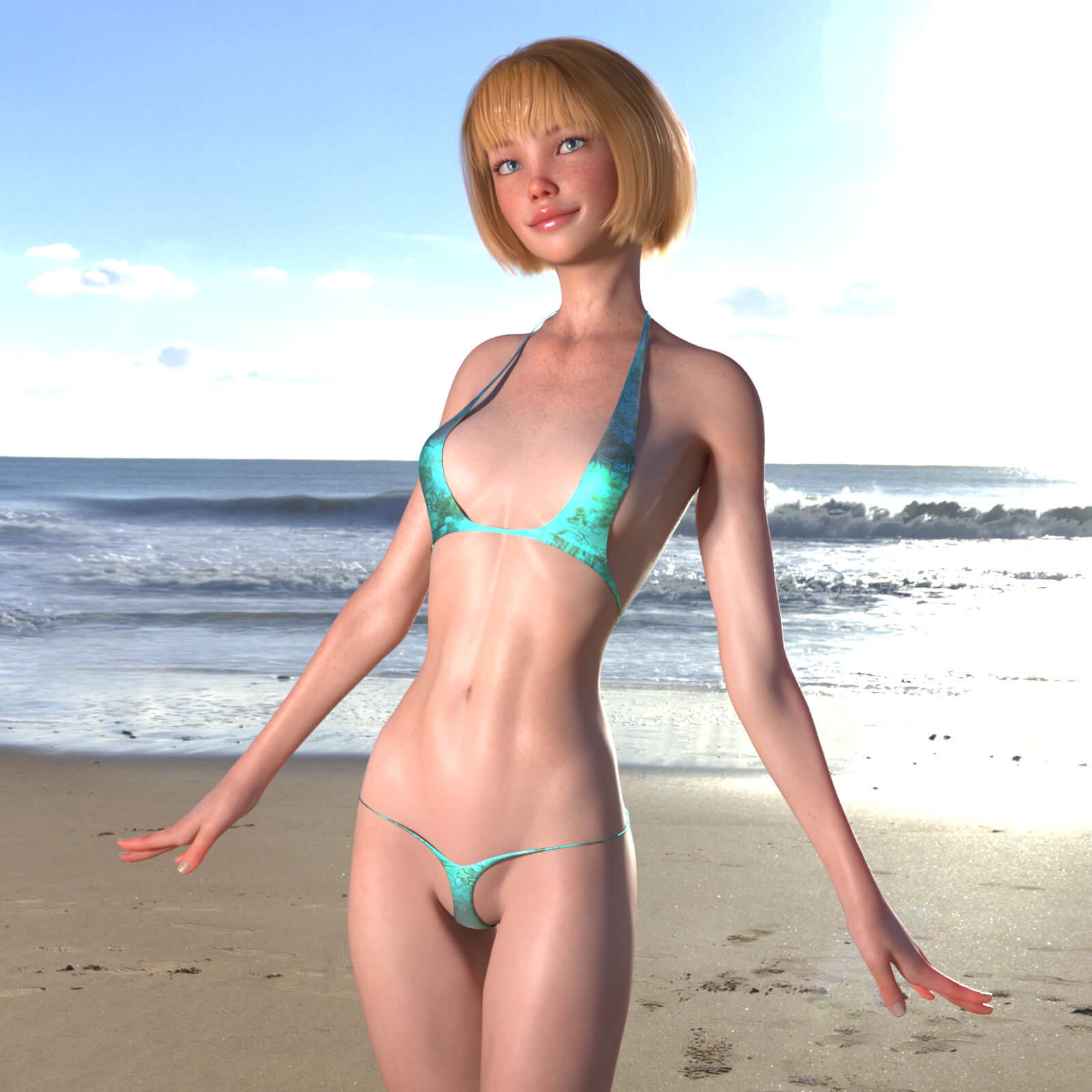
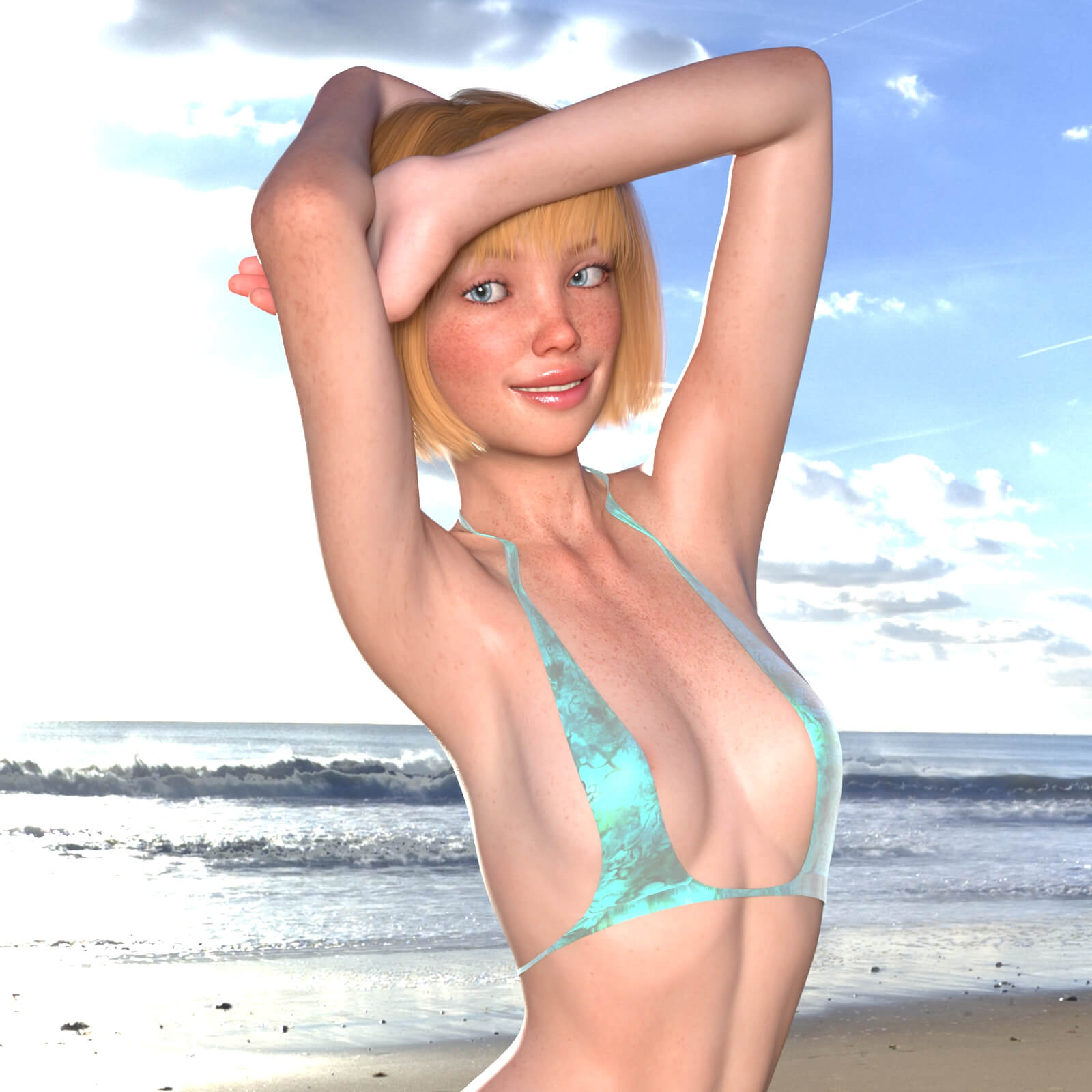
Loreli Character Body and Head Morphs for Genesis 8 Female

5.0 Stars |1 Rating



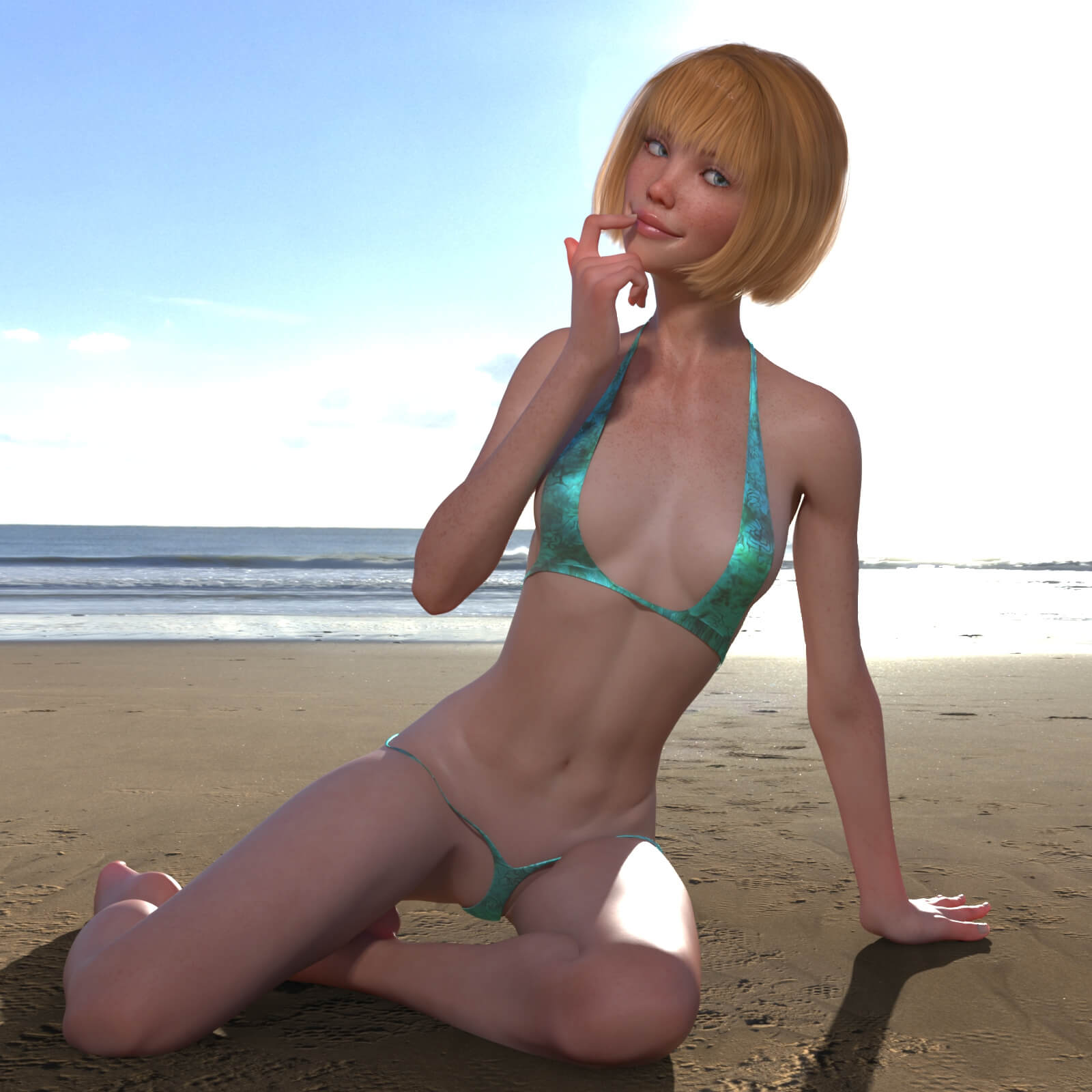
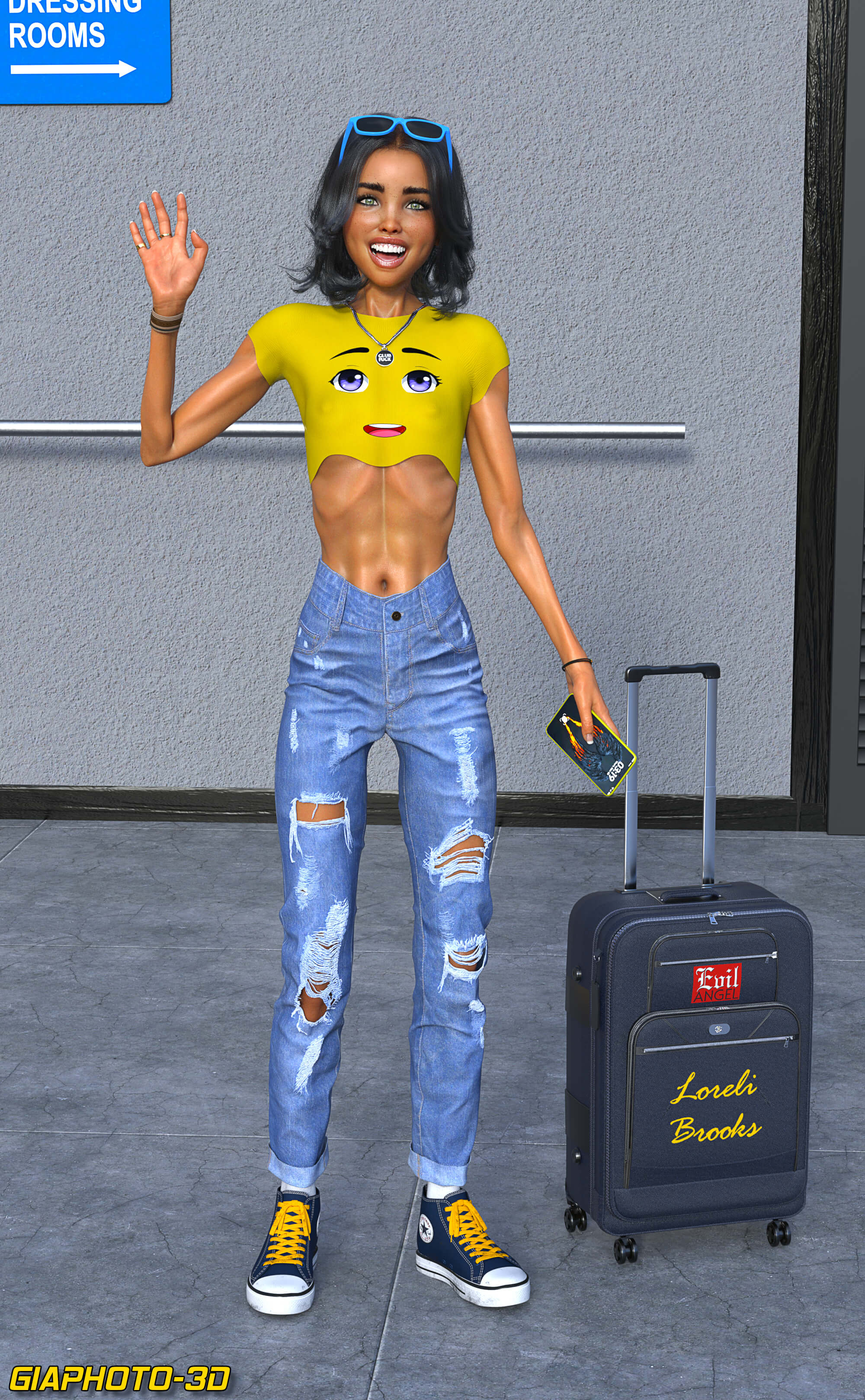
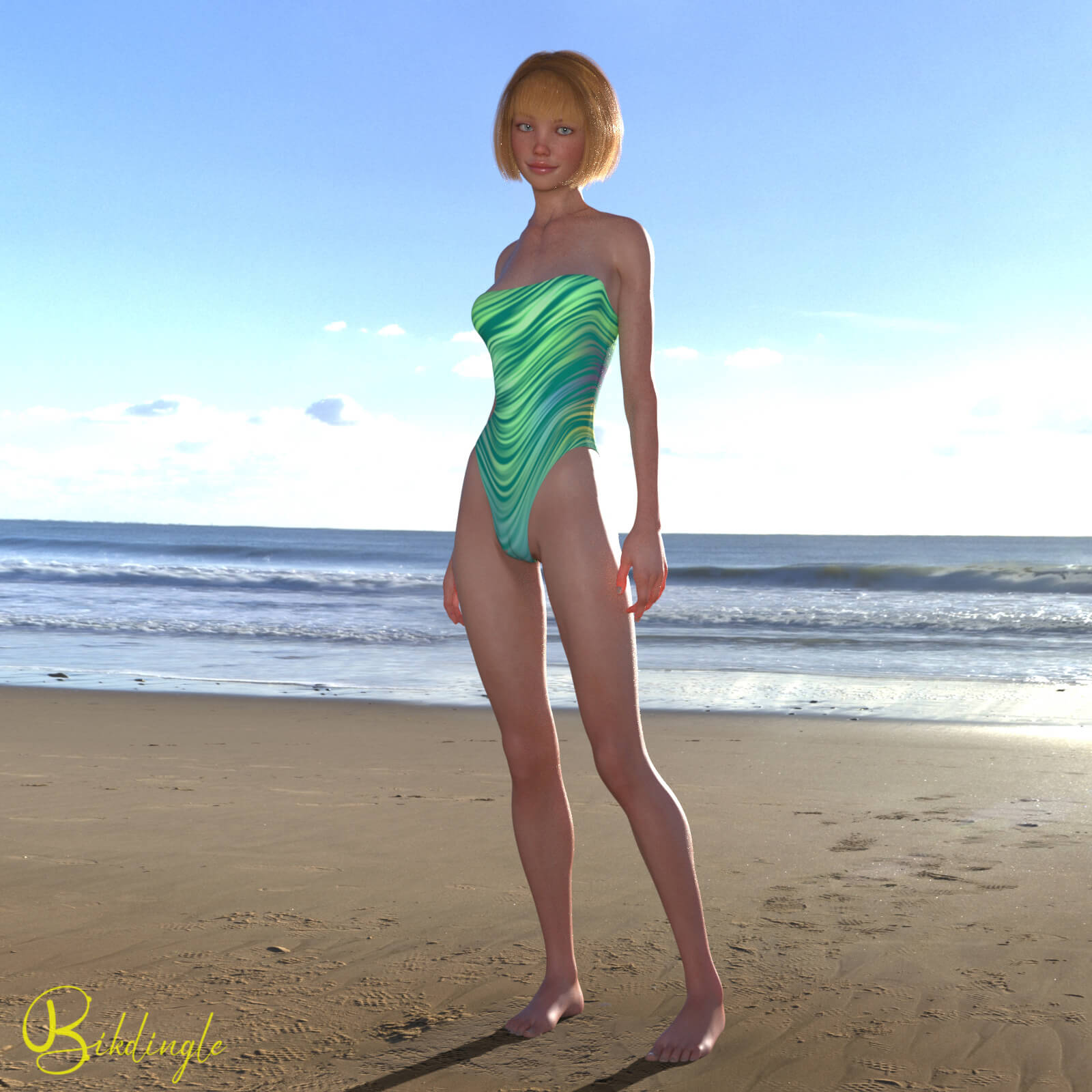
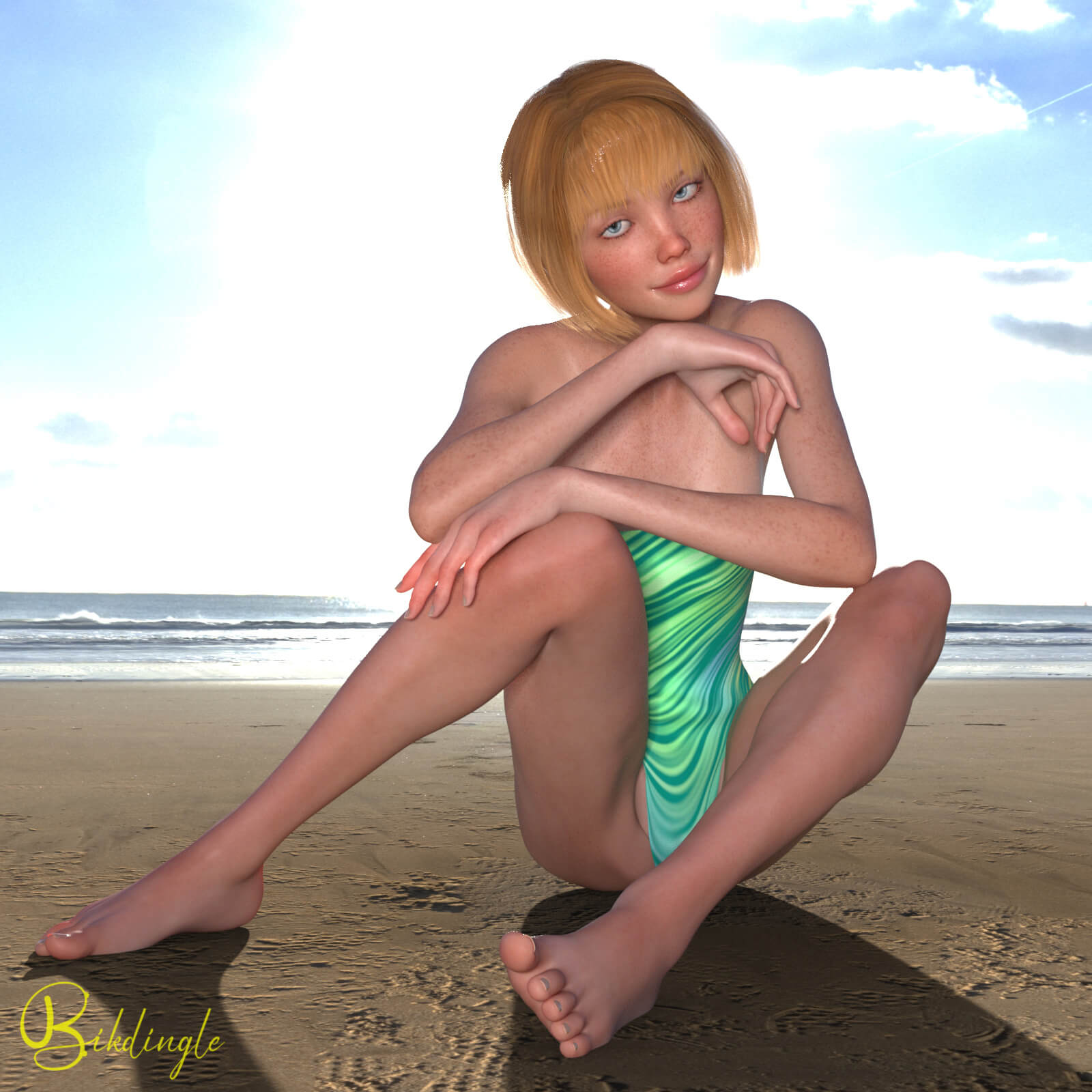
User Artwork (3)
! REPORT
NOTE: DIGITAL DOWNLOAD, NOT A PHYSICAL ITEM

Add to Collection

6 Likes
Share This Daz Content


Top Rated Vendor


I've been rendering since 2014 and using Daz Studio and Iray since 2019.
Vendor's Pages


License
Extended Use License
This item comes with our Extended Use Licensing. This means that you may use the model for both non-commercial and commercial purposes, in a variety of mediums and applications.
For full license terms, see our 3D Content Licensing Agreement
Item Details
| Vendor: | bikdingle |
| Published: | Nov 04, 2026 |
| Download Size: | 1.7 MB |
| Software: | Daz Studio |
| Compatible Figures: | Genesis 8 Female Genesis 8.1 Female |
| dForce: | – |
Included Formats

Statistics
| Favorites: | 0 |
| Likes: | 6 |
| Views: | 108 |
Item Ratings
1 Rating5 Stars|Nov 04, 2026
Super skinny, super delicious! Thank you for your excellent designs.
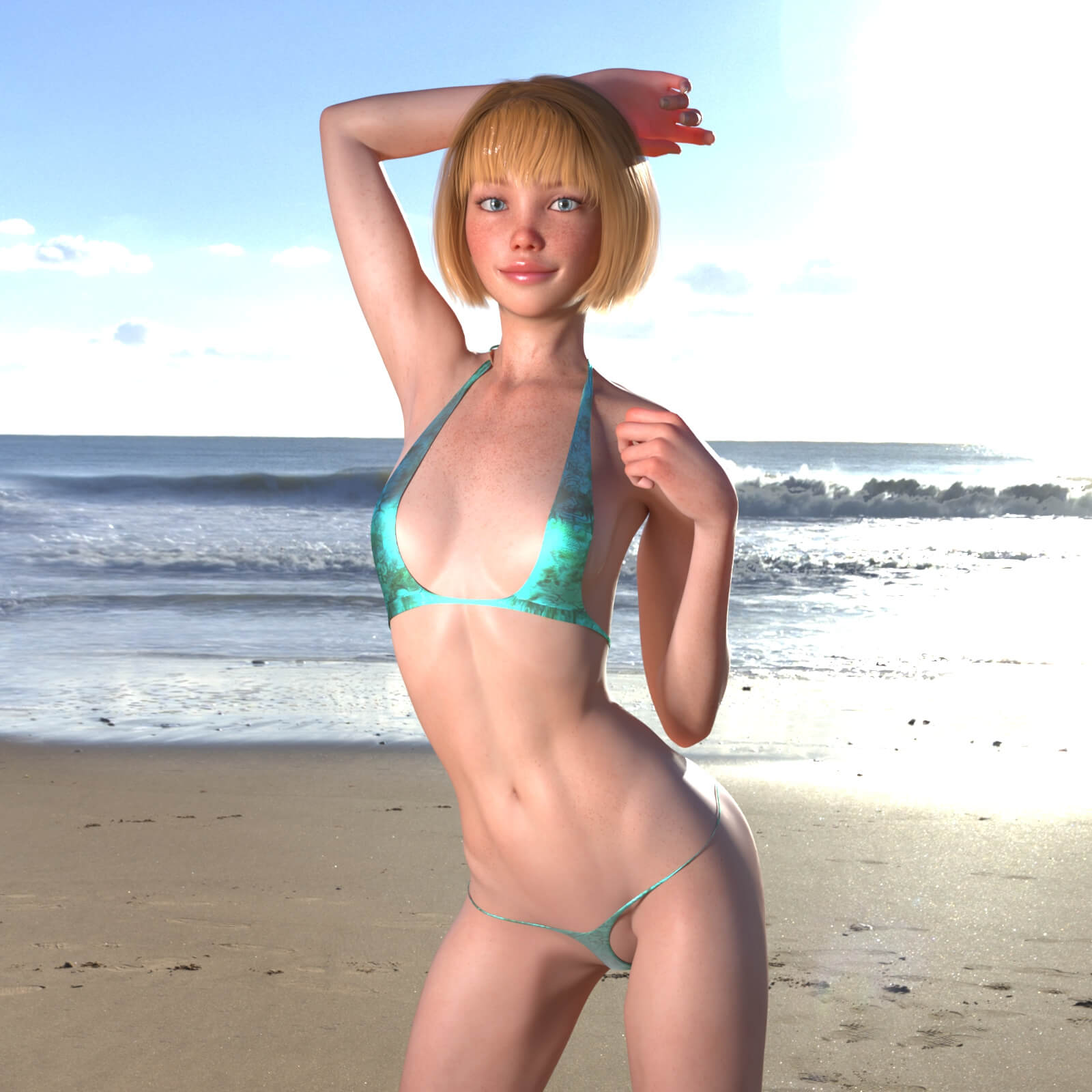
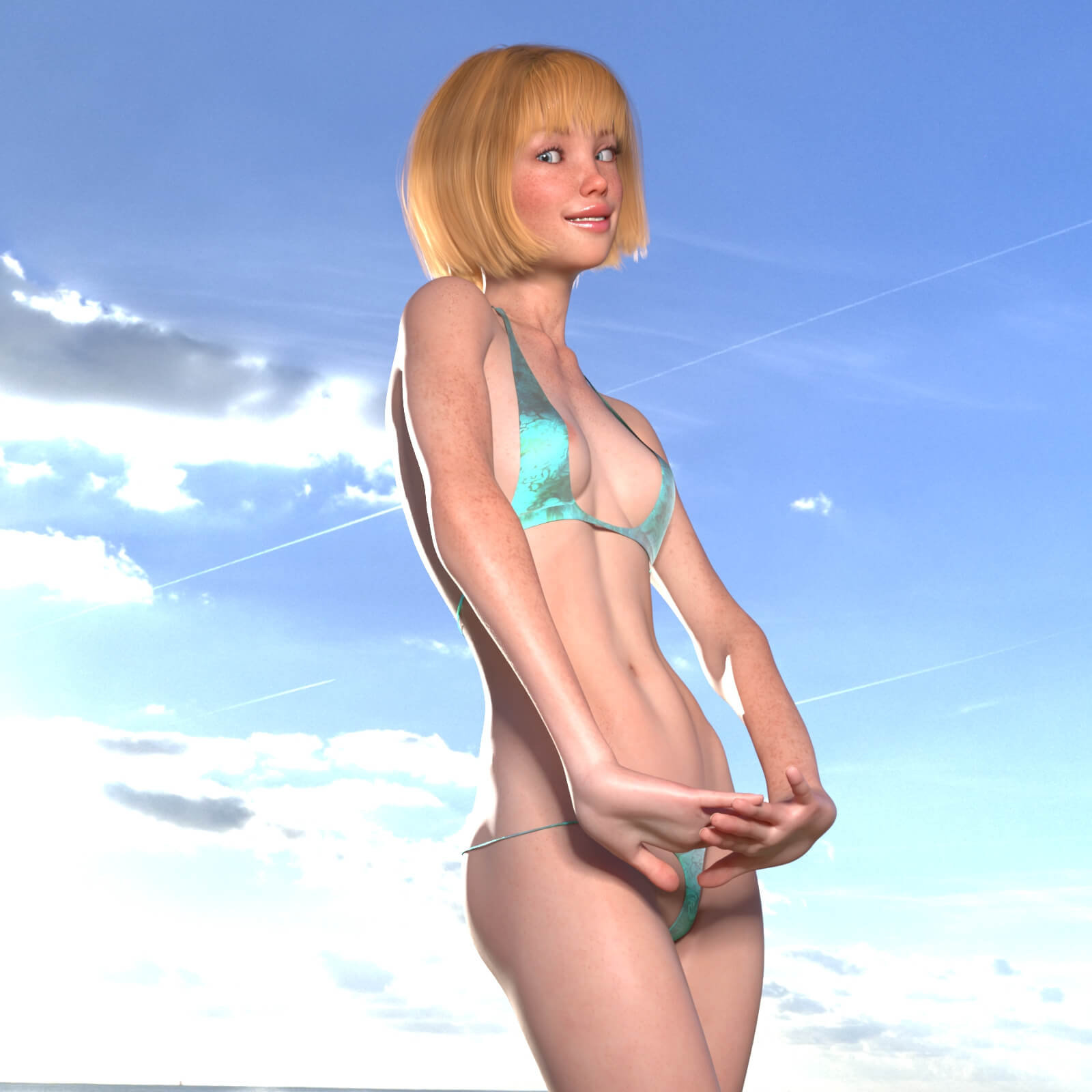
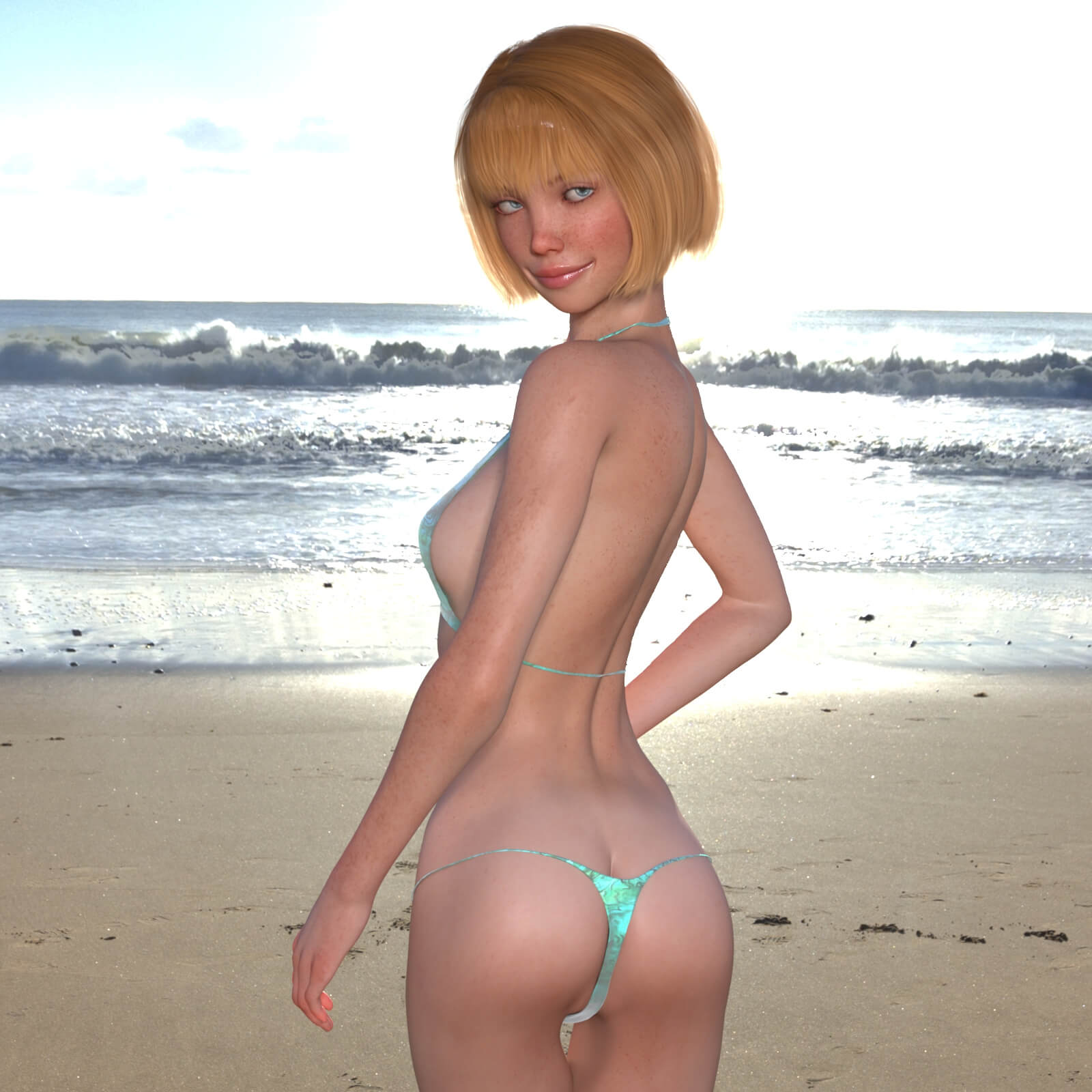
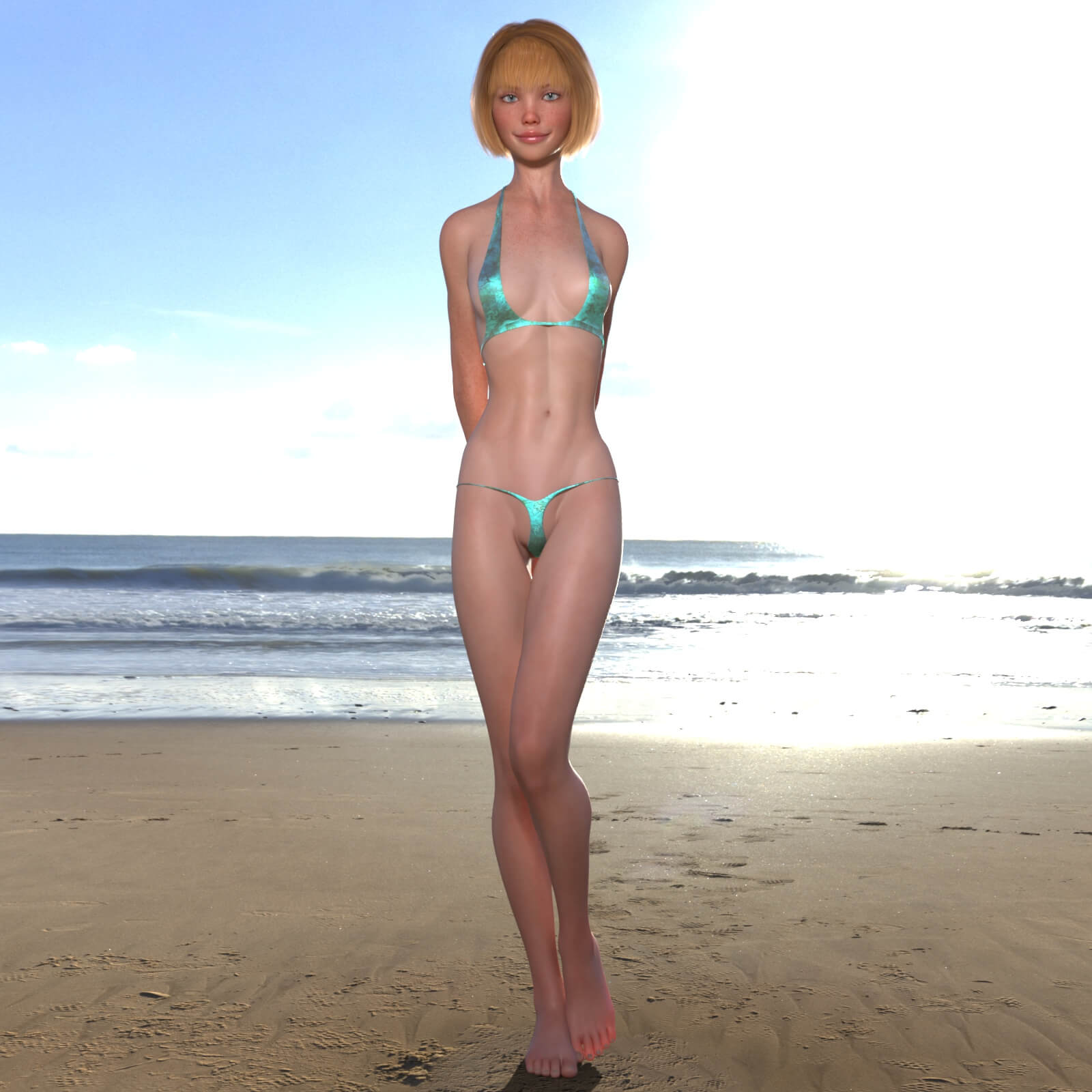
Loreli Character Body and Head Morphs for Genesis 8 Female
Loreli Character Body and Head Morphs for G8F and G8.1F
*Copyright 2026 by bikdingle
************************************************************
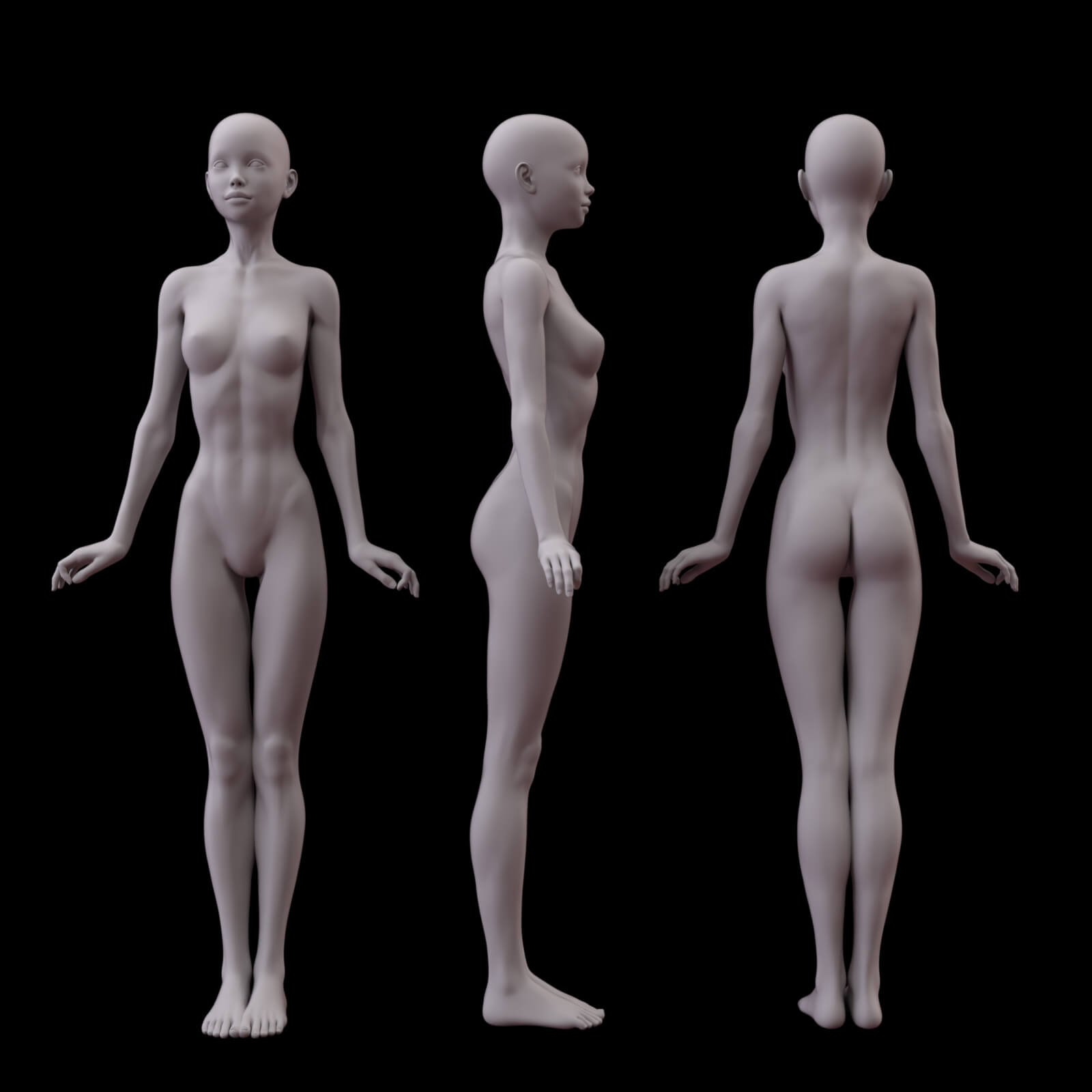
Loreli is a petite character. I continue to explore the petite shape as it seems to be attractive to customers.
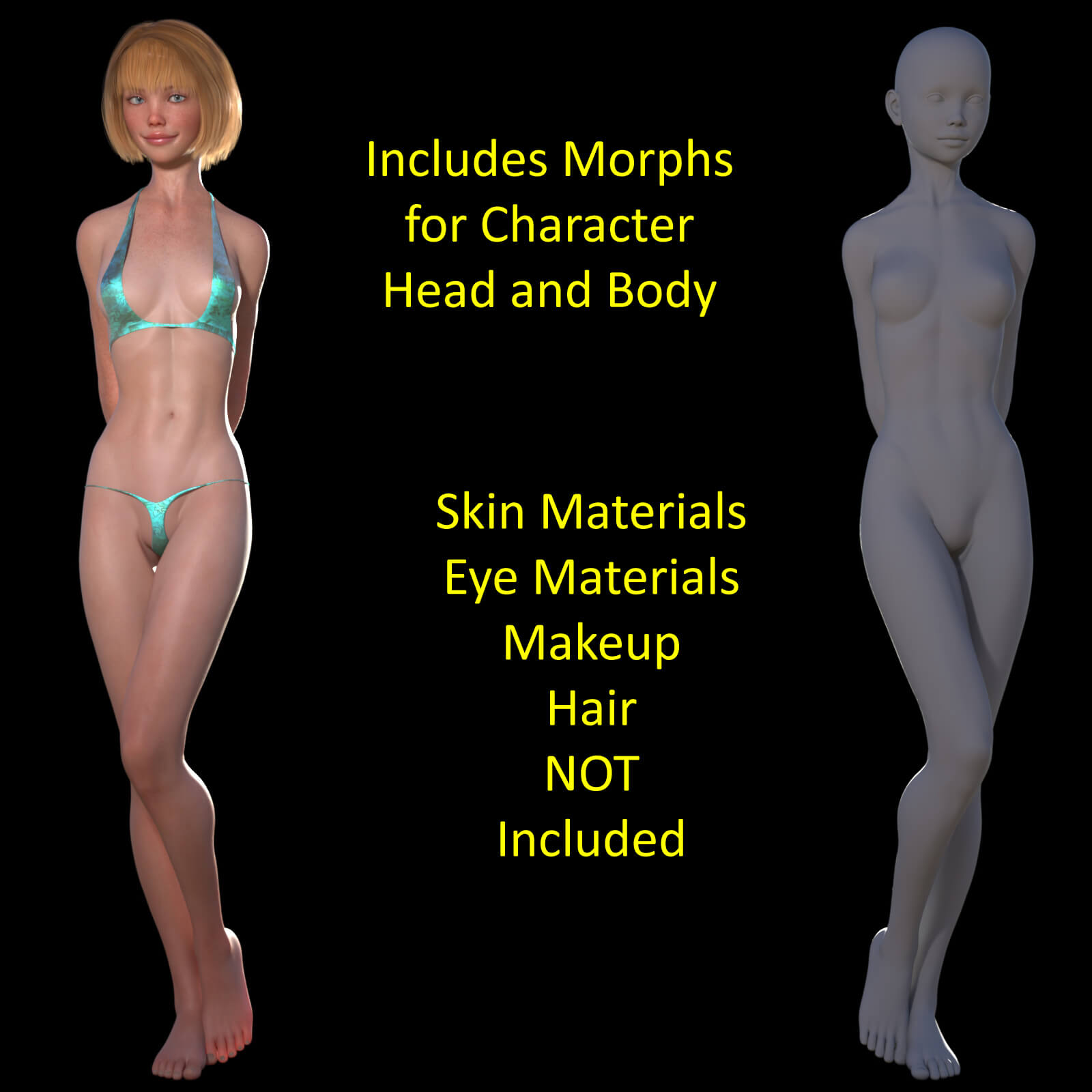
Loreli is a set of body and head morphs, nothing else is included. I do include a pdf that outlines all the other products, mostly by other artists I use to make her (skin, hair etc.). The PDF includes links to the products to build as you see in the promo renders. You’ll need to buy these products if you wish Loreli to look exactly like my version of her presented here and in the promos. You can of course use her how you wish once she’s yours. Her shape is a good starting point for your imagination. The skin you use could vary with your lighting habits and methods.
System Requirements:
PC/MAC, Daz Studio
Product requirements:
Daz Studio 4.10
Nvidia Iray
Genesis 8 female or Genesis 8.1 female
To install:
Unzip into your Daz3D directory, either the program folder or your "My Library" folder.
To Use:
This product contains only a head and body morph for my character Loreli.
It does not include materials, hair or clothing.
This product includes a PDF which outlines the other products I use for my version of Loreli, Skin, Eyes and Hair.
You can of course make her however you wish or dial her in part way for the character you want her to be.
Using the morphs
You will find apply icons for a Full Loreli Apply to your G8F/G8.1F figure and separate apply icons for her head and body in
People >> Genesis 8 Female >> Characters >> bikdingle >> Loreli G8
There are also ‘remove’ icons for each option as well.
If you want to work the sliders and not apply Loreli at 100% you will find the sliders in the Parameters Tab under
Morphs >> Bikdingle >>> Loreli G8
*Copyright 2026 by bikdingle
************************************************************
Loreli is a petite character. I continue to explore the petite shape as it seems to be attractive to customers.
Loreli is a set of body and head morphs, nothing else is included. I do include a pdf that outlines all the other products, mostly by other artists I use to make her (skin, hair etc.). The PDF includes links to the products to build as you see in the promo renders. You’ll need to buy these products if you wish Loreli to look exactly like my version of her presented here and in the promos. You can of course use her how you wish once she’s yours. Her shape is a good starting point for your imagination. The skin you use could vary with your lighting habits and methods.
System Requirements:
PC/MAC, Daz Studio
Product requirements:
Daz Studio 4.10
Nvidia Iray
Genesis 8 female or Genesis 8.1 female
To install:
Unzip into your Daz3D directory, either the program folder or your "My Library" folder.
To Use:
This product contains only a head and body morph for my character Loreli.
It does not include materials, hair or clothing.
This product includes a PDF which outlines the other products I use for my version of Loreli, Skin, Eyes and Hair.
You can of course make her however you wish or dial her in part way for the character you want her to be.
Using the morphs
You will find apply icons for a Full Loreli Apply to your G8F/G8.1F figure and separate apply icons for her head and body in
People >> Genesis 8 Female >> Characters >> bikdingle >> Loreli G8
There are also ‘remove’ icons for each option as well.
If you want to work the sliders and not apply Loreli at 100% you will find the sliders in the Parameters Tab under
Morphs >> Bikdingle >>> Loreli G8
