


 Free 3D
 3D Print Models
 3D Scans
 Animation & MoCap
 Textures
 Materials
 Skin Reference
 2D Game Assets
 Sound Effects
 Brushes & Tools
 Reference Photos
 Stock Images
 HDR Images
 3ds Max
 Maya
 Blender
 Unreal Engine
 Unity
 ZBrush
 Cinema 4D
 LightWave
 Marmoset
 SketchUp
 FBX
 DAE
 DXF
 GLB
SMECS 02 - MDL Iray Shader Preset for Daz

Not Rated Yet


! REPORT
FREE
NOTE: DIGITAL DOWNLOAD, NOT A PHYSICAL ITEM

Add to Collection

5 Likes
Share This Daz Content


Offered By


Blender / DAZ since 2019. First product released in 2021. Product themes: mainly NSFW and hardcore, as well as erotic clothing and clothing-like dForce products. No special sales planned.

License
Extended Use License
This item comes with our Extended Use Licensing. This means that you may use the model for both non-commercial and commercial purposes, in a variety of mediums and applications.
For full license terms, see our 3D Content Licensing Agreement
Item Details
| Vendor: | Camouflage |
| Published: | Nov 19, 2026 |
| Download Size: | 770.4 KB |
| Software: | Daz Studio |
| dForce: | – |
Included Formats

Statistics
| Favorites: | 1 |
| Likes: | 5 |
| Views: | 194 |
Item Ratings
Not Rated Yet
SMECS 02 - MDL Iray Shader Preset for Daz
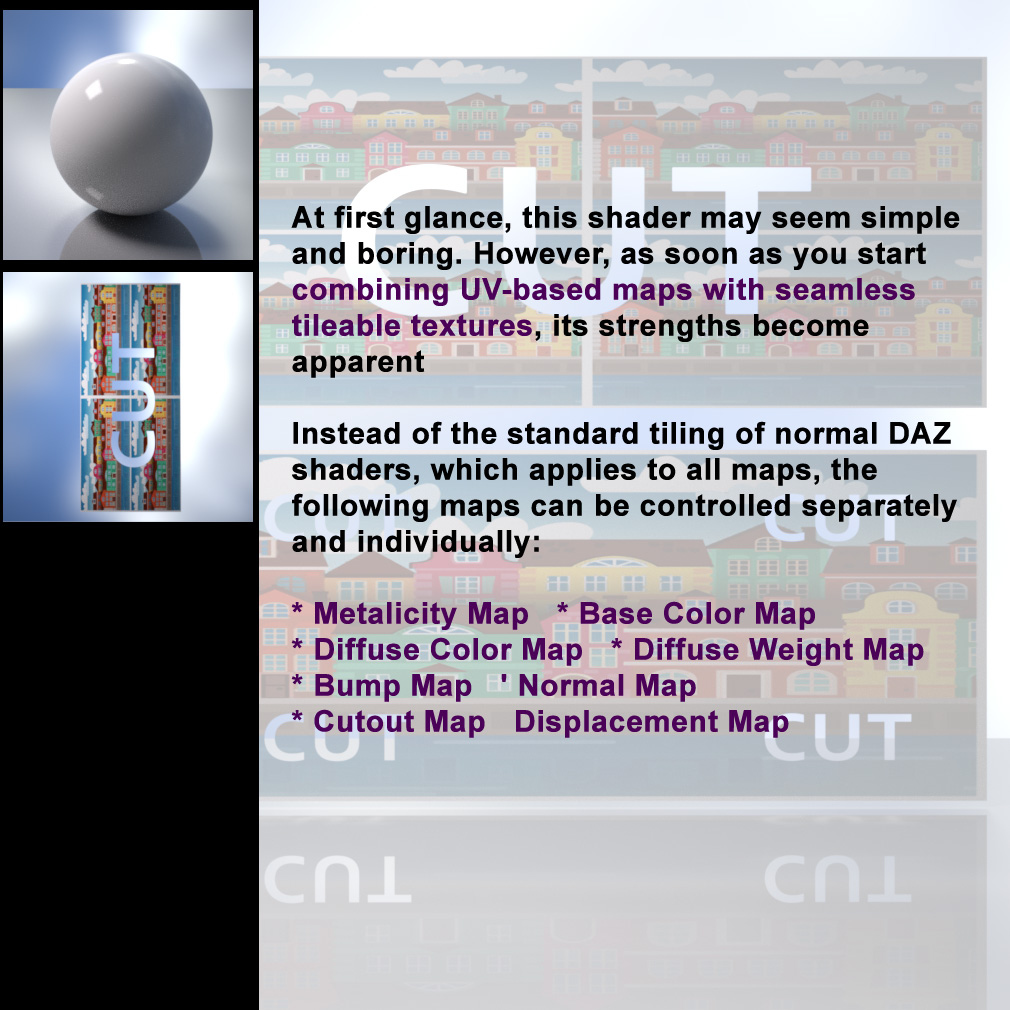
At first glance, this shader may seem simple and boring. However, as soon as you start combining UV-based maps with seamless tileable textures, its strengths become apparent.
Instead of the standard tiling of normal DAZ shaders, which applies to all used maps, the following maps can be controlled separately and individually:
- Metalicity Map
- Base Color Map
- Diffuse Weight Map
- Diffuse Color Map
- Bump Map
- Normal Map
- Cutout Map
- Displacement Map
A real-world example: I like to use UV-based bump and weight maps (1:1 tiling) for my dForce 3D clothing, but I'd like to use different tiling options for the base color or normal map. Until now, that hasn't been possible with the standard DAZ shaders.
IMPORTANT: To assign a shader preset, the surface must be selected in the "Surfaces" pane!
After you have changed the parameters as desired, you can save the settings as a material preset
What's included:
* 2 Shader Presets (.duf) based on the Smecs 02 Shader
* some simple maps (base color and cutout)
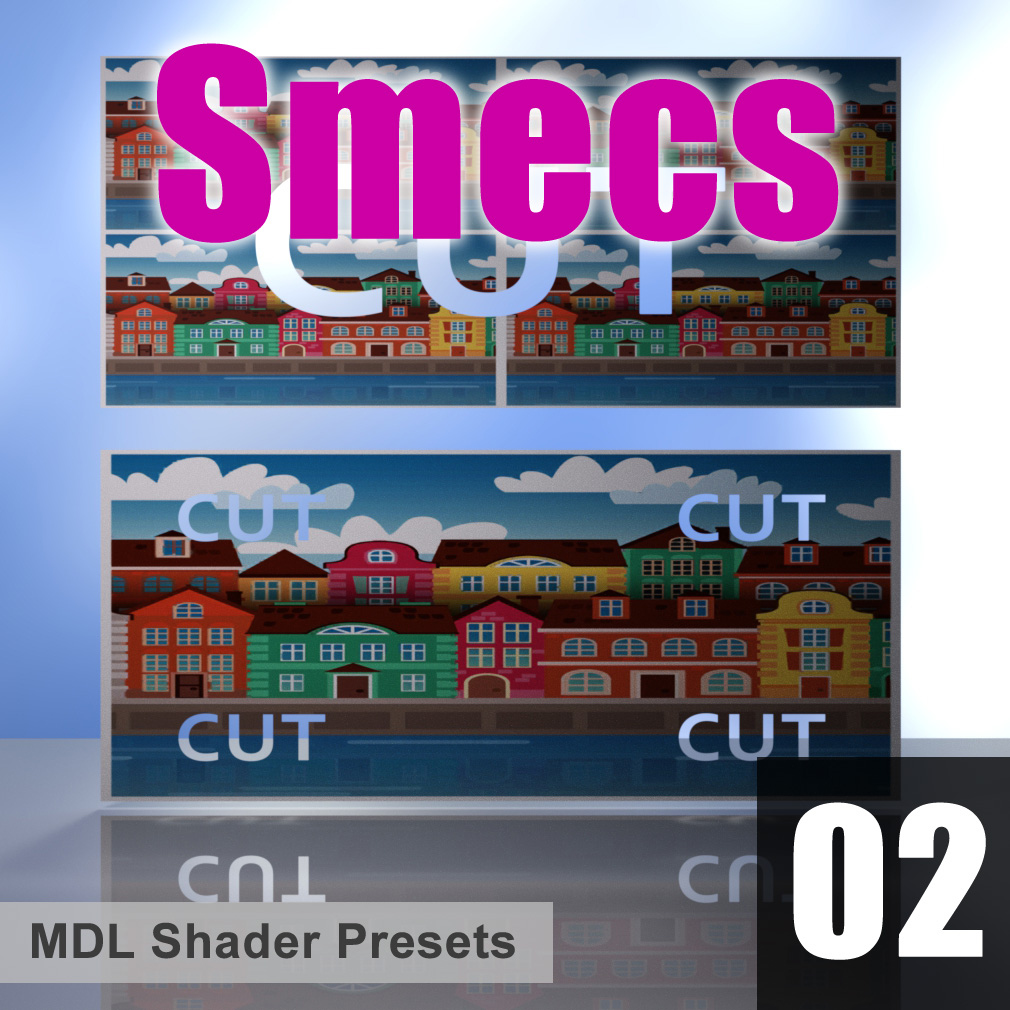
* a test scene (same as the promo image) you can use to experiment with the shader settings
* the .dbm file of the Smecs 01 shader for the Shader Mixer. This allows you to conduct your own experiments or make refinements
* some readme's you should read
Manual installation to the following folder:
Shader Presets -> Camouflage -> Smecs
Instead of the standard tiling of normal DAZ shaders, which applies to all used maps, the following maps can be controlled separately and individually:
- Metalicity Map
- Base Color Map
- Diffuse Weight Map
- Diffuse Color Map
- Bump Map
- Normal Map
- Cutout Map
- Displacement Map
A real-world example: I like to use UV-based bump and weight maps (1:1 tiling) for my dForce 3D clothing, but I'd like to use different tiling options for the base color or normal map. Until now, that hasn't been possible with the standard DAZ shaders.
IMPORTANT: To assign a shader preset, the surface must be selected in the "Surfaces" pane!
After you have changed the parameters as desired, you can save the settings as a material preset
What's included:
* 2 Shader Presets (.duf) based on the Smecs 02 Shader
* some simple maps (base color and cutout)
* a test scene (same as the promo image) you can use to experiment with the shader settings
* the .dbm file of the Smecs 01 shader for the Shader Mixer. This allows you to conduct your own experiments or make refinements
* some readme's you should read
Manual installation to the following folder:
Shader Presets -> Camouflage -> Smecs
Categories
