


 Free 3D
 3D Print Models
 3D Scans
 Animation & MoCap
 Textures
 Materials
 Skin Reference
 2D Game Assets
 Sound Effects
 Brushes & Tools
 Reference Photos
 Stock Images
 HDR Images
 3ds Max
 Maya
 Blender
 Unreal Engine
 Unity
 ZBrush
 Cinema 4D
 LightWave
 Marmoset
 SketchUp
 FBX
 DAE
 DXF
 GLB
Mini Lolita Skirt for Daz Studio Genesis 8 and 8.1 Female

Not Rated Yet


User Artwork (1)
! REPORT
NOTE: DIGITAL DOWNLOAD, NOT A PHYSICAL ITEM

Add to Collection

3 Likes
Share This Daz Content


Top Rated Vendor


License
Extended Use License
This item comes with our Extended Use Licensing. This means that you may use the model for both non-commercial and commercial purposes, in a variety of mediums and applications.
For full license terms, see our 3D Content Licensing Agreement
Item Details
| Vendor: | Causam3D |
| Published: | Nov 19, 2026 |
| Download Size: | 48.6 MB |
| Software: | Daz Studio |
| Compatible Figures: | Genesis 8.1 Female Genesis 8 Female |
| dForce: | Yes |
Included Formats

Statistics
| Favorites: | 0 |
| Likes: | 3 |
| Views: | 47 |
Item Ratings
Not Rated Yet
Mini Lolita Skirt for Daz Studio Genesis 8 and 8.1 Female
System Requirements:
PC/MAC, Daz Studio
Product requirements:
Daz Studio 4.10 for dForce
Nvidia Iray
Genesis 8 or 8.1 female
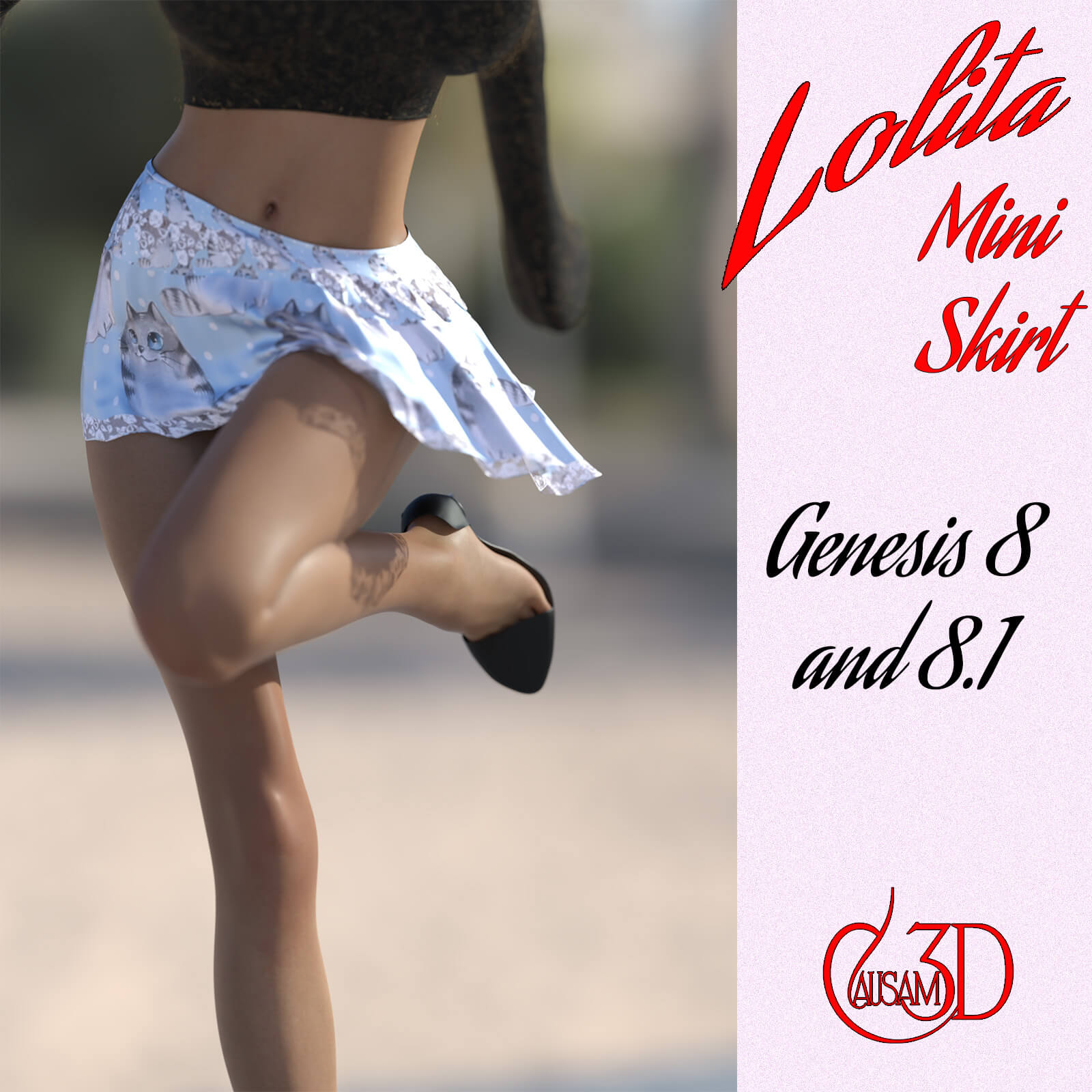
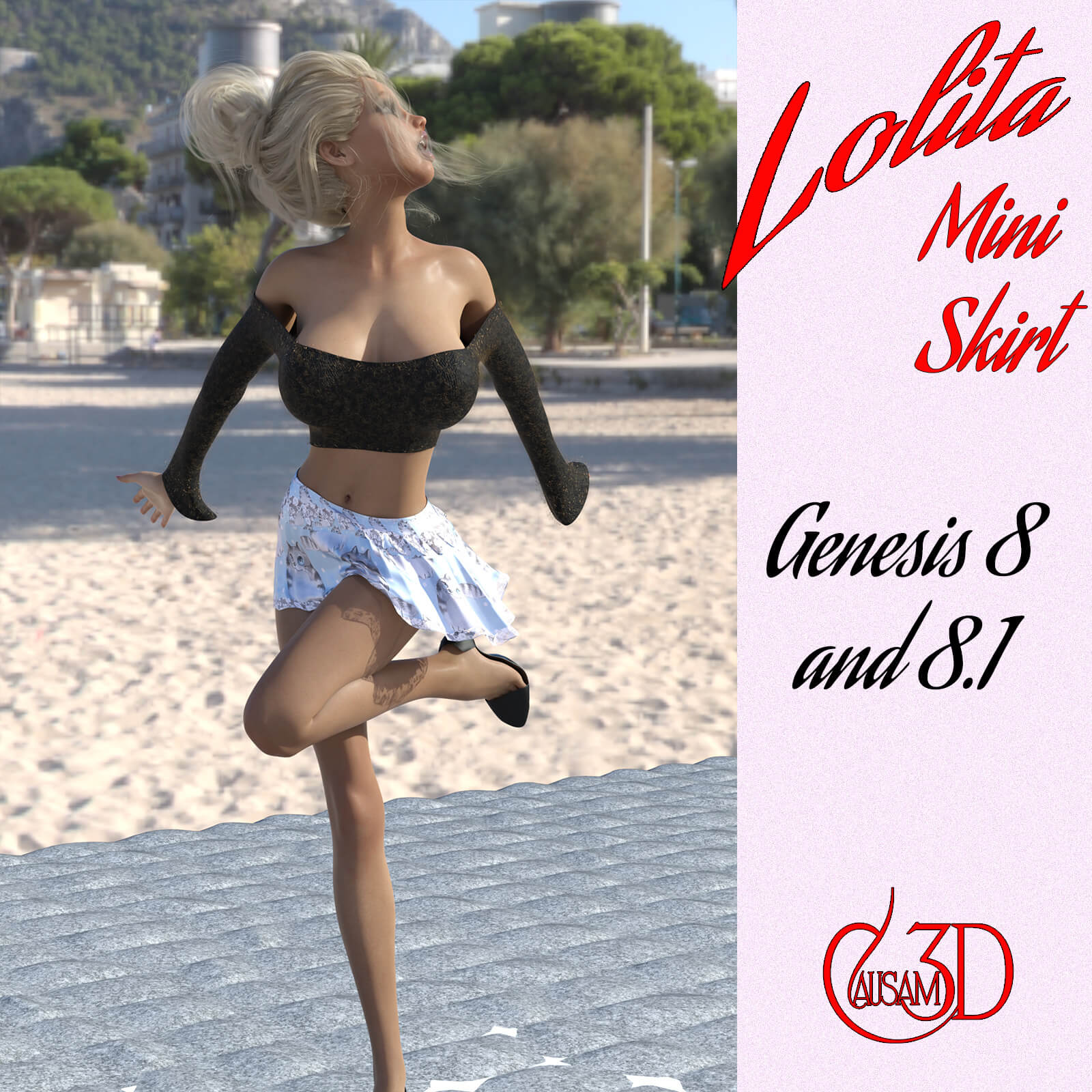
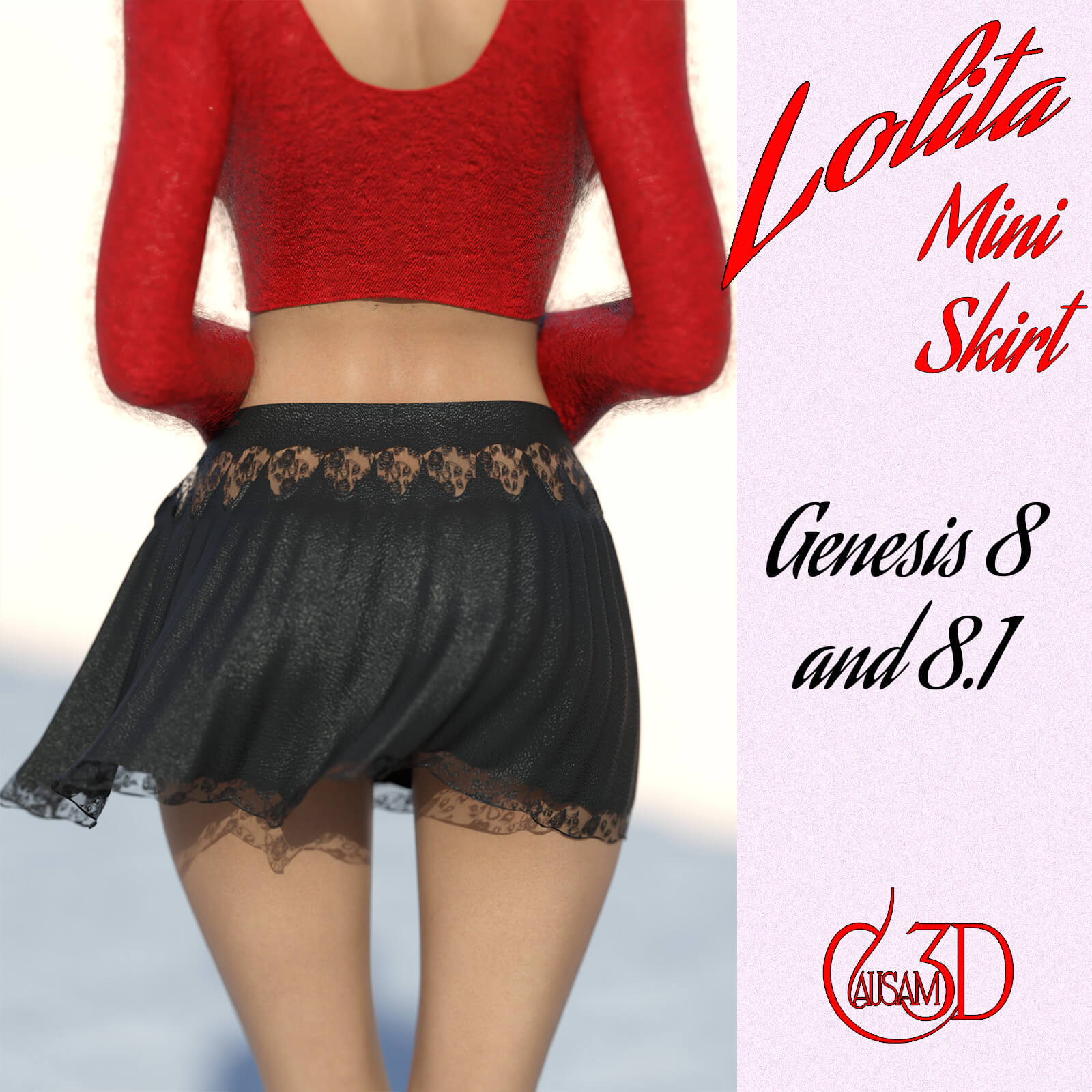
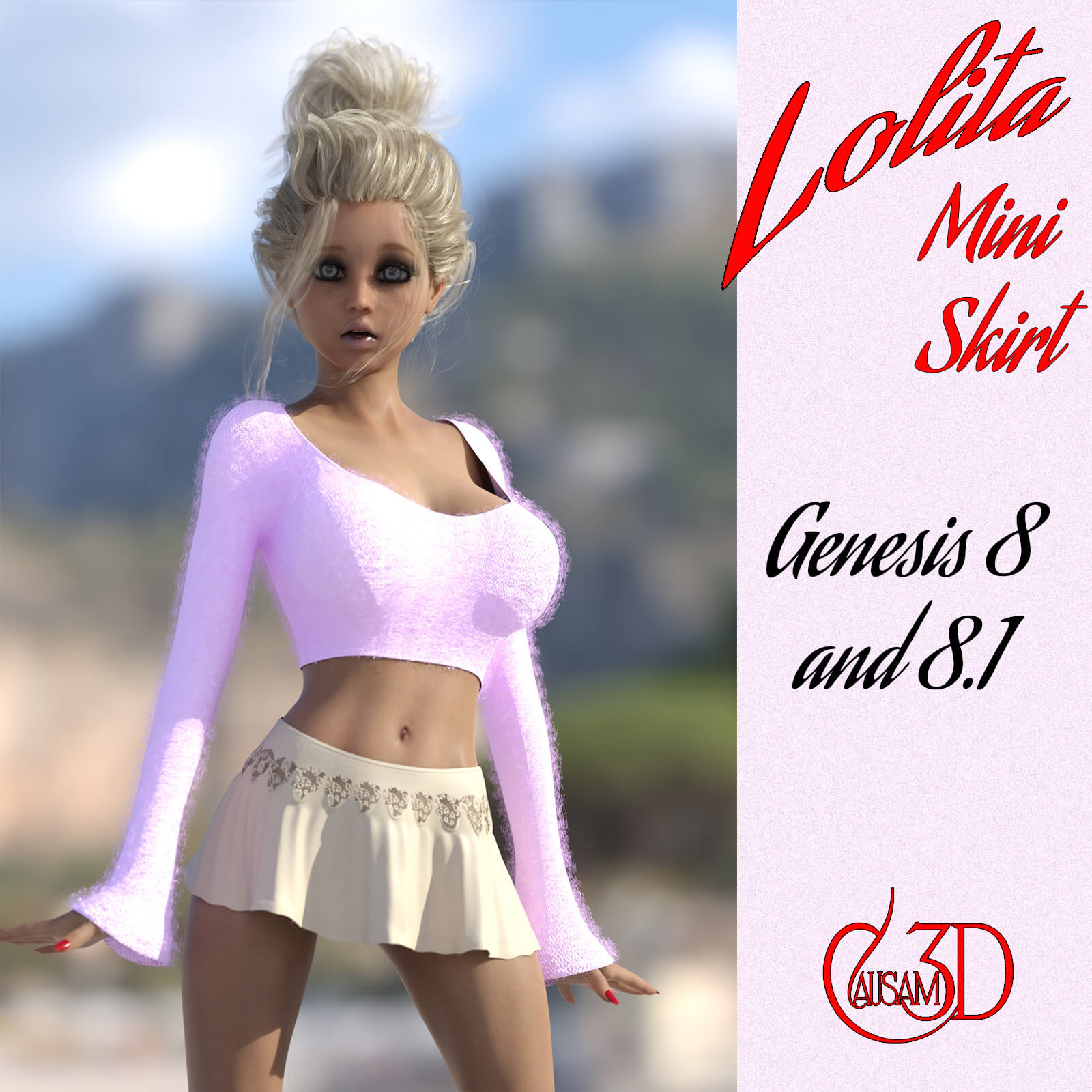
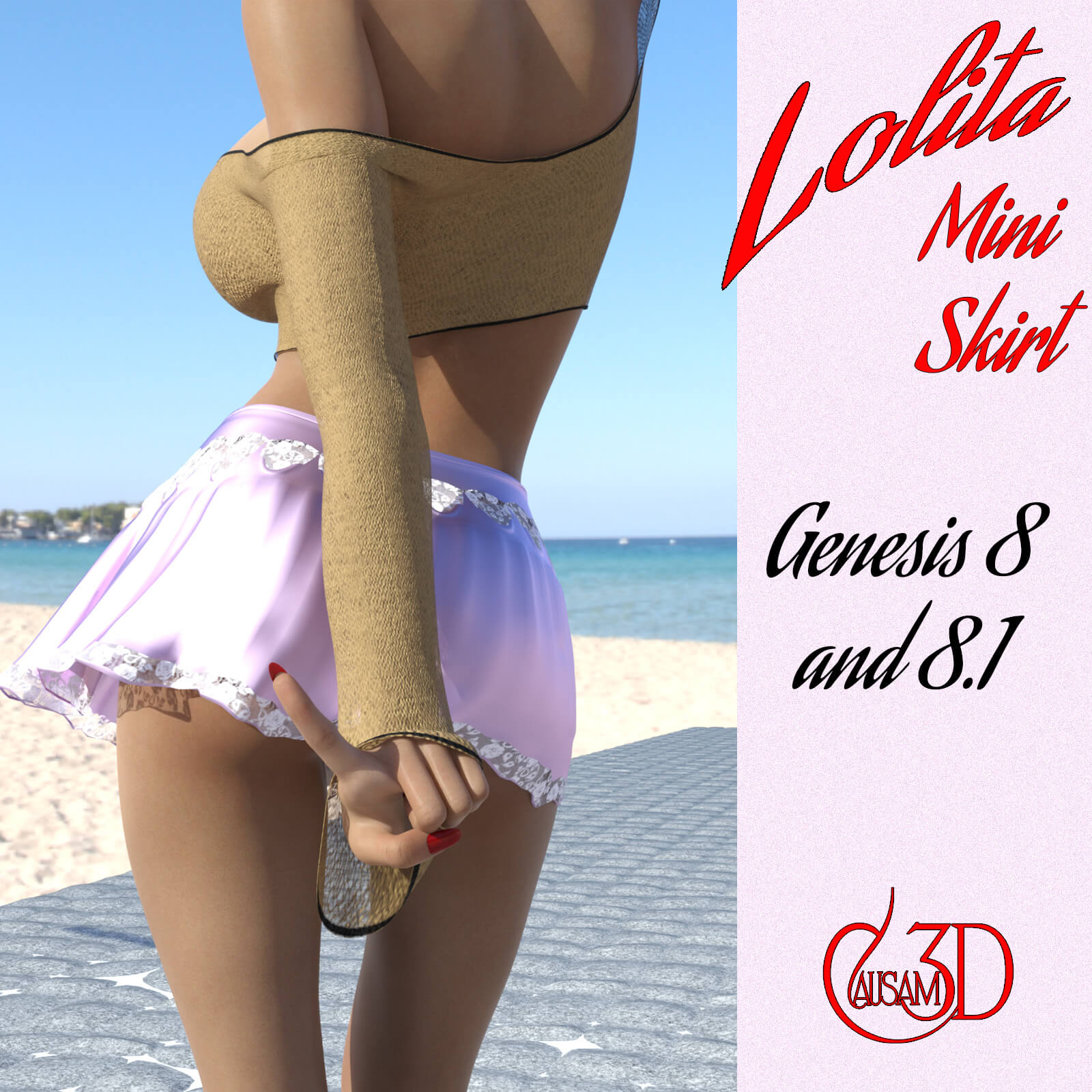
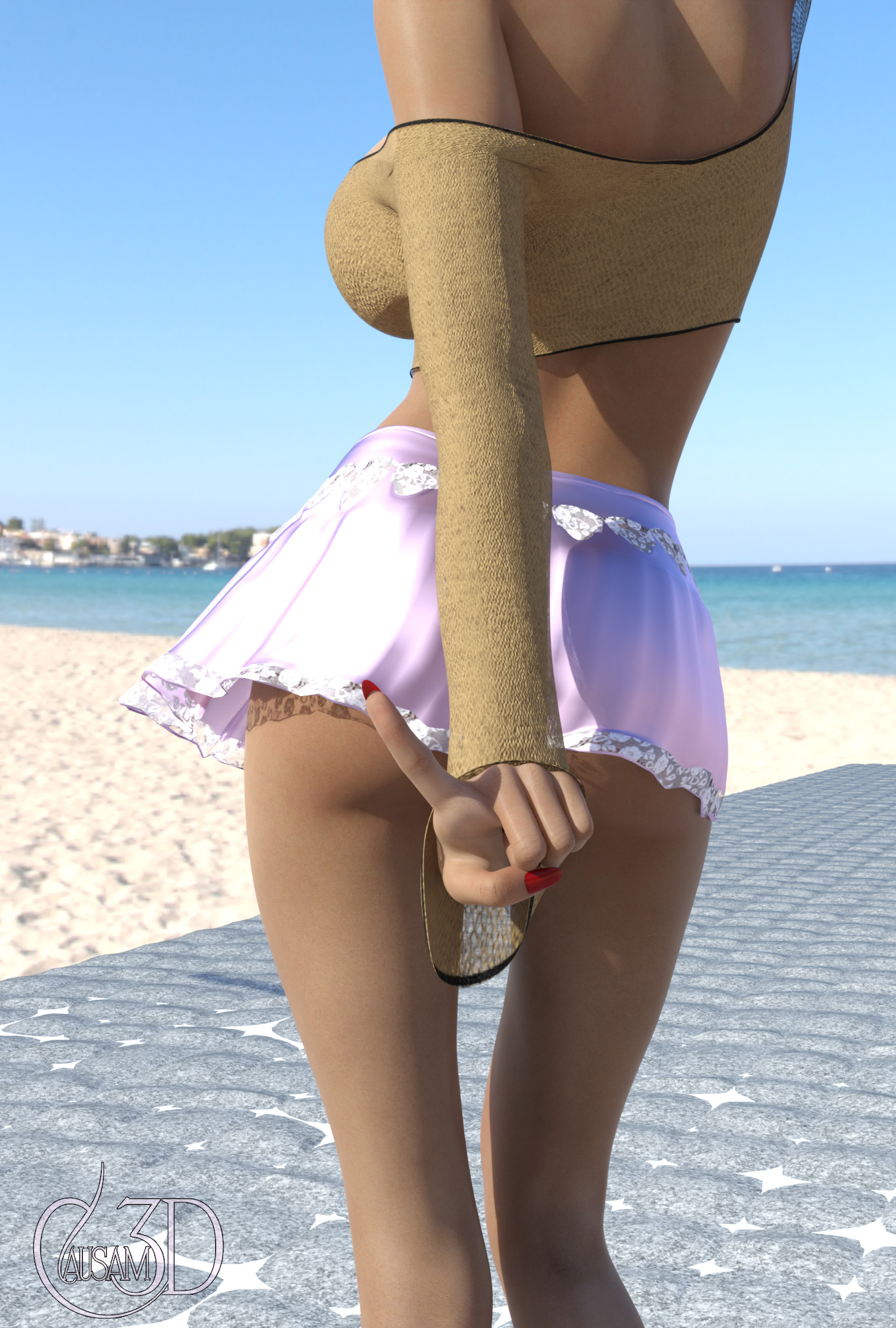
Get ready to have your character strut in style with Mini Lolita Skirt! This casual, flirty skirt is designed to give your character a forward, sexy look. Whether you're going for a beach nightclub vibe or just want to add some flair to your character's wardrobe, this outfit is the perfect choice. Made with reactive dForce, it is not only fashionable but fits perfectly in any simulation every time.
Mini Lolita Skirt is a classic pleated design in a short style. There are dForce material zones giving it lots of life and bounce. Reactive dForce assures that the response will be lively and flattering.
Morphs:
The outfit is equipped our signature "Poke Through Fix" morph to allow rapid and trouble-free adjustment in the event that any clipping occurs. It also comes with a skirt length morph to allow you to control how saucy your render gets.
Textures:
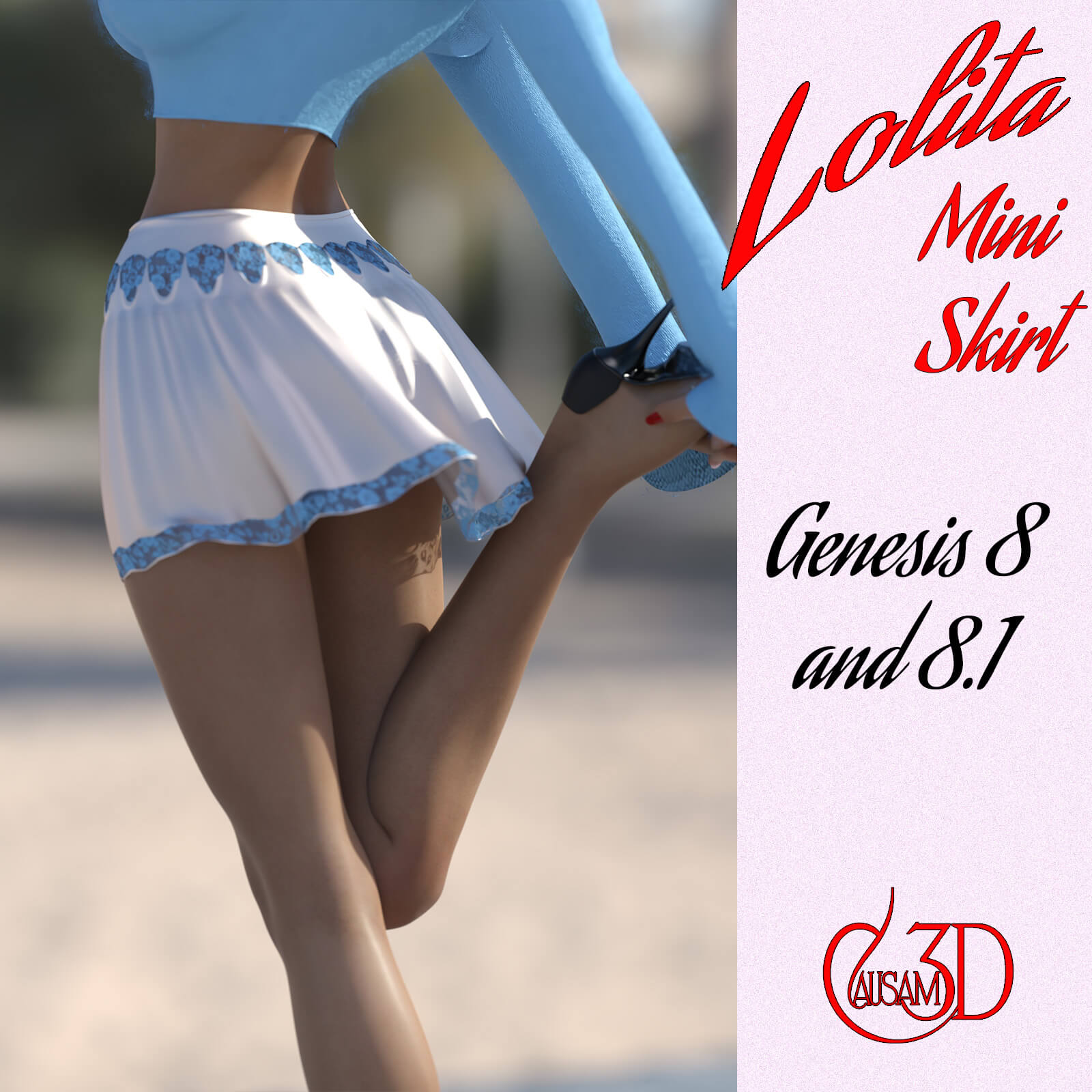
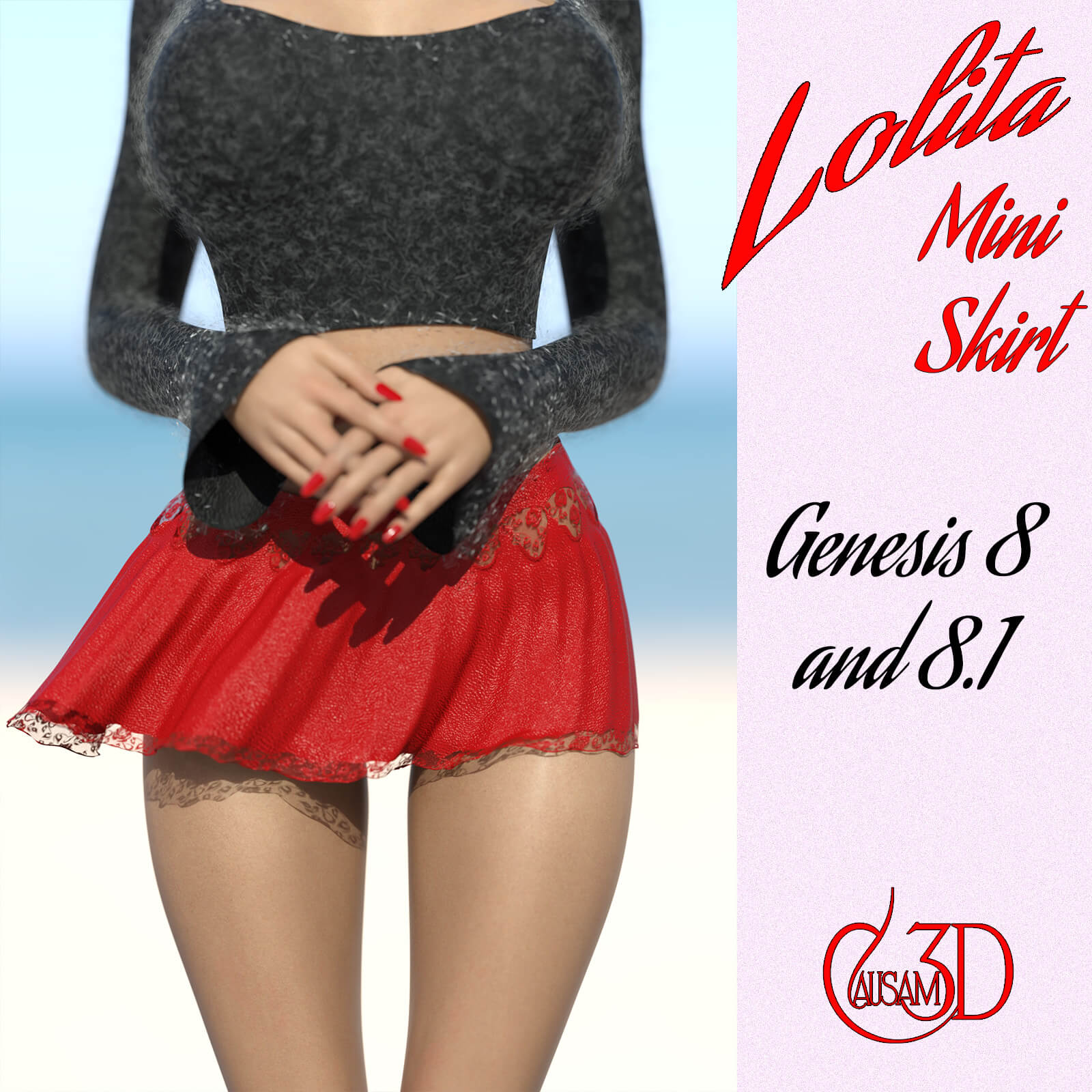
The Mini Lolita Skirt comes with two textures and six colors along with shaders for the textures that allow you to coordinate your styles in the scene.
HINT: We caution you to be very careful with the wind node on this skirt. Be sure to keep the wind speeds low, 1 mph or less.
To install:
Unzip into your Daz3D directory, either the program folder or your "My Library" folder. You'll find your new product under:
People --> Genesis 8 Female --> Clothing --> Causam3D --> Mini Lolita Skirt
To Use:
Select your character (either a G8 or G8.1) and then load the skirt, then run the dForce simulation. Then choose the materials you want, run a simulation and render! That's it, you're done.
Ownership Statement:
Created and owned by Causam3D
PC/MAC, Daz Studio
Product requirements:
Daz Studio 4.10 for dForce
Nvidia Iray
Genesis 8 or 8.1 female
Get ready to have your character strut in style with Mini Lolita Skirt! This casual, flirty skirt is designed to give your character a forward, sexy look. Whether you're going for a beach nightclub vibe or just want to add some flair to your character's wardrobe, this outfit is the perfect choice. Made with reactive dForce, it is not only fashionable but fits perfectly in any simulation every time.
Mini Lolita Skirt is a classic pleated design in a short style. There are dForce material zones giving it lots of life and bounce. Reactive dForce assures that the response will be lively and flattering.
Morphs:
The outfit is equipped our signature "Poke Through Fix" morph to allow rapid and trouble-free adjustment in the event that any clipping occurs. It also comes with a skirt length morph to allow you to control how saucy your render gets.
Textures:
The Mini Lolita Skirt comes with two textures and six colors along with shaders for the textures that allow you to coordinate your styles in the scene.
HINT: We caution you to be very careful with the wind node on this skirt. Be sure to keep the wind speeds low, 1 mph or less.
To install:
Unzip into your Daz3D directory, either the program folder or your "My Library" folder. You'll find your new product under:
People --> Genesis 8 Female --> Clothing --> Causam3D --> Mini Lolita Skirt
To Use:
Select your character (either a G8 or G8.1) and then load the skirt, then run the dForce simulation. Then choose the materials you want, run a simulation and render! That's it, you're done.
Ownership Statement:
Created and owned by Causam3D
