


 Free 3D
 3D Print Models
 3D Scans
 Animation & MoCap
 Textures
 Materials
 Skin Reference
 2D Game Assets
 Sound Effects
 Brushes & Tools
 Reference Photos
 Stock Images
 HDR Images
 3ds Max
 Maya
Maya Blender
 Unreal Engine
 Unity
Unity ZBrush
 Cinema 4D
 LightWave
 Marmoset
 SketchUp
 FBX
FBX DAE
DAE DXF
DXF GLB
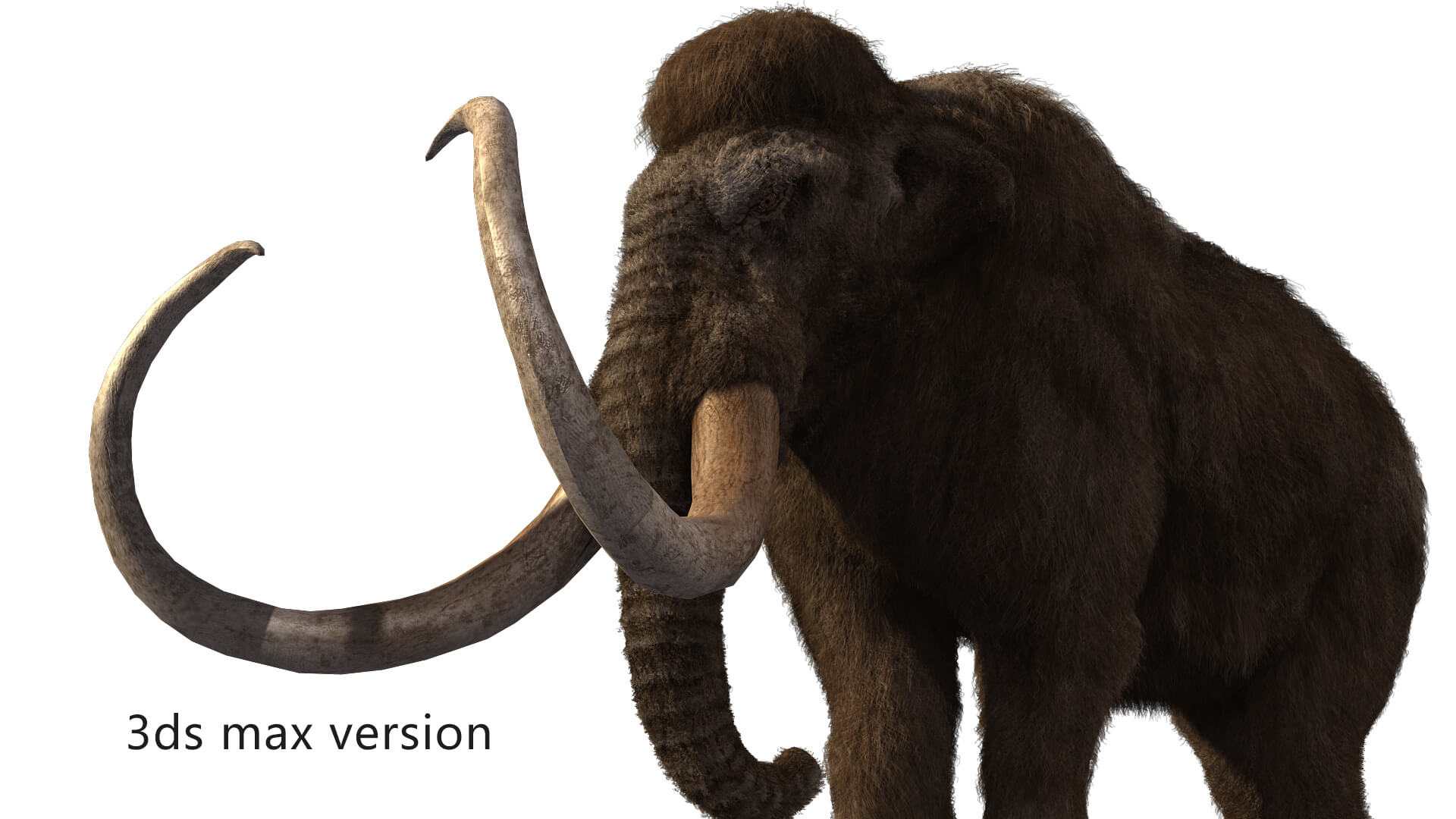
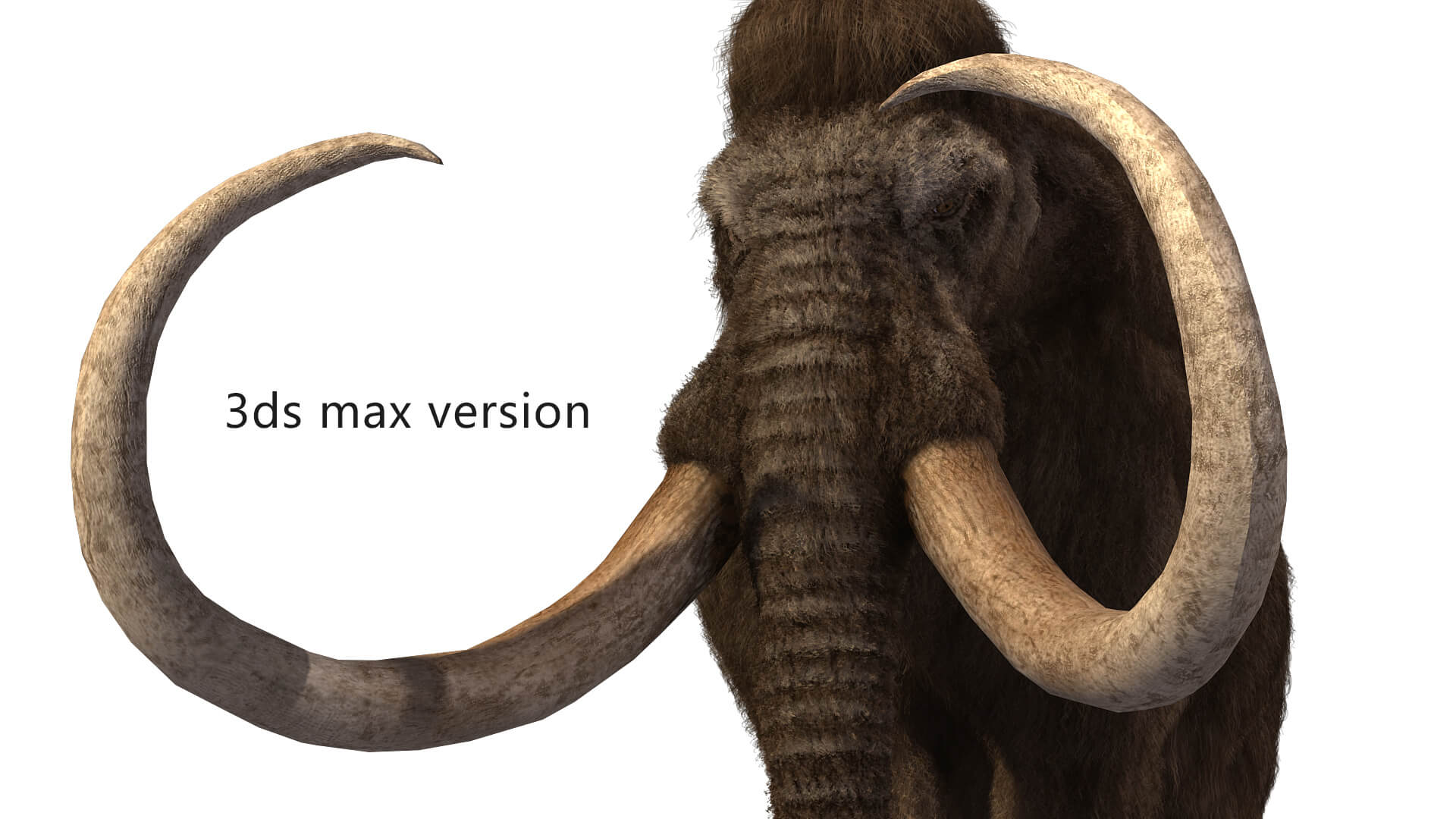
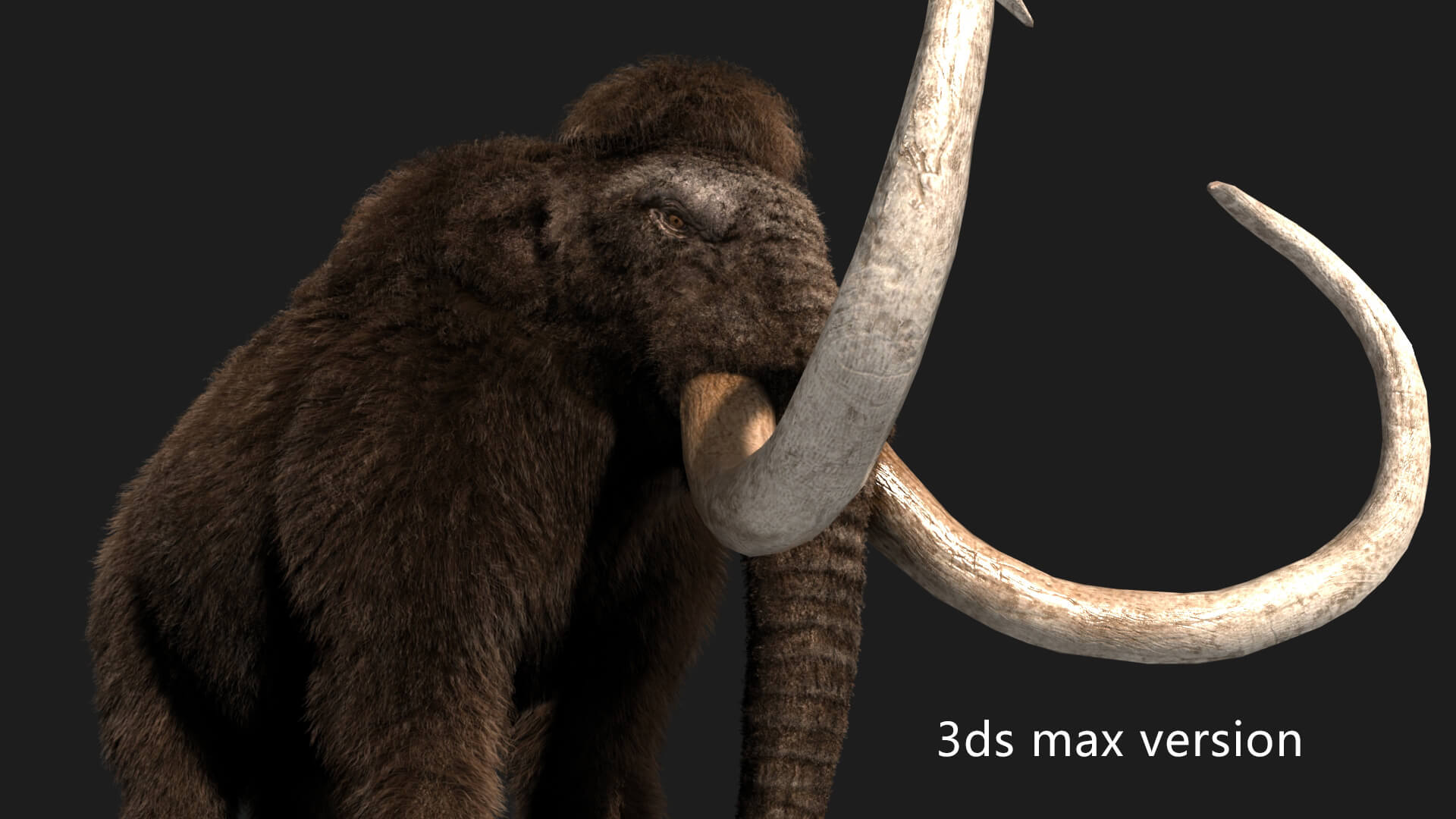
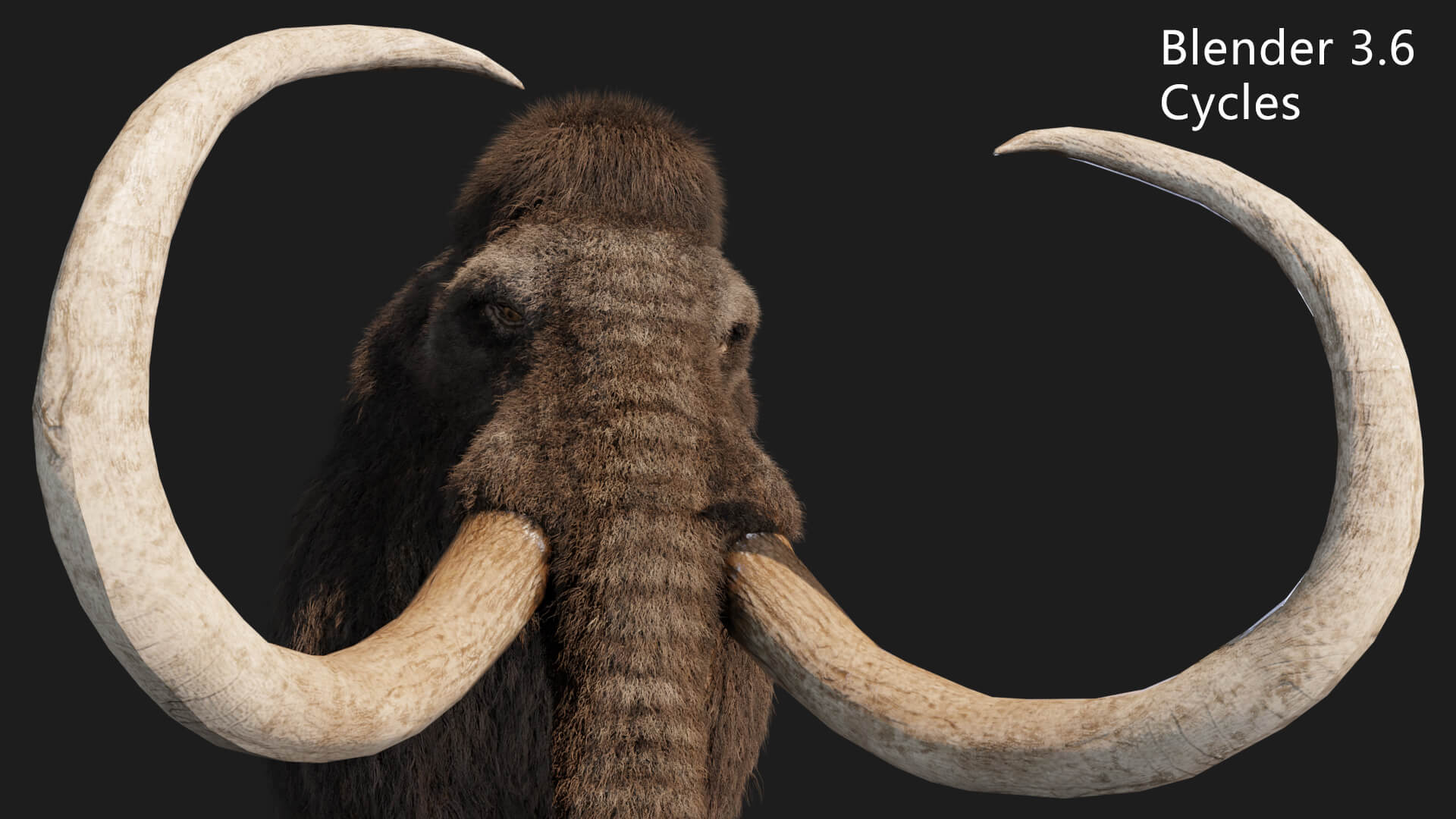
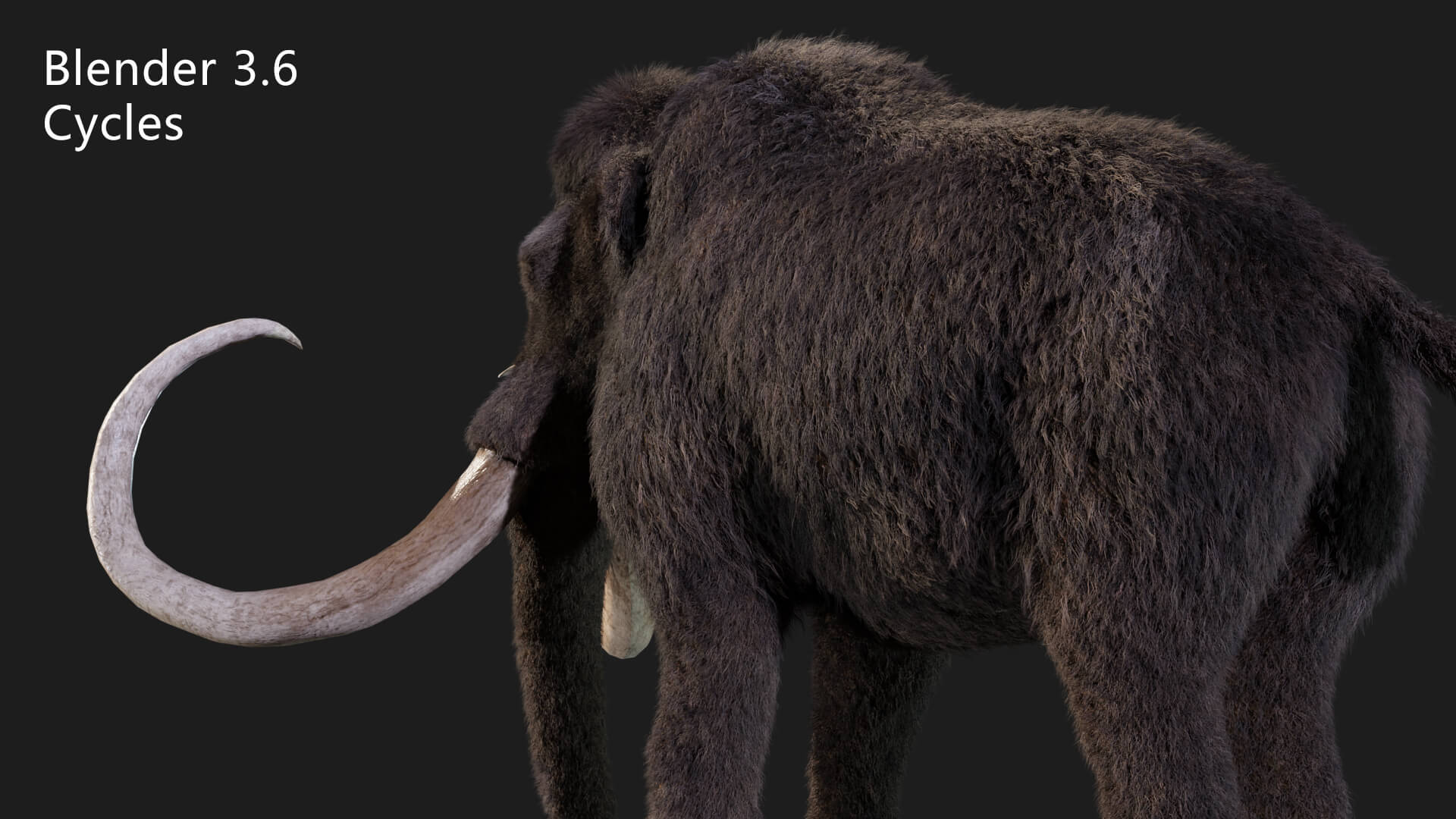
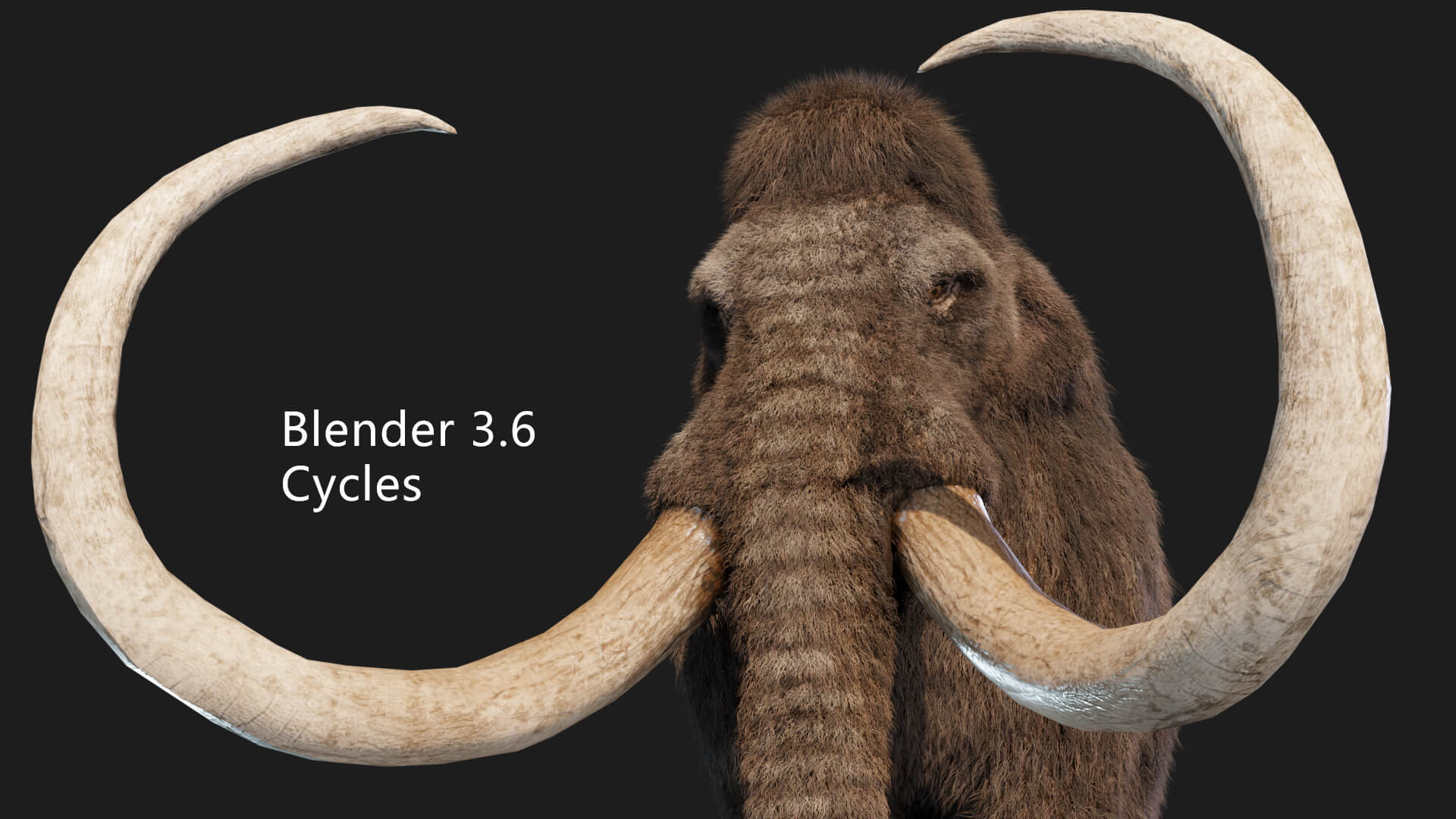
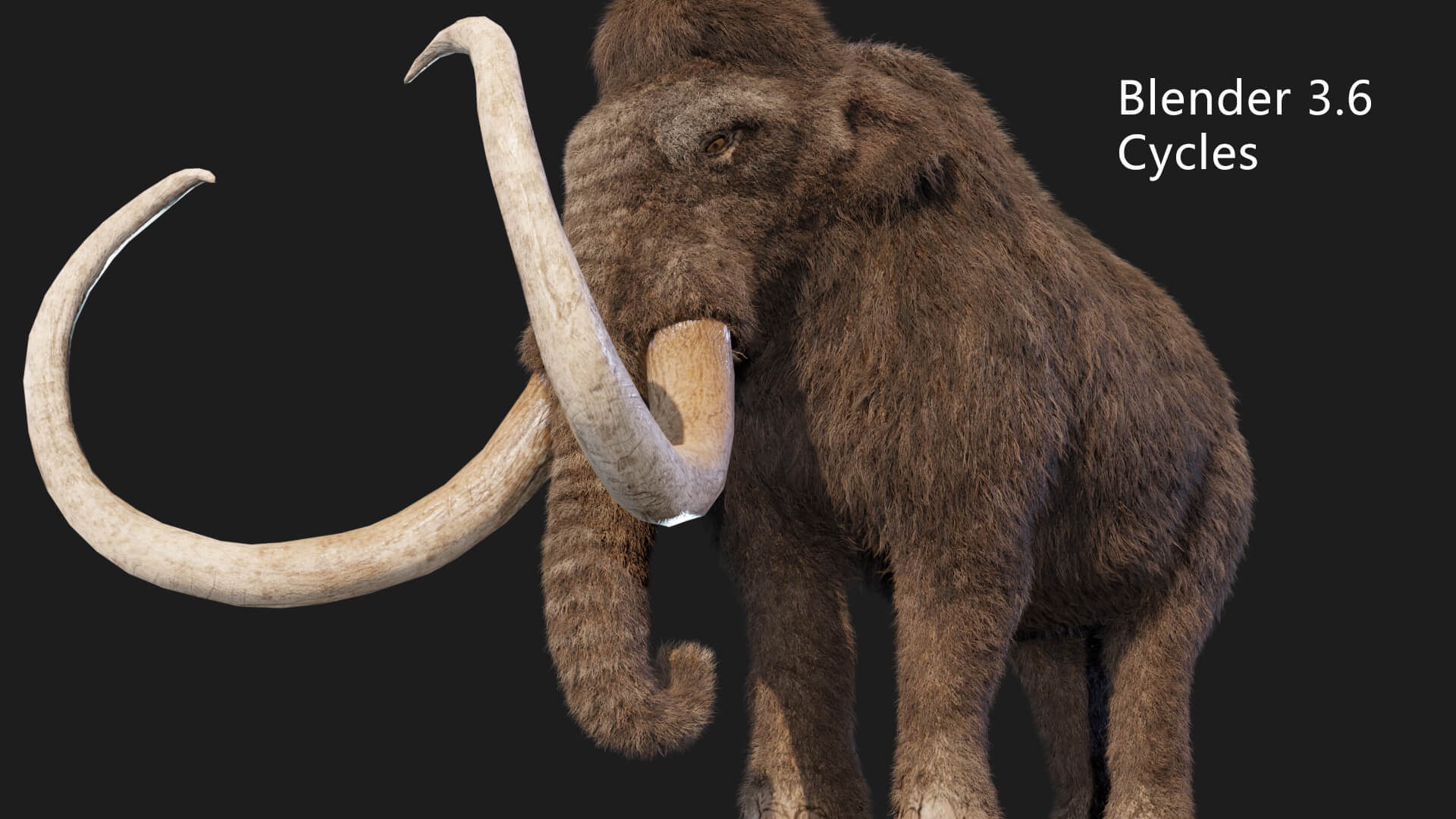
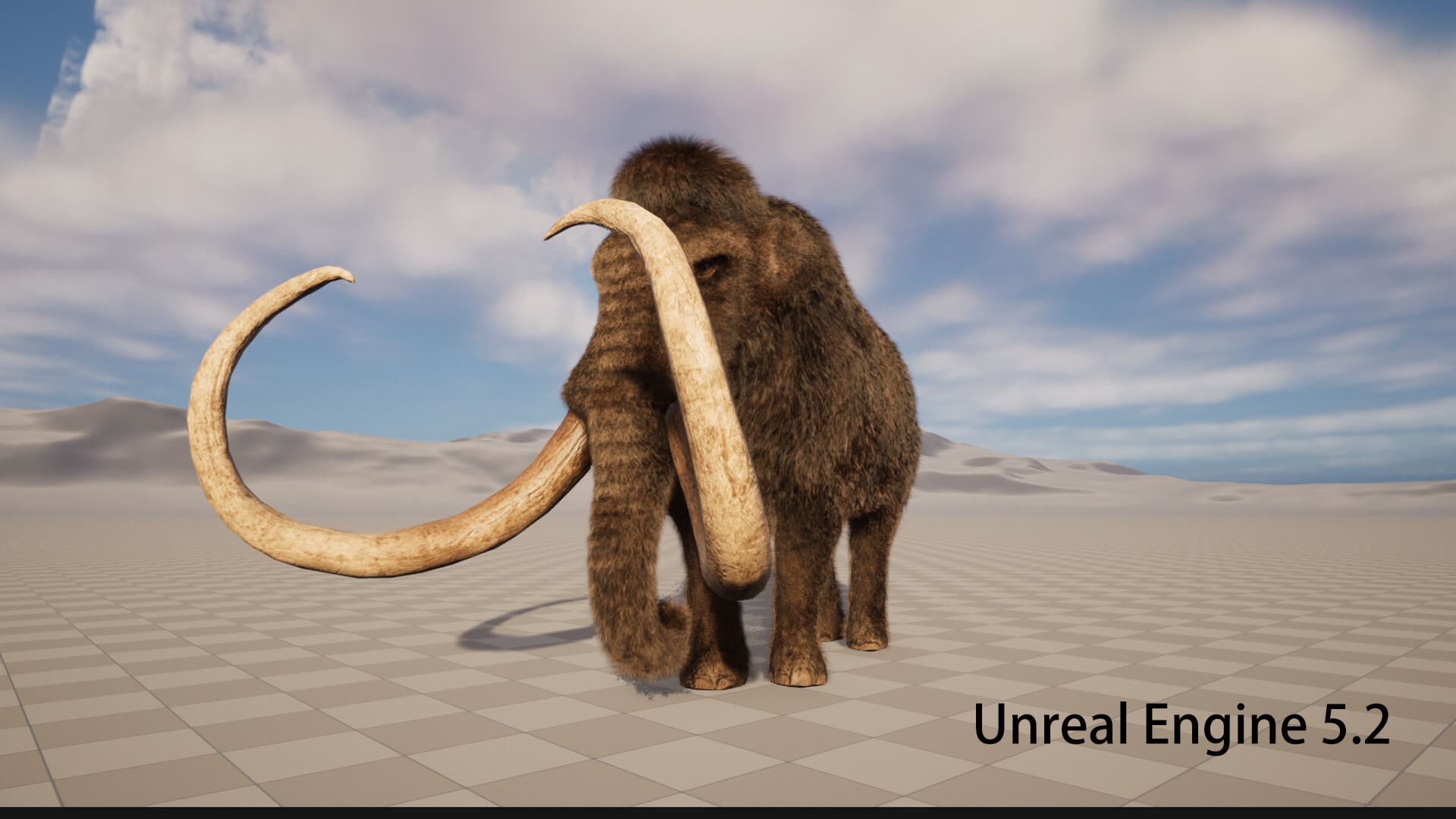
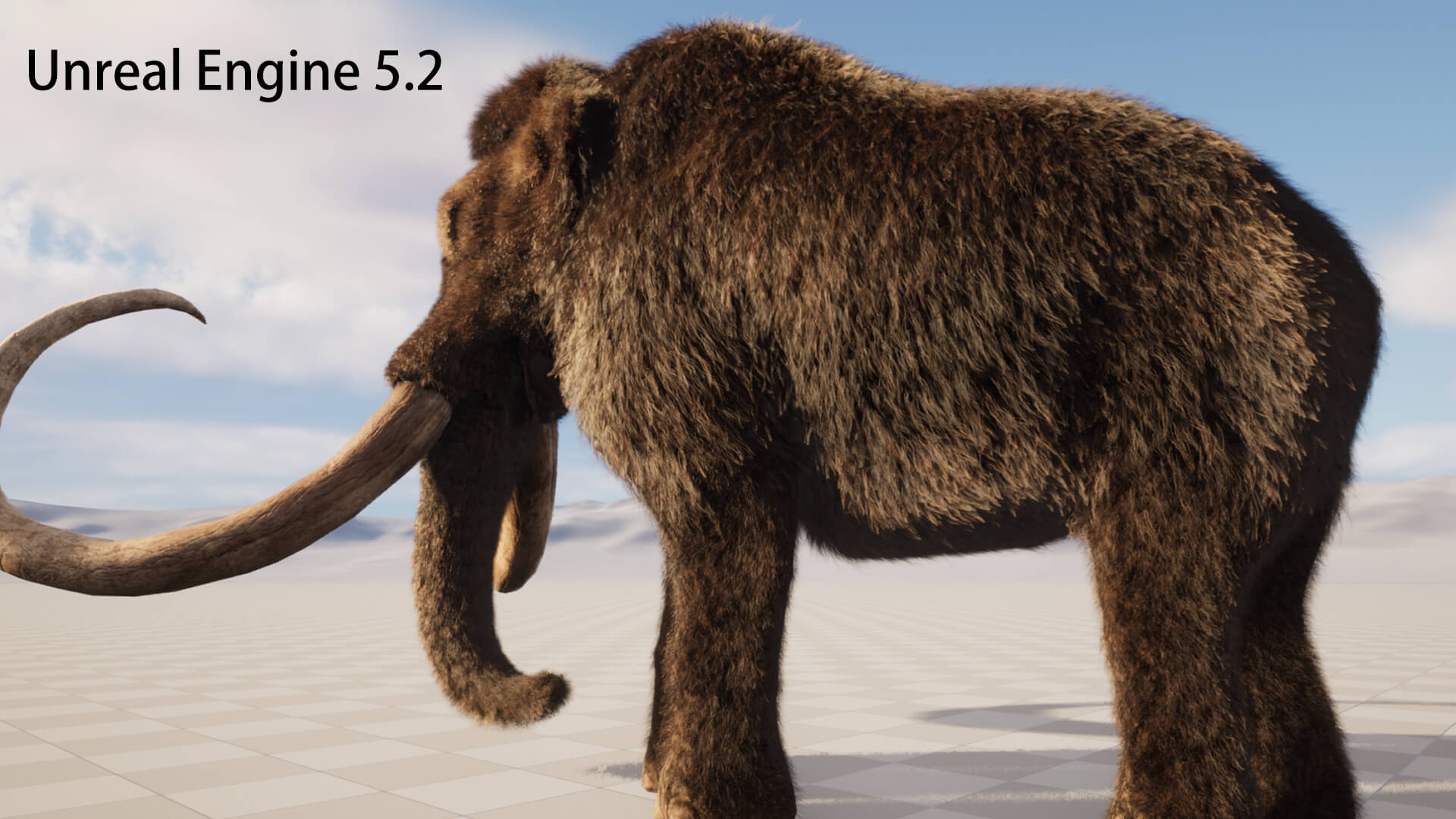
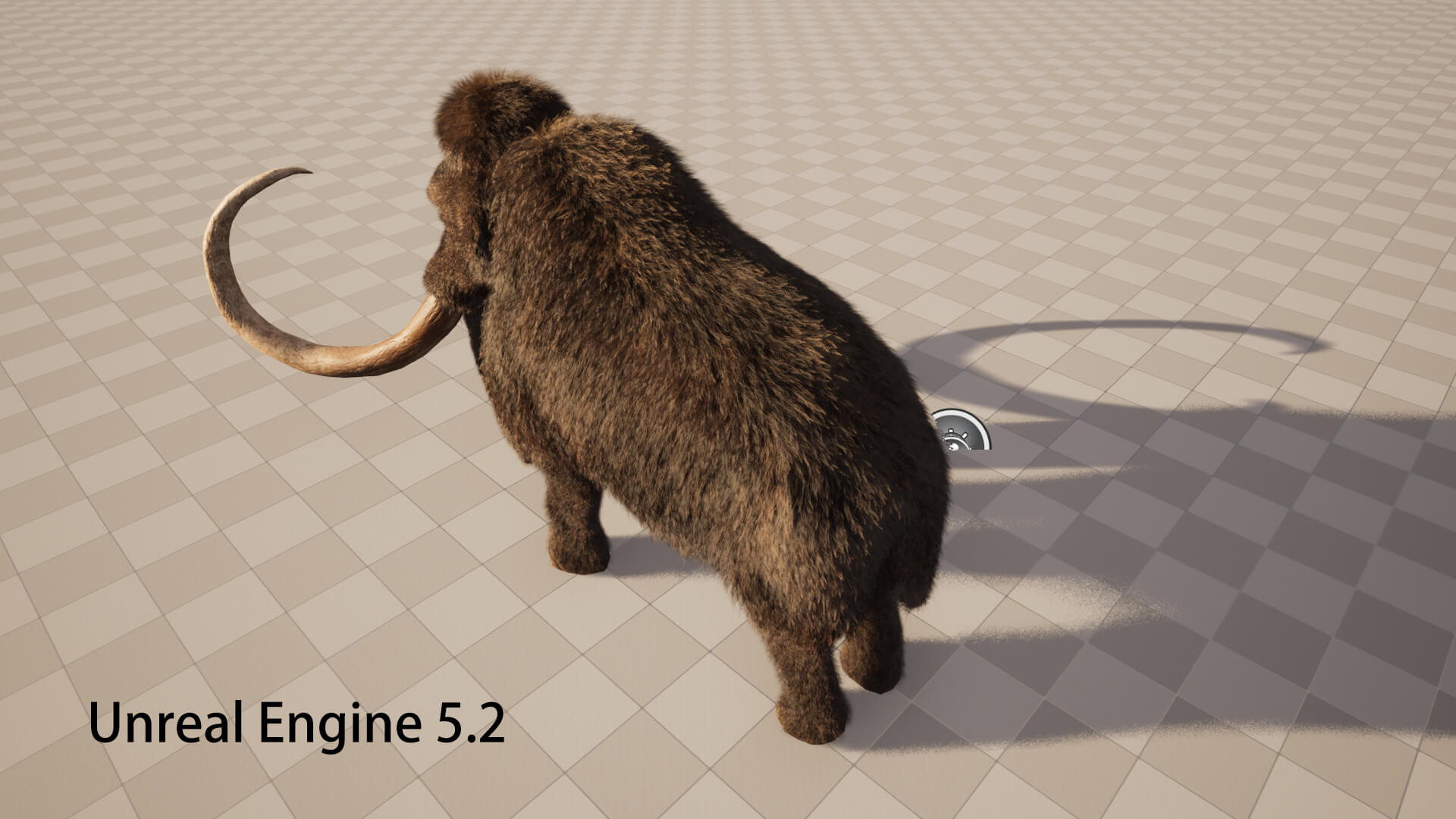
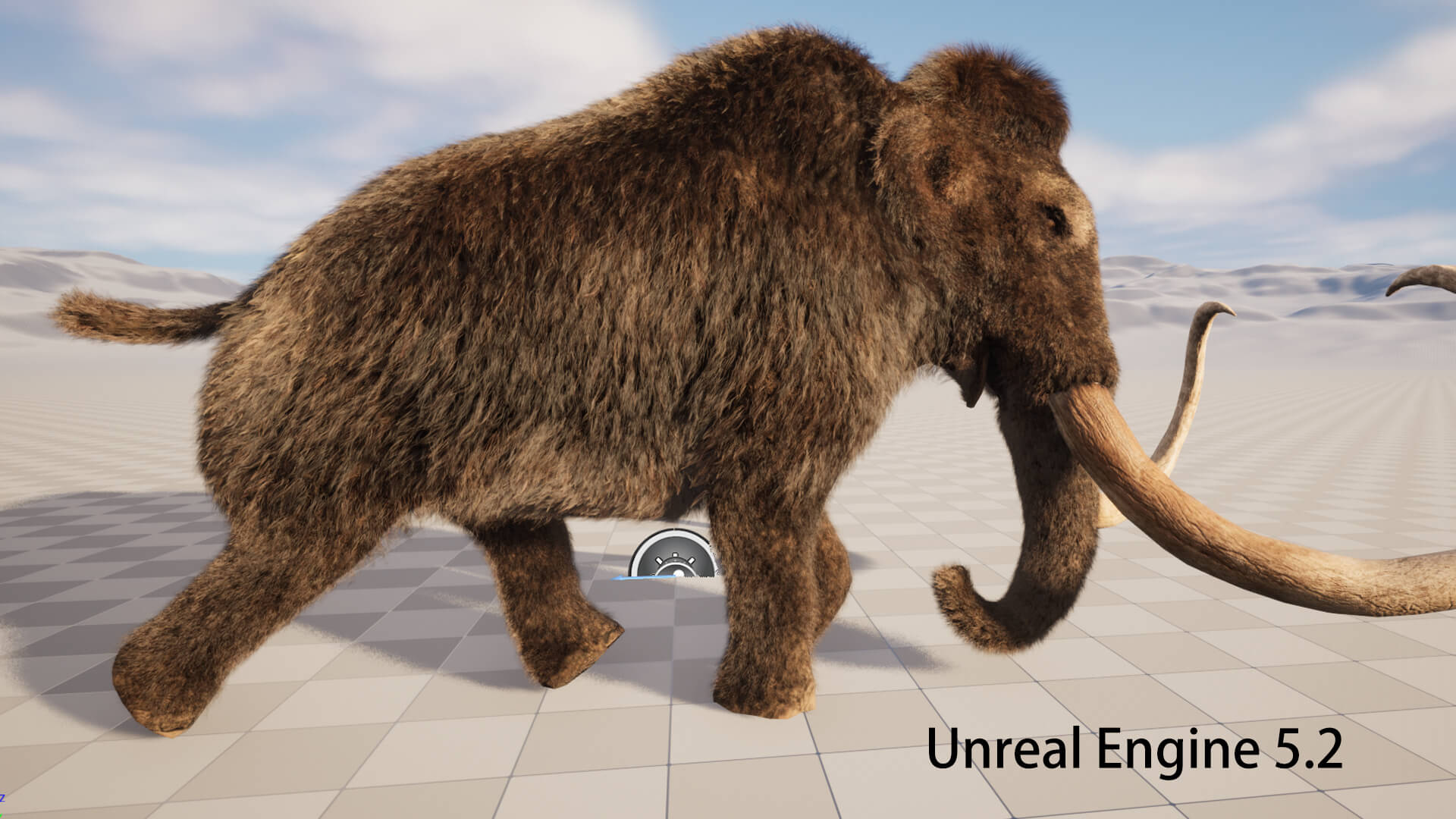
GLBMammoth Elephant 3D Model

3.0 Stars |2 Ratings


! REPORT
NOTE: DIGITAL DOWNLOAD, NOT A PHYSICAL ITEM

Add to Collection

0 Likes
Share This 3D Model


Offered By

3D model desinger since 2009.

License
Extended Use License
This item comes with our Extended Use Licensing. This means that you may use the model for both non-commercial and commercial purposes, in a variety of mediums and applications.
For full license terms, see our 3D Content Licensing Agreement
3D Model Details
| Vendor: | cg-shop-boy |
| Published: | Apr 30, 2023 |
| Download Size: | 284.2 MB |
| Game Ready: | Yes |
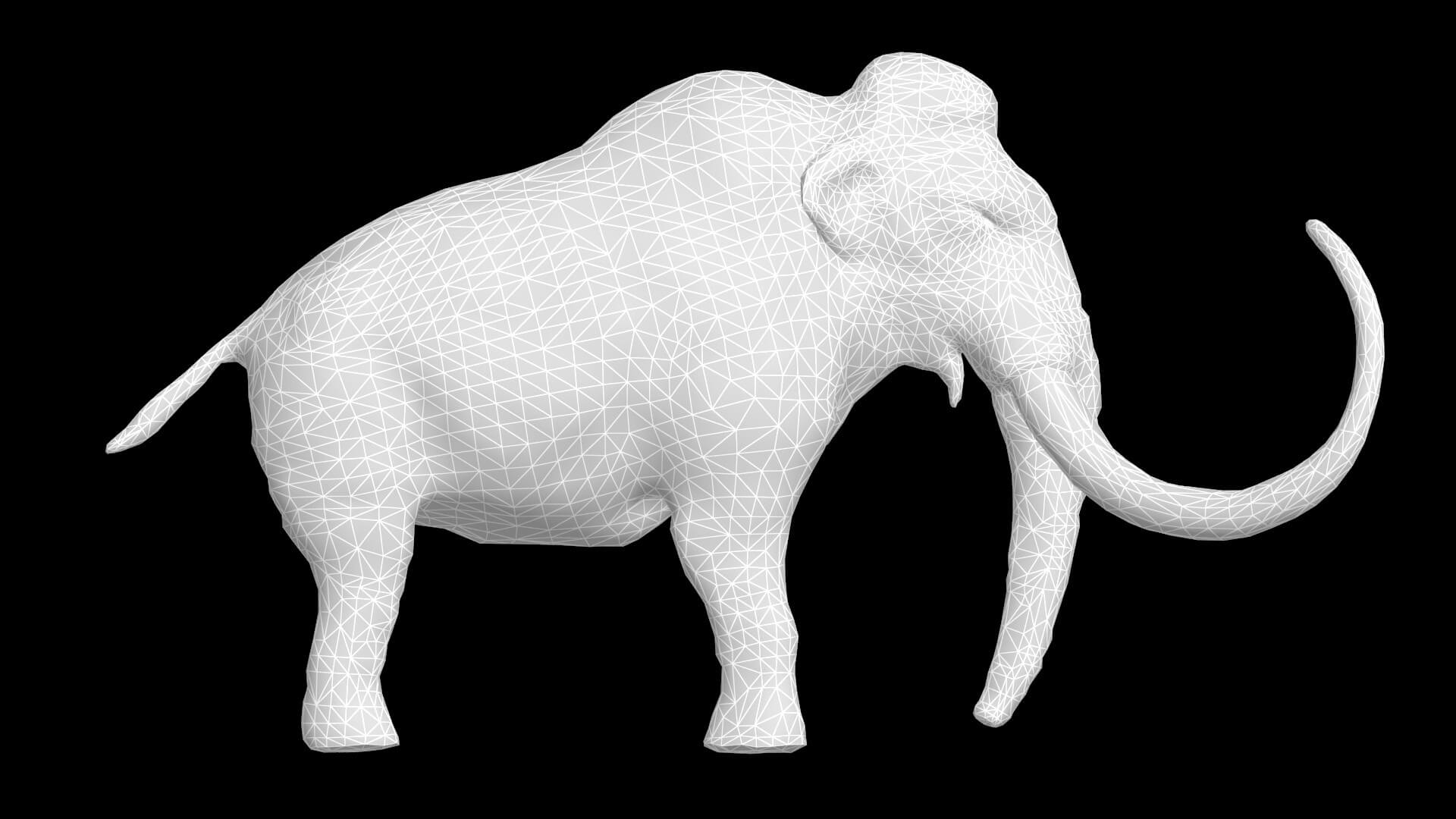
| Polygons: | 9,484 |
| Vertices: | 5,170 |
| Print Ready: | – |
| 3D Scan: | – |
| Textures: | Yes |
| Materials: | Yes |
| UV Mapped: | Yes |
| PBR: | – |
| Rigged: | Yes |
| Animated: | Yes |
Statistics
| Favorites: | 1 |
| Likes: | 0 |
| Views: | 549 |
Item Ratings
2 Ratings
5 Stars|Oct 16, 2026
Excellent quality and great attention to detail. Definitely worth buying!

1 Star|Jul 04, 2024
text fail .not burn picture
Mammoth Elephant 3D Model
Notes:
3ds max version: The model made with 3ds max 2014 and the Hair effect made with the 3ds max plugin called Hair Farm Pro v2.6.1 .
The Hair Farm Pro v2.6.1 plugin files which I already put into the zip file.It can be uesd for 3ds max 2013-2017.
As long as you copy and put the plugin files into your 3ds max folder,the hair effect can be worked.
Three textures include: body textureeye texture and normal texture.
Eye texture size is:1024*1024.The rest textures size are:4096*4096.
Blender version: The blender version used curves and hair geometry node to creat hair in 3.6.0 version(no plugin needed).
Textures:1 diffuse texture and 1 normal texture,all textures size are:4096*4096.
Unreal Engine version: Please put the unzip file folder in your file path: YourProjectName / Content /
The Unreal Engine version support hair effect.
If you want to use these hair assets, you must enable the feature in your project. Please follow these steps:
1.Open the Plugins Menu:Go to the top menu bar and click Edit--Plugins.
2.Search for Groom:In the search bar at the top right, type Groom.Check (enable) the following items:
Groom
Alembic Groom Importer (Required for some hair assets)
3.Go to :Edit--Project Settings,search for:Compute Skin Cache,check.
4.Restart the Engine.
7 animation files:
attack01: 178 frames
attack02: 105 frames
idle: 400 frames
run: 49 frames
walk: 121 frames
hit: 40 frames
die: 80 frames
3- Four formats: (1) 3ds max 2014 (2) Blender 3.6-5.x (3) Unreal engine (3) FBX (no hair effect)
3ds max version: The model made with 3ds max 2014 and the Hair effect made with the 3ds max plugin called Hair Farm Pro v2.6.1 .
The Hair Farm Pro v2.6.1 plugin files which I already put into the zip file.It can be uesd for 3ds max 2013-2017.
As long as you copy and put the plugin files into your 3ds max folder,the hair effect can be worked.
Three textures include: body textureeye texture and normal texture.
Eye texture size is:1024*1024.The rest textures size are:4096*4096.
Blender version: The blender version used curves and hair geometry node to creat hair in 3.6.0 version(no plugin needed).
Textures:1 diffuse texture and 1 normal texture,all textures size are:4096*4096.
Unreal Engine version: Please put the unzip file folder in your file path: YourProjectName / Content /
The Unreal Engine version support hair effect.
If you want to use these hair assets, you must enable the feature in your project. Please follow these steps:
1.Open the Plugins Menu:Go to the top menu bar and click Edit--Plugins.
2.Search for Groom:In the search bar at the top right, type Groom.Check (enable) the following items:
Groom
Alembic Groom Importer (Required for some hair assets)
3.Go to :Edit--Project Settings,search for:Compute Skin Cache,check.
4.Restart the Engine.
7 animation files:
attack01: 178 frames
attack02: 105 frames
idle: 400 frames
run: 49 frames
walk: 121 frames
hit: 40 frames
die: 80 frames
3- Four formats: (1) 3ds max 2014 (2) Blender 3.6-5.x (3) Unreal engine (3) FBX (no hair effect)
