


 Free 3D
 3D Print Models
 3D Scans
 Animation & MoCap
 Textures
 Materials
 Skin Reference
 2D Game Assets
 Sound Effects
 Brushes & Tools
 Reference Photos
 Stock Images
 HDR Images
 3ds Max
 Maya
Maya Blender
 Unreal Engine
 Unity
Unity ZBrush
 Cinema 4D
 LightWave
 Marmoset
 SketchUp
 FBX
FBX DAE
DAE DXF
DXF GLB
GLB
AIRE v1.2.3 - AI Render Engine for DAZ Studio

4.9 Stars |44 Ratings


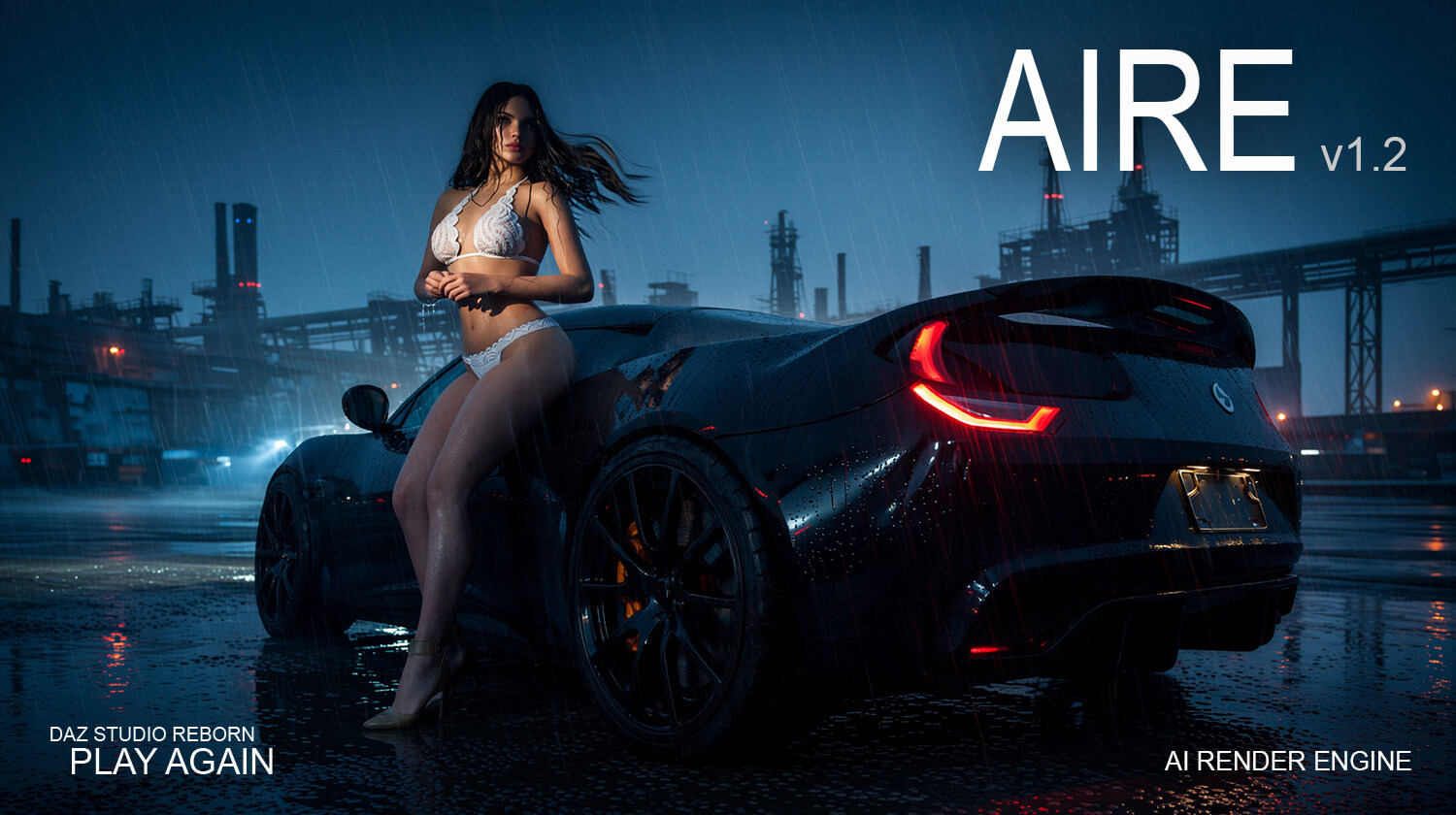
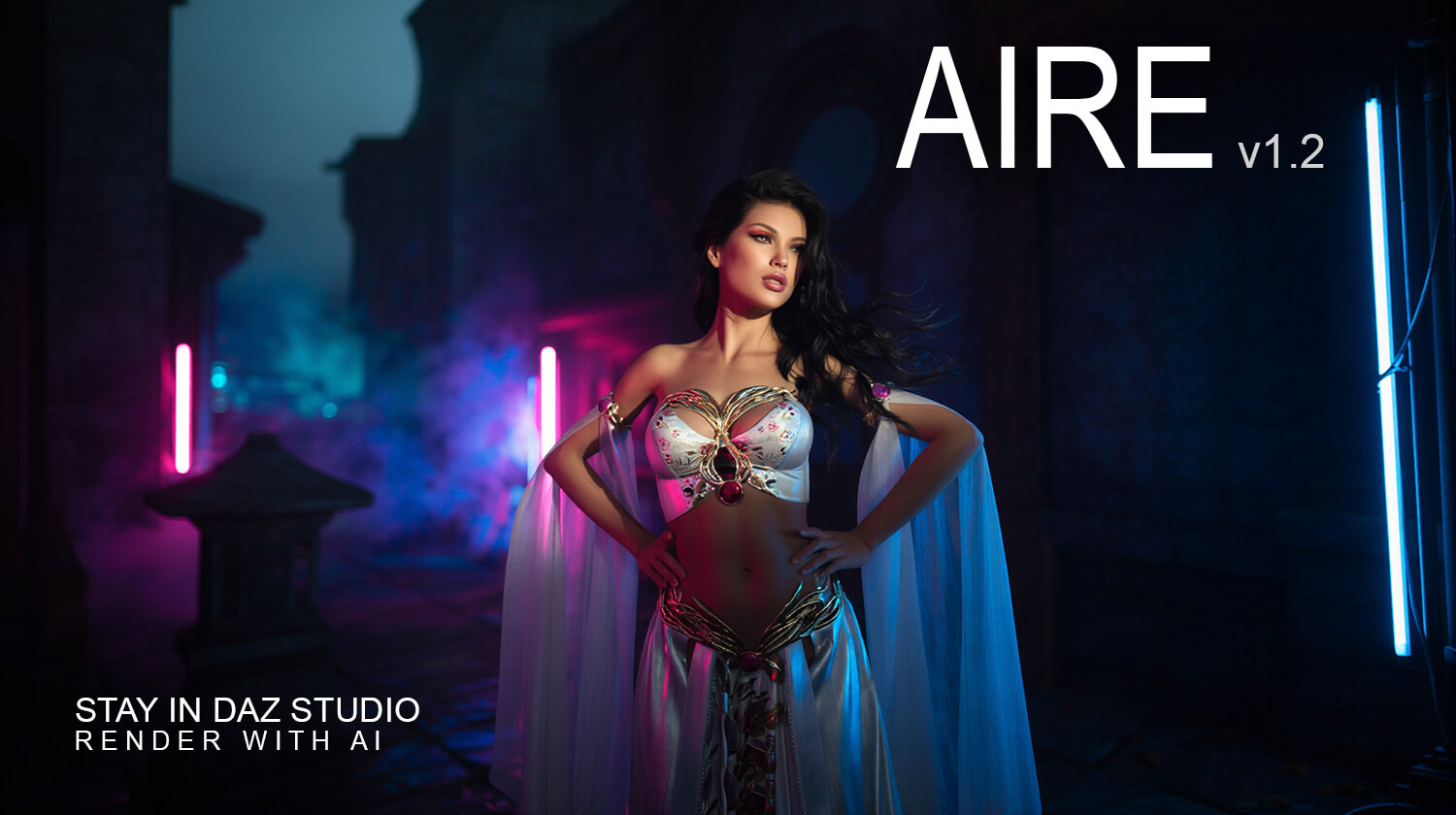
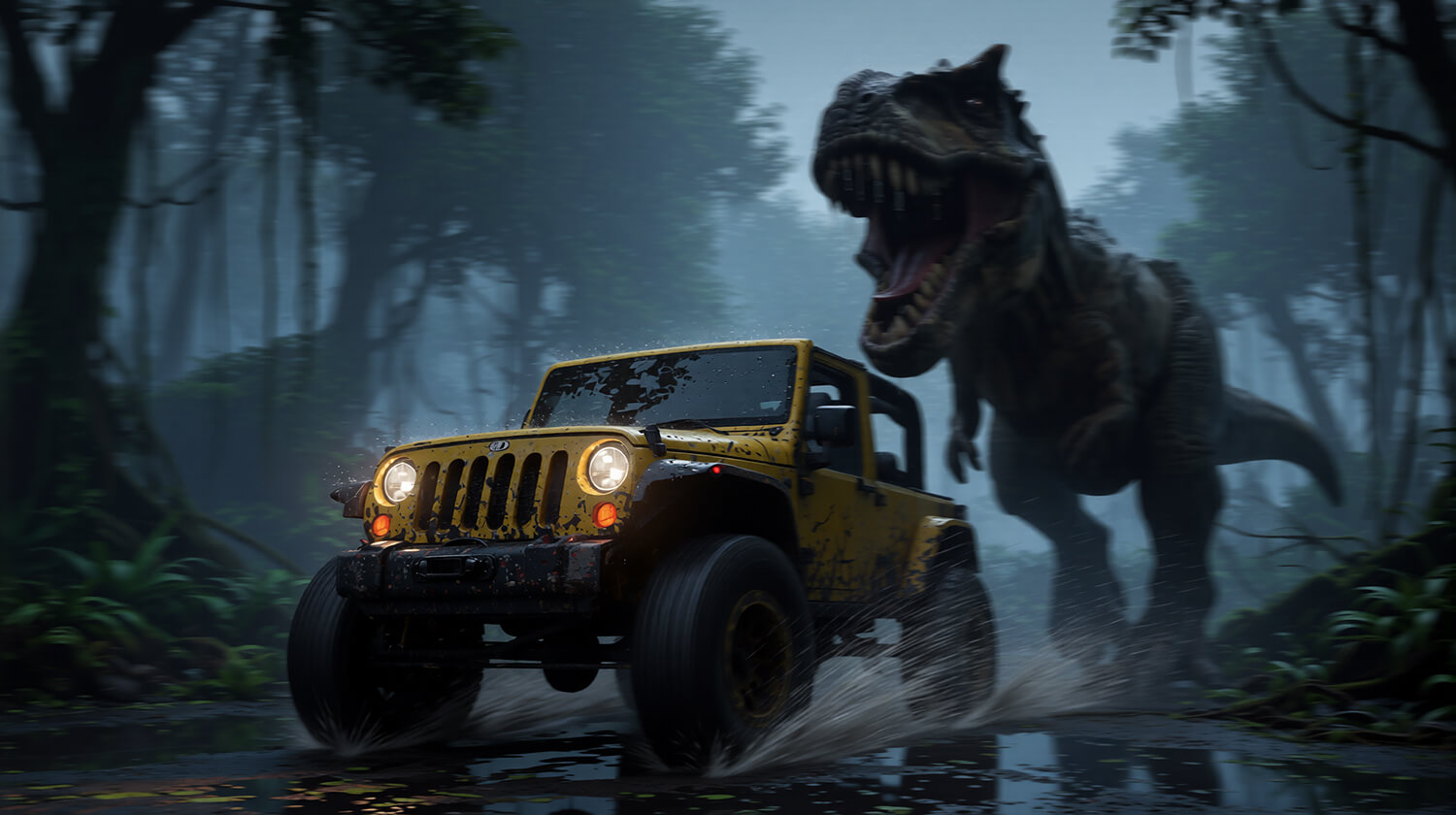
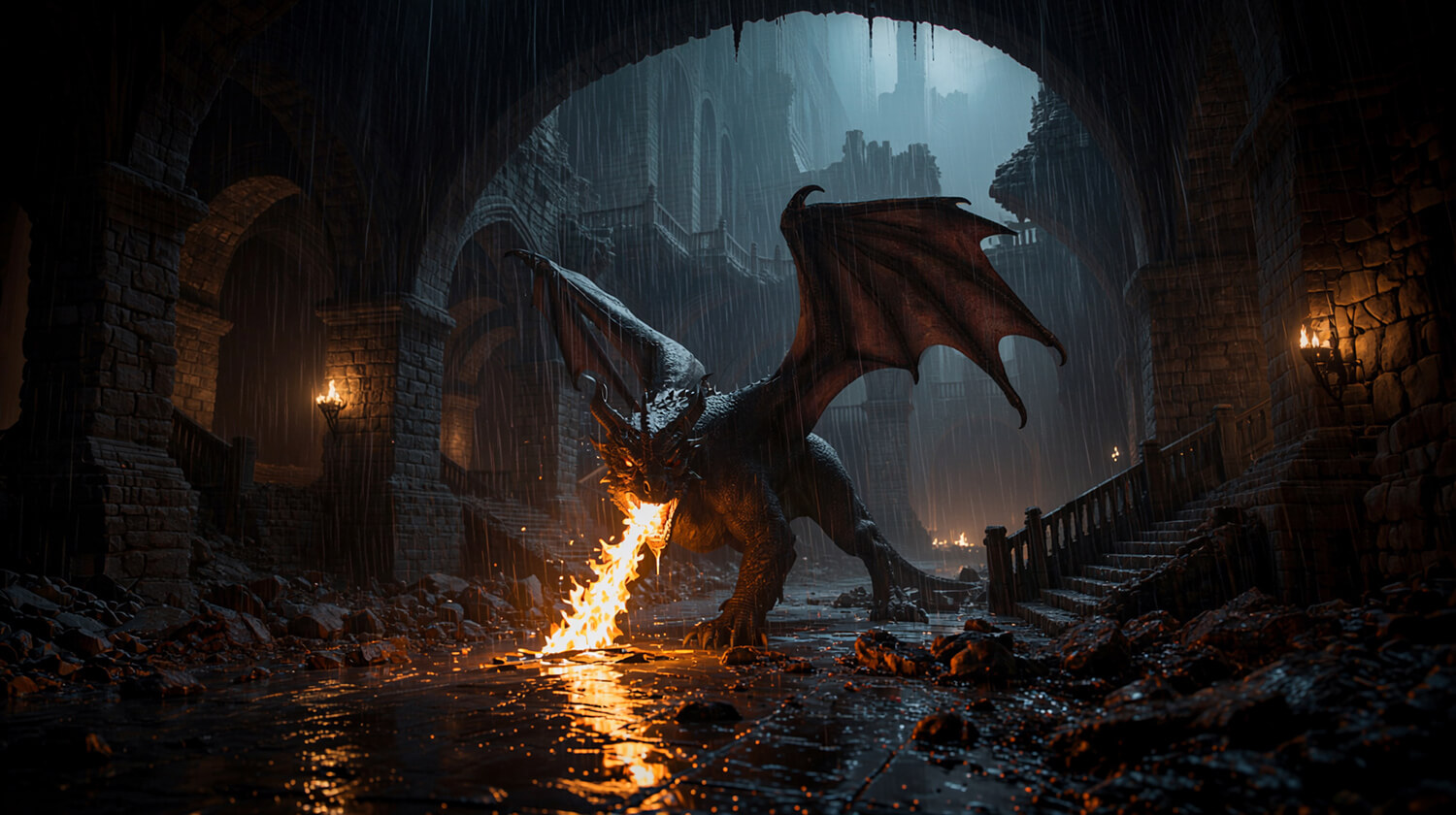
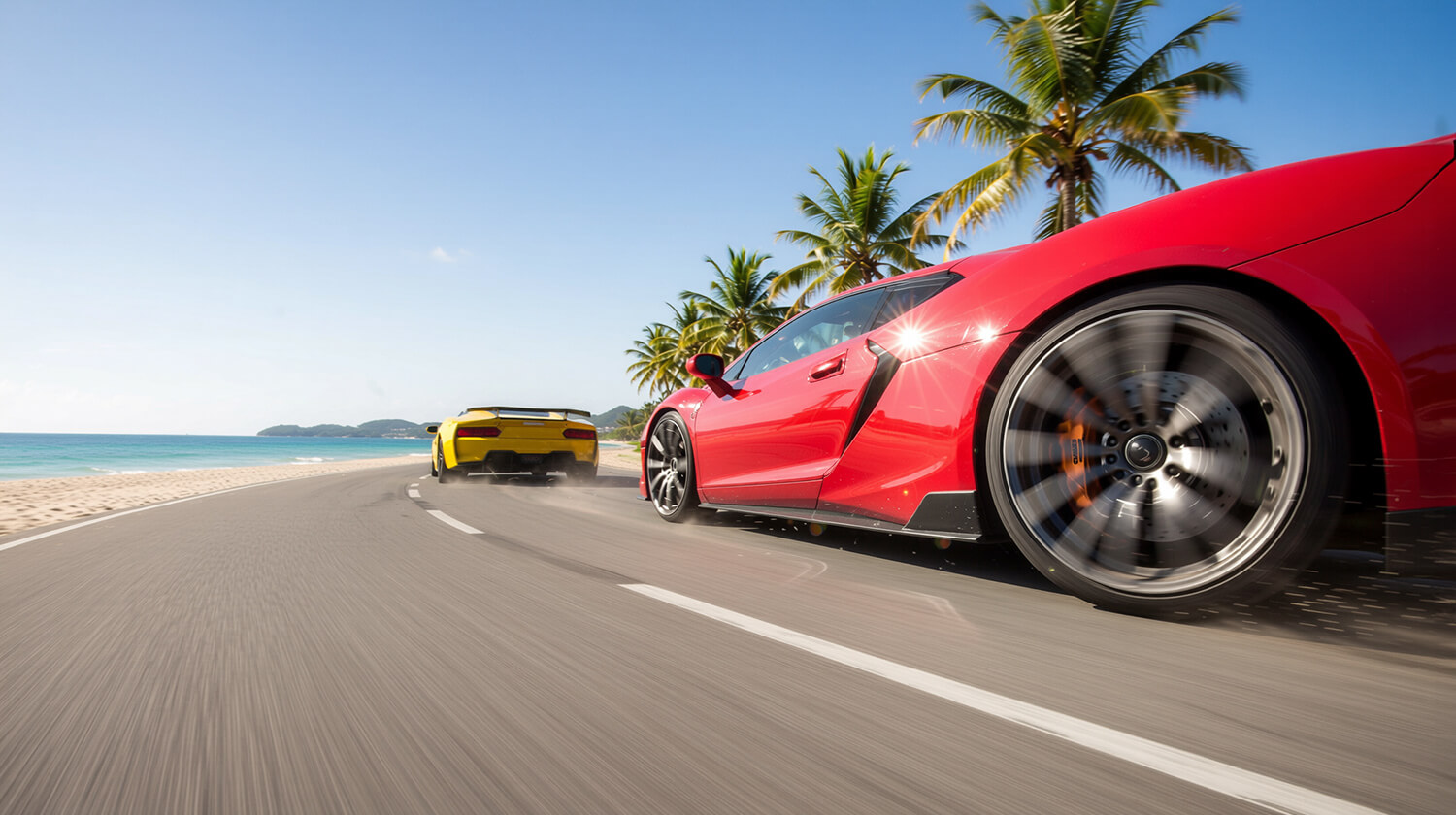
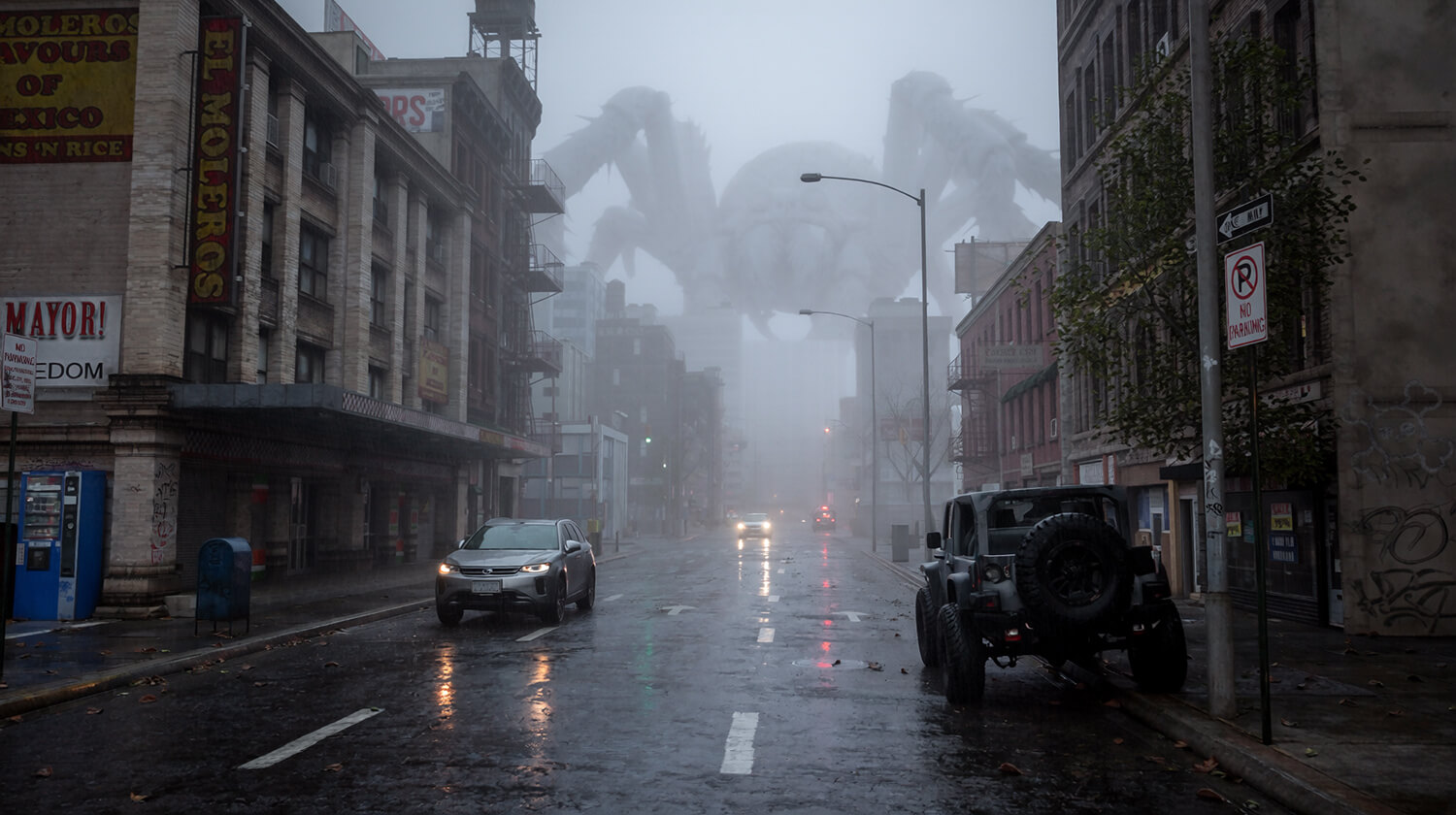
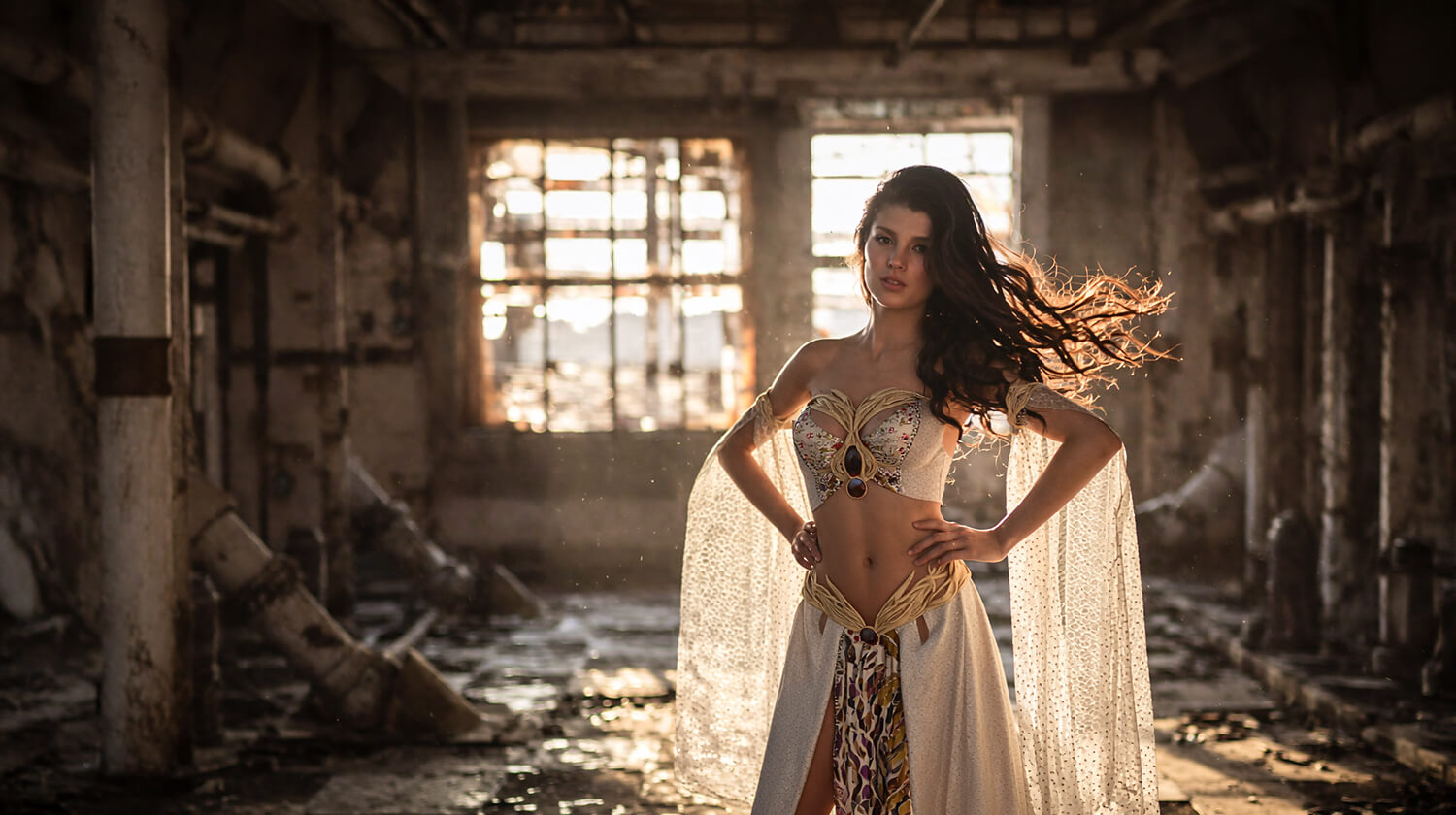
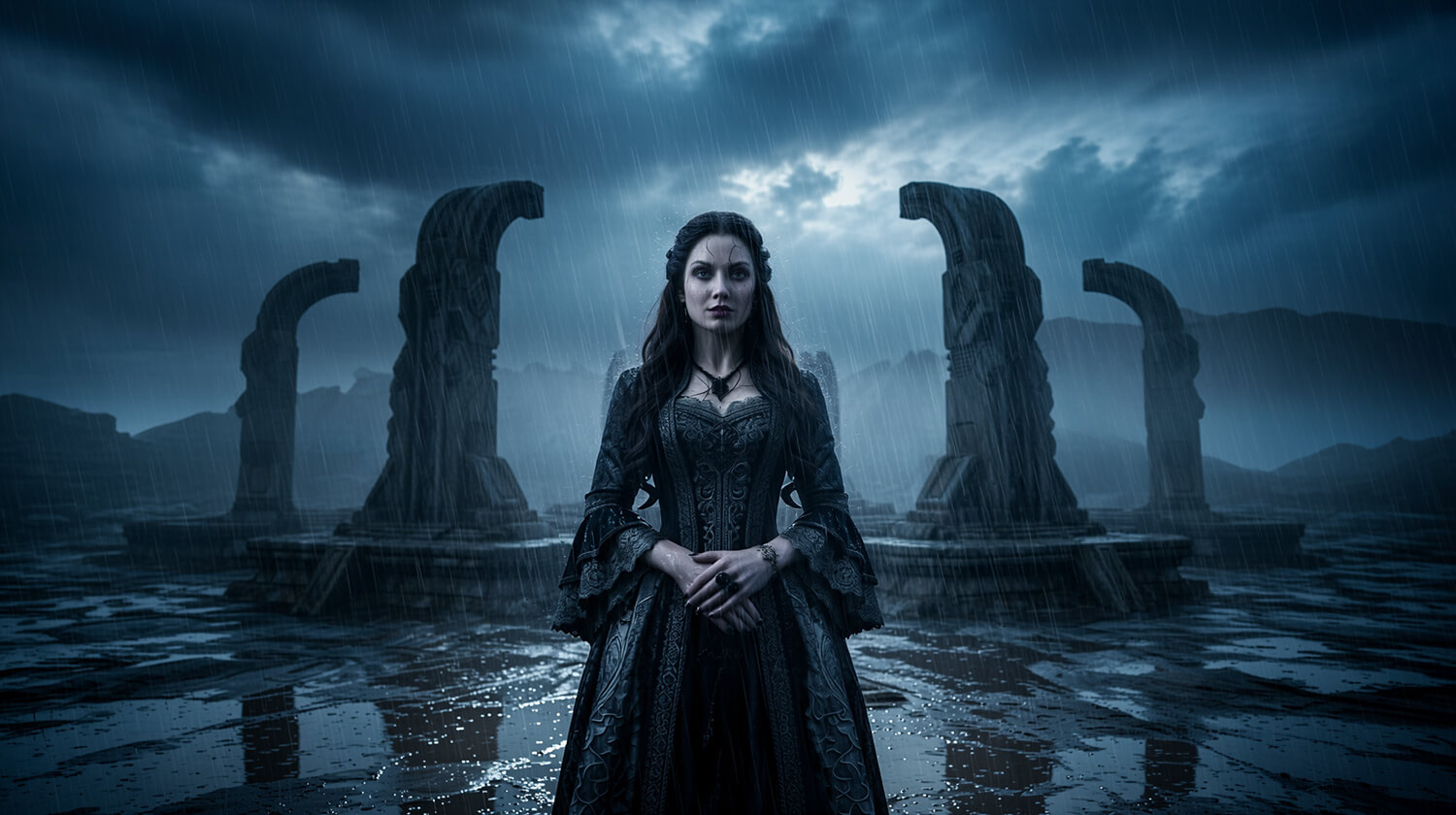
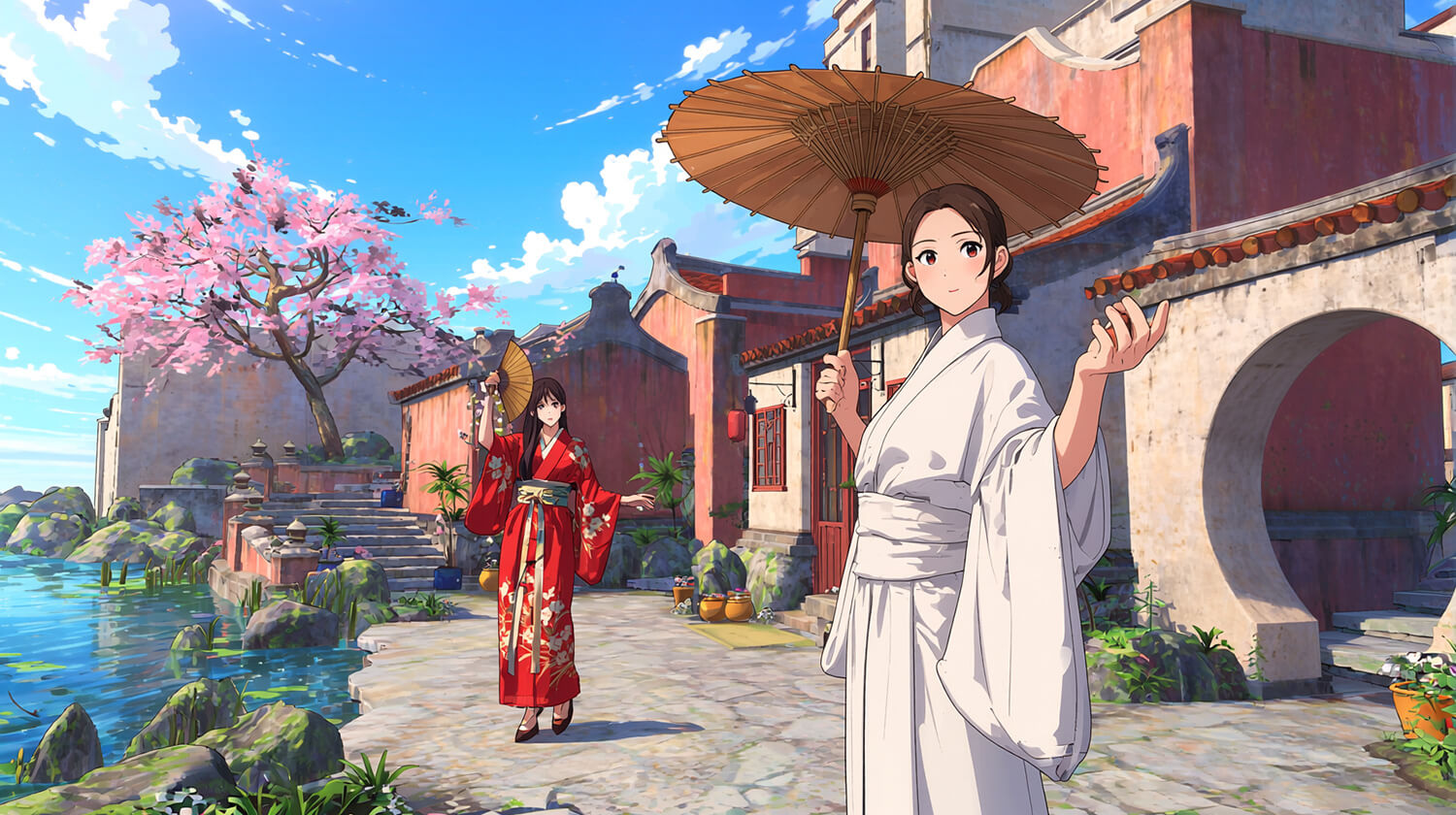
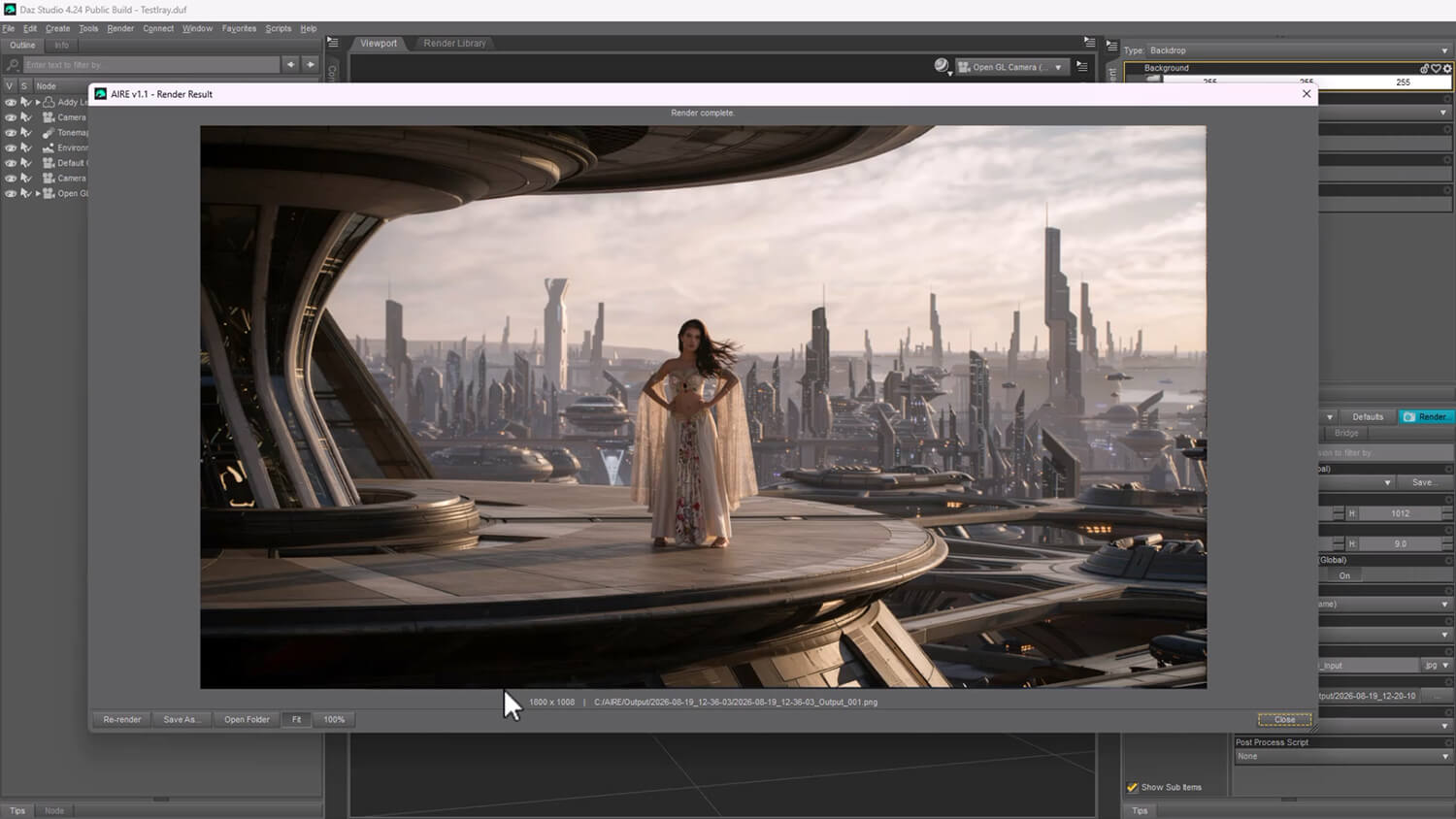
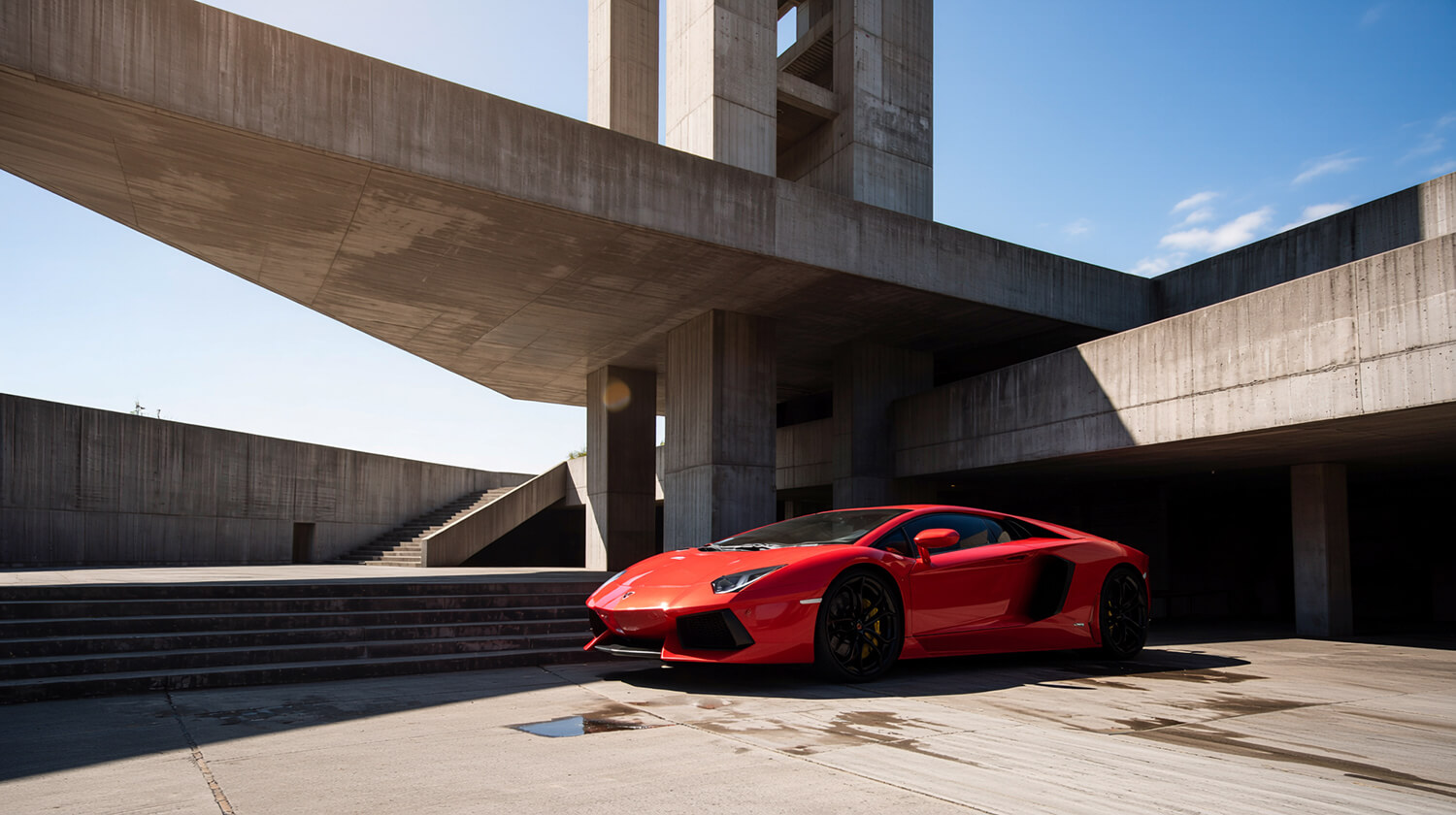

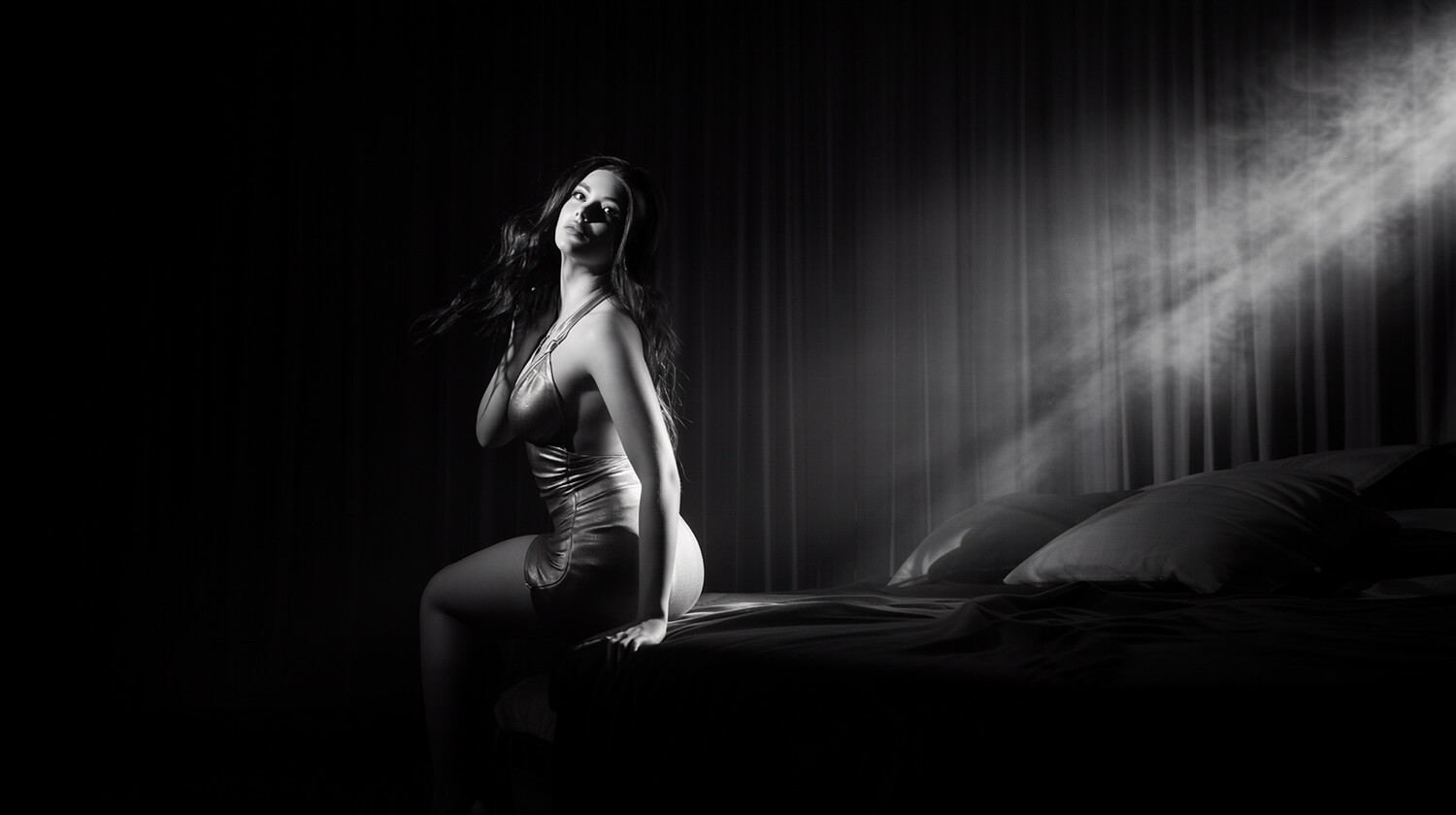
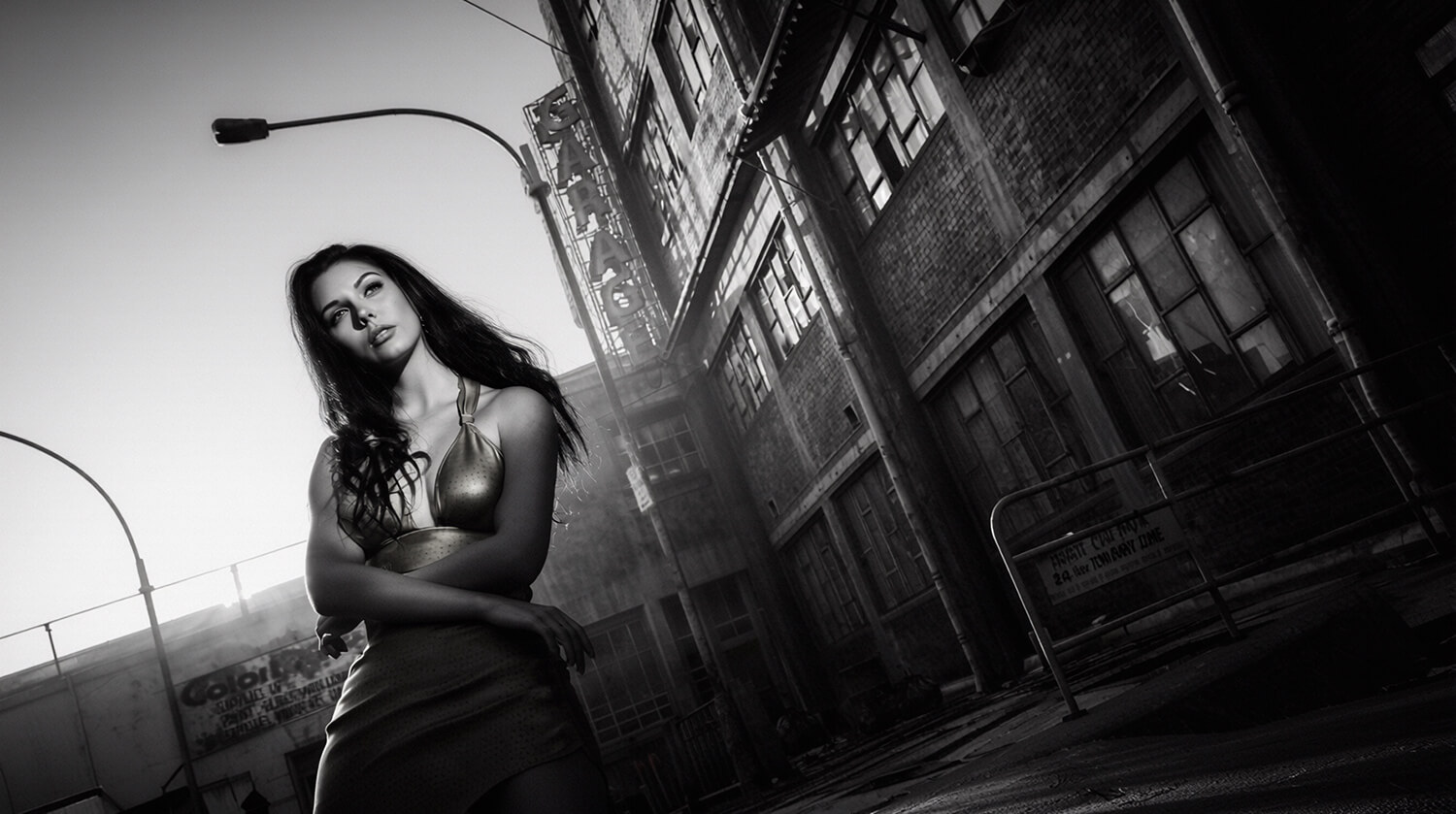
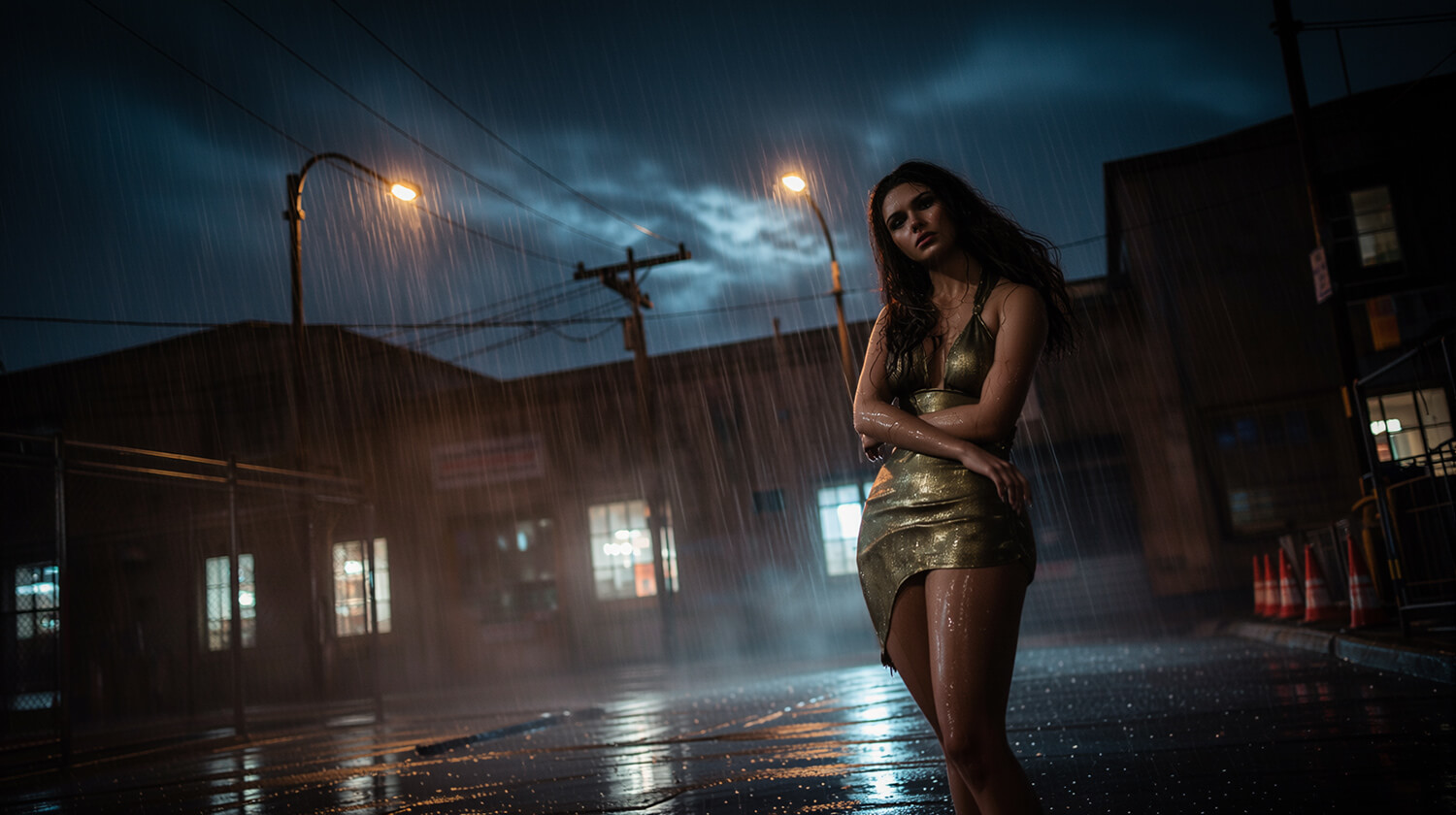
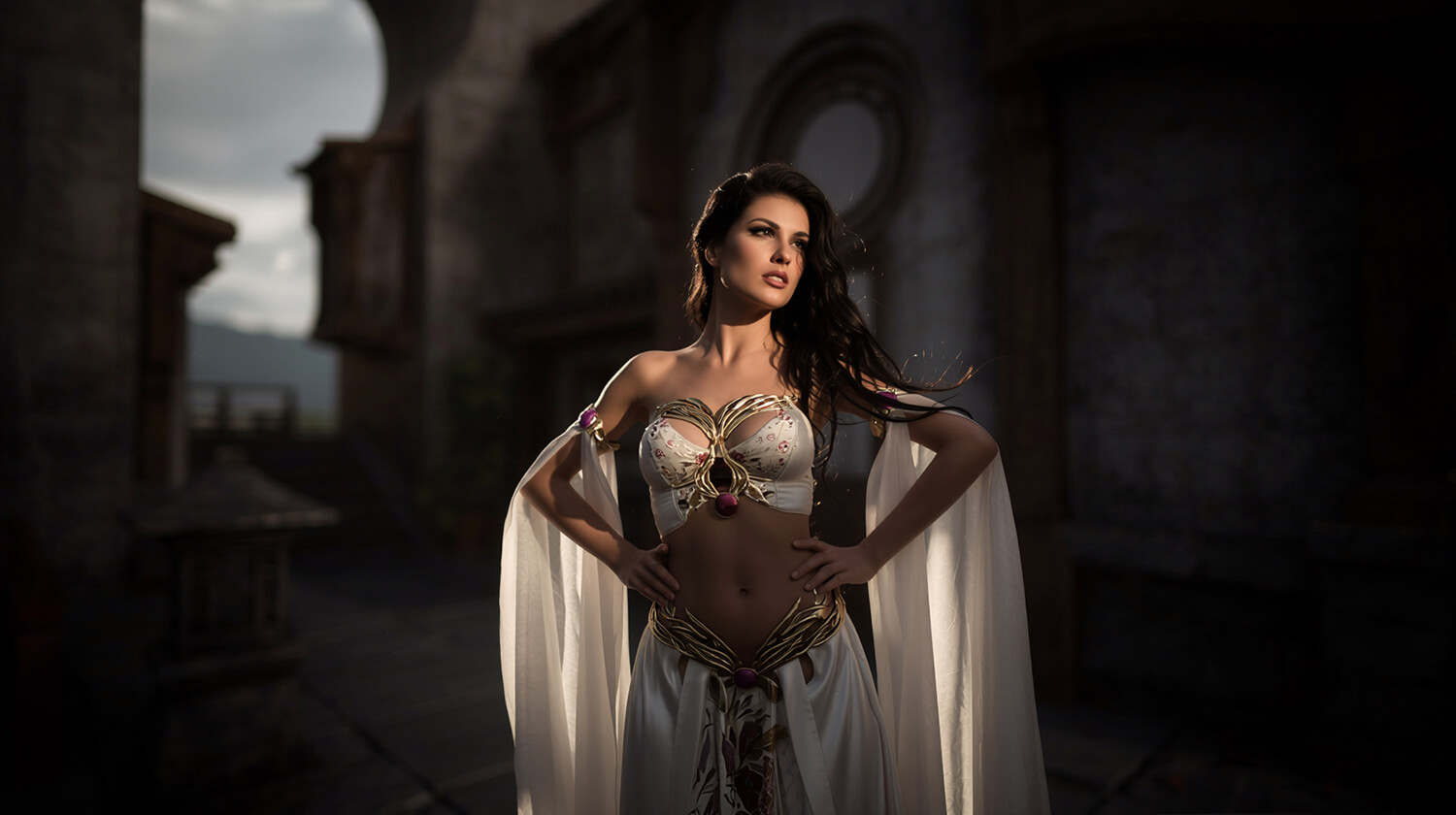
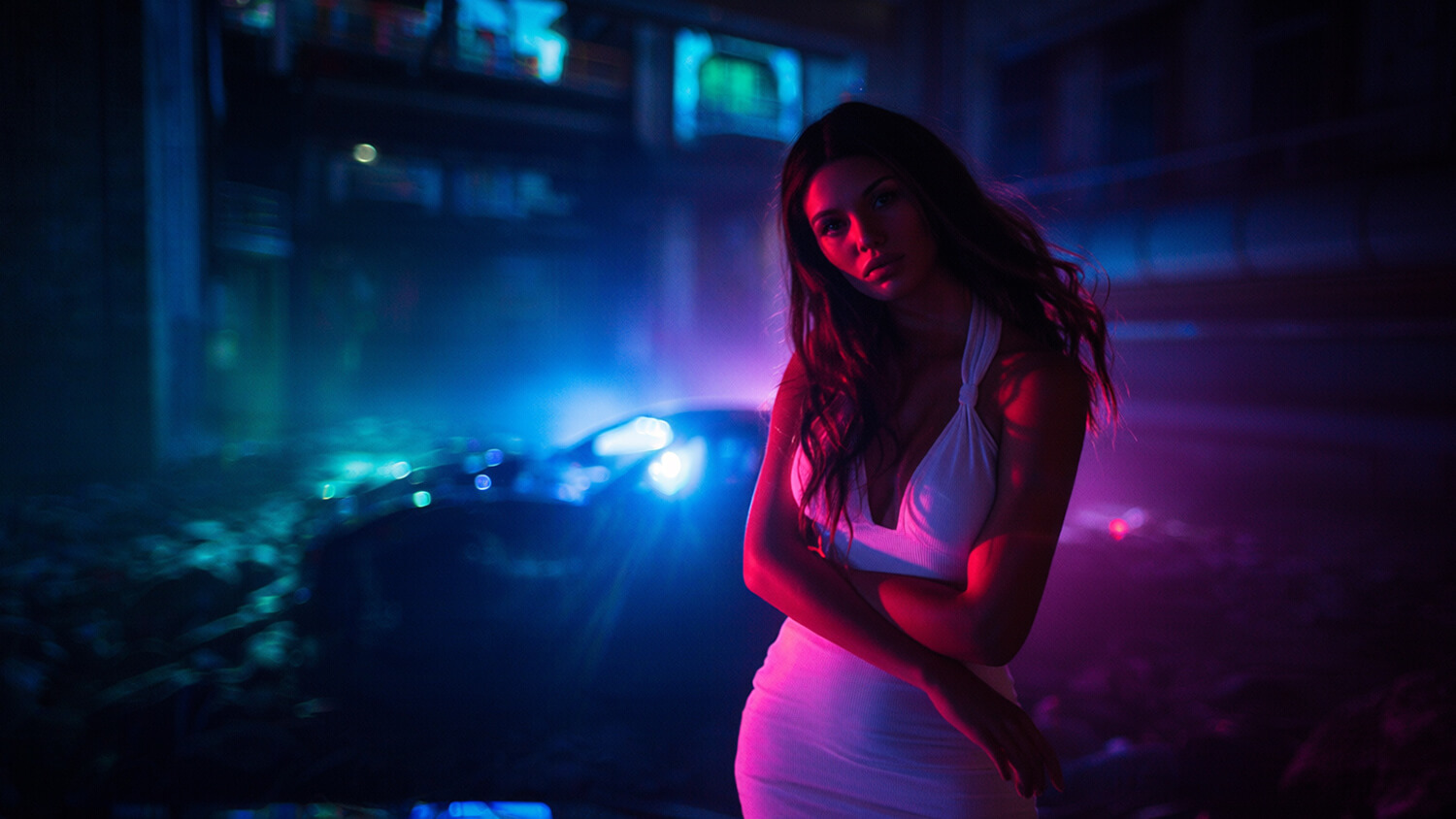
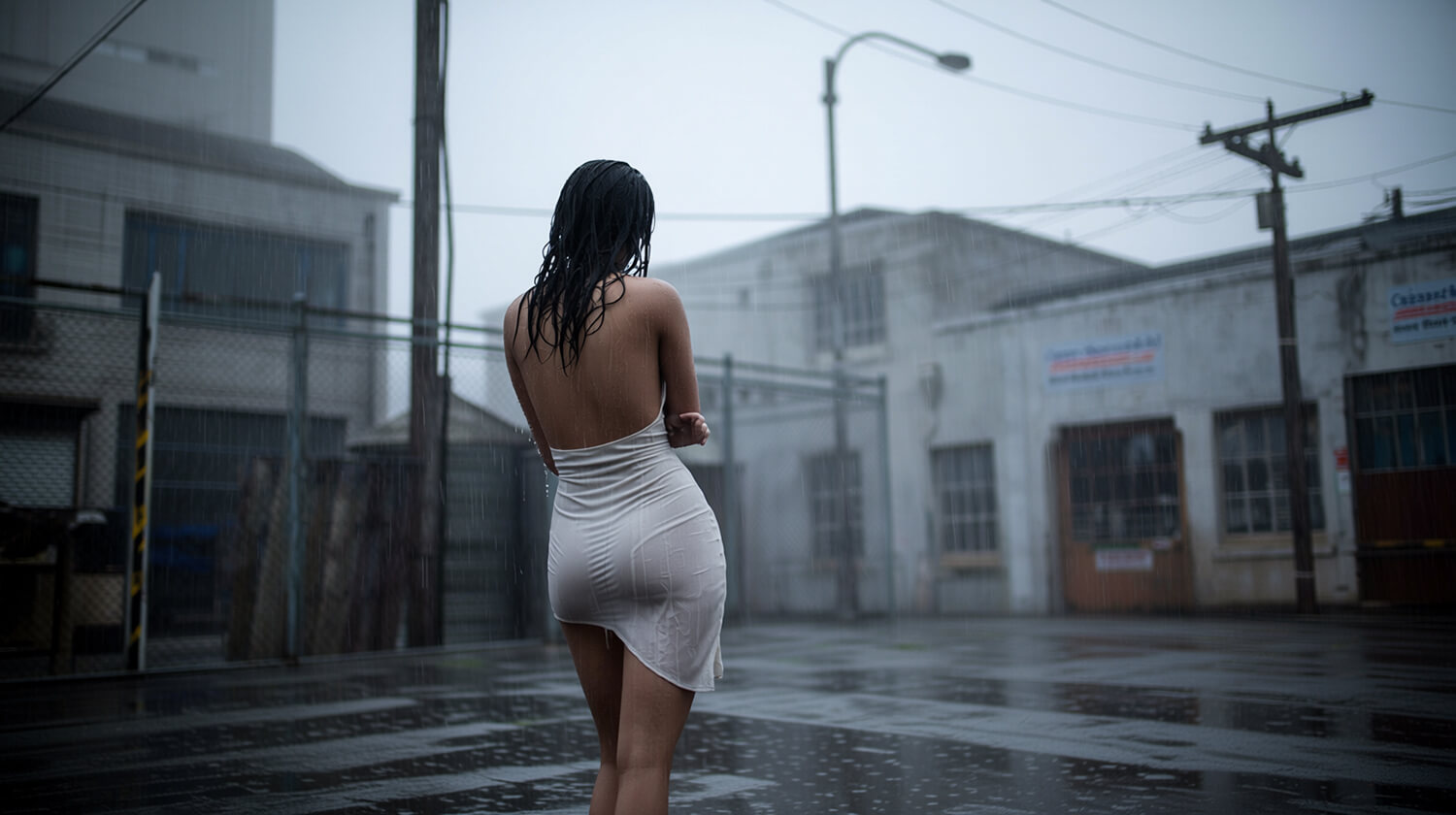
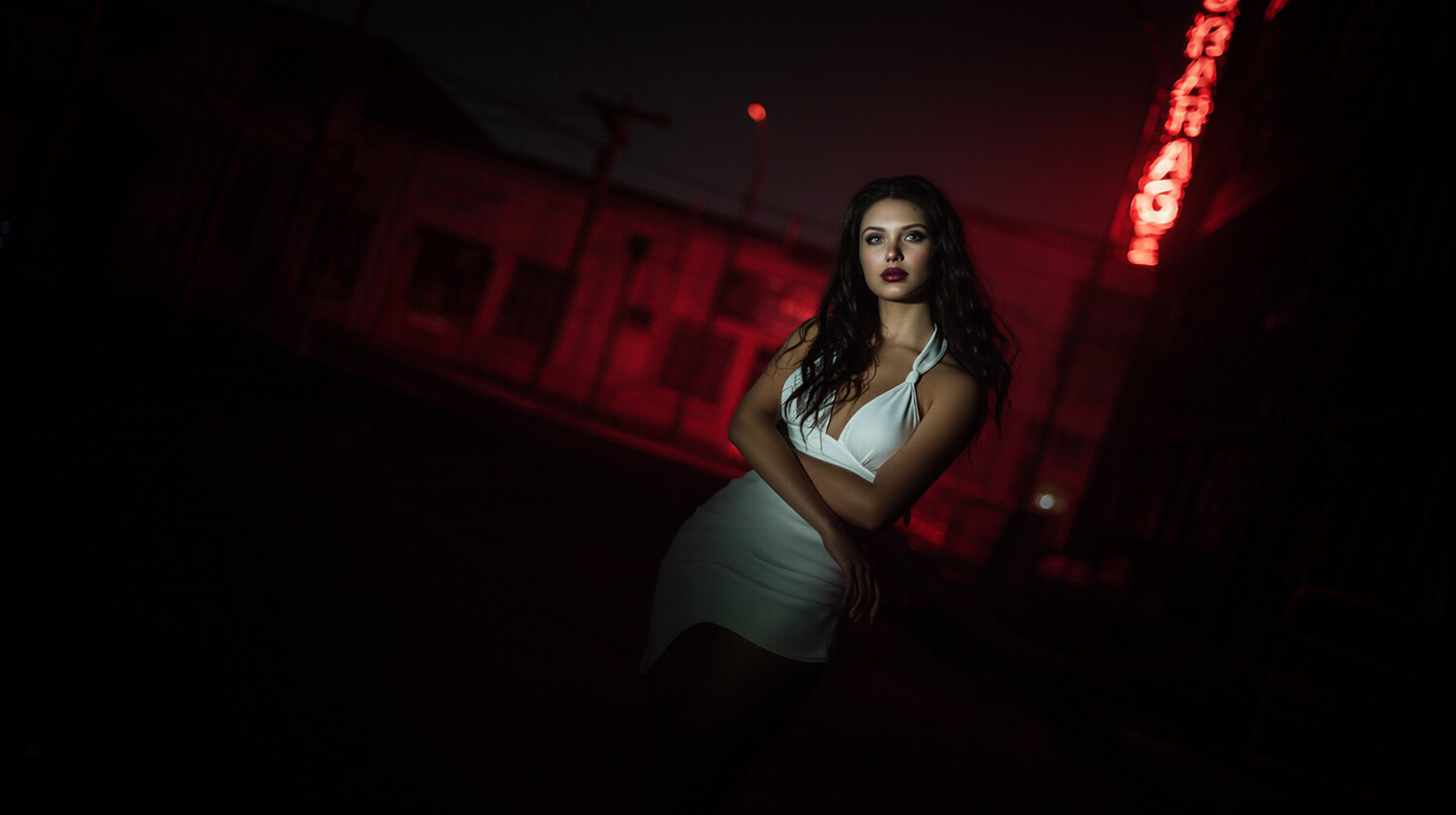
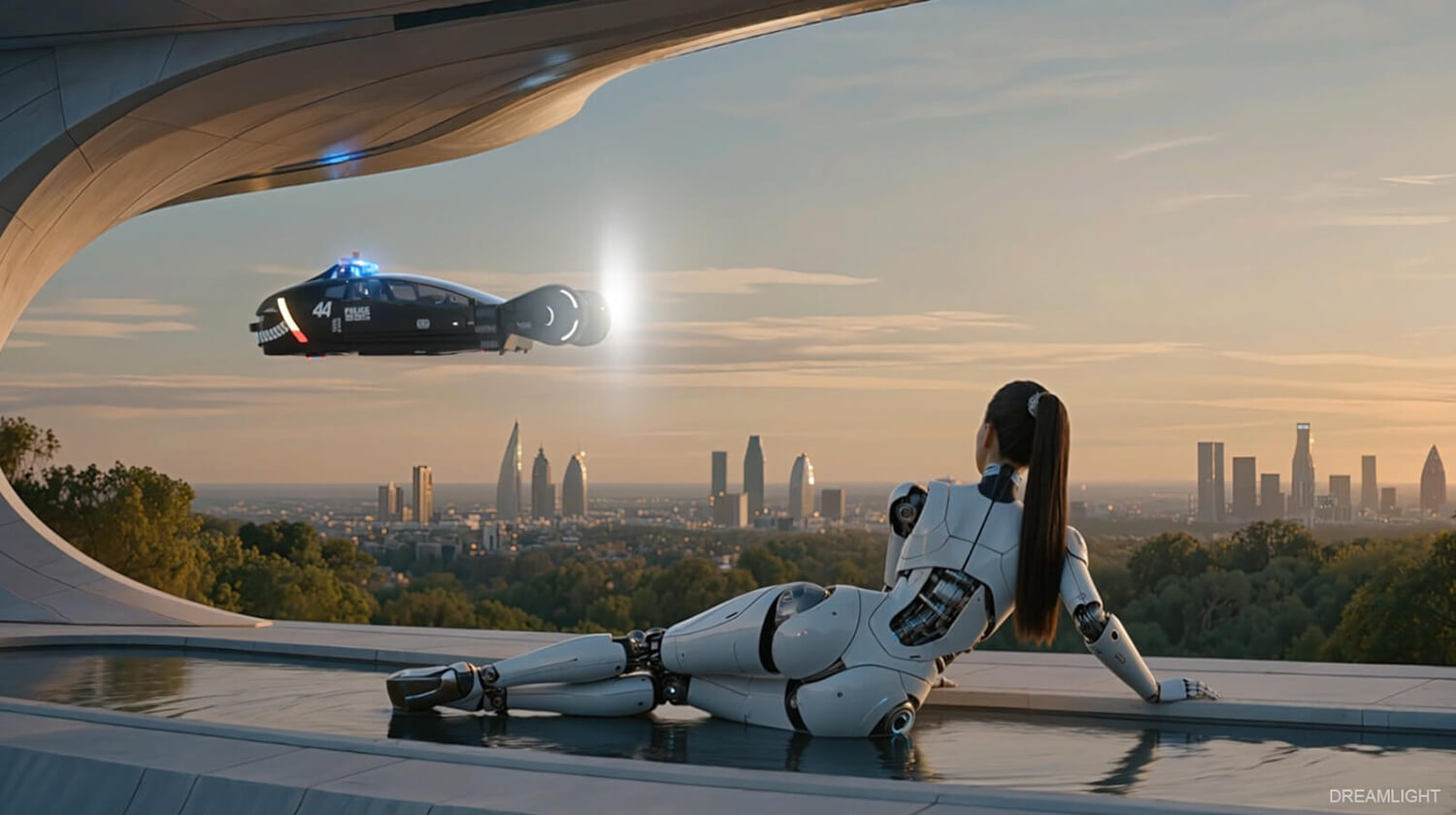
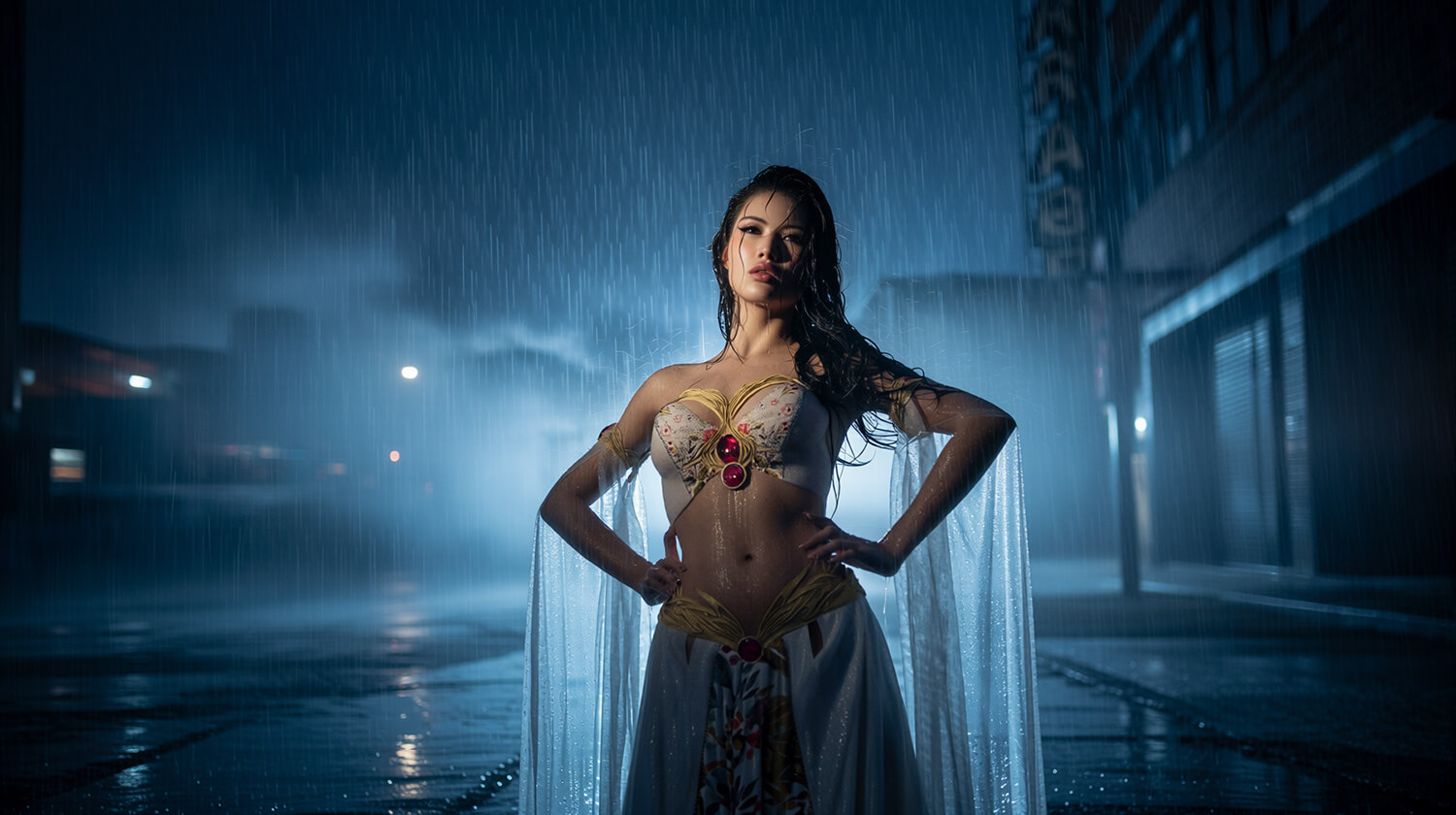


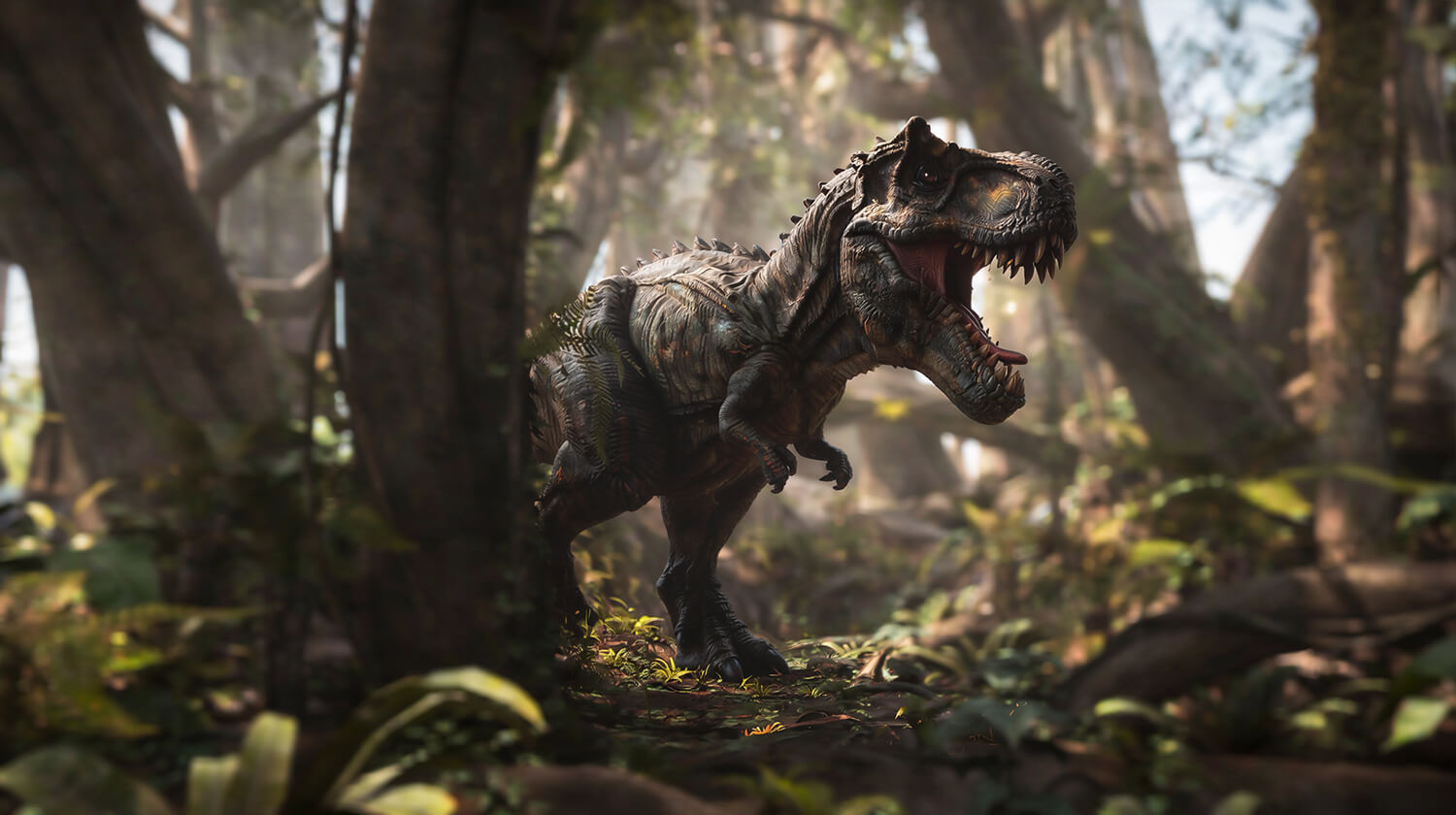
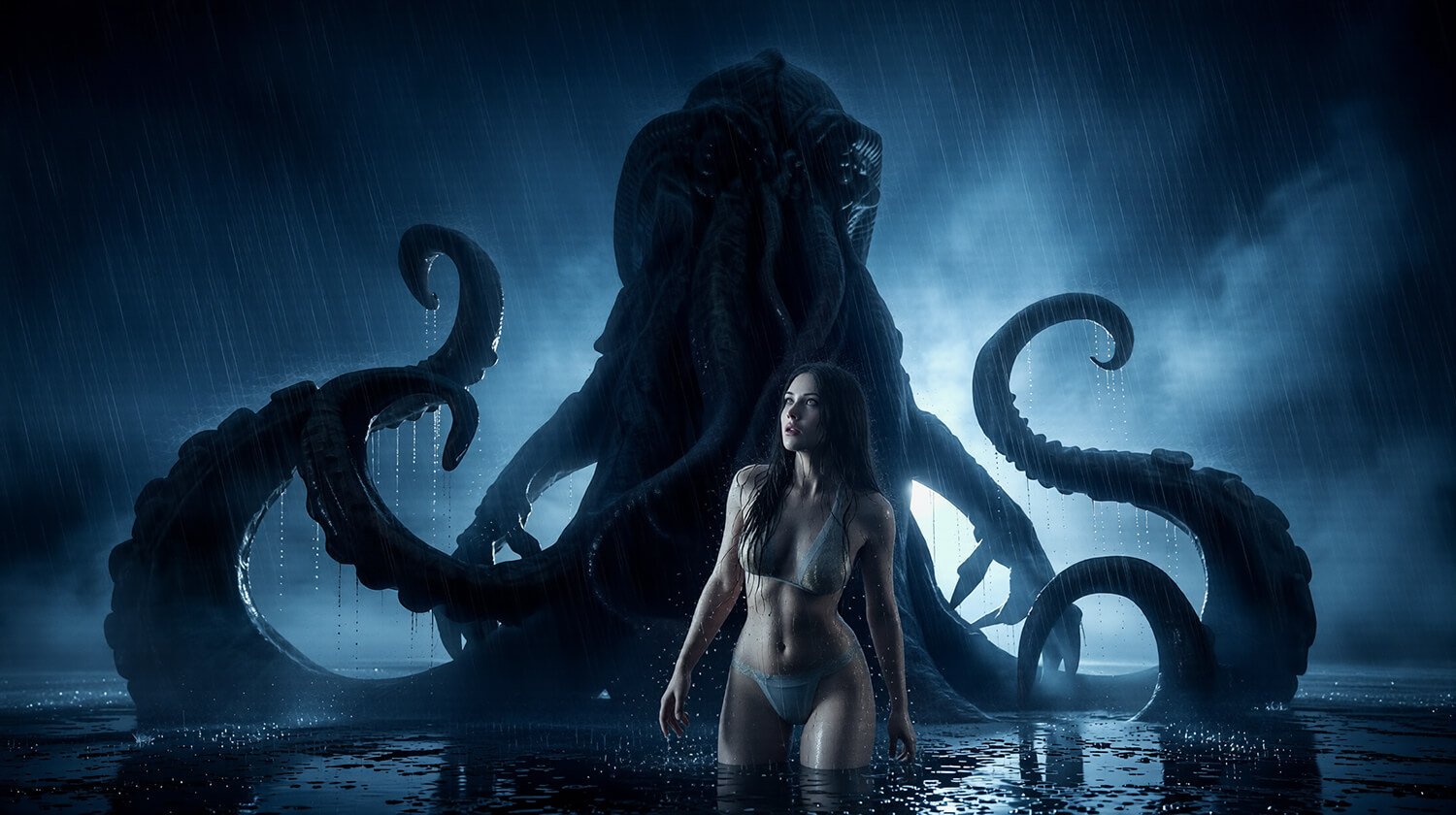

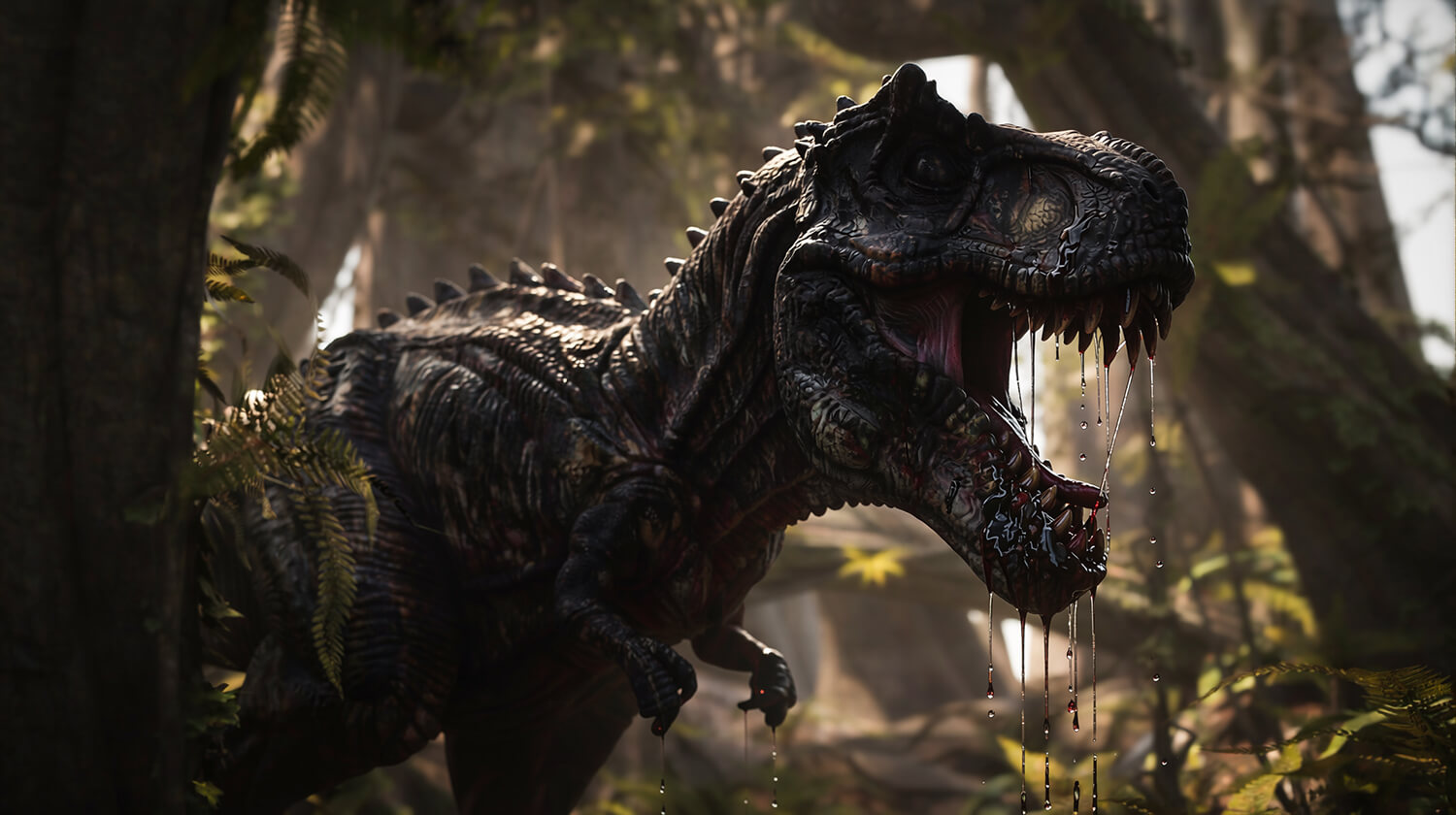

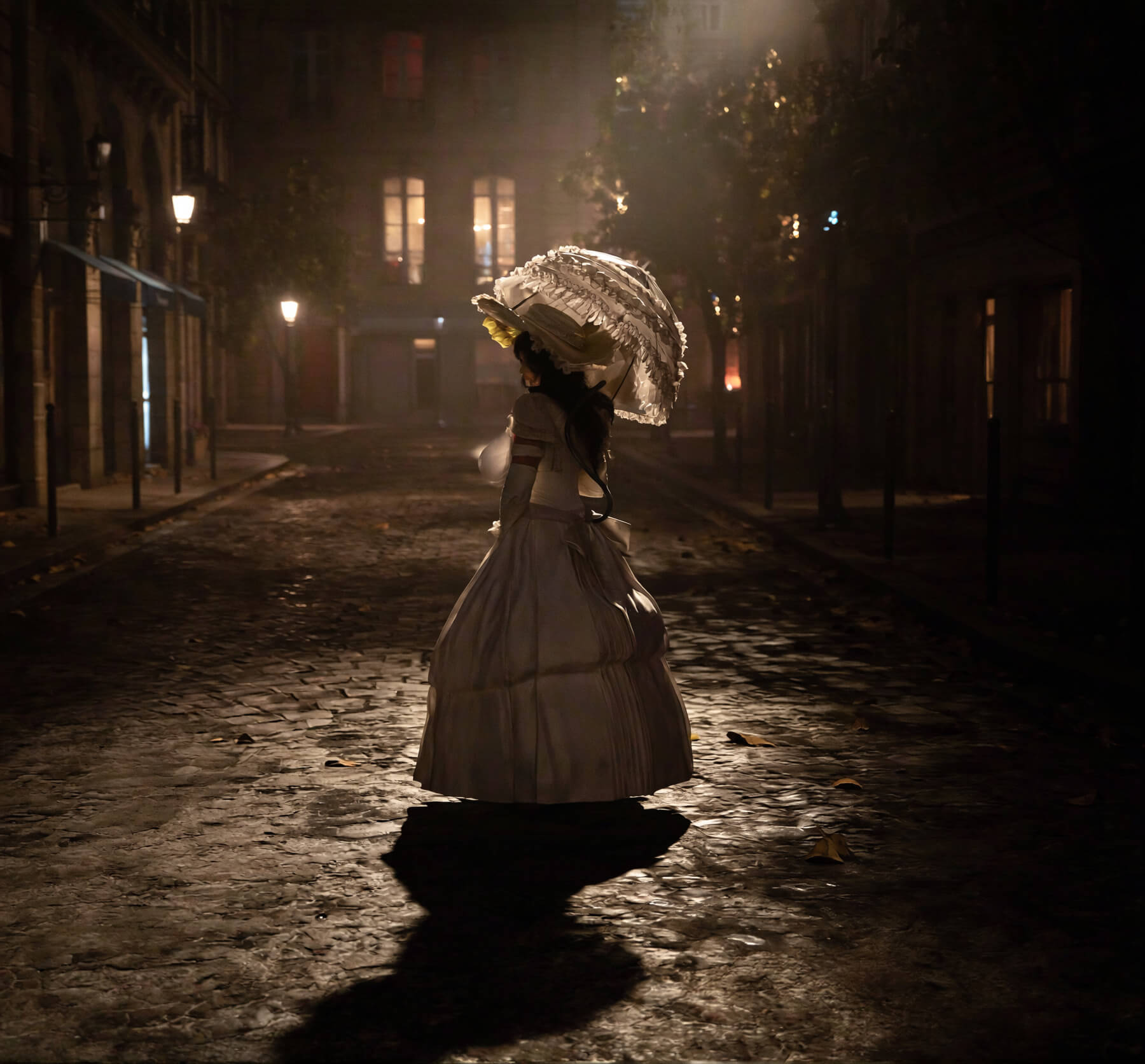
User Artwork (50)

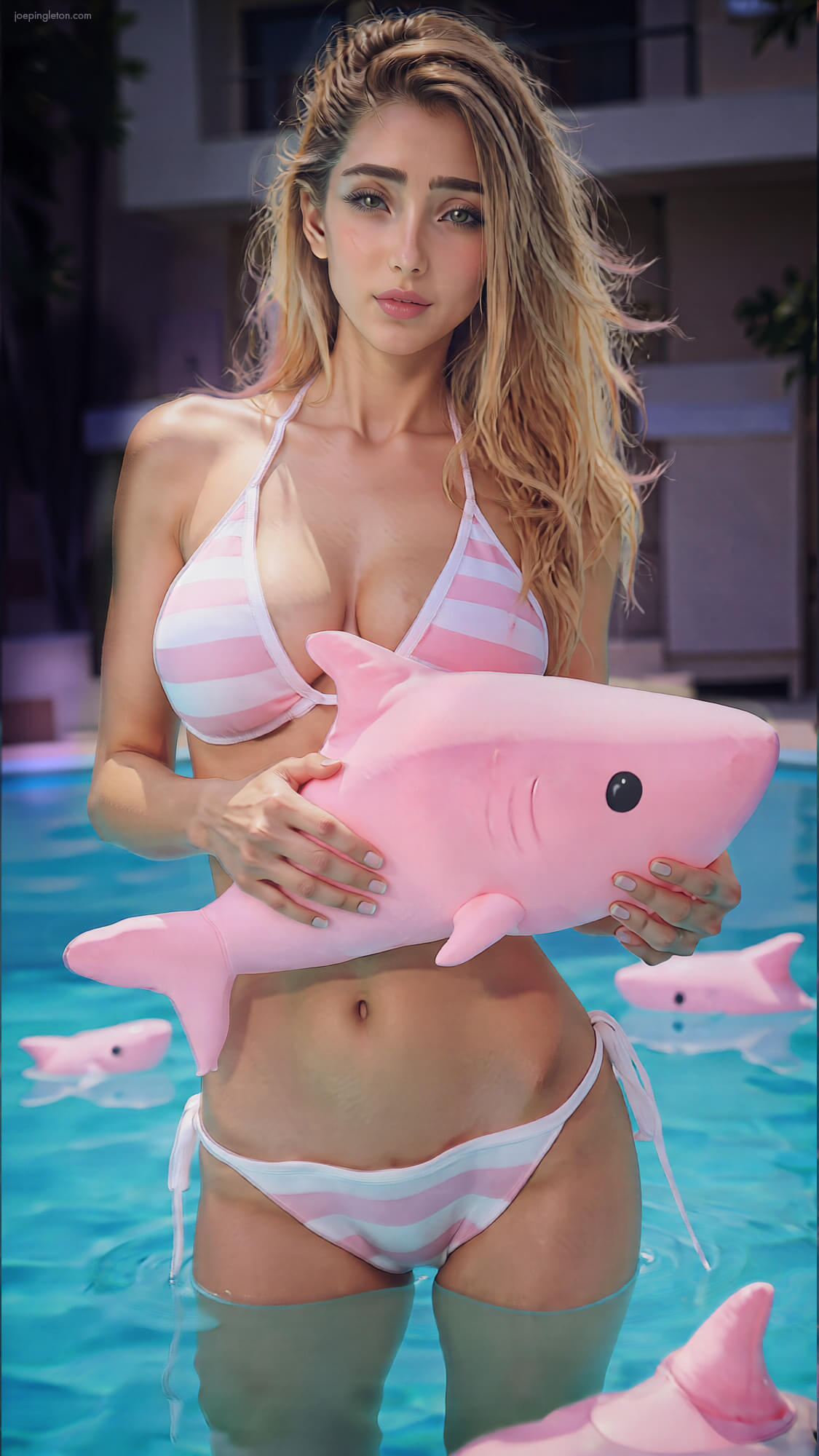
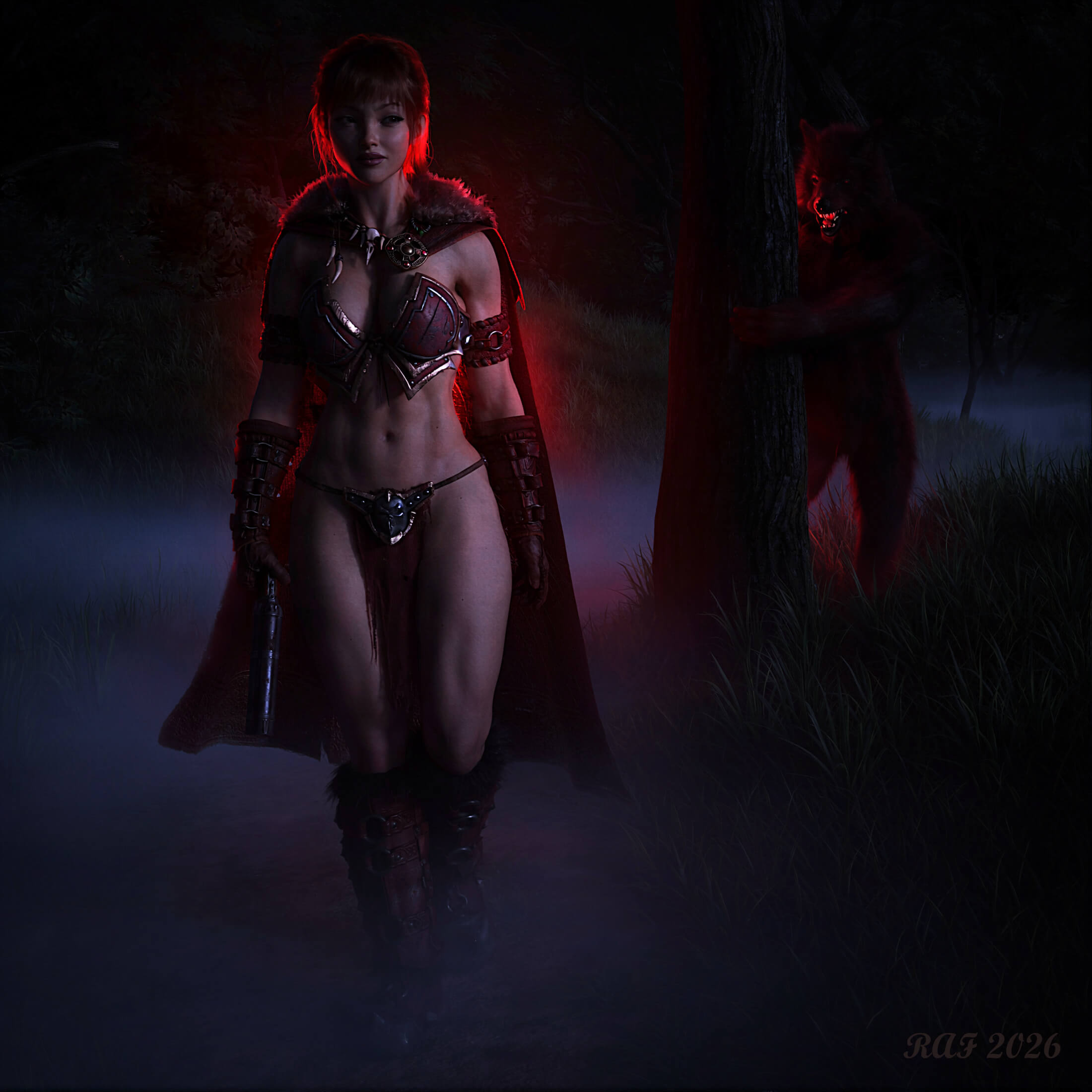
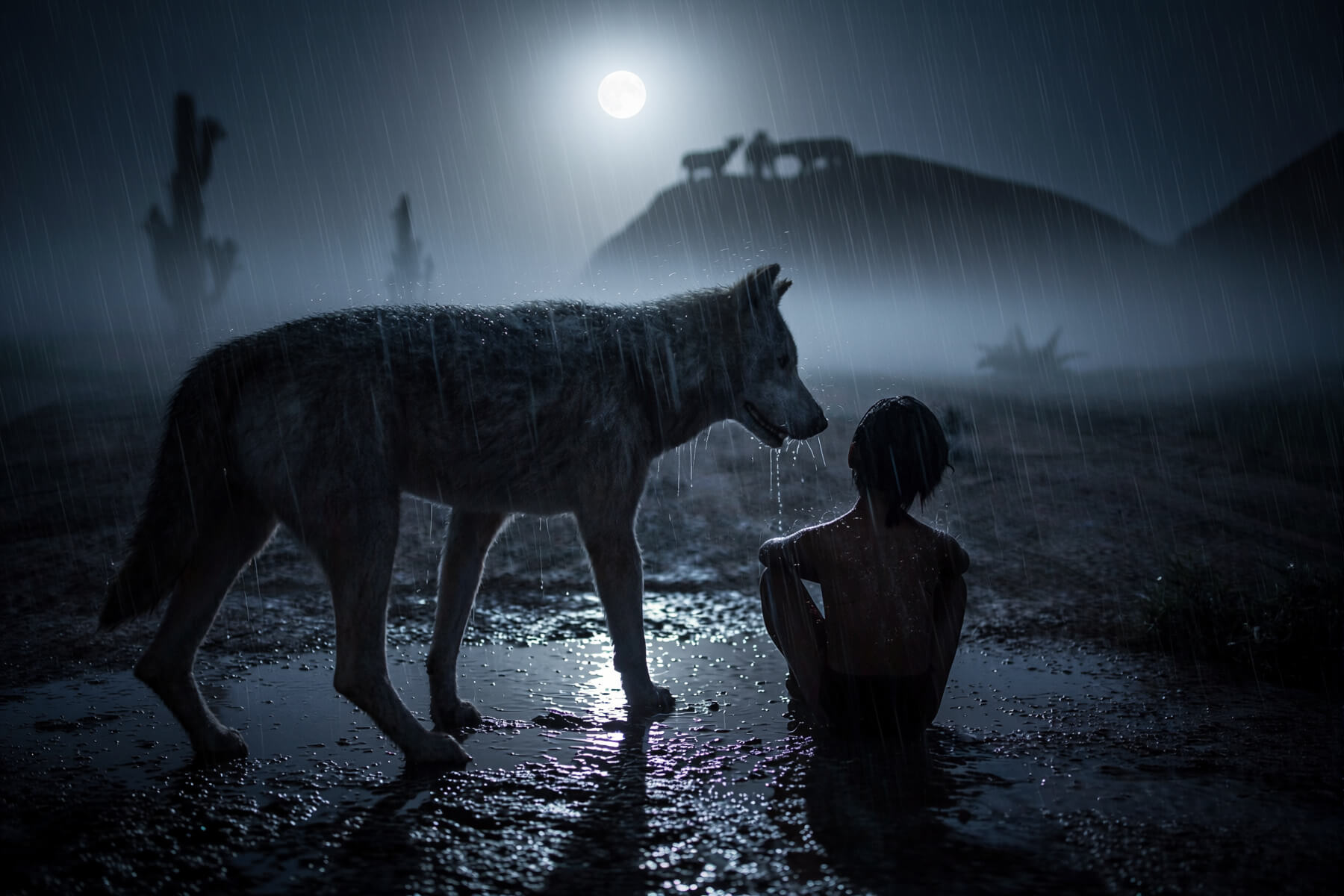



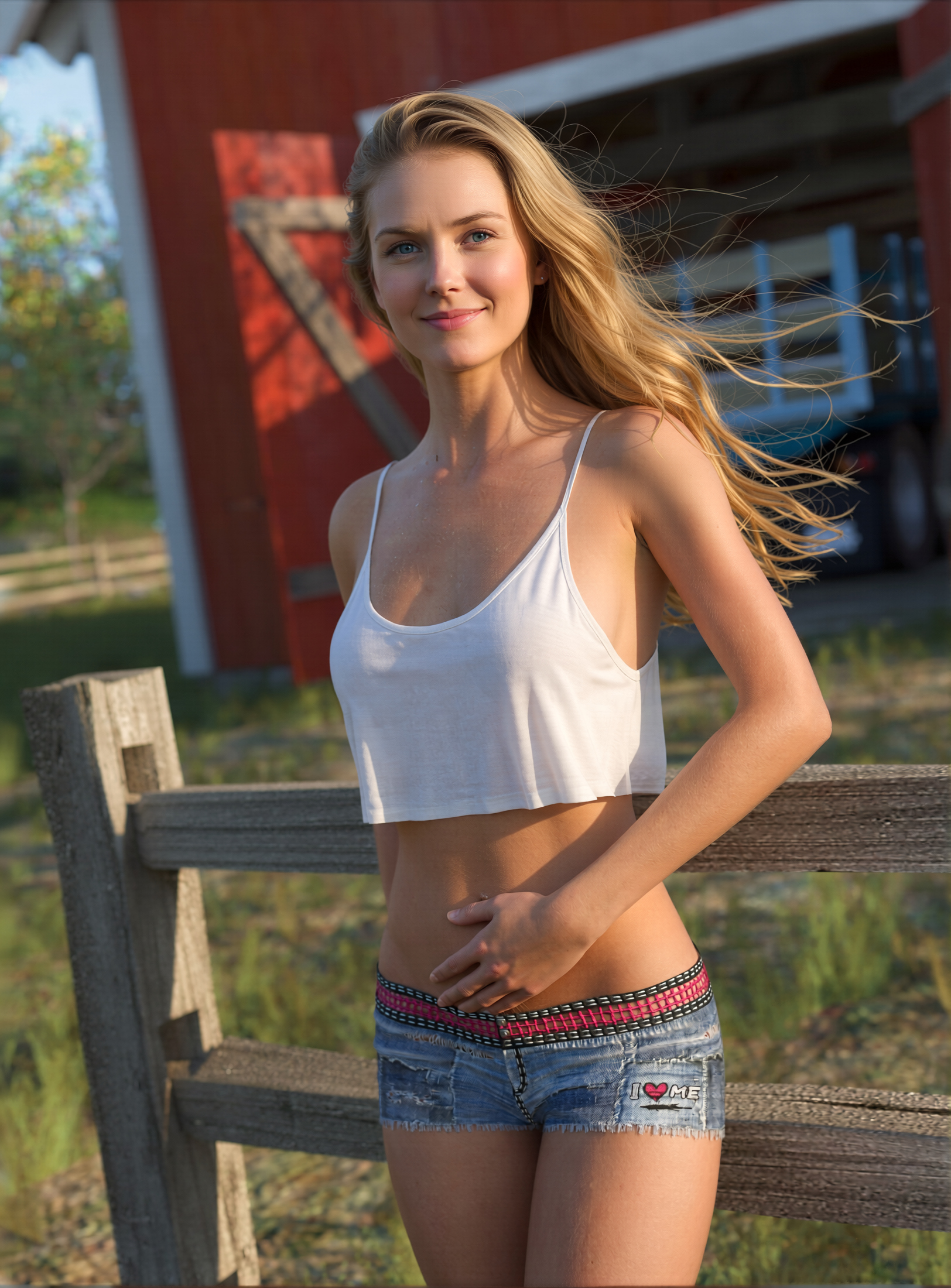



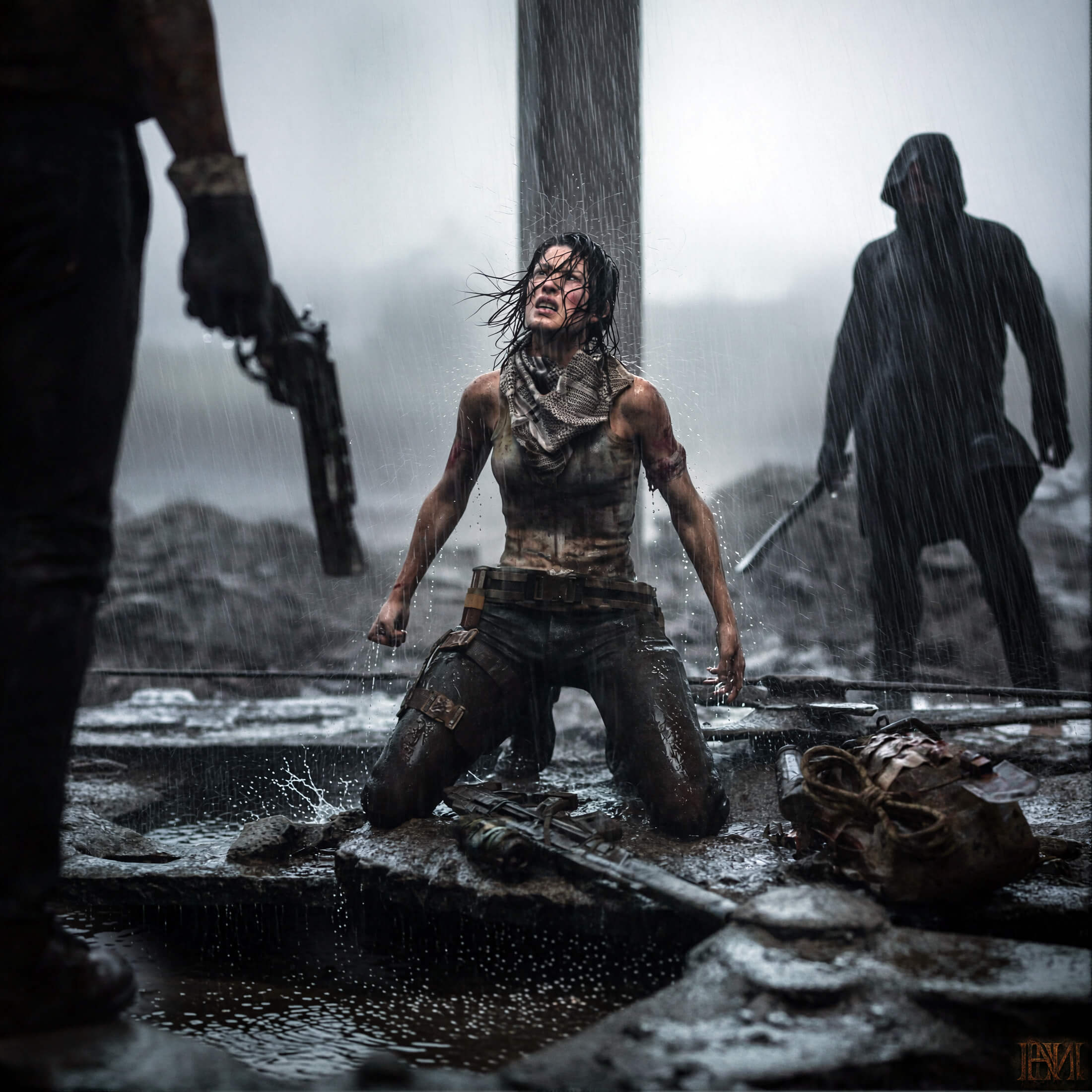
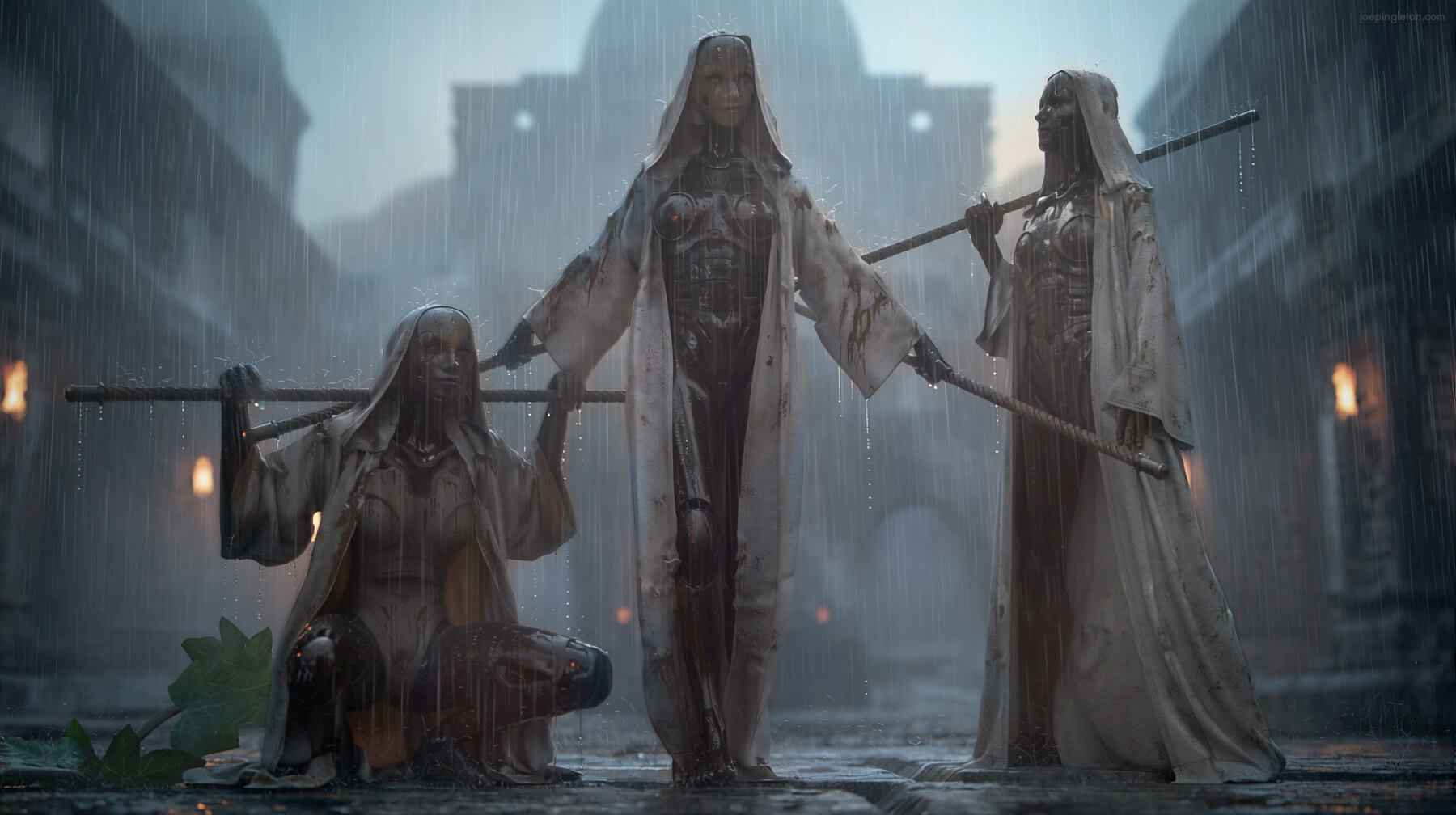
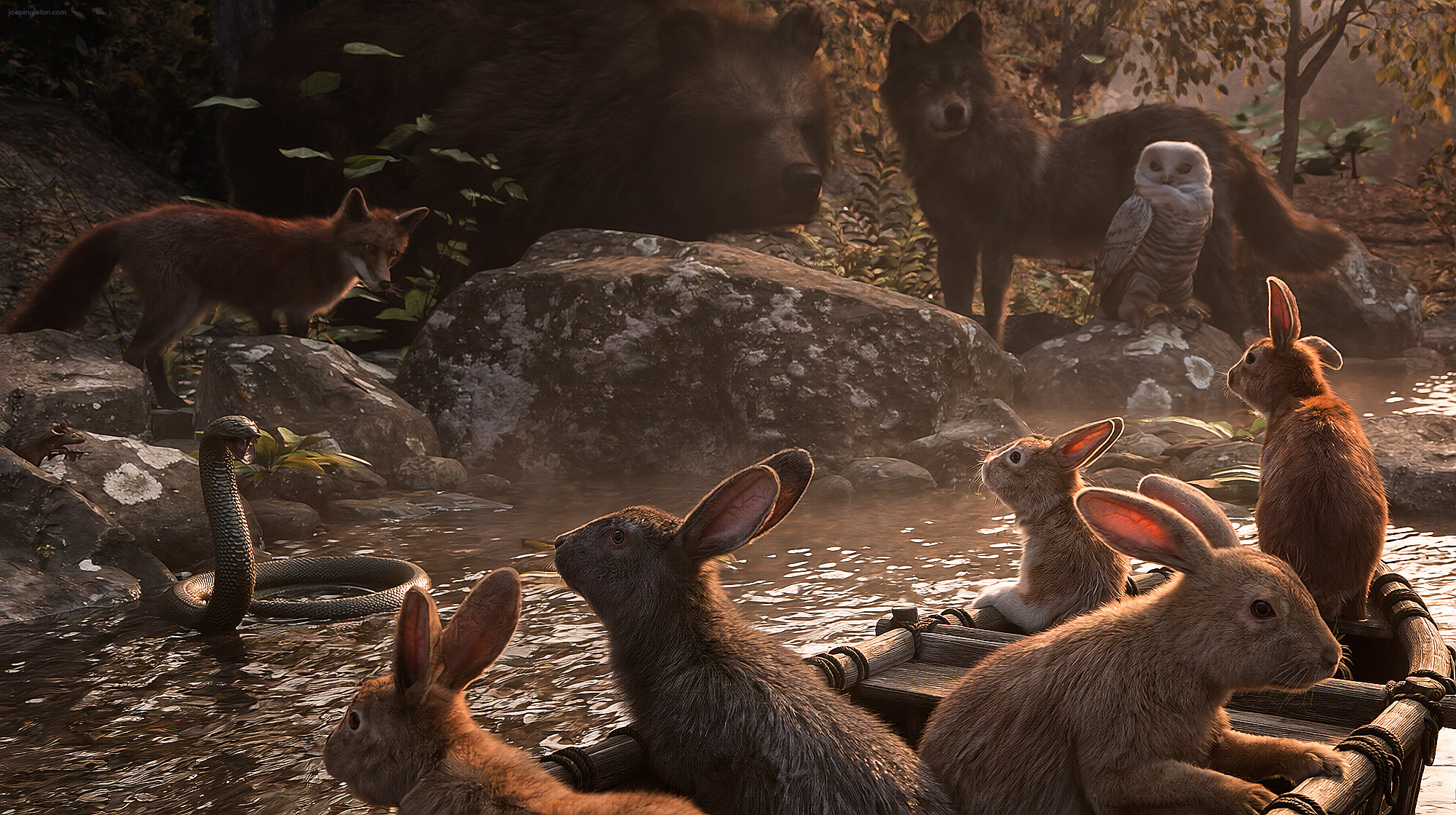




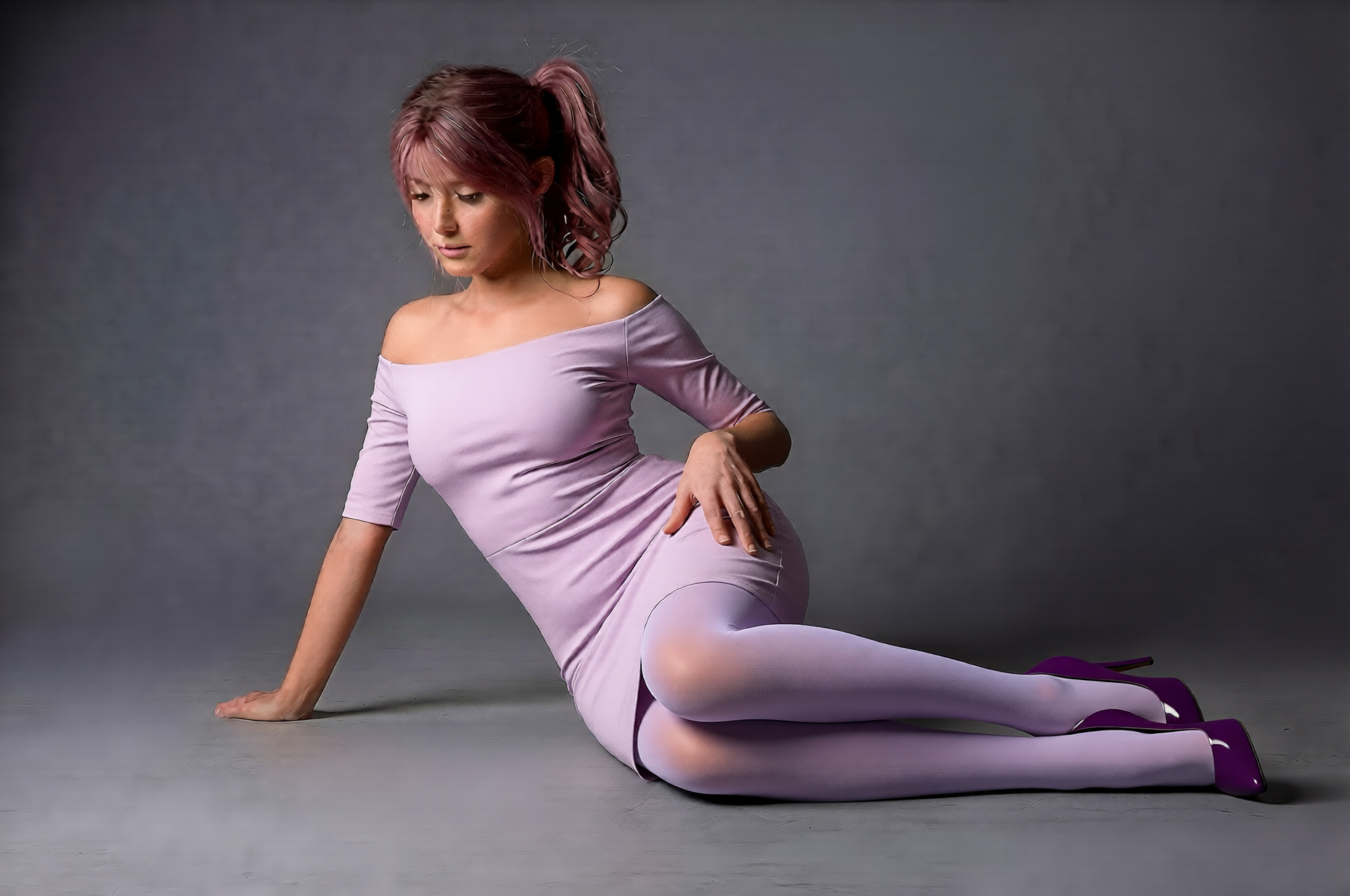











This Item Was Made Using

! REPORT
NOTE: DIGITAL DOWNLOAD, NOT A PHYSICAL ITEM

Add to Collection

85 Likes
Available Add Ons
Included in Bundles
AIRE + AIRE Motion Bundle - AI Rendering + Animation for DAZ
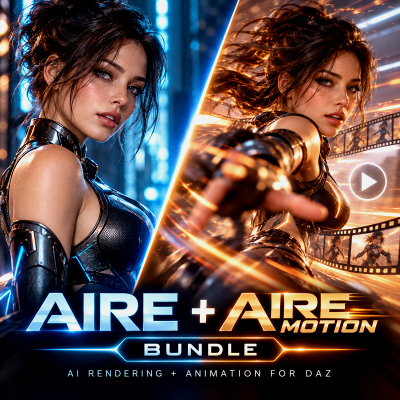
AIRE Ultimate Bundle - AI Render Animate Enhance in DAZ

AIRE Master Bundle - The Complete AIRE Collection

Share This Daz Content


Top Rated Vendor

Helping AI, DAZ Studio & Digital Artists artists love their art and bestselling DAZ published artist since 2005. Former professional camera man and video editor in the adult movie industry in Hollywood and Europe for 2 decades.
Vendor's Pages


License
Extended Use License
This item comes with our Extended Use Licensing. This means that you may use the model for both non-commercial and commercial purposes, in a variety of mediums and applications.
For full license terms, see our 3D Content Licensing Agreement
Item Details
| Vendor: | Dreamlight |
| Published: | Aug 04, 2026 |
| Download Size: | 961.8 MB |
| Software: | Daz Studio |
| dForce: | – |
Included Formats

Statistics
| Favorites: | 30 |
| Likes: | 85 |
| Views: | 21,477 |
Item Ratings
44 Ratings
5 Stars|Nov 03, 2026
a great product, especially if you are new to Ai‥ there is a bit of a learning curve getting ComfyUI set up but the author is super helpful
5 Stars|Oct 29, 2026
Génialissime
5 Stars|Oct 25, 2026
Easy to install. Work so nice. Easy to use. Breathtaking and Mindblowing rendering.
I recommend ultimately.
I recommend ultimately.
5 Stars|Oct 24, 2026
Thank you for this great App and as well as your great job.
5 Stars|Oct 19, 2026
I got so caught up in having fun that I lost track of time.
5 Stars|Oct 18, 2026
Does Really Nice work. Love it for older generation characters.
Page 1 of 8
AIRE v1.2.3 - AI Render Engine for DAZ Studio
AIRE v1.2.2 - FREE UPDATE FOR ALL EXISTING AIRE CUSTOMERS
AI Render Engine for DAZ Studio
------------------------------
20% OFF - AIRE v1.2.3
------------------------------
AIRE v1.2.3 is available for $56 - 20% off the regular $70 price for a limited time.
Existing AIRE customers receive v1.2.3 as a free update.
See patch notes for AIRE v.1.2.3 at the bottom of this page.
-------------------------------------------------
DAZ STUDIO REBORN. PLAY AGAIN.
-------------------------------------------------
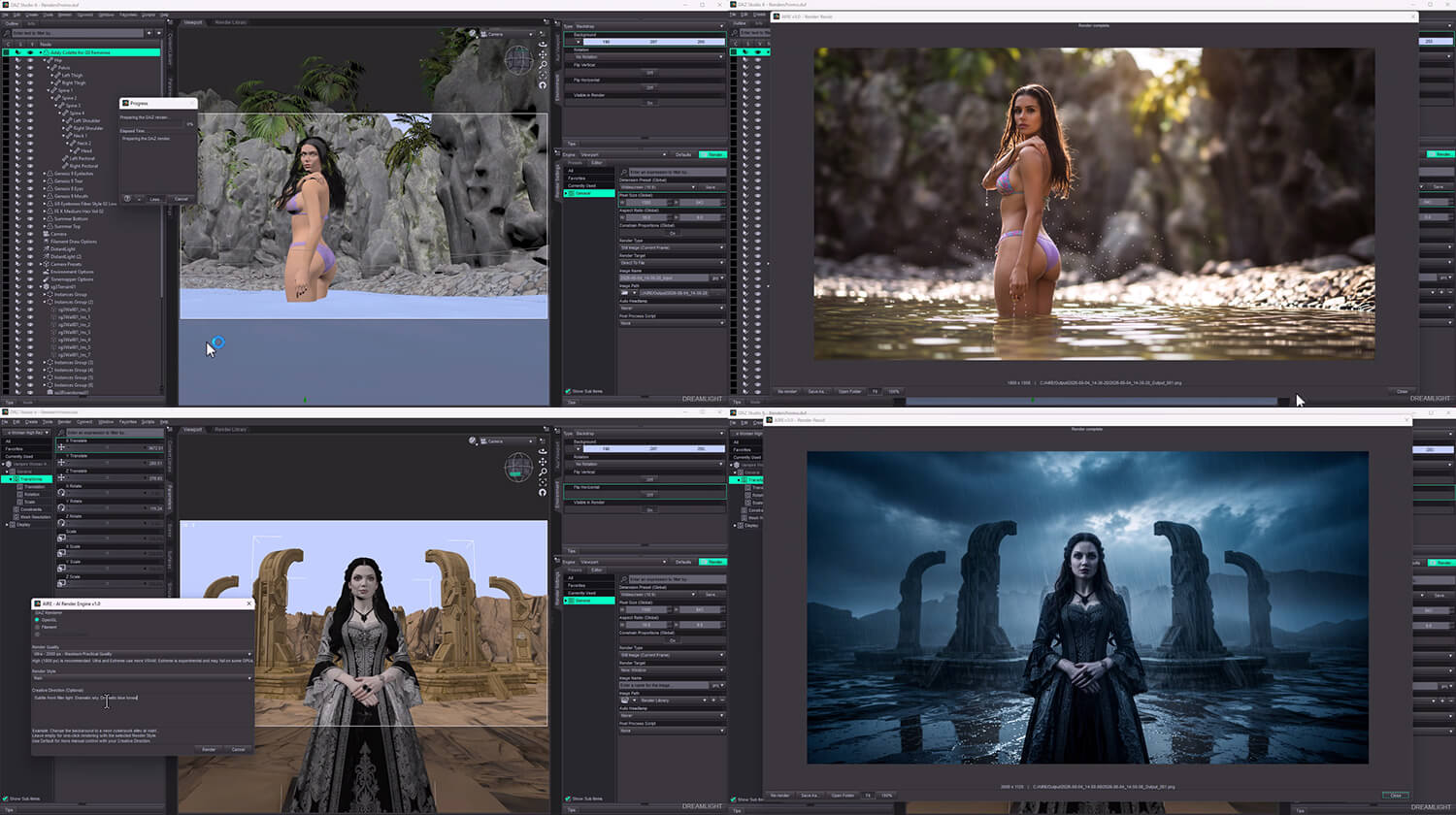
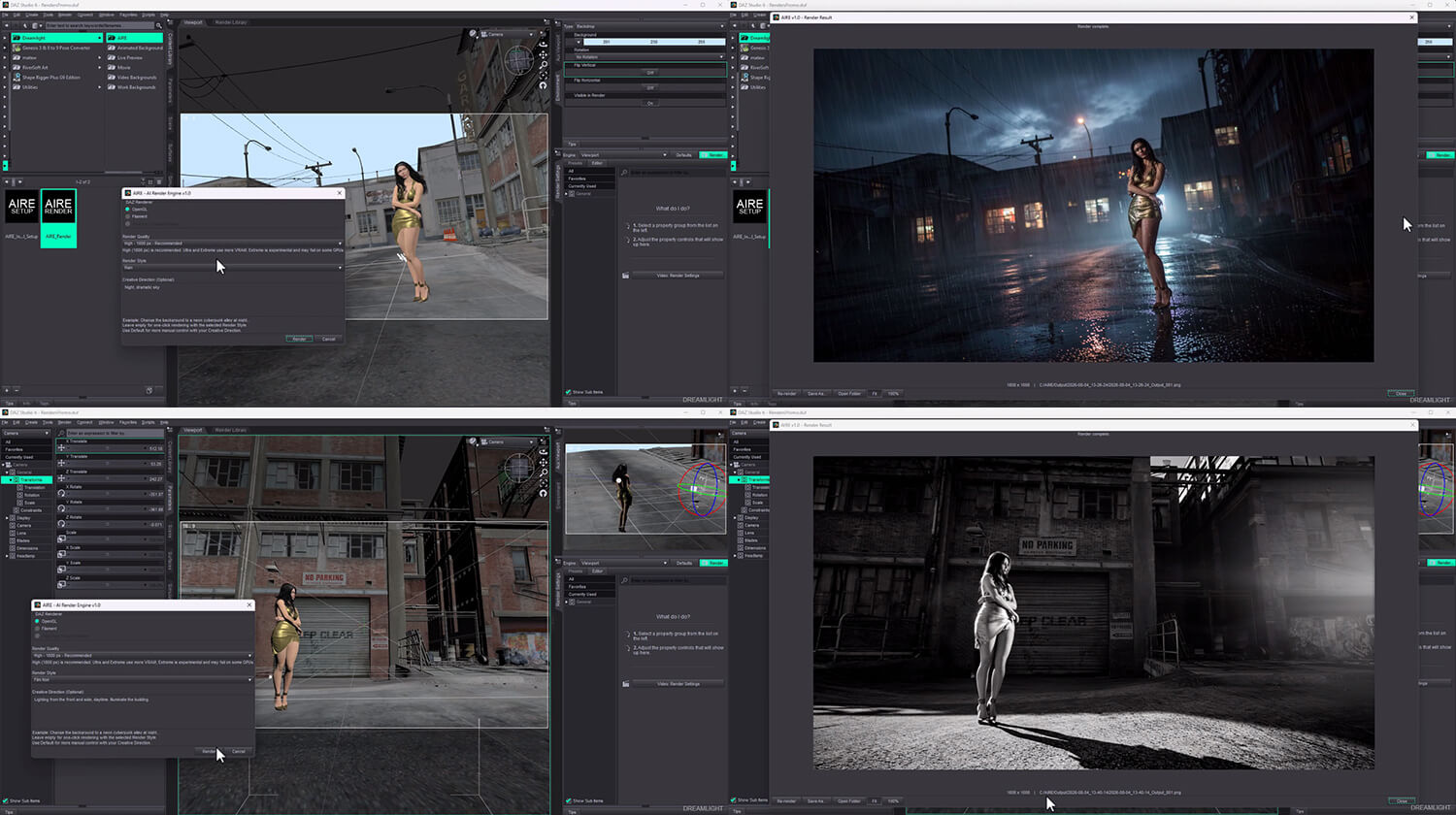
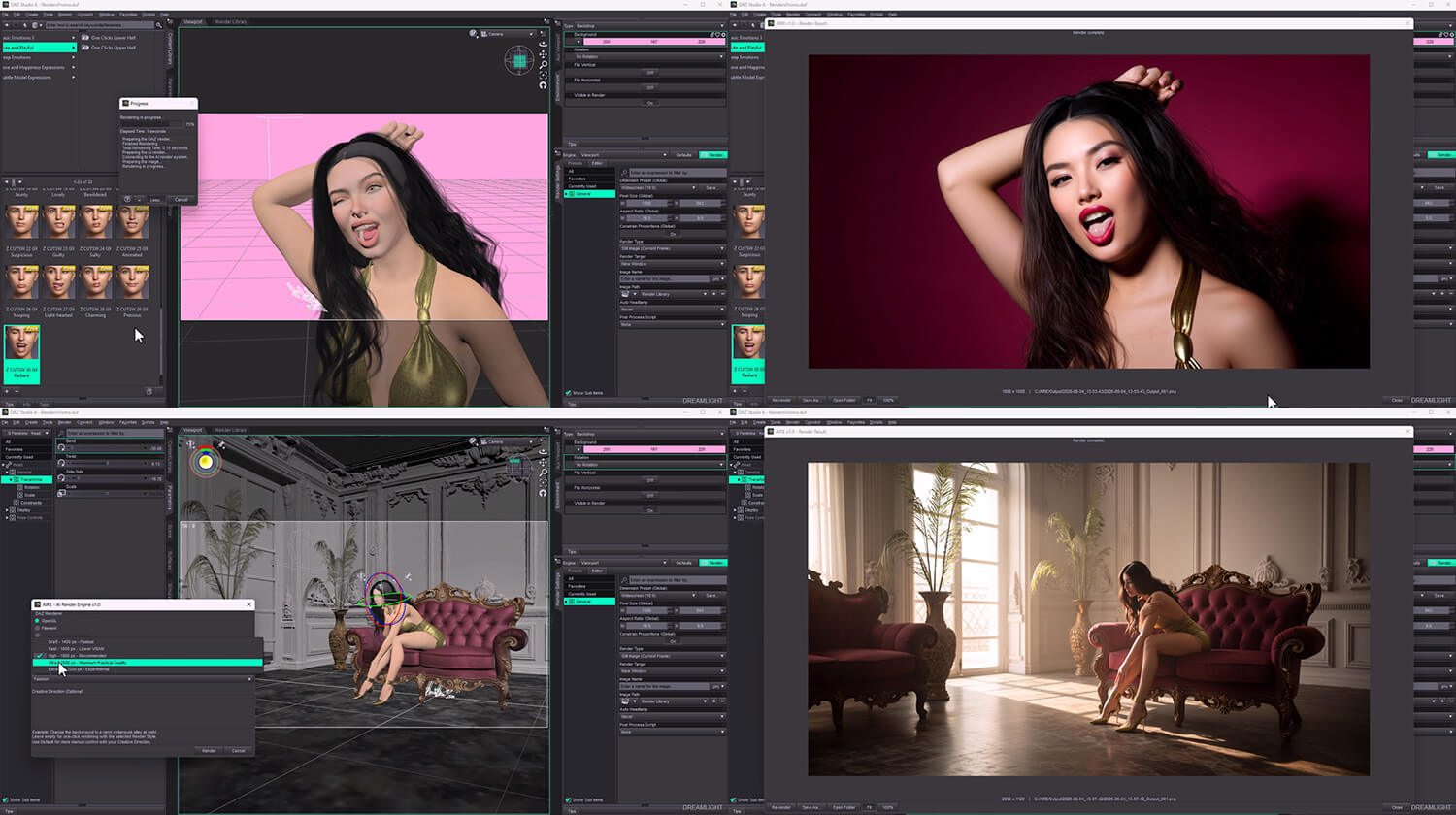
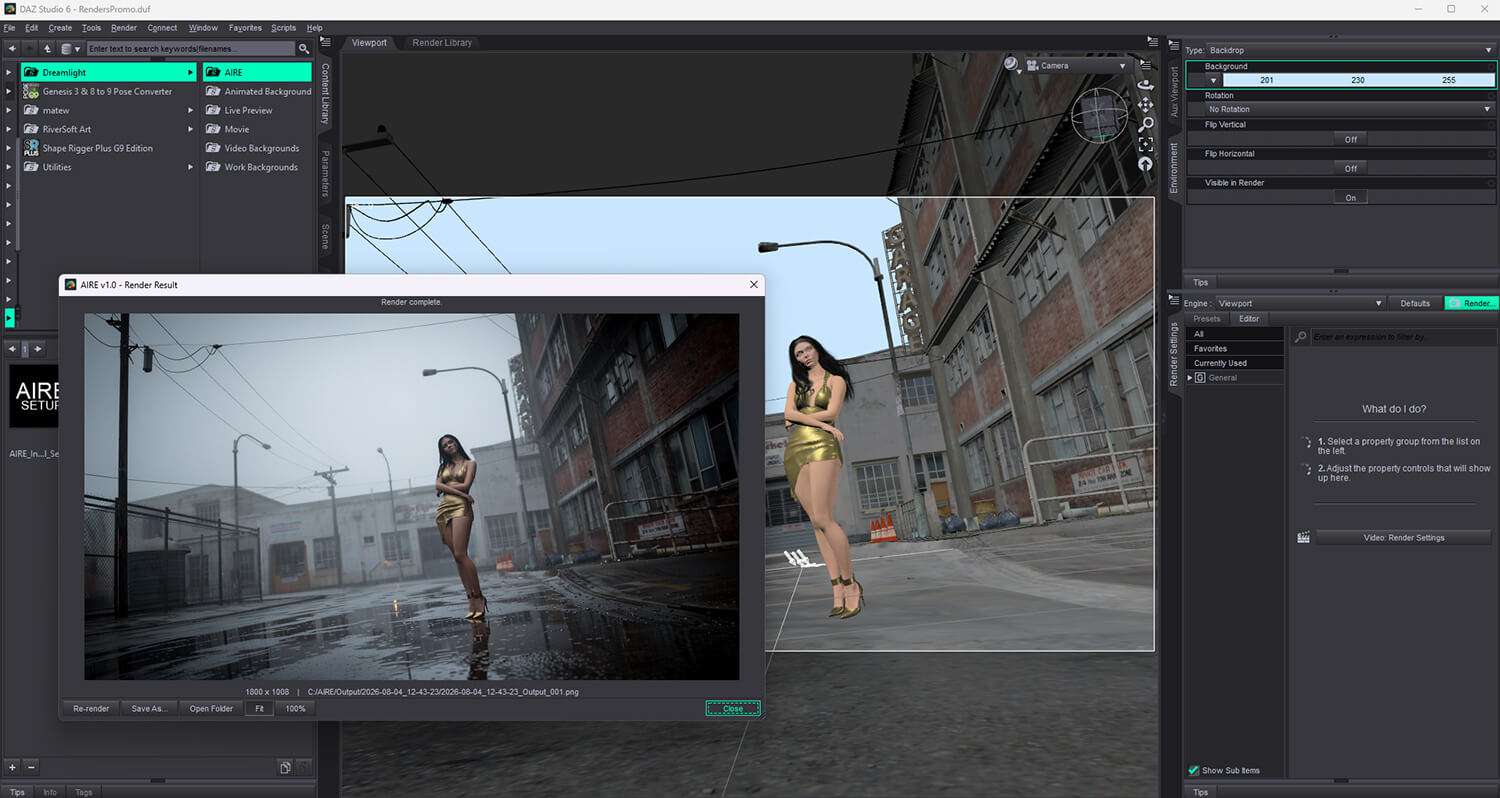
AIRE brings fast local AI rendering and image editing directly into your DAZ Studio creative workflow.
Build your scene. Pose your characters. Choose your camera and lighting. Click Render.
AIRE sends the image to your locally running ComfyUI installation, processes it with AI and returns the finished result directly to DAZ Studio.
Then keep creating.
Change materials. Adjust poses. Replace objects. Transform environments. Browse earlier results, recover the direction and guidance behind a successful edit, and create a refined version without rebuilding your scene.
AIRE keeps DAZ Studio at the center of the process while opening a fast, playful post-render workflow around every image you create.
One purchase. Local rendering and editing. No paid credits. No subscription.
Now in v1.2.2, you can also hand a finished AIRE image directly to AIRE Motion, an optional standalone AI animation product sold separately:
aire-motion-ai-animation-for-daz-studio
--------------------------
NEW IN AIRE v1.2.2
--------------------------
AIRE v1.2.2 expands Iray source-rendering choices, refines the DAZ Studio 6 result window, gives you finer control of optional Extensions and introduces direct access to AIRE Motion.
- Five Iray source-render levels: Turbo, Default, Quality, Extended and Maximum
- NEW Iray Extended: up to 150 seconds, at the selected AIRE Render Quality resolution
- NEW Iray Maximum: up to 300 seconds, at the selected AIRE Render Quality resolution
- Extension Strength expanded to 0.10-1.10 in 0.01 steps, with the existing 0.90 default
- Improved result-window sizing and positioning in DAZ Studio 6
- New On/Off setting for interface tooltips, with remembered preference
- NEW Open AIRE Motion… launcher in the main AIRE interface
- NEW Animate This Render… action in the result window to pass the displayed image to AIRE Motion
- All existing AIRE rendering, Image to AIRE, AIRE Edit, Quick Edit, Extensions and Preserve Framing features remain available
AIRE Motion is a separate standalone product, purchased and installed independently. AIRE v1.2.2 does not include video generation. If Motion is not installed, AIRE continues to work normally.
No extra AI image models or new image-rendering bridge installation are required solely for the v1.2.2 update. Existing users receive it free.
Explore AIRE Motion:
aire-motion-ai-animation-for-daz-studio
--------------------------
NEW IN AIRE v1.2.1
--------------------------
AIRE v1.2.1 expands the AIRE workflow with optional AIRE Extensions, a new Preserve Framing control and additional setup, compatibility and recovery improvements.
- Added support for optional AIRE Extensions directly inside AIRE Edit
- Added Extension controls to both the main Edit interface and post-render Quick Edit
- Added adjustable Extension strength
- Added Preserve Framing On/Off for stronger composition locking or more spatial freedom when needed
- Added Preserve Framing controls to both the main AIRE workflow and post-render Quick Edit
- Improved restoration of edit settings through session history and Reuse on Source
- Improved validation after ComfyUI updates or installation changes
- Improved support for unusual drive and custom-path configurations
- Added additional interface, compatibility and recovery improvements based on real-world support cases
AIRE Extensions are optional add-ons purchased separately. AIRE does not require Extensions and continues to work normally without them.
Explore AIRE Extensions - Female Nude Detail:
aire-extensions-female-nude-detail
------------------------
NEW IN AIRE v1.2
------------------------
- AIRE Edit - a complete third input mode for fast image editing
- Quick Edit directly inside the finished-result window
- Turbo and Standard editing methods
- Optional Image 2 and Image 3 visual references for materials, textures, patterns and colors
- Guidance control from 1.0 to 2.5 during editing
- Previous and Next history browsing across the current result-window session
- A visible record of the Edit Direction and Guidance used for each edit
- Reuse on Source to recover the exact source image and edit recipe behind a result
- Repeat Edit for creating another variation from the same setup
- Improved DAZ-to-AIRE camera framing and subject placement
- Corrected the unintended zoom-in that could affect earlier results
- A substantially redesigned post-render creative workspace
- A revamped main interface with clearer three-mode navigation
- Updated Iray modes: Turbo up to 10 seconds, Default up to 30 seconds and Quality up to 60 seconds
- Extended local setup and validation for the complete six-component AIRE v1.2 AI set
- Stronger diagnostics, reconnect handling, cancellation and recovery guidance
- Support for the new optional AIRE Elements workflow
-----------------------------------
THREE WAYS TO CREATE
-----------------------------------
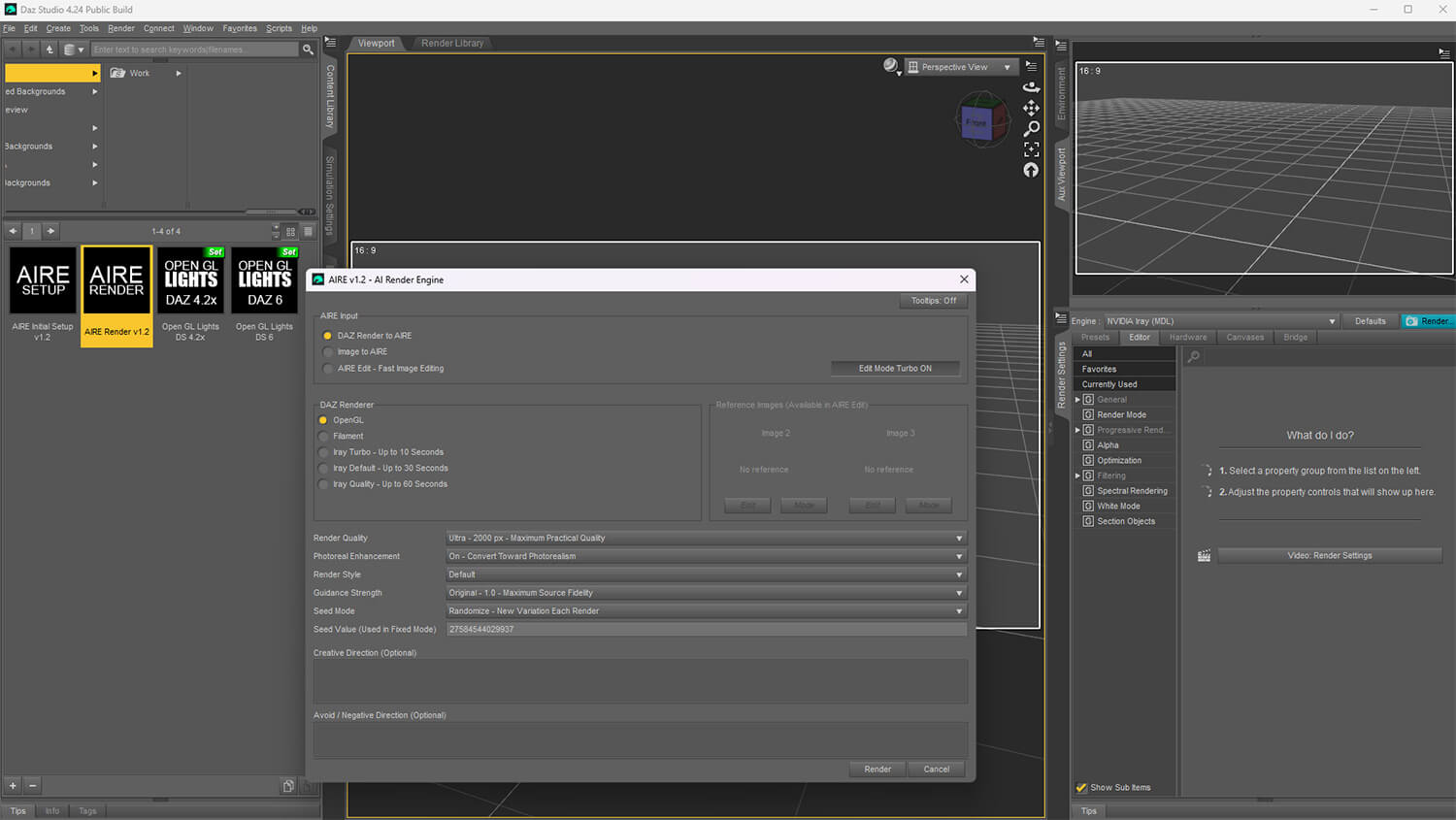
DAZ RENDER TO AIRE
Build and control the shot inside DAZ Studio, then render through OpenGL, Filament or Iray. AIRE transforms the source while preserving your composition, character placement, camera and creative intent.
IMAGE TO AIRE
Choose an existing PNG, JPG or JPEG and transform it using AIRE's quality, photoreal, style, guidance, seed and direction controls. No DAZ scene render is required.
AIRE EDIT - FAST IMAGE EDITING
Choose an existing image, describe what you want changed and create a new version. Edit an AIRE result or bring in another PNG, JPG or JPEG directly from the main interface.
------------------------------------------------------
YOUR POST-RENDER CREATIVE SPACE
------------------------------------------------------
Rendering is no longer the end of the process.
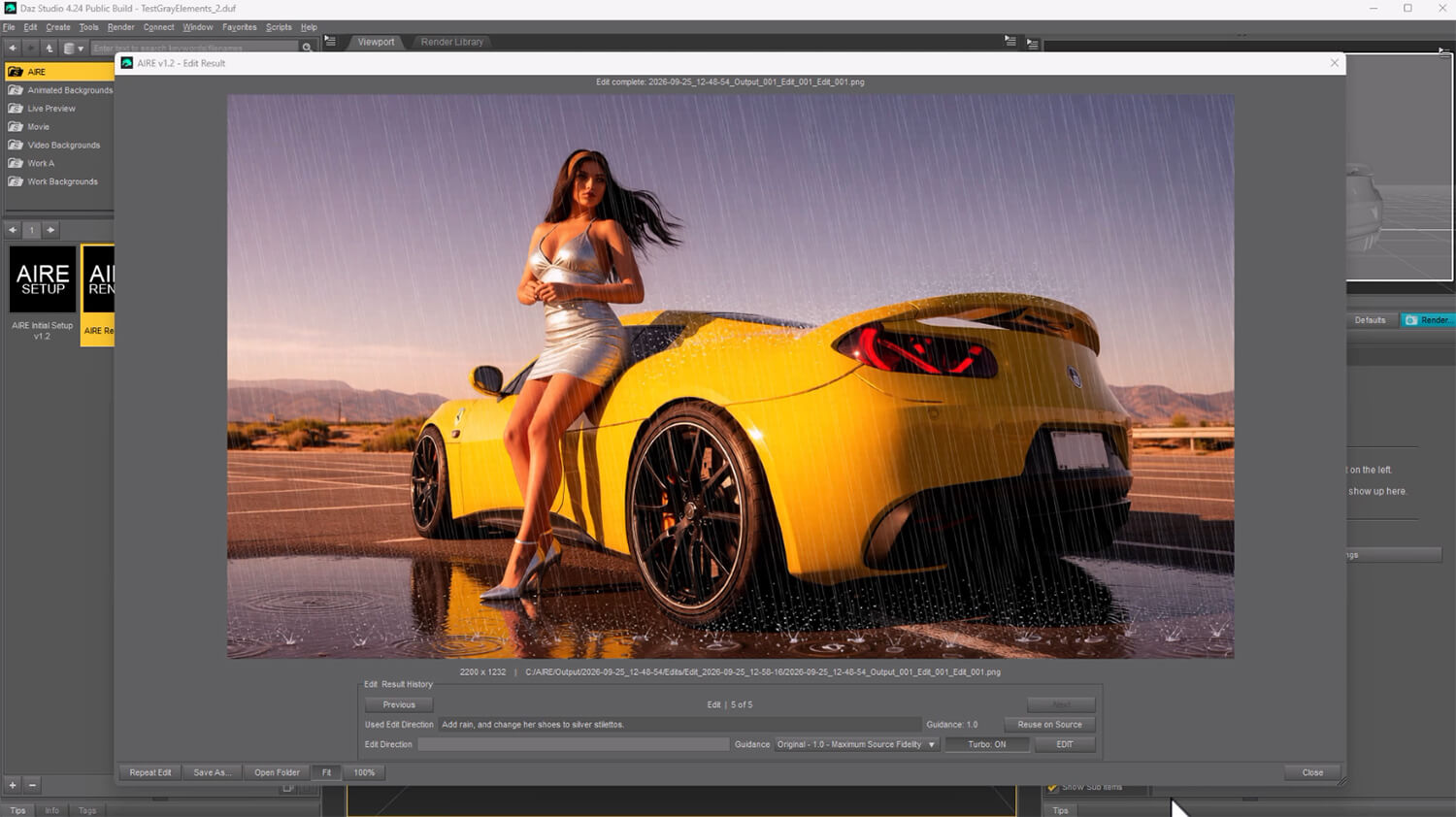
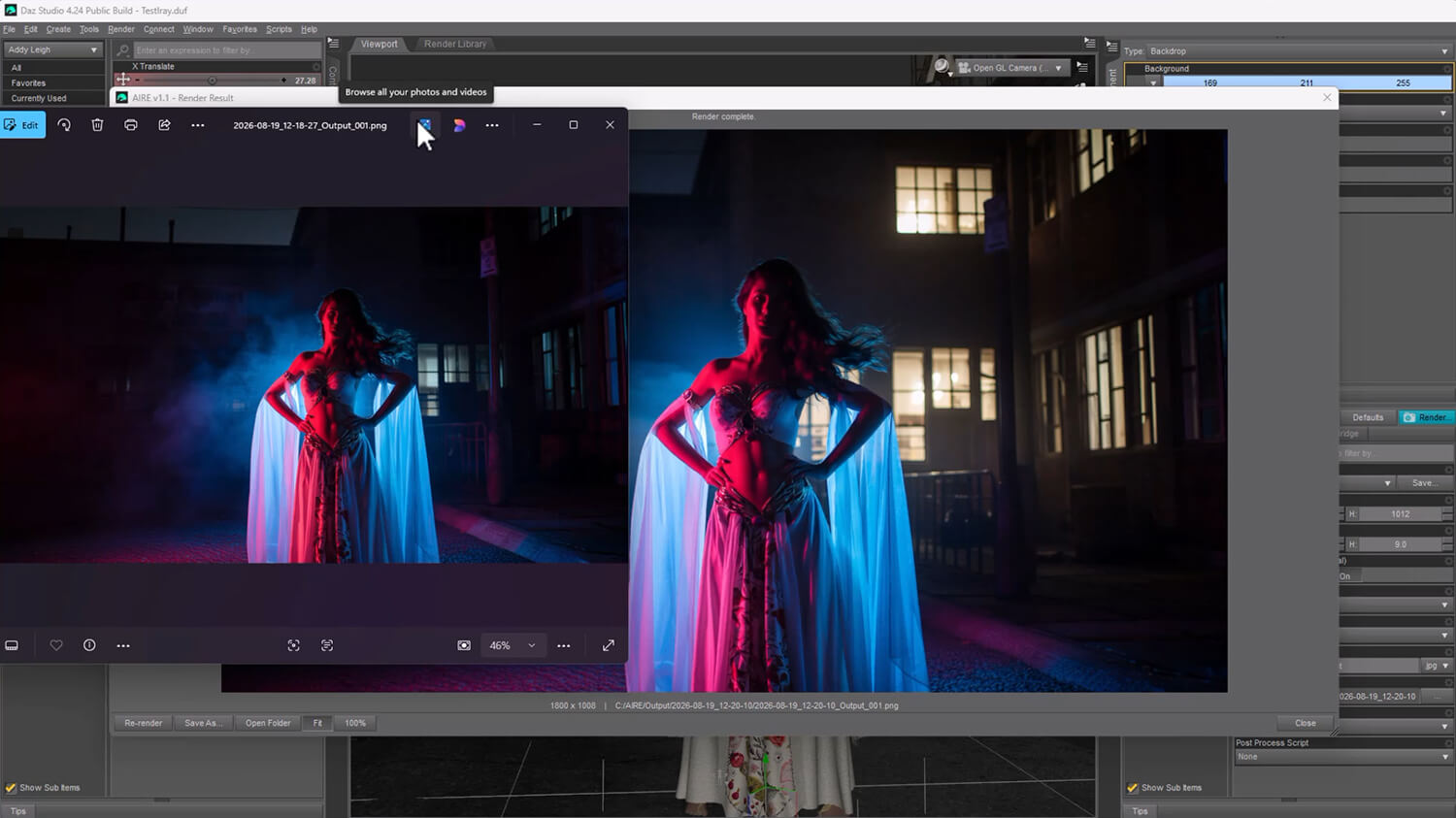
The redesigned AIRE result window lets you:
- View the original source, renders and edits in one adaptive viewer
- Browse backward and forward through the current session
- Quick Edit the image currently displayed
- Select Guidance from 1.0 to 2.5
- Switch between fast Turbo editing and higher-quality Standard editing
- See the Edit Direction and Guidance used for every edited result
- Return to the exact source behind an edit with Reuse on Source
- Restore its direction, guidance, editing method and optional references
- Adjust the instruction and create a refined version
- Repeat an edit for another variation
- Save a copy, open its folder, fit the image or inspect it at 100%
- Hand the displayed image to the separately installed AIRE Motion with Animate This Render…
Render. Edit. Browse. Re-edit.
Your creative history is built into the session, while every completed result remains saved in your AIRE Output folders.
-----------------------------------
EDIT WITH SIMPLE TEXT
-----------------------------------
Describe the change you want under Edit Direction.
Examples:
Change the car paint to metallic silver and keep everything else unchanged.
Make the woman look toward the camera.
Replace the daytime background with a rainy city at night.
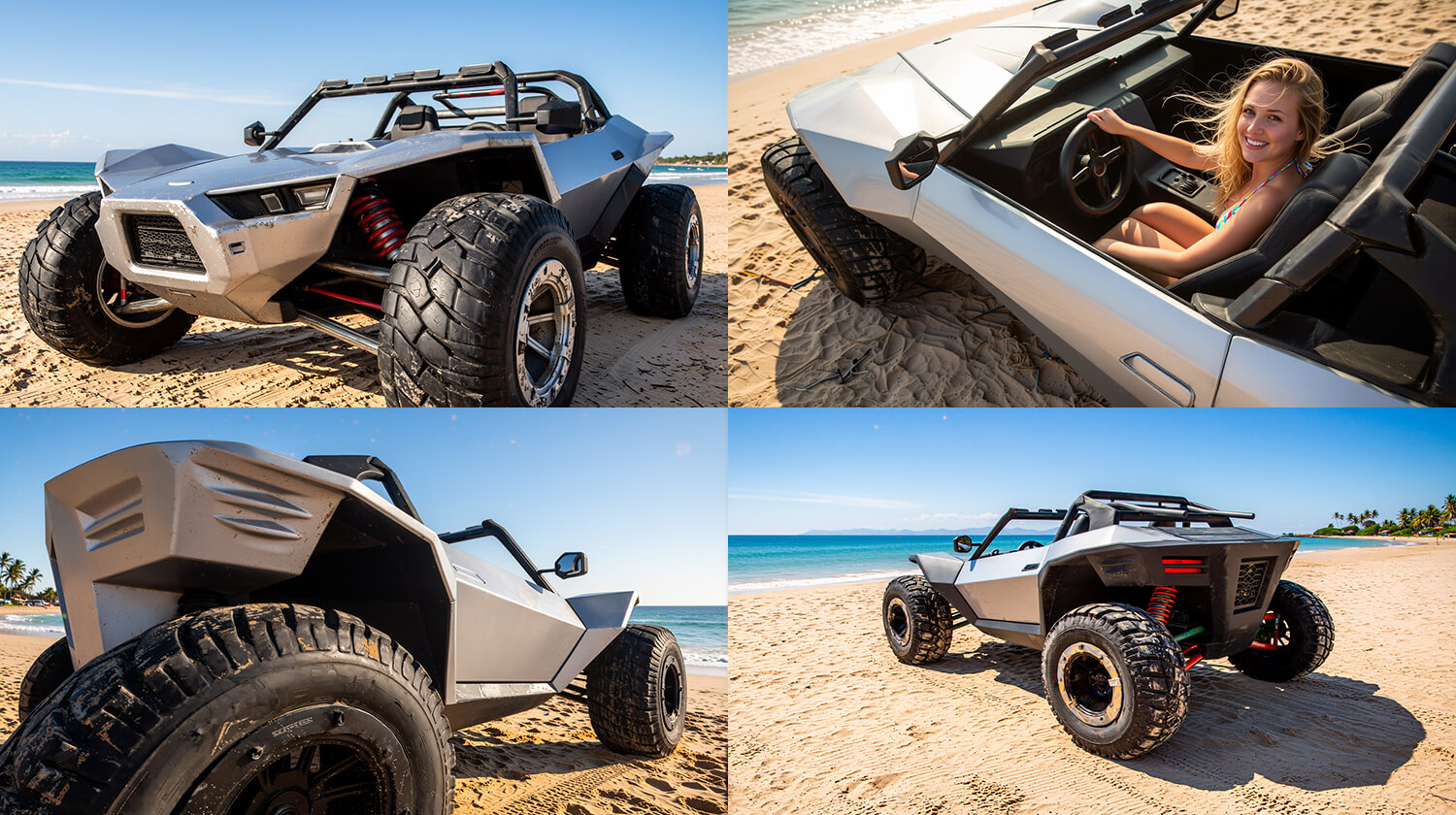
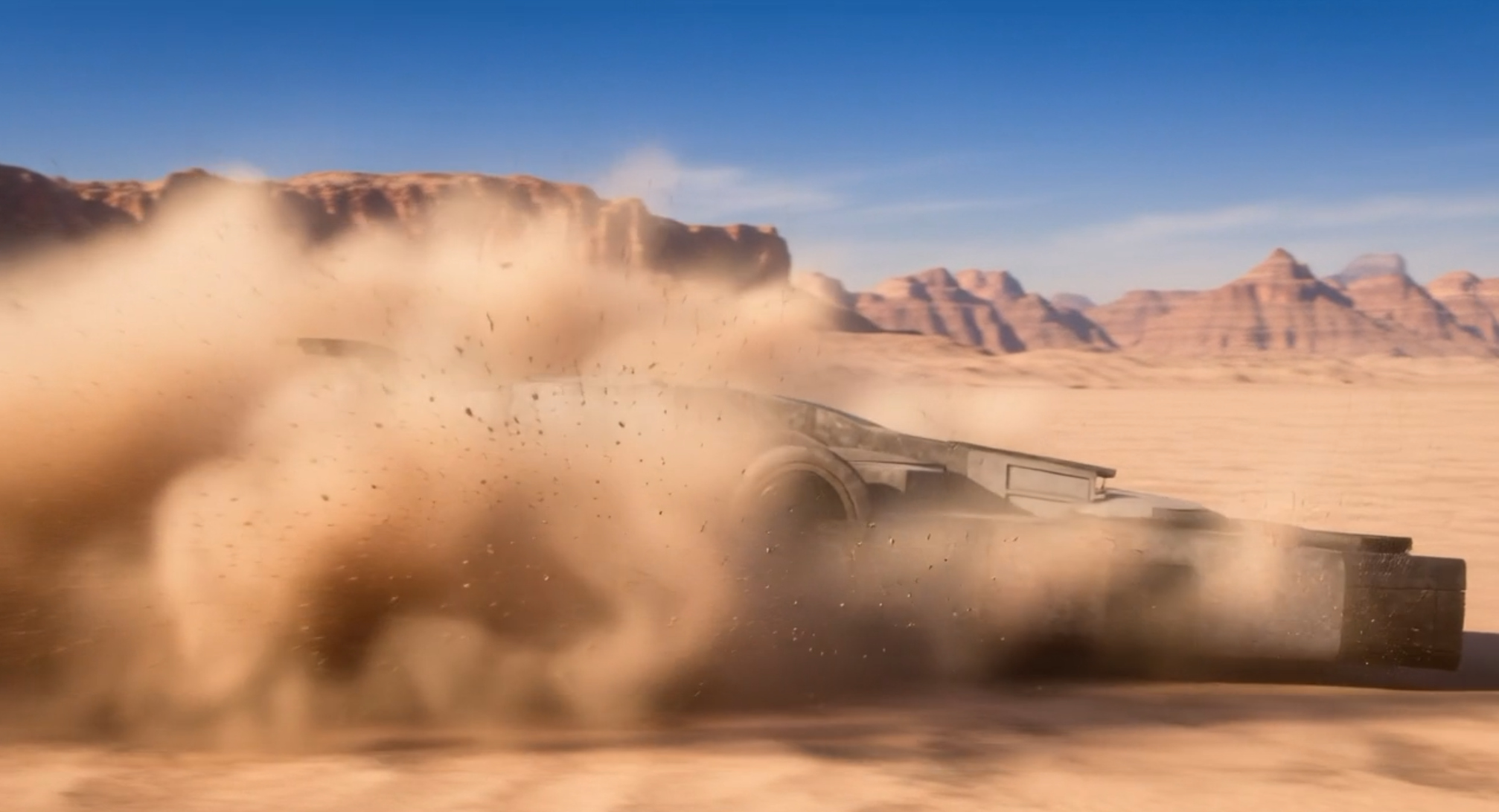
Add mud, dust and motion blur to the vehicle.
Change clothing, materials, colors, poses, objects, environments and visual details without rebuilding the original DAZ scene.
AIRE Edit includes:
- Turbo Edit for maximum speed
- Standard Edit for slower, higher-quality changes and stronger reference blending
- Render Style control
- Guidance from 1.0 to 2.5
- Random or Fixed Seed
- Edit Direction
- Avoid / Negative Direction in the main Edit interface
- Up to two optional visual reference images
AI interpretation can vary. Short, direct instructions and one major change at a time normally provide the clearest control.
---------------------------------------------
OPTIONAL REFERENCE IMAGES
---------------------------------------------
AIRE Edit can use Image 1 as the image being edited, plus Image 2 and Image 3 as optional visual references.
Reference images work best as precision tools for transferring appearance, including materials, textures, patterns and colors, while Image 1 retains the main composition.
Example:
Apply the material and color pattern from Image 2 to the handbag in Image 1. Preserve the handbag's shape, position, camera, lighting and background.
For complete object replacement or structural changes, use AIRE Edit with a clear text instruction.
---------------------------------------------------------
AIRE EXTENSIONS - OPTIONAL ADD-ONS
---------------------------------------------------------
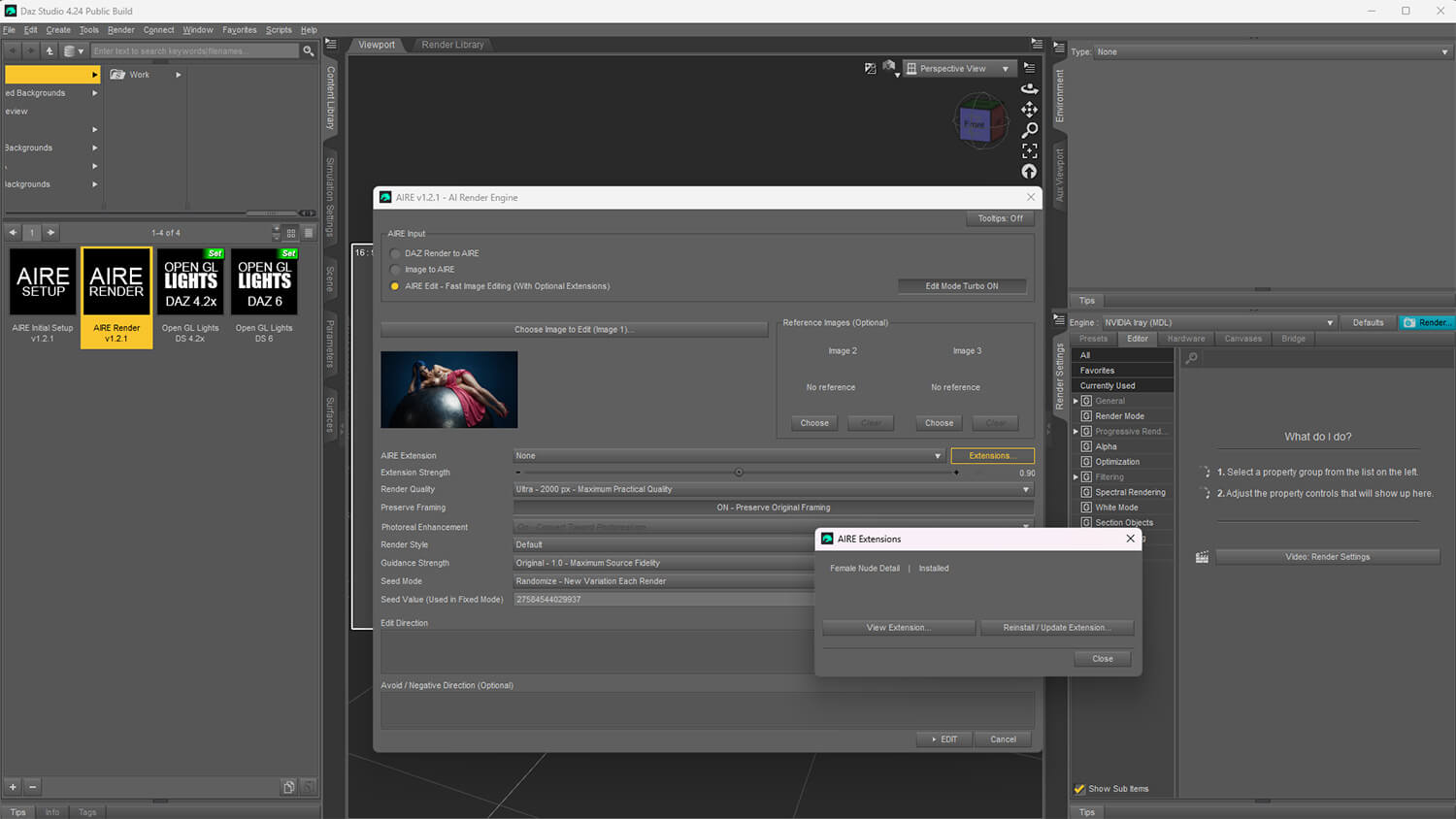
AIRE v1.2.1 introduced support for AIRE Extensions - optional add-ons that expand AIRE Edit with specialized local AI editing capabilities.
Installed Extensions can be selected directly inside AIRE Edit and Quick Edit, with adjustable Extension strength. AIRE can also restore the Extension settings used for edited results when revisiting or reusing an earlier edit.
Extensions are purchased separately and installed through AIRE's Extensions system. AIRE does not require Extensions and continues to work normally without them.
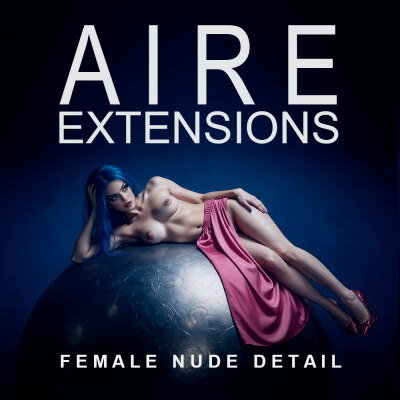
The first available Extension is AIRE Extensions - Female Nude Detail.
See AIRE Extensions - Female Nude Detail here:
aire-extensions-female-nude-detail
------------------------------------------------------
AIRE ELEMENTS - OPTIONAL ADD-ONS
------------------------------------------------------
AIRE v1.2 introduces support for the new AIRE Elements creative workflow.
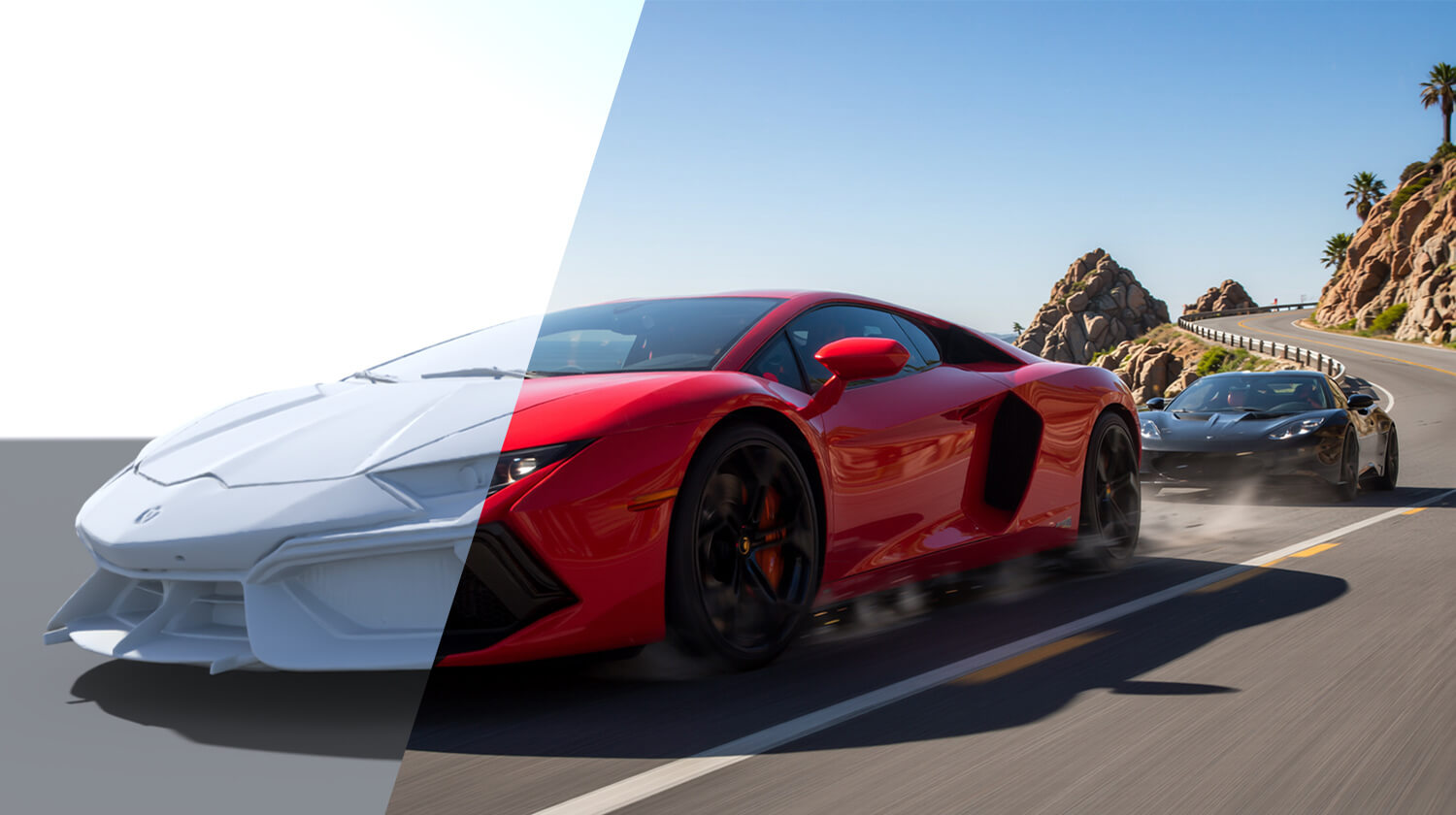
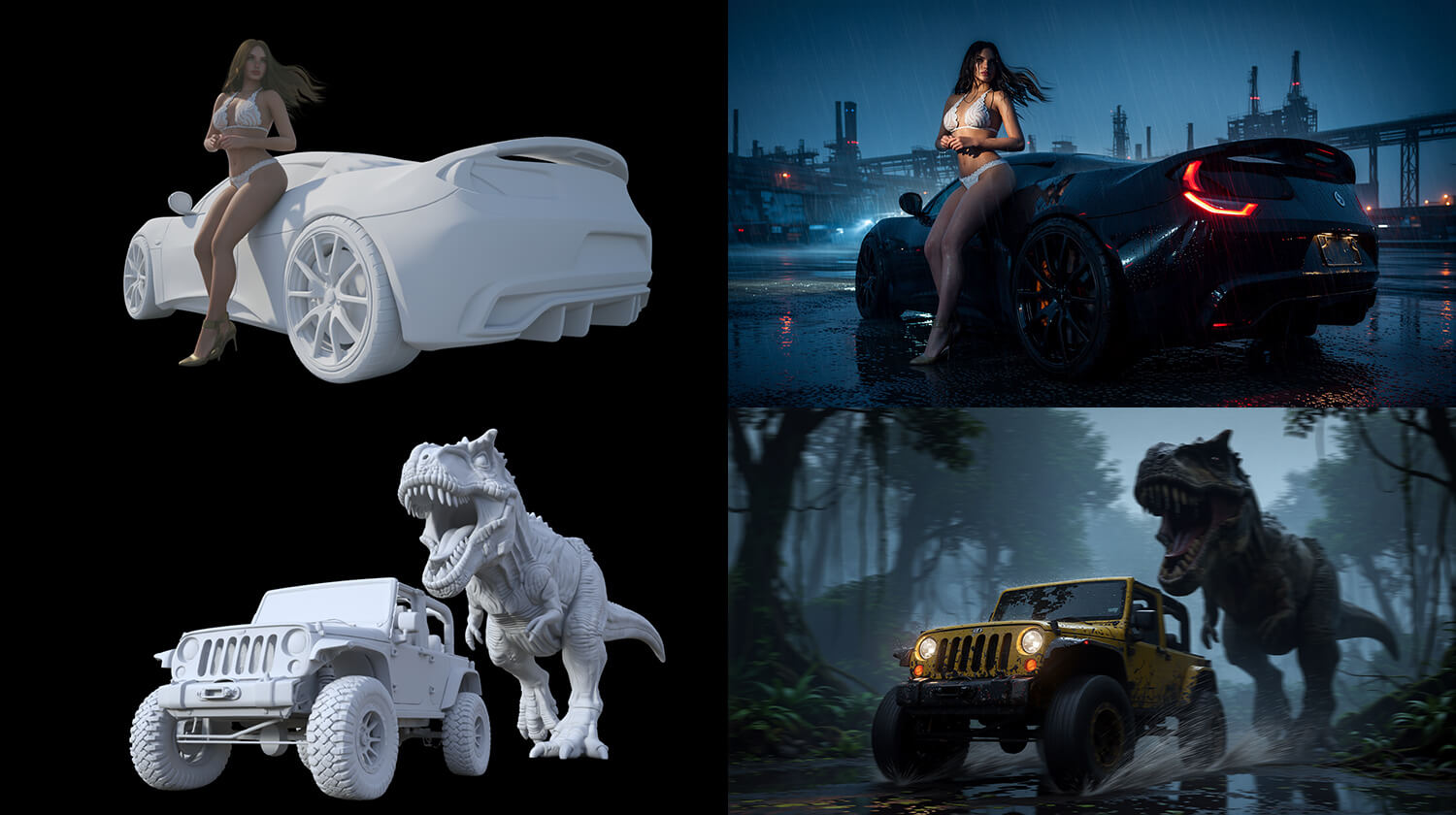
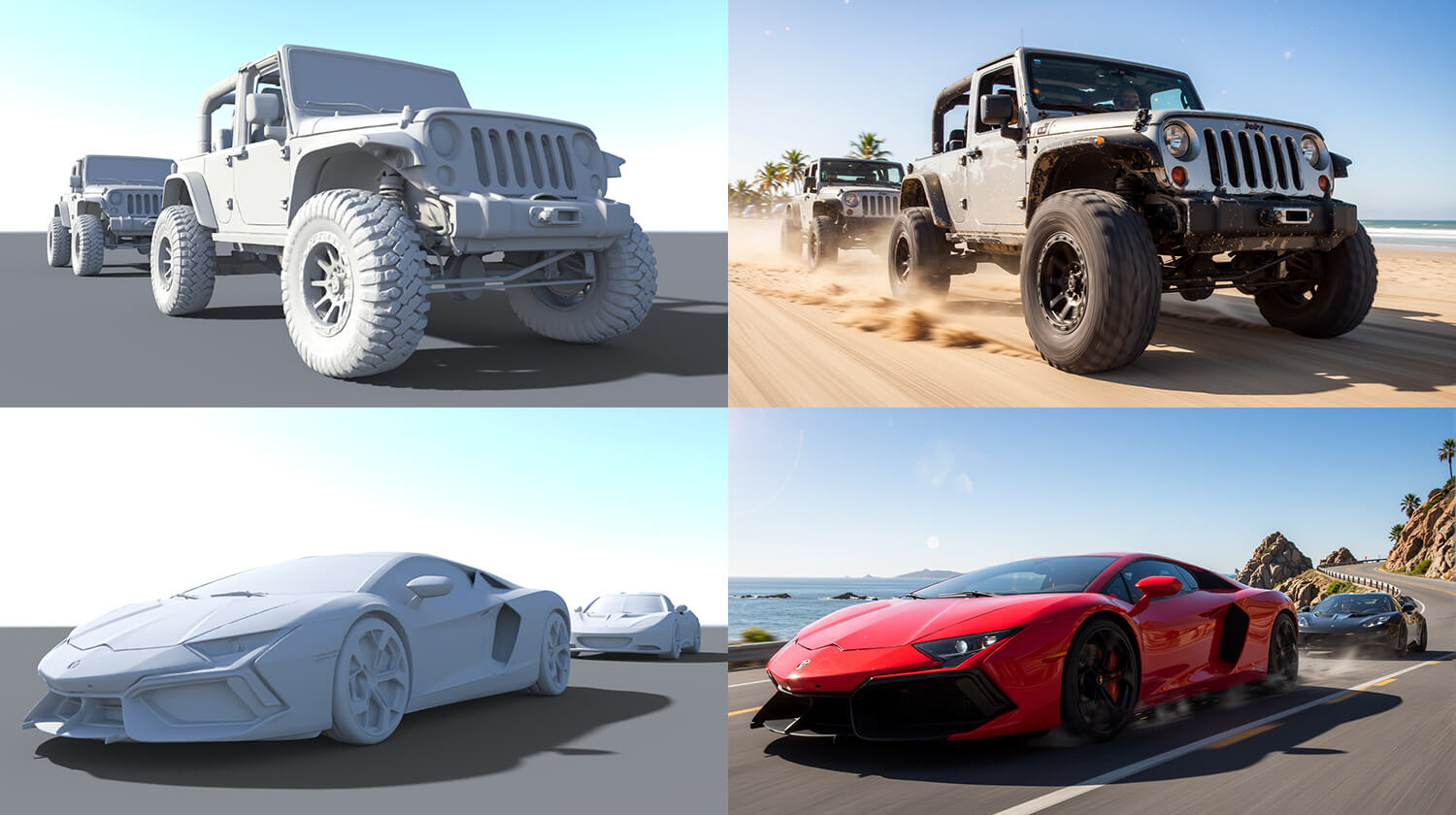
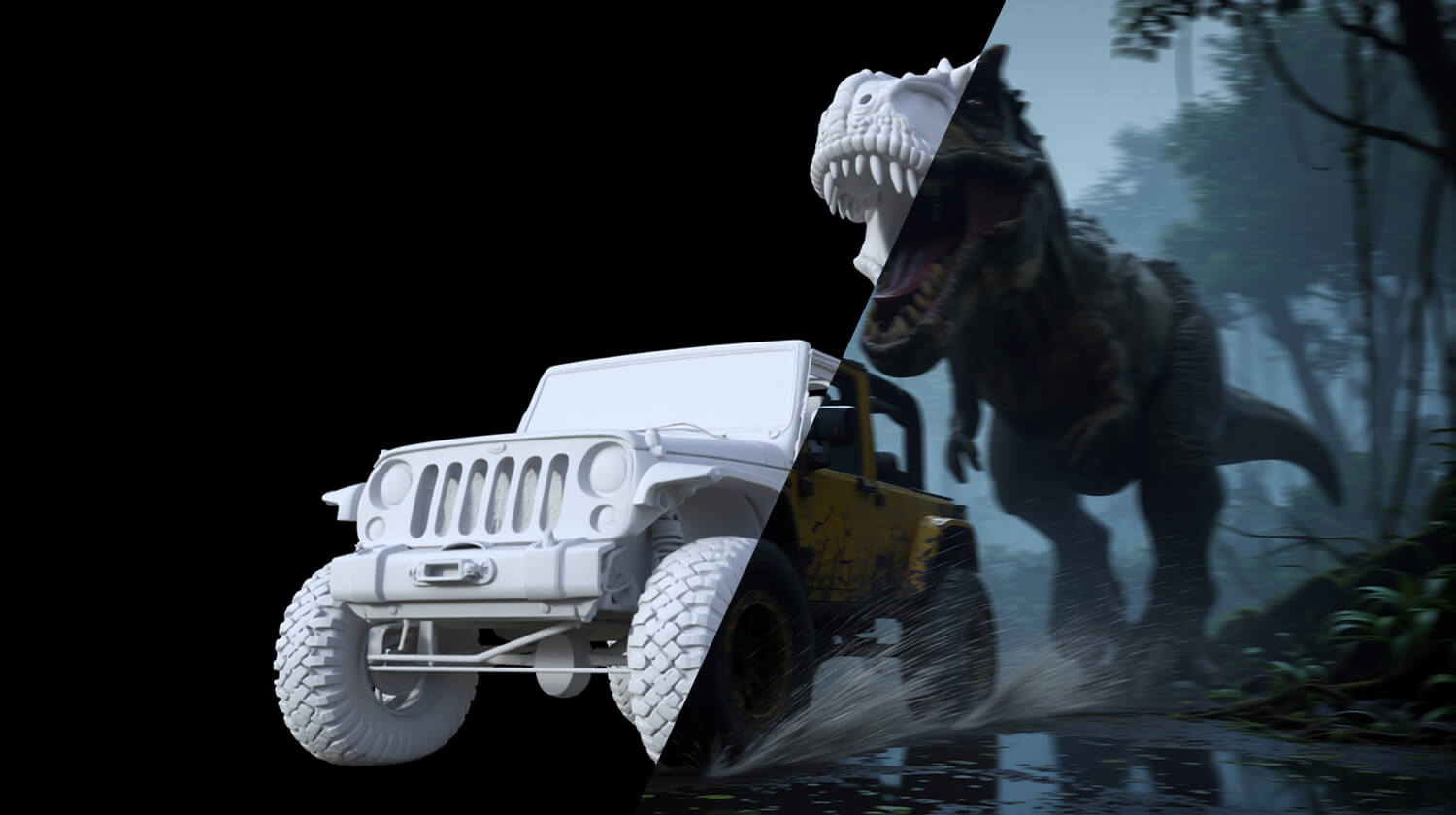
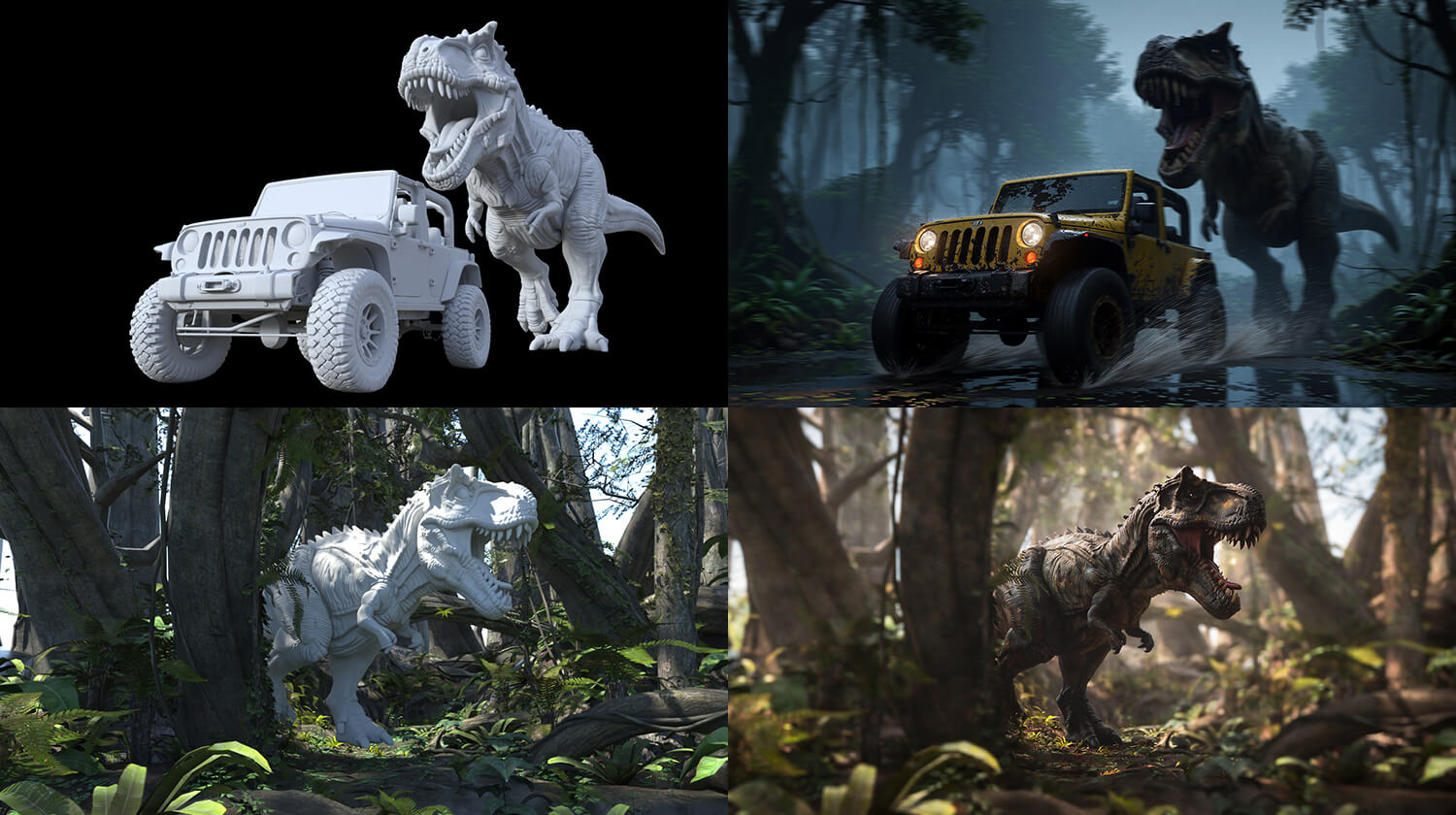
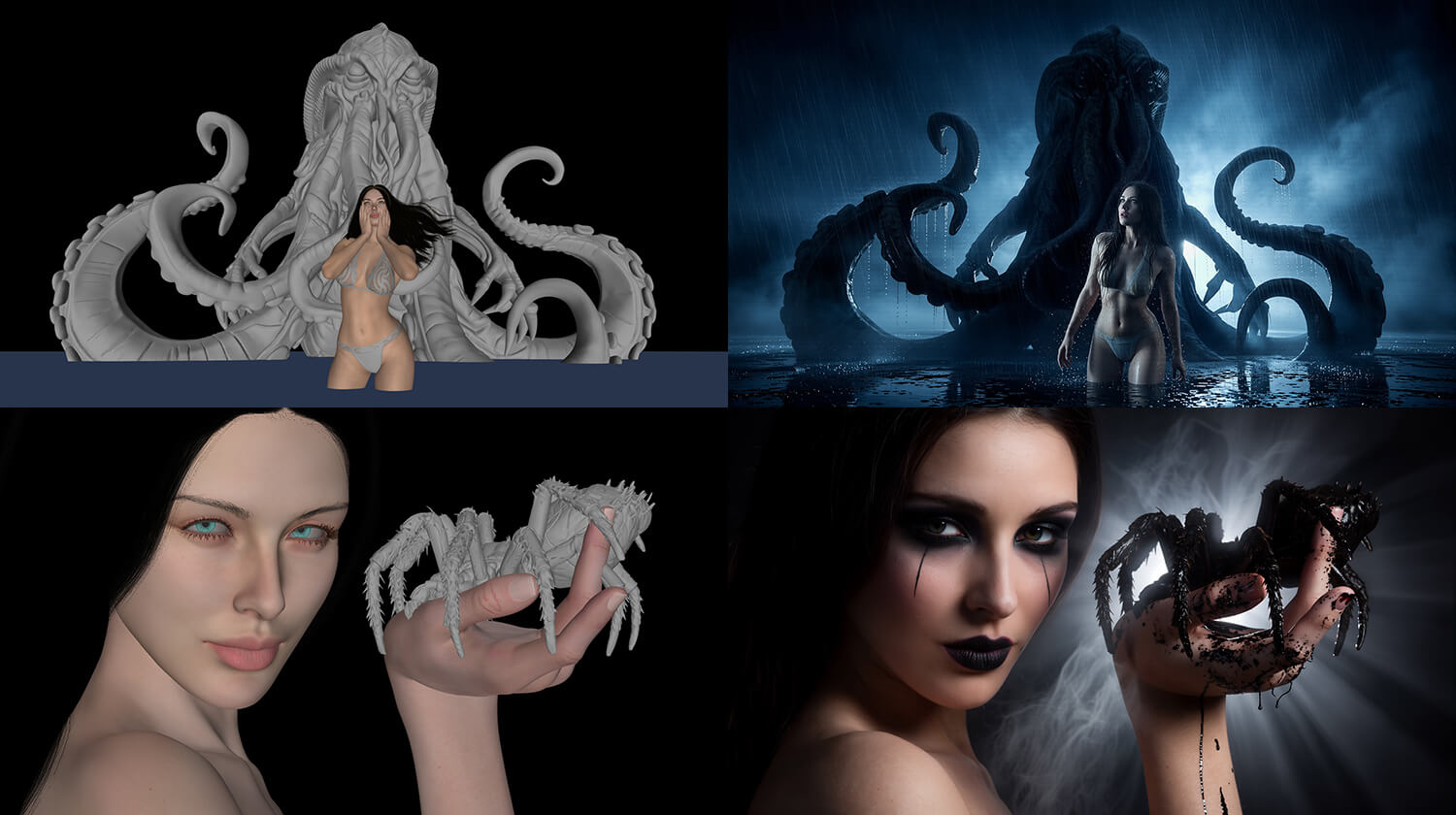
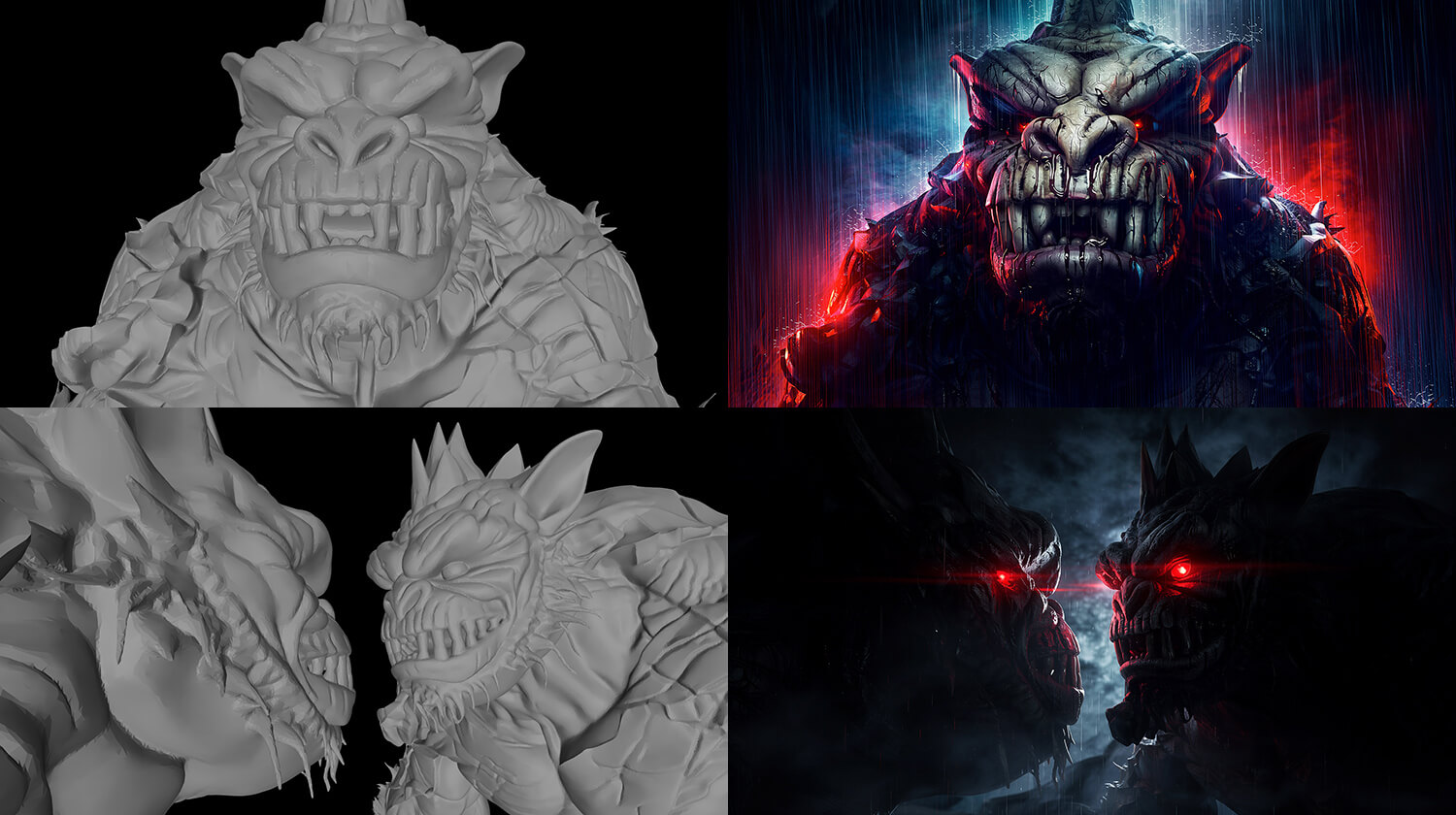
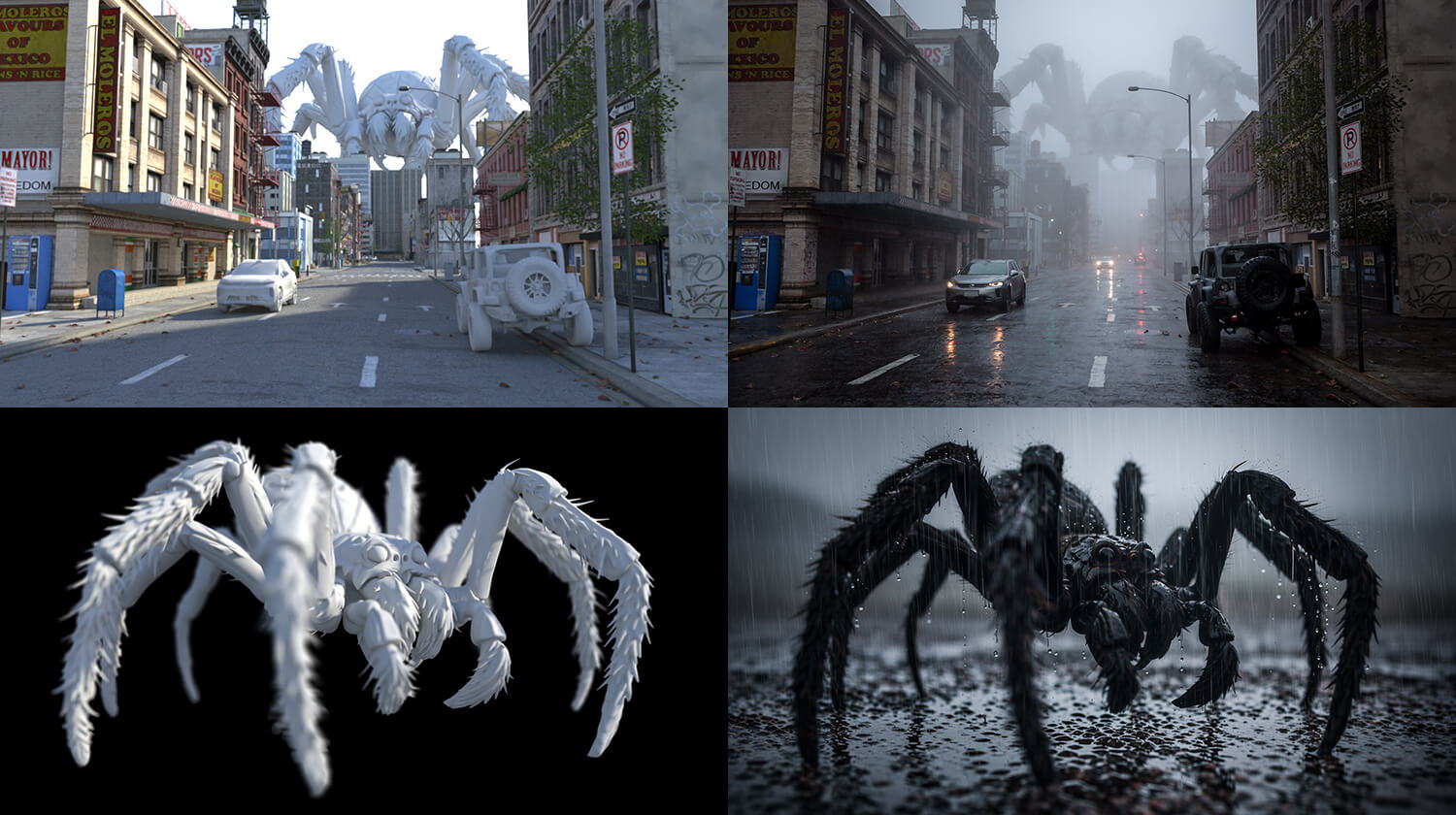
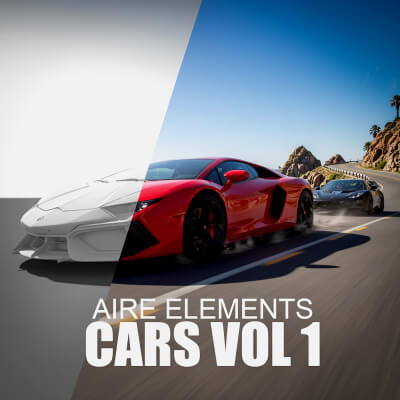
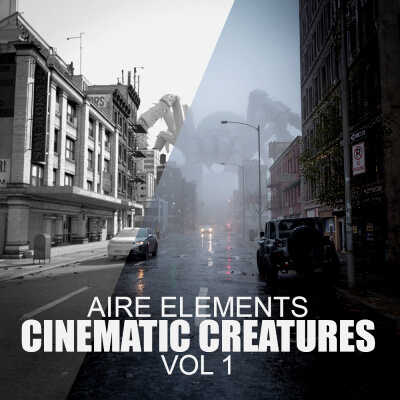
AIRE Elements are lightweight gray 3D proxy props designed for fast positioning, camera framing, lighting and shadow control inside DAZ Studio.
Place an Element in your scene. Rotate and scale it. Choose the camera. Design the lighting. Render through AIRE. Then use Quick Edit to refine its appearance, color, pose or surrounding environment.
The gray appearance is intentional. AIRE Elements are fast creative starting points rather than replacements for fully rigged and textured hero assets.
The improved camera-framing accuracy in AIRE v1.2 makes their placement more predictable from the DAZ Studio viewport to the completed result.
AIRE Elements packs are optional products sold separately. AIRE v1.2.2 does not require them, and you can continue using your existing DAZ assets as before.
See more about the AIRE Elements here:
aire-elements-cars-vol-1-daz-studio
aire-elements-cinematic-creatures-vol-1-daz-studio
-------------------------------------------------
THE COMPLETE AIRE EXPERIENCE
-------------------------------------------------
AIRE v1.2.2 also includes the established core creative features introduced in AIRE v1.1:
- DAZ Render to AIRE
- Image to AIRE for existing PNG, JPG and JPEG images
- OpenGL, Filament and Iray source rendering
- Five Iray source modes, including Extended and Maximum in v1.2.2
- Five output-quality levels from Draft to Extreme
- Fourteen built-in Render Styles
- Creative Direction
- Avoid / Negative Direction
- Guidance Strength control
- Photoreal Enhancement On/Off
- Random or Fixed Seed control
- Optional OpenGL lighting presets
- Automated local component installation and validation
- ComfyUI Desktop, Portable, custom-drive and other identifiable local installation support
- Local rendering without subscriptions or paid credits
----------------
WHY AIRE?
----------------
Most AI workflows begin by leaving your favorite 3D application.
AIRE takes the opposite approach.
Instead of replacing DAZ Studio, AIRE empowers it.
You remain in control of your scene, characters, camera, composition, materials and lighting. AIRE becomes a creative partner that helps you explore photorealism, new moods, alternative directions and post-render edits without rebuilding your work elsewhere.
Use AIRE as a fast one-click renderer, a creative transformation engine, an image editor or all three together.
And if you also own AIRE Motion, use Open AIRE Motion… or Animate This Render… to continue from your finished still image into local AI video animation.
---------------------------------------
CHOOSE YOUR DAZ SOURCE
---------------------------------------
OPENGL
The fastest DAZ source capture and often AIRE's strongest transformation toward photorealism. Ideal for rapid experimentation and fast scene iteration.
Because OpenGL sends a simpler source, AIRE has more freedom to reinterpret it. This can create an exceptionally photoreal result, although detailed hair, layered materials and fine character features may change more than with Iray.
FILAMENT
Fast rendering with improved material representation and a useful balance between photoreal enhancement and source consistency. Filament generally handles layered and semi-transparent materials better than OpenGL, although results vary by scene.
IRAY TURBO, DEFAULT, QUALITY, EXTENDED AND MAXIMUM
Iray sends the most complete DAZ source image into AIRE, providing greater control over materials, lighting and the intended finished look.
- Iray Turbo: 640 px source, up to 10 seconds
- Iray Default: 1024 px source, up to 30 seconds
- Iray Quality: 1536 px source, up to 60 seconds
- Iray Extended: selected AIRE Render Quality resolution, up to 150 seconds
- Iray Maximum: selected AIRE Render Quality resolution, up to 300 seconds
Extended and Maximum use the selected AIRE output-quality level for the source's longest side: Draft 1400, Fast 1600, High 1800, Ultra 2000 or Extreme 2200 px. They allow more time to develop lighting and material detail in the DAZ Iray source before AI processing.
These times are upper limits for the DAZ Iray SOURCE render only, not the complete AIRE processing time. Iray may finish earlier when its convergence target is reached.
Iray generally provides the strongest character and scene consistency, while OpenGL often creates the most dramatic photoreal transformation.
-------------------------------------------
IMPROVED CAMERA FRAMING
-------------------------------------------
AIRE v1.2 corrects the earlier image-scaling issue that could make completed results appear unintentionally zoomed out.
DAZ Studio camera framing, composition and subject placement now transfer much more accurately into the final AIRE render across different source-image shapes and resolutions.
The AI can still interpret fine edge details differently, but the intended shot is preserved far more closely.
----------------------------
CREATIVE CONTROL
----------------------------
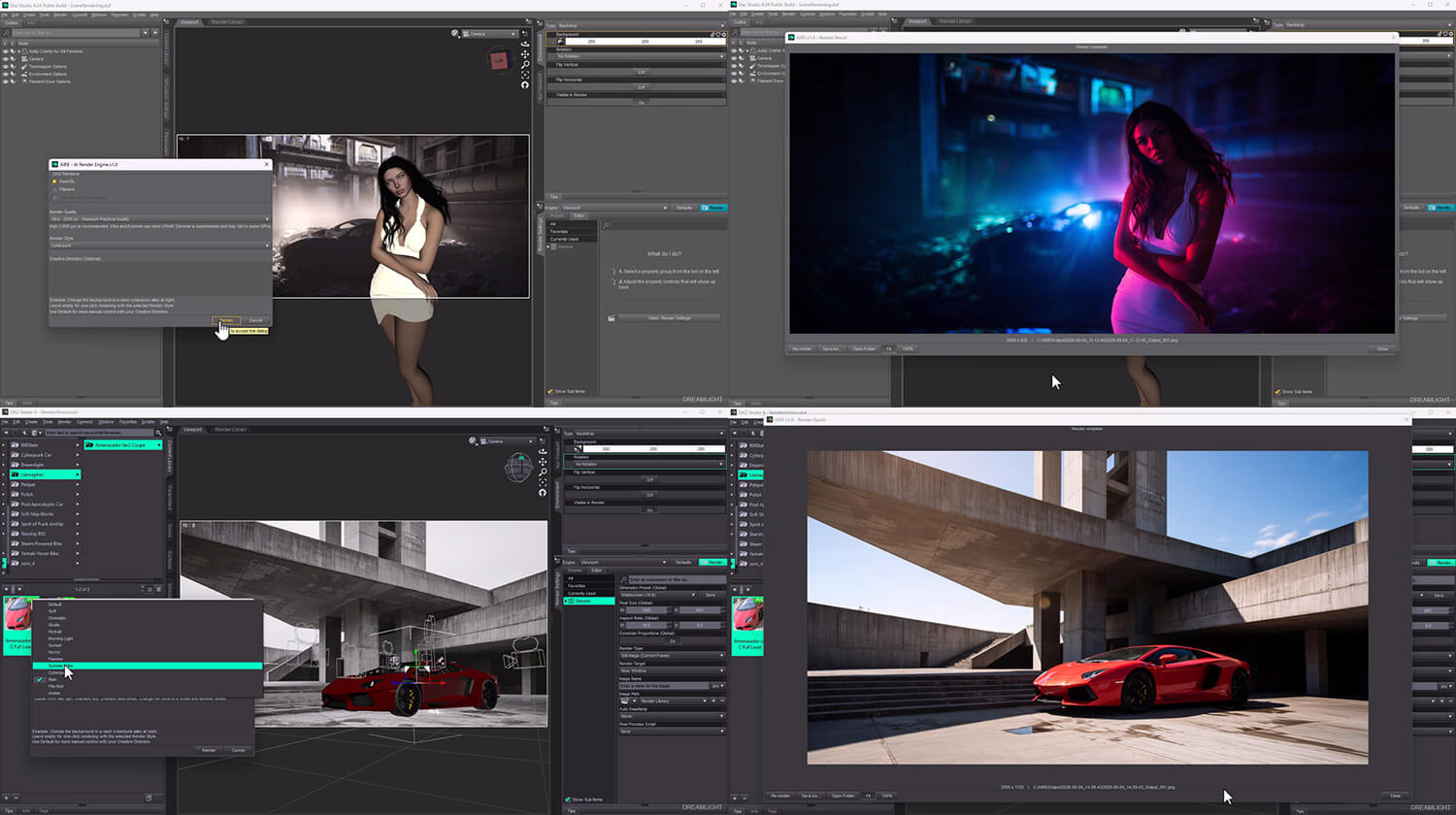
AIRE includes fourteen built-in Render Styles:
Default, Soft, Studio, Portrait, Fashion, Horror, Cinematic, Summer Vibe, Cyberpunk, Film Noir, Anime, Morning Light, Sunset and Rain.
You can also:
- Write your own Creative Direction or Edit Direction
- Describe unwanted elements under Avoid / Negative Direction
- Adjust Guidance Strength
- Enable or disable Photoreal Enhancement during rendering
- Generate a new variation with Random Seed
- Reuse a variation with Fixed Seed
- Choose Draft, Fast, High, Ultra or Extreme output quality
Leave the direction fields empty for fast one-click rendering, or use them when you want more control.
-----------------------------
CREATIVE FREEDOM
-----------------------------
AIRE is genre independent.
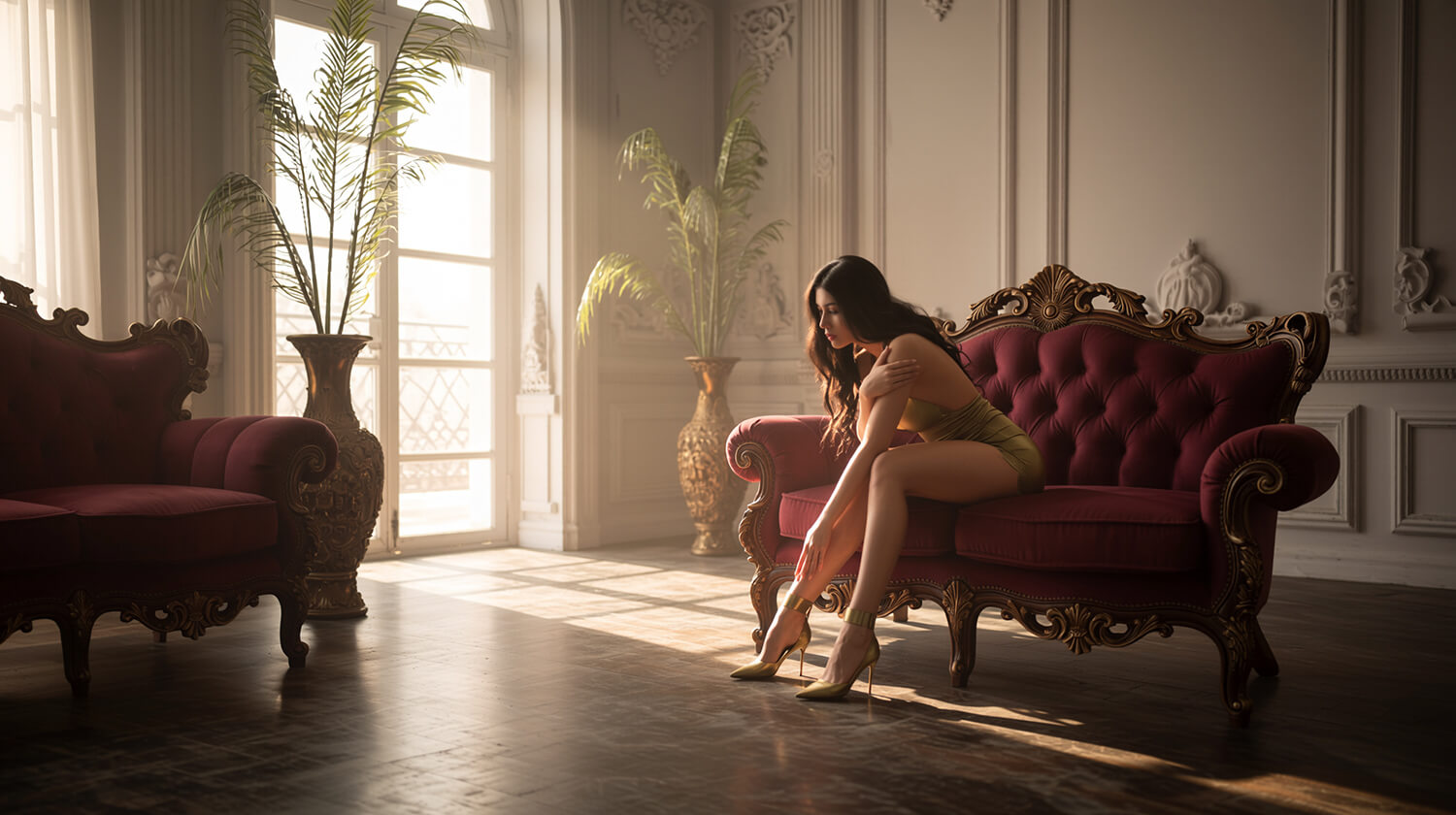
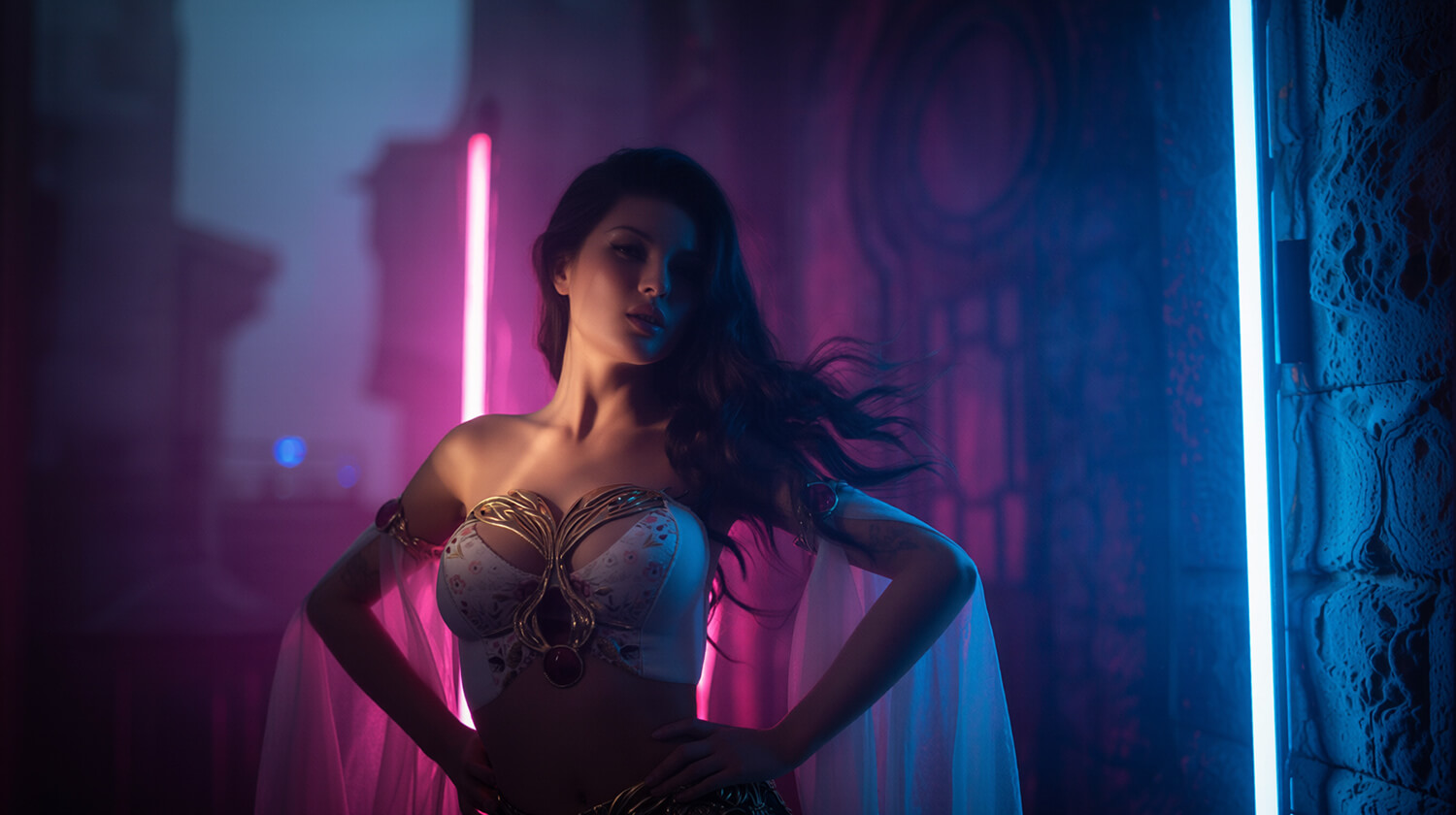
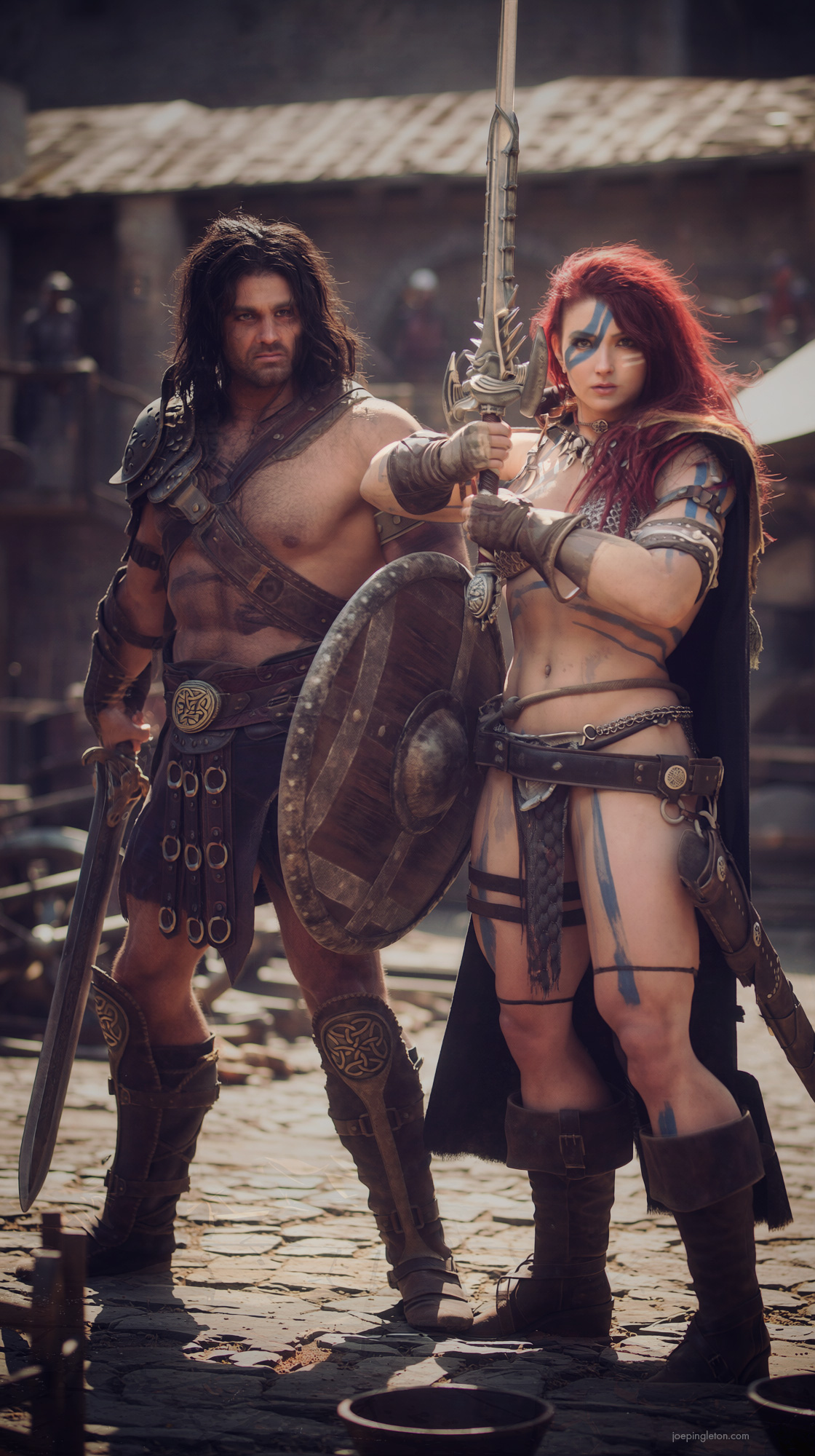
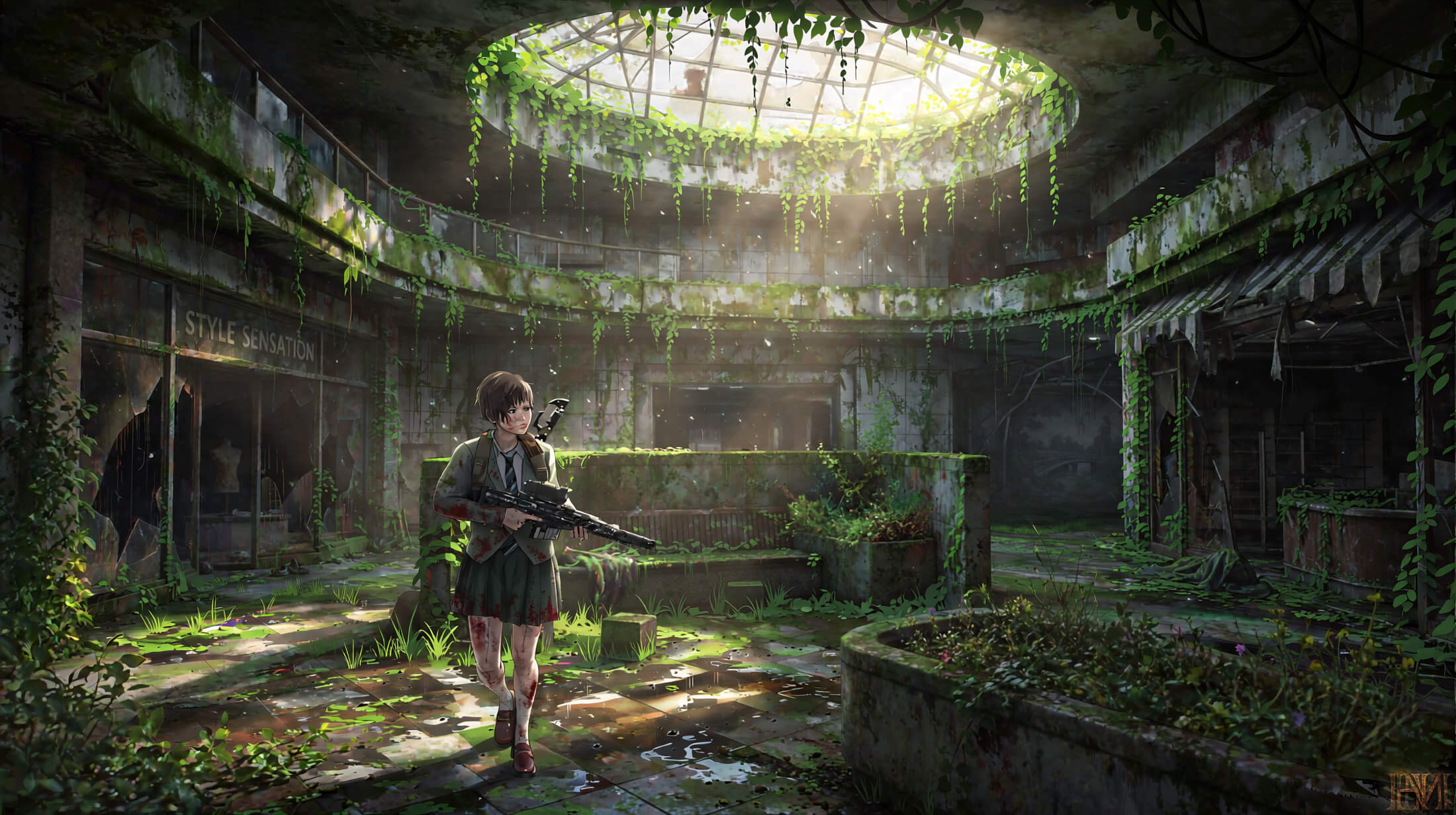
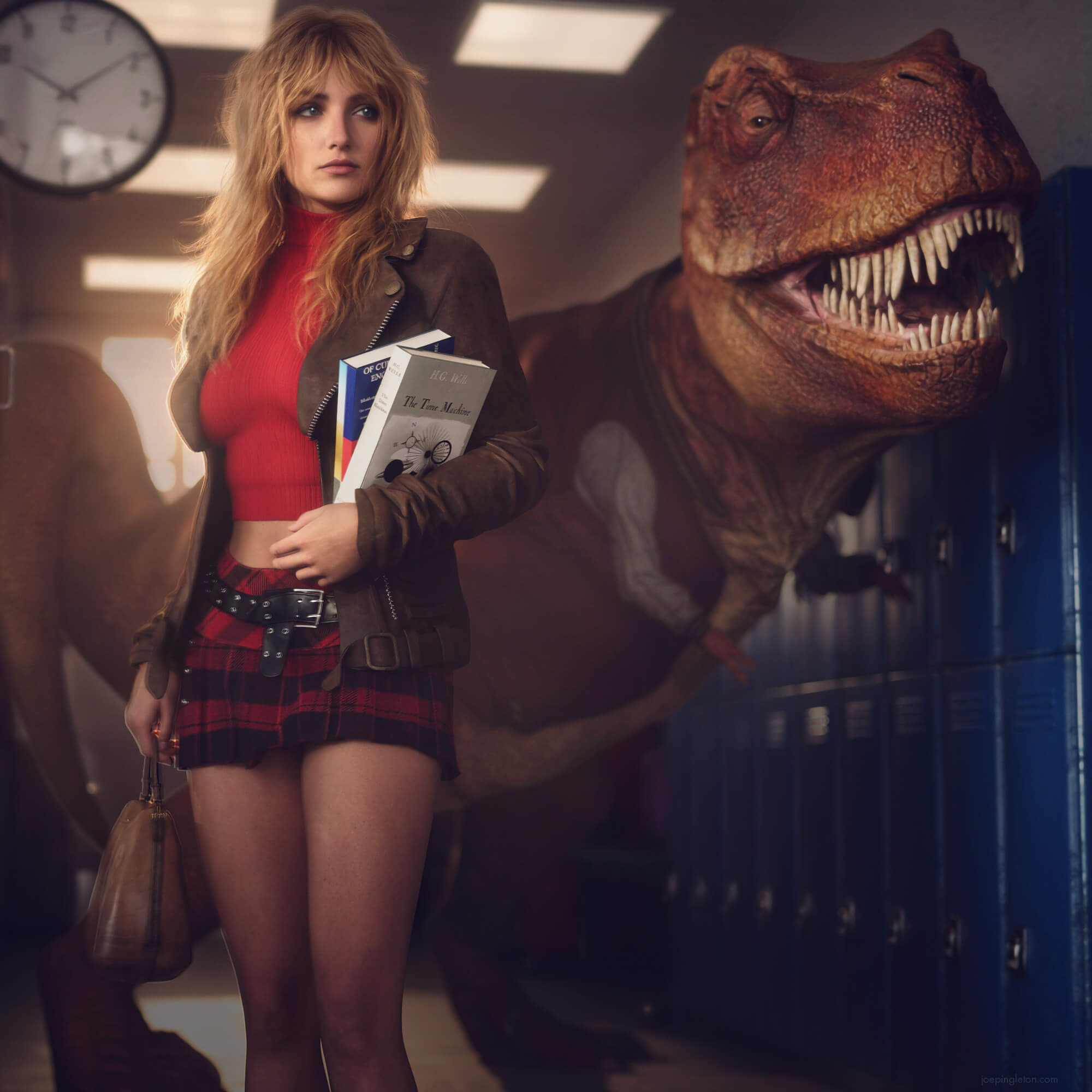
Create portraits, fantasy, science fiction, architecture, environments, cinematic artwork, photo composites, stylized images and artistic figure studies.
Your scene and creative vision define the result.
-----------------------------------
SYSTEM REQUIREMENTS
-----------------------------------
- Windows 11: fully tested
- Windows 10: expected to work and customer-confirmed, but not tested in every configuration
- DAZ Studio 4.23, 4.24 or 6
- A local ComfyUI installation
- Compatible NVIDIA RTX GPU using CUDA
- Approximately 32 GB for the complete six-component AIRE image AI set; additional temporary space may be needed
RTX 3070 or newer is recommended. Older or lower-memory RTX cards may require Draft or Fast quality and longer rendering or editing times.
AMD, integrated graphics, CPU-only systems and pre-RTX GTX cards are not currently tested or officially supported by AIRE.
ComfyUI may independently support certain AMD configurations through specialized ROCm or DirectML installations, but this does not guarantee compatibility with AIRE's complete Windows and Qwen workflow.
---------------------
INSTALLATION
---------------------
AIRE includes an automated Initial Setup utility.
AIRE Initial Setup detects the local ComfyUI server that is actually running, identifies its active model paths and verifies the complete six-component AIRE AI set directly inside that server.
It supports standard Desktop, updated Desktop, Portable, custom-drive and other local installations when their running server and active paths can be identified.
Matching component files already available through accessible installations are reused whenever possible, helping avoid another complete download.
Setup reports completion only when the running ComfyUI server confirms that all six required components are ready.
A standard ComfyUI Desktop installation remains the simplest option for new users.
No separate Python installation is required.
--------------------------------
LOCAL PERFORMANCE
--------------------------------
OpenGL and Filament source captures can complete in approximately one second on modern supported hardware.
Iray source-rendering limits are 10, 30, 60, 150 or 300 seconds depending on the selected mode. These are limits for the DAZ source image, before AIRE AI processing.
AI processing time depends on GPU performance, laptop or desktop power limits, image resolution, available VRAM, quality and editing method. Capable modern RTX hardware can often finish AIRE processing in seconds, while lower-memory or laptop GPUs may take longer.
AIRE has no fixed 15-minute AI deadline by default and can continue waiting on a slower supported system until completion or user cancellation.
After approximately two minutes, a slow job displays a clear still-rendering or still-editing notice while keeping Cancel available.
All normal rendering and editing are performed locally after the required components have been installed.
---------------
INCLUDED
---------------
- Compiled AIRE ComfyUI Bridge
- Compiled AIRE Initial Setup utility
- Encoded DAZ Studio Setup and updated v1.2.2 Render scripts
- Iray Turbo, Default, Quality, Extended and Maximum options (using the existing Iray presets)
- Optional OpenGL lighting presets for DAZ Studio 4.2x and DAZ Studio 6
- AIRE v1.2.1 Installation Guide for the unchanged setup procedure
- Complete AIRE v1.2.1 Usage Guide for established features
- AIRE v1.2.2 Read Me First, describing the latest changes
- Complete cumulative Changelog
- License Agreement
- Third-Party Notices
- Three video tutorials covering the core AIRE workflow, the new v1.2 features and the new v1.2.1 features
AIRE Elements and AIRE Extensions are optional purchases and are not included with AIRE. AIRE Motion is also sold separately and is not required for still-image rendering or editing.
----------------------------------------------
WHAT MAKES AIRE DIFFERENT?
----------------------------------------------
AIRE is not designed to replace DAZ Studio.
It is designed to help you enjoy it even more.
Create.
Experiment.
Edit.
Refine.
Render again.
DAZ Studio reborn. Play again.
--------------------------------------------------------------
A NOTE FROM VAL CAMERON, DREAMLIGHT
--------------------------------------------------------------
"I created AIRE because I wanted AI to support my creativity, not replace it. I still love building scenes, posing characters, choosing cameras and composing images inside DAZ Studio.
AIRE lets me preserve that creative process while exploring what AI can add to it. With v1.2, the finished render is no longer the end - it becomes the beginning of a new editing and exploration process.
I hope AIRE gives your existing 3D assets new life and inspires your artwork as much as it has inspired mine."
----------------------------------------------
FREQUENTLY ASKED QUESTIONS
----------------------------------------------
Q. WHAT IS NEW IN AIRE v1.2.2?
A. Five Iray source modes, including Extended up to 150 seconds and Maximum up to 300 seconds; Extension Strength from 0.10 to 1.10; improved DAZ Studio 6 result-window behavior; tooltip On/Off; and optional AIRE Motion integration through Open AIRE Motion… and Animate This Render….
Q. DOES AIRE v1.2.2 INCLUDE AIRE MOTION?
A. No. AIRE Motion is a standalone AI animation product purchased separately. AIRE v1.2.2 can open it or pass the displayed result image to it, but AIRE continues to render and edit still images independently.
Q. WHAT IS NEW IN AIRE v1.2.1?
A. AIRE v1.2.1 added support for optional AIRE Extensions, the new Preserve Framing control and additional setup, compatibility and recovery improvements.
Q. WHAT ARE AIRE EXTENSIONS?
A. AIRE Extensions are optional add-ons that provide specialized editing capabilities inside AIRE Edit. Extensions are purchased separately, installed through AIRE and can be selected directly from the Edit interface or post-render Quick Edit controls.
Q. WHAT IS NEW IN AIRE v1.2?
A. AIRE v1.2 adds direct image editing, Quick Edit inside the result window, session history, visible edit recipes, Reuse on Source, Turbo and Standard editing, optional reference images, extended Guidance, improved camera framing, a redesigned interface and broader setup and reliability improvements.
Q. IS AIRE v1.2.2 FREE FOR EXISTING CUSTOMERS?
A. Yes. AIRE v1.2.2 is a free update for all existing AIRE customers. It uses the previously tested image-rendering bridge and setup helpers, so existing users do not need to download a new image AI model set for this update.
Q. WHAT IS THE DIFFERENCE BETWEEN IRAY SOURCE TIME AND AIRE RENDER TIME?
A. Iray source time controls how long DAZ Studio can spend producing the initial image. AIRE then sends that image to the local AI engine, which takes additional time depending on your hardware and settings.
Q. CAN I EDIT AN AIRE RESULT WITHOUT RENDERING THE DAZ SCENE AGAIN?
A. Yes. Use Quick Edit directly beneath the completed result. The edit is applied to the image currently displayed in the result viewer; AIRE does not re-render the DAZ scene.
Q. CAN I PROCESS OR EDIT AN EXISTING IMAGE?
A. Yes. Image to AIRE transforms existing PNG, JPG and JPEG images using the standard AIRE controls. AIRE Edit changes an existing image using text, editing controls and optional references.
Q. WHAT ARE IMAGE 2 AND IMAGE 3 USED FOR?
A. They are optional visual references in AIRE Edit. They work best for guiding materials, textures, patterns and colors while Image 1 remains the image being edited. They are not intended as a guaranteed object-replacement system.
Q. IS MY EDIT HISTORY SAVED FOREVER?
A. Every completed image is saved in the AIRE Output folders. The interactive Previous and Next browsing history belongs to the current result-window session and ends when that window closes.
Q. ARE AIRE ELEMENTS INCLUDED?
A. No. AIRE Elements are optional add-on packs sold separately. AIRE works with your existing DAZ assets and does not require Elements.
Q. DOES AIRE RENDER DIRECTLY WITH IRAY?
A. Yes. Choose Iray Turbo, Default, Quality, Extended or Maximum directly inside the AIRE interface. The last two use the selected AIRE Render Quality resolution and longer source-render time limits.
Q. WHAT IF I USE COMFYUI PORTABLE, A CUSTOM DRIVE OR MULTIPLE INSTALLATIONS?
A. AIRE detects the local server that is actually running and identifies its active paths. If multiple unresolved ComfyUI servers are running, AIRE stops rather than silently selecting the wrong installation.
Q. DO I NEED TO INSTALL PYTHON?
A. No. The customer package contains standalone compiled helper applications. Keep every file inside each Bridge subfolder together.
Q. WHY MIGHT MY ANTIVIRUS DISPLAY A WARNING?
A. AIRE contains locally running unsigned helper applications that connect DAZ Studio with ComfyUI. Some security products may inspect or question unfamiliar new software as a precaution.
Obtain AIRE only from your original store account. Do not download replacement executables from unofficial mirrors, disable antivirus protection as a normal installation step or create permanent exclusions. Preserve the exact detection information and contact us if assistance is needed.
Q. HOW LARGE ARE THE REQUIRED DOWNLOADS?
A. The complete six-component AIRE image AI set is approximately 32 GB. Additional temporary space may be required during downloading and installation. AIRE first searches for matching existing component files that can be reused.
Q. DOES AIRE REQUIRE AN INTERNET CONNECTION OR PAID TOKENS?
A. Internet access is needed when Initial Setup must download missing components. Normal rendering and editing are performed locally through your own ComfyUI installation. AIRE v1.2.2 does not use paid tokens or require a subscription.
Q. WHERE CAN I GET HELP?
A. The package includes written Installation and Usage Guides, the v1.2.2 Read Me First and the existing AIRE video tutorials.
RenderHub customers can contact Dreamlight directly through RenderHub Messages. Please include the exact error message and relevant setup diagnostics or render log when possible.
-------------------------------------------------------
AIRE v1.2.3 – Patch Update - Oct 19 2026
-------------------------------------------------------
This update brings several important fixes and improvements:
- AIRE Motion Detection: Automatically locates AIRE Motion across registered DAZ Studio content libraries, including custom installations.
- Iray Quality Modes 4 & 5: Fixed black or invalid source renders. Improved quality settings and optimized render resolutions.
- Iray Sun Node: Added preservation and restoration safeguards for Iray environment settings.
- Guidance Strength: Improved help text explaining the balance between source fidelity and creative direction, including potential artifacts at higher values.
- What's New: Updated announcements highlighting AIRE Motion, Extensions, and recent improvements.
Thank you for creating with AIRE!
----------------------------------------------------
AIRE v1.2.2 UPDATE LOG - Oct 17 2026
----------------------------------------------------
FIVE IRAY SOURCE MODES
- Added Iray Extended: up to 150 seconds, source resolution follows selected AIRE Render Quality
- Added Iray Maximum: up to 300 seconds, source resolution follows selected AIRE Render Quality
- Kept Turbo 10 seconds / 640 px, Default 30 seconds / 1024 px and Quality 60 seconds / 1536 px
- Improved settings for longer Iray renders so an inherited sample limit does not end them prematurely
- Preserved DAZ render-setting restoration after AIRE finishes
AIRE MOTION CONNECTION (OPTIONAL)
- Added Open AIRE Motion… to the main AIRE interface
- Added Animate This Render… to the result window to pass the displayed image to AIRE Motion
- AIRE Motion remains a separately sold and installed standalone application
EXTENSIONS AND UI
- Expanded AIRE Edit Extension Strength to 0.10-1.10 in 0.01 increments; default remains 0.90
- Added remembered interface tooltip On/Off control
- Refined five-Iray-level layout and alignment
- Corrected result-window sizing and positioning behavior in DAZ Studio 6 without changing saved image resolution
COMPATIBILITY AND PACKAGING
- Updated the DAZ Studio Render script for v1.2.2
- Kept the proven v1.2.1.1 compiled image bridge and Initial Setup helpers
- No new AIRE image AI model download or image-bridge replacement required solely for this update
- Previous rendering, editing, Extensions, Preserve Framing and history features remain available
--------------------------------------------------
AIRE v1.2.1 UPDATE LOG - Oct 6 2026
--------------------------------------------------
AIRE EXTENSIONS
- Added support for optional AIRE Extensions
- Added Extension selection inside AIRE Edit
- Added Extension selection inside post-render Quick Edit
- Added adjustable Extension strength
- Added Extension package installation and validation through AIRE
- Added automatic detection of installed Extensions inside the active ComfyUI model paths
- Added restoration of Extension choice and strength through edit history and Reuse on Source
- Added direct access to available AIRE Extensions
PRESERVE FRAMING
- Added Preserve Framing On/Off
- Preserve Framing On helps retain the original composition and framing at higher resolutions
- Preserve Framing Off allows more spatial freedom for camera and structural changes
- Added Preserve Framing controls to the main AIRE workflow and post-render Quick Edit
- Added Preserve Framing restoration through edit history and Reuse on Source
SETUP, COMPATIBILITY AND RECOVERY
- Improved validation after ComfyUI updates or installation changes
- Improved detection of unusual drive and custom-path configurations
- Improved post-render controls and state restoration
- Improved button and output-window behavior
- Added additional compatibility and recovery improvements based on real-world customer support cases
----------------------------------------------------
AIRE v1.2 UPDATE LOG - Sept 26 2026
----------------------------------------------------
CAMERA FRAMING AND RENDER CONTROL
- Corrected the image-scaling issue that could make AIRE results appear unintentionally zoomed in
- DAZ Studio camera framing, composition and subject placement now transfer much more accurately into the final AIRE render
- Improved handling of different source-image shapes and resolutions while preserving the intended aspect ratio
- Updated Iray Default to a maximum 30-second source render
- Updated Iray Quality to a maximum 60-second source render
- Iray Turbo remains available for fast source renders of up to 10 seconds
AIRE EDIT
- Added AIRE Edit - Fast Image Editing as a third input mode
- Added direct editing of existing PNG, JPG and JPEG images
- Added fast Turbo Edit and higher-quality Standard Edit
- Added optional Image 2 and Image 3 visual references
- Added Edit Direction and Avoid / Negative Direction
- Added direct control over Render Style, Guidance, Seed and Render Quality during editing
- Extended Guidance Strength with Very Strong 2.25 and Maximum 2.5
RESULT-WINDOW QUICK EDITING
- Added Quick Edit directly beneath the completed AIRE result
- Added Guidance control from 1.0 to 2.5 inside the result window
- Added Turbo and Standard editing inside the result window
- Added Previous and Next session-history controls
- Added visible Used Edit Direction and Guidance records
- Added Reuse on Source to restore the exact source image and edit recipe
- Added Repeat Edit for creating another variation from the same setup
- Improved Save As, Open Folder, Fit and 100% viewing controls
AIRE ELEMENTS WORKFLOW
- Added support for the optional AIRE Elements proxy workflow
- Improved camera-framing accuracy for more predictable Element placement
- Added the ability to refine completed Element results through Quick Edit
INTERFACE AND WORKFLOW
- Revamped the main AIRE interface with clearer visual hierarchy and improved spacing
- Added a clear three-mode AIRE Input section
- Added a dedicated Reference Images section
- Added visibly inactive reference controls outside AIRE Edit
- Redesigned the result window into a post-render creative workspace
- Added contextual Original, Render and Edit labels
- Improved state remembering, tooltips, status messages and missing-history warnings
- Retained one unified compact interface across supported display sizes
SETUP, RELIABILITY AND PACKAGING
- Initial Setup now installs and validates the complete six-component AIRE v1.2 local AI set
- Added quiet validation before renders and edits
- Added a temporary reconnect period for brief ComfyUI interruptions
- Added still-rendering and still-editing notices for slow jobs
- Improved cancellation throughout active jobs
- Added clearer repair guidance for memory, connection, component, job and output problems
- Improved support diagnostics without exposing internal processing data
- Rebuilt the Windows helpers for the v1.2 production package
- Updated all package documentation
- All rendering and editing remain local after installation, with no cloud rendering or paid tokens
--------------------------------------------------
AIRE v1.1 UPDATE LOG - Aug 19 2026
--------------------------------------------------
CREATIVE WORKFLOW
Added native Iray Turbo, Default and Quality rendering
Added Image to AIRE
Added Avoid / Negative Direction
Added five Guidance Strength levels
Added Photoreal Enhancement On/Off
Added Random and Fixed Seed modes
Added aspect-ratio-correct image previews
Improved interface spacing and presentation
RELIABILITY AND SETUP
Added detection of the ComfyUI server that is actually running
Added support for Desktop, updated Desktop, Portable, custom-drive and other identifiable local installations
Added active model search/storage path detection
Added reuse of matching existing model files
Setup now verifies all five required components directly inside the running server before reporting success
Improved diagnostics and repair instructions
Removed the fixed 15-minute AI-render deadline
Improved cancellation during DAZ and ComfyUI rendering
Added Iray GPU-resource release and render-setting restoration
Rebuilt both Windows helpers as standalone compiled applications
Removed the old shared Python Runtime and editable source files from the customer package
DAZ STUDIO CONTENT
Encoded scripts verified in DAZ Studio 4.23, 4.24 and 6
Added matching Content Library icons
Added optional OpenGL lighting presets for DAZ Studio 4.2x and DAZ Studio 6
AIRE 1.2.1 Maintenance Update (Oct 7 2026): Improved AIRE Extensions installation, validation and reinstall compatibility. Existing AIRE rendering features are unchanged.
Aug 20 2026: Fixed DAZ Studio 6 compatibility for Image-to-AIRE image selection and result-window Save As
Aug 21 2026: AIRE v1.1 Maintenance Update, redesigned UI for a leaner, more compact and easier experience
AIRE v1.1 was launched Aug 19 2026
AIRE v1.0 was launched Aug 4 2026
AIRE v1.2.2
DAZ STUDIO REBORN. PLAY AGAIN.
AI Render Engine for DAZ Studio
------------------------------
20% OFF - AIRE v1.2.3
------------------------------
AIRE v1.2.3 is available for $56 - 20% off the regular $70 price for a limited time.
Existing AIRE customers receive v1.2.3 as a free update.
See patch notes for AIRE v.1.2.3 at the bottom of this page.
-------------------------------------------------
DAZ STUDIO REBORN. PLAY AGAIN.
-------------------------------------------------
AIRE brings fast local AI rendering and image editing directly into your DAZ Studio creative workflow.
Build your scene. Pose your characters. Choose your camera and lighting. Click Render.
AIRE sends the image to your locally running ComfyUI installation, processes it with AI and returns the finished result directly to DAZ Studio.
Then keep creating.
Change materials. Adjust poses. Replace objects. Transform environments. Browse earlier results, recover the direction and guidance behind a successful edit, and create a refined version without rebuilding your scene.
AIRE keeps DAZ Studio at the center of the process while opening a fast, playful post-render workflow around every image you create.
One purchase. Local rendering and editing. No paid credits. No subscription.
Now in v1.2.2, you can also hand a finished AIRE image directly to AIRE Motion, an optional standalone AI animation product sold separately:
aire-motion-ai-animation-for-daz-studio
--------------------------
NEW IN AIRE v1.2.2
--------------------------
AIRE v1.2.2 expands Iray source-rendering choices, refines the DAZ Studio 6 result window, gives you finer control of optional Extensions and introduces direct access to AIRE Motion.
- Five Iray source-render levels: Turbo, Default, Quality, Extended and Maximum
- NEW Iray Extended: up to 150 seconds, at the selected AIRE Render Quality resolution
- NEW Iray Maximum: up to 300 seconds, at the selected AIRE Render Quality resolution
- Extension Strength expanded to 0.10-1.10 in 0.01 steps, with the existing 0.90 default
- Improved result-window sizing and positioning in DAZ Studio 6
- New On/Off setting for interface tooltips, with remembered preference
- NEW Open AIRE Motion… launcher in the main AIRE interface
- NEW Animate This Render… action in the result window to pass the displayed image to AIRE Motion
- All existing AIRE rendering, Image to AIRE, AIRE Edit, Quick Edit, Extensions and Preserve Framing features remain available
AIRE Motion is a separate standalone product, purchased and installed independently. AIRE v1.2.2 does not include video generation. If Motion is not installed, AIRE continues to work normally.
No extra AI image models or new image-rendering bridge installation are required solely for the v1.2.2 update. Existing users receive it free.
Explore AIRE Motion:
aire-motion-ai-animation-for-daz-studio
--------------------------
NEW IN AIRE v1.2.1
--------------------------
AIRE v1.2.1 expands the AIRE workflow with optional AIRE Extensions, a new Preserve Framing control and additional setup, compatibility and recovery improvements.
- Added support for optional AIRE Extensions directly inside AIRE Edit
- Added Extension controls to both the main Edit interface and post-render Quick Edit
- Added adjustable Extension strength
- Added Preserve Framing On/Off for stronger composition locking or more spatial freedom when needed
- Added Preserve Framing controls to both the main AIRE workflow and post-render Quick Edit
- Improved restoration of edit settings through session history and Reuse on Source
- Improved validation after ComfyUI updates or installation changes
- Improved support for unusual drive and custom-path configurations
- Added additional interface, compatibility and recovery improvements based on real-world support cases
AIRE Extensions are optional add-ons purchased separately. AIRE does not require Extensions and continues to work normally without them.
Explore AIRE Extensions - Female Nude Detail:
aire-extensions-female-nude-detail
------------------------
NEW IN AIRE v1.2
------------------------
- AIRE Edit - a complete third input mode for fast image editing
- Quick Edit directly inside the finished-result window
- Turbo and Standard editing methods
- Optional Image 2 and Image 3 visual references for materials, textures, patterns and colors
- Guidance control from 1.0 to 2.5 during editing
- Previous and Next history browsing across the current result-window session
- A visible record of the Edit Direction and Guidance used for each edit
- Reuse on Source to recover the exact source image and edit recipe behind a result
- Repeat Edit for creating another variation from the same setup
- Improved DAZ-to-AIRE camera framing and subject placement
- Corrected the unintended zoom-in that could affect earlier results
- A substantially redesigned post-render creative workspace
- A revamped main interface with clearer three-mode navigation
- Updated Iray modes: Turbo up to 10 seconds, Default up to 30 seconds and Quality up to 60 seconds
- Extended local setup and validation for the complete six-component AIRE v1.2 AI set
- Stronger diagnostics, reconnect handling, cancellation and recovery guidance
- Support for the new optional AIRE Elements workflow
-----------------------------------
THREE WAYS TO CREATE
-----------------------------------
DAZ RENDER TO AIRE
Build and control the shot inside DAZ Studio, then render through OpenGL, Filament or Iray. AIRE transforms the source while preserving your composition, character placement, camera and creative intent.
IMAGE TO AIRE
Choose an existing PNG, JPG or JPEG and transform it using AIRE's quality, photoreal, style, guidance, seed and direction controls. No DAZ scene render is required.
AIRE EDIT - FAST IMAGE EDITING
Choose an existing image, describe what you want changed and create a new version. Edit an AIRE result or bring in another PNG, JPG or JPEG directly from the main interface.
------------------------------------------------------
YOUR POST-RENDER CREATIVE SPACE
------------------------------------------------------
Rendering is no longer the end of the process.
The redesigned AIRE result window lets you:
- View the original source, renders and edits in one adaptive viewer
- Browse backward and forward through the current session
- Quick Edit the image currently displayed
- Select Guidance from 1.0 to 2.5
- Switch between fast Turbo editing and higher-quality Standard editing
- See the Edit Direction and Guidance used for every edited result
- Return to the exact source behind an edit with Reuse on Source
- Restore its direction, guidance, editing method and optional references
- Adjust the instruction and create a refined version
- Repeat an edit for another variation
- Save a copy, open its folder, fit the image or inspect it at 100%
- Hand the displayed image to the separately installed AIRE Motion with Animate This Render…
Render. Edit. Browse. Re-edit.
Your creative history is built into the session, while every completed result remains saved in your AIRE Output folders.
-----------------------------------
EDIT WITH SIMPLE TEXT
-----------------------------------
Describe the change you want under Edit Direction.
Examples:
Change the car paint to metallic silver and keep everything else unchanged.
Make the woman look toward the camera.
Replace the daytime background with a rainy city at night.
Add mud, dust and motion blur to the vehicle.
Change clothing, materials, colors, poses, objects, environments and visual details without rebuilding the original DAZ scene.
AIRE Edit includes:
- Turbo Edit for maximum speed
- Standard Edit for slower, higher-quality changes and stronger reference blending
- Render Style control
- Guidance from 1.0 to 2.5
- Random or Fixed Seed
- Edit Direction
- Avoid / Negative Direction in the main Edit interface
- Up to two optional visual reference images
AI interpretation can vary. Short, direct instructions and one major change at a time normally provide the clearest control.
---------------------------------------------
OPTIONAL REFERENCE IMAGES
---------------------------------------------
AIRE Edit can use Image 1 as the image being edited, plus Image 2 and Image 3 as optional visual references.
Reference images work best as precision tools for transferring appearance, including materials, textures, patterns and colors, while Image 1 retains the main composition.
Example:
Apply the material and color pattern from Image 2 to the handbag in Image 1. Preserve the handbag's shape, position, camera, lighting and background.
For complete object replacement or structural changes, use AIRE Edit with a clear text instruction.
---------------------------------------------------------
AIRE EXTENSIONS - OPTIONAL ADD-ONS
---------------------------------------------------------
AIRE v1.2.1 introduced support for AIRE Extensions - optional add-ons that expand AIRE Edit with specialized local AI editing capabilities.
Installed Extensions can be selected directly inside AIRE Edit and Quick Edit, with adjustable Extension strength. AIRE can also restore the Extension settings used for edited results when revisiting or reusing an earlier edit.
Extensions are purchased separately and installed through AIRE's Extensions system. AIRE does not require Extensions and continues to work normally without them.
The first available Extension is AIRE Extensions - Female Nude Detail.
See AIRE Extensions - Female Nude Detail here:
aire-extensions-female-nude-detail
------------------------------------------------------
AIRE ELEMENTS - OPTIONAL ADD-ONS
------------------------------------------------------
AIRE v1.2 introduces support for the new AIRE Elements creative workflow.
AIRE Elements are lightweight gray 3D proxy props designed for fast positioning, camera framing, lighting and shadow control inside DAZ Studio.
Place an Element in your scene. Rotate and scale it. Choose the camera. Design the lighting. Render through AIRE. Then use Quick Edit to refine its appearance, color, pose or surrounding environment.
The gray appearance is intentional. AIRE Elements are fast creative starting points rather than replacements for fully rigged and textured hero assets.
The improved camera-framing accuracy in AIRE v1.2 makes their placement more predictable from the DAZ Studio viewport to the completed result.
AIRE Elements packs are optional products sold separately. AIRE v1.2.2 does not require them, and you can continue using your existing DAZ assets as before.
See more about the AIRE Elements here:
aire-elements-cars-vol-1-daz-studio
aire-elements-cinematic-creatures-vol-1-daz-studio
-------------------------------------------------
THE COMPLETE AIRE EXPERIENCE
-------------------------------------------------
AIRE v1.2.2 also includes the established core creative features introduced in AIRE v1.1:
- DAZ Render to AIRE
- Image to AIRE for existing PNG, JPG and JPEG images
- OpenGL, Filament and Iray source rendering
- Five Iray source modes, including Extended and Maximum in v1.2.2
- Five output-quality levels from Draft to Extreme
- Fourteen built-in Render Styles
- Creative Direction
- Avoid / Negative Direction
- Guidance Strength control
- Photoreal Enhancement On/Off
- Random or Fixed Seed control
- Optional OpenGL lighting presets
- Automated local component installation and validation
- ComfyUI Desktop, Portable, custom-drive and other identifiable local installation support
- Local rendering without subscriptions or paid credits
----------------
WHY AIRE?
----------------
Most AI workflows begin by leaving your favorite 3D application.
AIRE takes the opposite approach.
Instead of replacing DAZ Studio, AIRE empowers it.
You remain in control of your scene, characters, camera, composition, materials and lighting. AIRE becomes a creative partner that helps you explore photorealism, new moods, alternative directions and post-render edits without rebuilding your work elsewhere.
Use AIRE as a fast one-click renderer, a creative transformation engine, an image editor or all three together.
And if you also own AIRE Motion, use Open AIRE Motion… or Animate This Render… to continue from your finished still image into local AI video animation.
---------------------------------------
CHOOSE YOUR DAZ SOURCE
---------------------------------------
OPENGL
The fastest DAZ source capture and often AIRE's strongest transformation toward photorealism. Ideal for rapid experimentation and fast scene iteration.
Because OpenGL sends a simpler source, AIRE has more freedom to reinterpret it. This can create an exceptionally photoreal result, although detailed hair, layered materials and fine character features may change more than with Iray.
FILAMENT
Fast rendering with improved material representation and a useful balance between photoreal enhancement and source consistency. Filament generally handles layered and semi-transparent materials better than OpenGL, although results vary by scene.
IRAY TURBO, DEFAULT, QUALITY, EXTENDED AND MAXIMUM
Iray sends the most complete DAZ source image into AIRE, providing greater control over materials, lighting and the intended finished look.
- Iray Turbo: 640 px source, up to 10 seconds
- Iray Default: 1024 px source, up to 30 seconds
- Iray Quality: 1536 px source, up to 60 seconds
- Iray Extended: selected AIRE Render Quality resolution, up to 150 seconds
- Iray Maximum: selected AIRE Render Quality resolution, up to 300 seconds
Extended and Maximum use the selected AIRE output-quality level for the source's longest side: Draft 1400, Fast 1600, High 1800, Ultra 2000 or Extreme 2200 px. They allow more time to develop lighting and material detail in the DAZ Iray source before AI processing.
These times are upper limits for the DAZ Iray SOURCE render only, not the complete AIRE processing time. Iray may finish earlier when its convergence target is reached.
Iray generally provides the strongest character and scene consistency, while OpenGL often creates the most dramatic photoreal transformation.
-------------------------------------------
IMPROVED CAMERA FRAMING
-------------------------------------------
AIRE v1.2 corrects the earlier image-scaling issue that could make completed results appear unintentionally zoomed out.
DAZ Studio camera framing, composition and subject placement now transfer much more accurately into the final AIRE render across different source-image shapes and resolutions.
The AI can still interpret fine edge details differently, but the intended shot is preserved far more closely.
----------------------------
CREATIVE CONTROL
----------------------------
AIRE includes fourteen built-in Render Styles:
Default, Soft, Studio, Portrait, Fashion, Horror, Cinematic, Summer Vibe, Cyberpunk, Film Noir, Anime, Morning Light, Sunset and Rain.
You can also:
- Write your own Creative Direction or Edit Direction
- Describe unwanted elements under Avoid / Negative Direction
- Adjust Guidance Strength
- Enable or disable Photoreal Enhancement during rendering
- Generate a new variation with Random Seed
- Reuse a variation with Fixed Seed
- Choose Draft, Fast, High, Ultra or Extreme output quality
Leave the direction fields empty for fast one-click rendering, or use them when you want more control.
-----------------------------
CREATIVE FREEDOM
-----------------------------
AIRE is genre independent.
Create portraits, fantasy, science fiction, architecture, environments, cinematic artwork, photo composites, stylized images and artistic figure studies.
Your scene and creative vision define the result.
-----------------------------------
SYSTEM REQUIREMENTS
-----------------------------------
- Windows 11: fully tested
- Windows 10: expected to work and customer-confirmed, but not tested in every configuration
- DAZ Studio 4.23, 4.24 or 6
- A local ComfyUI installation
- Compatible NVIDIA RTX GPU using CUDA
- Approximately 32 GB for the complete six-component AIRE image AI set; additional temporary space may be needed
RTX 3070 or newer is recommended. Older or lower-memory RTX cards may require Draft or Fast quality and longer rendering or editing times.
AMD, integrated graphics, CPU-only systems and pre-RTX GTX cards are not currently tested or officially supported by AIRE.
ComfyUI may independently support certain AMD configurations through specialized ROCm or DirectML installations, but this does not guarantee compatibility with AIRE's complete Windows and Qwen workflow.
---------------------
INSTALLATION
---------------------
AIRE includes an automated Initial Setup utility.
AIRE Initial Setup detects the local ComfyUI server that is actually running, identifies its active model paths and verifies the complete six-component AIRE AI set directly inside that server.
It supports standard Desktop, updated Desktop, Portable, custom-drive and other local installations when their running server and active paths can be identified.
Matching component files already available through accessible installations are reused whenever possible, helping avoid another complete download.
Setup reports completion only when the running ComfyUI server confirms that all six required components are ready.
A standard ComfyUI Desktop installation remains the simplest option for new users.
No separate Python installation is required.
--------------------------------
LOCAL PERFORMANCE
--------------------------------
OpenGL and Filament source captures can complete in approximately one second on modern supported hardware.
Iray source-rendering limits are 10, 30, 60, 150 or 300 seconds depending on the selected mode. These are limits for the DAZ source image, before AIRE AI processing.
AI processing time depends on GPU performance, laptop or desktop power limits, image resolution, available VRAM, quality and editing method. Capable modern RTX hardware can often finish AIRE processing in seconds, while lower-memory or laptop GPUs may take longer.
AIRE has no fixed 15-minute AI deadline by default and can continue waiting on a slower supported system until completion or user cancellation.
After approximately two minutes, a slow job displays a clear still-rendering or still-editing notice while keeping Cancel available.
All normal rendering and editing are performed locally after the required components have been installed.
---------------
INCLUDED
---------------
- Compiled AIRE ComfyUI Bridge
- Compiled AIRE Initial Setup utility
- Encoded DAZ Studio Setup and updated v1.2.2 Render scripts
- Iray Turbo, Default, Quality, Extended and Maximum options (using the existing Iray presets)
- Optional OpenGL lighting presets for DAZ Studio 4.2x and DAZ Studio 6
- AIRE v1.2.1 Installation Guide for the unchanged setup procedure
- Complete AIRE v1.2.1 Usage Guide for established features
- AIRE v1.2.2 Read Me First, describing the latest changes
- Complete cumulative Changelog
- License Agreement
- Third-Party Notices
- Three video tutorials covering the core AIRE workflow, the new v1.2 features and the new v1.2.1 features
AIRE Elements and AIRE Extensions are optional purchases and are not included with AIRE. AIRE Motion is also sold separately and is not required for still-image rendering or editing.
----------------------------------------------
WHAT MAKES AIRE DIFFERENT?
----------------------------------------------
AIRE is not designed to replace DAZ Studio.
It is designed to help you enjoy it even more.
Create.
Experiment.
Edit.
Refine.
Render again.
DAZ Studio reborn. Play again.
--------------------------------------------------------------
A NOTE FROM VAL CAMERON, DREAMLIGHT
--------------------------------------------------------------
"I created AIRE because I wanted AI to support my creativity, not replace it. I still love building scenes, posing characters, choosing cameras and composing images inside DAZ Studio.
AIRE lets me preserve that creative process while exploring what AI can add to it. With v1.2, the finished render is no longer the end - it becomes the beginning of a new editing and exploration process.
I hope AIRE gives your existing 3D assets new life and inspires your artwork as much as it has inspired mine."
----------------------------------------------
FREQUENTLY ASKED QUESTIONS
----------------------------------------------
Q. WHAT IS NEW IN AIRE v1.2.2?
A. Five Iray source modes, including Extended up to 150 seconds and Maximum up to 300 seconds; Extension Strength from 0.10 to 1.10; improved DAZ Studio 6 result-window behavior; tooltip On/Off; and optional AIRE Motion integration through Open AIRE Motion… and Animate This Render….
Q. DOES AIRE v1.2.2 INCLUDE AIRE MOTION?
A. No. AIRE Motion is a standalone AI animation product purchased separately. AIRE v1.2.2 can open it or pass the displayed result image to it, but AIRE continues to render and edit still images independently.
Q. WHAT IS NEW IN AIRE v1.2.1?
A. AIRE v1.2.1 added support for optional AIRE Extensions, the new Preserve Framing control and additional setup, compatibility and recovery improvements.
Q. WHAT ARE AIRE EXTENSIONS?
A. AIRE Extensions are optional add-ons that provide specialized editing capabilities inside AIRE Edit. Extensions are purchased separately, installed through AIRE and can be selected directly from the Edit interface or post-render Quick Edit controls.
Q. WHAT IS NEW IN AIRE v1.2?
A. AIRE v1.2 adds direct image editing, Quick Edit inside the result window, session history, visible edit recipes, Reuse on Source, Turbo and Standard editing, optional reference images, extended Guidance, improved camera framing, a redesigned interface and broader setup and reliability improvements.
Q. IS AIRE v1.2.2 FREE FOR EXISTING CUSTOMERS?
A. Yes. AIRE v1.2.2 is a free update for all existing AIRE customers. It uses the previously tested image-rendering bridge and setup helpers, so existing users do not need to download a new image AI model set for this update.
Q. WHAT IS THE DIFFERENCE BETWEEN IRAY SOURCE TIME AND AIRE RENDER TIME?
A. Iray source time controls how long DAZ Studio can spend producing the initial image. AIRE then sends that image to the local AI engine, which takes additional time depending on your hardware and settings.
Q. CAN I EDIT AN AIRE RESULT WITHOUT RENDERING THE DAZ SCENE AGAIN?
A. Yes. Use Quick Edit directly beneath the completed result. The edit is applied to the image currently displayed in the result viewer; AIRE does not re-render the DAZ scene.
Q. CAN I PROCESS OR EDIT AN EXISTING IMAGE?
A. Yes. Image to AIRE transforms existing PNG, JPG and JPEG images using the standard AIRE controls. AIRE Edit changes an existing image using text, editing controls and optional references.
Q. WHAT ARE IMAGE 2 AND IMAGE 3 USED FOR?
A. They are optional visual references in AIRE Edit. They work best for guiding materials, textures, patterns and colors while Image 1 remains the image being edited. They are not intended as a guaranteed object-replacement system.
Q. IS MY EDIT HISTORY SAVED FOREVER?
A. Every completed image is saved in the AIRE Output folders. The interactive Previous and Next browsing history belongs to the current result-window session and ends when that window closes.
Q. ARE AIRE ELEMENTS INCLUDED?
A. No. AIRE Elements are optional add-on packs sold separately. AIRE works with your existing DAZ assets and does not require Elements.
Q. DOES AIRE RENDER DIRECTLY WITH IRAY?
A. Yes. Choose Iray Turbo, Default, Quality, Extended or Maximum directly inside the AIRE interface. The last two use the selected AIRE Render Quality resolution and longer source-render time limits.
Q. WHAT IF I USE COMFYUI PORTABLE, A CUSTOM DRIVE OR MULTIPLE INSTALLATIONS?
A. AIRE detects the local server that is actually running and identifies its active paths. If multiple unresolved ComfyUI servers are running, AIRE stops rather than silently selecting the wrong installation.
Q. DO I NEED TO INSTALL PYTHON?
A. No. The customer package contains standalone compiled helper applications. Keep every file inside each Bridge subfolder together.
Q. WHY MIGHT MY ANTIVIRUS DISPLAY A WARNING?
A. AIRE contains locally running unsigned helper applications that connect DAZ Studio with ComfyUI. Some security products may inspect or question unfamiliar new software as a precaution.
Obtain AIRE only from your original store account. Do not download replacement executables from unofficial mirrors, disable antivirus protection as a normal installation step or create permanent exclusions. Preserve the exact detection information and contact us if assistance is needed.
Q. HOW LARGE ARE THE REQUIRED DOWNLOADS?
A. The complete six-component AIRE image AI set is approximately 32 GB. Additional temporary space may be required during downloading and installation. AIRE first searches for matching existing component files that can be reused.
Q. DOES AIRE REQUIRE AN INTERNET CONNECTION OR PAID TOKENS?
A. Internet access is needed when Initial Setup must download missing components. Normal rendering and editing are performed locally through your own ComfyUI installation. AIRE v1.2.2 does not use paid tokens or require a subscription.
Q. WHERE CAN I GET HELP?
A. The package includes written Installation and Usage Guides, the v1.2.2 Read Me First and the existing AIRE video tutorials.
RenderHub customers can contact Dreamlight directly through RenderHub Messages. Please include the exact error message and relevant setup diagnostics or render log when possible.
-------------------------------------------------------
AIRE v1.2.3 – Patch Update - Oct 19 2026
-------------------------------------------------------
This update brings several important fixes and improvements:
- AIRE Motion Detection: Automatically locates AIRE Motion across registered DAZ Studio content libraries, including custom installations.
- Iray Quality Modes 4 & 5: Fixed black or invalid source renders. Improved quality settings and optimized render resolutions.
- Iray Sun Node: Added preservation and restoration safeguards for Iray environment settings.
- Guidance Strength: Improved help text explaining the balance between source fidelity and creative direction, including potential artifacts at higher values.
- What's New: Updated announcements highlighting AIRE Motion, Extensions, and recent improvements.
Thank you for creating with AIRE!
----------------------------------------------------
AIRE v1.2.2 UPDATE LOG - Oct 17 2026
----------------------------------------------------
FIVE IRAY SOURCE MODES
- Added Iray Extended: up to 150 seconds, source resolution follows selected AIRE Render Quality
- Added Iray Maximum: up to 300 seconds, source resolution follows selected AIRE Render Quality
- Kept Turbo 10 seconds / 640 px, Default 30 seconds / 1024 px and Quality 60 seconds / 1536 px
- Improved settings for longer Iray renders so an inherited sample limit does not end them prematurely
- Preserved DAZ render-setting restoration after AIRE finishes
AIRE MOTION CONNECTION (OPTIONAL)
- Added Open AIRE Motion… to the main AIRE interface
- Added Animate This Render… to the result window to pass the displayed image to AIRE Motion
- AIRE Motion remains a separately sold and installed standalone application
EXTENSIONS AND UI
- Expanded AIRE Edit Extension Strength to 0.10-1.10 in 0.01 increments; default remains 0.90
- Added remembered interface tooltip On/Off control
- Refined five-Iray-level layout and alignment
- Corrected result-window sizing and positioning behavior in DAZ Studio 6 without changing saved image resolution
COMPATIBILITY AND PACKAGING
- Updated the DAZ Studio Render script for v1.2.2
- Kept the proven v1.2.1.1 compiled image bridge and Initial Setup helpers
- No new AIRE image AI model download or image-bridge replacement required solely for this update
- Previous rendering, editing, Extensions, Preserve Framing and history features remain available
--------------------------------------------------
AIRE v1.2.1 UPDATE LOG - Oct 6 2026
--------------------------------------------------
AIRE EXTENSIONS
- Added support for optional AIRE Extensions
- Added Extension selection inside AIRE Edit
- Added Extension selection inside post-render Quick Edit
- Added adjustable Extension strength
- Added Extension package installation and validation through AIRE
- Added automatic detection of installed Extensions inside the active ComfyUI model paths
- Added restoration of Extension choice and strength through edit history and Reuse on Source
- Added direct access to available AIRE Extensions
PRESERVE FRAMING
- Added Preserve Framing On/Off
- Preserve Framing On helps retain the original composition and framing at higher resolutions
- Preserve Framing Off allows more spatial freedom for camera and structural changes
- Added Preserve Framing controls to the main AIRE workflow and post-render Quick Edit
- Added Preserve Framing restoration through edit history and Reuse on Source
SETUP, COMPATIBILITY AND RECOVERY
- Improved validation after ComfyUI updates or installation changes
- Improved detection of unusual drive and custom-path configurations
- Improved post-render controls and state restoration
- Improved button and output-window behavior
- Added additional compatibility and recovery improvements based on real-world customer support cases
----------------------------------------------------
AIRE v1.2 UPDATE LOG - Sept 26 2026
----------------------------------------------------
CAMERA FRAMING AND RENDER CONTROL
- Corrected the image-scaling issue that could make AIRE results appear unintentionally zoomed in
- DAZ Studio camera framing, composition and subject placement now transfer much more accurately into the final AIRE render
- Improved handling of different source-image shapes and resolutions while preserving the intended aspect ratio
- Updated Iray Default to a maximum 30-second source render
- Updated Iray Quality to a maximum 60-second source render
- Iray Turbo remains available for fast source renders of up to 10 seconds
AIRE EDIT
- Added AIRE Edit - Fast Image Editing as a third input mode
- Added direct editing of existing PNG, JPG and JPEG images
- Added fast Turbo Edit and higher-quality Standard Edit
- Added optional Image 2 and Image 3 visual references
- Added Edit Direction and Avoid / Negative Direction
- Added direct control over Render Style, Guidance, Seed and Render Quality during editing
- Extended Guidance Strength with Very Strong 2.25 and Maximum 2.5
RESULT-WINDOW QUICK EDITING
- Added Quick Edit directly beneath the completed AIRE result
- Added Guidance control from 1.0 to 2.5 inside the result window
- Added Turbo and Standard editing inside the result window
- Added Previous and Next session-history controls
- Added visible Used Edit Direction and Guidance records
- Added Reuse on Source to restore the exact source image and edit recipe
- Added Repeat Edit for creating another variation from the same setup
- Improved Save As, Open Folder, Fit and 100% viewing controls
AIRE ELEMENTS WORKFLOW
- Added support for the optional AIRE Elements proxy workflow
- Improved camera-framing accuracy for more predictable Element placement
- Added the ability to refine completed Element results through Quick Edit
INTERFACE AND WORKFLOW
- Revamped the main AIRE interface with clearer visual hierarchy and improved spacing
- Added a clear three-mode AIRE Input section
- Added a dedicated Reference Images section
- Added visibly inactive reference controls outside AIRE Edit
- Redesigned the result window into a post-render creative workspace
- Added contextual Original, Render and Edit labels
- Improved state remembering, tooltips, status messages and missing-history warnings
- Retained one unified compact interface across supported display sizes
SETUP, RELIABILITY AND PACKAGING
- Initial Setup now installs and validates the complete six-component AIRE v1.2 local AI set
- Added quiet validation before renders and edits
- Added a temporary reconnect period for brief ComfyUI interruptions
- Added still-rendering and still-editing notices for slow jobs
- Improved cancellation throughout active jobs
- Added clearer repair guidance for memory, connection, component, job and output problems
- Improved support diagnostics without exposing internal processing data
- Rebuilt the Windows helpers for the v1.2 production package
- Updated all package documentation
- All rendering and editing remain local after installation, with no cloud rendering or paid tokens
--------------------------------------------------
AIRE v1.1 UPDATE LOG - Aug 19 2026
--------------------------------------------------
CREATIVE WORKFLOW
Added native Iray Turbo, Default and Quality rendering
Added Image to AIRE
Added Avoid / Negative Direction
Added five Guidance Strength levels
Added Photoreal Enhancement On/Off
Added Random and Fixed Seed modes
Added aspect-ratio-correct image previews
Improved interface spacing and presentation
RELIABILITY AND SETUP
Added detection of the ComfyUI server that is actually running
Added support for Desktop, updated Desktop, Portable, custom-drive and other identifiable local installations
Added active model search/storage path detection
Added reuse of matching existing model files
Setup now verifies all five required components directly inside the running server before reporting success
Improved diagnostics and repair instructions
Removed the fixed 15-minute AI-render deadline
Improved cancellation during DAZ and ComfyUI rendering
Added Iray GPU-resource release and render-setting restoration
Rebuilt both Windows helpers as standalone compiled applications
Removed the old shared Python Runtime and editable source files from the customer package
DAZ STUDIO CONTENT
Encoded scripts verified in DAZ Studio 4.23, 4.24 and 6
Added matching Content Library icons
Added optional OpenGL lighting presets for DAZ Studio 4.2x and DAZ Studio 6
AIRE 1.2.1 Maintenance Update (Oct 7 2026): Improved AIRE Extensions installation, validation and reinstall compatibility. Existing AIRE rendering features are unchanged.
Aug 20 2026: Fixed DAZ Studio 6 compatibility for Image-to-AIRE image selection and result-window Save As
Aug 21 2026: AIRE v1.1 Maintenance Update, redesigned UI for a leaner, more compact and easier experience
AIRE v1.1 was launched Aug 19 2026
AIRE v1.0 was launched Aug 4 2026
AIRE v1.2.2
DAZ STUDIO REBORN. PLAY AGAIN.
Categories
