


 Free 3D
 3D Print Models
 3D Scans
 Animation & MoCap
 Textures
 Materials
 Skin Reference
 2D Game Assets
 Sound Effects
 Brushes & Tools
 Reference Photos
 Stock Images
 HDR Images
 3ds Max
 Maya
 Blender
 Unreal Engine
 Unity
 ZBrush
 Cinema 4D
 LightWave
 Marmoset
 SketchUp
 FBX
 DAE
 DXF
 GLB

AIRE Motion Extensions - Drifts and Slides

Not Rated Yet


User Artwork (1)
This Item Was Made Using

! REPORT
NOTE: DIGITAL DOWNLOAD, NOT A PHYSICAL ITEM

Add to Collection

0 Likes
Required Products
Share This Daz Content


Top Rated Vendor


Helping AI, DAZ Studio & Digital Artists artists love their art and bestselling DAZ published artist since 2005. Former professional camera man and video editor in the adult movie industry in Hollywood and Europe for 2 decades.
Vendor's Pages


License
Extended Use License
This item comes with our Extended Use Licensing. This means that you may use the model for both non-commercial and commercial purposes, in a variety of mediums and applications.
For full license terms, see our 3D Content Licensing Agreement
Item Details
| Vendor: | Dreamlight |
| Published: | Nov 14, 2026 |
| Download Size: | 1.9 MB |
| Software: | Daz Studio |
| dForce: | – |
Included Formats

Statistics
| Favorites: | 0 |
| Likes: | 0 |
| Views: | 25 |
Item Ratings
Not Rated Yet
AIRE Motion Extensions - Drifts and Slides
AIRE Motion Extensions – Drifts and Slides
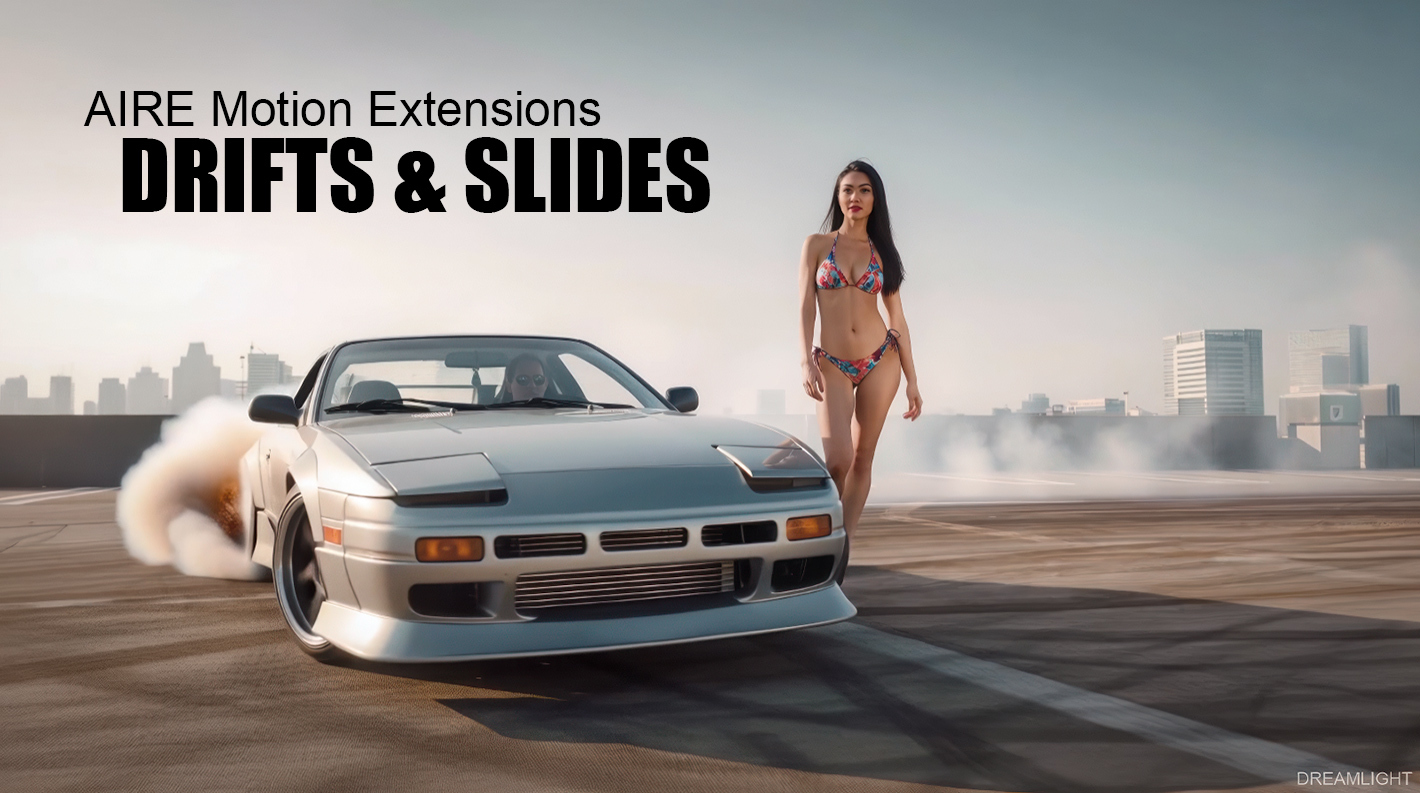
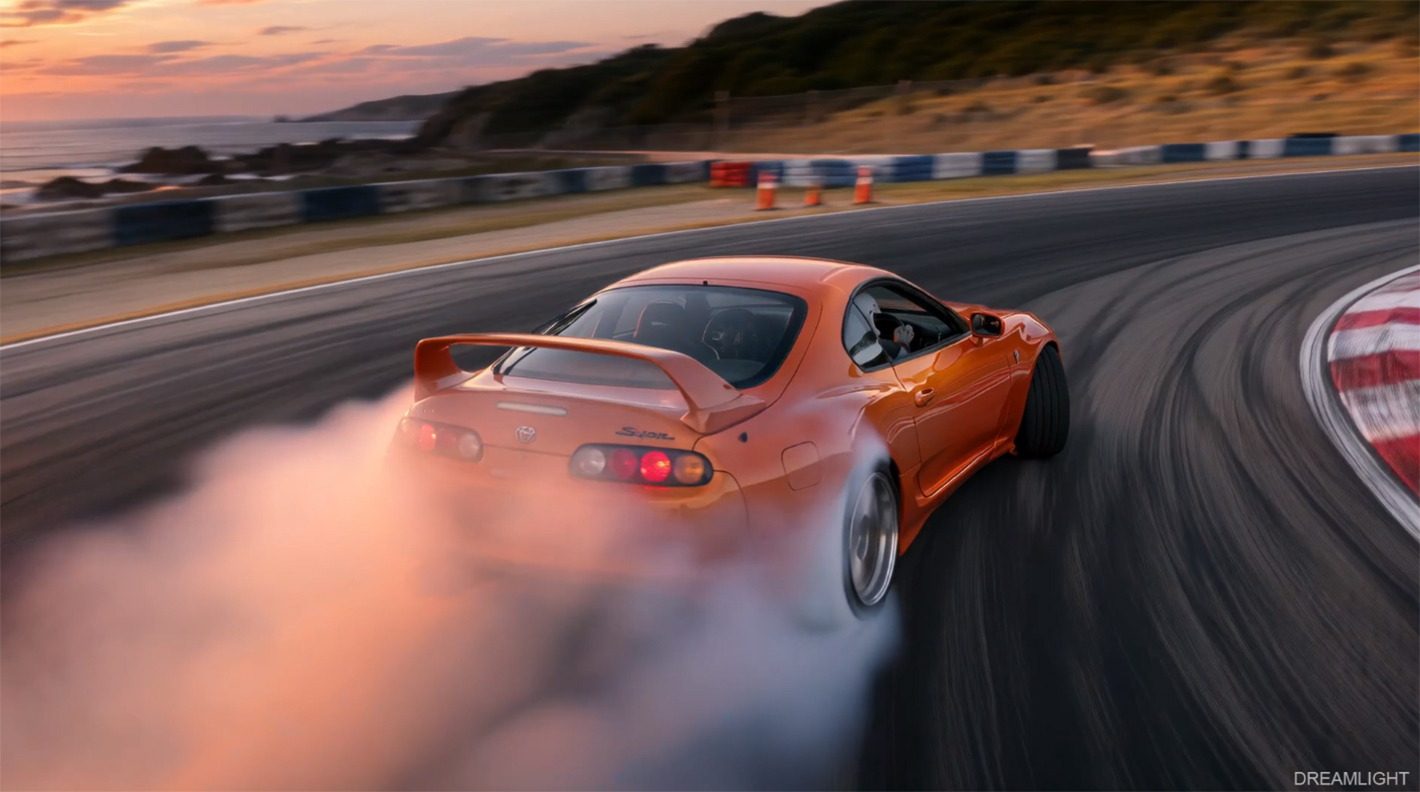
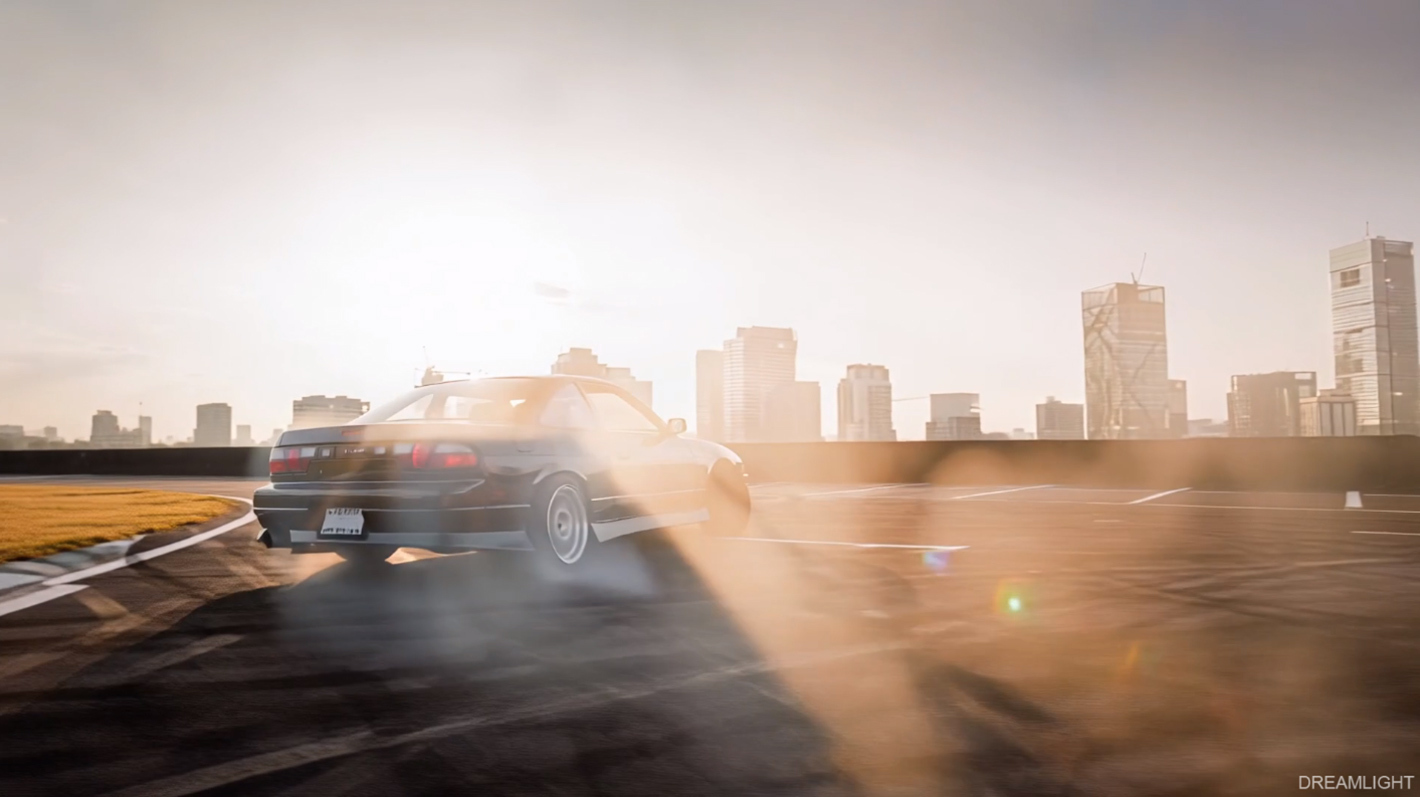
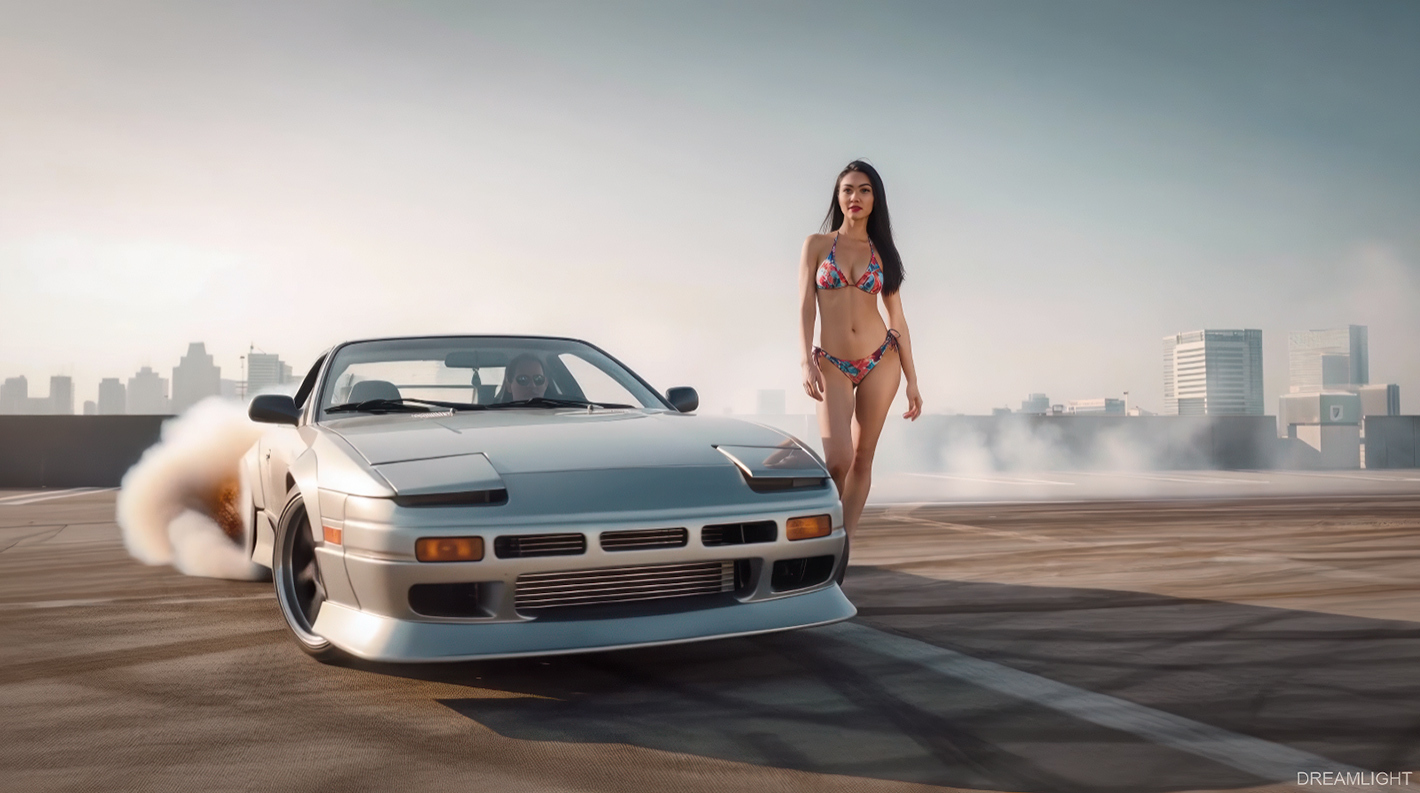
Send tires smoking, swing cars sideways through sweeping turns, and capture spectacular drifting action from seven cinematic camera perspectives! Drifts and Slides brings seven dynamic vehicle motion presets to AIRE Motion 1.1 for DAZ Studio.
From dramatic rear-quarter slides and low-angle tracking shots to close-up wheel cameras, aerial drone chases, and smoky donuts, Drifts and Slides turns your vehicle images into exciting automotive animations.
Watch the demo video to see all seven presets in action. Then choose a starting image, pick a preset, and render your own cinematic drifting sequence. Experiment with different cars, environments, and camera angles, or generate another take for a fresh result. AIRE Motion renders locally with no per-render credits.
Seven cinematic motion presets:
- Rear Quarter Drift — Follow the car from behind as its rear swings wide through a sweeping turn.
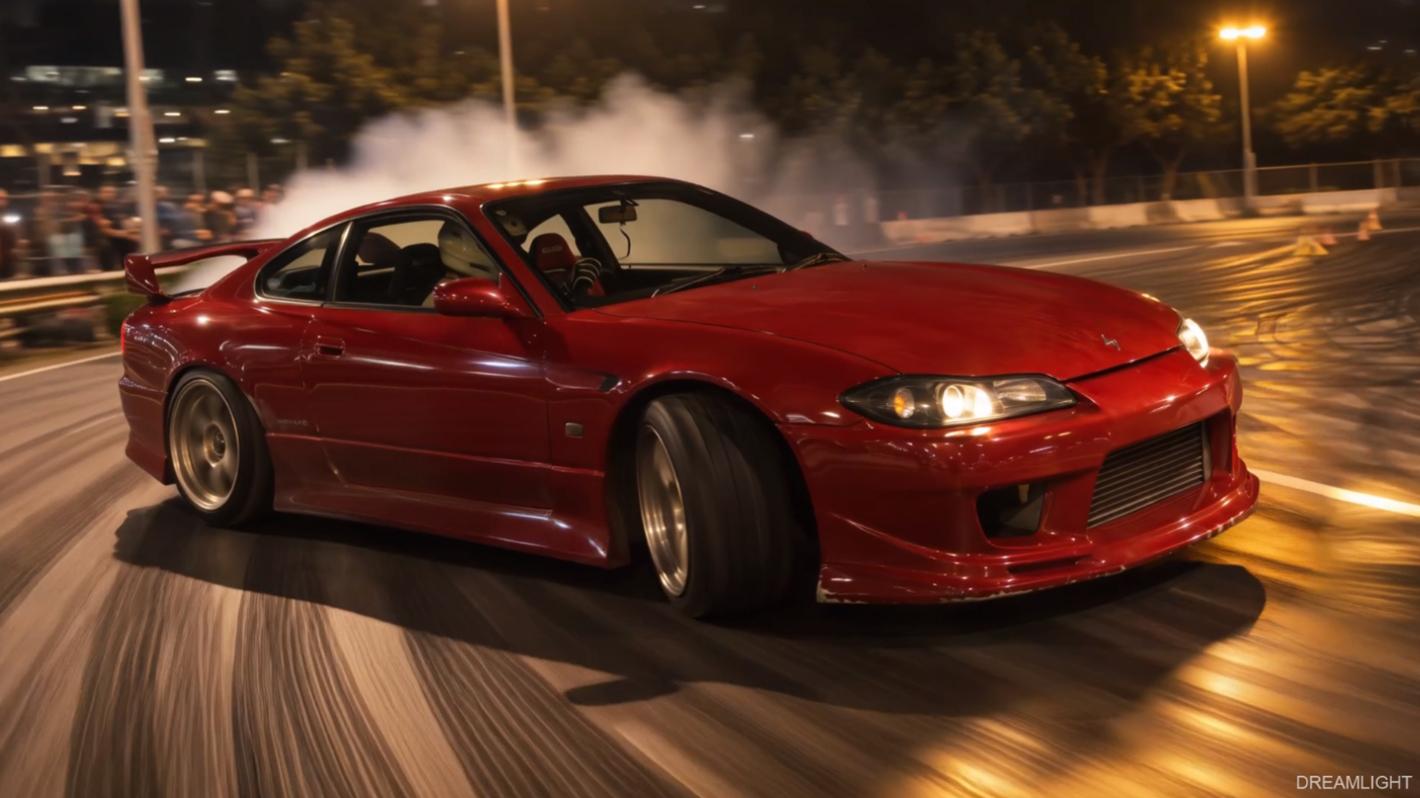
- Side-On Slide — Track alongside the vehicle as it glides sideways through a smoky drift.
- Front Quarter Drift — Capture dramatic front three-quarter action as the car slides toward the camera.
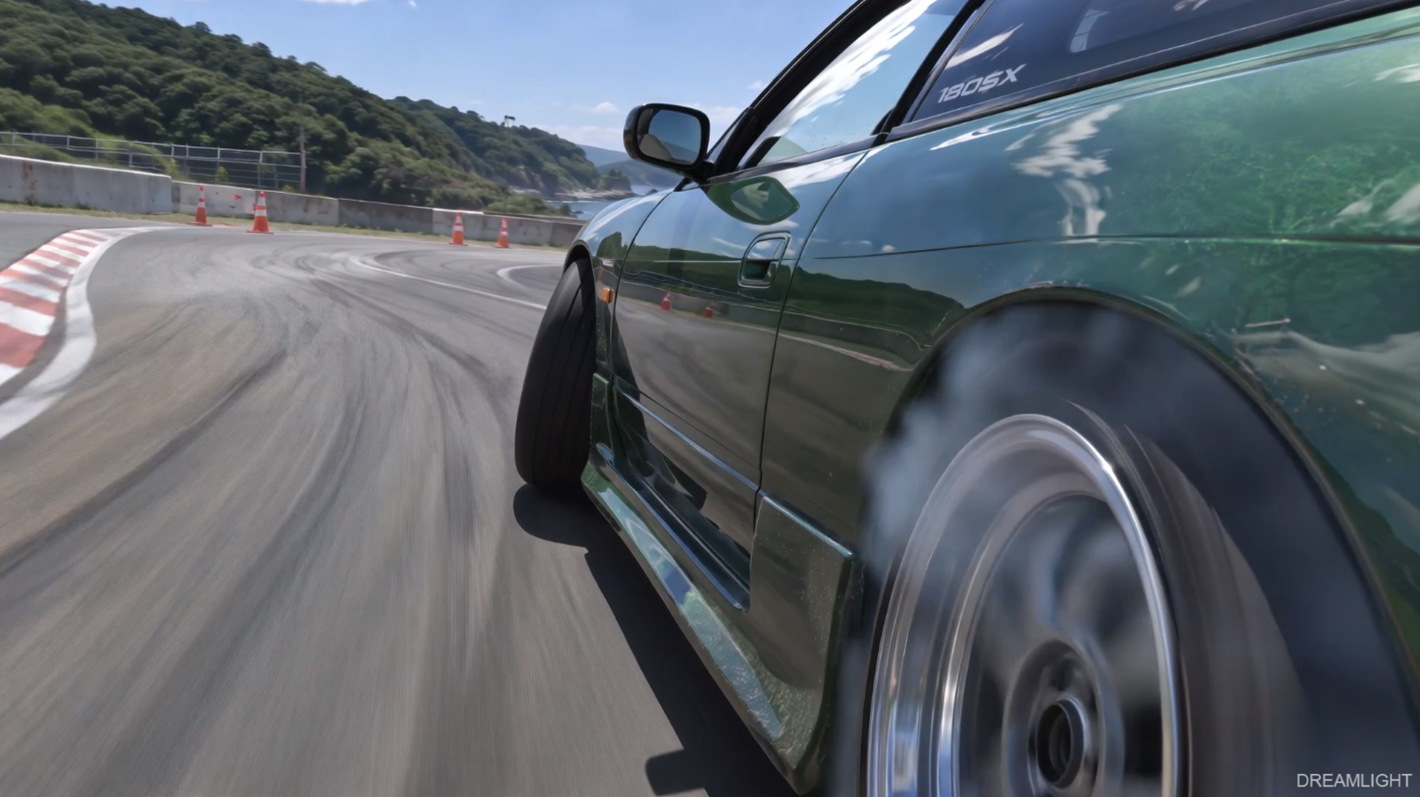
- Rear Wheel Cam — Get close to the spinning rear wheel with dynamic ground movement and tire smoke.
- Drone Chase Drift — Follow the action from above as the car slides through a curve, leaving smoke in its wake.
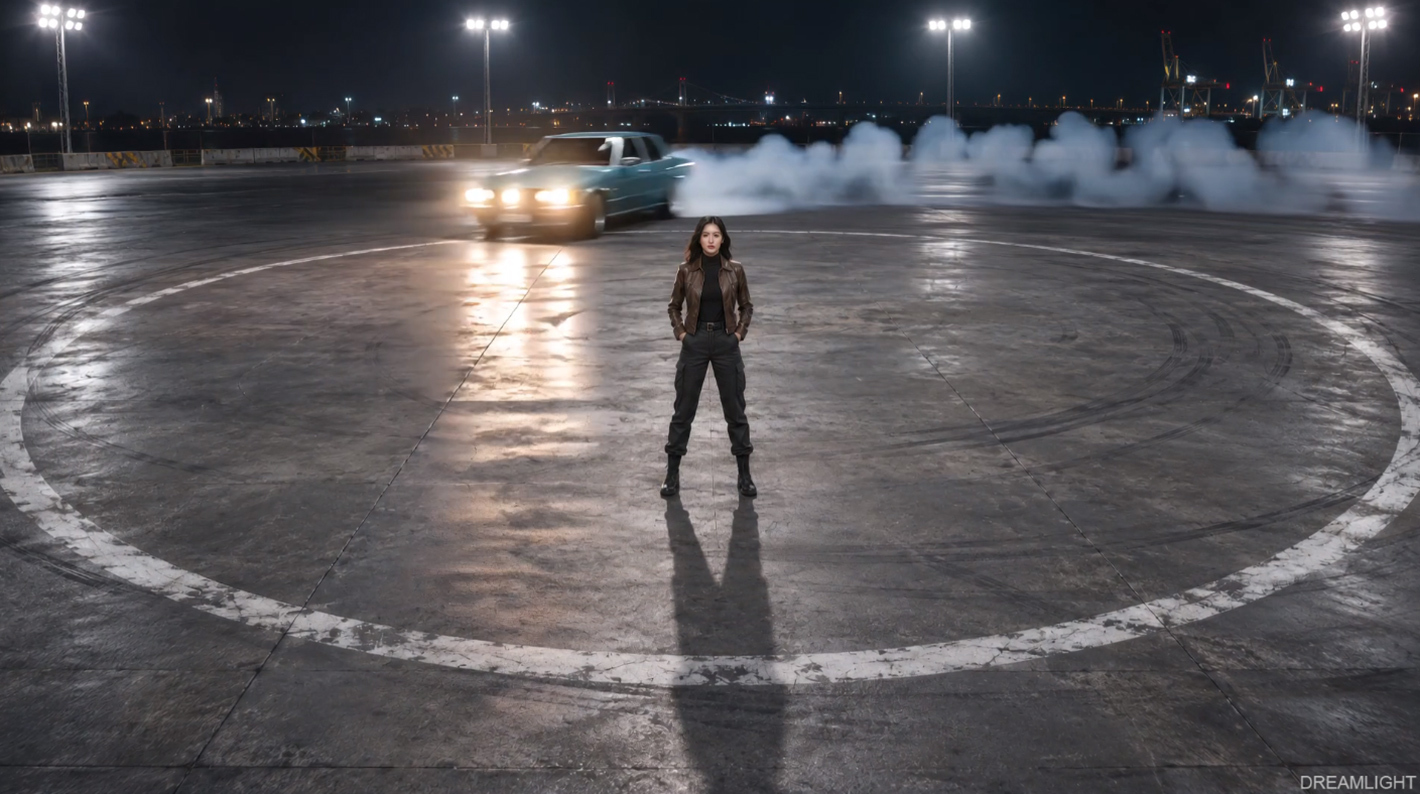
- Drift Circle — Send a car sliding around in a smoky donut, with or without a character in the foreground.
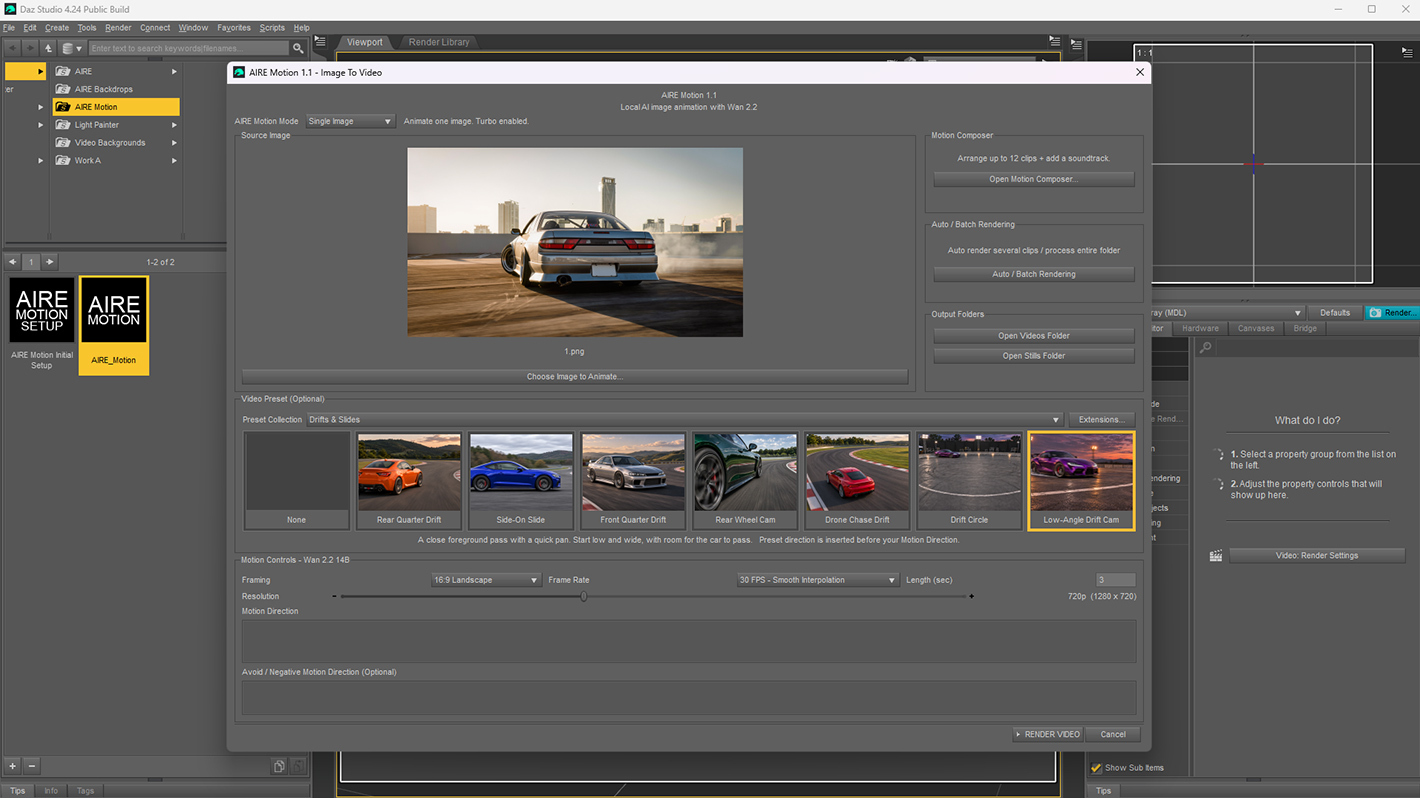
- Low-Angle Drift Cam — Capture a spectacular close-up drift with a fast cinematic camera pan.
These presets have been carefully designed and tested with multiple vehicle scenes to deliver exciting automotive motion while preserving the original look and composition. As with all AI animation, results may vary depending on the starting image, animation length and generated take.
Install and start rendering
In AIRE Motion 1.1, open Extensions…, choose Install / Update Extension ZIP…, and select the downloaded ZIP. Switch to Single Image mode and choose Drifts & Slides from the Preset Collection menu.
Requires latest updated AIRE Motion 1.1, sold separately:
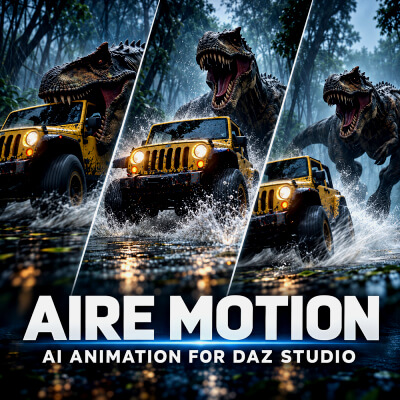
aire-motion-ai-animation-for-daz-studio
The presets are designed for Single Image mode. Promotional imagery and video were created with AIRE and AIRE Motion for DAZ Studio.
Send tires smoking, swing cars sideways through sweeping turns, and capture spectacular drifting action from seven cinematic camera perspectives! Drifts and Slides brings seven dynamic vehicle motion presets to AIRE Motion 1.1 for DAZ Studio.
From dramatic rear-quarter slides and low-angle tracking shots to close-up wheel cameras, aerial drone chases, and smoky donuts, Drifts and Slides turns your vehicle images into exciting automotive animations.
Watch the demo video to see all seven presets in action. Then choose a starting image, pick a preset, and render your own cinematic drifting sequence. Experiment with different cars, environments, and camera angles, or generate another take for a fresh result. AIRE Motion renders locally with no per-render credits.
Seven cinematic motion presets:
- Rear Quarter Drift — Follow the car from behind as its rear swings wide through a sweeping turn.
- Side-On Slide — Track alongside the vehicle as it glides sideways through a smoky drift.
- Front Quarter Drift — Capture dramatic front three-quarter action as the car slides toward the camera.
- Rear Wheel Cam — Get close to the spinning rear wheel with dynamic ground movement and tire smoke.
- Drone Chase Drift — Follow the action from above as the car slides through a curve, leaving smoke in its wake.
- Drift Circle — Send a car sliding around in a smoky donut, with or without a character in the foreground.
- Low-Angle Drift Cam — Capture a spectacular close-up drift with a fast cinematic camera pan.
These presets have been carefully designed and tested with multiple vehicle scenes to deliver exciting automotive motion while preserving the original look and composition. As with all AI animation, results may vary depending on the starting image, animation length and generated take.
Install and start rendering
In AIRE Motion 1.1, open Extensions…, choose Install / Update Extension ZIP…, and select the downloaded ZIP. Switch to Single Image mode and choose Drifts & Slides from the Preset Collection menu.
Requires latest updated AIRE Motion 1.1, sold separately:
aire-motion-ai-animation-for-daz-studio
The presets are designed for Single Image mode. Promotional imagery and video were created with AIRE and AIRE Motion for DAZ Studio.
