


 Free 3D
 3D Print Models
 3D Scans
 Animation & MoCap
 Textures
 Materials
 Skin Reference
 2D Game Assets
 Sound Effects
 Brushes & Tools
 Reference Photos
 Stock Images
 HDR Images
 3ds Max
 Maya
 Blender
 Unreal Engine
 Unity
 ZBrush
 Cinema 4D
 LightWave
 Marmoset
 SketchUp
 FBX
 DAE
 DXF
 GLB

AIRE Motion Extensions - Quiet Moments - FREE

5.0 Stars |1 Rating


User Artwork (3)

This Item Was Made Using

! REPORT
FREE
NOTE: DIGITAL DOWNLOAD, NOT A PHYSICAL ITEM

Add to Collection

7 Likes
Required Products

Share This Daz Content


Top Rated Vendor


Helping AI, DAZ Studio & Digital Artists artists love their art and bestselling DAZ published artist since 2005. Former professional camera man and video editor in the adult movie industry in Hollywood and Europe for 2 decades.
Vendor's Pages


License
Extended Use License
This item comes with our Extended Use Licensing. This means that you may use the model for both non-commercial and commercial purposes, in a variety of mediums and applications.
For full license terms, see our 3D Content Licensing Agreement
Item Details
| Vendor: | Dreamlight |
| Published: | Nov 12, 2026 |
| Download Size: | 959.9 KB |
| Software: | Daz Studio |
| dForce: | – |
Included Formats

Statistics
| Favorites: | 1 |
| Likes: | 7 |
| Views: | 750 |
Item Ratings
1 Rating5 Stars|Nov 13, 2026
Thank you for this great gift.
AIRE Motion Extensions - Quiet Moments - FREE
AIRE Motion Extensions – Quiet Moments
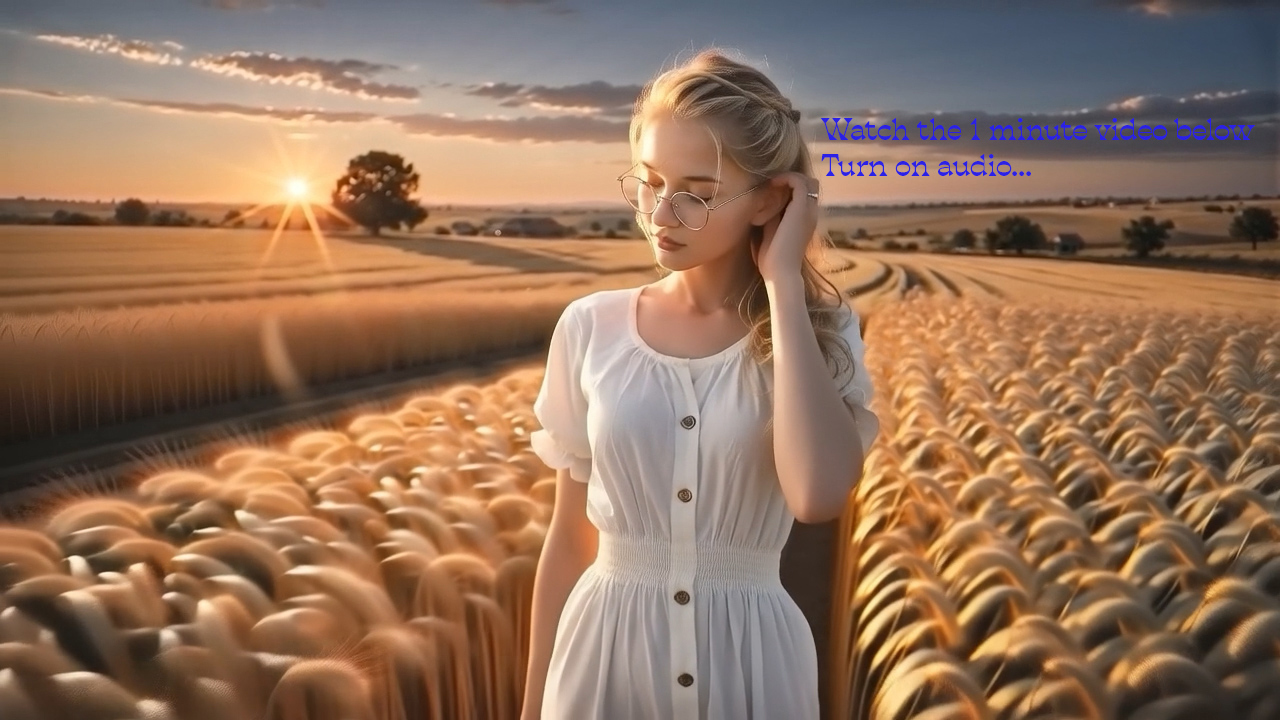
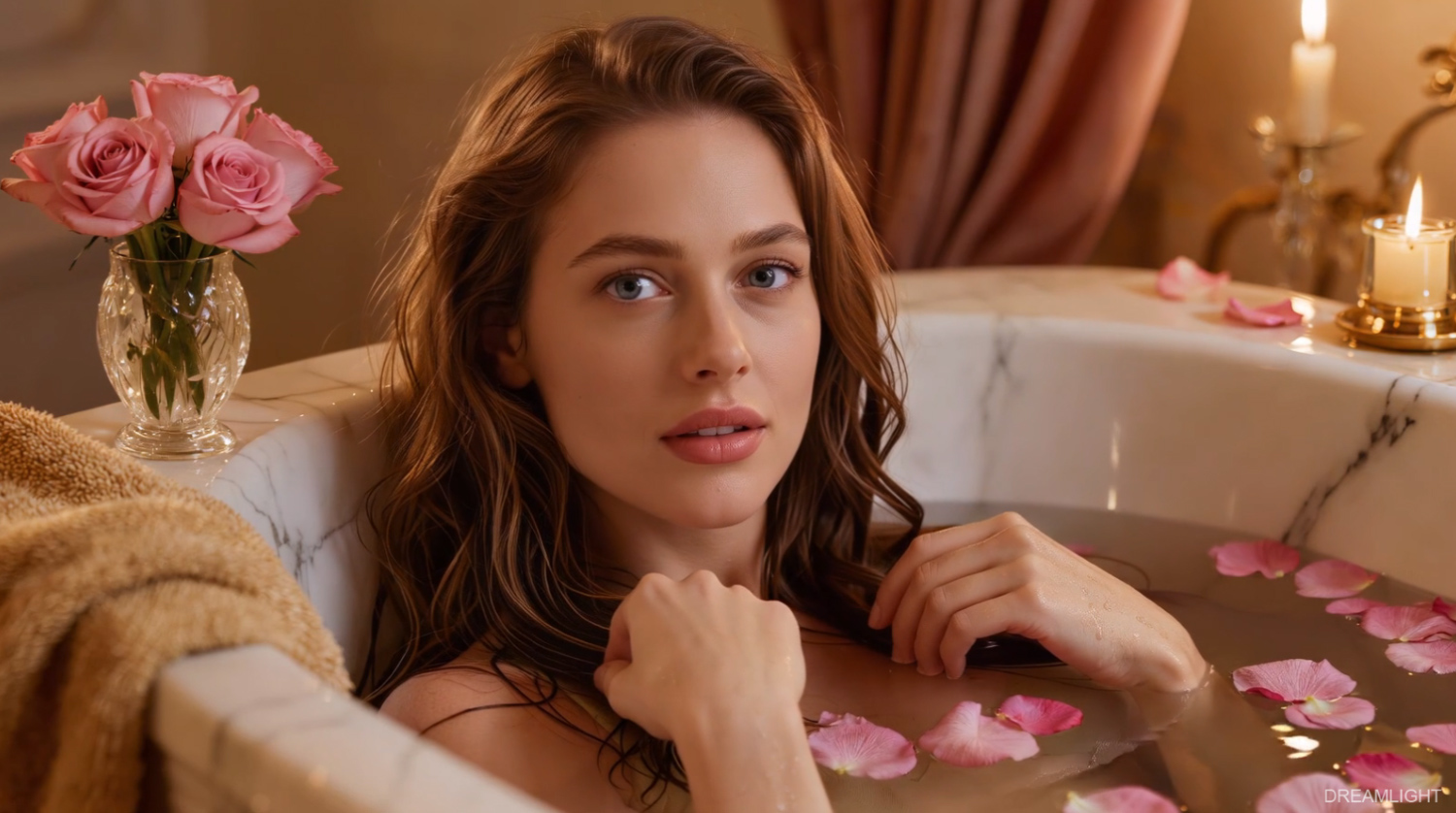
Bring a portrait to life with a glance over the shoulder, a smile that slowly warms, or a brief laugh. Quiet Moments is a free extension with seven subtle character motion presets for AIRE Motion 1.1 for DAZ Studio.
Watch the demo to see the presets in action. Then choose a starting image, pick a preset, and render a take. Try a close-up for a change of expression, or frame the upper body to show a relaxed stretch or a shift in pose. AIRE Motion renders locally with no per-render credits.
Seven motion presets:
- Gentle Breeze — A light breeze stirs her hair as she turns her head slightly.
- Over the Shoulder — She turns to look back at the viewer, with a small shoulder turn and a soft smile.
- Morning Stretch — She reaches overhead in a slow, relaxed stretch.
- Quiet Reflection — She lowers her gaze, pauses, then looks back up.
- Reclining Grace — She shifts gently in a reclining pose and settles back into it.
- Warm Smile — A relaxed expression gradually opens into a warm smile.
- Gentle Laughter — A brief, natural laugh settles into an easy smile.
Each preset was tested in AIRE Motion. For the best starting point, choose an image that suits the movement. Use a side or rear three-quarter pose for Over the Shoulder, and leave room above the head for Morning Stretch.
Install and start rendering
In AIRE Motion 1.1, open Extensions…, choose Install / Update Extension ZIP…, and select the downloaded ZIP. Switch to Single Image mode and choose Quiet Moments from the Preset Collection menu.
Quiet Moments is free and requires AIRE Motion 1.1, sold separately:
aire-motion-ai-animation-for-daz-studio
Make sure you have the latest AIRE Motion installed.
The presets are designed for Single Image mode. Promo imagery and video were created with AIRE and AIRE Motion.
Bring a portrait to life with a glance over the shoulder, a smile that slowly warms, or a brief laugh. Quiet Moments is a free extension with seven subtle character motion presets for AIRE Motion 1.1 for DAZ Studio.
Watch the demo to see the presets in action. Then choose a starting image, pick a preset, and render a take. Try a close-up for a change of expression, or frame the upper body to show a relaxed stretch or a shift in pose. AIRE Motion renders locally with no per-render credits.
Seven motion presets:
- Gentle Breeze — A light breeze stirs her hair as she turns her head slightly.
- Over the Shoulder — She turns to look back at the viewer, with a small shoulder turn and a soft smile.
- Morning Stretch — She reaches overhead in a slow, relaxed stretch.
- Quiet Reflection — She lowers her gaze, pauses, then looks back up.
- Reclining Grace — She shifts gently in a reclining pose and settles back into it.
- Warm Smile — A relaxed expression gradually opens into a warm smile.
- Gentle Laughter — A brief, natural laugh settles into an easy smile.
Each preset was tested in AIRE Motion. For the best starting point, choose an image that suits the movement. Use a side or rear three-quarter pose for Over the Shoulder, and leave room above the head for Morning Stretch.
Install and start rendering
In AIRE Motion 1.1, open Extensions…, choose Install / Update Extension ZIP…, and select the downloaded ZIP. Switch to Single Image mode and choose Quiet Moments from the Preset Collection menu.
Quiet Moments is free and requires AIRE Motion 1.1, sold separately:
aire-motion-ai-animation-for-daz-studio
Make sure you have the latest AIRE Motion installed.
The presets are designed for Single Image mode. Promo imagery and video were created with AIRE and AIRE Motion.
