


 Free 3D
 3D Print Models
 3D Scans
 Animation & MoCap
 Textures
 Materials
 Skin Reference
 2D Game Assets
 Sound Effects
 Brushes & Tools
 Reference Photos
 Stock Images
 HDR Images
 3ds Max
 Maya
 Blender
 Unreal Engine
 Unity
 ZBrush
 Cinema 4D
 LightWave
 Marmoset
 SketchUp
 FBX
 DAE
 DXF
 GLB

ARE Motion Extensions - Splash and Flow

Not Rated Yet








User Artwork (1)
This Item Was Made Using

! REPORT
NOTE: DIGITAL DOWNLOAD, NOT A PHYSICAL ITEM

Add to Collection

1 Like
Required Products

Share This Daz Content


Top Rated Vendor


Helping AI, DAZ Studio & Digital Artists artists love their art and bestselling DAZ published artist since 2005. Former professional camera man and video editor in the adult movie industry in Hollywood and Europe for 2 decades.
Vendor's Pages


License
Extended Use License
This item comes with our Extended Use Licensing. This means that you may use the model for both non-commercial and commercial purposes, in a variety of mediums and applications.
For full license terms, see our 3D Content Licensing Agreement
Item Details
| Vendor: | Dreamlight |
| Published: | Nov 11, 2026 |
| Download Size: | 2 MB |
| Software: | Daz Studio |
| dForce: | – |
Included Formats

Statistics
| Favorites: | 0 |
| Likes: | 1 |
| Views: | 232 |
Item Ratings
Not Rated Yet
ARE Motion Extensions - Splash and Flow
AIRE Motion Extensions – Splash & Flow
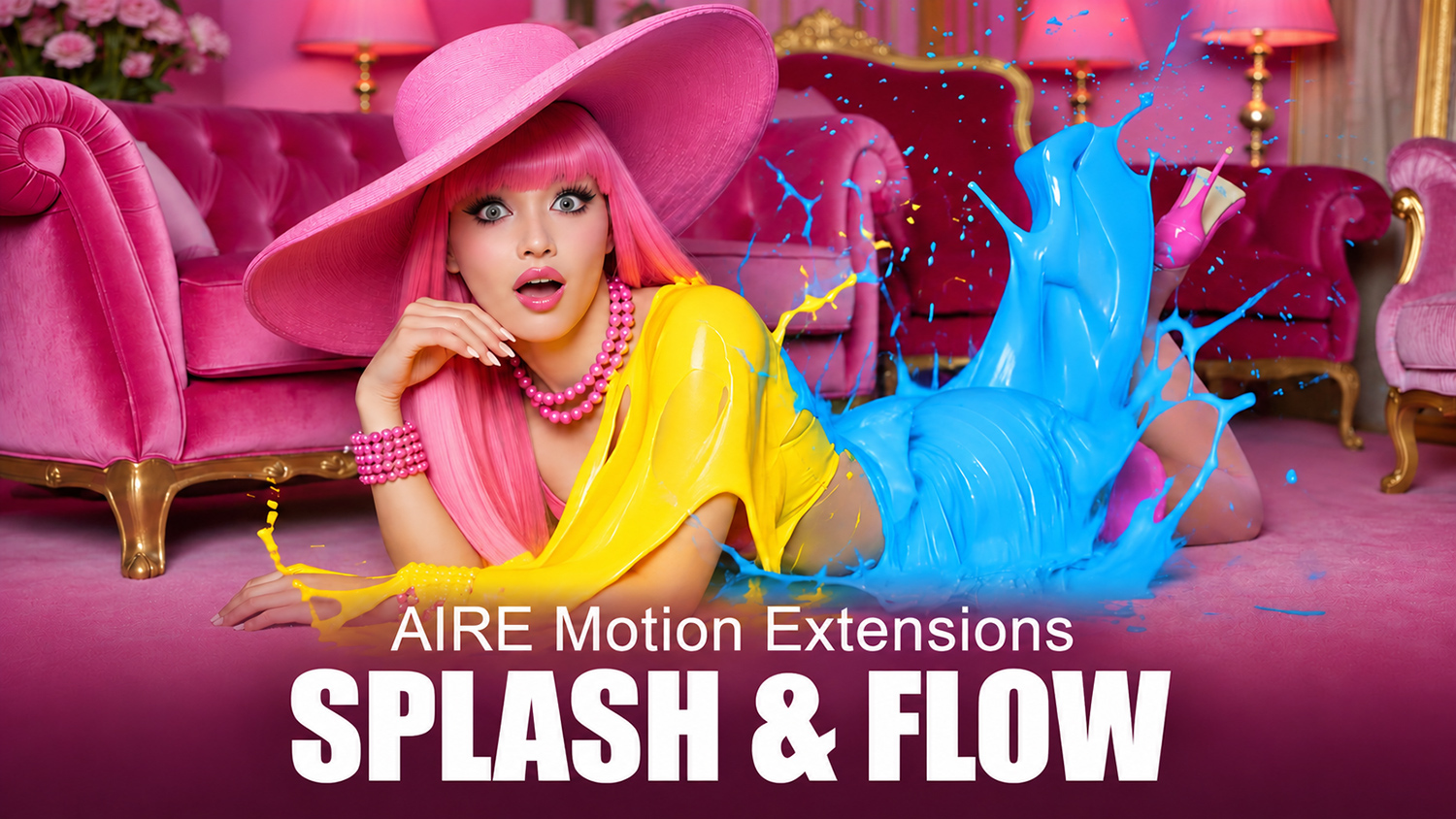
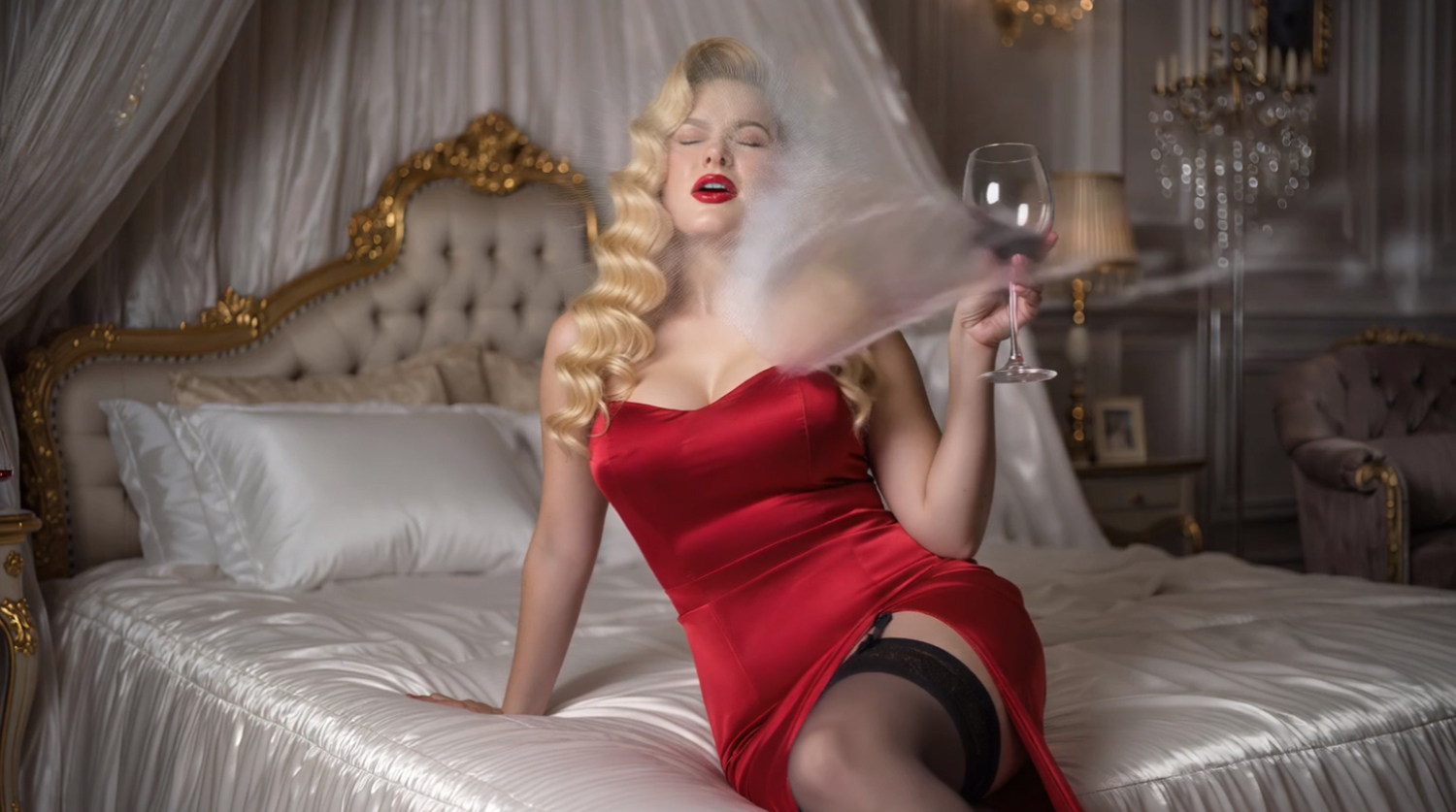
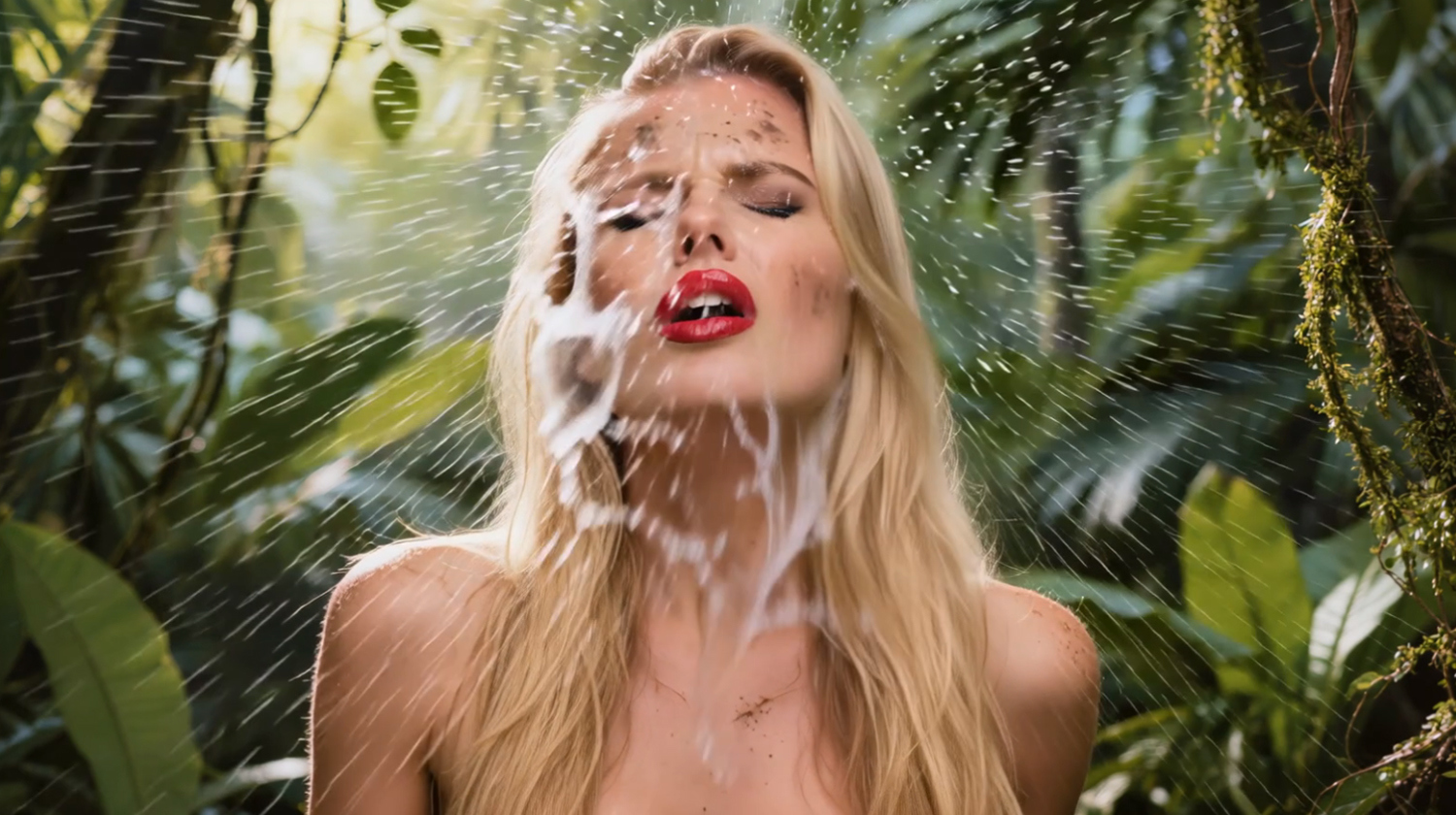
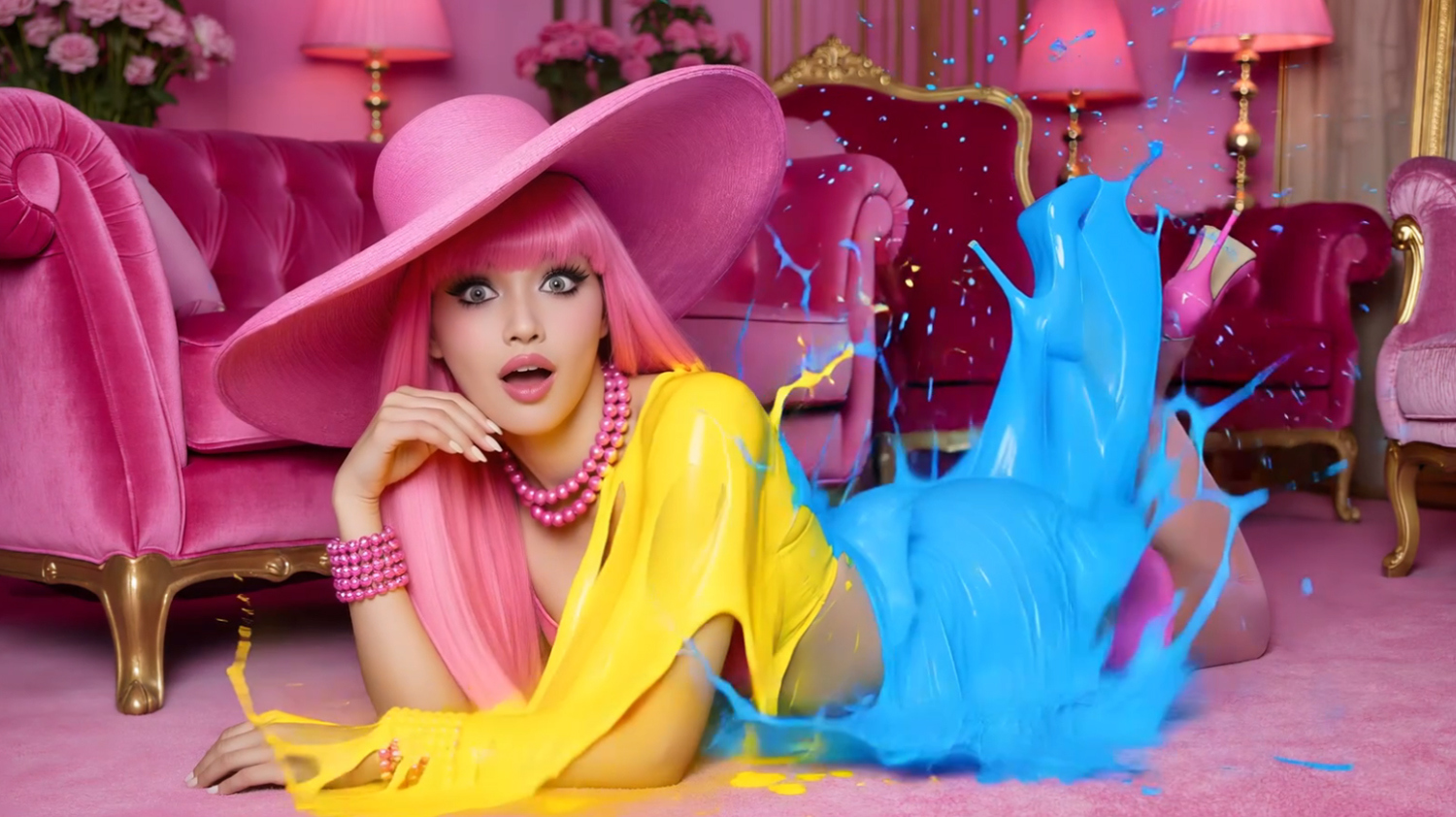
Drench a character in cascading water, send green slime flying across the shot, or hit the scene with a burst of three-color paint. Splash & Flow adds seven fun, humoristic and colorful motion presets to AIRE Motion 1.1 for DAZ Studio.
Watch the 60-second demo to see all seven effects in action. Then choose a starting image, pick a preset, and render a take. Try the same effect on a tight portrait or a full-body shot, or run it again for a different take. AIRE Motion renders locally with no per-render credits.
Seven motion presets:
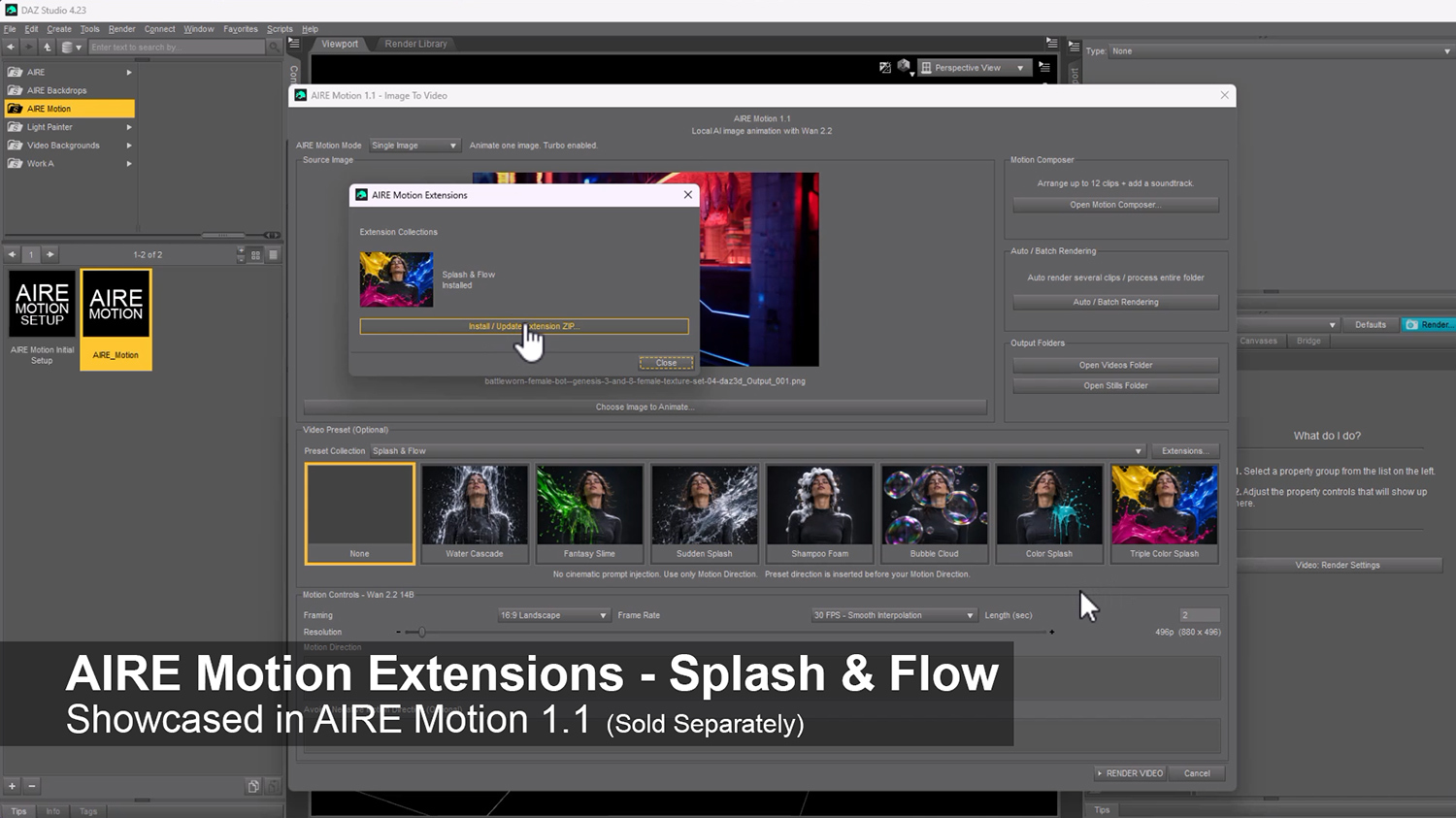
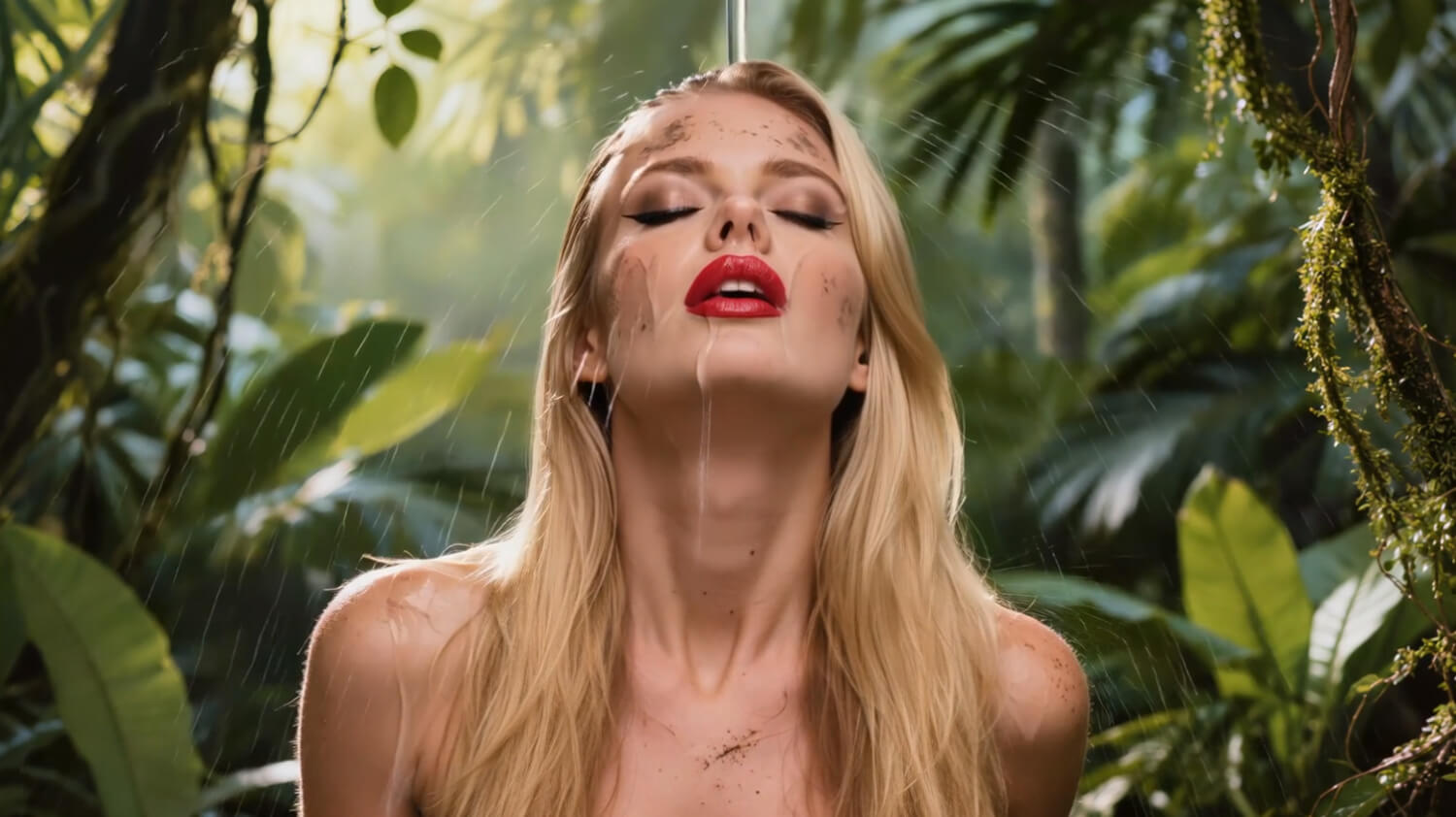
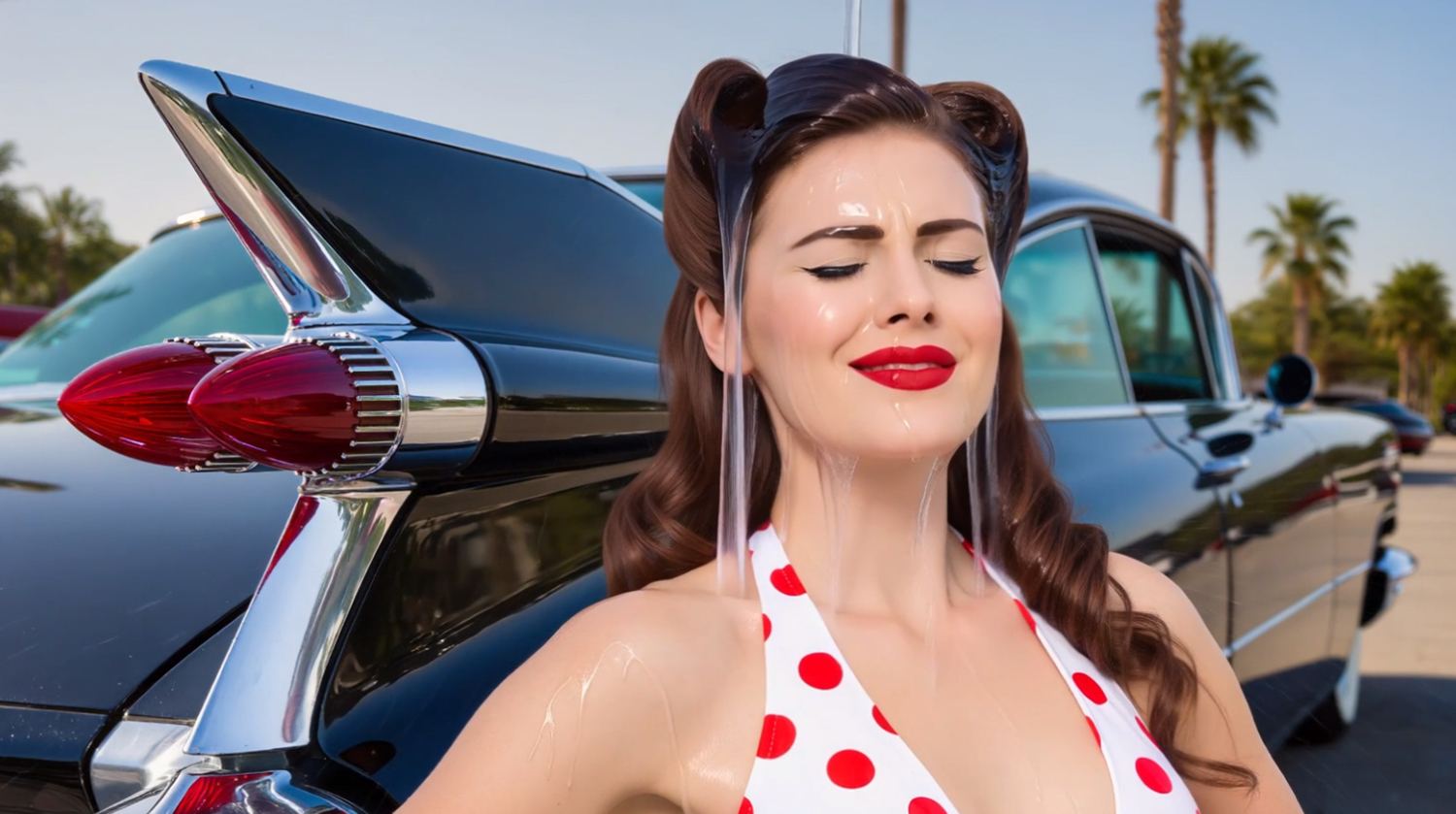
- Water Cascade — A curtain of water pours down over your subject.
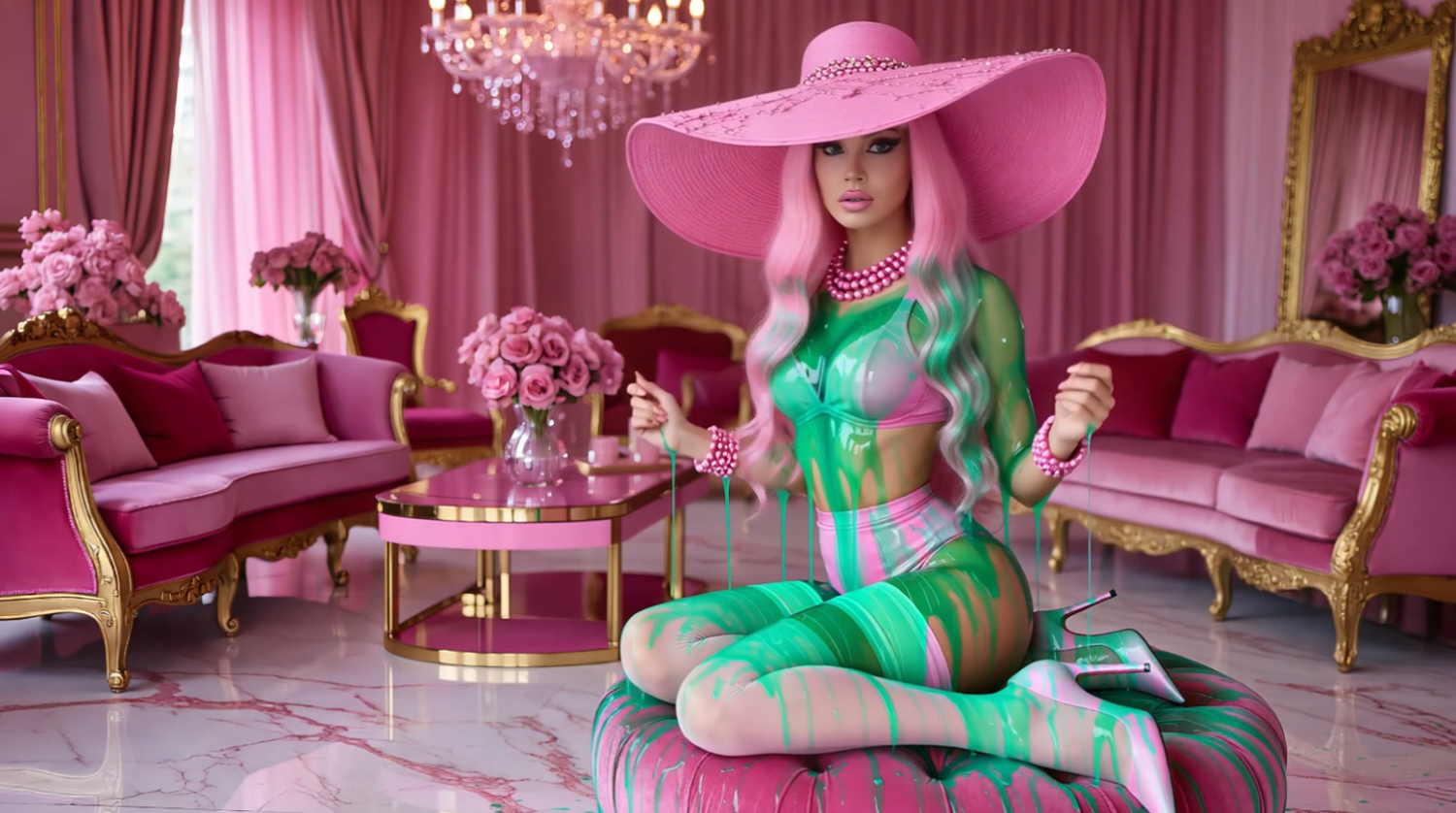
- Fantasy Slime — A vivid green splash sweeps in from the side.
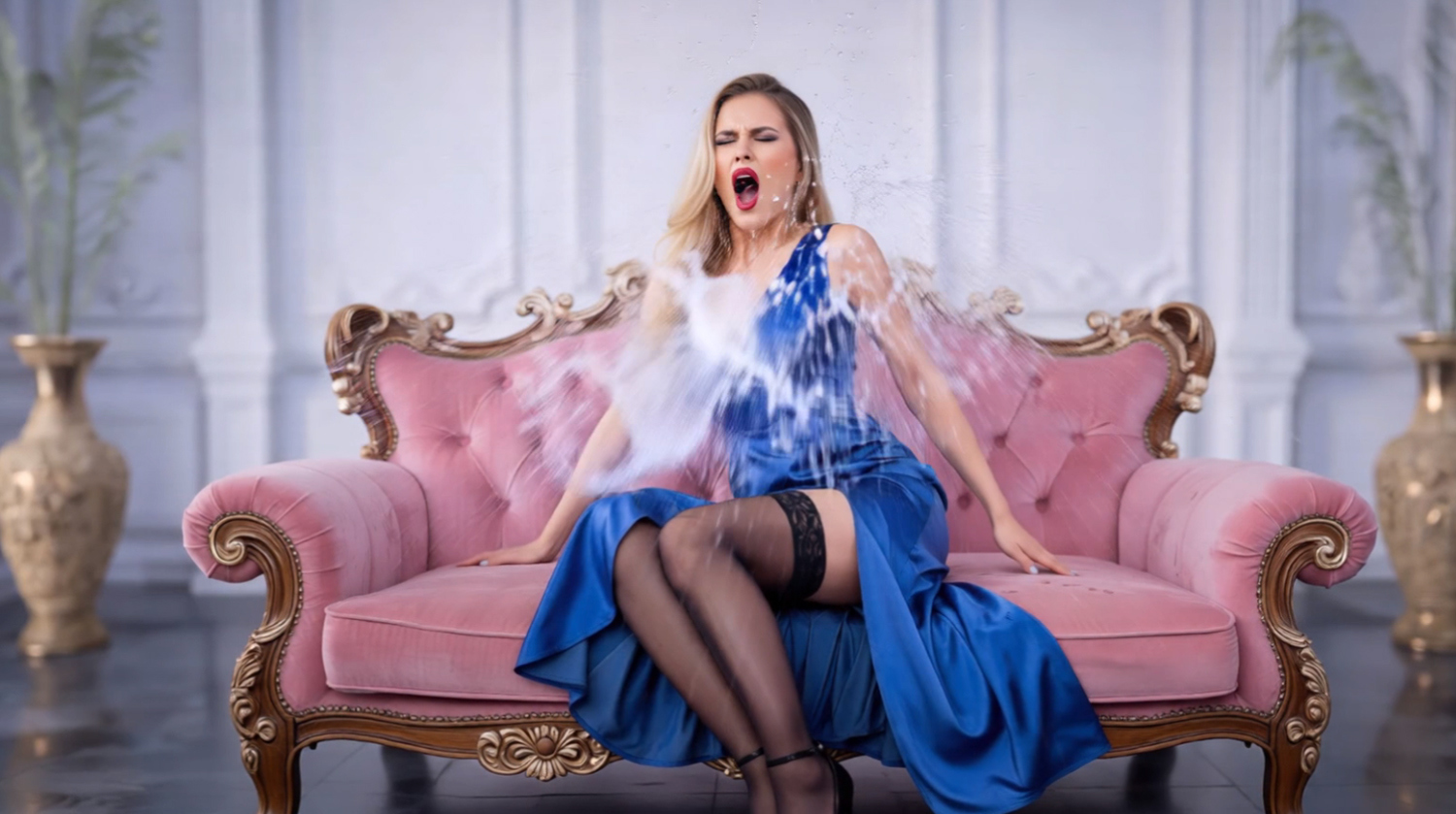
- Sudden Splash — A bucket-sized burst of water hits in one quick beat.
- Shampoo Foam — Fluffy white suds build around the hair.
- Bubble Cloud — Iridescent bubbles drift through the shot and pop on contact.
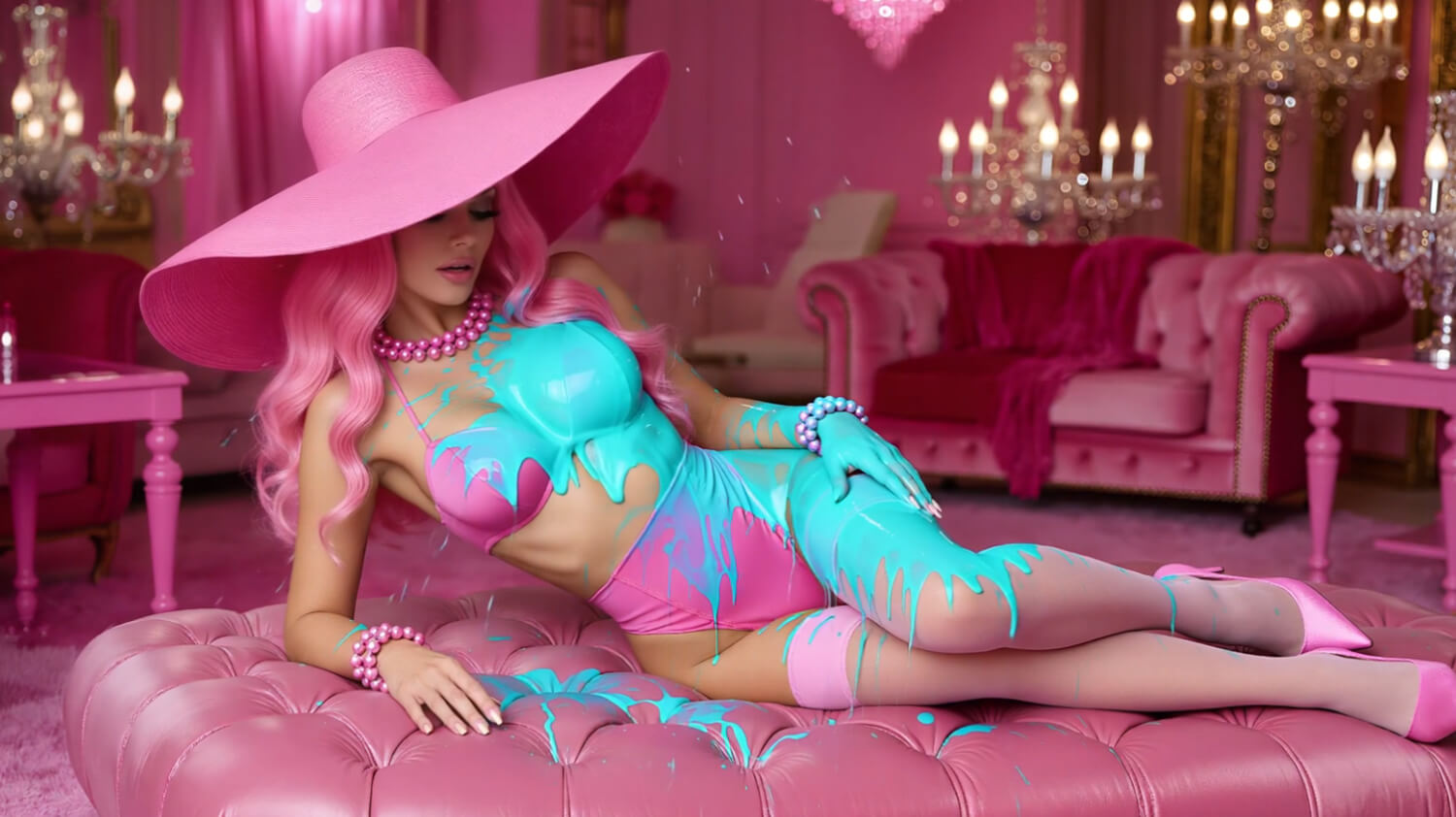
- Color Splash — A bold splash of colored paint sweeps into the frame.
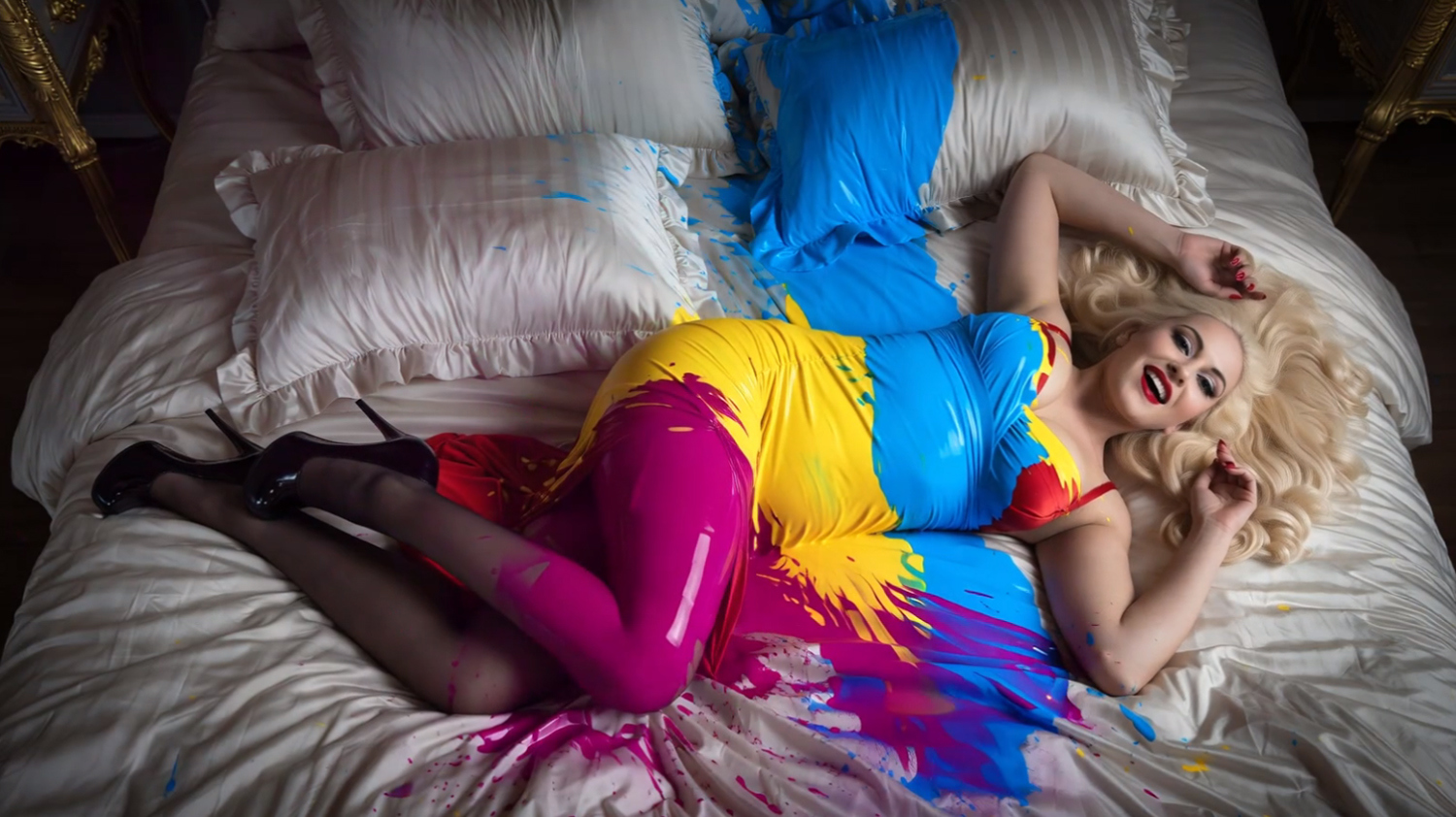
- Triple Color Splash — Yellow, blue, and magenta paint splash in from three directions.
These presets are designed and multi-tested to ensure high quality rendering in AIRE Motion.
Install and start rendering
In AIRE Motion 1.1, open Extensions…, choose Install / Update Extension ZIP…, and select the downloaded ZIP. Switch to Single Image mode and choose Splash & Flow from the Preset Collection menu.
Requires AIRE Motion 1.1, sold separately:
aire-motion-ai-animation-for-daz-studio
The presets are designed for Single Image mode. Promo imagery and video were created with AIRE and AIRE Motion for DAZ Studio.
Drench a character in cascading water, send green slime flying across the shot, or hit the scene with a burst of three-color paint. Splash & Flow adds seven fun, humoristic and colorful motion presets to AIRE Motion 1.1 for DAZ Studio.
Watch the 60-second demo to see all seven effects in action. Then choose a starting image, pick a preset, and render a take. Try the same effect on a tight portrait or a full-body shot, or run it again for a different take. AIRE Motion renders locally with no per-render credits.
Seven motion presets:
- Water Cascade — A curtain of water pours down over your subject.
- Fantasy Slime — A vivid green splash sweeps in from the side.
- Sudden Splash — A bucket-sized burst of water hits in one quick beat.
- Shampoo Foam — Fluffy white suds build around the hair.
- Bubble Cloud — Iridescent bubbles drift through the shot and pop on contact.
- Color Splash — A bold splash of colored paint sweeps into the frame.
- Triple Color Splash — Yellow, blue, and magenta paint splash in from three directions.
These presets are designed and multi-tested to ensure high quality rendering in AIRE Motion.
Install and start rendering
In AIRE Motion 1.1, open Extensions…, choose Install / Update Extension ZIP…, and select the downloaded ZIP. Switch to Single Image mode and choose Splash & Flow from the Preset Collection menu.
Requires AIRE Motion 1.1, sold separately:
aire-motion-ai-animation-for-daz-studio
The presets are designed for Single Image mode. Promo imagery and video were created with AIRE and AIRE Motion for DAZ Studio.
