


 Free 3D
 3D Print Models
 3D Scans
 Animation & MoCap
 Textures
 Materials
 Skin Reference
 2D Game Assets
 Sound Effects
 Brushes & Tools
 Reference Photos
 Stock Images
 HDR Images
 3ds Max
 Maya
Maya Blender
 Unreal Engine
 Unity
Unity ZBrush
 Cinema 4D
 LightWave
 Marmoset
 SketchUp
 FBX
FBX DAE
DAE DXF
DXF GLB
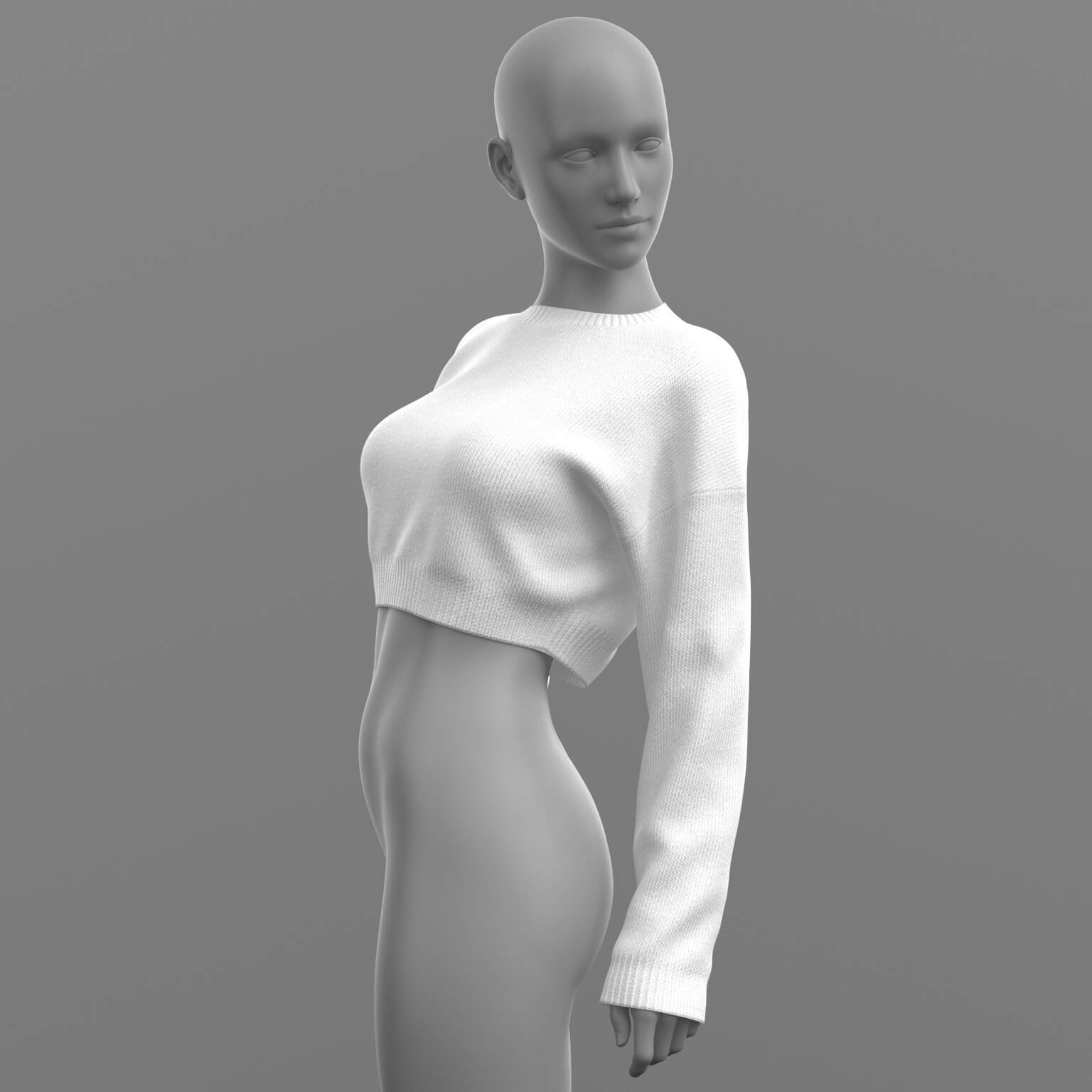
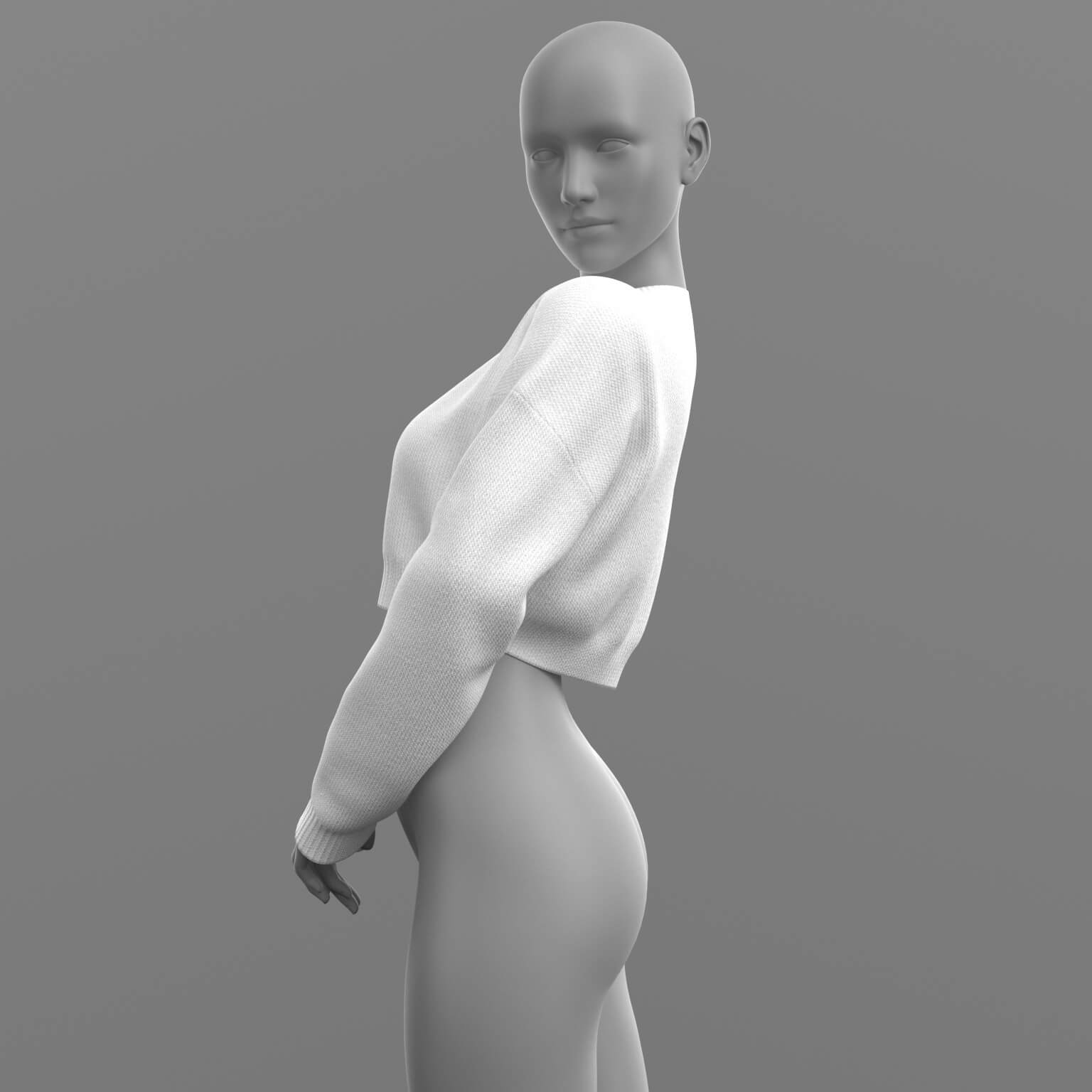
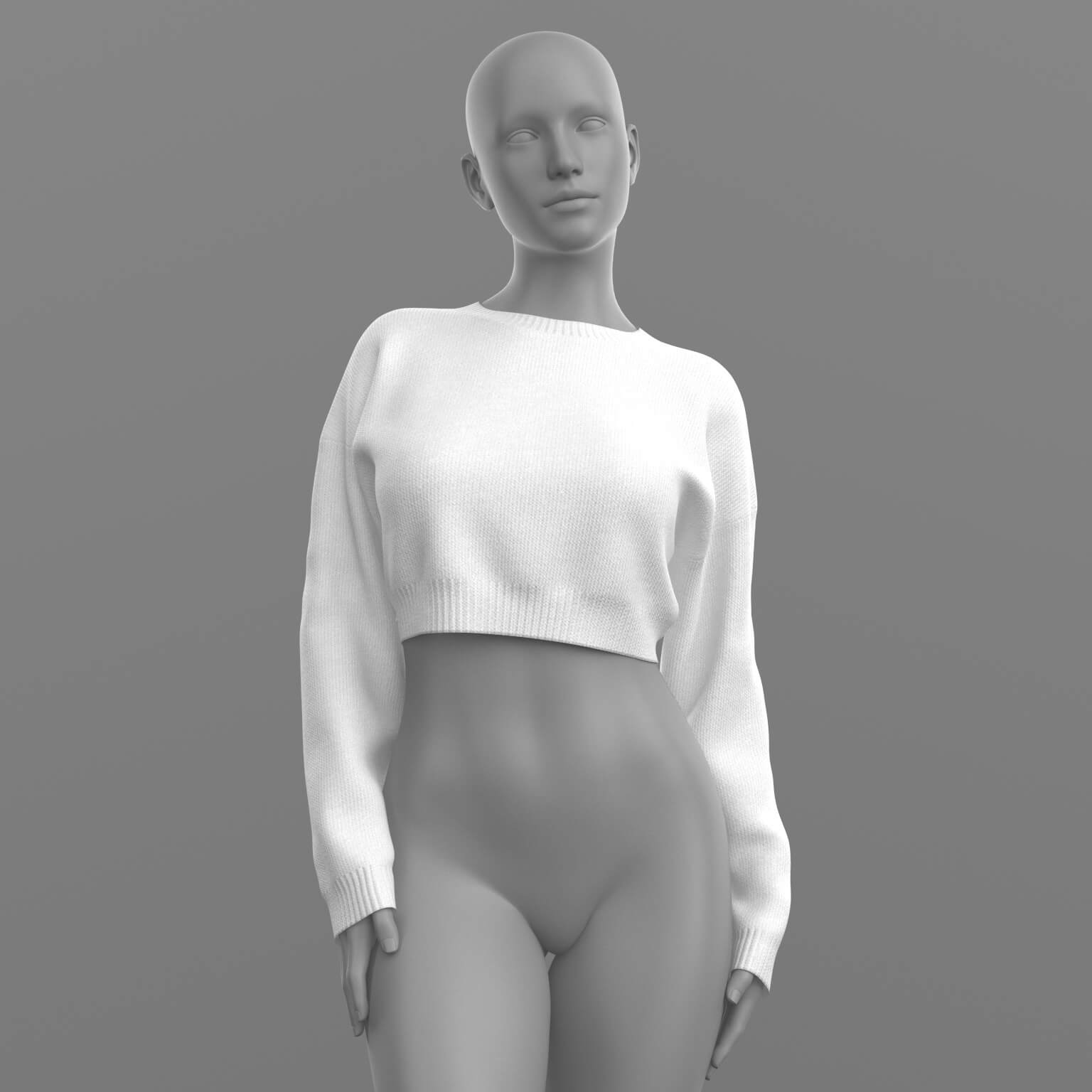
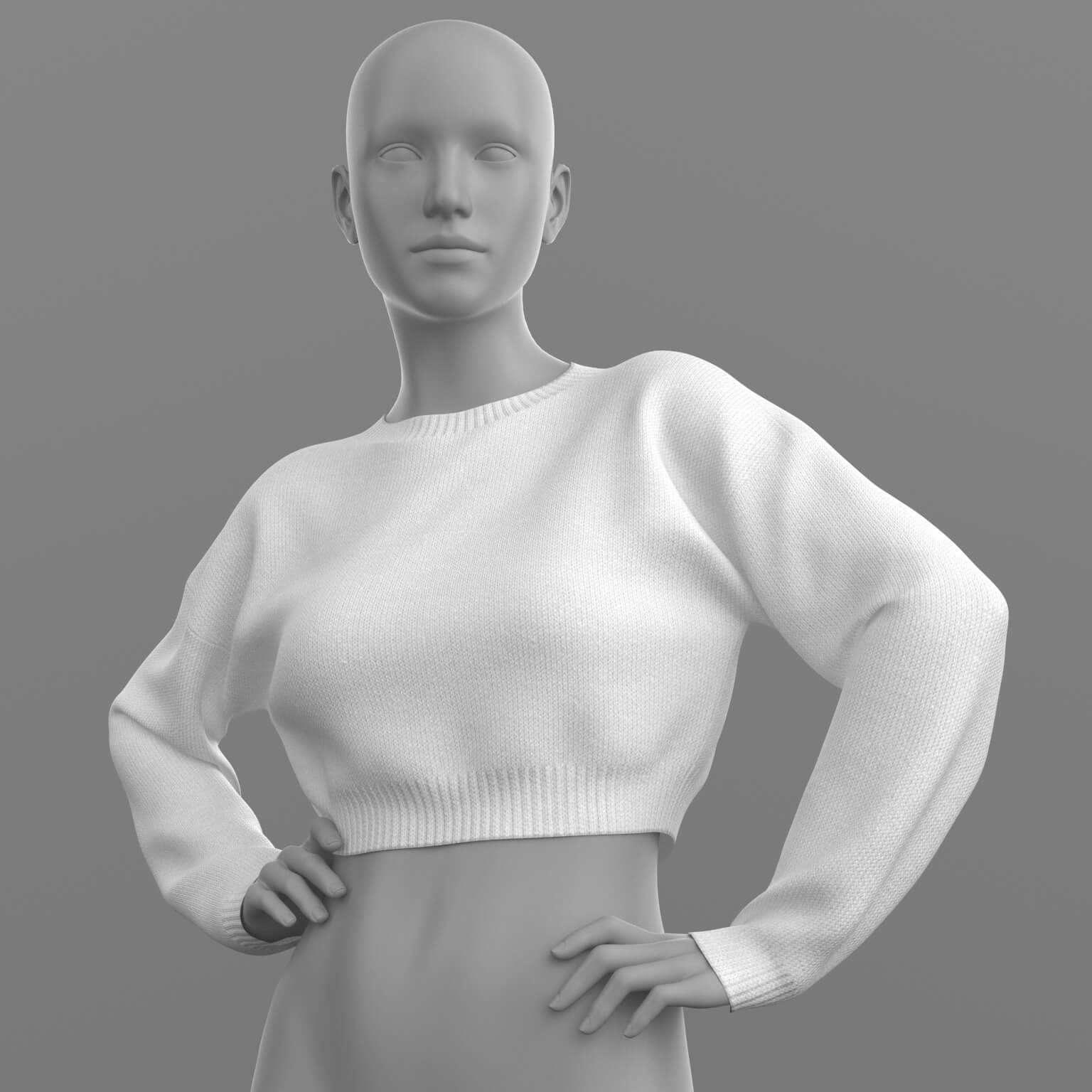
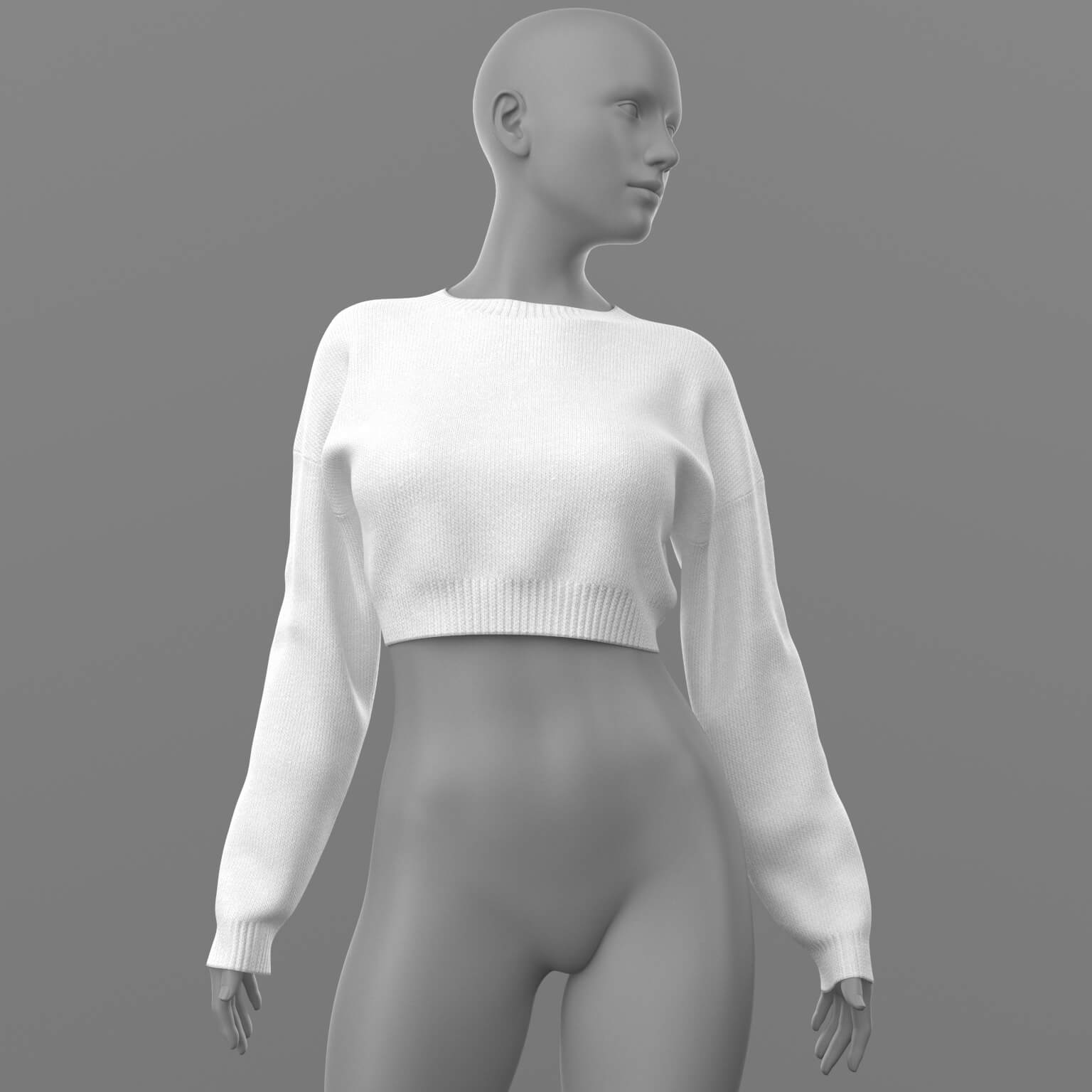
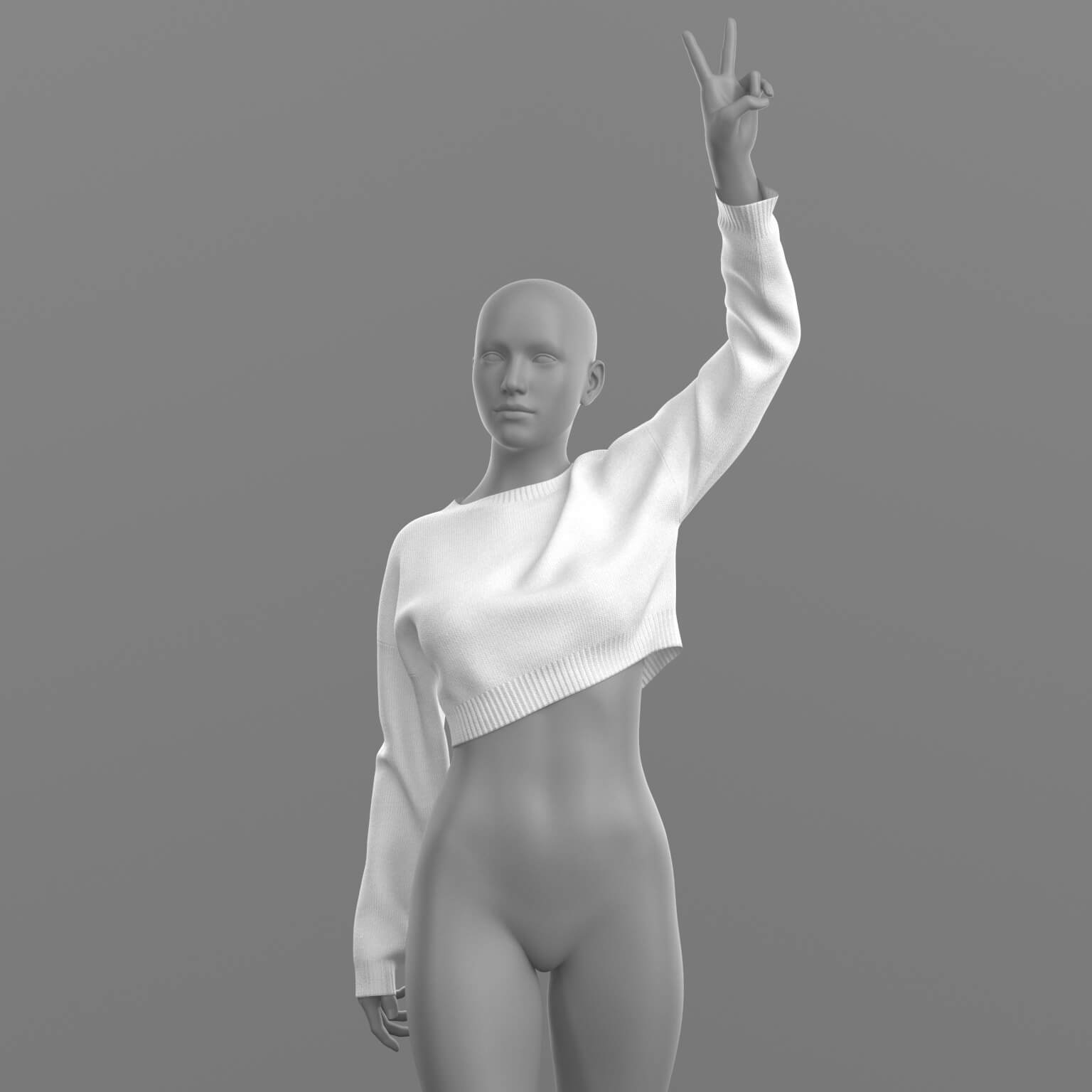
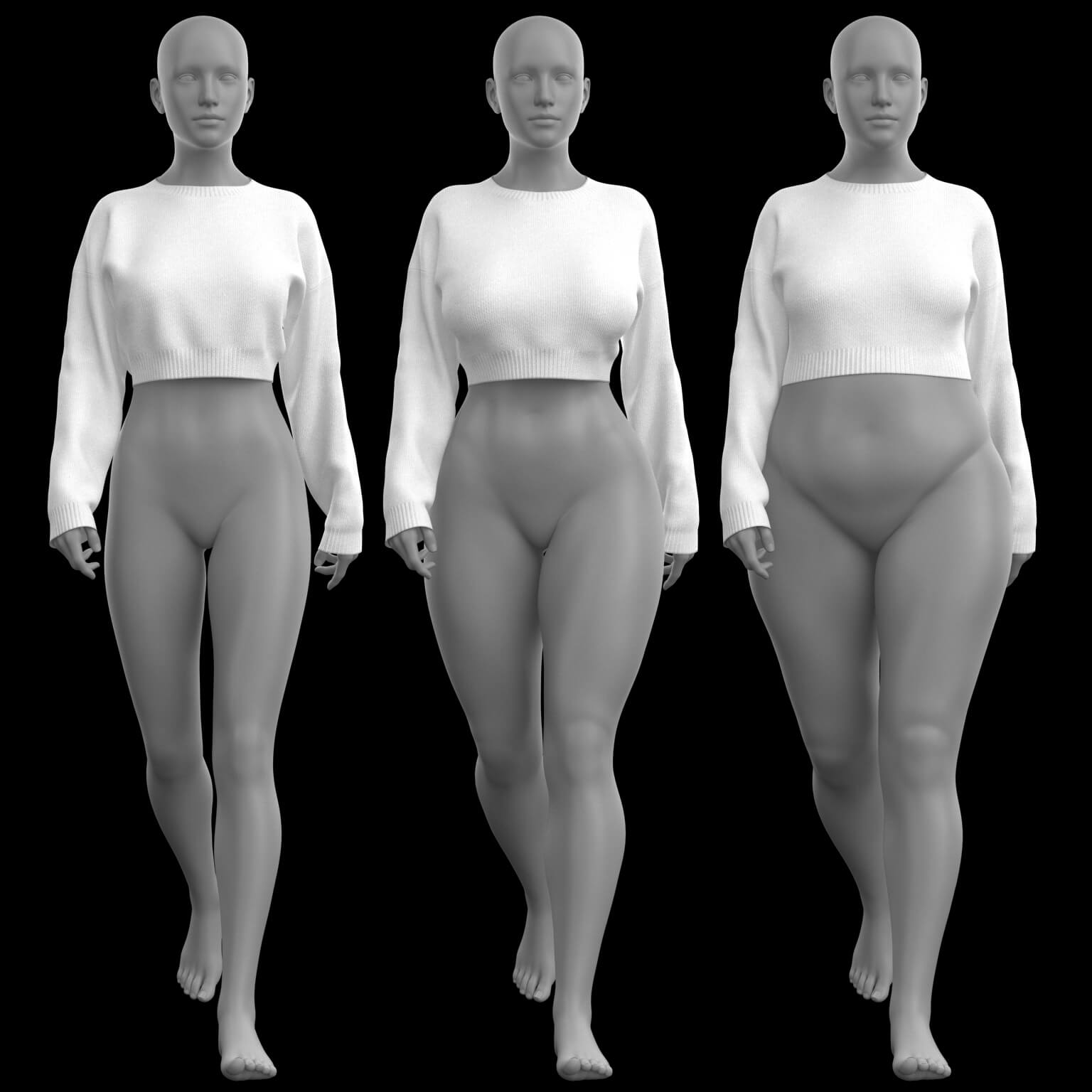
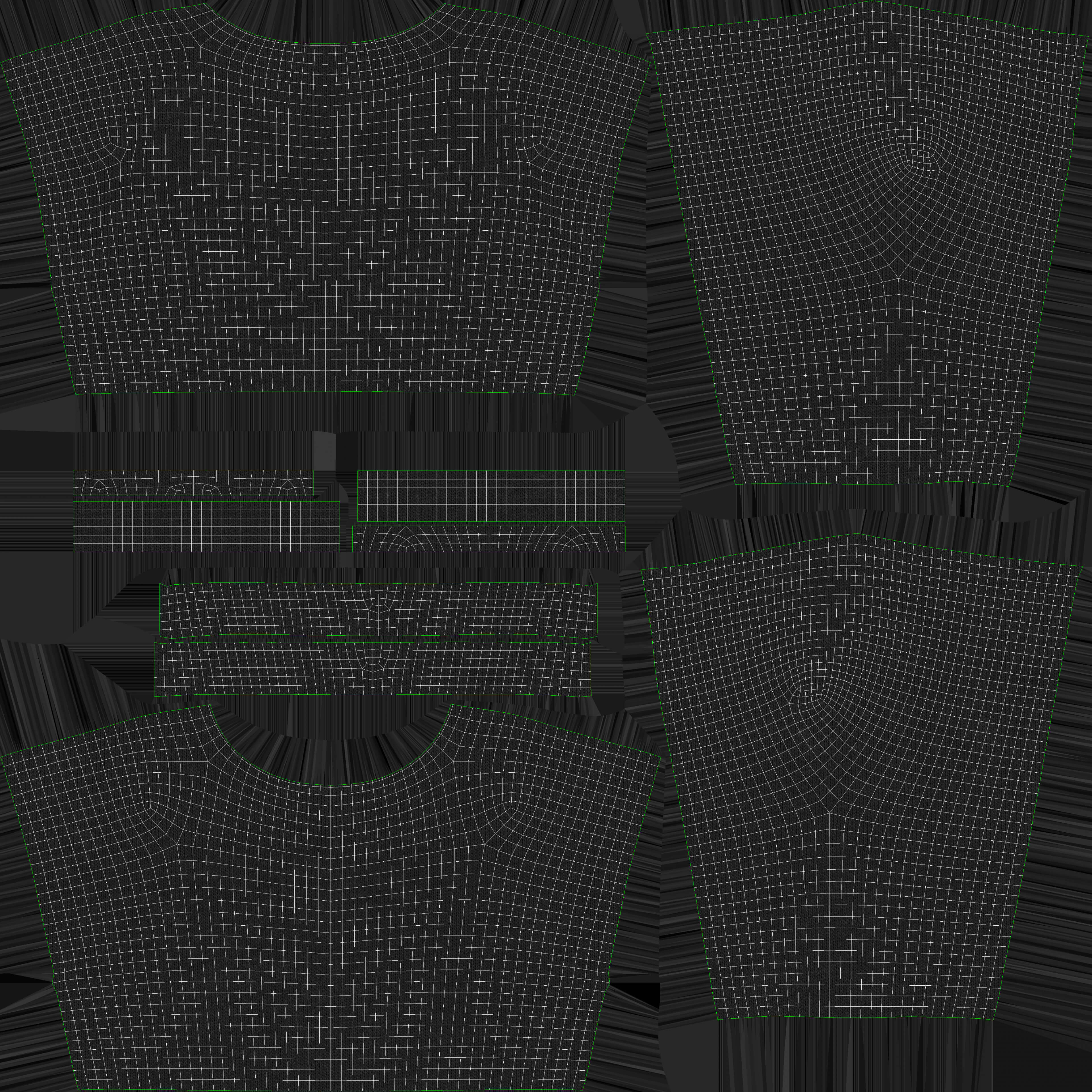
GLBShort Sweater 2v G8 Female

5.0 Stars |1 Rating


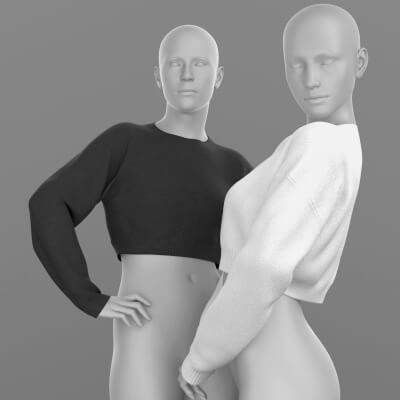
User Artwork (1)

! REPORT
NOTE: DIGITAL DOWNLOAD, NOT A PHYSICAL ITEM

Add to Collection

6 Likes
Included in Bundle
Short Sweater 2v G9 G8
Share This Daz Content


Top Rated Vendor


License
Extended Use License
This item comes with our Extended Use Licensing. This means that you may use the model for both non-commercial and commercial purposes, in a variety of mediums and applications.
For full license terms, see our 3D Content Licensing Agreement
Item Details
| Vendor: | Elena_Shvets |
| Published: | Jan 29, 2026 |
| Download Size: | 136.8 MB |
| Software: | Daz Studio |
| Compatible Figure: | Genesis 8 Female |
| dForce: | Yes |
Included Formats

Statistics
| Favorites: | 4 |
| Likes: | 6 |
| Views: | 218 |
Item Ratings
1 Rating5 Stars|May 26, 2026
Love this!
Short Sweater 2v G8 Female
PRODUCT NAME:
Sweater
THE PRODUCT CONTAINS:
- Sweater for Genesis 8
ARCHIVE CONTAINS FORMATS:
- Short_Sweater_2v.duf (model)
- Short_Sweater_MAT.duf (material 3 color)
- PNG (textures)
TEXTURES (4096 x 4096 .png):
- Set textures PBR (_AO, _BaseColor, _Height, _Metallic, _Normal, _Roughness)
COLOR VARIATIONS:
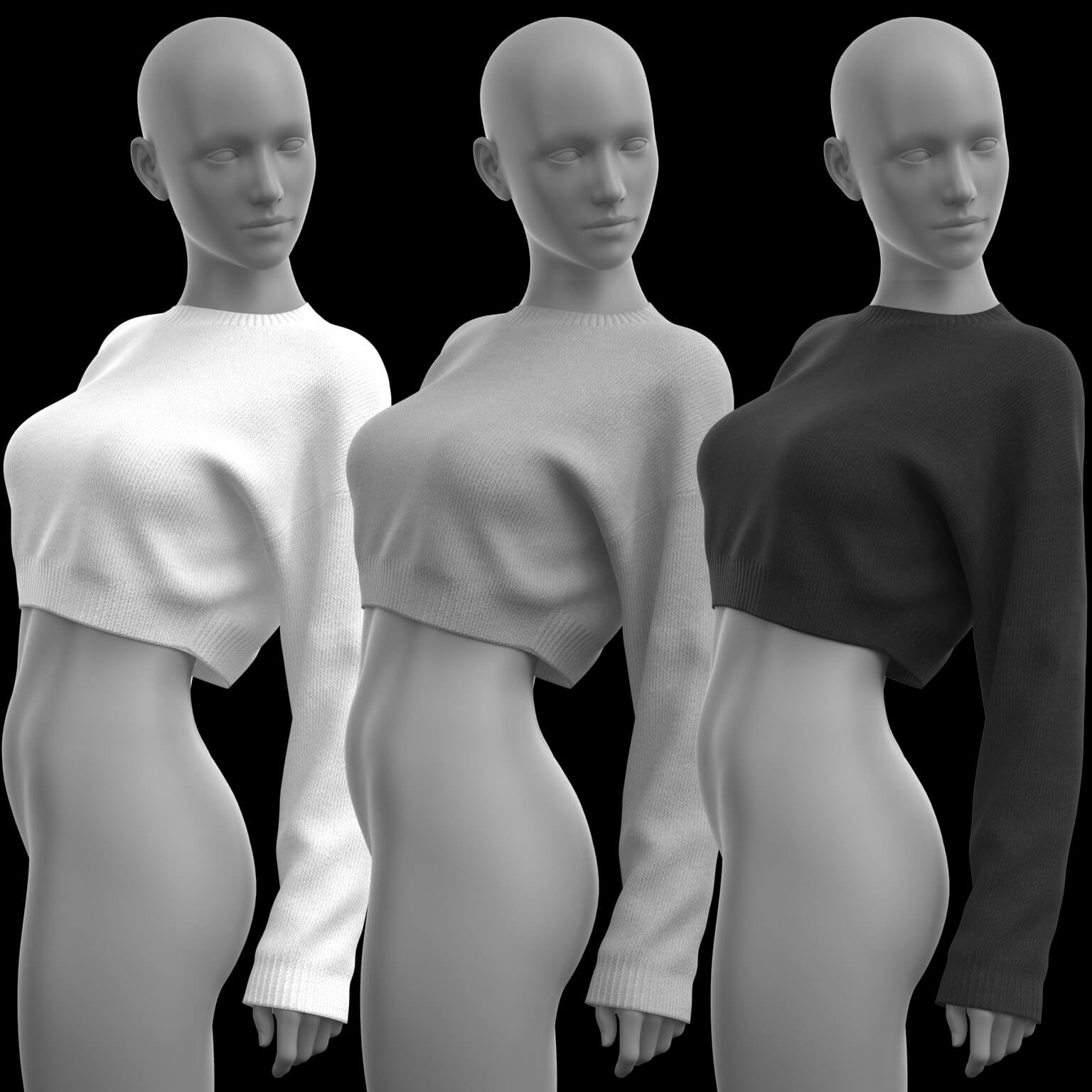
The archive contains 3 color variations of the textures. All of them are presented in the preview.
- Black
- Gray
- White
If necessary, you can easily change the color of the model by changing it in the textures _BaseColor or apply a shade to the _BaseColor texture in the DAZ program settings.
INSTRUCTION MANUAL:
Download the Genesis 8 avatar and upload model to the scene.
Apply the desired color of the material.
Creative success to you!
NOTE :
- dForce is configured for the model, this will allow you to apply the model in any pose.
THANK YOU FOR YOUR PURCHASE!
CHANGES:
04.02.2026
-A change has been made to the file names in order to avoid a conflict of duplicate names.
Sweater
THE PRODUCT CONTAINS:
- Sweater for Genesis 8
ARCHIVE CONTAINS FORMATS:
- Short_Sweater_2v.duf (model)
- Short_Sweater_MAT.duf (material 3 color)
- PNG (textures)
TEXTURES (4096 x 4096 .png):
- Set textures PBR (_AO, _BaseColor, _Height, _Metallic, _Normal, _Roughness)
COLOR VARIATIONS:
The archive contains 3 color variations of the textures. All of them are presented in the preview.
- Black
- Gray
- White
If necessary, you can easily change the color of the model by changing it in the textures _BaseColor or apply a shade to the _BaseColor texture in the DAZ program settings.
INSTRUCTION MANUAL:
Download the Genesis 8 avatar and upload model to the scene.
Apply the desired color of the material.
Creative success to you!
NOTE :
- dForce is configured for the model, this will allow you to apply the model in any pose.
THANK YOU FOR YOUR PURCHASE!
CHANGES:
04.02.2026
-A change has been made to the file names in order to avoid a conflict of duplicate names.
