


 Free 3D
 3D Print Models
 3D Scans
 Animation & MoCap
 Textures
 Materials
 Skin Reference
 2D Game Assets
 Sound Effects
 Brushes & Tools
 Reference Photos
 Stock Images
 HDR Images
 3ds Max
 Maya
 Blender
 Unreal Engine
 Unity
 ZBrush
 Cinema 4D
 LightWave
 Marmoset
 SketchUp
 FBX
 DAE
 DXF
 GLB
Rozu Full Daz Upgrade Kit [multiple plugins]
 128

Hello! as some of you may know, I recently released Daz Edit Mode, an insanely powerful plugin for Daz Studio bringing a massive line up of features and tools from Blender into Daz, along with many original features and improvements tailored to Daz workflows.
While making Daz Edit Mode, I essentially wanted to improve and fix everything that needed changes in Daz Studio, and wanted to add all the features that I felt Daz should have but was lacking. Of course, that's a lot of things, and while Daz Edit Mode did a massive portion of that, it wasn't possible to fit everything I wanted to add in a single plugin.
Which is why while developing Daz Edit Mode, some stuff started branching into its own plugins, so, there will be a line of plugins that go into this full Daz upgrade I wanted to make.
Here's the list of already released ones:
- Daz Edit Mode by Rozu [basically absolutely necessary, literally a full Daz studio upgrade by itself. Link]
- Rozu Content Library [Free, a really good and practical content library browser. it's free just go get it. Link]
- Rozu Draw Modes [highly recommended, especially for Daz 6. Brings original draw modes to Daz with massive improvements to posing performance. Combined with Daz Edit Mode (which also has performance improvements for posing, especially in Daz 4), you can literally get actually seamless posing in full, real scenes in both Daz 6 and Daz 4. Link]
- Rozu Pose Loader [An organized and practical way to browse, find, and load poses - with lots of features and controls for partially loading poses or excluding expressions and other sliders - and same features for saving poses. Link]
- Rozu Render Queue with Crash Guard for Daz 6 and 4 [**included free with Daz Edit Mode**, I'm not even linking to this one's storepage, just go get Daz Edit Mode]
*the lineup isn't done yet, but it'll be a while before the next one.
This forum is for bug reports, feedback, suggestions, questions, and just all around discussion about any of the plugins of this line or about the lineup in general, except Daz Edit Mode, which has its own thread
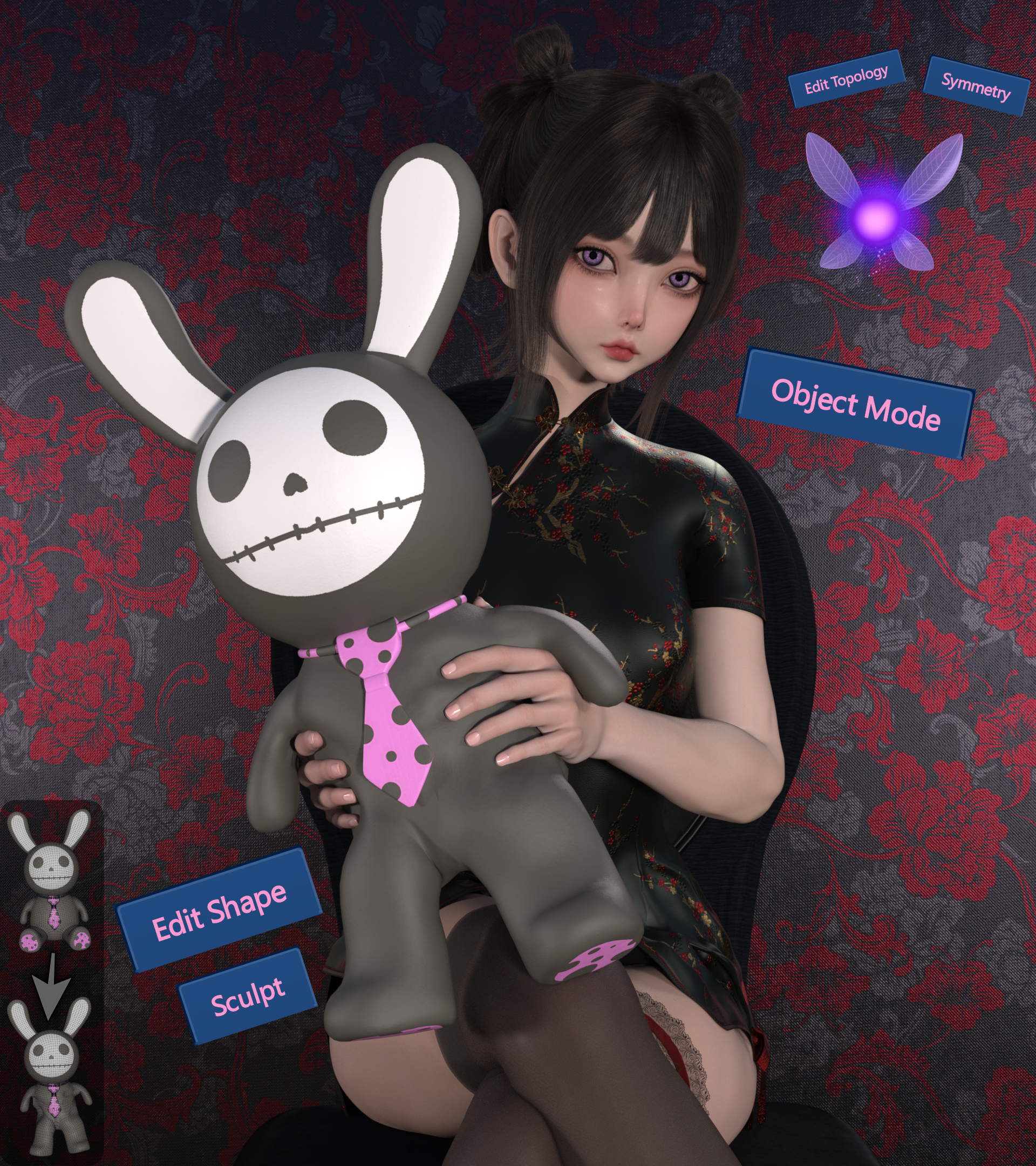
While making Daz Edit Mode, I essentially wanted to improve and fix everything that needed changes in Daz Studio, and wanted to add all the features that I felt Daz should have but was lacking. Of course, that's a lot of things, and while Daz Edit Mode did a massive portion of that, it wasn't possible to fit everything I wanted to add in a single plugin.
Which is why while developing Daz Edit Mode, some stuff started branching into its own plugins, so, there will be a line of plugins that go into this full Daz upgrade I wanted to make.
Here's the list of already released ones:
- Daz Edit Mode by Rozu [basically absolutely necessary, literally a full Daz studio upgrade by itself. Link]
- Rozu Content Library [Free, a really good and practical content library browser. it's free just go get it. Link]
- Rozu Draw Modes [highly recommended, especially for Daz 6. Brings original draw modes to Daz with massive improvements to posing performance. Combined with Daz Edit Mode (which also has performance improvements for posing, especially in Daz 4), you can literally get actually seamless posing in full, real scenes in both Daz 6 and Daz 4. Link]
- Rozu Pose Loader [An organized and practical way to browse, find, and load poses - with lots of features and controls for partially loading poses or excluding expressions and other sliders - and same features for saving poses. Link]
- Rozu Render Queue with Crash Guard for Daz 6 and 4 [**included free with Daz Edit Mode**, I'm not even linking to this one's storepage, just go get Daz Edit Mode]
*the lineup isn't done yet, but it'll be a while before the next one.
This forum is for bug reports, feedback, suggestions, questions, and just all around discussion about any of the plugins of this line or about the lineup in general, except Daz Edit Mode, which has its own thread


! REPORT
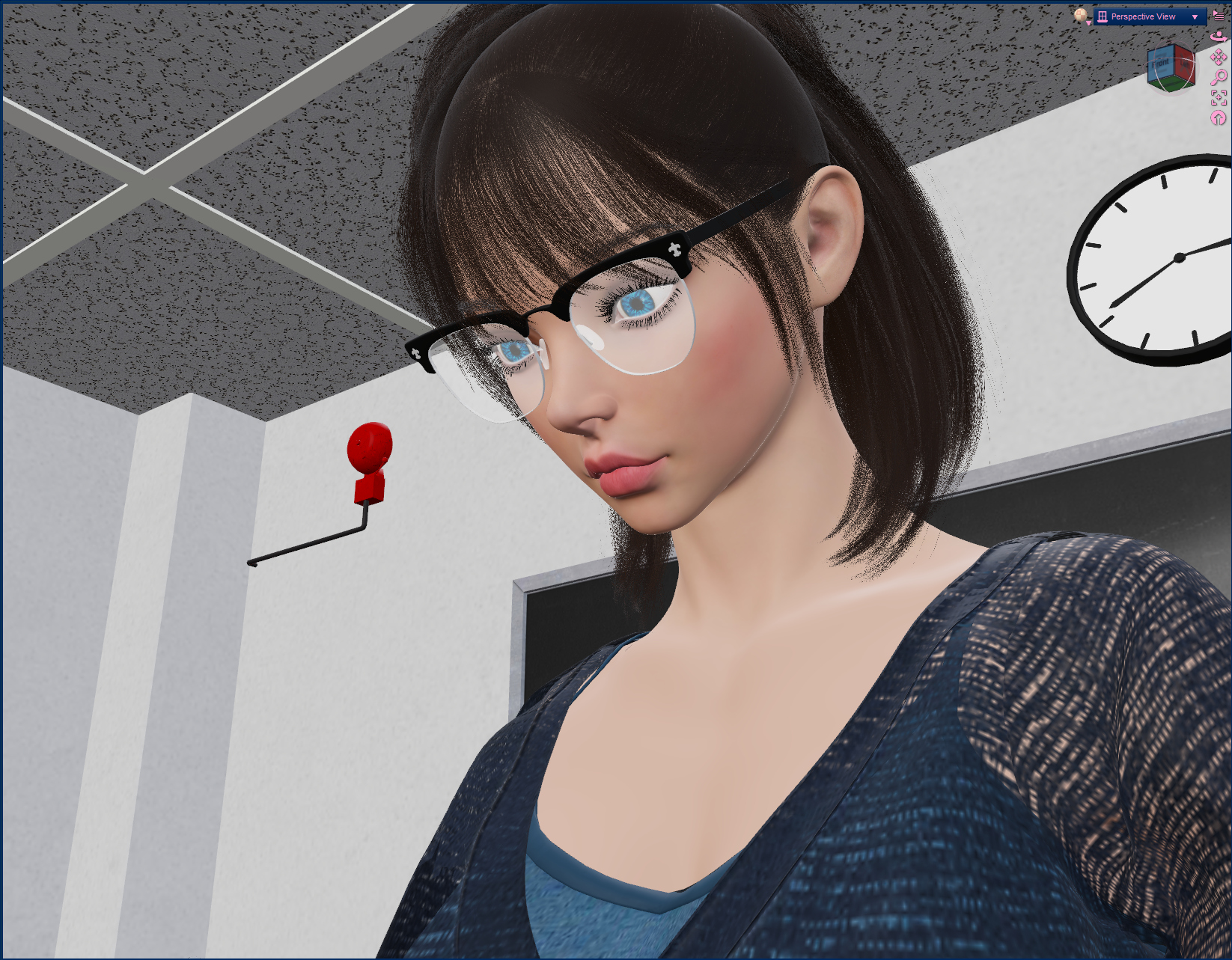
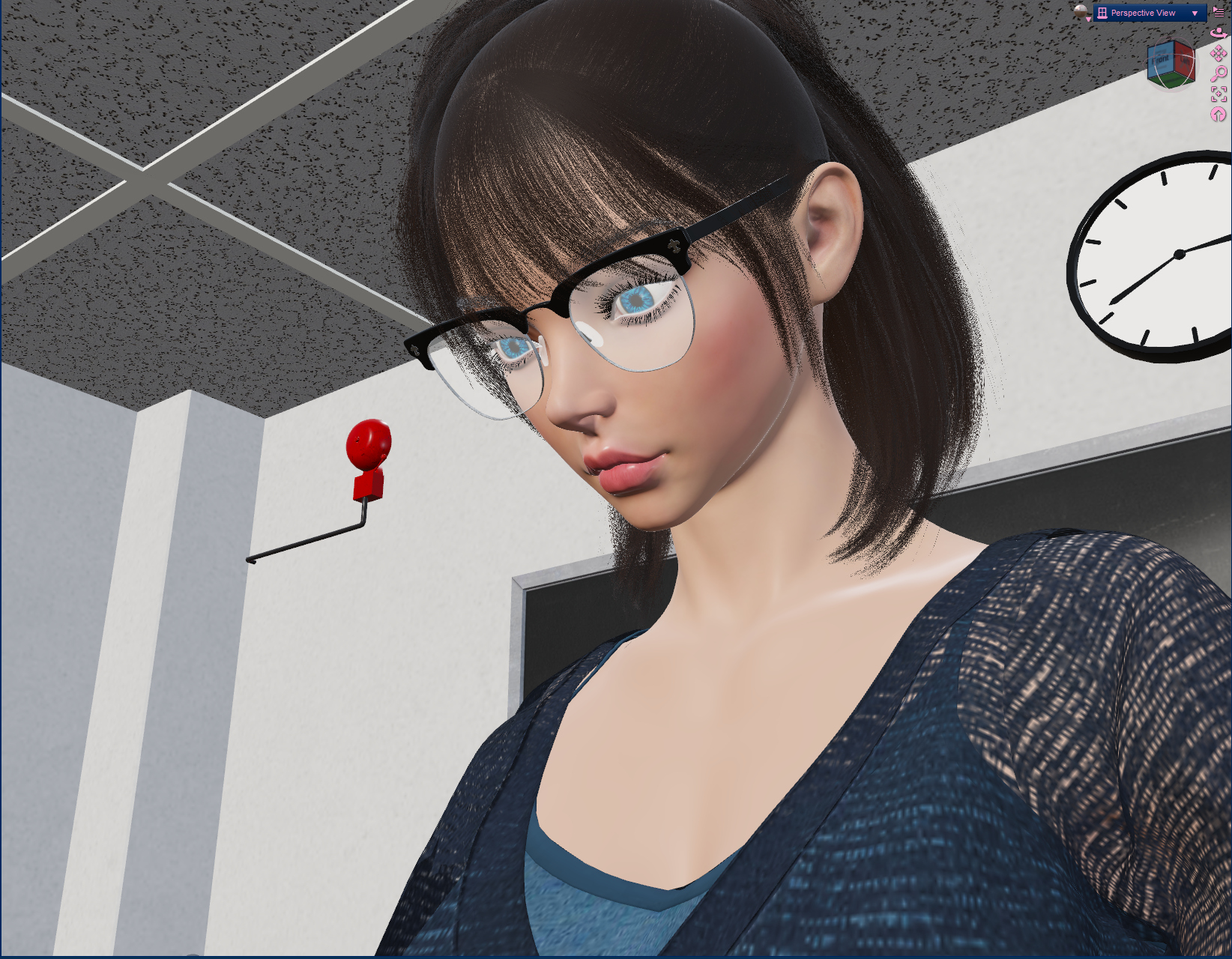
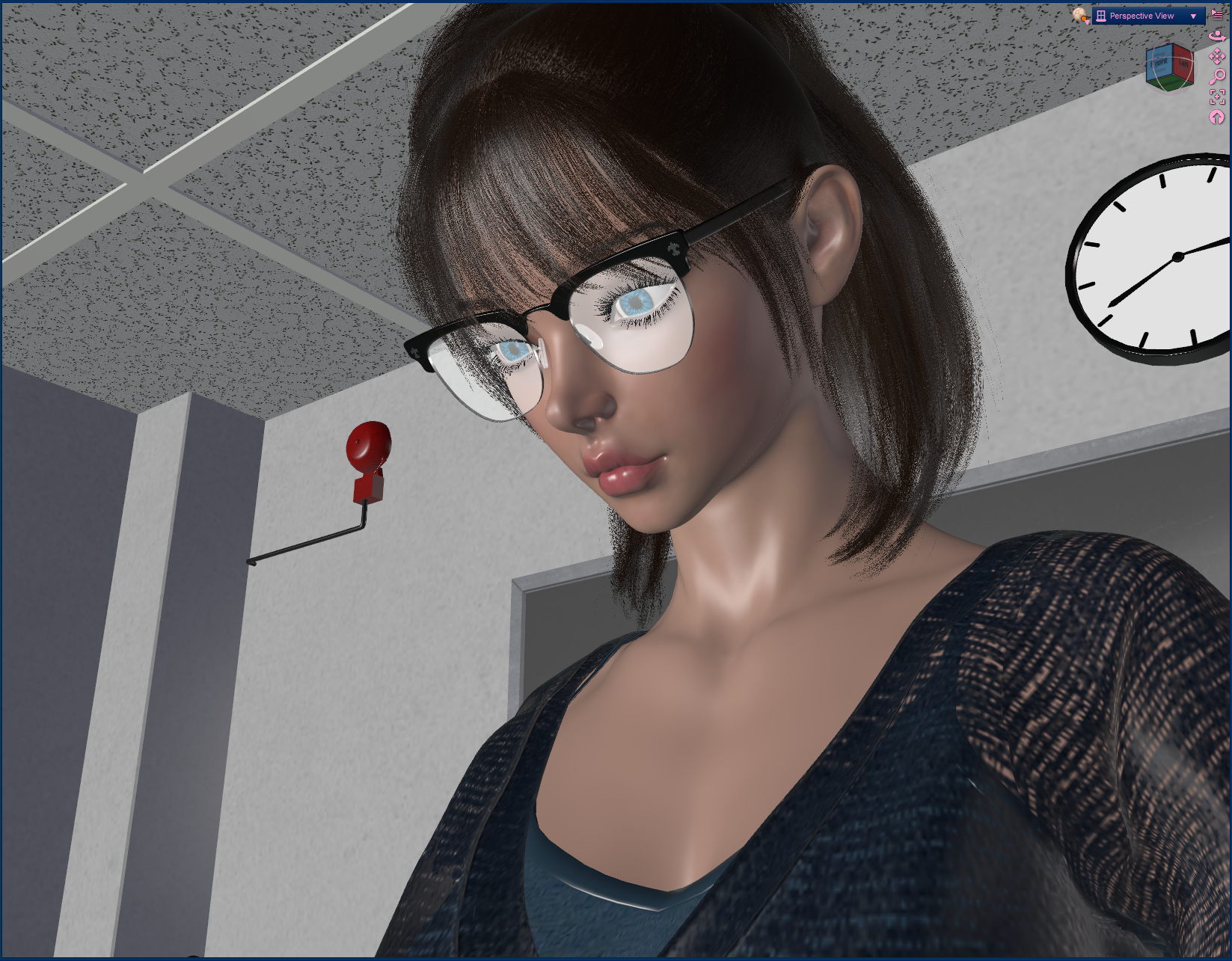
I've gotten a bug report through DMs about glasses / eyes not showing properly in Daz 4 in the original draw modes of Rozu Draw Modes plugin, but I have not encountered this issue myself nor have I been able to replicate it, so if anyone else has come across it, I would appreciate screenshots and info about the surfaces that aren't showing correctly.
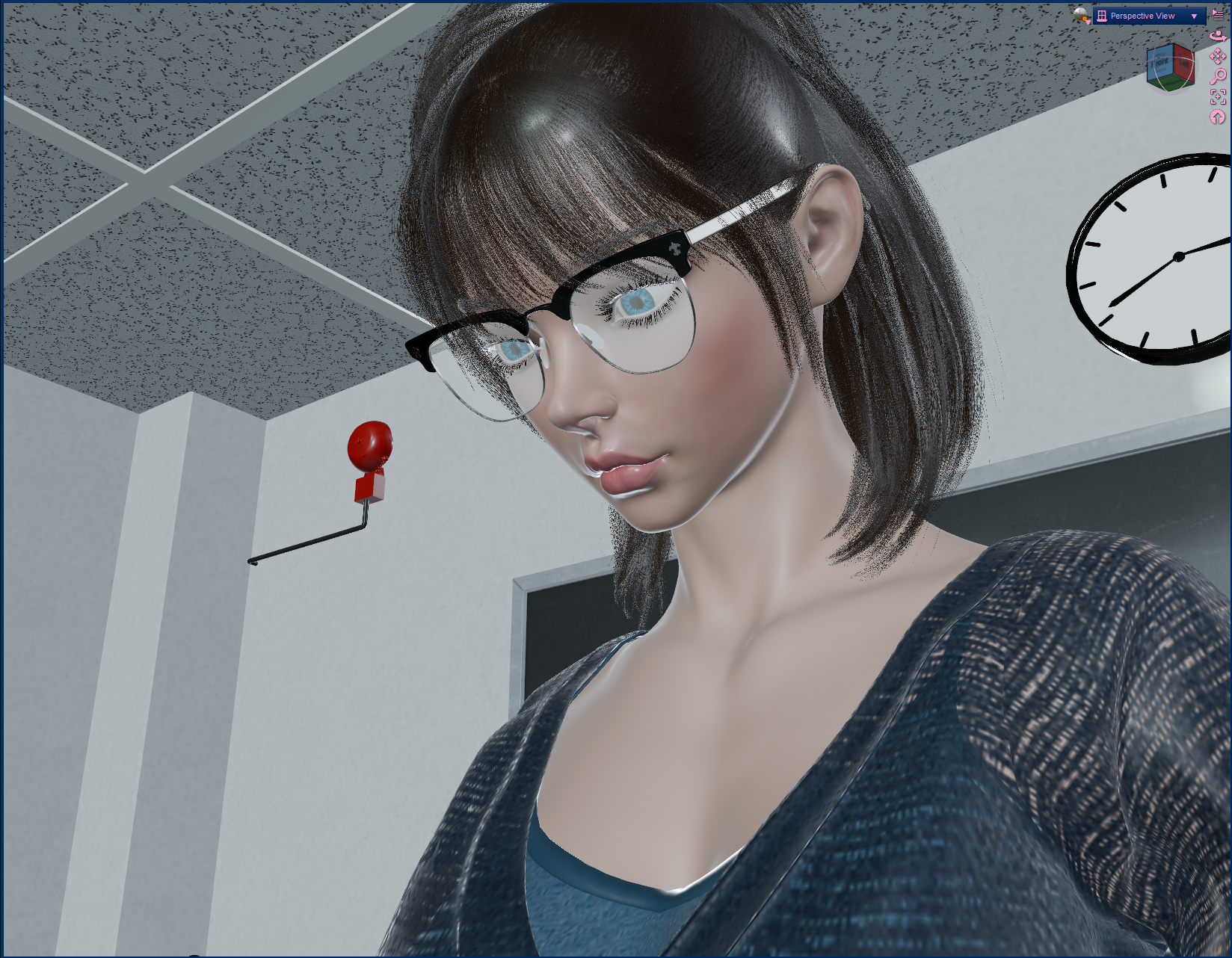
in addition, I've noticed a bug with Rozu Draw Modes fast posing in Daz 6 where sometimes attached objects or geoshells will be stale after movement. While I'll look into it and hopefully have a fix tomorrow, this is a rare thing that I hadn't experienced during testing, so you might not run into it at all, but if you do in the meantime before it's fixed, ctrl z then ctrl y (undo then redo) will have the stale objects catch up. again, this is a rare bug, you might not run into it at all, and I should have a fixed version uploaded tomorrow
in addition, I've noticed a bug with Rozu Draw Modes fast posing in Daz 6 where sometimes attached objects or geoshells will be stale after movement. While I'll look into it and hopefully have a fix tomorrow, this is a rare thing that I hadn't experienced during testing, so you might not run into it at all, but if you do in the meantime before it's fixed, ctrl z then ctrl y (undo then redo) will have the stale objects catch up. again, this is a rare bug, you might not run into it at all, and I should have a fixed version uploaded tomorrow
REPLY
! REPORT

Hi
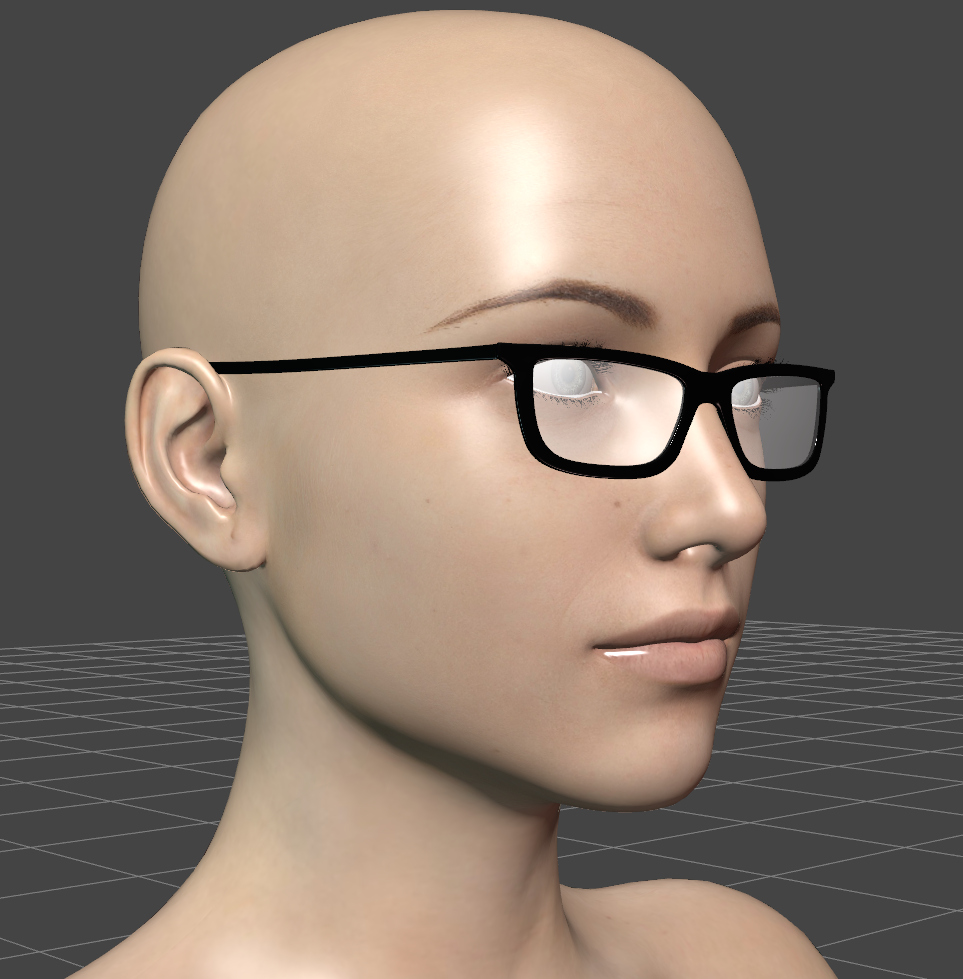
Here are a few examples I've come across.
daz4
daz6
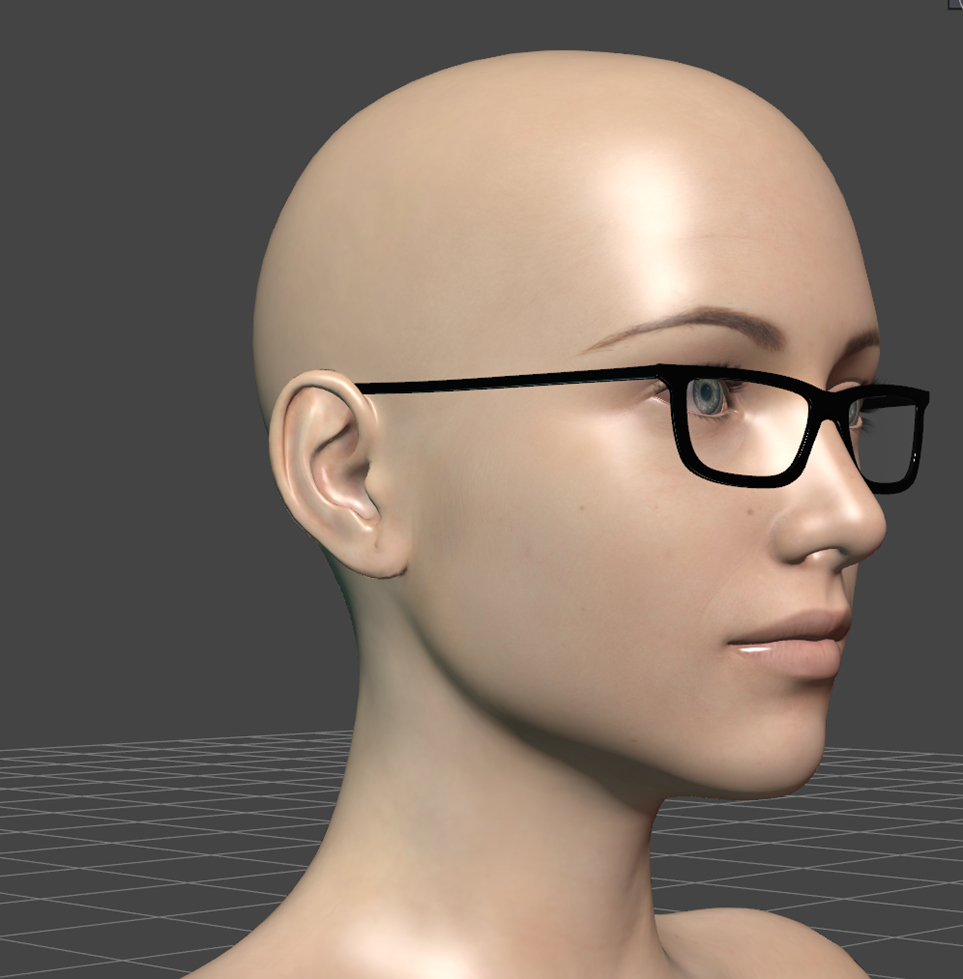
Here are a few examples I've come across.
daz4
daz6
REPLY
! REPORT
Rozuro Nuro
Karma: 602
Sun, Nov 01in daz 4, do the eyes look fine without the glasses? and, the glasses, what shader do they use? "Iray Uber (MDL)" or something else?
This is DAZ Studio 4 with only Genesis 8 Basic Female loaded.
The viewport below is using the standard Texture Shaded mode.
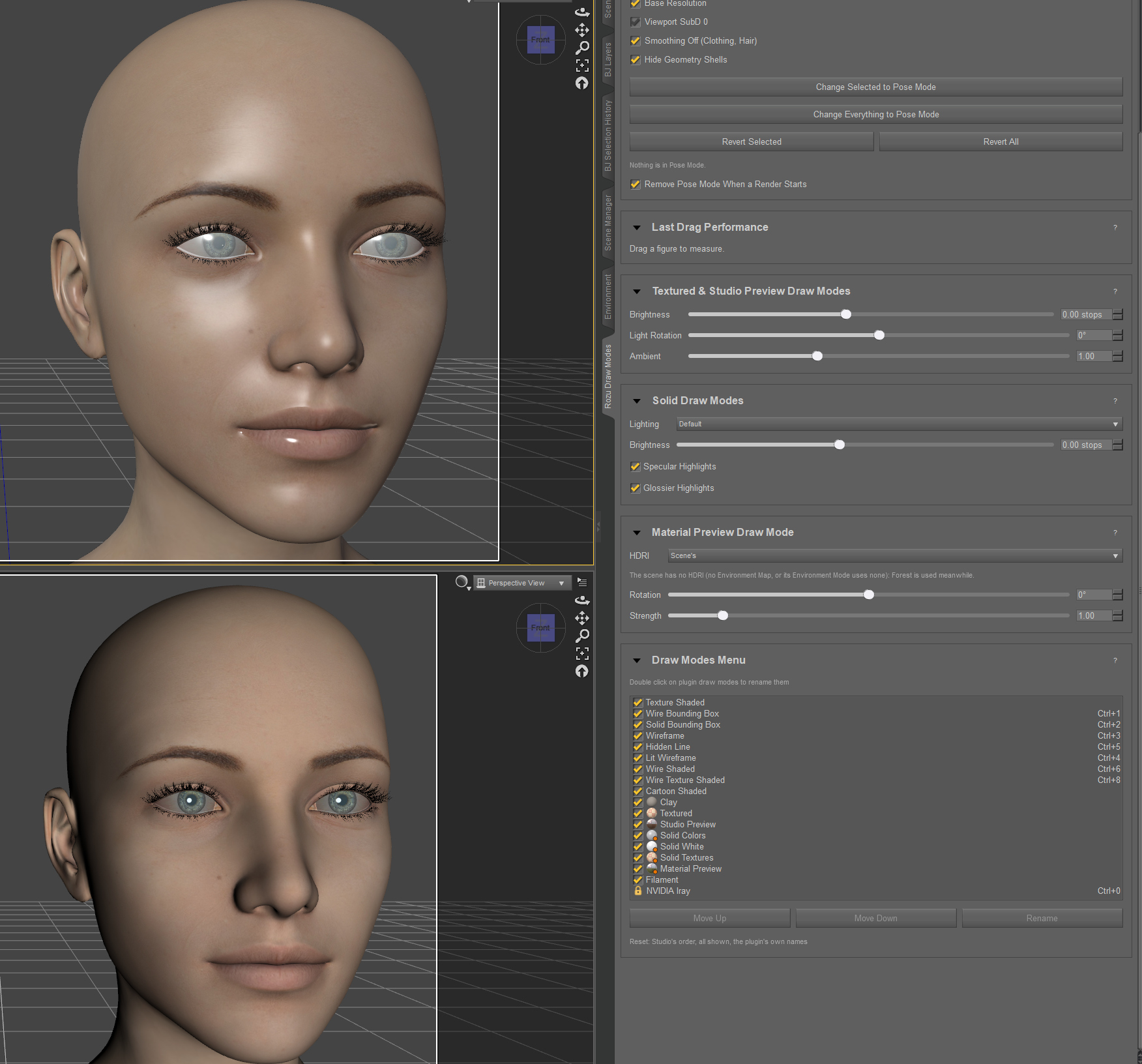
The viewport below is using the standard Texture Shaded mode.
REPLY
! REPORT
Fixed, thank you very much for the bug report. The issue was refraction not being handled completely correctly in daz 4 for the draw modes added by the plugin, they behave exactly the same as they did in daz 6 now.
There were also three other bugs I had found in the plugin - all three are also fixed: 1] geoshells/objects staying stale during drags, there were variations of how this bug behaves depending on studio version and fast posing settings, all fixed. 2] Daz 6, objects parented to hidden objects were not being being drawn by quick preview during drags. 3] Daz 6, strand based hair was not being drawn in quick preview during drags.
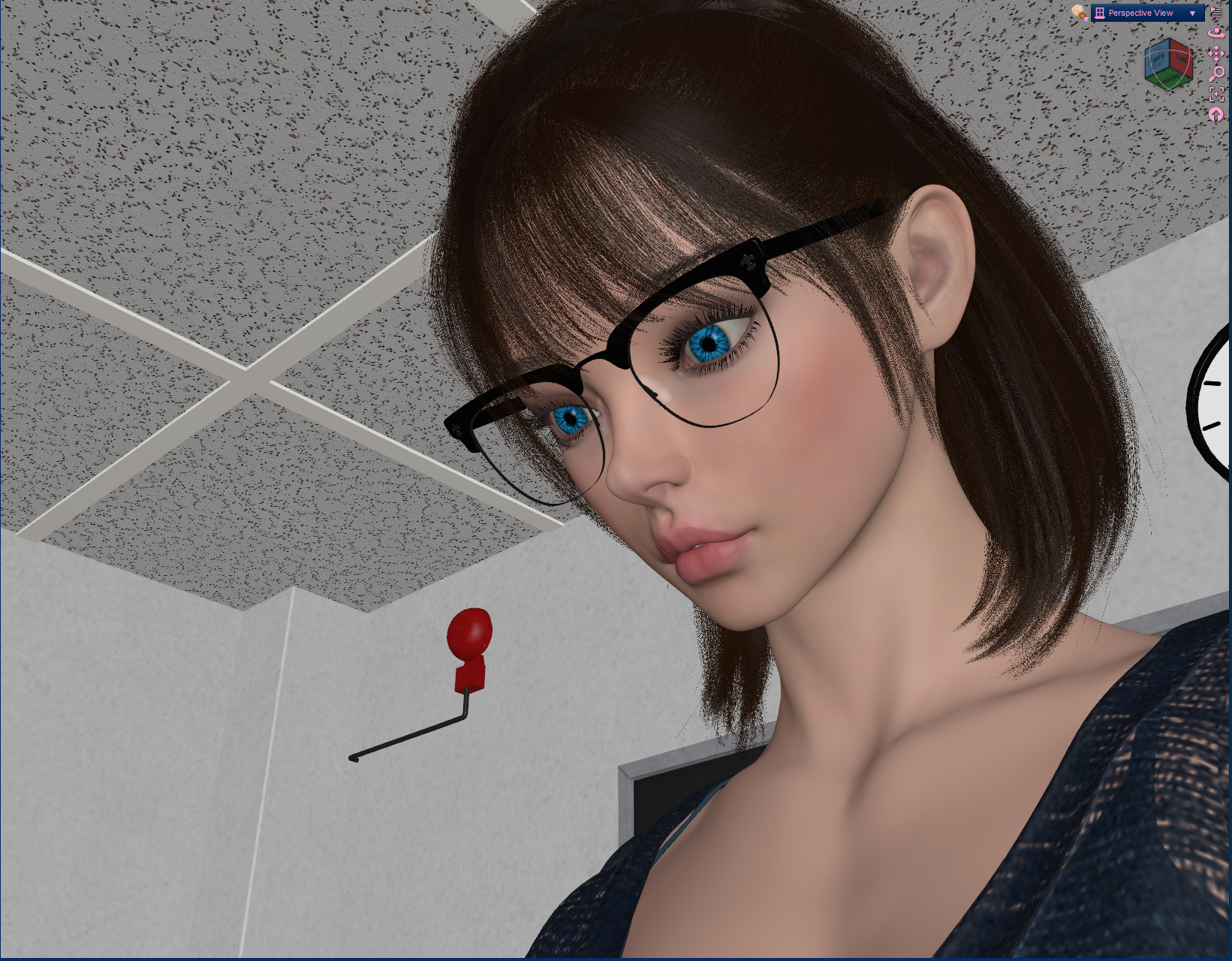
I apologize for the inconvenience for any users who ran into any of these bugs
There were also three other bugs I had found in the plugin - all three are also fixed: 1] geoshells/objects staying stale during drags, there were variations of how this bug behaves depending on studio version and fast posing settings, all fixed. 2] Daz 6, objects parented to hidden objects were not being being drawn by quick preview during drags. 3] Daz 6, strand based hair was not being drawn in quick preview during drags.
I apologize for the inconvenience for any users who ran into any of these bugs
REPLY
! REPORT