


 Free 3D
 3D Print Models
 3D Scans
 Animation & MoCap
 Textures
 Materials
 Skin Reference
 2D Game Assets
 Sound Effects
 Brushes & Tools
 Reference Photos
 Stock Images
 HDR Images
 3ds Max
 Maya
 Blender
 Unreal Engine
 Unity
 ZBrush
 Cinema 4D
 LightWave
 Marmoset
 SketchUp
 FBX
 DAE
 DXF
 GLB
G3R Modern Billboard Pack 21-24 Bundle

5.0 Stars |1 Rating


! REPORT
NOTE: DIGITAL DOWNLOAD, NOT A PHYSICAL ITEM

Add to Collection

0 Likes
Share This Bundle


Top Rated Vendor


Just another hobby level Daz user. I have some tutorials available on Rumble, Odysee, and Bitchute under G3Renderworks. Also available for commissions like custom billboards/characters, creating DIM compatibility for a product, or creating metadata/smart content.

Included in This Bundle
G3R Modern Billboard Pack 21

G3R Modern Billboard Pack 22

G3R Modern Billboard Pack 23
G3R Modern Billboard Pack 24

Bundle Details
| Vendor: | G3 Renderworks |
| Published: | Nov 25, 2026 |
| Items Included: | 4 |
| Combined Value: | $20.00 |
| full details [+] |
Statistics
| Favorites: | 0 |
| Likes: | 0 |
| Views: | 12 |
Item Ratings
1 Rating5 Stars|Aug 09, 2026
Great billboards for a great price, work perfectly in Daz Studio, finally there is a billboard set that is tailored towards reacting to the subject of your scene.
G3R Modern Billboard Pack 21-24 Bundle
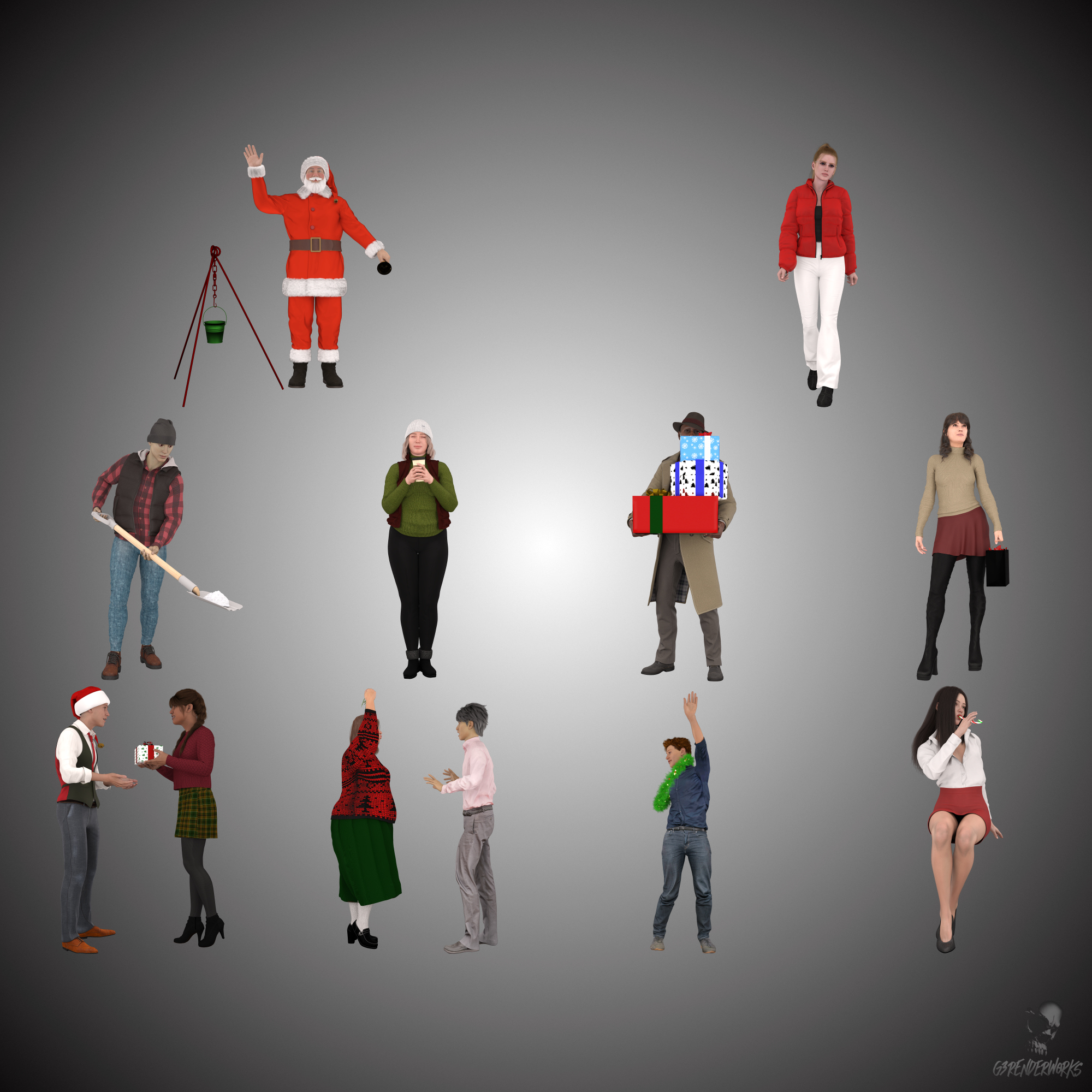
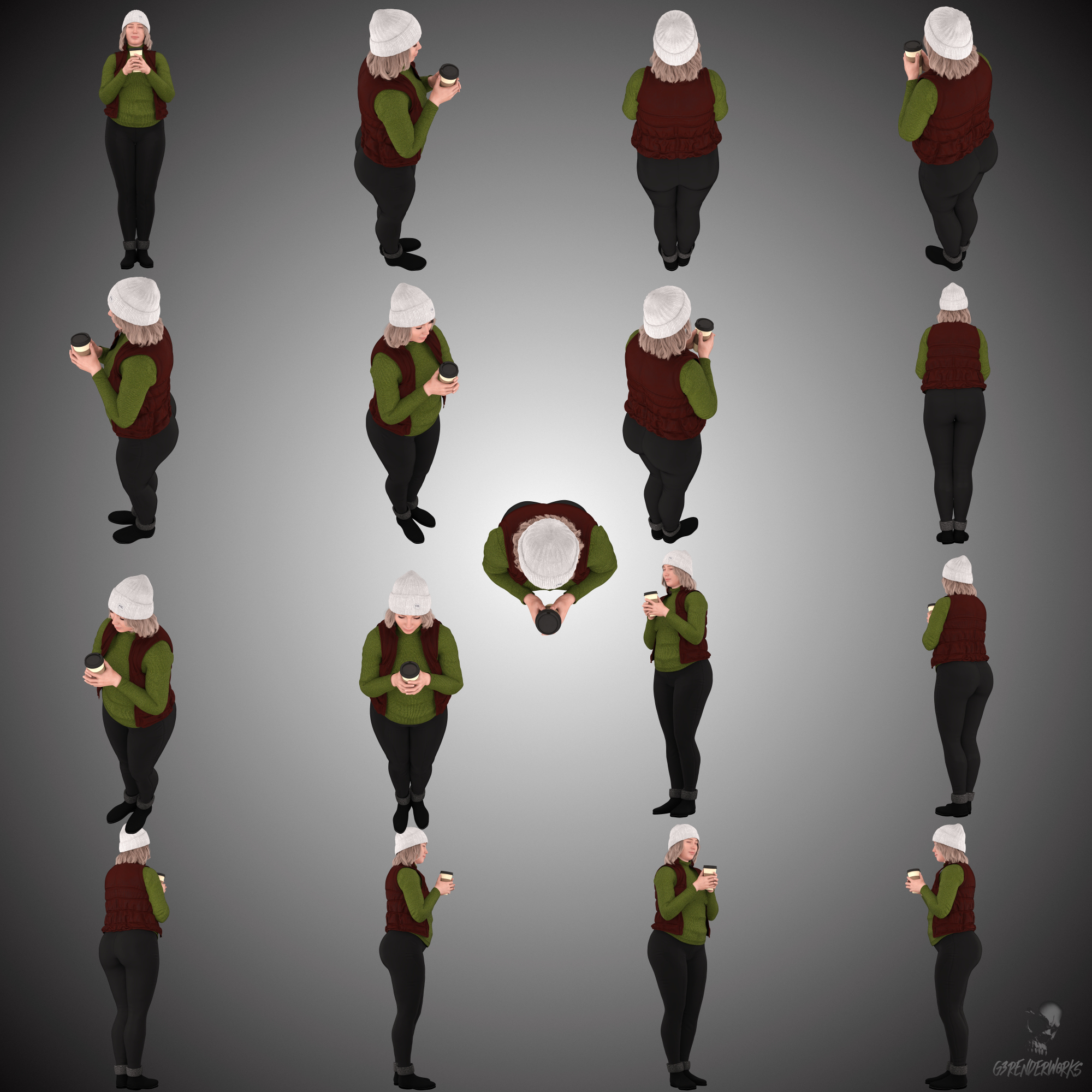
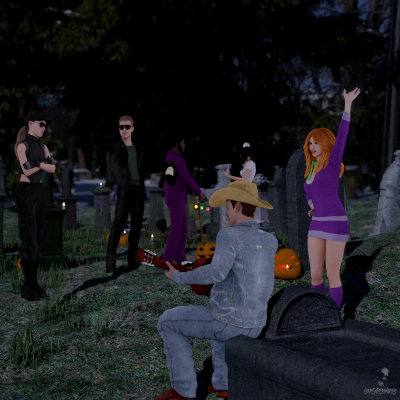
This bundle contains 40 people billboard props, each with 17 angles so you can find one that suits your render. The billboards were created with 2k textures and even lighting so they should fit well into any scene.
Tips: Orient the billboards to face your camera. The seated poses are little closer to the camera so they appear larger, simply scale to fit your needs. If any of the billboards picks up too much shine from your lighting then lower the glossy reflectivity.
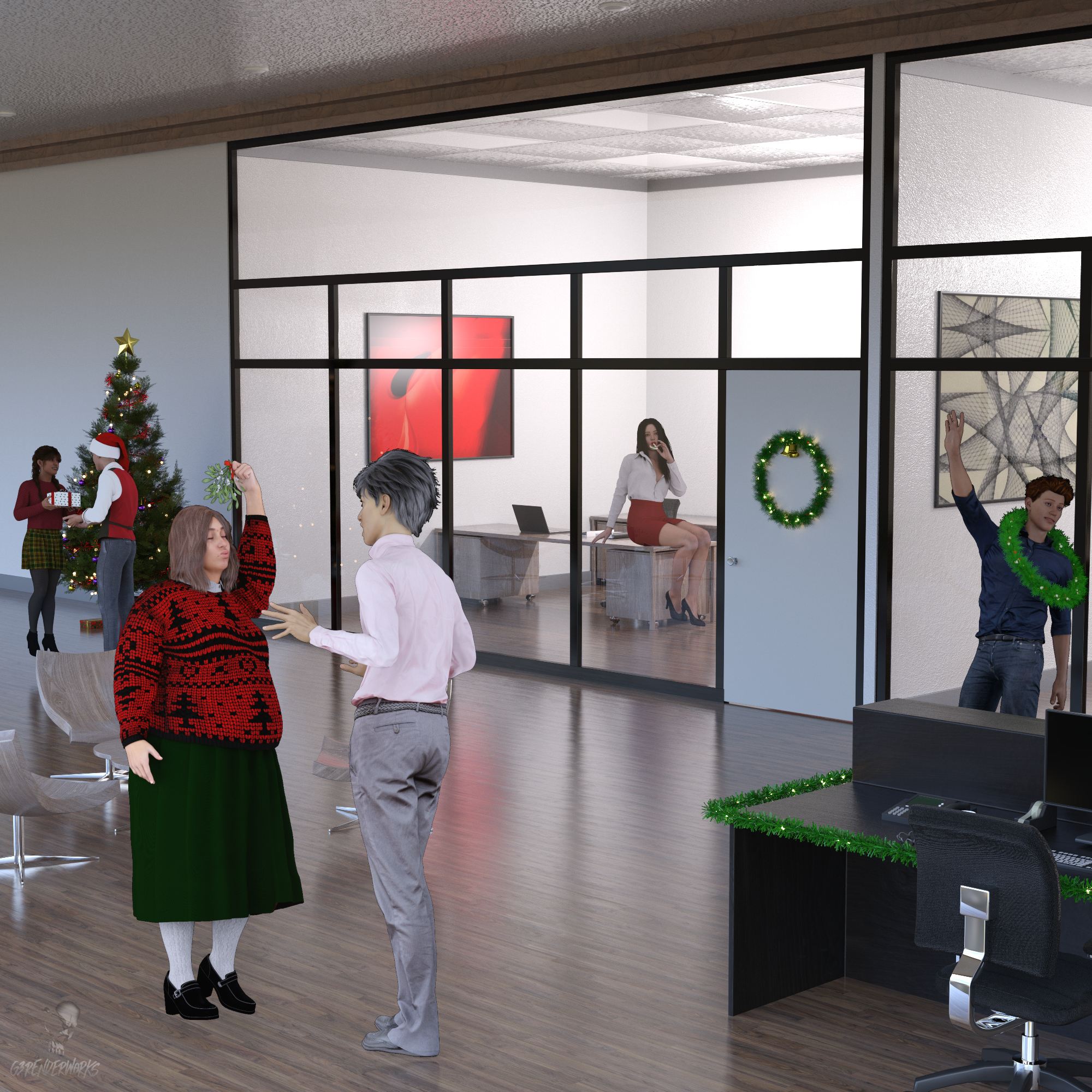
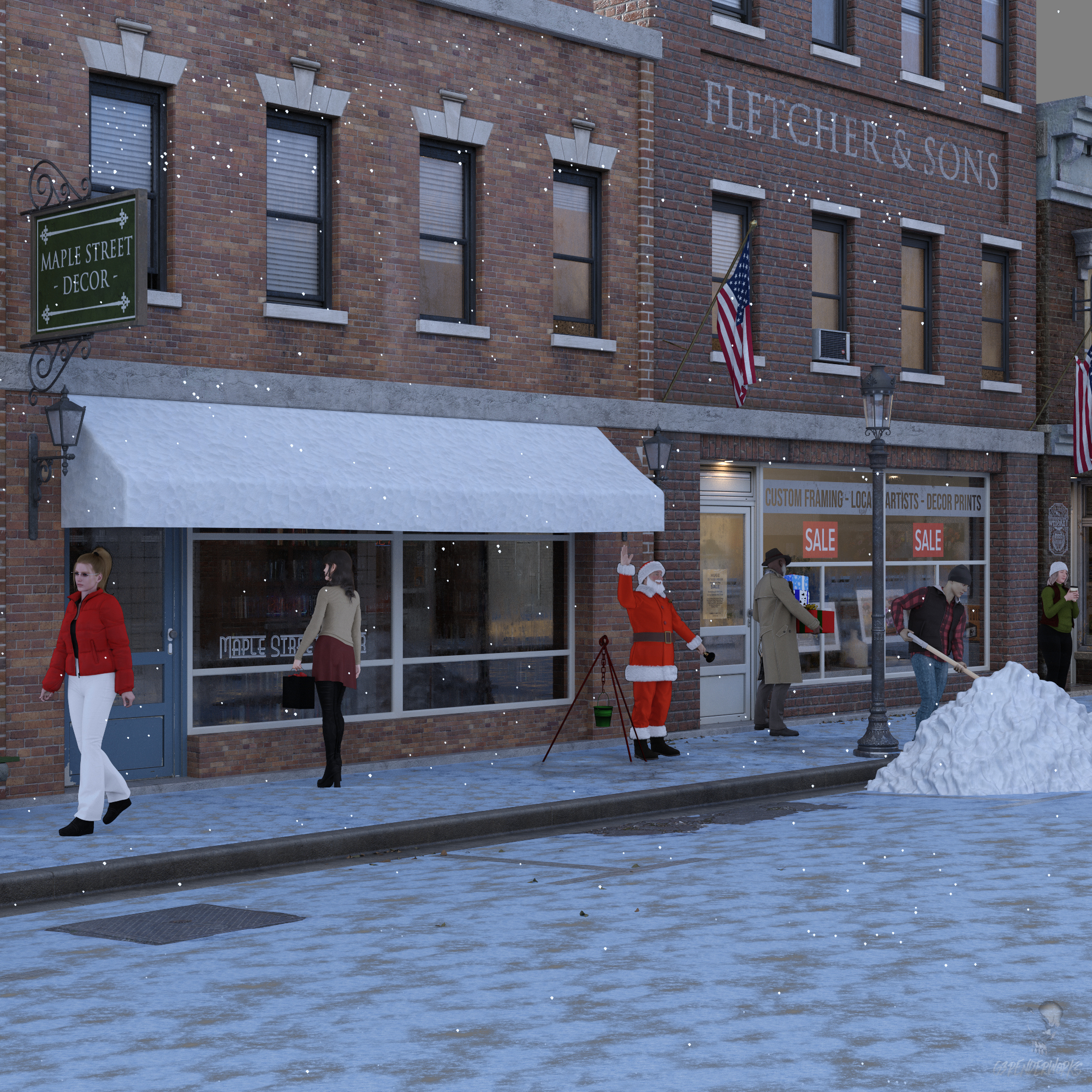
OTHER ITEMS SEEN IN THE PROMO IMAGES ARE NOT INCLUDED. You can find a list of items used in the respective documentation or forum posts linked on the product pages.
Promo images are rendered in Daz without any postwork.
Requirements: A computer capable of running Daz Studio. This product was made in Daz 4.24 (public build).
Manual Installation: Open or extract the zip file and navigate to the content folder. Extract or move everything inside the content folder to your Daz3d Library.
DIM Installation: Place the zip file in the download location set in DIM. Start or refresh DIM so the package shows up under the "Ready to Install" tab. Press the "Install" button.
Categories
