


 Free 3D
 3D Print Models
 3D Scans
 Animation & MoCap
 Textures
 Materials
 Skin Reference
 2D Game Assets
 Sound Effects
 Brushes & Tools
 Reference Photos
 Stock Images
 HDR Images
 3ds Max
 Maya
 Blender
 Unreal Engine
 Unity
 ZBrush
 Cinema 4D
 LightWave
 Marmoset
 SketchUp
 FBX
 DAE
 DXF
 GLB
Sand Beach Freebie

5.0 Stars |3 Ratings


User Artwork (2)
! REPORT
FREE
NOTE: DIGITAL DOWNLOAD, NOT A PHYSICAL ITEM

Add to Collection

12 Likes
Share This Daz Content


Offered By


License
Extended Use License
This item comes with our Extended Use Licensing. This means that you may use the model for both non-commercial and commercial purposes, in a variety of mediums and applications.
For full license terms, see our 3D Content Licensing Agreement
Item Details
| Vendor: | gagorderRH |
| Published: | Nov 06, 2026 |
| Download Size: | 32.1 MB |
| Software: | Daz Studio |
| dForce: | – |
Included Formats

Statistics
| Favorites: | 7 |
| Likes: | 12 |
| Views: | 482 |
Item Ratings
3 Ratings5 Stars|Nov 07, 2026
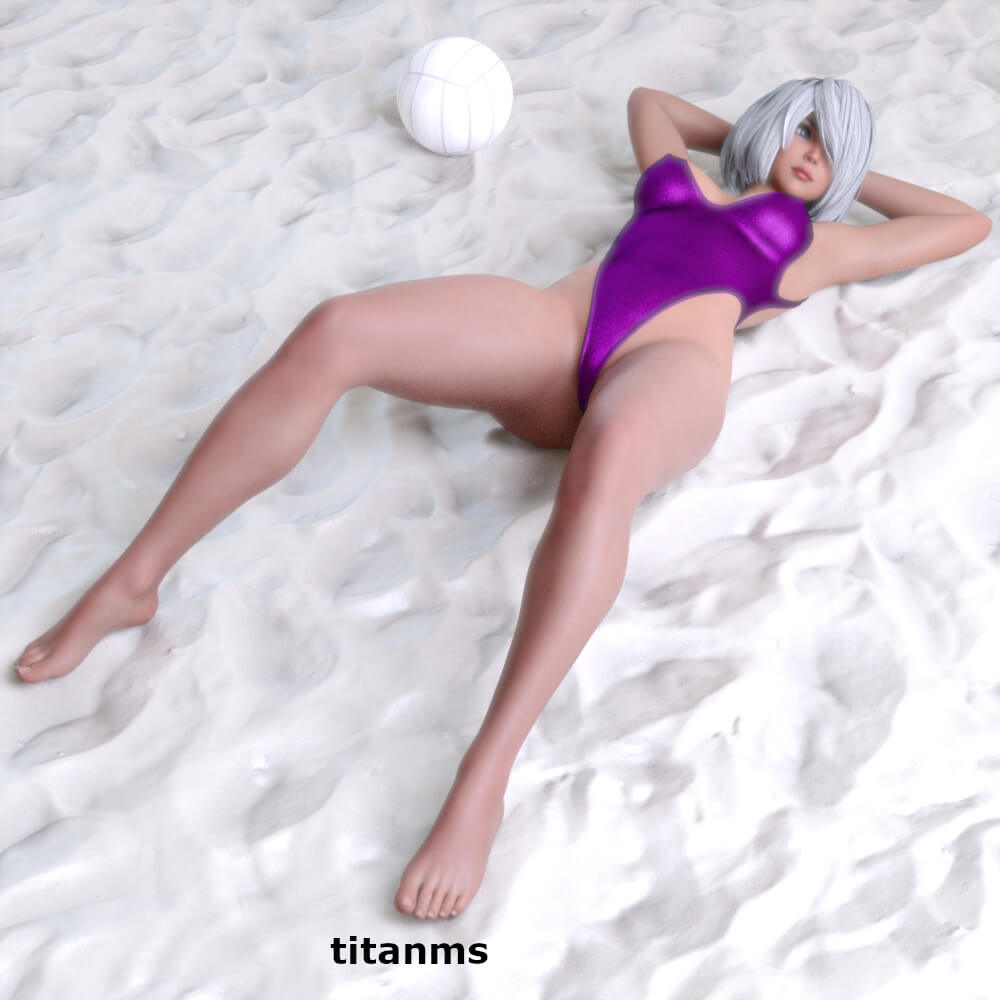
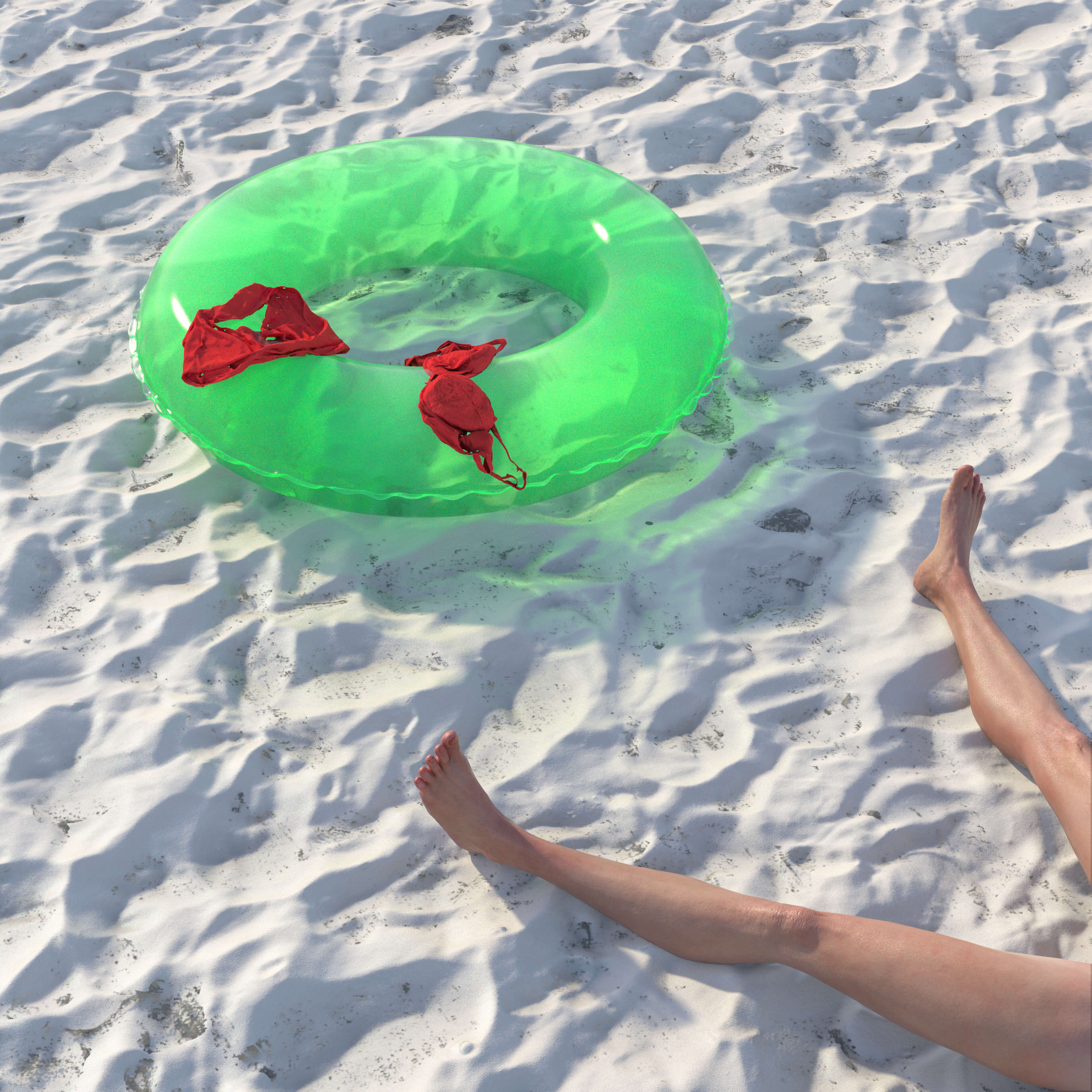
Easily the best sand prop and texture for Daz that I've ever seen. Most sand textures look like wet cement but this one is exceptionally realistic. Thank you for providing it!!
5 Stars|Nov 07, 2026
thank you
5 Stars|Nov 06, 2026
This looks awesome thank you , i hate how the beach always looks flat on other downloads with not foot prints or ripples . This is amazing thank you .
Sand Beach Freebie
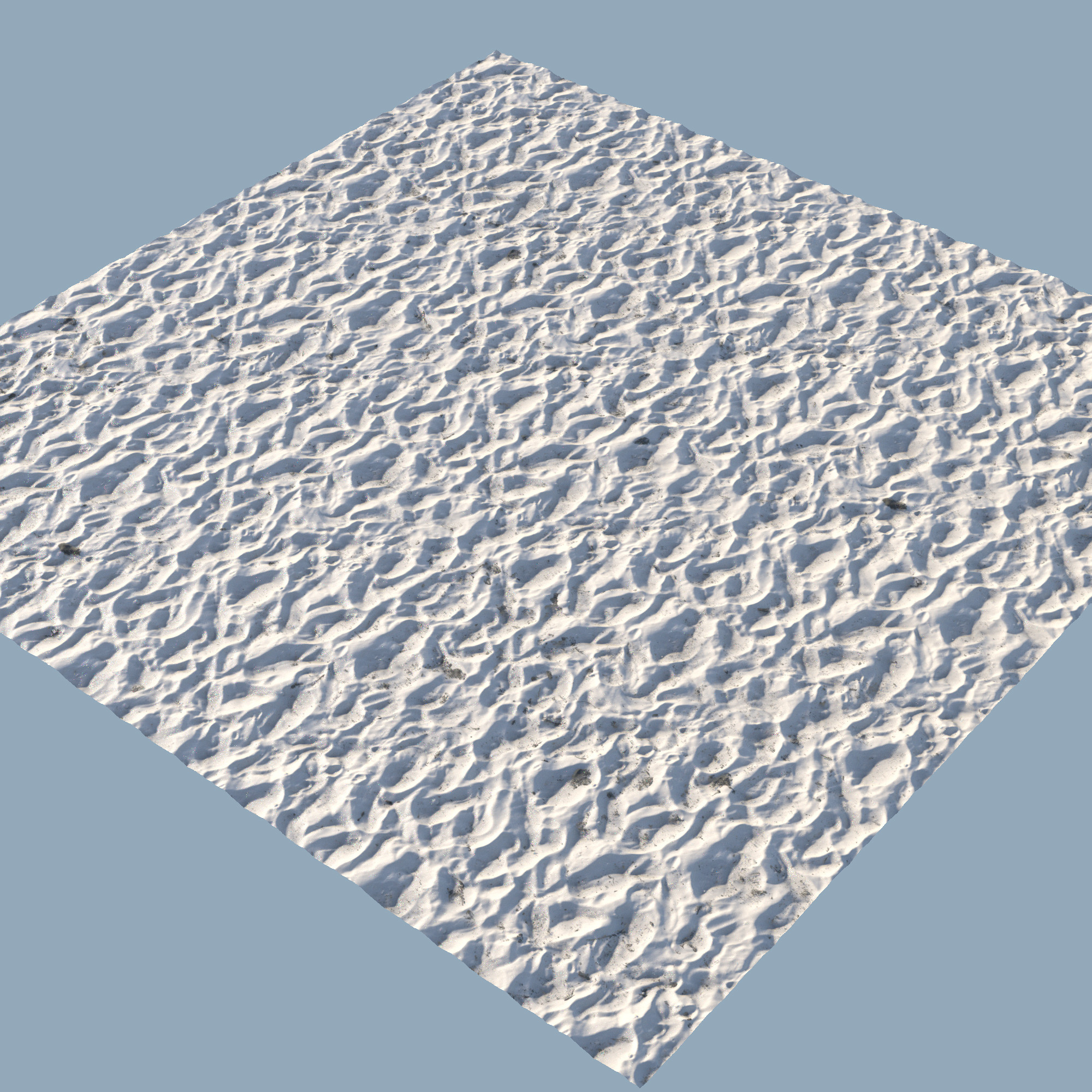
This is a Scene Subset containing a tileable 6 by 6 m sand square and a Geoshell dirt layer.
Load via Scene Subset.
It's tileable and quite resistant to pattern repeating. Basis is a simple plane with a displacement map. The shader is maybe a bit complicated, but it works quite nicely also in closeups.
Of course you can put it on any other geometry, but take care of the scale then. If you use a larger plane, you have to downscale the mapping accordingly.
You can easily reshape the plane, or use external geometry, to form small mounds and use them to break up a too monotonous area. Just leave the edge of the mound/shape at Y=0, push it a little down that the edges disappear below the basic plane.
Load via Scene Subset.
It's tileable and quite resistant to pattern repeating. Basis is a simple plane with a displacement map. The shader is maybe a bit complicated, but it works quite nicely also in closeups.
Of course you can put it on any other geometry, but take care of the scale then. If you use a larger plane, you have to downscale the mapping accordingly.
You can easily reshape the plane, or use external geometry, to form small mounds and use them to break up a too monotonous area. Just leave the edge of the mound/shape at Y=0, push it a little down that the edges disappear below the basic plane.
