


 Free 3D
 3D Print Models
 3D Scans
 Animation & MoCap
 Textures
 Materials
 Skin Reference
 2D Game Assets
 Sound Effects
 Brushes & Tools
 Reference Photos
 Stock Images
 HDR Images
 3ds Max
 Maya
Maya Blender
 Unreal Engine
 Unity
Unity ZBrush
 Cinema 4D
 LightWave
 Marmoset
 SketchUp
 FBX
FBX DAE
DAE DXF
DXF GLB
GLB
Audio2LipSync — Lip Sync From Audio for DAZ Studio

5.0 Stars |14 Ratings


User Artwork (2)
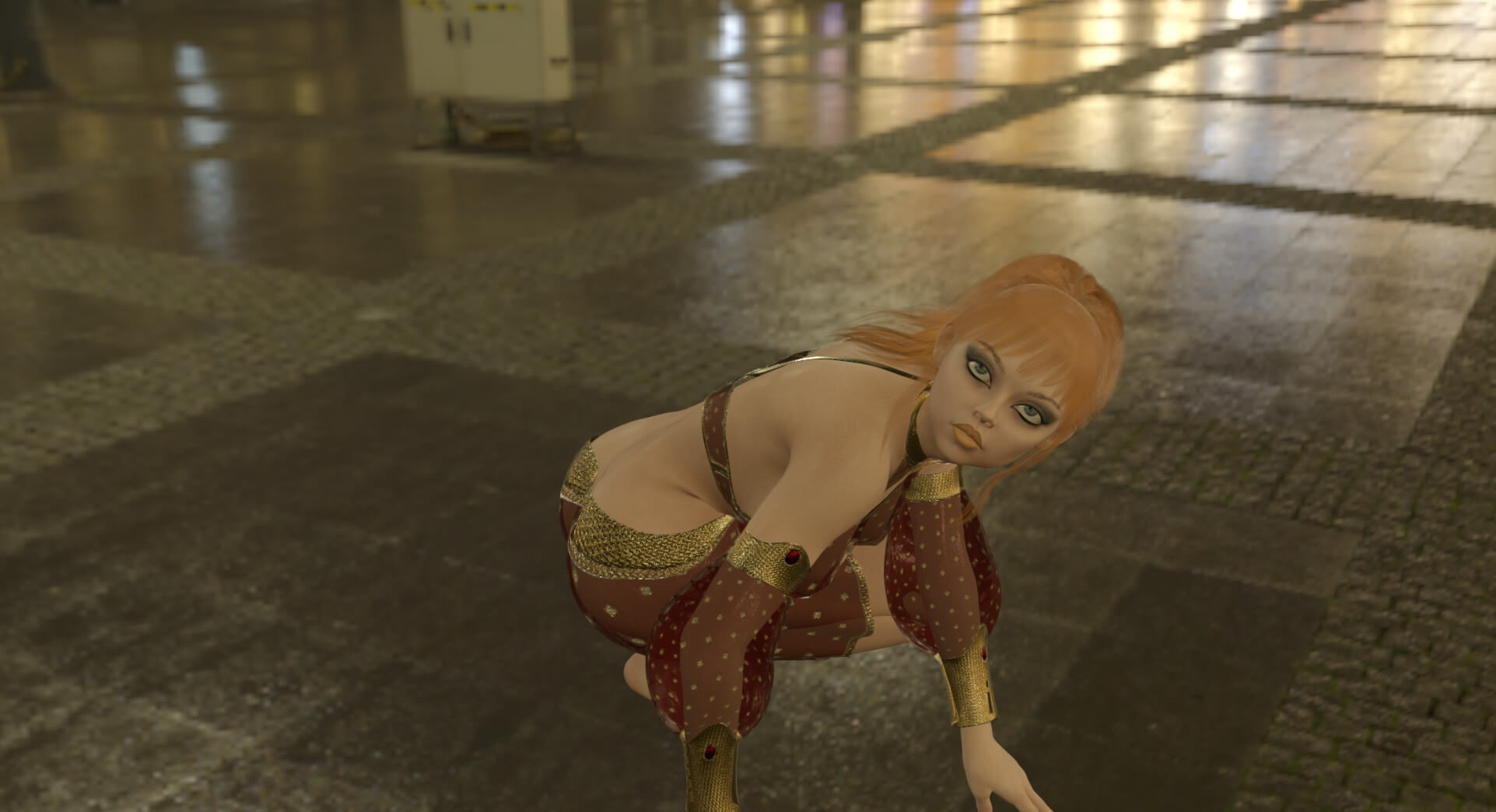
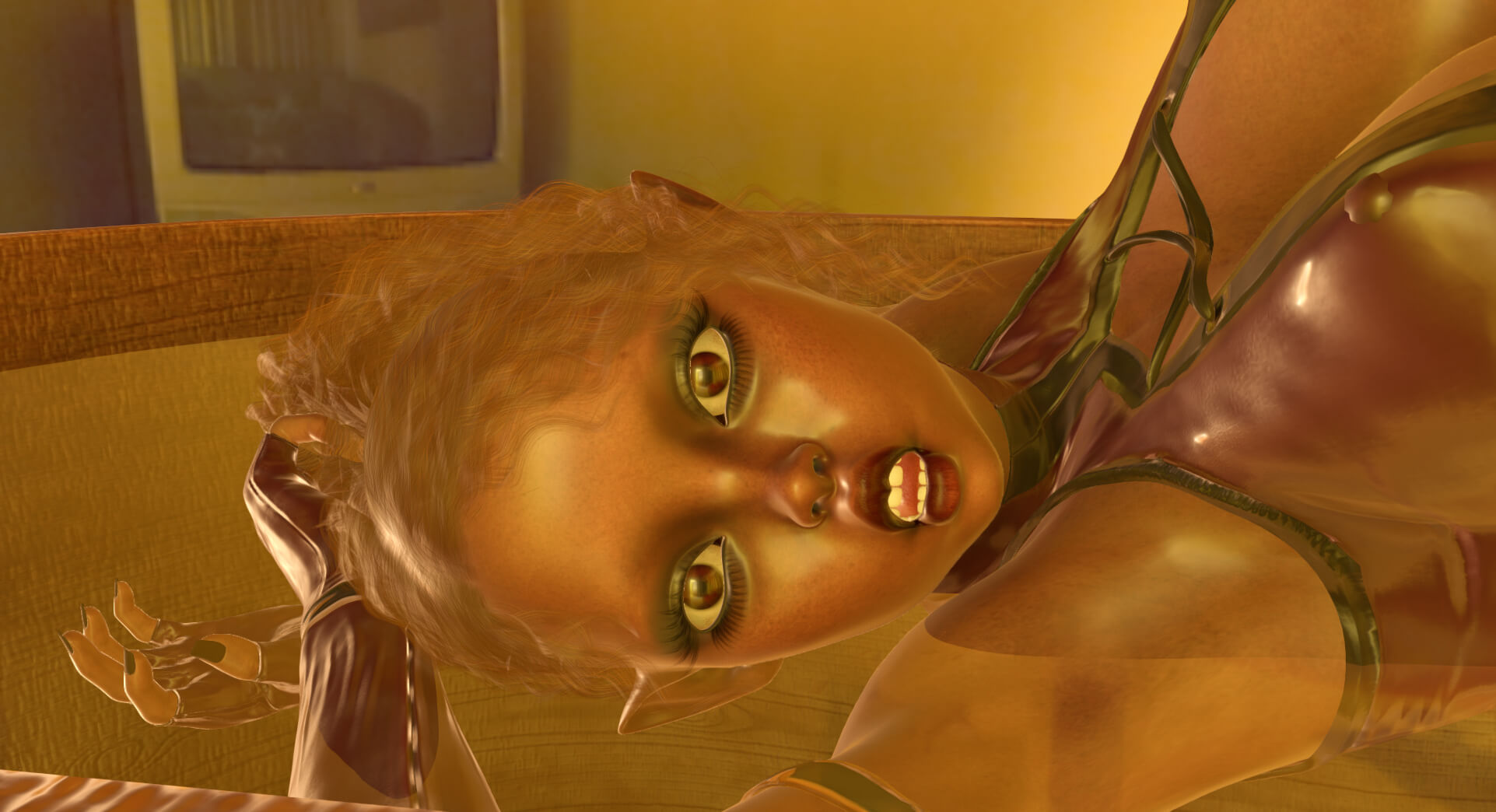
This Item Was Made Using
! REPORT
FREE
NOTE: DIGITAL DOWNLOAD, NOT A PHYSICAL ITEM

Add to Collection

30 Likes
Share This Daz Content


Top Rated Vendor


License
Extended Use License
This item comes with our Extended Use Licensing. This means that you may use the model for both non-commercial and commercial purposes, in a variety of mediums and applications.
For full license terms, see our 3D Content Licensing Agreement
Item Details
| Vendor: | intenzo |
| Published: | Sep 11, 2026 |
| Download Size: | 45 MB |
| Software: | Daz Studio |
| Compatible Figures: | Genesis 8 Female Genesis 8 Male Genesis 9 |
| dForce: | – |
Included Formats

Statistics
| Favorites: | 11 |
| Likes: | 30 |
| Views: | 2,295 |
Item Ratings
14 Ratings5 Stars|Oct 29, 2026
Nice Software
5 Stars|Oct 20, 2026
super
5 Stars|Oct 16, 2026
Thank you.
5 Stars|Oct 15, 2026
Awesome plugin, which works better than some paid options!
5 Stars|Oct 10, 2026
Great product. Thank you for sharing
5 Stars|Oct 04, 2026
This feature is far easier to use than DAZ Studio's paid lip-sync function.
However, DAZ Studio's audio recognition is so weak that—despite the lip-sync actually working—I'm stuck in the frustrating situation of being unable to use the audio file itself.
This product, on the other hand, works exactly as it should.
However, DAZ Studio's audio recognition is so weak that—despite the lip-sync actually working—I'm stuck in the frustrating situation of being unable to use the audio file itself.
This product, on the other hand, works exactly as it should.
Page 1 of 3
Audio2LipSync — Lip Sync From Audio for DAZ Studio
Turn WAV, MP3 or OGG into viseme-driven lip sync for Daz Studio. Preview the mouth, tune timing, export JSON, key Genesis 8 / 8.1 / 9.
Audio2LipSync takes a voice recording and turns it into keyframed lip sync on Genesis 8, Genesis 8.1 and Genesis 9 in Daz Studio.
Open an audio file, run speech analysis, and you get a waveform with viseme blocks, a live 2D mouth preview, and Play along the clip. Tune intensity and timing, export JSON, then run the included Daz script — official mouth controls on the selected figure are keyed in one Undo.
What it does
• Source: WAV, OGG, MP3, FLAC, M4A
• Speech analysis: English (PocketSphinx) or Other language (Phonetic)
• Waveform + colored Preston Blair visemes (A–H + rest)
• 2D mouth preview (same weights that go to Daz)
• Play / Pause and click-to-seek
• Tuning without re-analysis: Intensity, Attack, Release, Lead, Key FPS
• JSON export + Daz import script
What you get in Daz
• Mouth keys only (jaw, lips, pucker, tongue — not brows or gaze)
• Auto-detect Genesis 8 / 8.1 / 9
• FACS Units on G9 / G8.1, Pose Controls > Head (eCTRL) on G8
• Match log Audio2LipSync_daz_match.txt
• Import is a single Undo
How to use
Open Audio → pick recognizer → Analyze
Play, then tune if needed
Export JSON
In Daz: select the figure → Execute Audio2LipSync_Import.dsa → pick the JSON
Audio2LipSync takes a voice recording and turns it into keyframed lip sync on Genesis 8, Genesis 8.1 and Genesis 9 in Daz Studio.
Open an audio file, run speech analysis, and you get a waveform with viseme blocks, a live 2D mouth preview, and Play along the clip. Tune intensity and timing, export JSON, then run the included Daz script — official mouth controls on the selected figure are keyed in one Undo.
What it does
• Source: WAV, OGG, MP3, FLAC, M4A
• Speech analysis: English (PocketSphinx) or Other language (Phonetic)
• Waveform + colored Preston Blair visemes (A–H + rest)
• 2D mouth preview (same weights that go to Daz)
• Play / Pause and click-to-seek
• Tuning without re-analysis: Intensity, Attack, Release, Lead, Key FPS
• JSON export + Daz import script
What you get in Daz
• Mouth keys only (jaw, lips, pucker, tongue — not brows or gaze)
• Auto-detect Genesis 8 / 8.1 / 9
• FACS Units on G9 / G8.1, Pose Controls > Head (eCTRL) on G8
• Match log Audio2LipSync_daz_match.txt
• Import is a single Undo
How to use
Open Audio → pick recognizer → Analyze
Play, then tune if needed
Export JSON
In Daz: select the figure → Execute Audio2LipSync_Import.dsa → pick the JSON
