


 Free 3D
 3D Print Models
 3D Scans
 Animation & MoCap
 Textures
 Materials
 Skin Reference
 2D Game Assets
 Sound Effects
 Brushes & Tools
 Reference Photos
 Stock Images
 HDR Images
 3ds Max
 Maya
 Blender
 Unreal Engine
 Unity
 ZBrush
 Cinema 4D
 LightWave
 Marmoset
 SketchUp
 FBX
 DAE
 DXF
 GLB

DAZ to ComfyUI AI Video

Not Rated Yet


This Item Was Made Using

! REPORT
NOTE: DIGITAL DOWNLOAD, NOT A PHYSICAL ITEM

Add to Collection

0 Likes
Share This Daz Content


Offered By


3D pose artist and tool creator developing pose collections and AI image generators for DAZ Studio users. Helping illustrators, comic artists, and 3D creators bring their ideas to life. All pose collections are available for commercial use.
Vendor's Pages


License
Extended Use License
This item comes with our Extended Use Licensing. This means that you may use the model for both non-commercial and commercial purposes, in a variety of mediums and applications.
For full license terms, see our 3D Content Licensing Agreement
Item Details
| Vendor: | JoeyJin |
| Published: | Nov 21, 2026 |
| Download Size: | 11.4 MB |
| Software: | Daz Studio |
| Compatible Figure: | Original Daz Figure |
| dForce: | – |
Included Formats

Statistics
| Favorites: | 1 |
| Likes: | 0 |
| Views: | 77 |
Item Ratings
Not Rated Yet
DAZ to ComfyUI AI Video
DAZ to ComfyUI AI Video
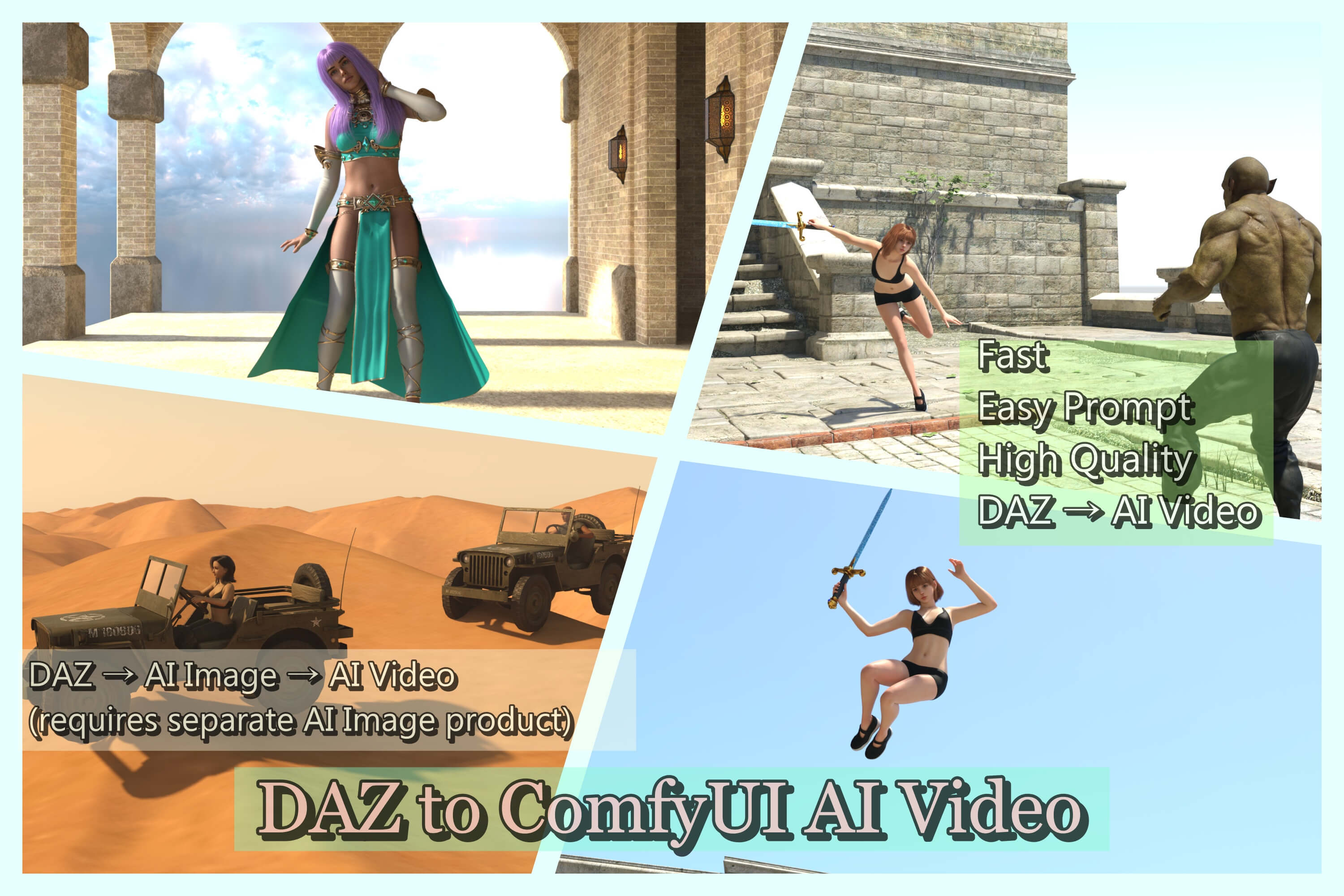
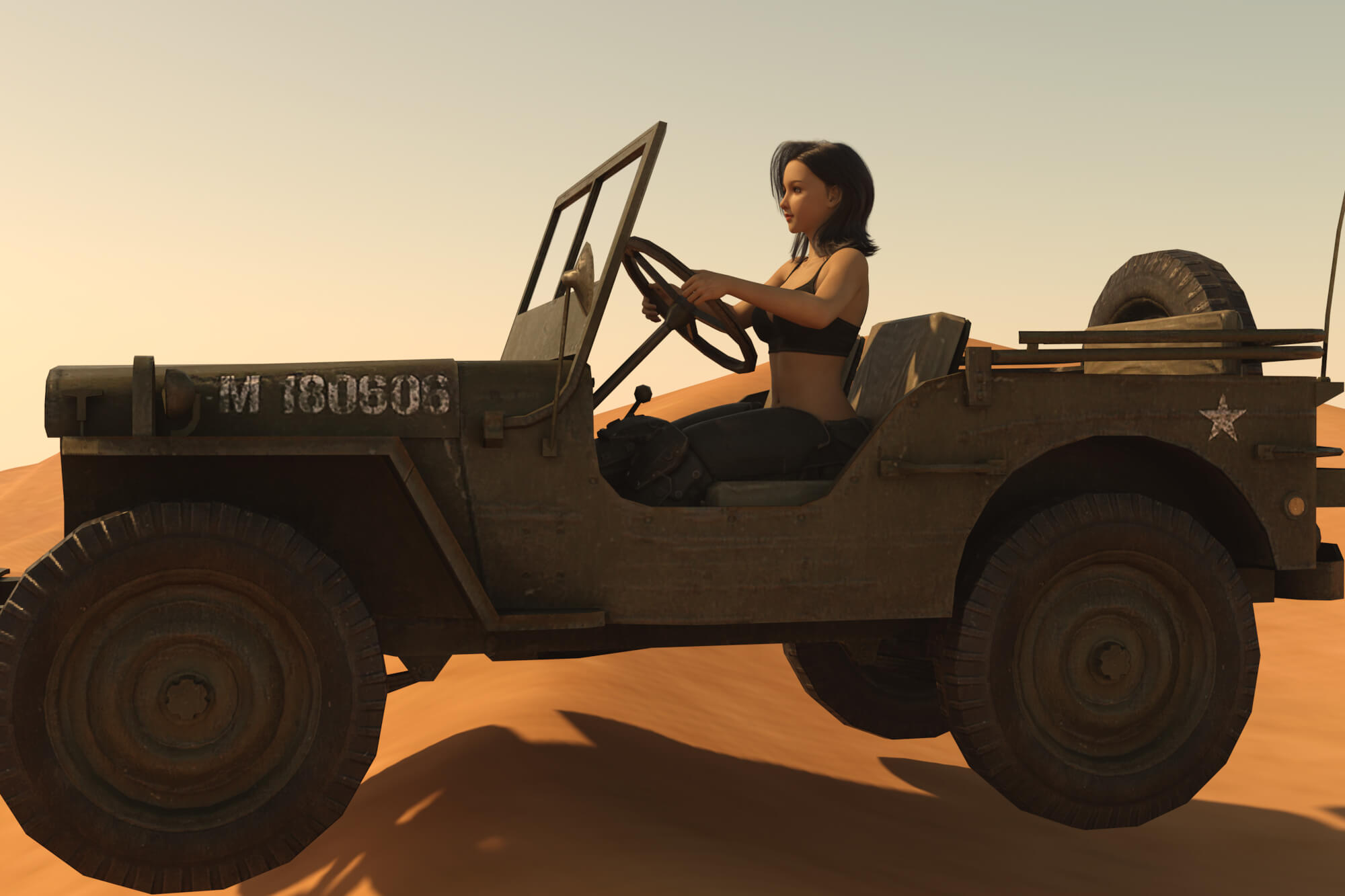
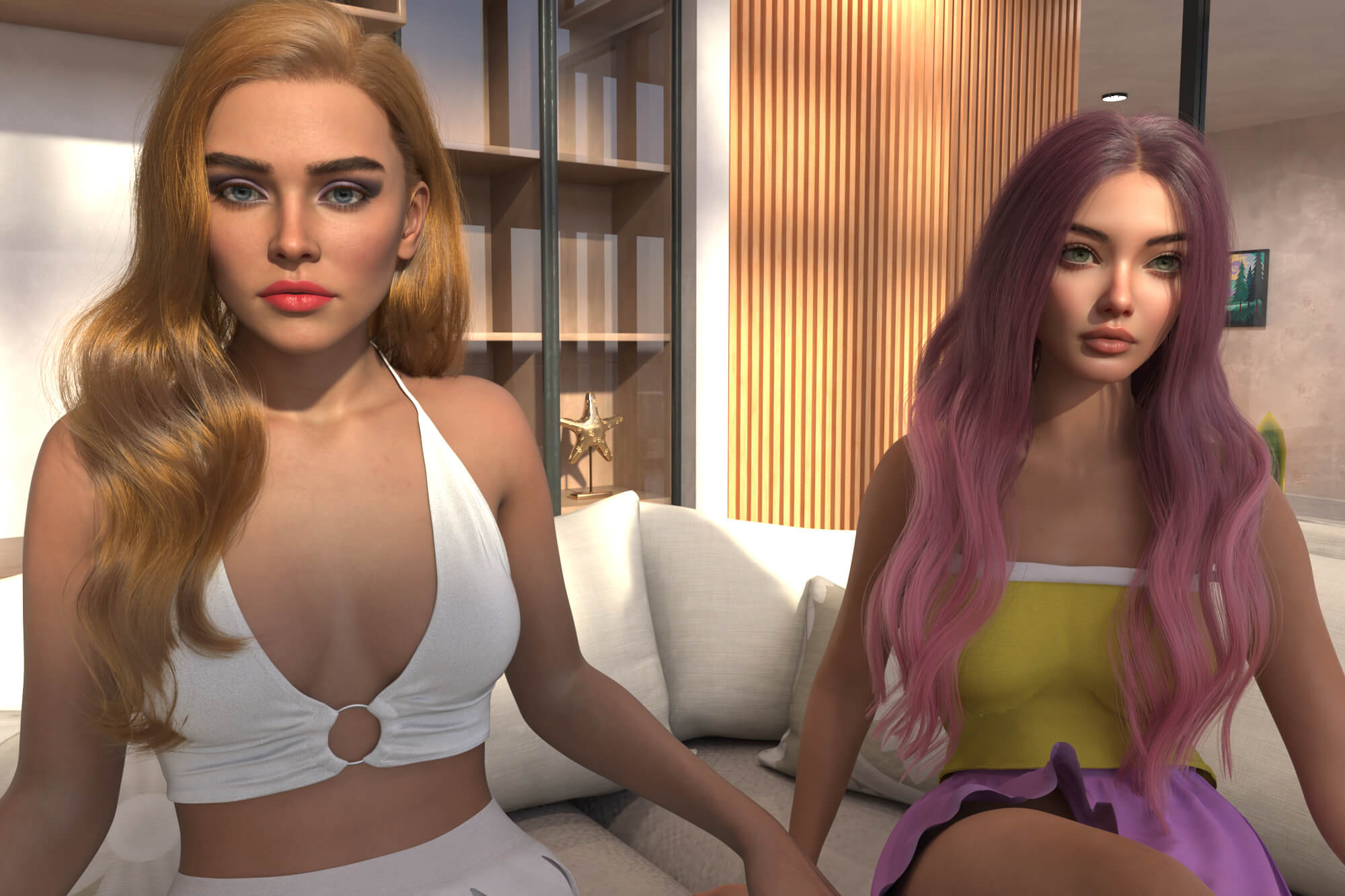
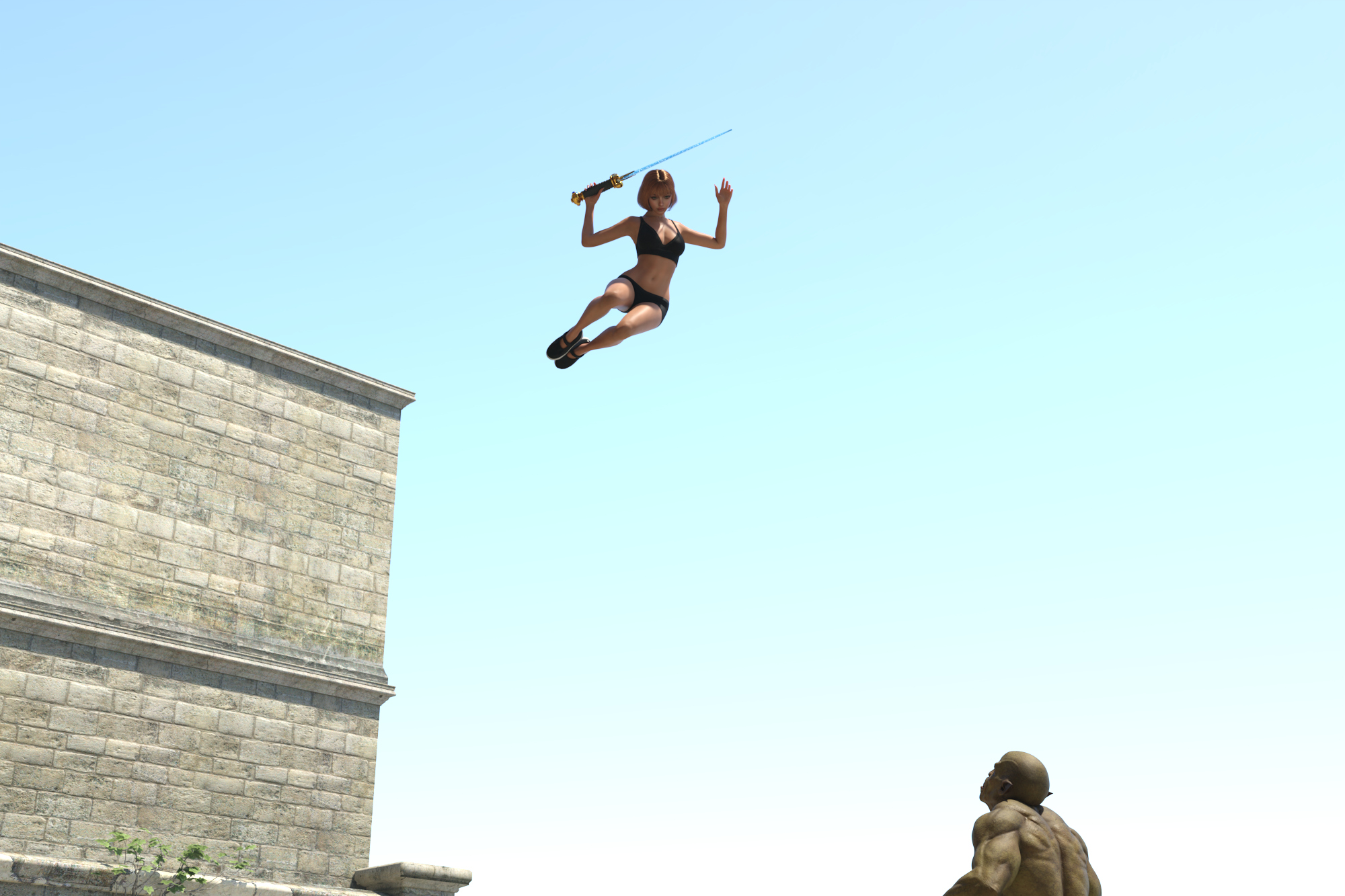
Turn your DAZ Studio scene into an AI video with dialogue, motion, and sound.
Set up your characters, pose, camera, and composition in DAZ Studio, then let your local ComfyUI turn it into a short video based on your prompt.
--------------------------------
WHAT IT IS FOR
--------------------------------
Create short AI videos from your own DAZ Studio scenes, with a wide range of actions.
Content rating: General. Nudity is restricted in this version.
Looking for the Mature version? The Mature Edition is available here:
[renderhub.com/joeyjin/daz-to-comfyui-ai-video-mature-edition](daz-to-comfyui-ai-video-mature-edition)
It includes every feature of this product, so if you buy the Mature Edition, you don't need to buy this one.
Results depend on your prompt and settings, and may differ from what you expect.
--------------------------------
WHAT YOU GET
--------------------------------
Setup files and installer
Installation guide (PDF)
--------------------------------
HOW TO USE
--------------------------------
1. Create a scene in DAZ Studio.
2. Run the script and choose Render now, or use an existing image.
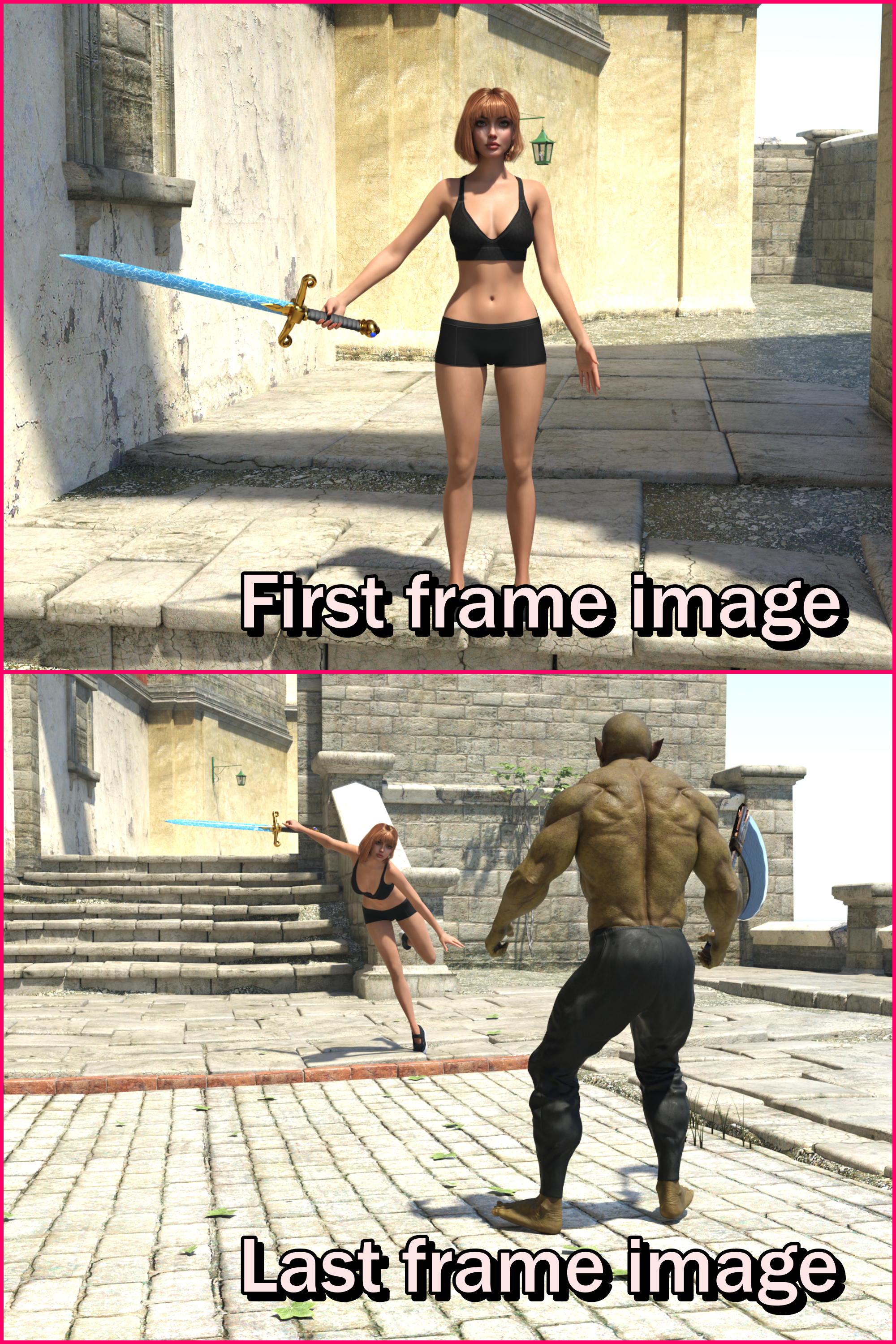
3. Optionally add a last frame image.
4. Describe the action and dialogue you want.
5. Send it to ComfyUI, and your video is generated automatically.
--------------------------------
USEFUL FEATURES
--------------------------------
1. Render to video in one click. No need to open or edit workflows in ComfyUI.
2. One or two images. Start from a single image and let the AI create the motion, or add a last frame image to set where the shot ends.
3. Use existing images. Turn earlier renders or AI-edited images into videos, which helps if you don't have enough VRAM to run DAZ Studio and ComfyUI at the same time.
4. Dialogue and sound. Characters can speak lines you write.
5. Write in any language. Your prompt can be written in many languages, not just English.
6. Adjustable length and quality. Set the duration, resolution, and final upscale.
7. Quick retries. Reload your previous images and try again with different settings.
8. Runs entirely on your own computer. Once installed, no internet connection is needed, and there are no subscriptions or per-video fees. Your videos stay private and are saved only on your PC.
--------------------------------
REQUIREMENTS
--------------------------------
You install these yourself. This product does not include ComfyUI or AI model files.
- DAZ Studio 4.x or 6 on Windows
- ComfyUI 0.40.0 or newer
- Python 3.8 or later (already included with ComfyUI portable)
- Additional free software and AI models listed in the installation guide
- You should be comfortable running basic Windows terminal commands. Please read the installation guide before purchasing.
NVIDIA GPU with at least 12GB VRAM required (use lower Megapixel and Upscale settings on 12GB cards)
-------------------------------
Also available
-------------------------------
daz-to-ai-image-generator-1
Create AI images from your finished renders, then turn them into videos with this product.
--------------------------------
SUPPORT
--------------------------------
Support is available on Discord. The invite link is in the installation guide.
Read the pinned rules, then ask in the support or bug-reports channel.
Turn your DAZ Studio scene into an AI video with dialogue, motion, and sound.
Set up your characters, pose, camera, and composition in DAZ Studio, then let your local ComfyUI turn it into a short video based on your prompt.
--------------------------------
WHAT IT IS FOR
--------------------------------
Create short AI videos from your own DAZ Studio scenes, with a wide range of actions.
Content rating: General. Nudity is restricted in this version.
Looking for the Mature version? The Mature Edition is available here:
[renderhub.com/joeyjin/daz-to-comfyui-ai-video-mature-edition](daz-to-comfyui-ai-video-mature-edition)
It includes every feature of this product, so if you buy the Mature Edition, you don't need to buy this one.
Results depend on your prompt and settings, and may differ from what you expect.
--------------------------------
WHAT YOU GET
--------------------------------
Setup files and installer
Installation guide (PDF)
--------------------------------
HOW TO USE
--------------------------------
1. Create a scene in DAZ Studio.
2. Run the script and choose Render now, or use an existing image.
3. Optionally add a last frame image.
4. Describe the action and dialogue you want.
5. Send it to ComfyUI, and your video is generated automatically.
--------------------------------
USEFUL FEATURES
--------------------------------
1. Render to video in one click. No need to open or edit workflows in ComfyUI.
2. One or two images. Start from a single image and let the AI create the motion, or add a last frame image to set where the shot ends.
3. Use existing images. Turn earlier renders or AI-edited images into videos, which helps if you don't have enough VRAM to run DAZ Studio and ComfyUI at the same time.
4. Dialogue and sound. Characters can speak lines you write.
5. Write in any language. Your prompt can be written in many languages, not just English.
6. Adjustable length and quality. Set the duration, resolution, and final upscale.
7. Quick retries. Reload your previous images and try again with different settings.
8. Runs entirely on your own computer. Once installed, no internet connection is needed, and there are no subscriptions or per-video fees. Your videos stay private and are saved only on your PC.
--------------------------------
REQUIREMENTS
--------------------------------
You install these yourself. This product does not include ComfyUI or AI model files.
- DAZ Studio 4.x or 6 on Windows
- ComfyUI 0.40.0 or newer
- Python 3.8 or later (already included with ComfyUI portable)
- Additional free software and AI models listed in the installation guide
- You should be comfortable running basic Windows terminal commands. Please read the installation guide before purchasing.
NVIDIA GPU with at least 12GB VRAM required (use lower Megapixel and Upscale settings on 12GB cards)
-------------------------------
Also available
-------------------------------
daz-to-ai-image-generator-1
Create AI images from your finished renders, then turn them into videos with this product.
--------------------------------
SUPPORT
--------------------------------
Support is available on Discord. The invite link is in the installation guide.
Read the pinned rules, then ask in the support or bug-reports channel.
