


 Free 3D
 3D Print Models
 3D Scans
 Animation & MoCap
 Textures
 Materials
 Skin Reference
 2D Game Assets
 Sound Effects
 Brushes & Tools
 Reference Photos
 Stock Images
 HDR Images
 3ds Max
 Maya
Maya Blender
 Unreal Engine
 Unity
Unity ZBrush
 Cinema 4D
 LightWave
 Marmoset
 SketchUp
 FBX
FBX DAE
DAE DXF
DXF GLB
GLB


! REPORT
NOTE: DIGITAL DOWNLOAD, NOT A PHYSICAL ITEM

Add to Collection

0 Likes
Share This Daz Content


Offered By


Hello!
I am Stacy. Have been creating 3d content since 2006. I love creating clothing and textures. I share my life with 4 crazy cats. Please check out my content I am slowing building it up here.
I am Stacy. Have been creating 3d content since 2006. I love creating clothing and textures. I share my life with 4 crazy cats. Please check out my content I am slowing building it up here.
Vendor's Pages


License
Extended Use License (IP Restricted)
This item comes with our Extended Use Licensing. This means that you may use the model in a variety of mediums and applications. But, because certain intellectual property depicted in this model may not be affiliated with or endorsed by the original rights holder, this model is subject to an Editorial Use Only Restriction which limits the ways in which you may use this model.
For full license terms, see our 3D Content Licensing Agreement
Item Details
| Vendor: | Kaleya3d |
| Published: | Oct 29, 2026 |
| Download Size: | 38.8 MB |
| Software: | Daz Studio |
| Compatible Figure: | Genesis 9 |
| dForce: | Yes |
Included Formats

Statistics
| Favorites: | 0 |
| Likes: | 0 |
| Views: | 8 |
Item Ratings

Not Rated Yet
Minx for Genesis 9
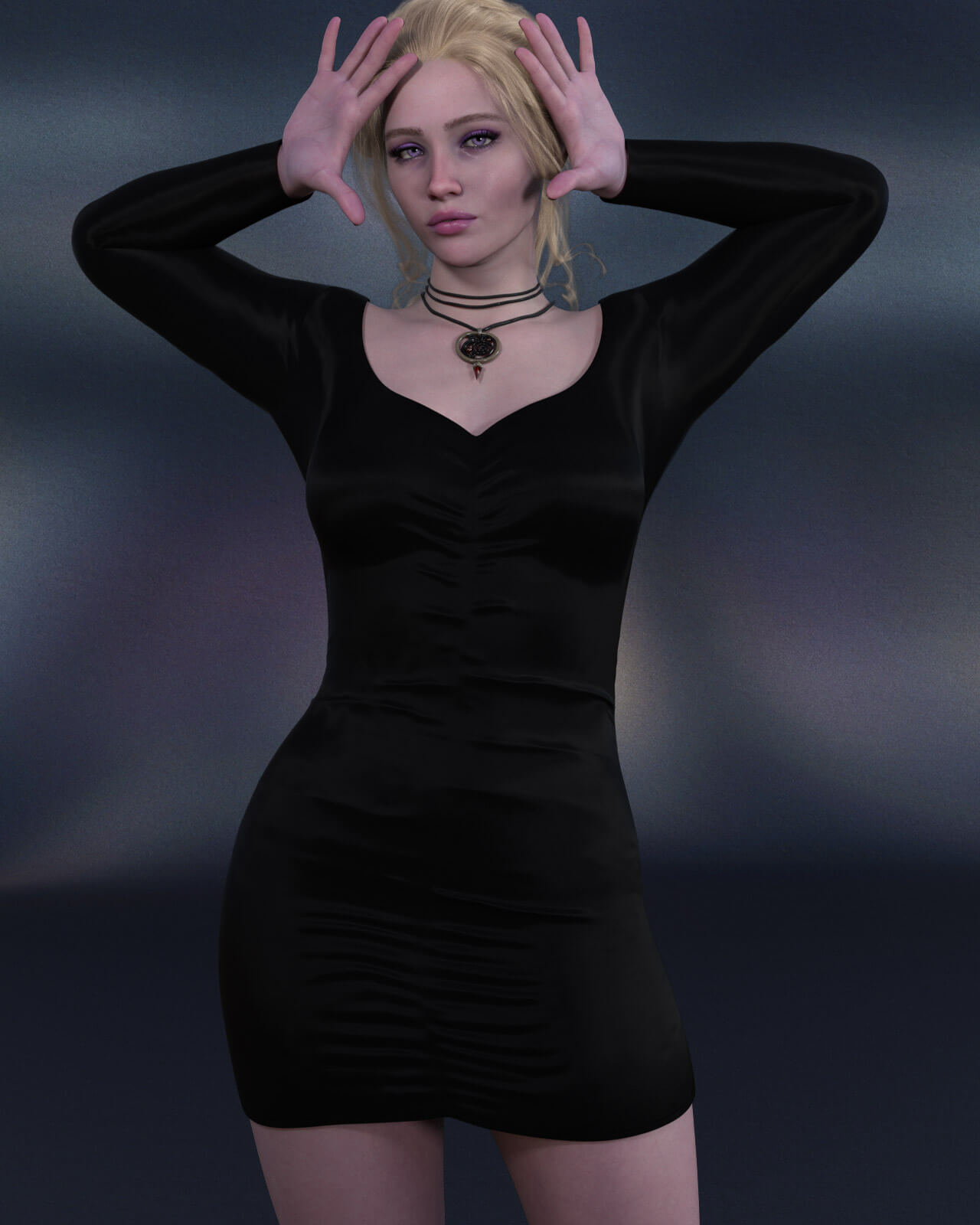
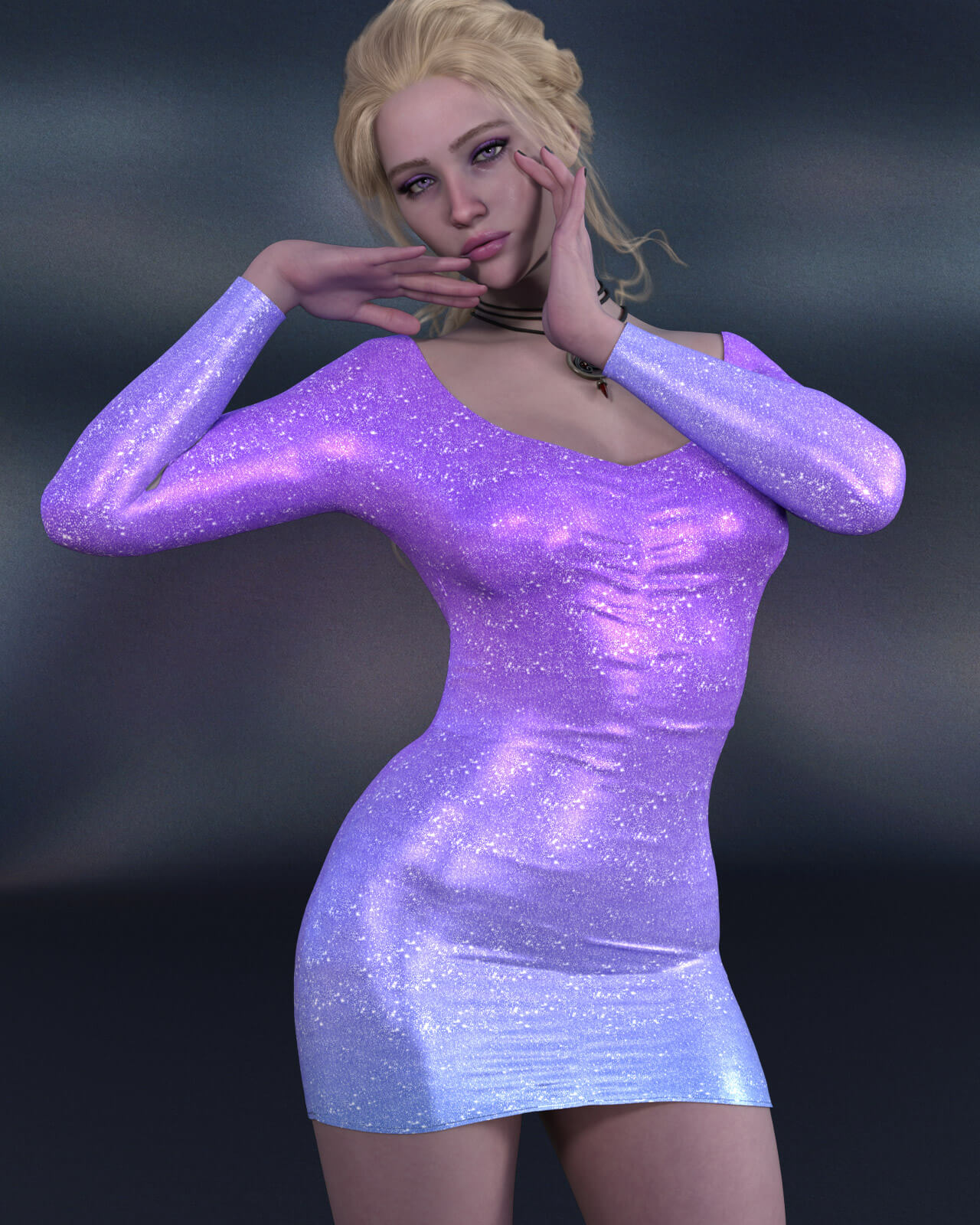
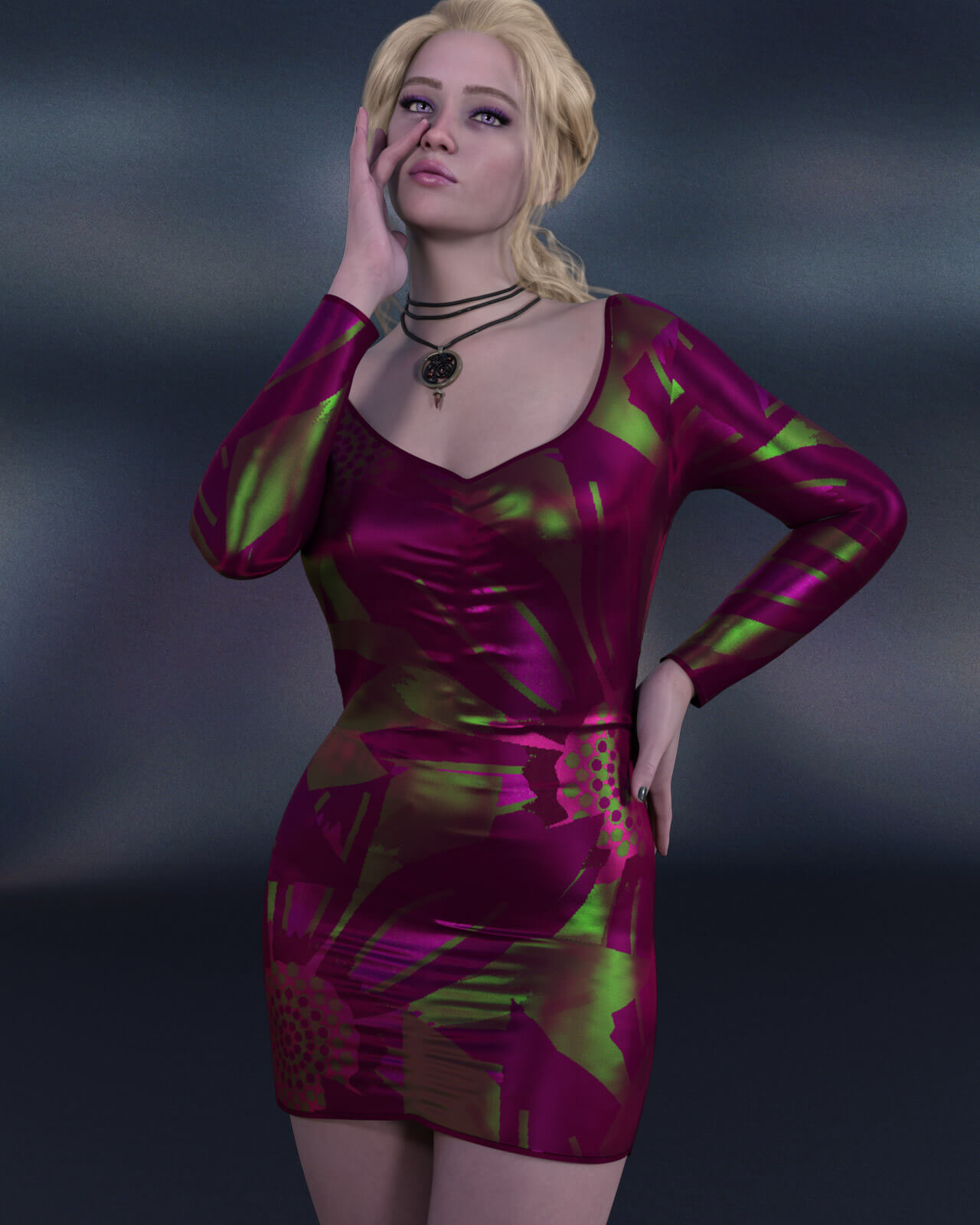
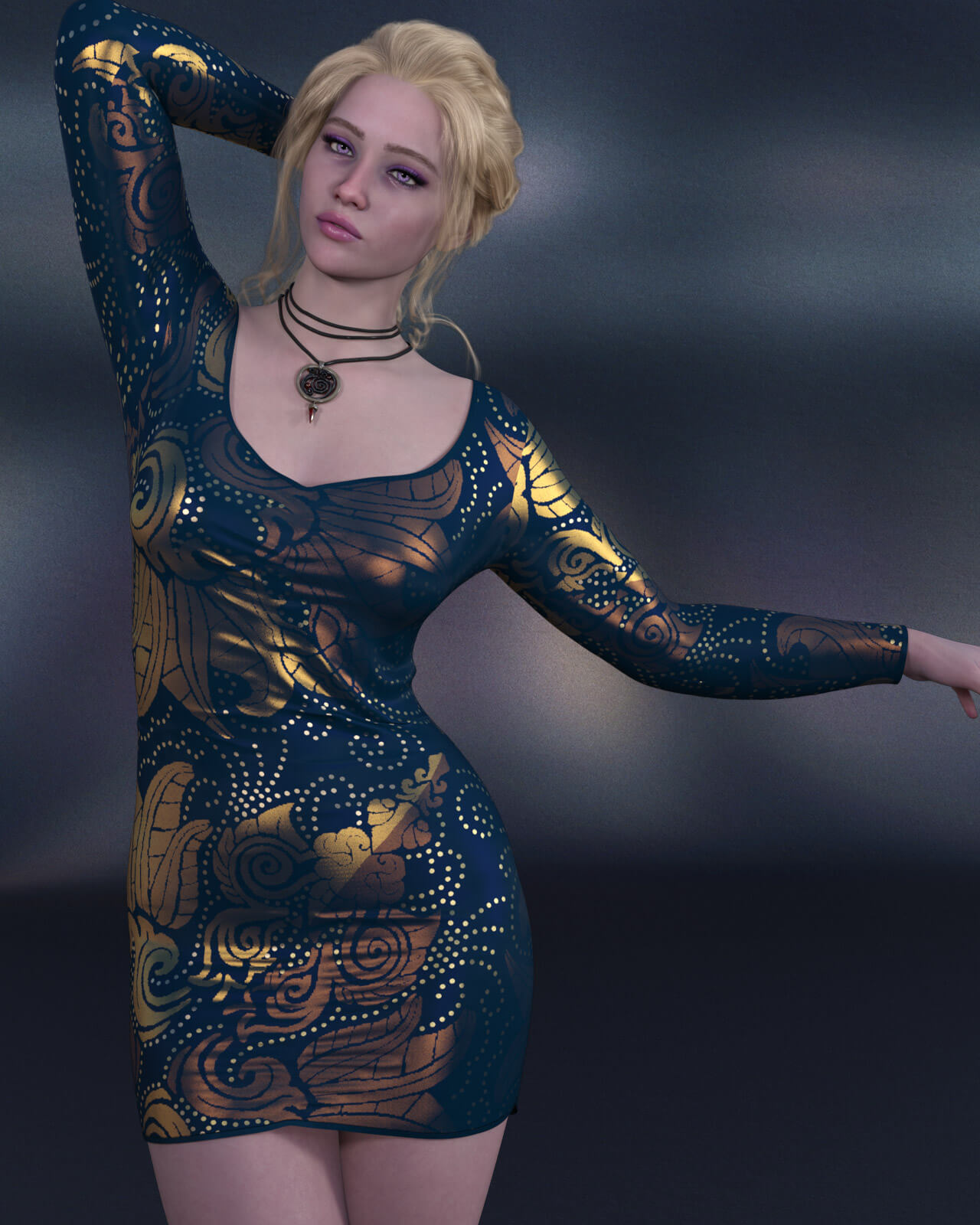
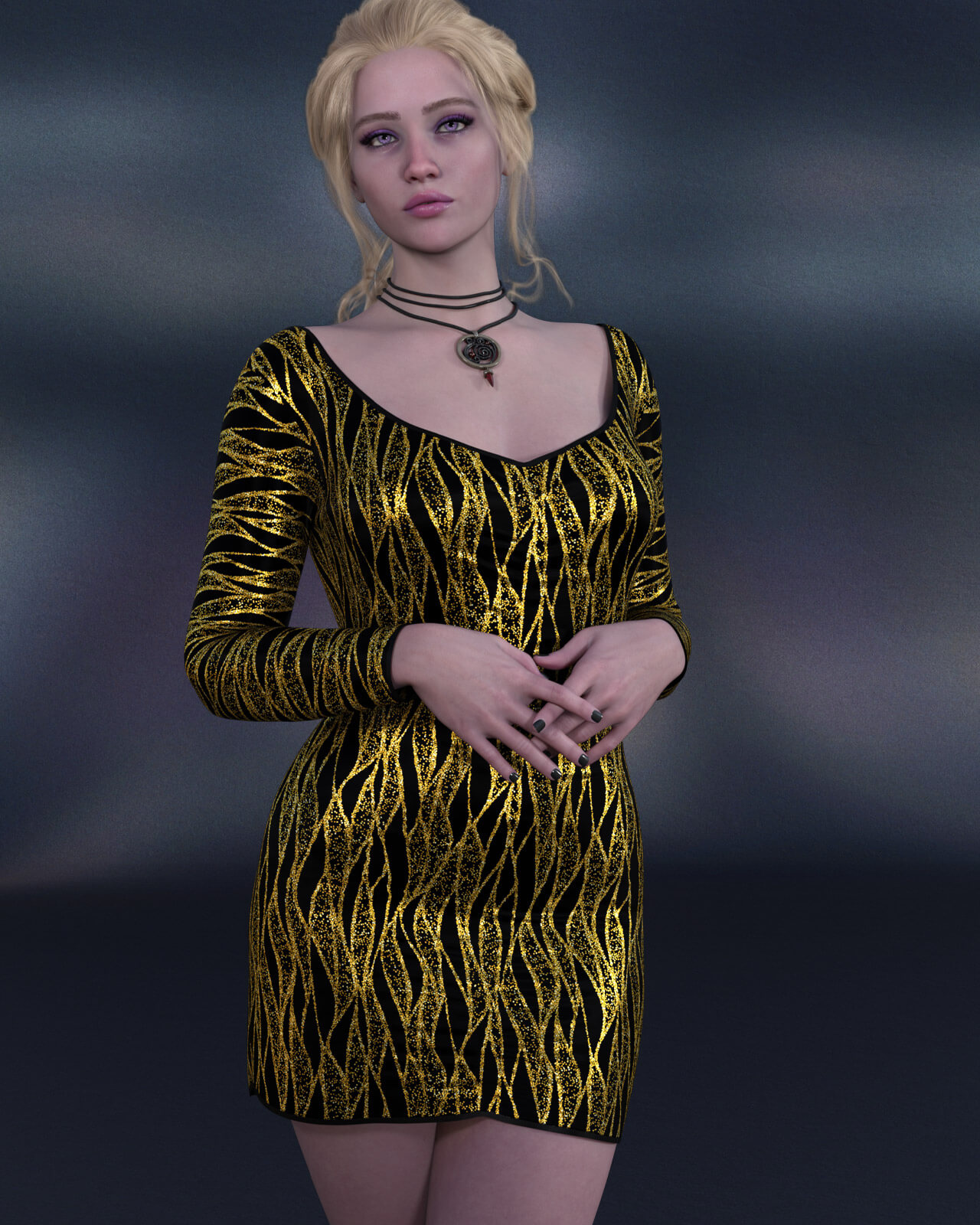
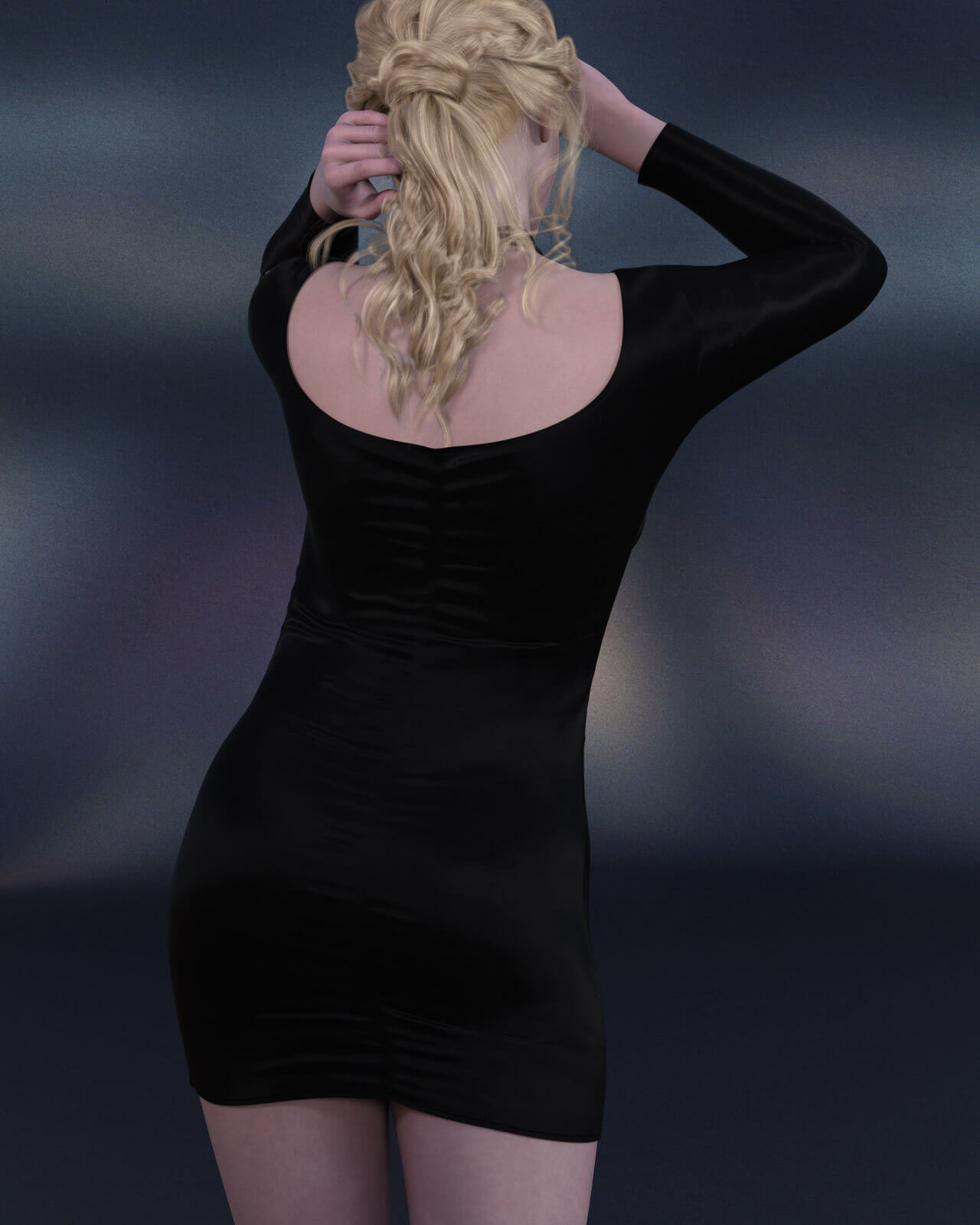
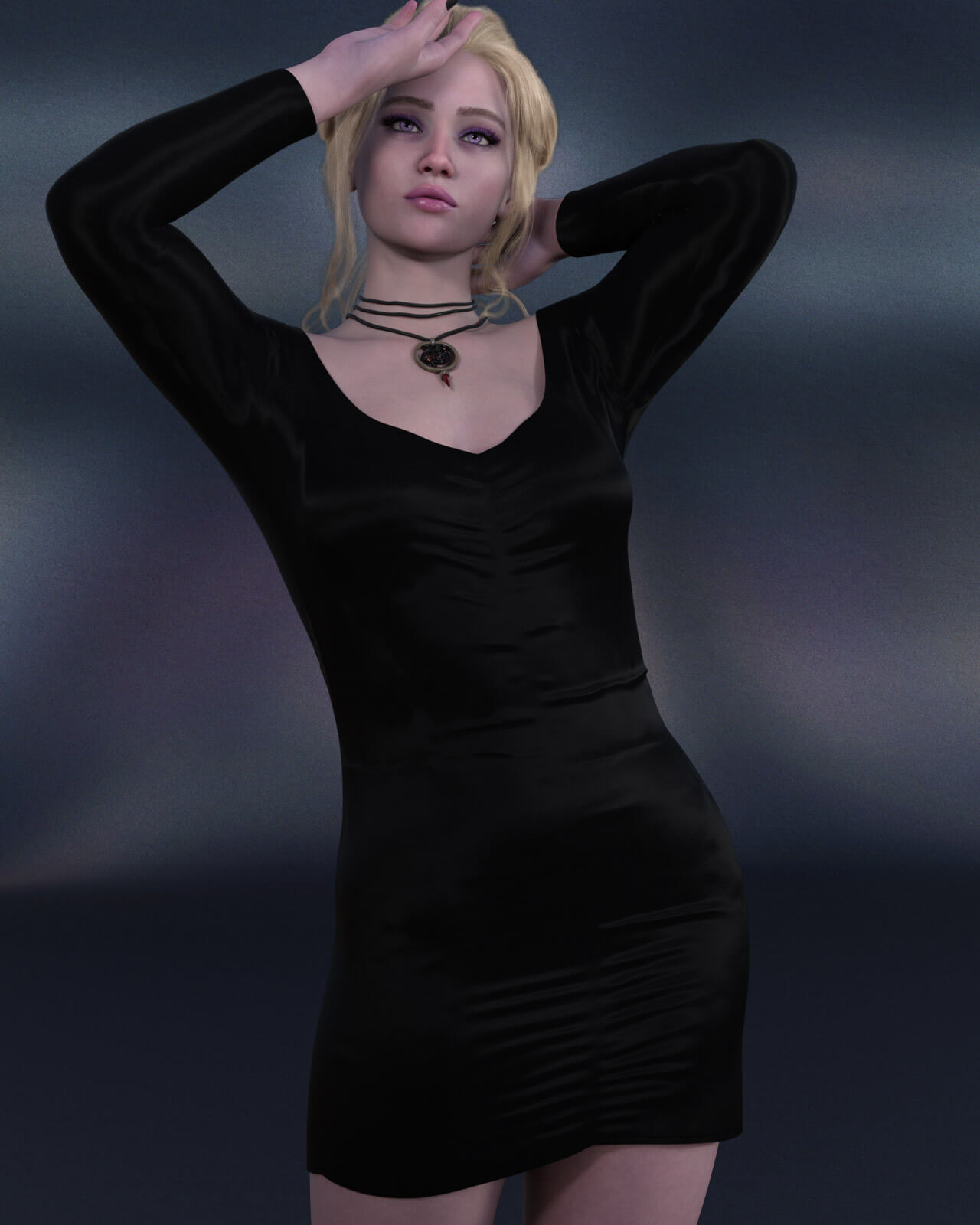
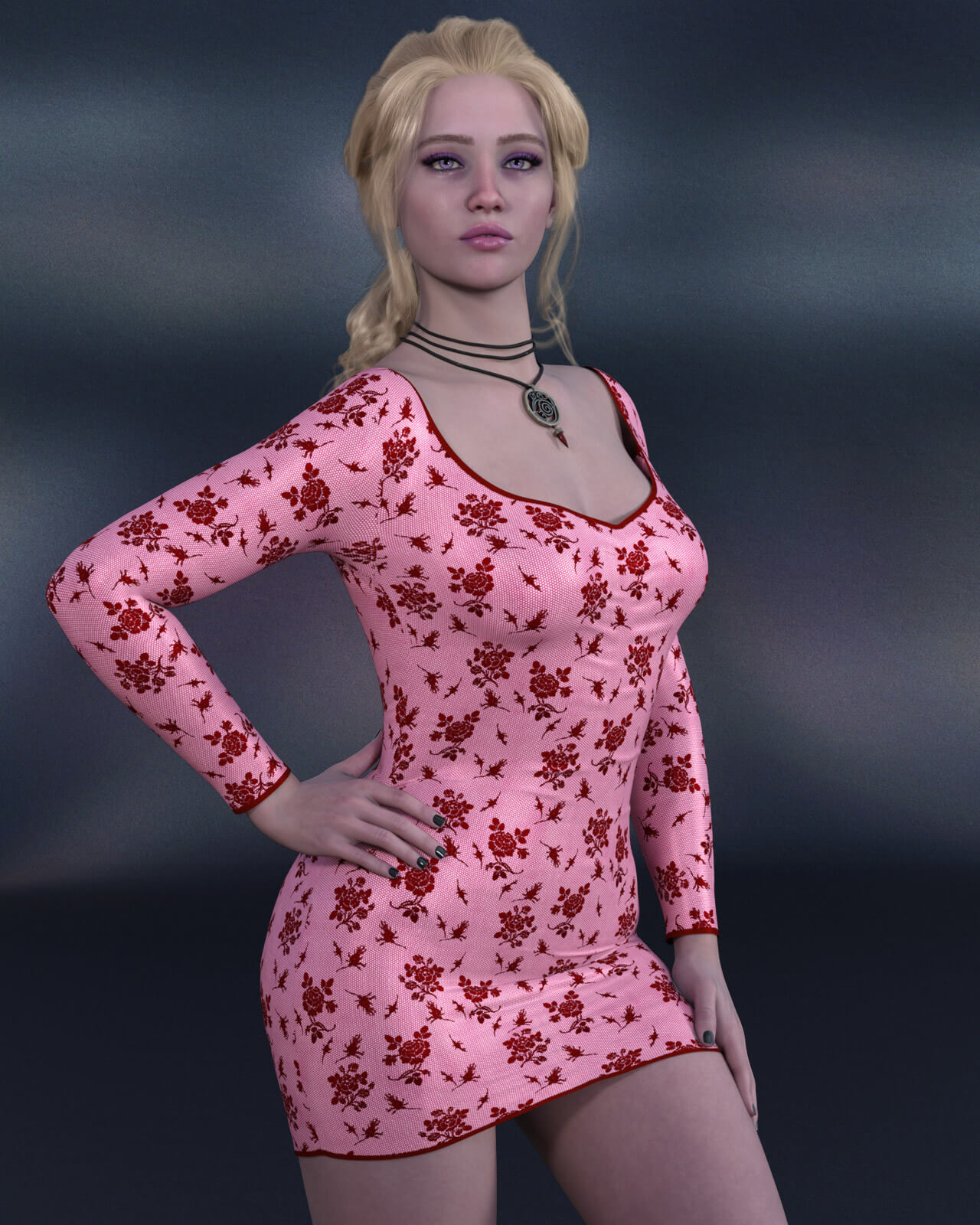
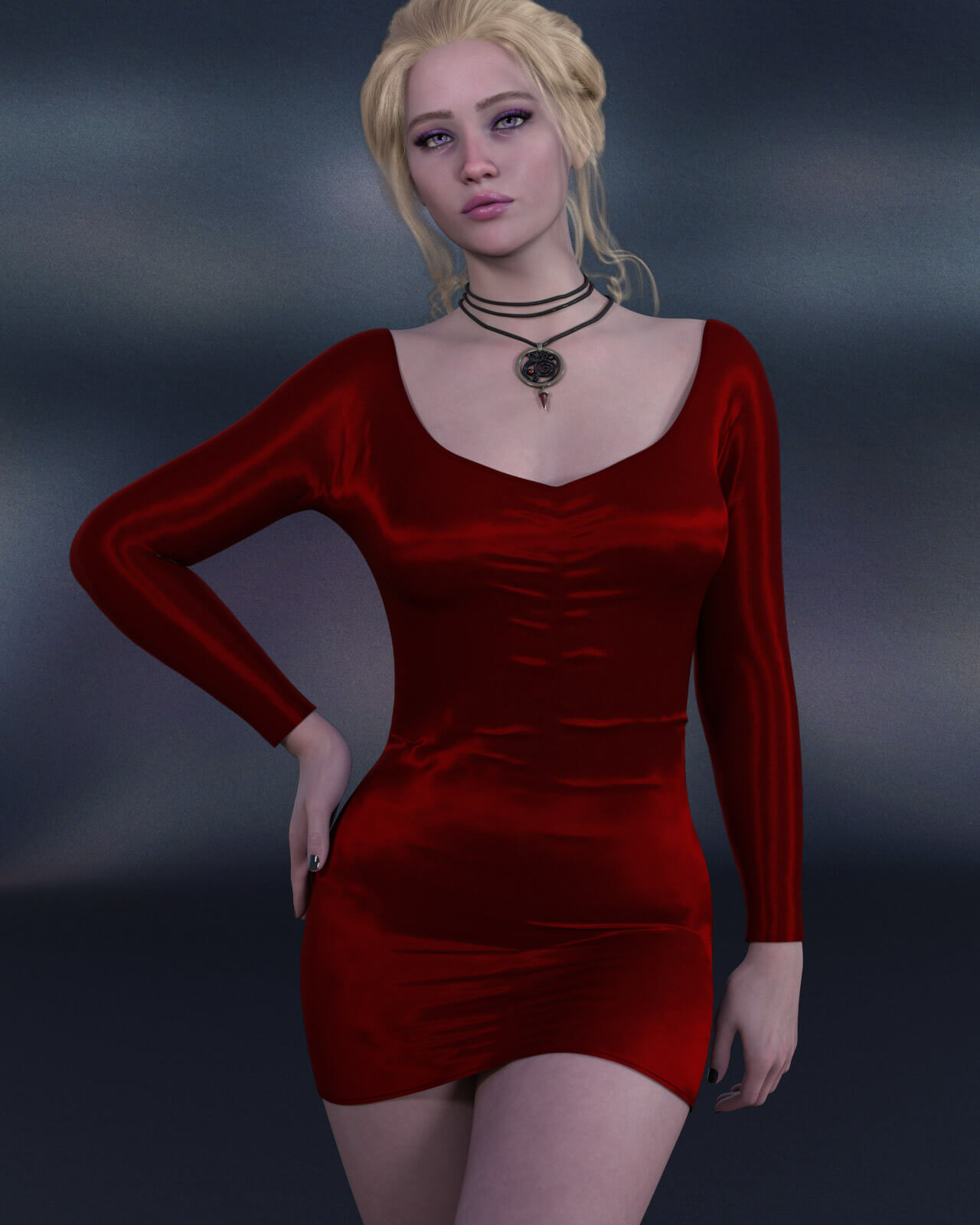
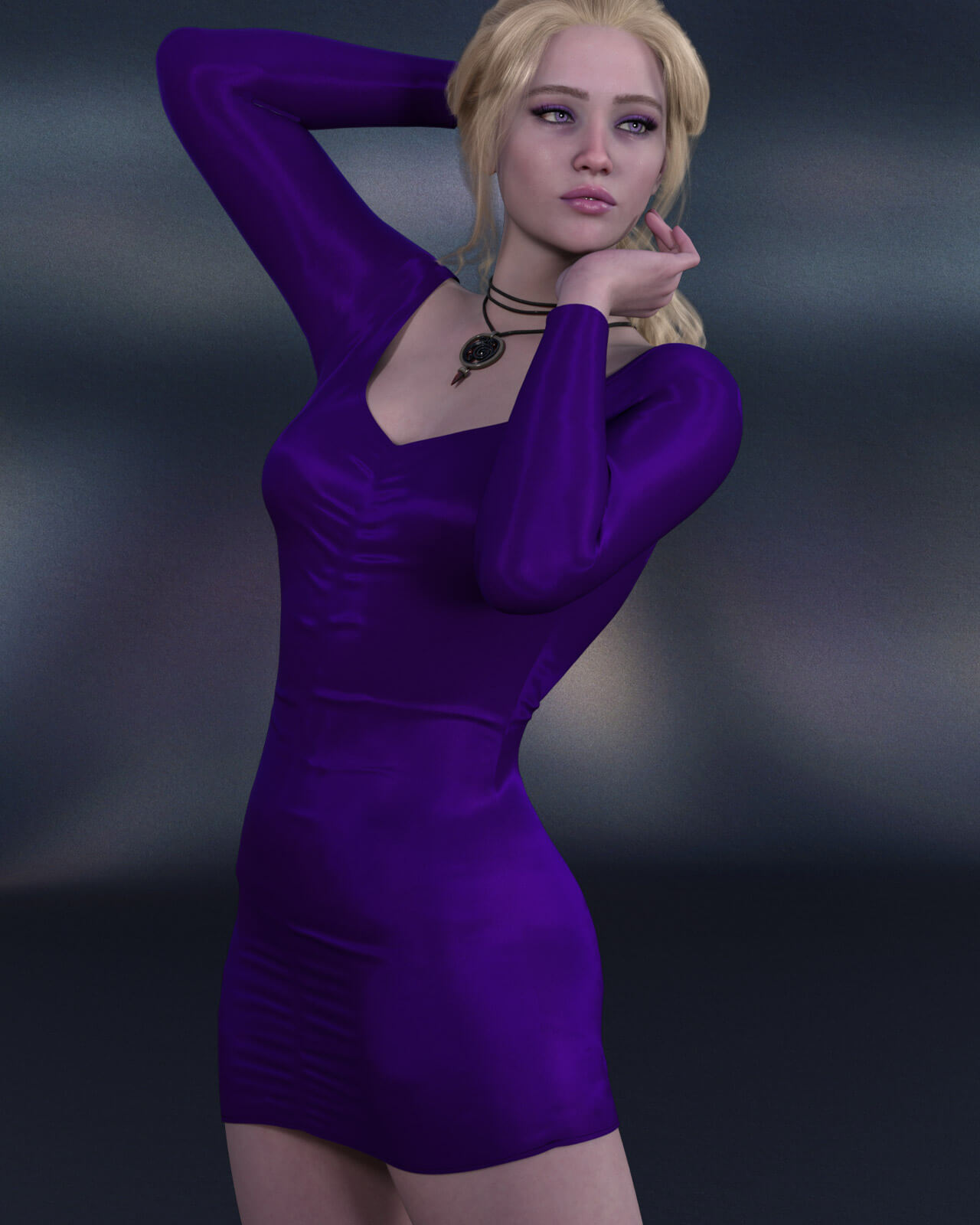
Unleash playful elegance and bold style with Minx for Genesis 9. This dress features a form-fitting silhouette, scoop neckline, subtly detailed central gathers, and long sleeves. This mini dress strikes the ideal balance between modern glamour and sophisticated allure.dforce included. Uncomplicated poses and shapes should work without dforce if desired. dforce simulation is recommended for complex poses and particularly voluptuous body shapes.
Minx includes:
Mini Dress for Genesis 9
Detailed Textures
Bump and Transparency Maps
Materials:
8 Iray Materials for the Dress
2 dforce settings for different simulation options
A Variety of Adjustment morphs are included to add to ease of use. Dynamic morphs are also included.
----------------------------------------------------------------
dForce is recommended.
Simulations should be done using the following method:
1. Load the clothing item.
2. At frame 1 apply any style adjustments.
3. Move your timeline slider to frame 15 and apply any body shapes.
4. Move your timeline slider to frame 20 and apply your pose. Simulate using at least 60 frames for best results. More frames will allow your clothes more time to settle.
5. Animated simulation should be used with larger or more busty characters for best results. Current frame animation is best for thin and small characters.
Please note that when using material presets from addons by other vendors they may alter the simulation settings. For this reason it is recommended that you apply the default simulation settings preset after applying any materials from addon packages.
----------------------------------------------------------------
Most body Morphs will work using autofollow technology. Some adjustment may be necessary in extreme poses or with extreme body shapes. Adjustment morphs are included to help with these situations as well as with posing. Autofollow morph results vary.
Minx includes:
Mini Dress for Genesis 9
Detailed Textures
Bump and Transparency Maps
Materials:
8 Iray Materials for the Dress
2 dforce settings for different simulation options
A Variety of Adjustment morphs are included to add to ease of use. Dynamic morphs are also included.
----------------------------------------------------------------
dForce is recommended.
Simulations should be done using the following method:
1. Load the clothing item.
2. At frame 1 apply any style adjustments.
3. Move your timeline slider to frame 15 and apply any body shapes.
4. Move your timeline slider to frame 20 and apply your pose. Simulate using at least 60 frames for best results. More frames will allow your clothes more time to settle.
5. Animated simulation should be used with larger or more busty characters for best results. Current frame animation is best for thin and small characters.
Please note that when using material presets from addons by other vendors they may alter the simulation settings. For this reason it is recommended that you apply the default simulation settings preset after applying any materials from addon packages.
----------------------------------------------------------------
Most body Morphs will work using autofollow technology. Some adjustment may be necessary in extreme poses or with extreme body shapes. Adjustment morphs are included to help with these situations as well as with posing. Autofollow morph results vary.
