


 Free 3D
 3D Print Models
 3D Scans
 Animation & MoCap
 Textures
 Materials
 Skin Reference
 2D Game Assets
 Sound Effects
 Brushes & Tools
 Reference Photos
 Stock Images
 HDR Images
 3ds Max
 Maya
Maya Blender
 Unreal Engine
 Unity
Unity ZBrush
 Cinema 4D
 LightWave
 Marmoset
 SketchUp
 FBX
FBX DAE
DAE DXF
DXF GLB
GLBKK Eve for Genesis 9

5.0 Stars |1 Rating


! REPORT
NOTE: DIGITAL DOWNLOAD, NOT A PHYSICAL ITEM

Add to Collection

2 Likes
Share This Daz Content


Top Rated Vendor


License
Personal Use Only License (IP Restricted)
This item comes with our Personal Use Only Licensing. This means you may not share this model or use it for any commercial purposes or in any way that involves an exchange of money, promotes a business entity, or otherwise results directly or indirectly in financial gain. In addition, because certain intellectual property depicted in this model may not be affiliated with or endorsed by the original rights holder, this model is subject to an Editorial Use Only Restriction which further limits the ways in which you may use this model.
For full license terms, see our 3D Content Licensing Agreement
Item Details
| Vendor: | KuraiKya |
| Published: | Oct 25, 2026 |
| Download Size: | 832.8 MB |
| Software: | Daz Studio |
| Compatible Figure: | Genesis 9 |
| dForce: | Yes |
Included Formats

Statistics
| Favorites: | 1 |
| Likes: | 2 |
| Views: | 108 |
Item Ratings
1 Rating5 Stars|Oct 26, 2026
Very high quality model for rendering !
KK Eve for Genesis 9
KK Eve for Genesis 9
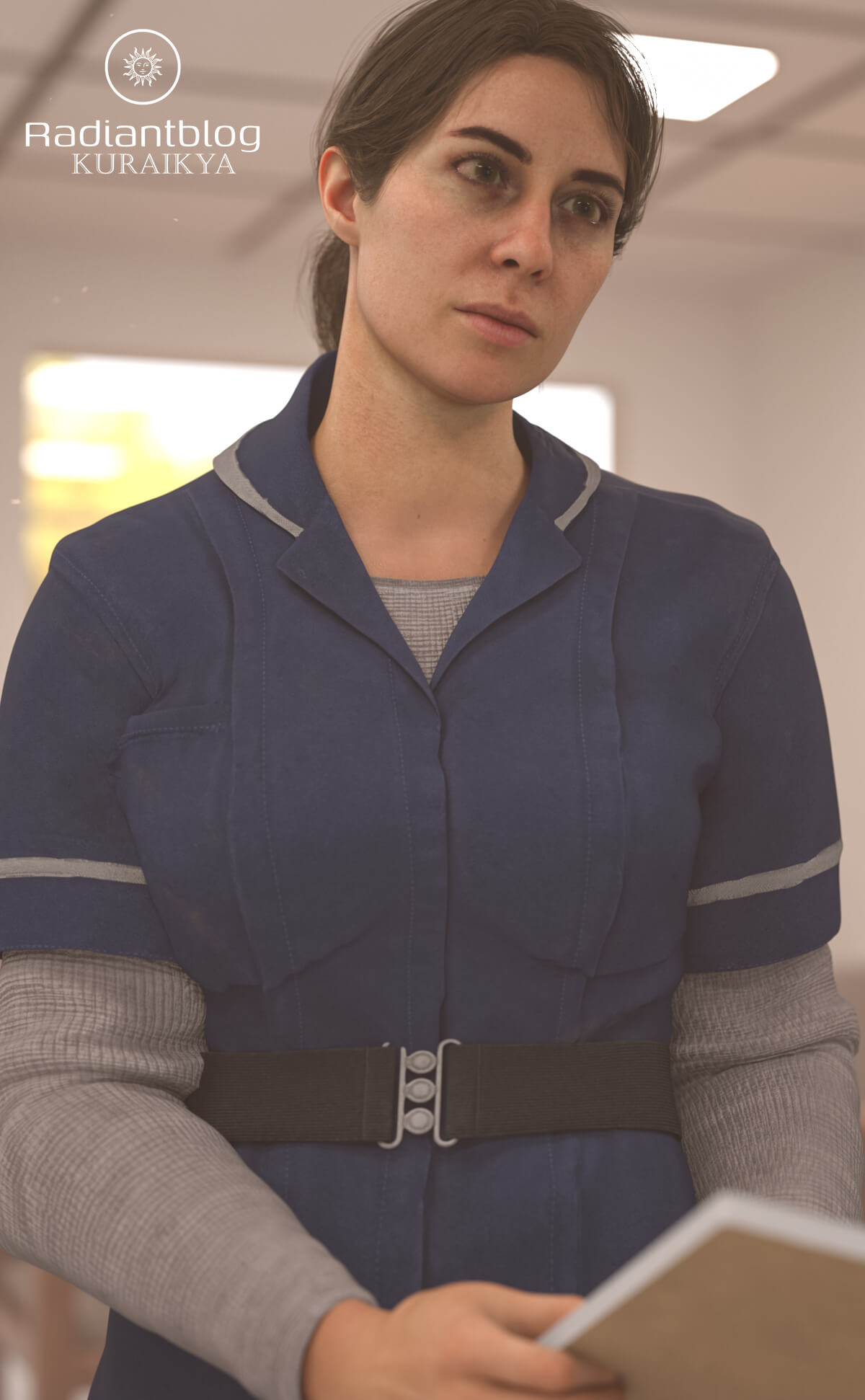
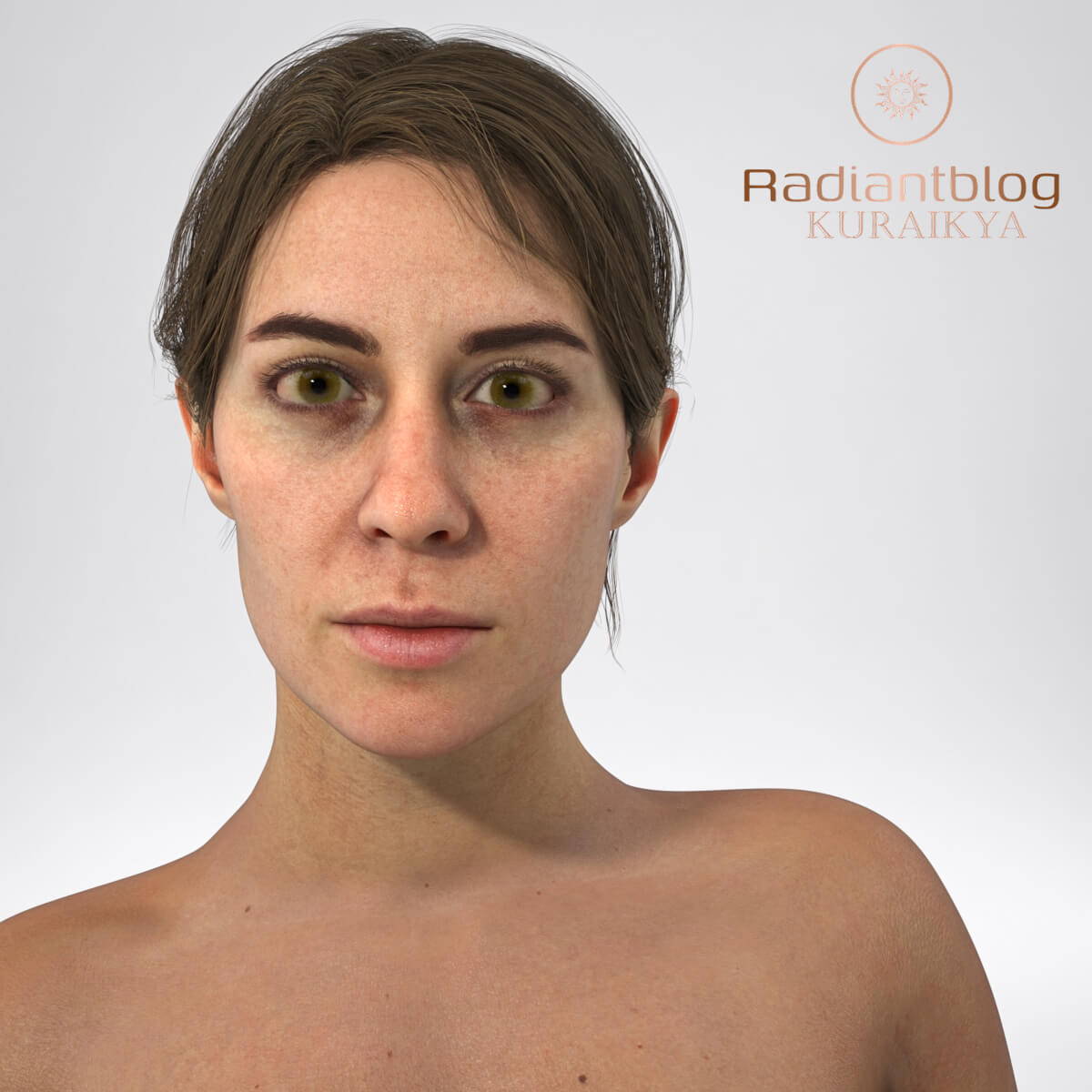
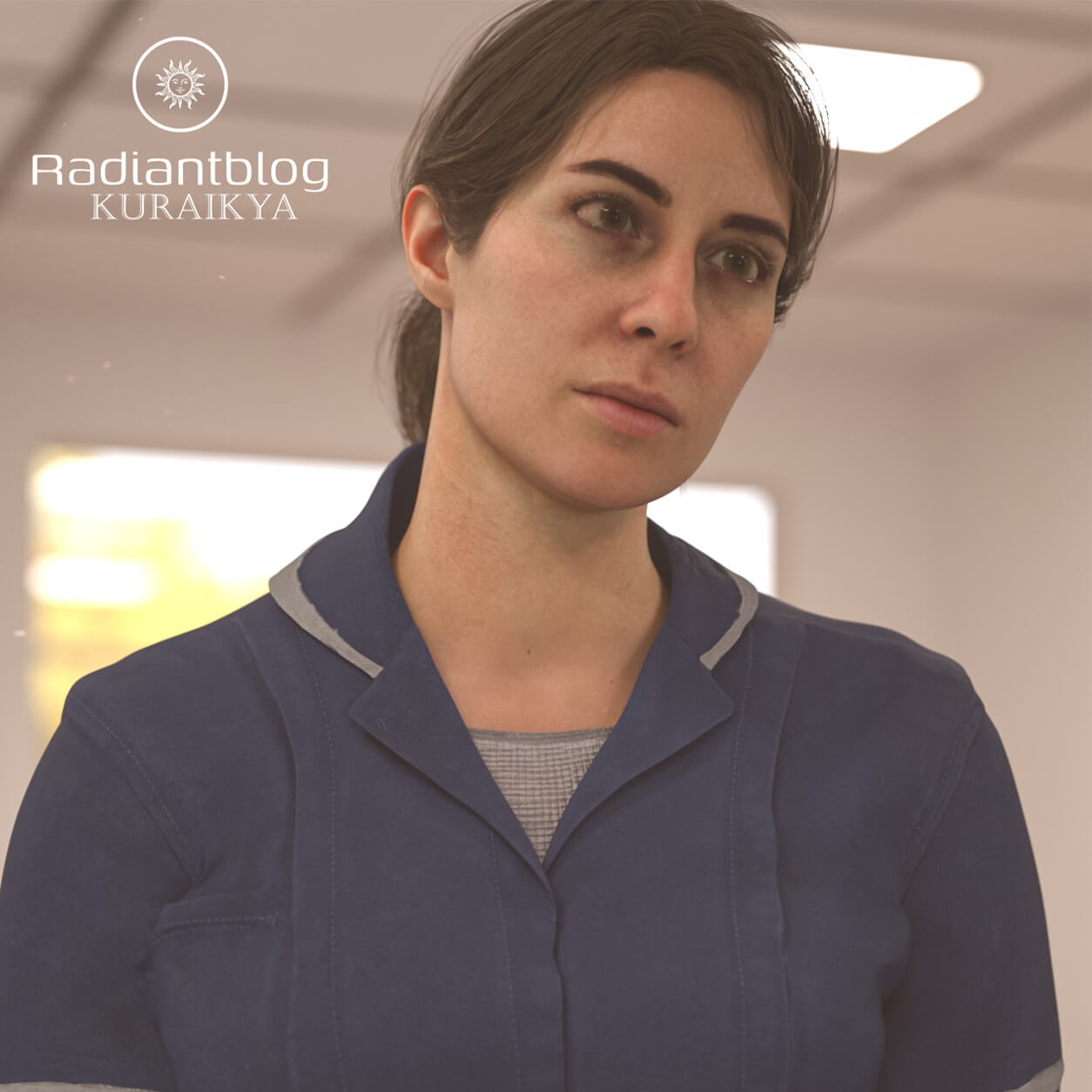
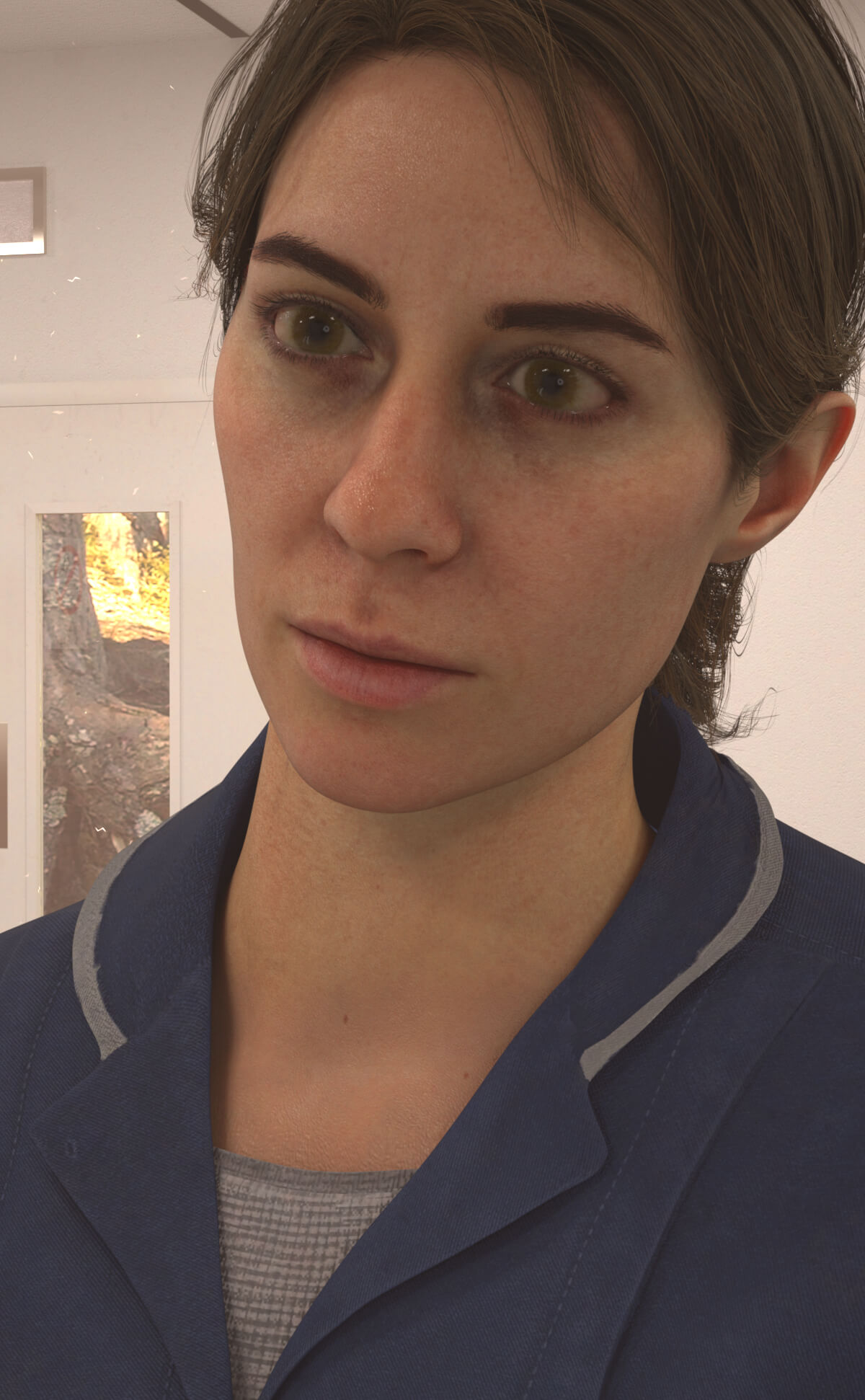
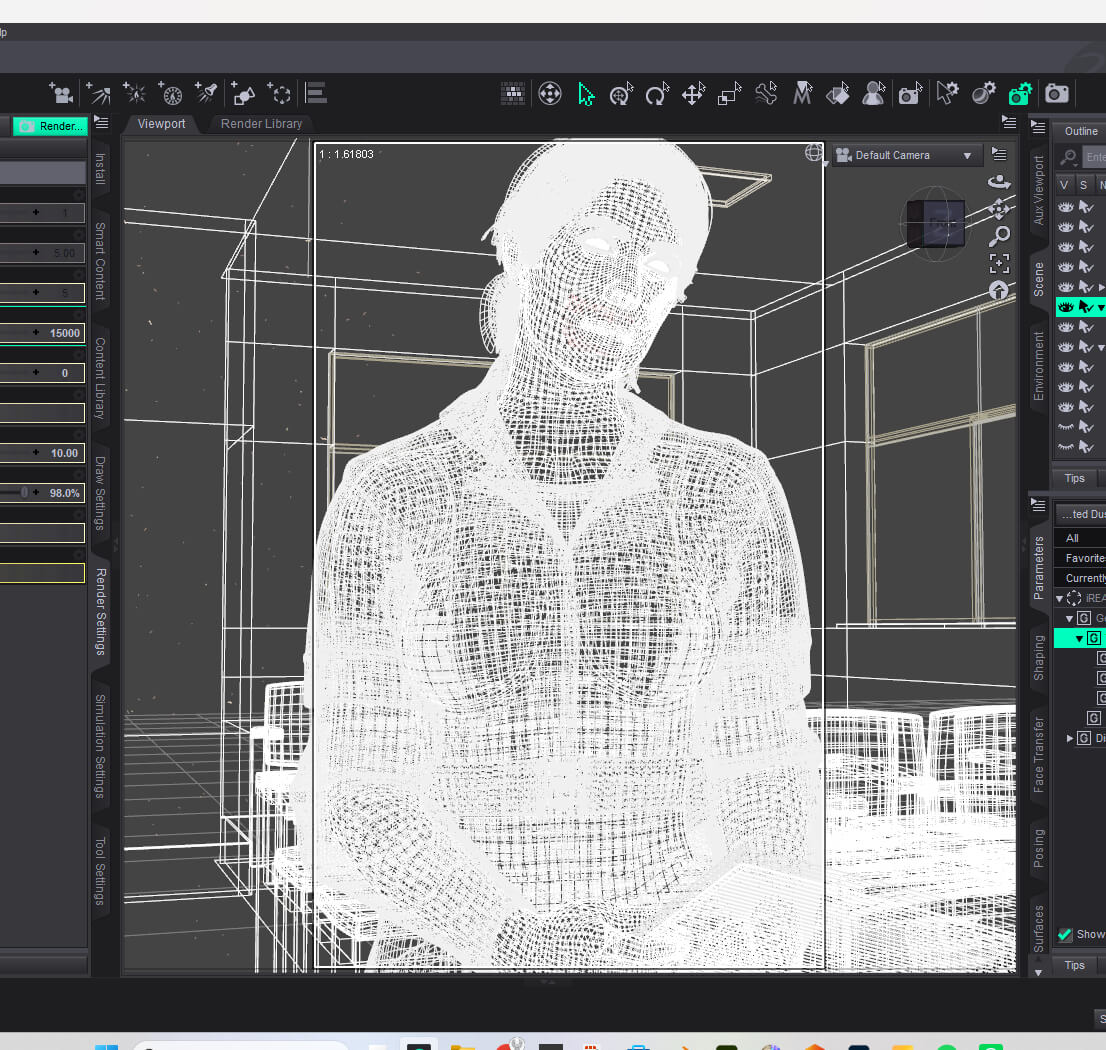
Introduce KK Eve, a detailed character preset and outfit package created for Genesis 9. Inspired by survival horror themes (such as Silent Hill: Townfall / Zoe Ellis), this pack offers a complete, atmospheric setup for your renders.
Package Contents:
Main Folders & Root Files:
Character Preset (Folder)
Clothing (Folder)
Hair (Folder)
KK Eve with Clothing.duf
KK Eve without Clothing.duf
KuraiKya_Store.dsa
README Important Information.txt
Character Preset Subfolder:
Character Preset.duf
KK Eve Eyes.duf
KK Eve Mouth.duf
Material Preset.duf
Shaping Preset.duf
Clothing Subfolder:
!!!Load All Outfit!!!.duf
KK Eve Belt.duf
KK Eve Dress.duf (Includes dForce)
KK Eve Name ID.duf (Movable prop)
KK Eve Pen Props.duf (Movable props)
KK Eve Shoes.duf
KK Eve Stockings.duf
Hair Subfolder:
KK Eve Hair.duf
KK Eve Eyebrows.duf
KK Eve Eyelashes.duf
Key Features & Technical Notes:
Genesis 9 Fullmorph: Fully rigged and fitted for Genesis 9 Female.
dForce Enabled: The dress features dForce simulation support.
Geometry Hiding: Stockings and Shoes utilize auto-hide geometry (Hide Geometry) on the legs and feet to ensure optimal fitting and avoid mesh clipping.
Movable Props: Pens and Name ID badge are separate props that can be transformed, moved, and posed independently.
How to Unzip the Files:
Download the .zip package to your computer.
Right-click the downloaded .zip file.
Select "Extract All…" (or use your preferred archive tool like 7-Zip / WinRAR).
Choose your destination directory and click Extract.
Copy/move the unzipped folder structure directly into your Daz 3D Content Library.
Introduce KK Eve, a detailed character preset and outfit package created for Genesis 9. Inspired by survival horror themes (such as Silent Hill: Townfall / Zoe Ellis), this pack offers a complete, atmospheric setup for your renders.
Package Contents:
Main Folders & Root Files:
Character Preset (Folder)
Clothing (Folder)
Hair (Folder)
KK Eve with Clothing.duf
KK Eve without Clothing.duf
KuraiKya_Store.dsa
README Important Information.txt
Character Preset Subfolder:
Character Preset.duf
KK Eve Eyes.duf
KK Eve Mouth.duf
Material Preset.duf
Shaping Preset.duf
Clothing Subfolder:
!!!Load All Outfit!!!.duf
KK Eve Belt.duf
KK Eve Dress.duf (Includes dForce)
KK Eve Name ID.duf (Movable prop)
KK Eve Pen Props.duf (Movable props)
KK Eve Shoes.duf
KK Eve Stockings.duf
Hair Subfolder:
KK Eve Hair.duf
KK Eve Eyebrows.duf
KK Eve Eyelashes.duf
Key Features & Technical Notes:
Genesis 9 Fullmorph: Fully rigged and fitted for Genesis 9 Female.
dForce Enabled: The dress features dForce simulation support.
Geometry Hiding: Stockings and Shoes utilize auto-hide geometry (Hide Geometry) on the legs and feet to ensure optimal fitting and avoid mesh clipping.
Movable Props: Pens and Name ID badge are separate props that can be transformed, moved, and posed independently.
How to Unzip the Files:
Download the .zip package to your computer.
Right-click the downloaded .zip file.
Select "Extract All…" (or use your preferred archive tool like 7-Zip / WinRAR).
Choose your destination directory and click Extract.
Copy/move the unzipped folder structure directly into your Daz 3D Content Library.
