


 Free 3D
 3D Print Models
 3D Scans
 Animation & MoCap
 Textures
 Materials
 Skin Reference
 2D Game Assets
 Sound Effects
 Brushes & Tools
 Reference Photos
 Stock Images
 HDR Images
 3ds Max
 Maya
 Blender
 Unreal Engine
 Unity
 ZBrush
 Cinema 4D
 LightWave
 Marmoset
 SketchUp
 FBX
 DAE
 DXF
 GLB
Tainted Mage Outfit for Genesis 9

5.0 Stars |1 Rating


User Artwork (9)
! REPORT
NOTE: DIGITAL DOWNLOAD, NOT A PHYSICAL ITEM

Add to Collection

6 Likes
Share This Daz Content


Top Rated Vendor


License
Personal Use Only License
This item comes with our Personal Use Only Licensing. This means you may not share this model or use it for any commercial purposes or in any way that involves an exchange of money, promotes a business entity, or otherwise results directly or indirectly in financial gain.
For full license terms, see our 3D Content Licensing Agreement
Item Details
| Vendor: | KuraiKya |
| Published: | Oct 10, 2026 |
| Download Size: | 325.4 MB |
| Software: | Daz Studio |
| Compatible Figure: | Genesis 9 |
| dForce: | – |
Included Formats

Statistics
| Favorites: | 3 |
| Likes: | 6 |
| Views: | 326 |
Item Ratings
1 Rating5 Stars|Oct 12, 2026
Not bad from assets made back in 2011
Tainted Mage Outfit for Genesis 9
Tainted Mage Outfit for Genesis 9
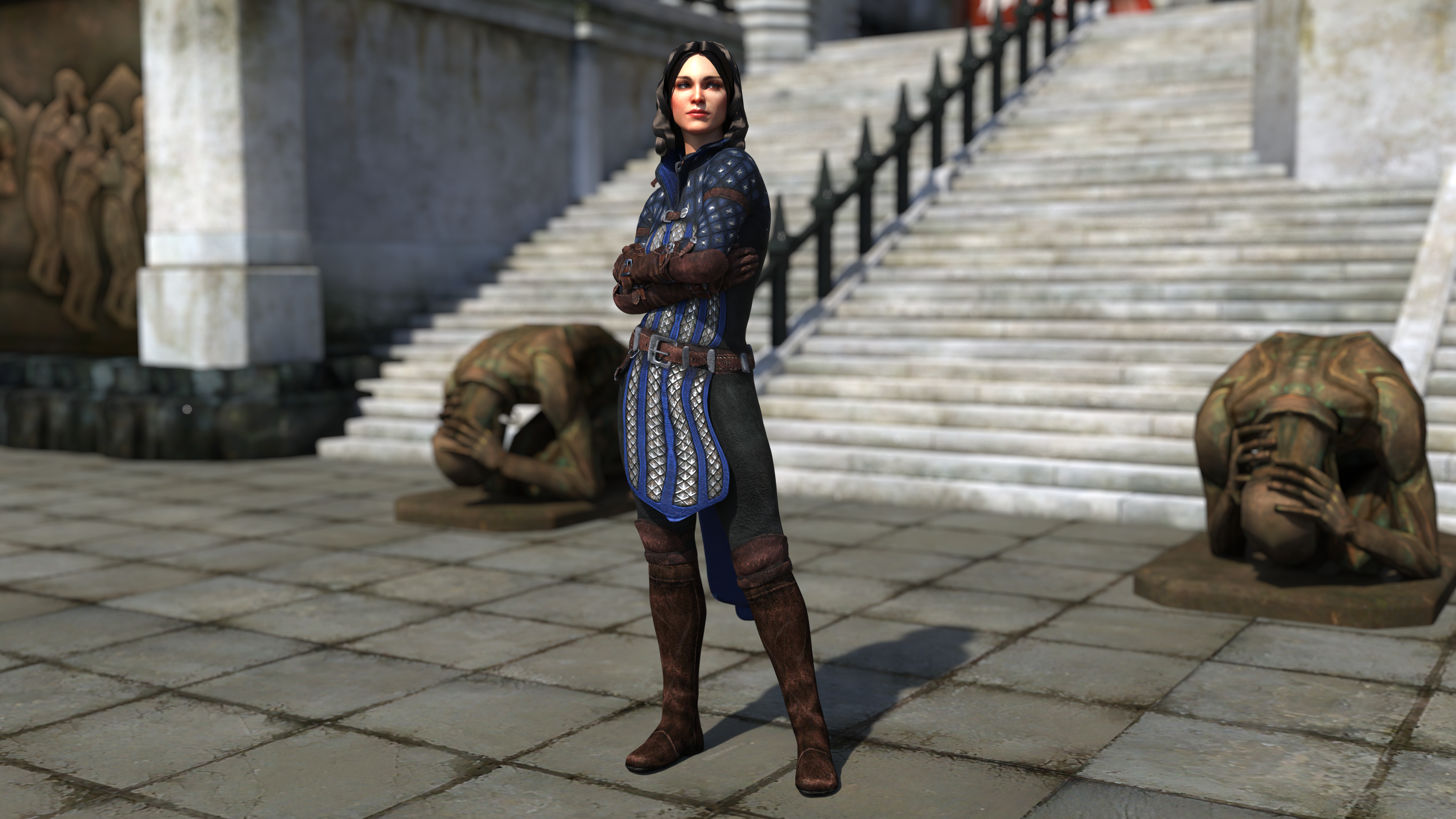
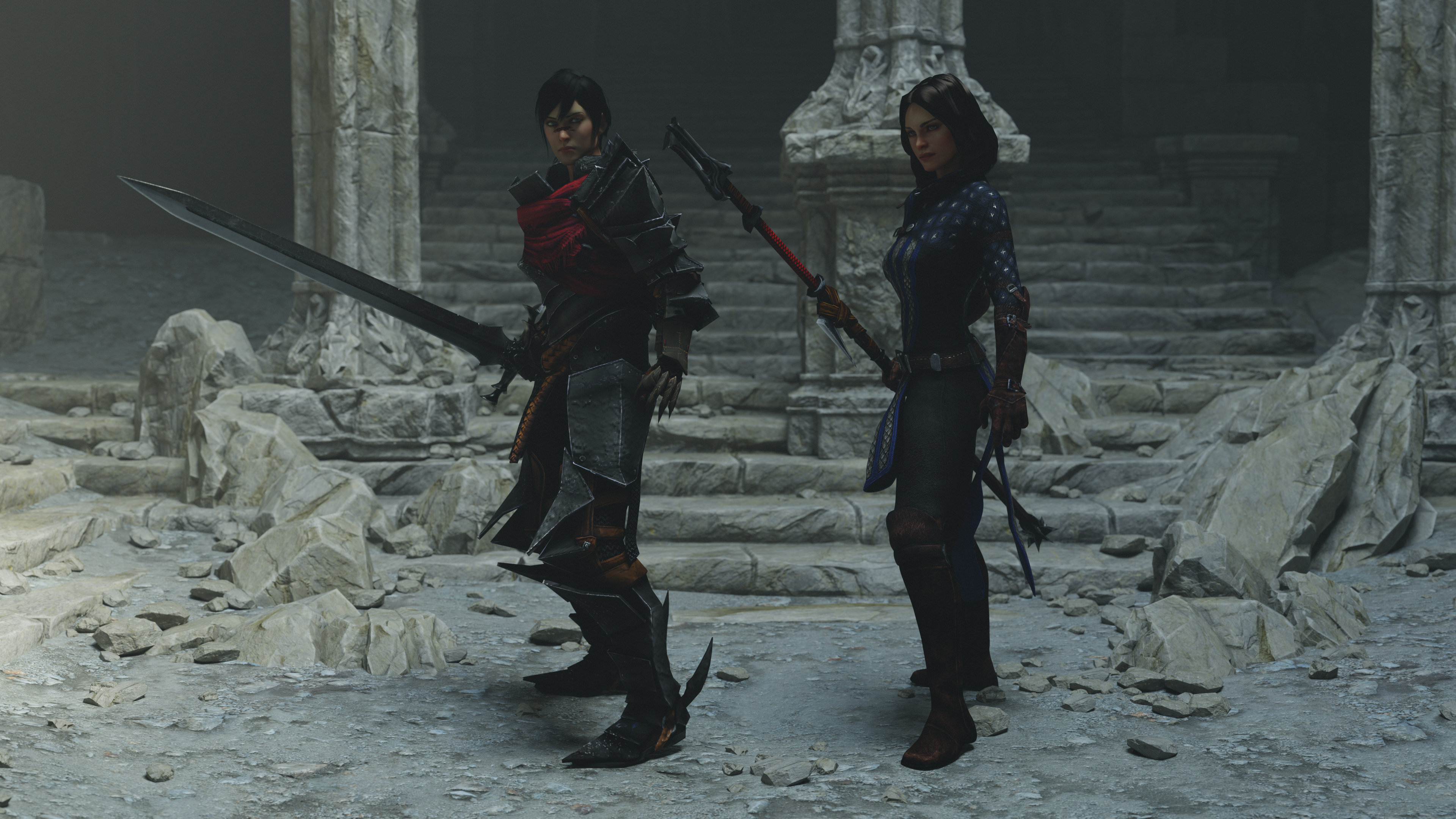
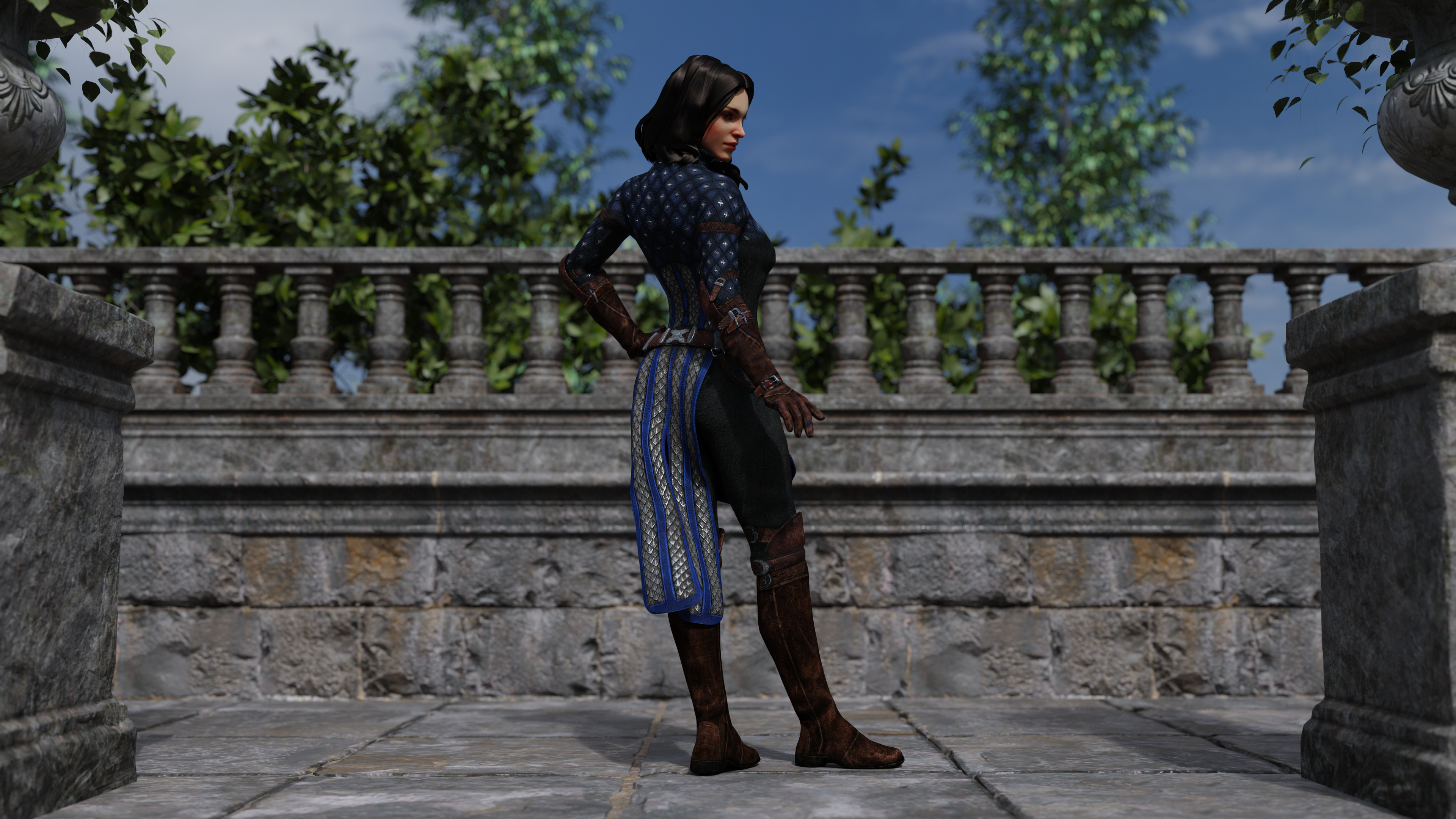
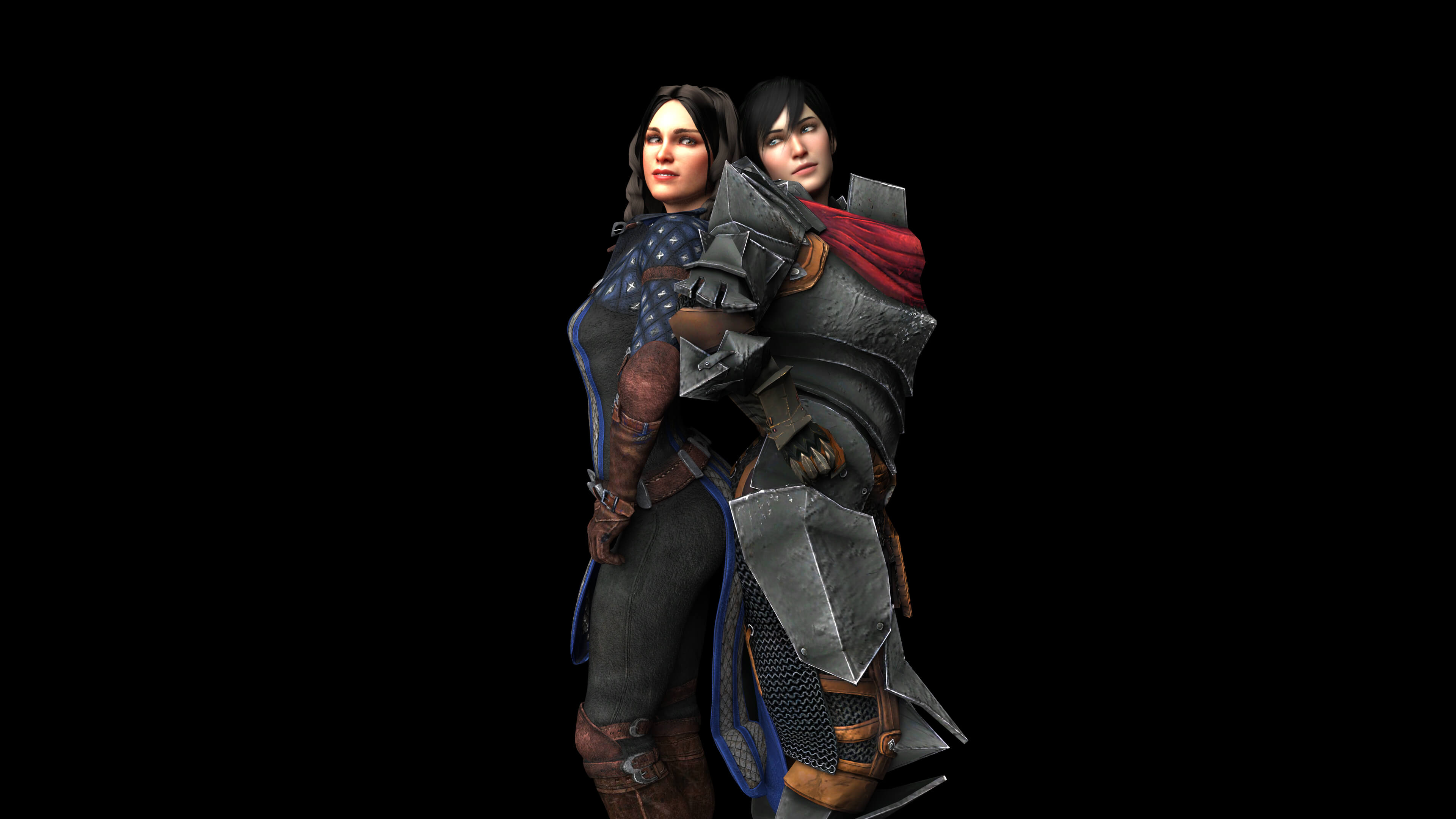
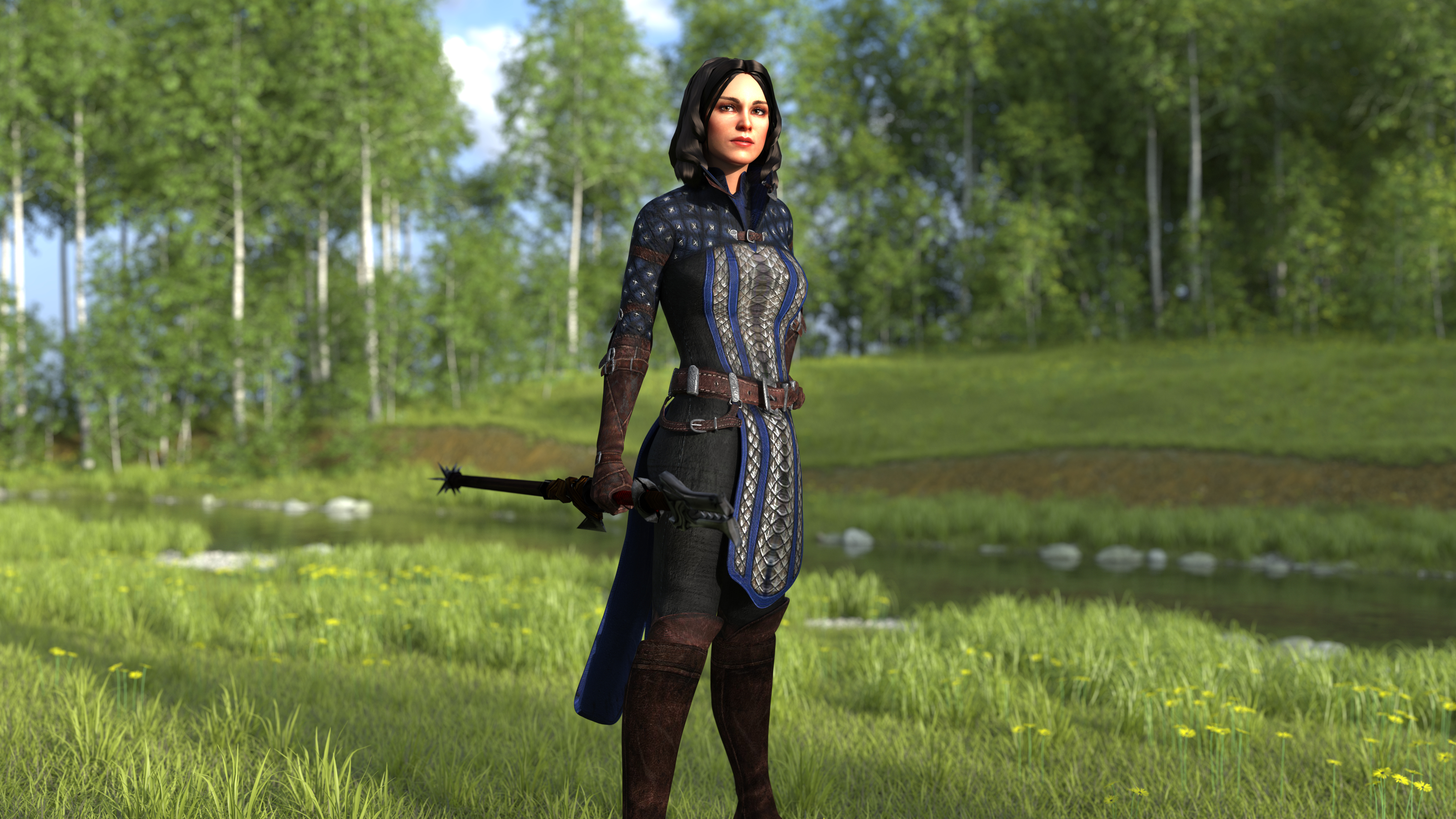
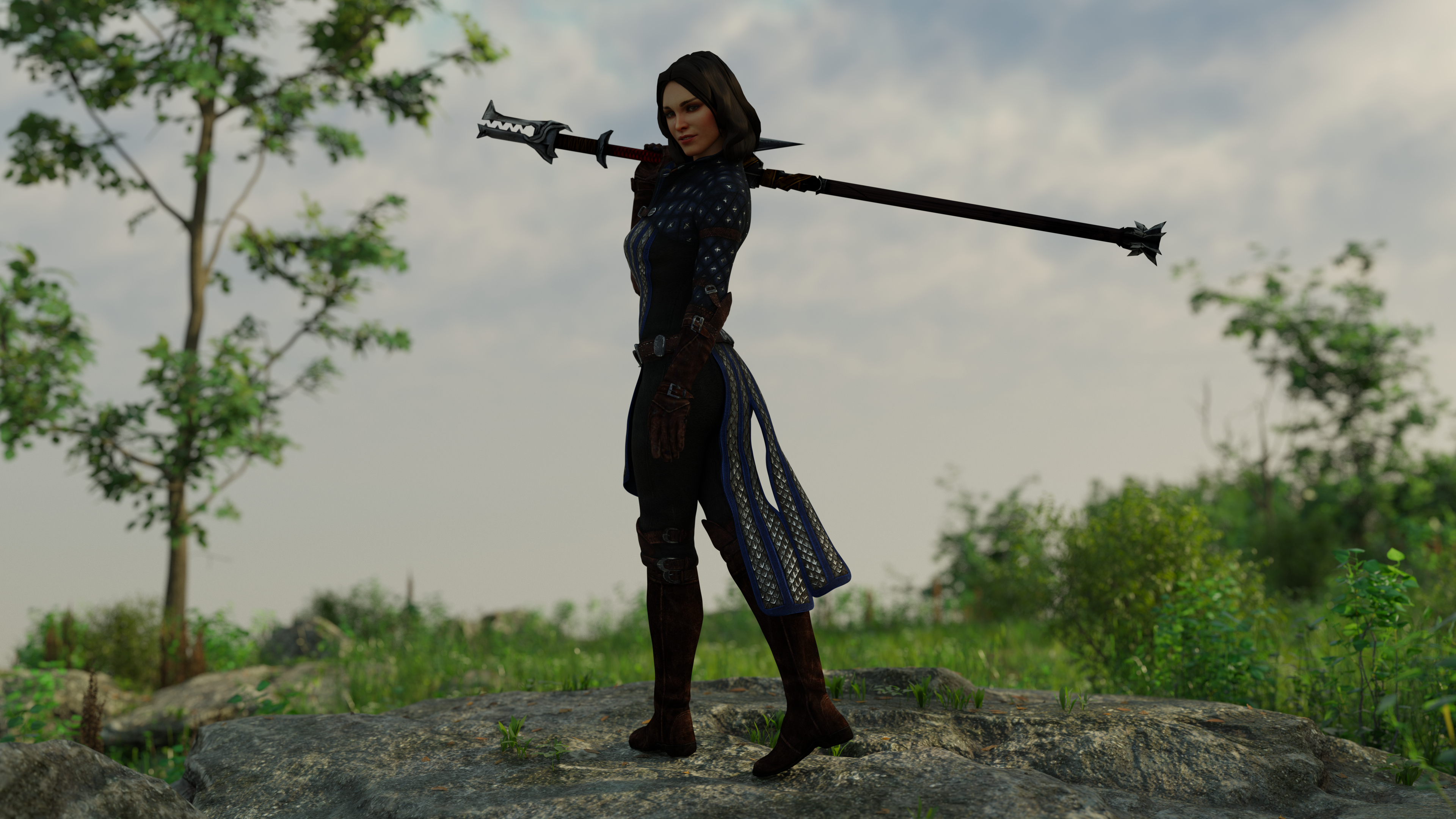
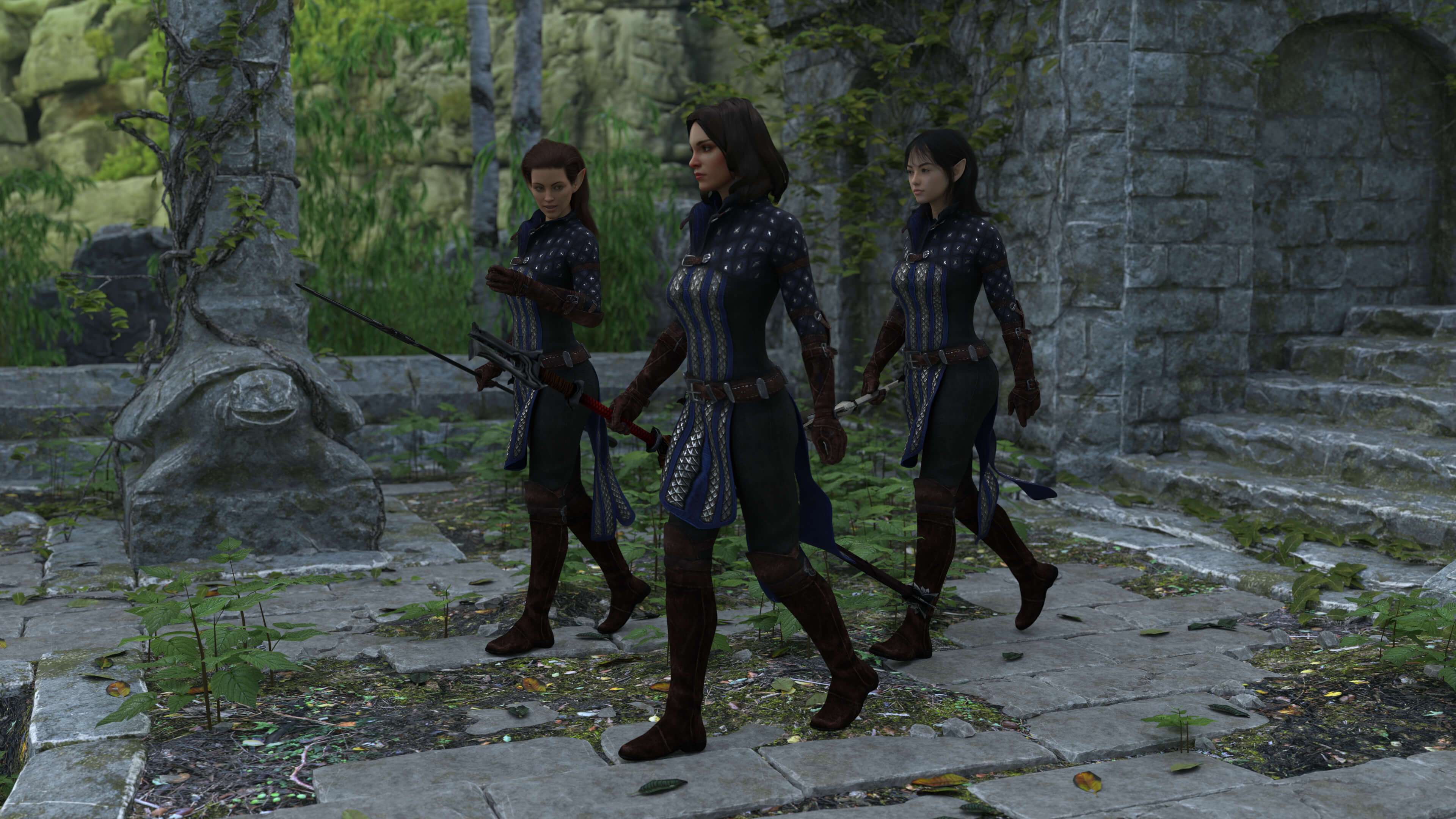
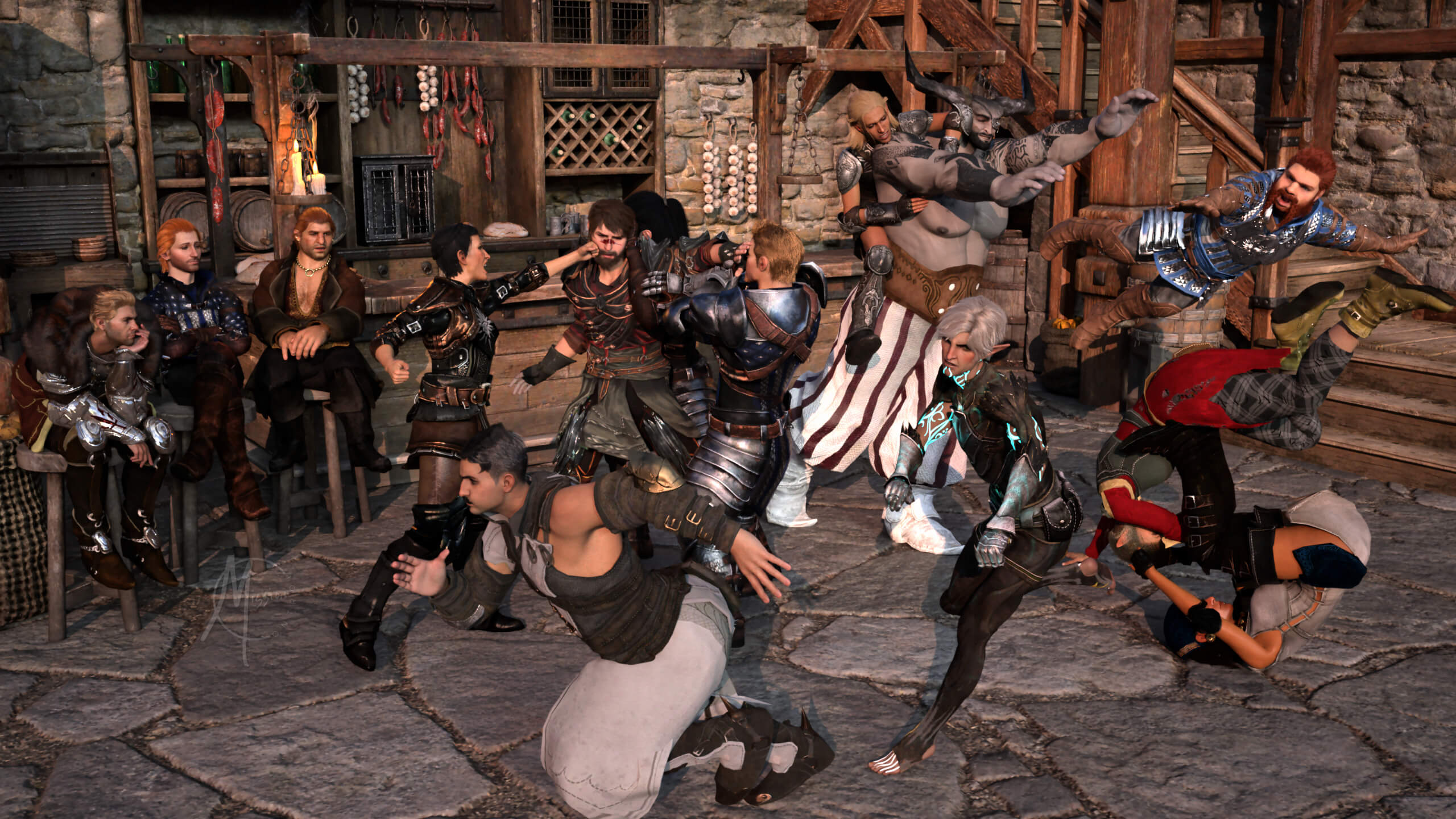
Bring dark power and ancient magic to your library with the Tainted Mage Outfit for Genesis 9. Designed with detailed metallic scale mail accents, sturdy leather straps, and dark fabric textures, this outfit is perfect for battle-mage renders, heroic dark fantasy scenes, or mysterious spellcasters.
The outfit is fully fitted for Genesis 9 and does not hide the character body underneath, allowing smooth compatibility with your shape presets.
The back parts of the robe are fully rigged with custom bones for extra posing control, and also feature dForce settings for realistic cloth dynamics and natural drape during simulation.
Bonus: Includes a free custom female character morph!
Note: The staff shown in the promotional renders is for presentation purposes only and is NOT included in this package.
Included Files & Folder Structure
Folder: Female (Genesis 9 Full / Female Shapes)
!!!Load All Outfit!!! (.duf)
Tainted Mage Boots F (.duf)
Tainted Mage Gloves F (.duf)
Tainted Mage Robe F (.duf) (dForce enabled)
Folder: Male
!!!Load All Outfit!!! (.duf)
Tainted Mage Boots (.duf)
Tainted Mage Gloves (.duf)
Tainted Mage Robe (.duf)
Folder: Material
Boots Material (.duf)
Gloves Material (.duf)
Robe Material (.duf)
How to Extract ZIP Files
Download the .zip package to your computer.
Right-click the .zip file and select "Extract ALL…" (Windows) or double-click the file (macOS).
Choose your desired destination folder (such as your Daz 3D Content Library path) and click Extract.
Copy or move the extracted folders (data, People, Runtime) directly into your My DAZ 3D Library root directory so Daz Studio can locate all assets and textures properly.
Categories
