


 Free 3D
 3D Print Models
 3D Scans
 Animation & MoCap
 Textures
 Materials
 Skin Reference
 2D Game Assets
 Sound Effects
 Brushes & Tools
 Reference Photos
 Stock Images
 HDR Images
 3ds Max
 Maya
Maya Blender
 Unreal Engine
 Unity
Unity ZBrush
 Cinema 4D
 LightWave
 Marmoset
 SketchUp
 FBX
FBX DAE
DAE DXF
DXF GLB
GLBEmily Ratajkowski UHD for Genesis 9 Female Daz Studio

Not Rated Yet


! REPORT
NOTE: DIGITAL DOWNLOAD, NOT A PHYSICAL ITEM

Add to Collection

2 Likes
Share This Daz Content


Offered By


Graphic designer, 3D/ lighting art
Vendor's Pages


License
Extended Use License (IP Restricted)
This item comes with our Extended Use Licensing. This means that you may use the model in a variety of mediums and applications. But, because certain intellectual property depicted in this model may not be affiliated with or endorsed by the original rights holder, this model is subject to an Editorial Use Only Restriction which limits the ways in which you may use this model.
For full license terms, see our 3D Content Licensing Agreement
Item Details
| Vendor: | leeleesss |
| Published: | Oct 19, 2026 |
| Download Size: | 320.5 MB |
| Software: | Daz Studio |
| Compatible Figure: | Genesis 9 |
| dForce: | – |
Included Formats

Statistics
| Favorites: | 0 |
| Likes: | 2 |
| Views: | 77 |
Item Ratings
Not Rated Yet
Emily Ratajkowski UHD for Genesis 9 Female Daz Studio
Emily Ratajkowski UHD for Genesis 9 Female | Daz Studio
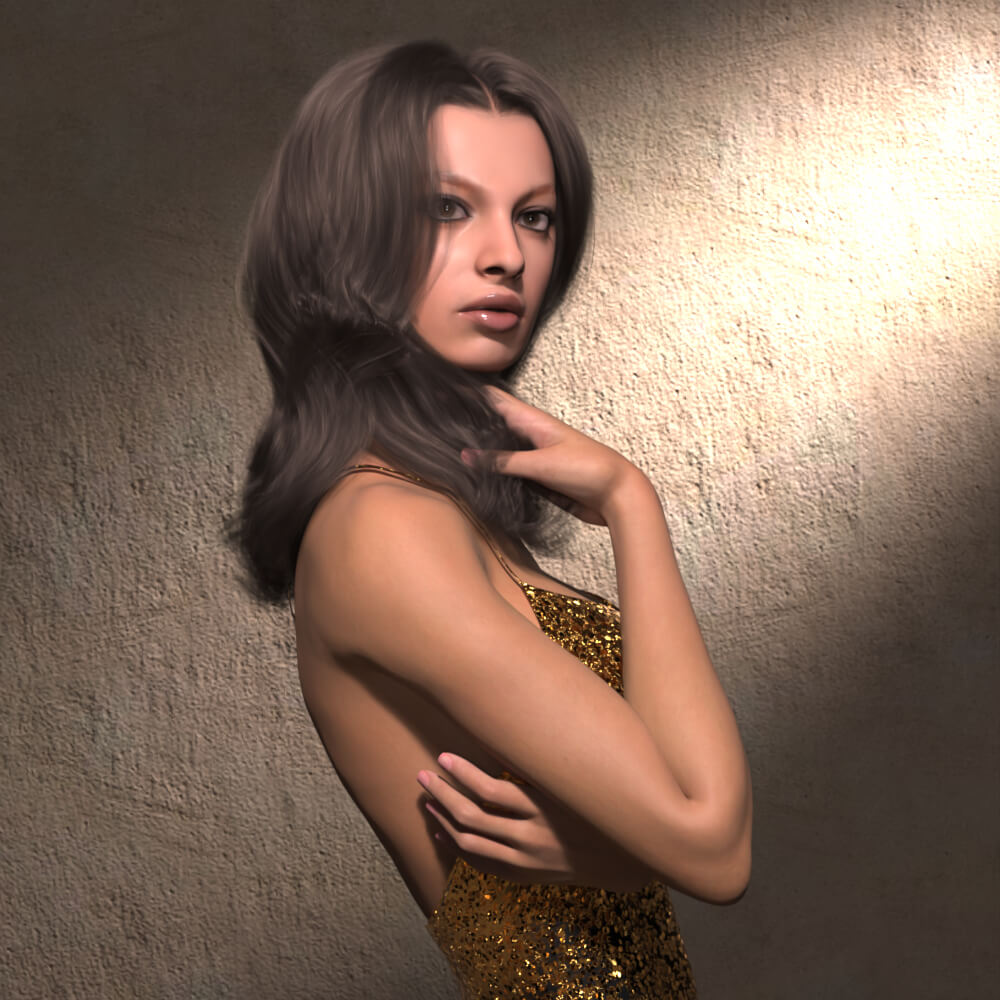
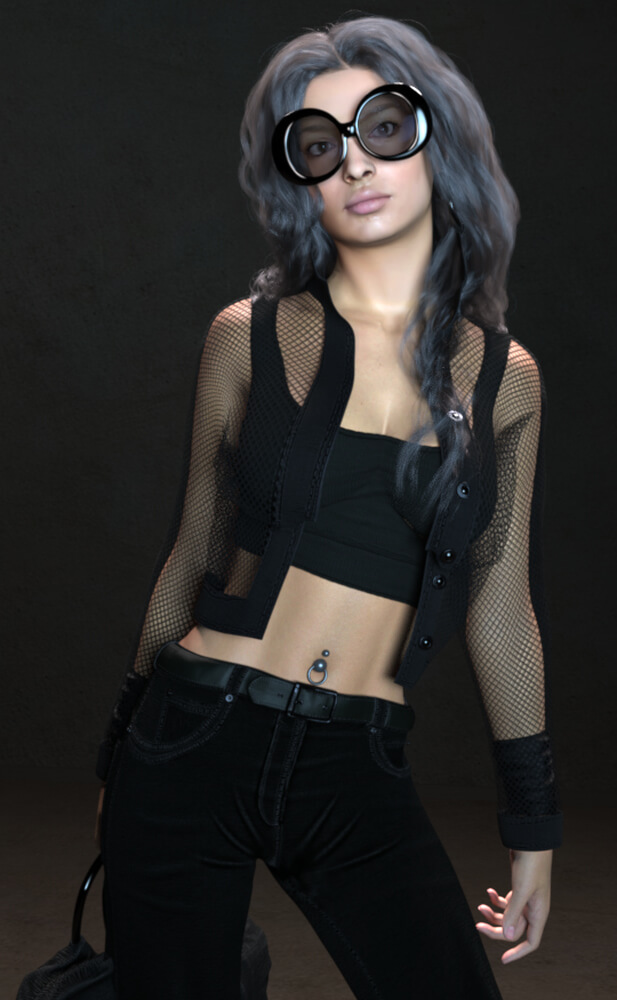
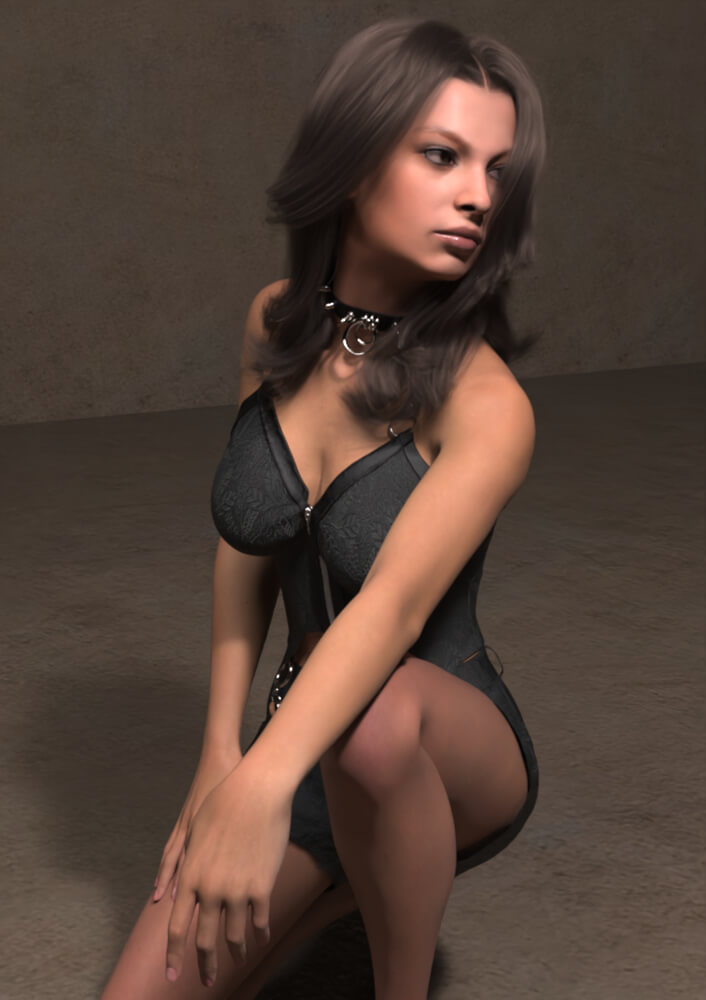
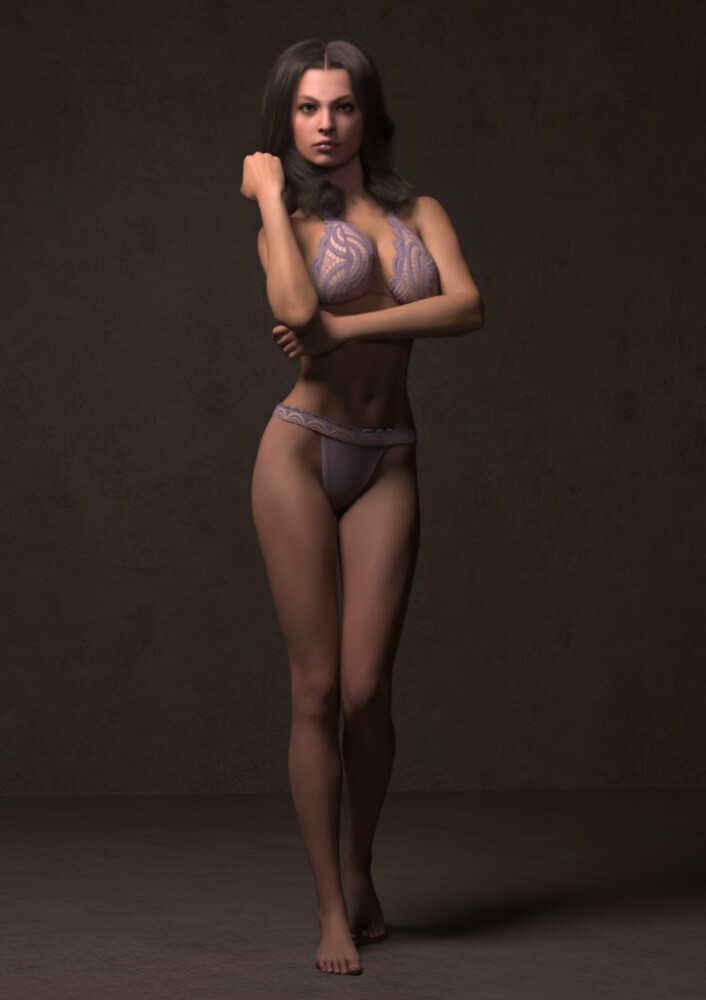
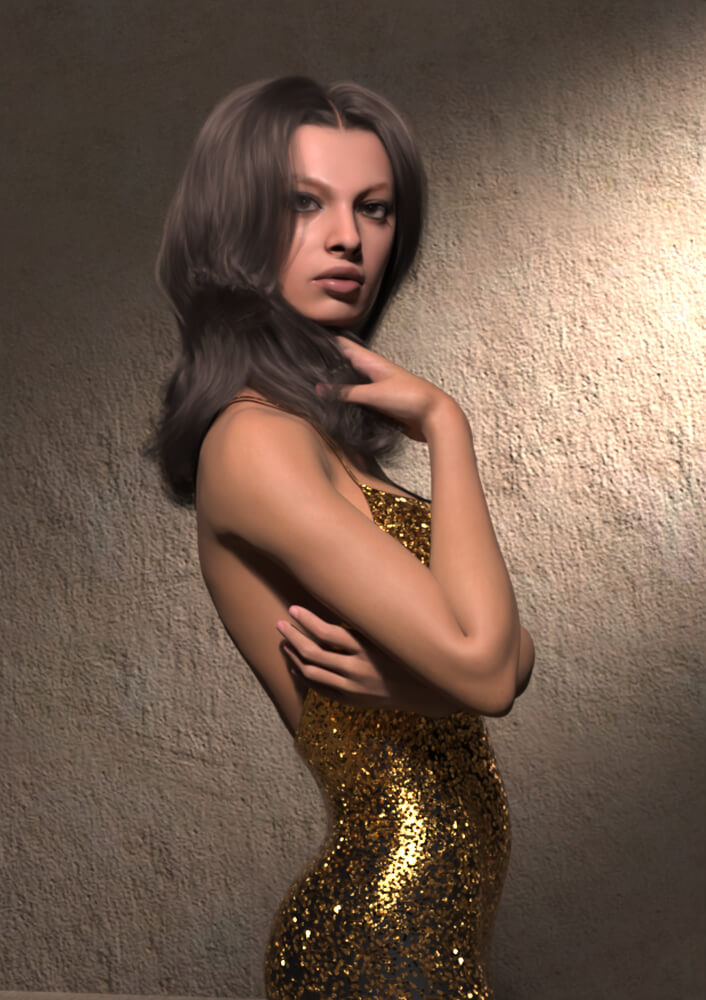
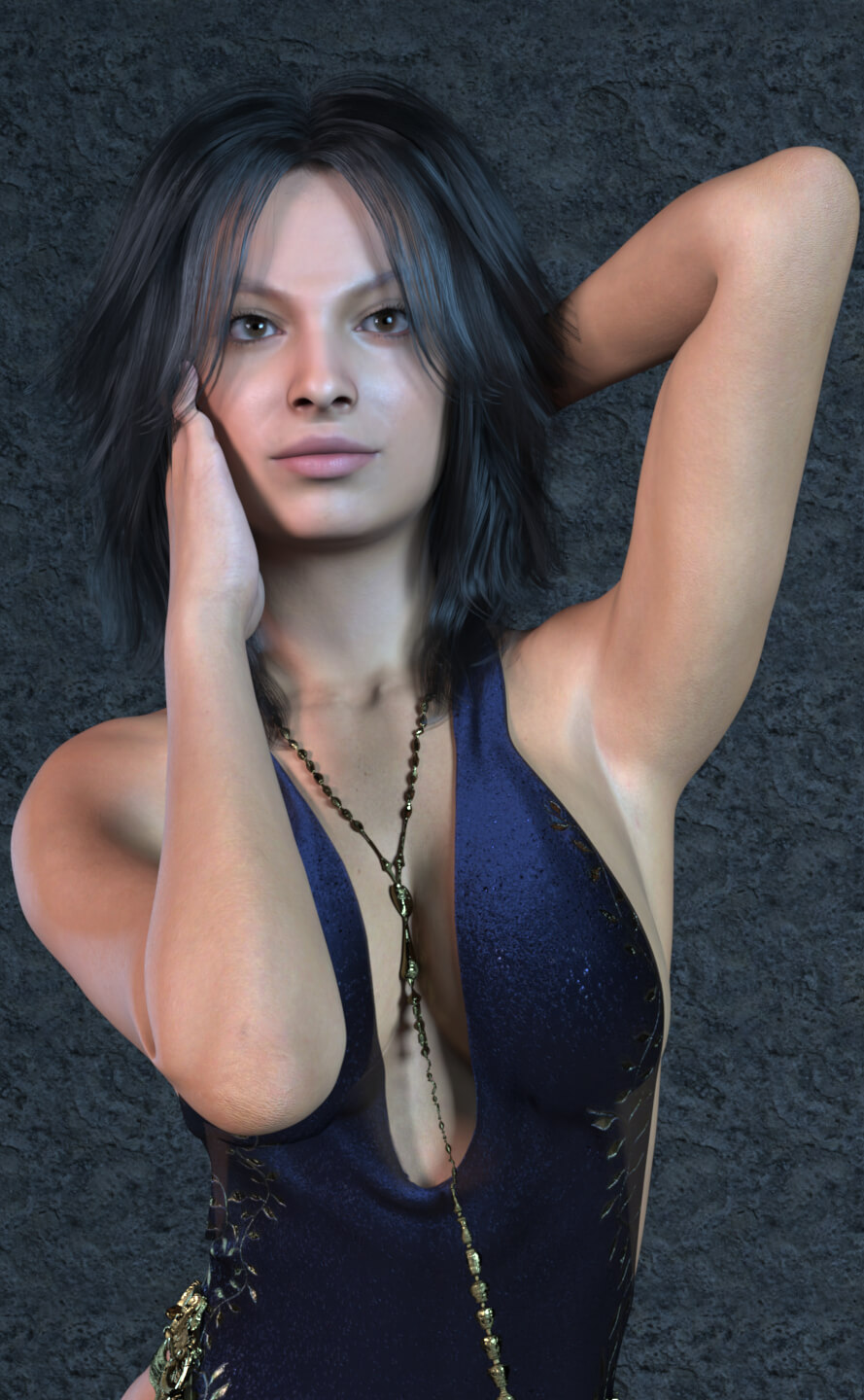
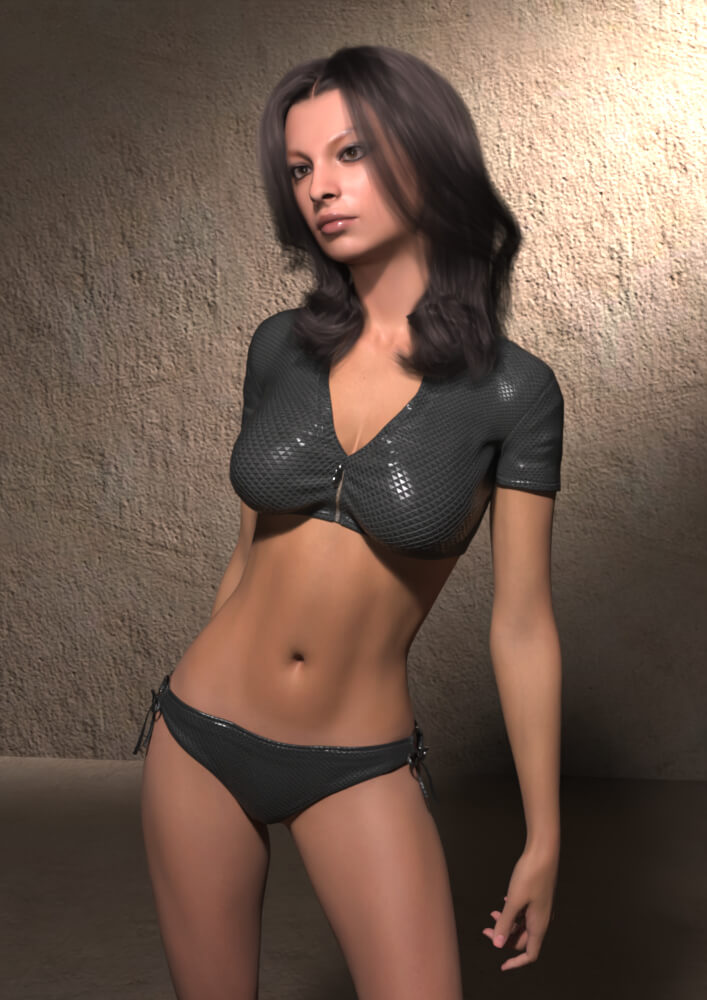
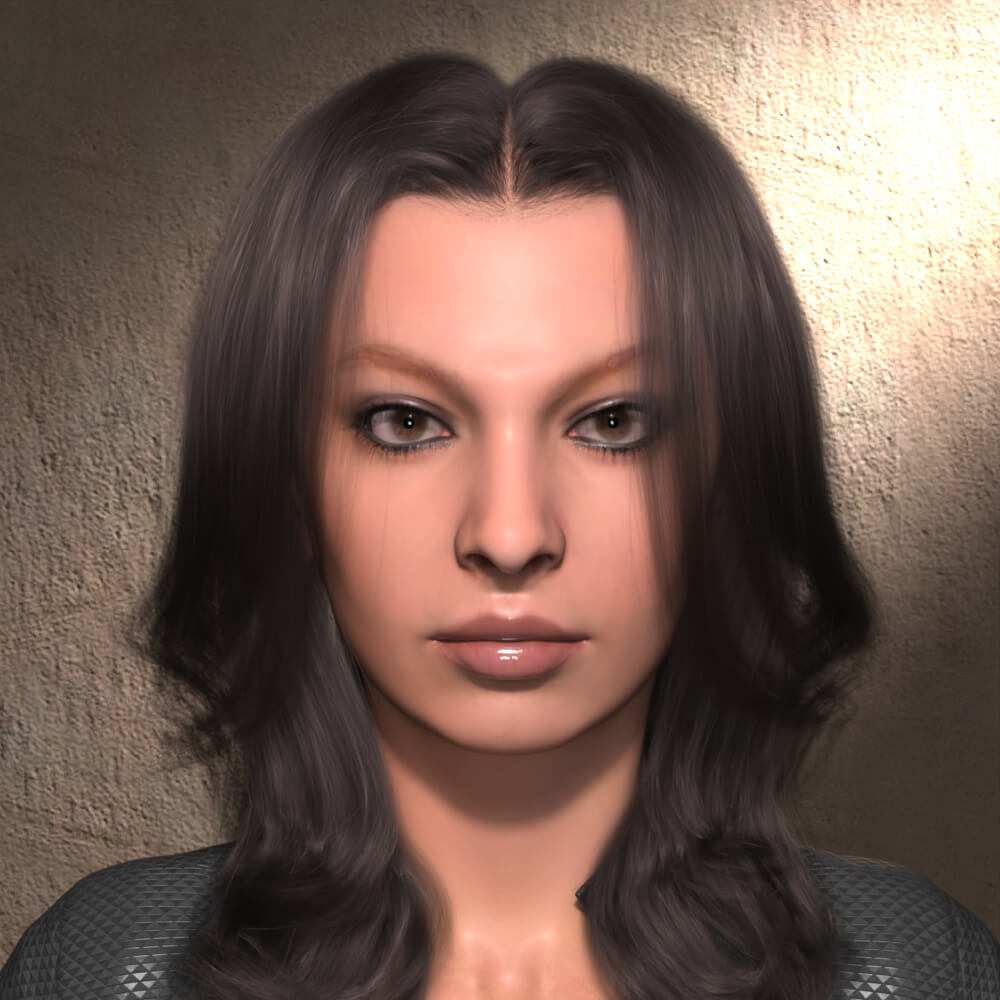
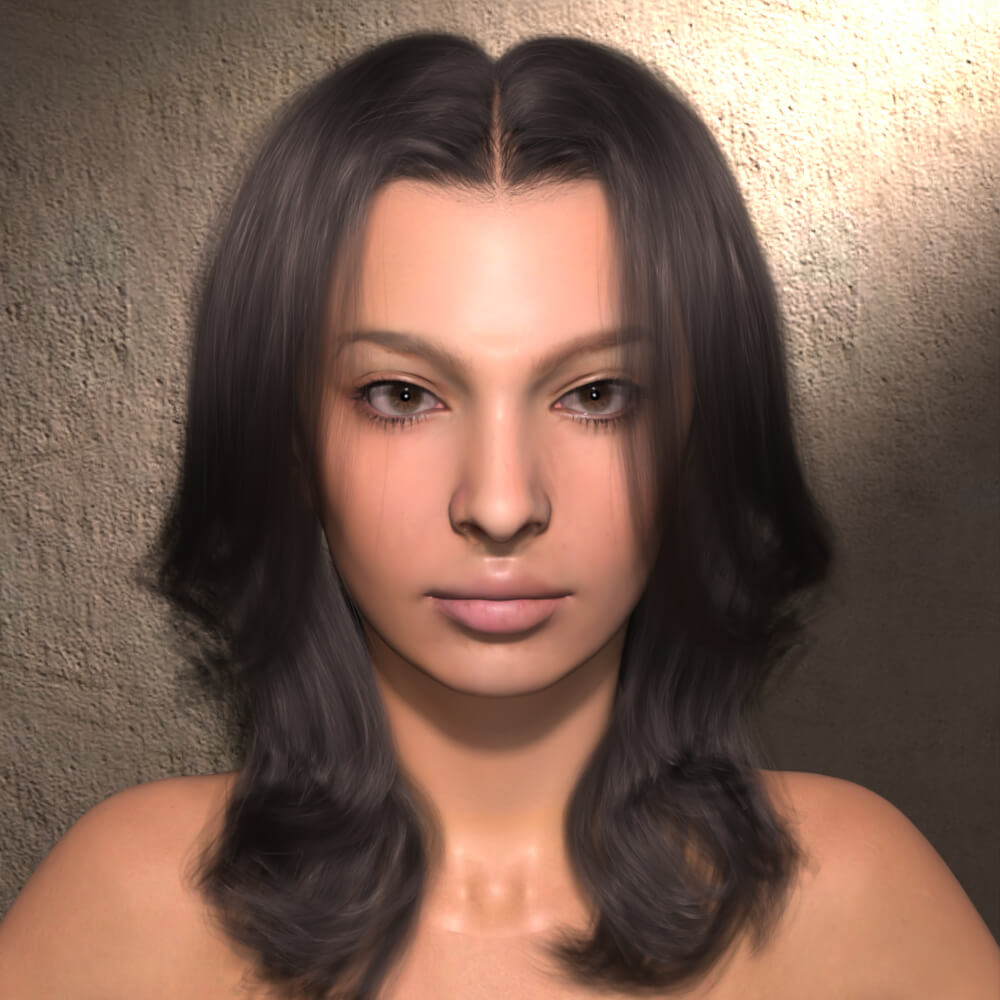
Meet Emily, a captivating presence for your next render. Inspired by Emily Ratajkowski’s distinctive features, this female character for Genesis 9 brings personality to fashion portraits, beauty closeups, and cinematic scenes.
Explore a natural look or add makeup to suit your creative vision.
What’s Included
1 Character Morph
1 Natural Skin Option
1 Makeup Option
Requirements
Daz Studio
Genesis 9
Installation
Extract the ZIP archive and open the “Contentfolder. Copy the data, People, and Runtime folders into your Daz Studio content library, such as “My Libraryor “My DAZ 3D Library
Copy the contents of the “Contentfolder, not the “Contentfolder itself. Keep all internal folder names and paths unchanged.
Meet Emily, a captivating presence for your next render. Inspired by Emily Ratajkowski’s distinctive features, this female character for Genesis 9 brings personality to fashion portraits, beauty closeups, and cinematic scenes.
Explore a natural look or add makeup to suit your creative vision.
What’s Included
1 Character Morph
1 Natural Skin Option
1 Makeup Option
Requirements
Daz Studio
Genesis 9
Installation
Extract the ZIP archive and open the “Contentfolder. Copy the data, People, and Runtime folders into your Daz Studio content library, such as “My Libraryor “My DAZ 3D Library
Copy the contents of the “Contentfolder, not the “Contentfolder itself. Keep all internal folder names and paths unchanged.
