


 Free 3D
 3D Print Models
 3D Scans
 Animation & MoCap
 Textures
 Materials
 Skin Reference
 2D Game Assets
 Sound Effects
 Brushes & Tools
 Reference Photos
 Stock Images
 HDR Images
 3ds Max
 Maya
 Blender
 Unreal Engine
 Unity
 ZBrush
 Cinema 4D
 LightWave
 Marmoset
 SketchUp
 FBX
 DAE
 DXF
 GLB


! REPORT
NOTE: DIGITAL DOWNLOAD, NOT A PHYSICAL ITEM

Add to Collection

1 Like
Share This Daz Content


Offered By


License
Extended Use License
This item comes with our Extended Use Licensing. This means that you may use the model for both non-commercial and commercial purposes, in a variety of mediums and applications.
For full license terms, see our 3D Content Licensing Agreement
Item Details
| Vendor: | Max90 |
| Published: | Nov 13, 2026 |
| Download Size: | 61.9 MB |
| Software: | Daz Studio |
| Compatible Figure: | Genesis 9 |
| dForce: | – |
Included Formats

Statistics
| Favorites: | 0 |
| Likes: | 1 |
| Views: | 12 |
Item Ratings

Not Rated Yet
Vtop for Genesis 9
VTop for Genesis 9
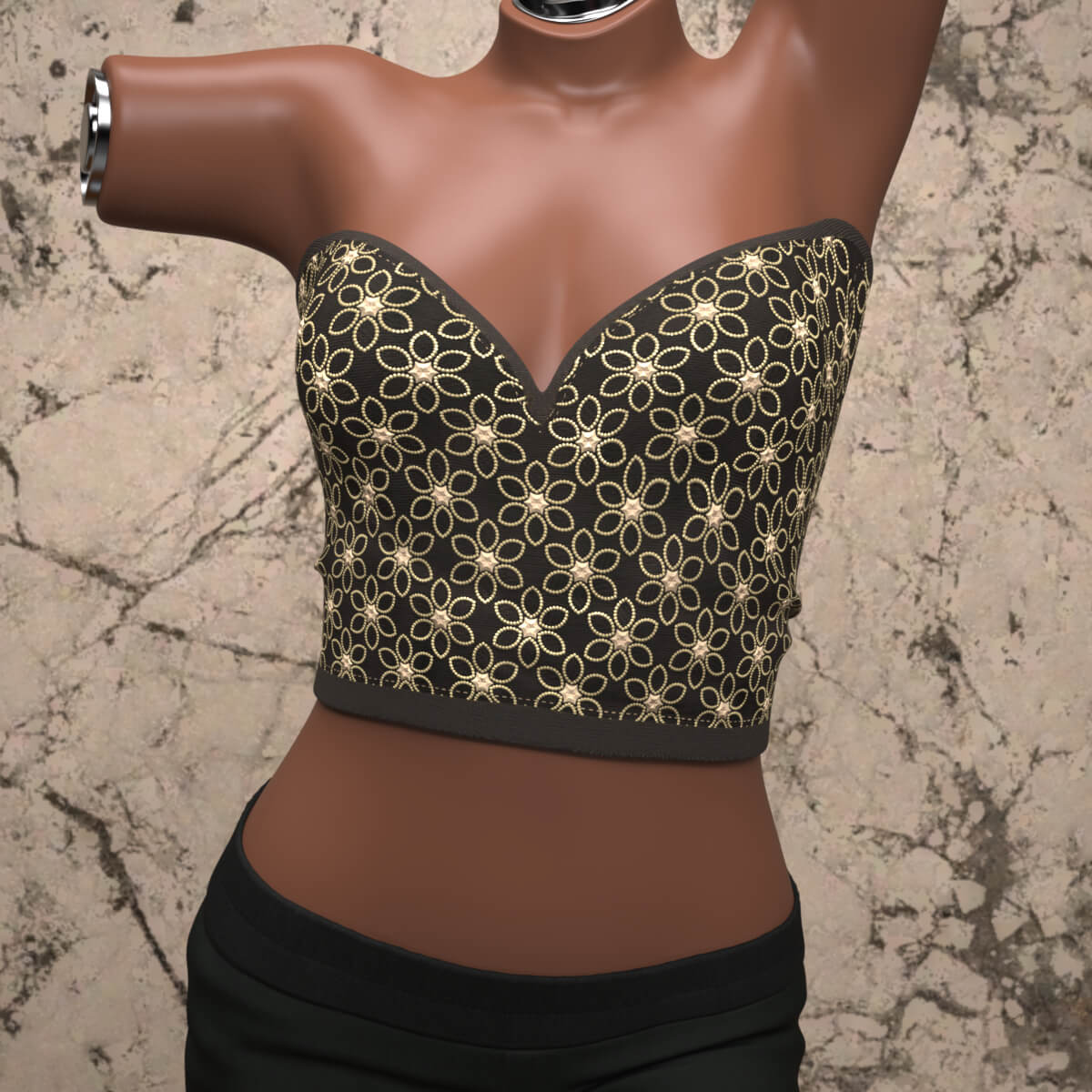
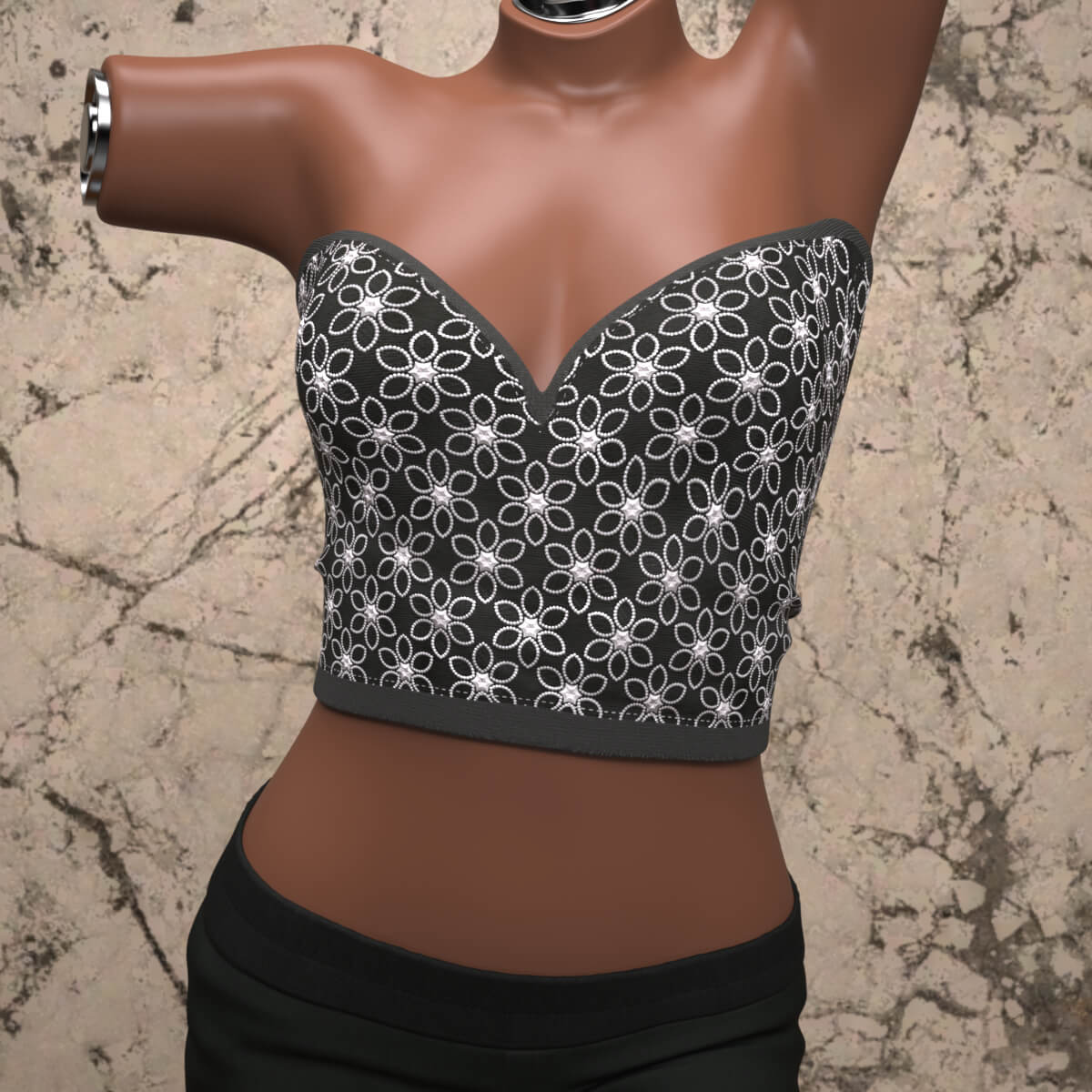
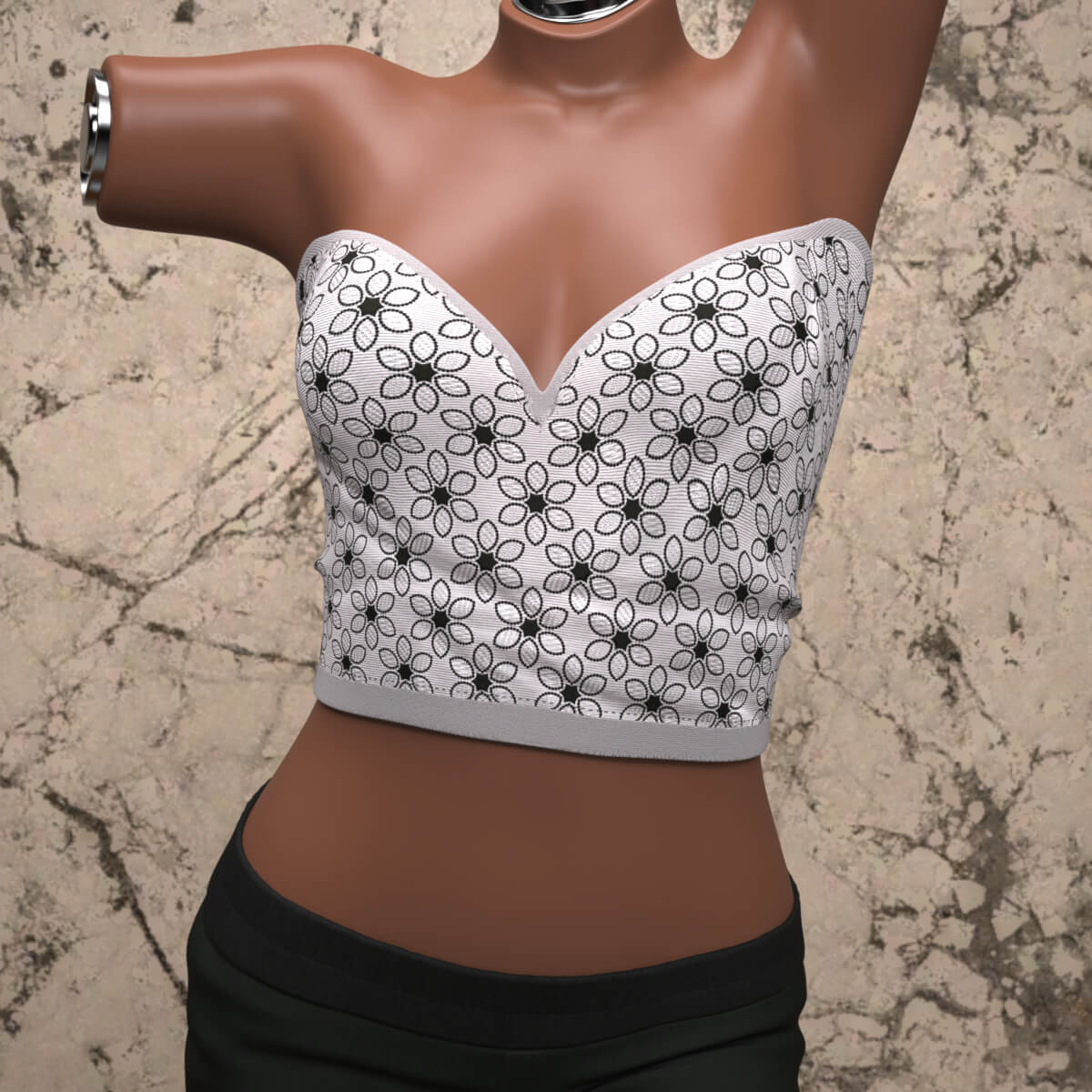
Add a stylish and versatile piece to your Genesis 9 wardrobe with the VTop for Genesis 9. This elegant, strapless crop top features a detailed floral pattern and is designed to fit Genesis 9 figures perfectly.
Important Note: This outfit does not use dForce and is completely rigged for ease of use.
Included Materials & Styles
Default style
Base02 style
Base03 style
File List
VTop.duf
Material/ (Folder)
Default.duf
Base02.duf
Base03.duf
How to Unzip Files
Locate the downloaded .zip archive on your computer.
Right-click the .zip file and select Extract All… (or use a file archiver tool like 7-Zip or WinRAR).
Choose your target destination folder and click Extract.
Merge or copy the extracted content folders (such as data, people, etc.) directly into your primary Daz 3D Content Library so that Daz Studio can easily locate and load the assets.
Add a stylish and versatile piece to your Genesis 9 wardrobe with the VTop for Genesis 9. This elegant, strapless crop top features a detailed floral pattern and is designed to fit Genesis 9 figures perfectly.
Important Note: This outfit does not use dForce and is completely rigged for ease of use.
Included Materials & Styles
Default style
Base02 style
Base03 style
File List
VTop.duf
Material/ (Folder)
Default.duf
Base02.duf
Base03.duf
How to Unzip Files
Locate the downloaded .zip archive on your computer.
Right-click the .zip file and select Extract All… (or use a file archiver tool like 7-Zip or WinRAR).
Choose your target destination folder and click Extract.
Merge or copy the extracted content folders (such as data, people, etc.) directly into your primary Daz 3D Content Library so that Daz Studio can easily locate and load the assets.
Categories
