


 Free 3D
 3D Print Models
 3D Scans
 Animation & MoCap
 Textures
 Materials
 Skin Reference
 2D Game Assets
 Sound Effects
 Brushes & Tools
 Reference Photos
 Stock Images
 HDR Images
 3ds Max
 Maya
Maya Blender
 Unreal Engine
 Unity
Unity ZBrush
 Cinema 4D
 LightWave
 Marmoset
 SketchUp
 FBX
FBX DAE
DAE DXF
DXF GLB
GLBND Relative Light Positioner

Not Rated Yet


Some images hidden by SafeSite :




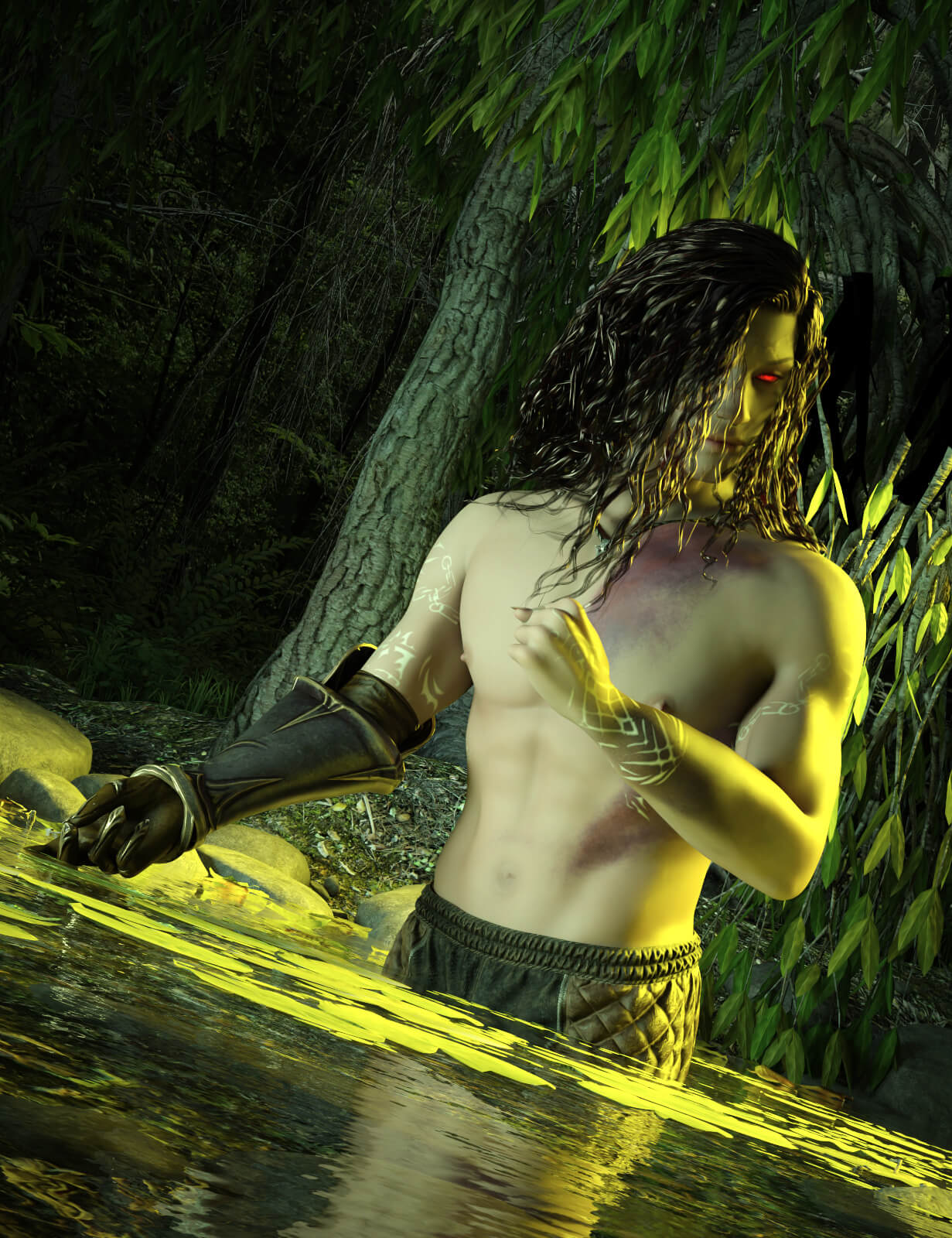
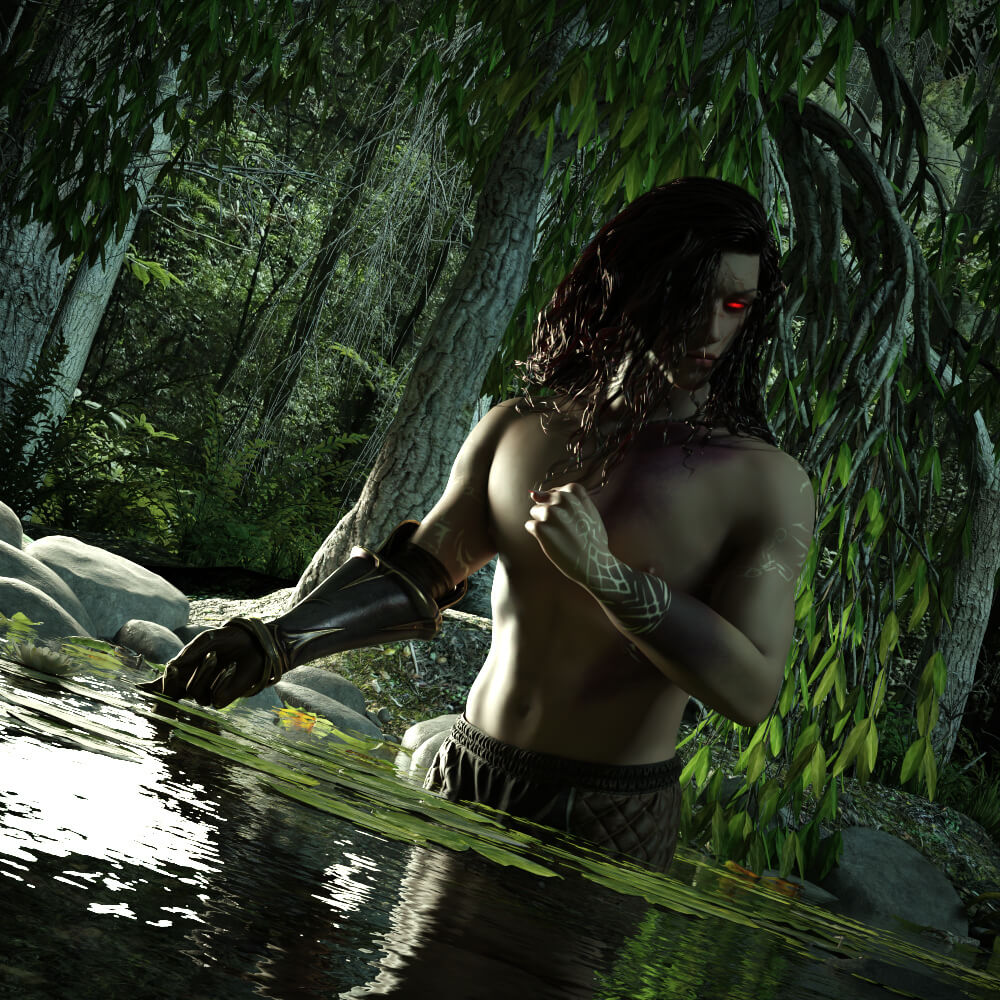
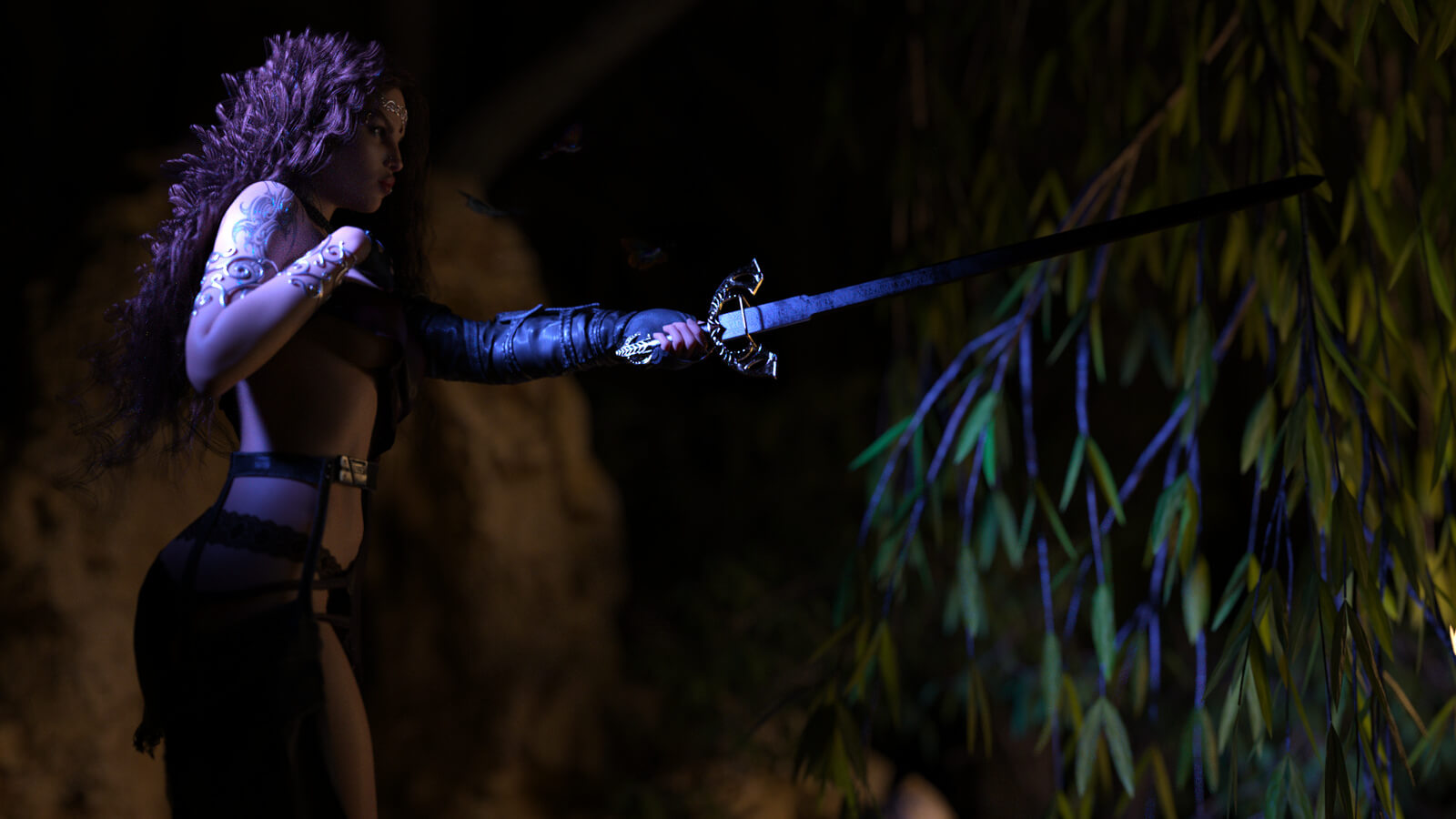
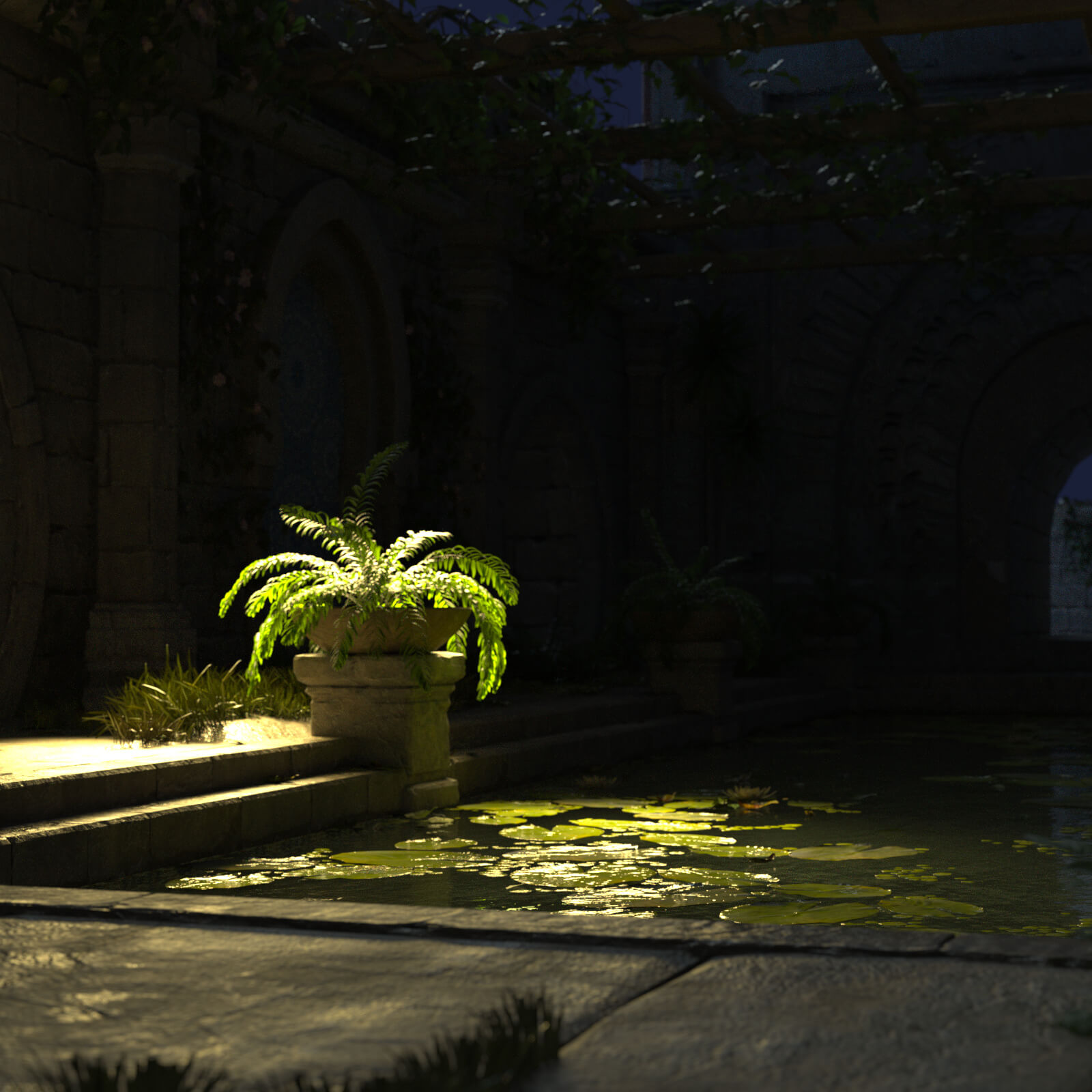
! REPORT
NOTE: DIGITAL DOWNLOAD, NOT A PHYSICAL ITEM

Add to Collection

2 Likes
Share This Daz Content


Offered By


I have been a 2D/3D graphic designer for over twenty years.
And I've been creating content for Daz for almost as long. I also make book covers.
A bit of a jack of all trades, I have other artistic activities, such as painting or writing.
I love everything from the world of Fantasy or Science Fiction, cyberpunk, steampunk…
I invite you to discover my blog too : www.nathy-design.nathy.fr
And I've been creating content for Daz for almost as long. I also make book covers.
A bit of a jack of all trades, I have other artistic activities, such as painting or writing.
I love everything from the world of Fantasy or Science Fiction, cyberpunk, steampunk…
I invite you to discover my blog too : www.nathy-design.nathy.fr
Vendor's Pages


License
Extended Use License
This item comes with our Extended Use Licensing. This means that you may use the model for both non-commercial and commercial purposes, in a variety of mediums and applications.
For full license terms, see our 3D Content Licensing Agreement
Item Details
| Vendor: | Nathy-Design |
| Published: | Oct 28, 2026 |
| Download Size: | 1.3 MB |
| Software: | Daz Studio |
| dForce: | – |
Included Formats

Statistics
| Favorites: | 0 |
| Likes: | 2 |
| Views: | 98 |
Item Ratings
Not Rated Yet
ND Relative Light Positioner
# ND Relative Light Positioner
**Place any physical light around any object, anywhere in your scene.**
Lighting a simple portrait is easy. Lighting a large DAZ Studio scene with multiple characters, props, environment elements and several lights can quickly become much more complicated.
**ND Relative Light Positioner** gives you a fast and flexible way to position physical DAZ Studio lights relative to any object in your scene — without moving your subject to the world origin.
Choose your **Target**, choose your **Light**, select a position, and let the tool do the placement.
## Designed for Complex Scenes
The Target and Light are selected independently and remain locked until you decide to change them.
This means you can:
- Keep the same Target and test several different lights
- Keep the same Light and move it around different objects
- Light characters, props or environment elements
- Work with objects located anywhere in the scene
- Switch between Standard and Rim Light placement without losing your selections
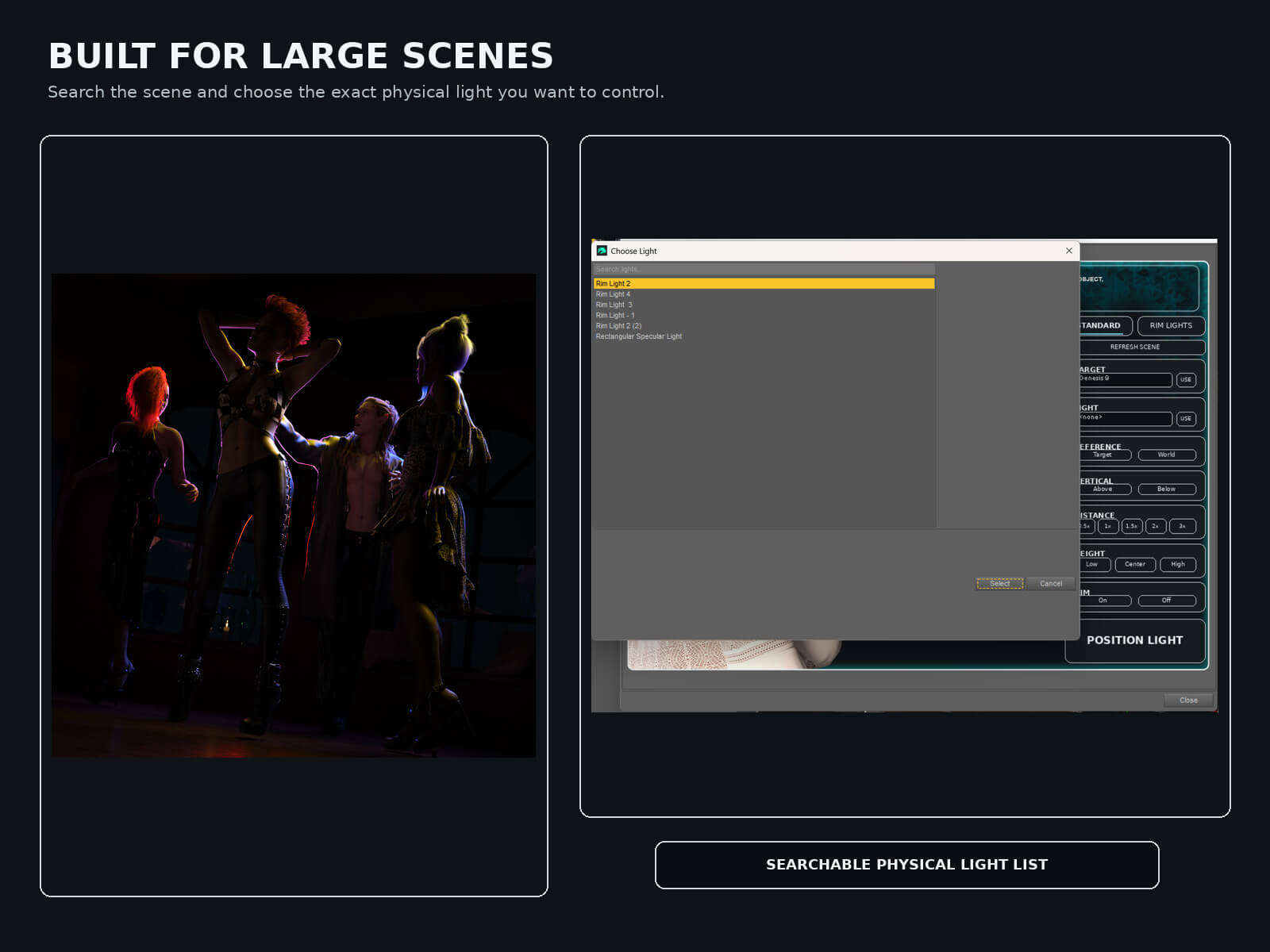
Searchable Target and Light lists make the utility especially useful in scenes containing a large number of nodes.
## Standard Light Positioning
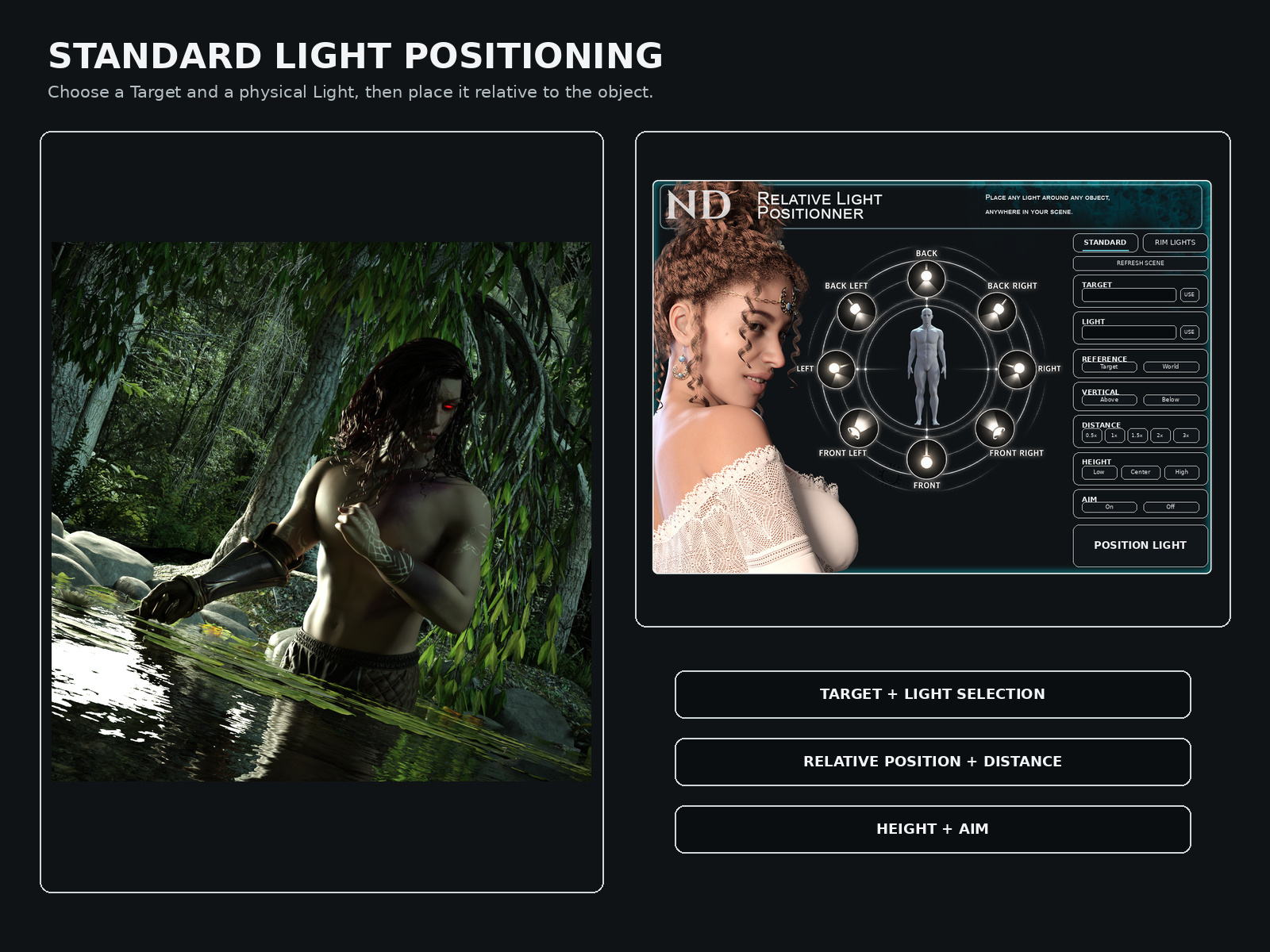
Quickly place your selected light around the Target using eight horizontal positions:
- Front
- Front Left
- Left
- Back Left
- Back
- Back Right
- Right
- Front Right
You can also position the light directly:
- Above
- Below
Choose between **Target Orientation** and **World Orientation** depending on how you want the placement direction to be calculated.
## Relative Distance and Height
Light distance is calculated from the size of the selected Target, allowing the same controls to work with objects of very different scales.
Available distance settings:
- 0.5x
- 1x
- 1.5x
- 2x
- 3x
Height controls let you quickly choose:
- Low
- Center
- High
## Aim at Target
With **Aim** enabled, the selected light is automatically rotated toward the center of the Target after placement.
This is particularly useful when working with Spot Lights.
Turn Aim off when you want to preserve the light's existing orientation.
## Dedicated Rim Light Mode
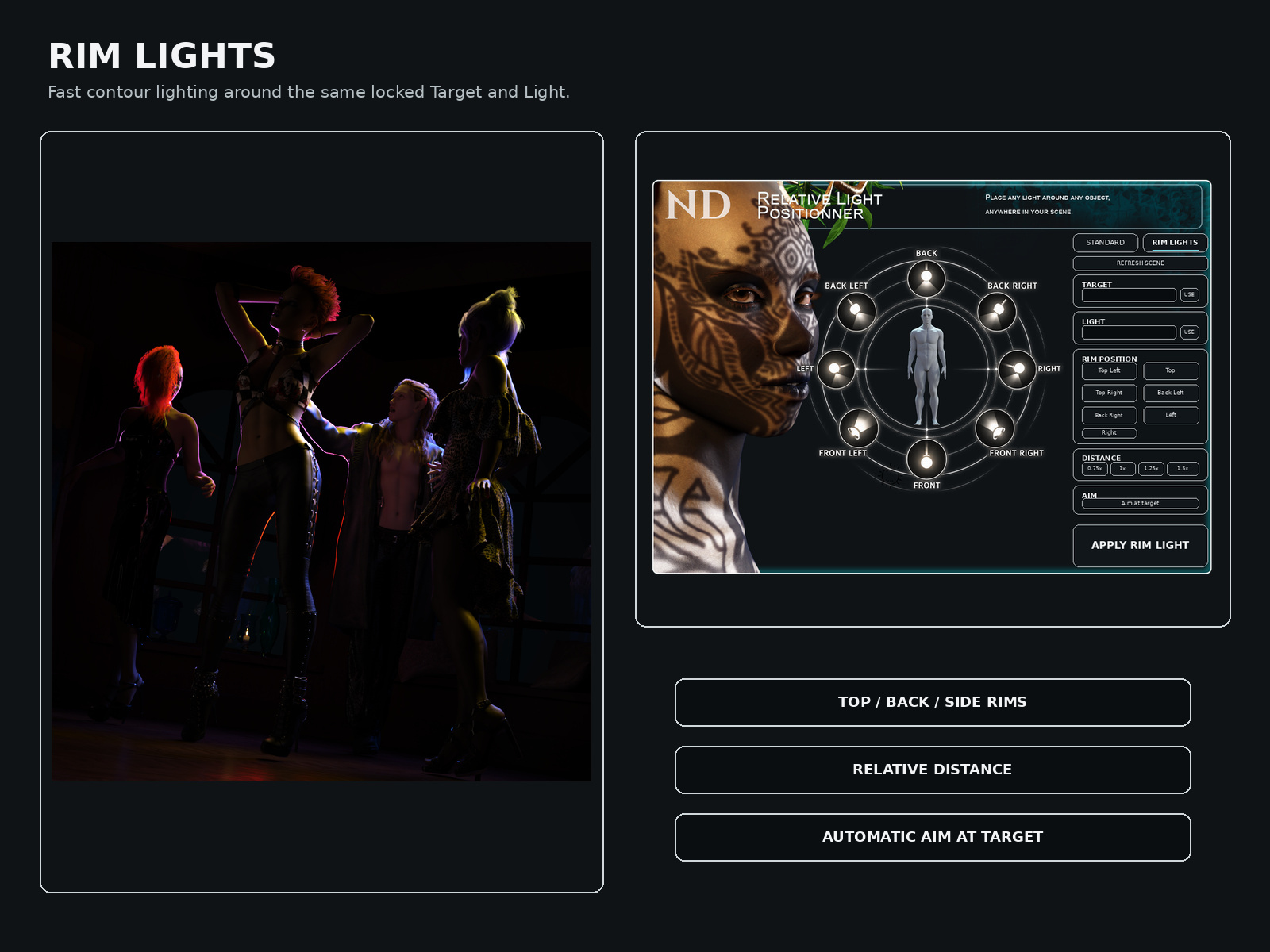
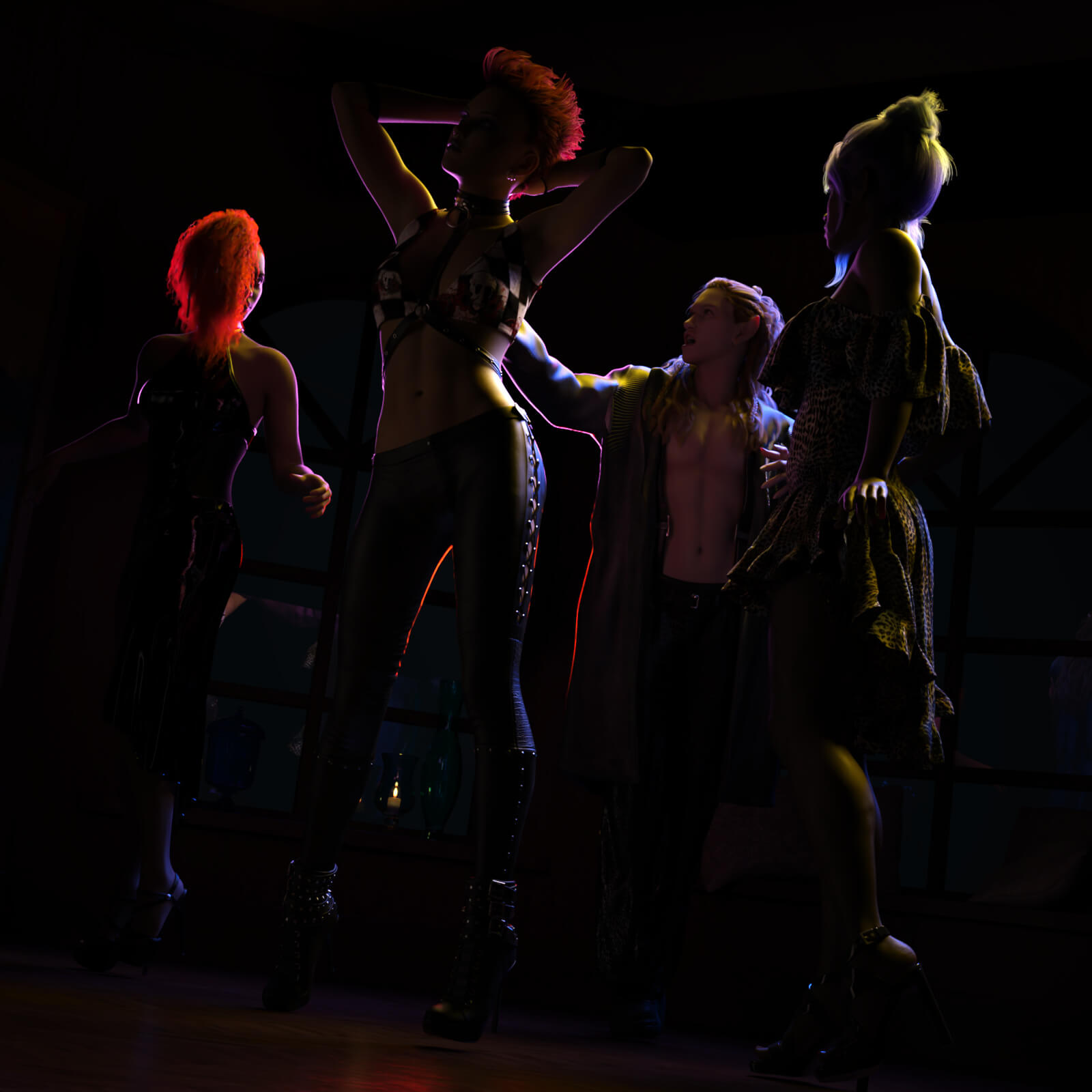
Switch to **Rim Lights** for fast contour and edge-light placement.
Available Rim positions include:
- Top Left
- Top
- Top Right
- Back Left
- Back Right
- Left
- Right
Rim Lights automatically aim toward the selected Target and include dedicated relative-distance controls.
## Choose Exactly What You Want to Light
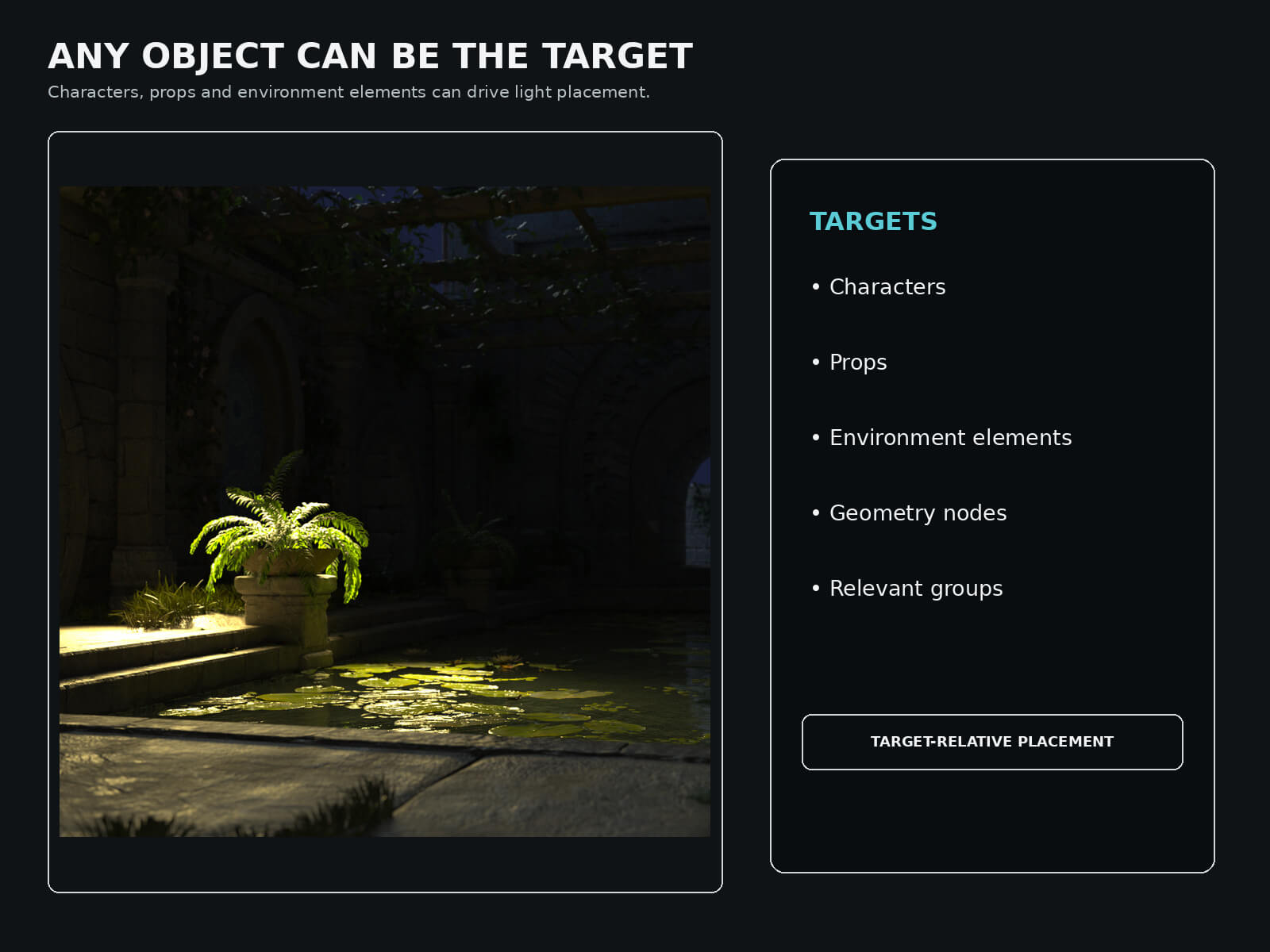
The Target selector scans useful scene content such as:
- Figures and characters
- Props
- Geometry nodes
- Environment elements
- Relevant groups and top-level nodes
Lights, cameras and standalone bones are excluded from the Target list.
## Physical Lights Only
The Light selector scans physical DAZ Studio light nodes only, including compatible Spot, Point and Distant Lights.
**Emissive materials and emissive surfaces are intentionally excluded.**
## Large-Scene Friendly
Use **Refresh Scene** after adding or removing objects or lights.
The searchable selectors make it easy to find the exact Target and Light you need, even in complex scenes containing many elements.
Once selected, the Target and Light remain locked inside the utility even if you continue navigating through the DAZ Studio Scene pane.
## Features
- Relative light placement around any selected scene object
- Independent Target and Light selection
- Searchable Target list
- Searchable physical Light list
- Use Selected shortcuts
- Stable Target / Light locking
- Refresh Scene function
- 8 horizontal light positions
- Above and Below placement
- Target Orientation or World Orientation
- Relative distance controls
- Low, Center and High positioning
- Aim at Target option
- Dedicated Rim Light mode
- Automatic Rim Light aiming
- DAZ Studio Undo support
- Large 900 675 interface for comfortable use
**ND Relative Light Positioner** is designed to make lighting faster, more flexible and easier to manage — especially when your scene is anything but simple.
**Place any physical light around any object, anywhere in your scene.**
Lighting a simple portrait is easy. Lighting a large DAZ Studio scene with multiple characters, props, environment elements and several lights can quickly become much more complicated.
**ND Relative Light Positioner** gives you a fast and flexible way to position physical DAZ Studio lights relative to any object in your scene — without moving your subject to the world origin.
Choose your **Target**, choose your **Light**, select a position, and let the tool do the placement.
## Designed for Complex Scenes
The Target and Light are selected independently and remain locked until you decide to change them.
This means you can:
- Keep the same Target and test several different lights
- Keep the same Light and move it around different objects
- Light characters, props or environment elements
- Work with objects located anywhere in the scene
- Switch between Standard and Rim Light placement without losing your selections
Searchable Target and Light lists make the utility especially useful in scenes containing a large number of nodes.
## Standard Light Positioning
Quickly place your selected light around the Target using eight horizontal positions:
- Front
- Front Left
- Left
- Back Left
- Back
- Back Right
- Right
- Front Right
You can also position the light directly:
- Above
- Below
Choose between **Target Orientation** and **World Orientation** depending on how you want the placement direction to be calculated.
## Relative Distance and Height
Light distance is calculated from the size of the selected Target, allowing the same controls to work with objects of very different scales.
Available distance settings:
- 0.5x
- 1x
- 1.5x
- 2x
- 3x
Height controls let you quickly choose:
- Low
- Center
- High
## Aim at Target
With **Aim** enabled, the selected light is automatically rotated toward the center of the Target after placement.
This is particularly useful when working with Spot Lights.
Turn Aim off when you want to preserve the light's existing orientation.
## Dedicated Rim Light Mode
Switch to **Rim Lights** for fast contour and edge-light placement.
Available Rim positions include:
- Top Left
- Top
- Top Right
- Back Left
- Back Right
- Left
- Right
Rim Lights automatically aim toward the selected Target and include dedicated relative-distance controls.
## Choose Exactly What You Want to Light
The Target selector scans useful scene content such as:
- Figures and characters
- Props
- Geometry nodes
- Environment elements
- Relevant groups and top-level nodes
Lights, cameras and standalone bones are excluded from the Target list.
## Physical Lights Only
The Light selector scans physical DAZ Studio light nodes only, including compatible Spot, Point and Distant Lights.
**Emissive materials and emissive surfaces are intentionally excluded.**
## Large-Scene Friendly
Use **Refresh Scene** after adding or removing objects or lights.
The searchable selectors make it easy to find the exact Target and Light you need, even in complex scenes containing many elements.
Once selected, the Target and Light remain locked inside the utility even if you continue navigating through the DAZ Studio Scene pane.
## Features
- Relative light placement around any selected scene object
- Independent Target and Light selection
- Searchable Target list
- Searchable physical Light list
- Use Selected shortcuts
- Stable Target / Light locking
- Refresh Scene function
- 8 horizontal light positions
- Above and Below placement
- Target Orientation or World Orientation
- Relative distance controls
- Low, Center and High positioning
- Aim at Target option
- Dedicated Rim Light mode
- Automatic Rim Light aiming
- DAZ Studio Undo support
- Large 900 675 interface for comfortable use
**ND Relative Light Positioner** is designed to make lighting faster, more flexible and easier to manage — especially when your scene is anything but simple.
Categories
