


 Free 3D
 3D Print Models
 3D Scans
 Animation & MoCap
 Textures
 Materials
 Skin Reference
 2D Game Assets
 Sound Effects
 Brushes & Tools
 Reference Photos
 Stock Images
 HDR Images
 3ds Max
 Maya
 Blender
 Unreal Engine
 Unity
 ZBrush
 Cinema 4D
 LightWave
 Marmoset
 SketchUp
 FBX
 DAE
 DXF
 GLB
Realistic Colliderz

Not Rated Yet


! REPORT
NOTE: DIGITAL DOWNLOAD, NOT A PHYSICAL ITEM

Add to Collection

4 Likes
Share This Daz Content


Offered By


License
Extended Use License
This item comes with our Extended Use Licensing. This means that you may use the model for both non-commercial and commercial purposes, in a variety of mediums and applications.
For full license terms, see our 3D Content Licensing Agreement
Item Details
| Vendor: | PlasmaZ |
| Published: | Nov 24, 2026 |
| Download Size: | 580.9 KB |
| Software: | Daz Studio |
| Compatible Figures: | Genesis 9 Genesis 8.1 Female Genesis 8 Female |
| dForce: | – |
Included Formats

Statistics
| Favorites: | 1 |
| Likes: | 4 |
| Views: | 220 |
Item Ratings
Not Rated Yet
Realistic Colliderz
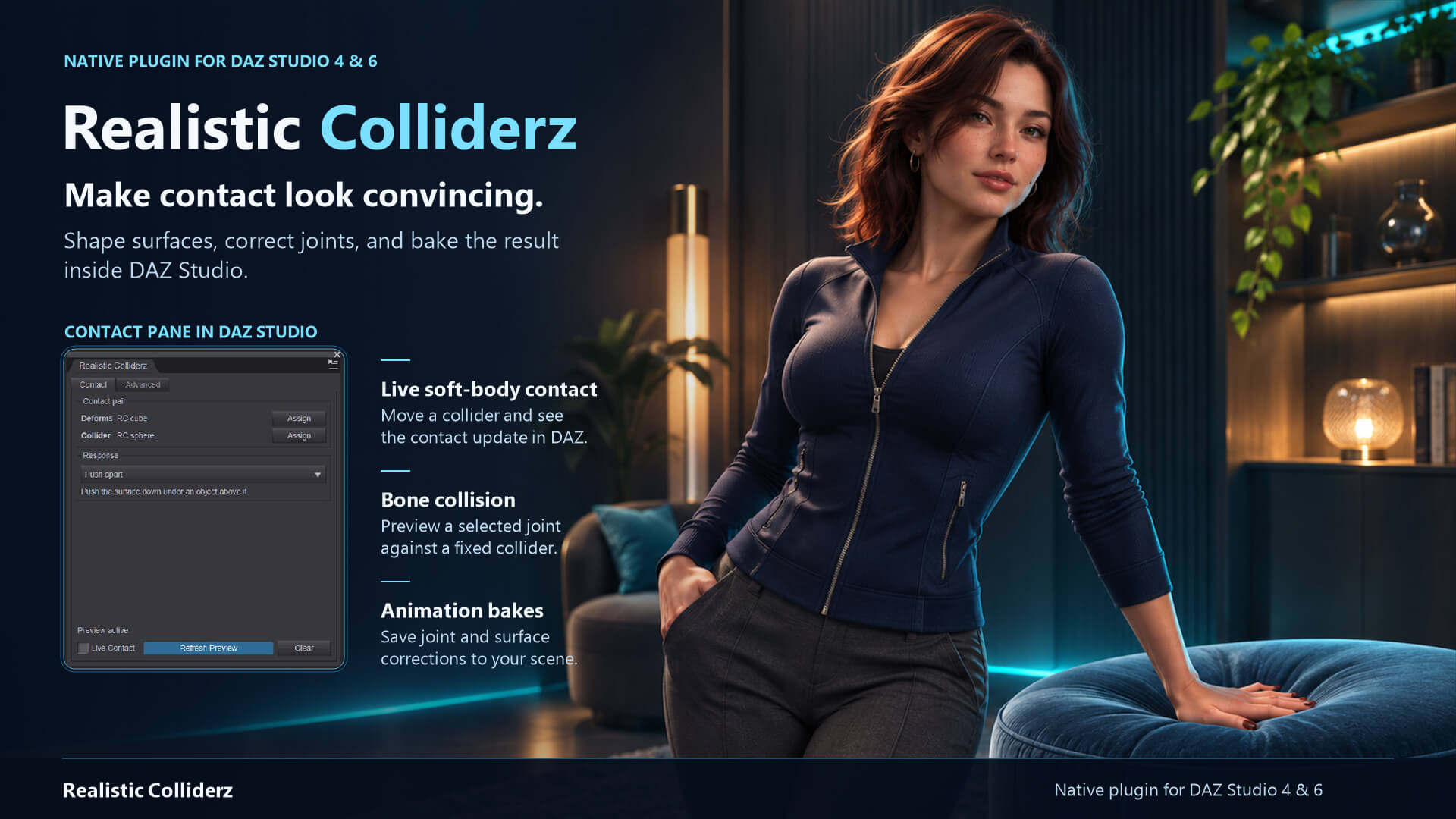
Realistic Colliderz is a collision system for DAZ Studio designed to make characters and objects interact more naturally, preventing unwanted intersections, clipping, and mesh penetration without the hassle of manually correcting poses or animations, All with live interaction.
The main idea with Realistic Colliderz is to make contact easier to fix right inside DAZ Studio. A belt should press into the waist a little. A hand resting on a railing should sit on the railing instead of clipping through it. Those are the kinds of details I wanted to be less stressful to adjust while I’m still working on the pose.
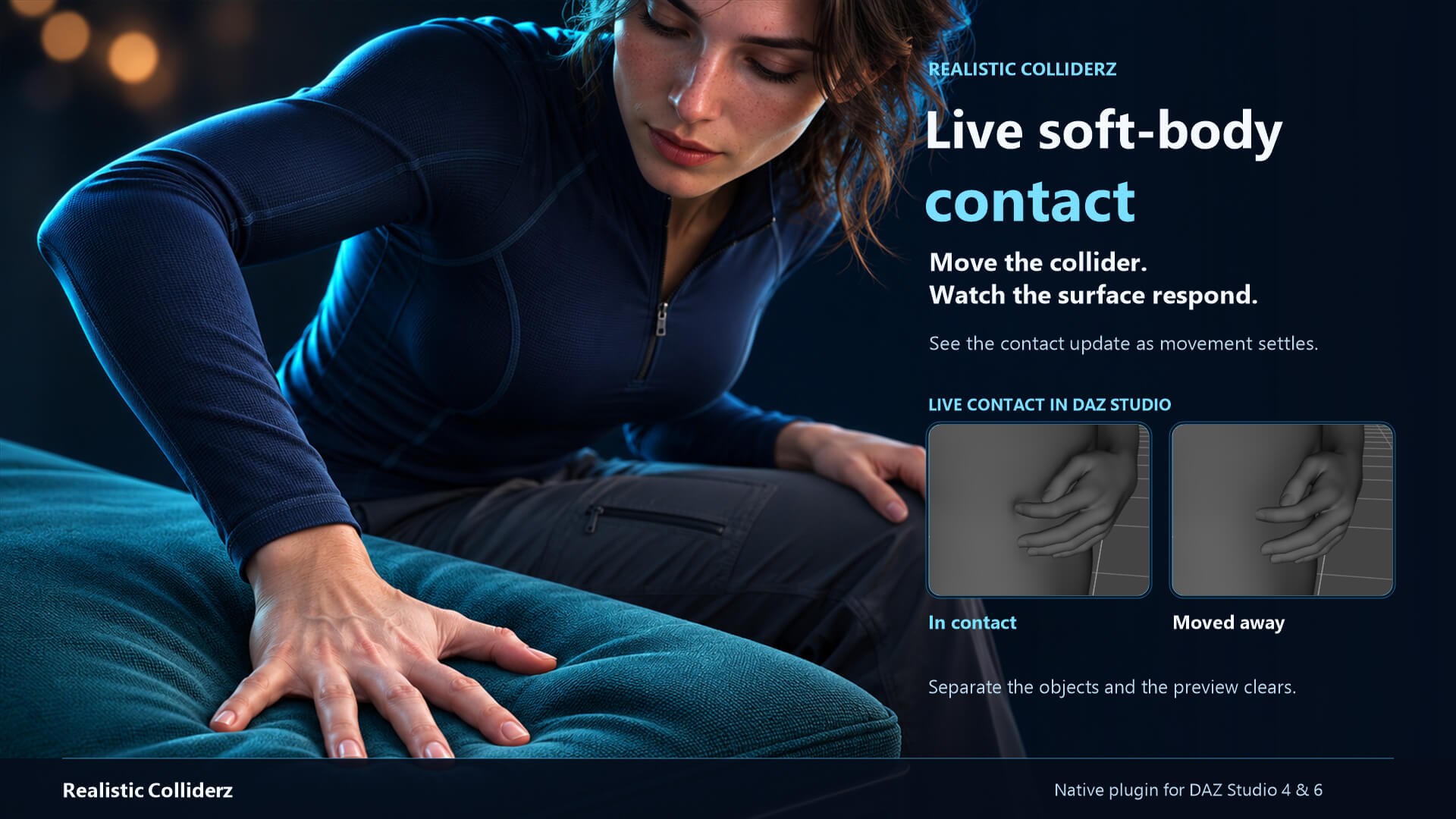
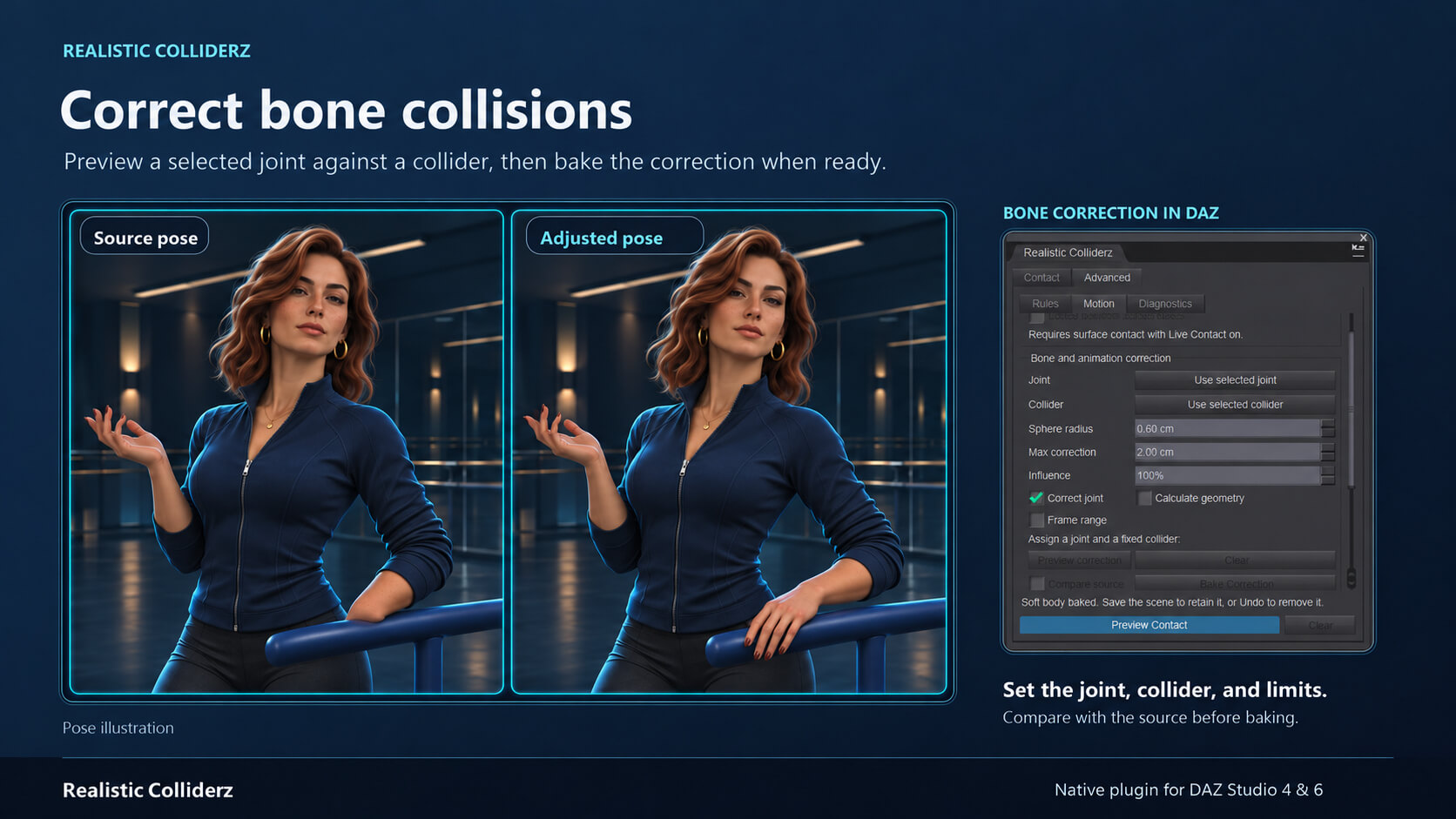
For a basic setup, pick what should deform, pick what it’s touching, and hit Preview Contact. If you’re still moving things around, turn on Live Contact. The preview updates when the movement settles and clears when the objects separate. For bone collision, pick a joint and a collider, set how much the joint is allowed to move, and compare the correction with the original pose.
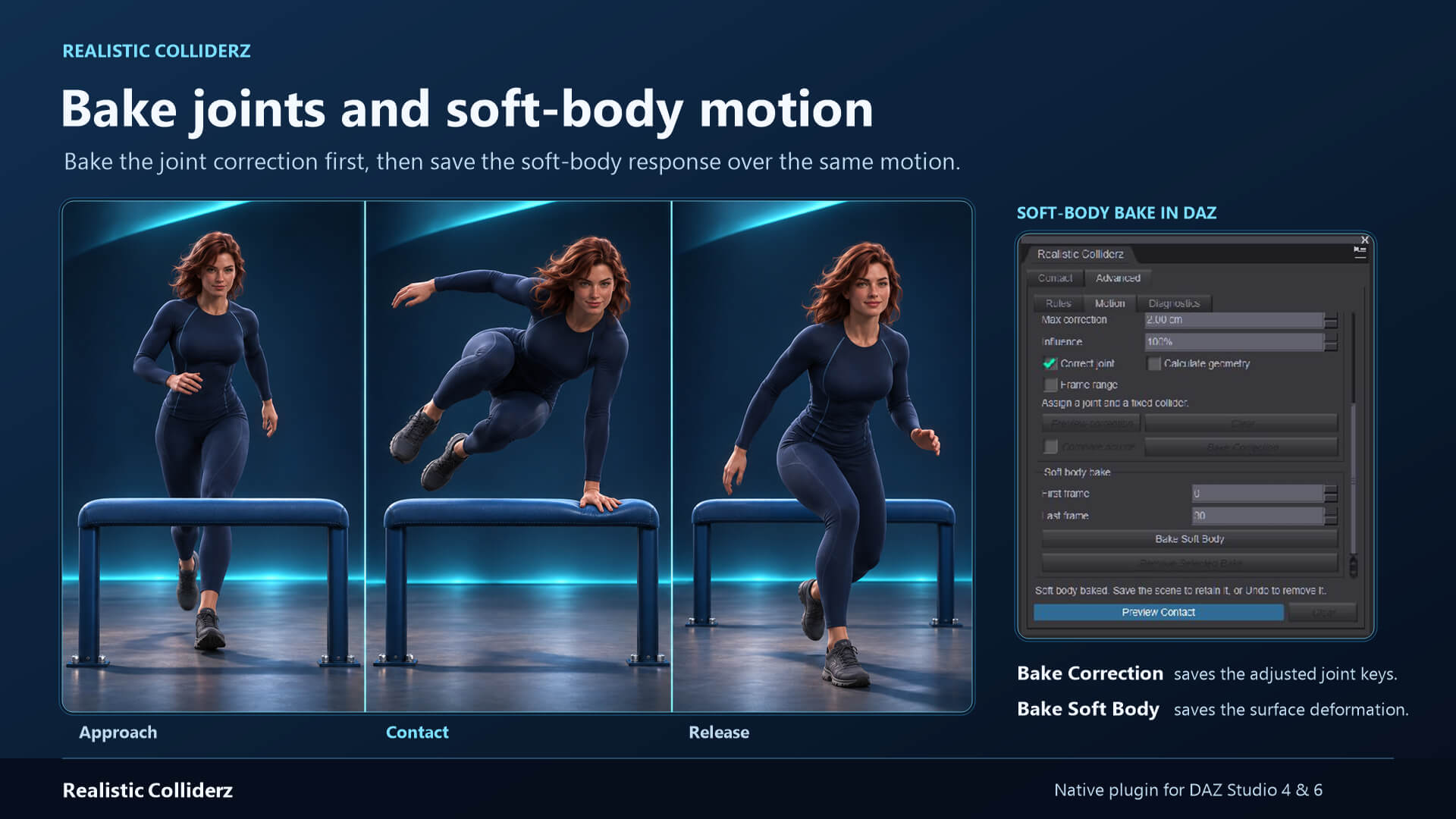
The two bakes work together. Bake Correction saves the adjusted joint keys first. Bake Soft Body can then save the surface response over that same animation. Once you save the scene, both results are there when you reopen it or scrub the timeline, without having to calculate the contact again every time.
Fitted clothing can also follow the body where it deforms. This helps when a shirt under a belt needs to follow the shape of the waist. You can narrow the response to specific areas in Advanced, which comes in handy when several parts are touching in the same pose. Some parts of the clothing and small spots of poke-through can still need a manual touch-up.
Features
- Live Contact: Move a collider in DAZ Studio and see the response update when movement settles. The preview clears when the objects separate.
- Soft-body contact: Add local compression where surfaces meet, like a belt pressing into a character’s waist.
- Bone collision correction: Pick a joint and a collider, set how far the joint can move, and compare the corrected pose with the original.
- Joint and soft-body animation bakes: Save corrected joint keys with Bake Correction, then save surface deformation over the same motion with Bake Soft Body. Both play back when you reopen the scene.
- Fitted clothing support: Let fitted clothes follow nearby body deformation during Live Contact and baked playback.
- Multiple contacts and region controls: Set up several contacts in one scene and use face groups to choose which areas can deform.
- Motion prediction: Catch supported crossings that happen between two sampled positions.
- Contact diagnostics: Inspect which regions are touching and compare sampled overlap before and after a correction.
- Native DAZ Studio 4 and 6 support. Separate Windows x64 ZIPs with manual install, rollback, and uninstall instructions.
Realistic Colliderz is currently under active development. Bugs, glitches, unexpected behavior and unfinished features are to be expected.
Features, functionality, and visuals are subject to change, and anything showcased at this stage may not reflect the final product.
