


 Free 3D
 3D Print Models
 3D Scans
 Animation & MoCap
 Textures
 Materials
 Skin Reference
 2D Game Assets
 Sound Effects
 Brushes & Tools
 Reference Photos
 Stock Images
 HDR Images
 3ds Max
 Maya
Maya Blender
 Unreal Engine
 Unity
Unity ZBrush
 Cinema 4D
 LightWave
 Marmoset
 SketchUp
 FBX
FBX DAE
DAE DXF
DXF GLB
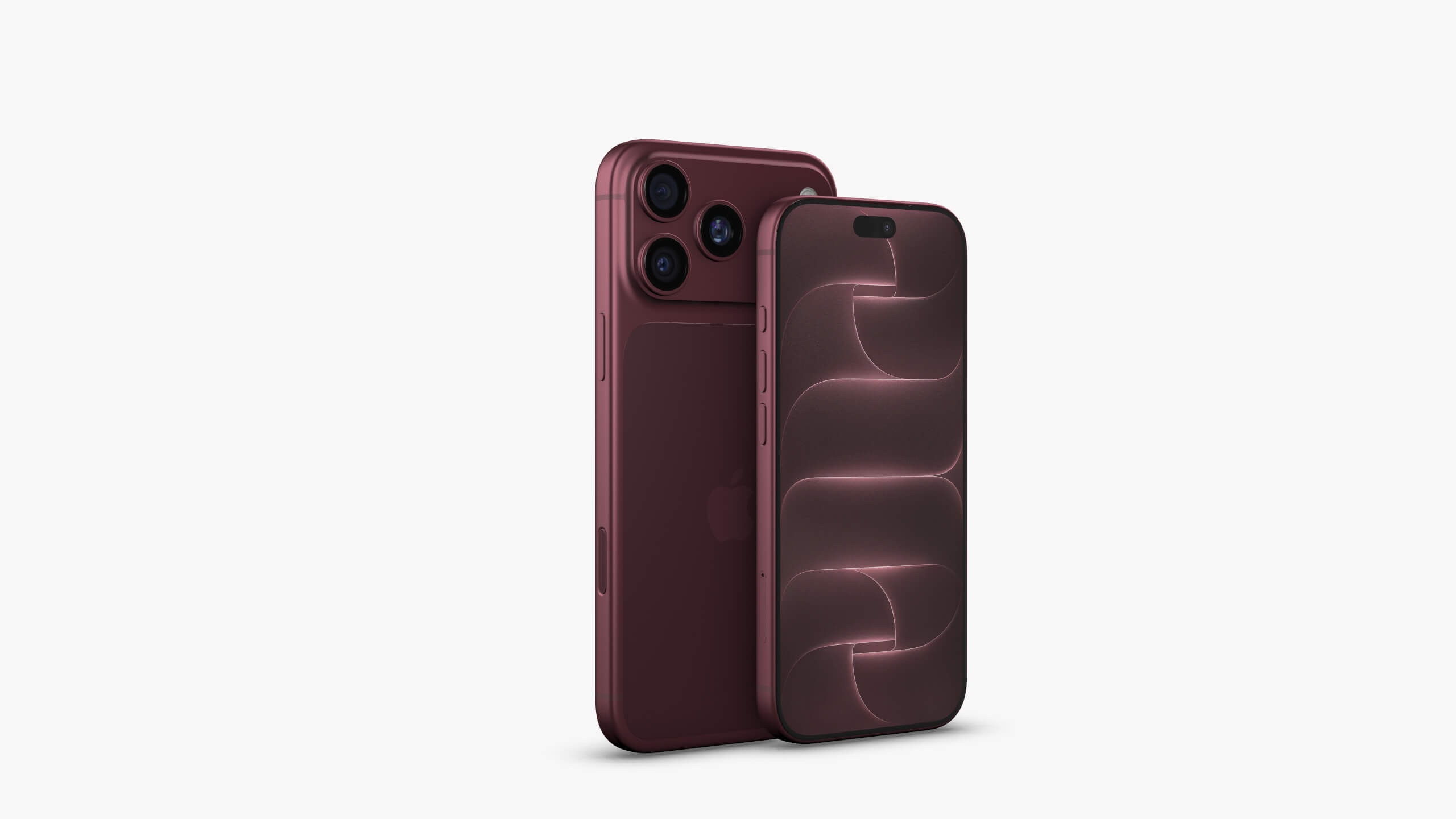
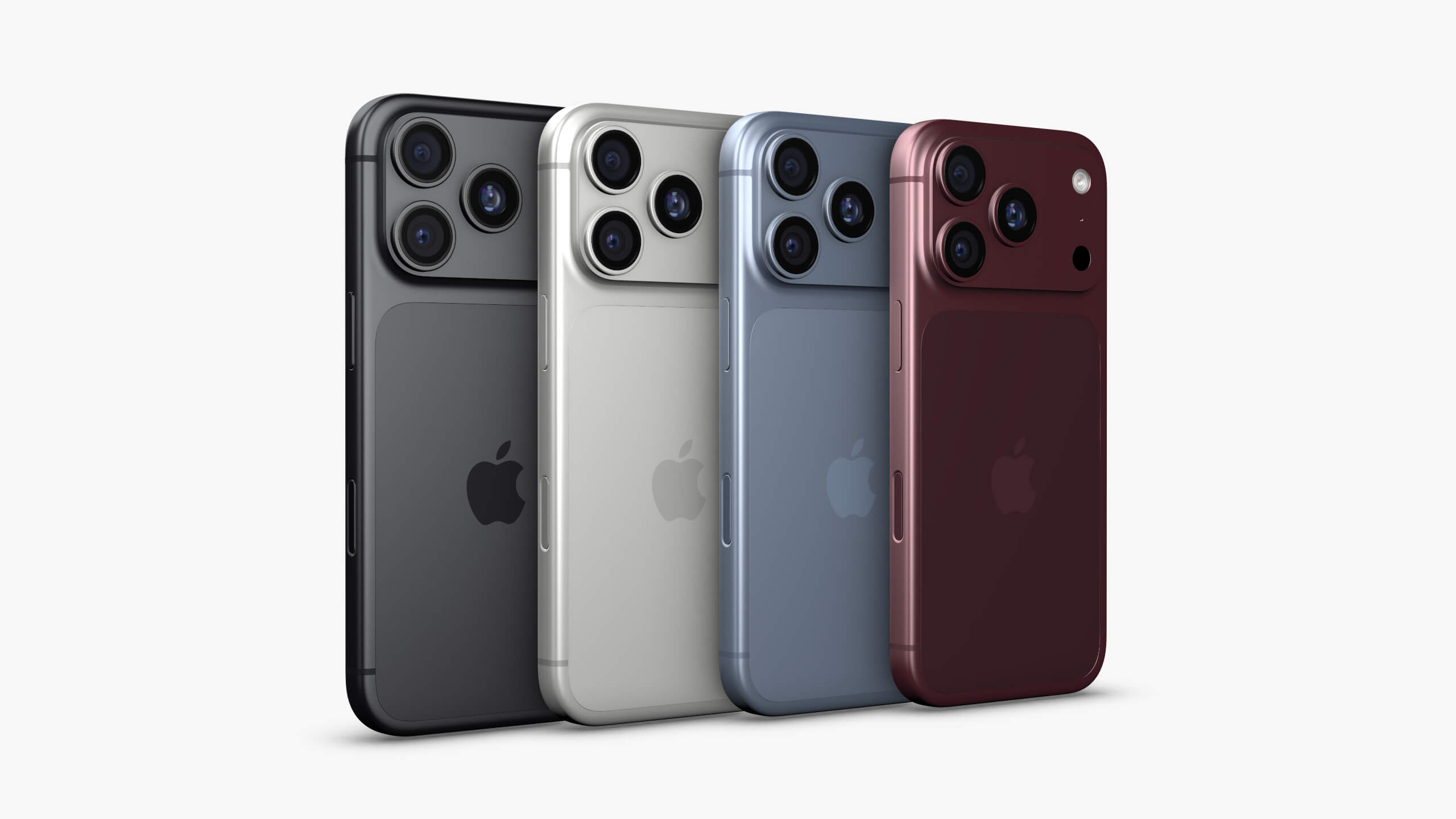
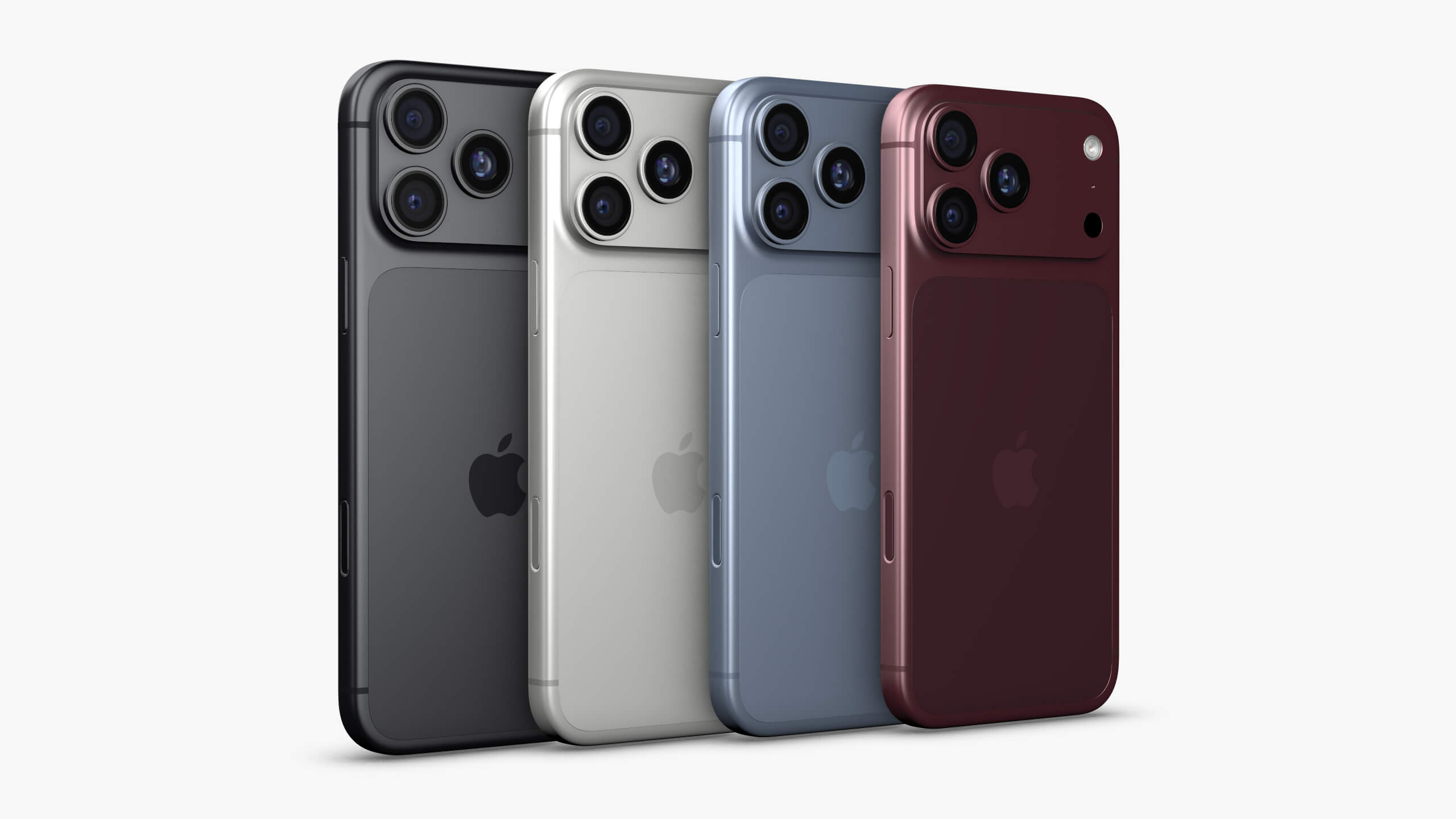
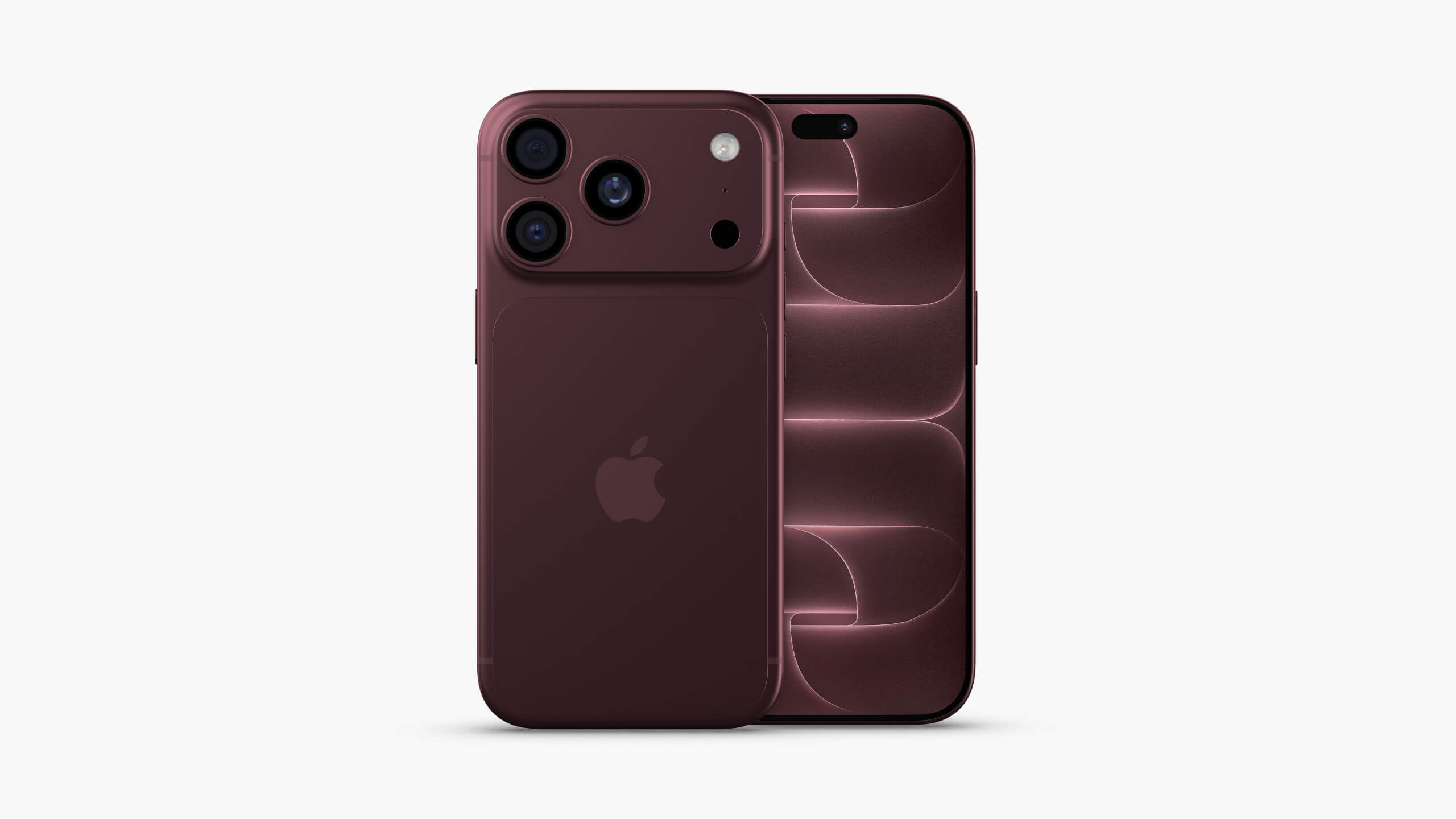
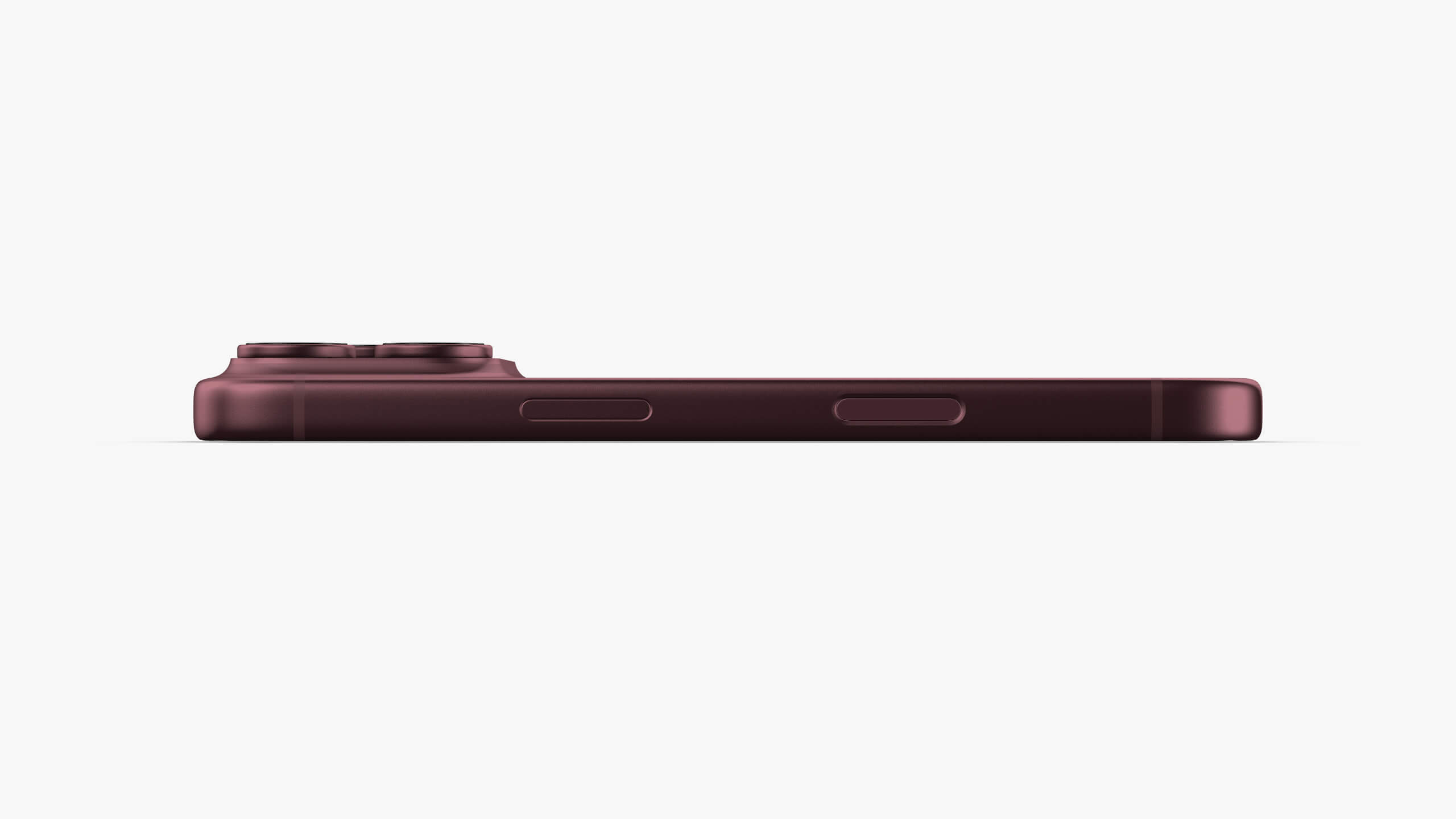
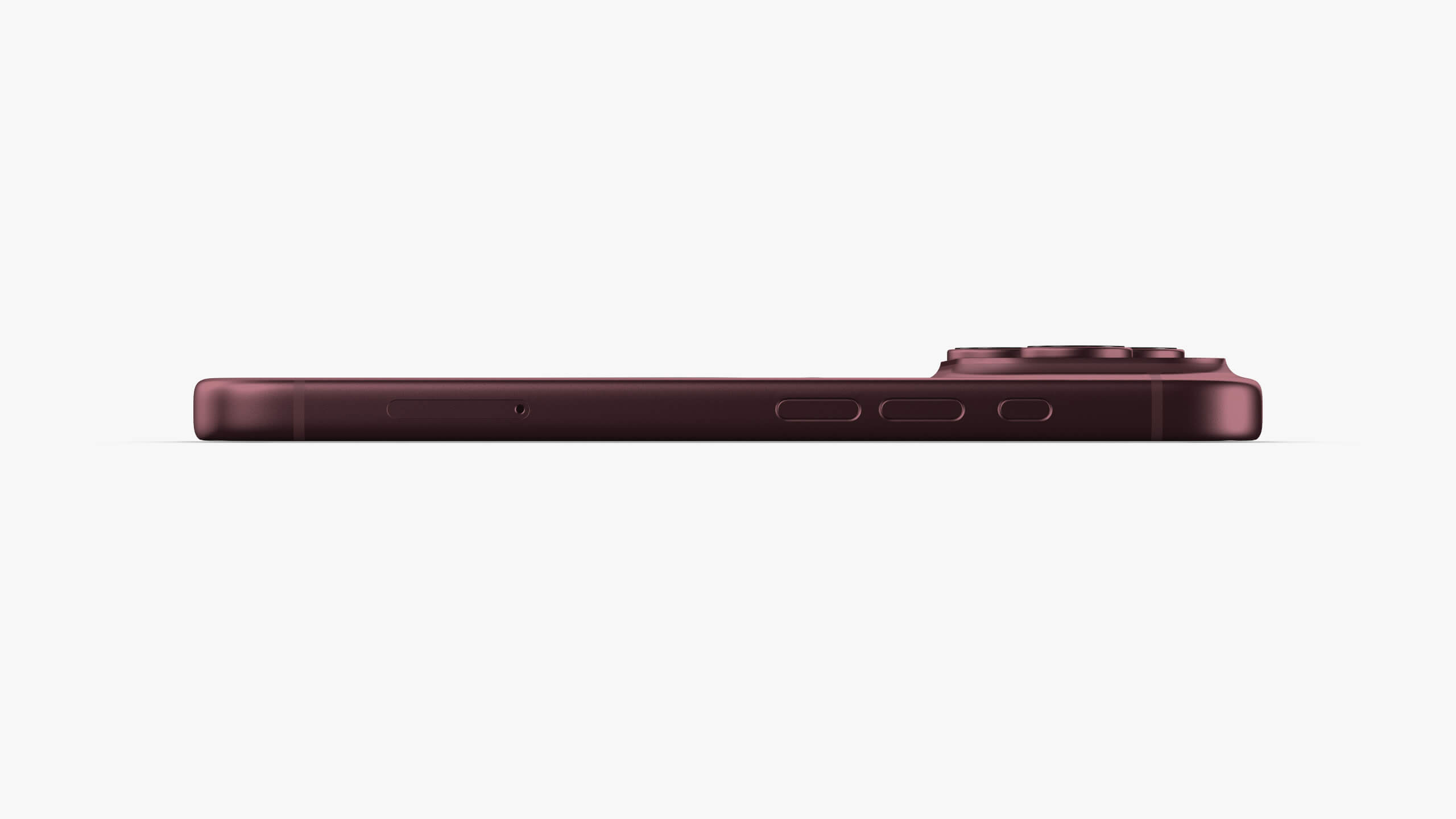
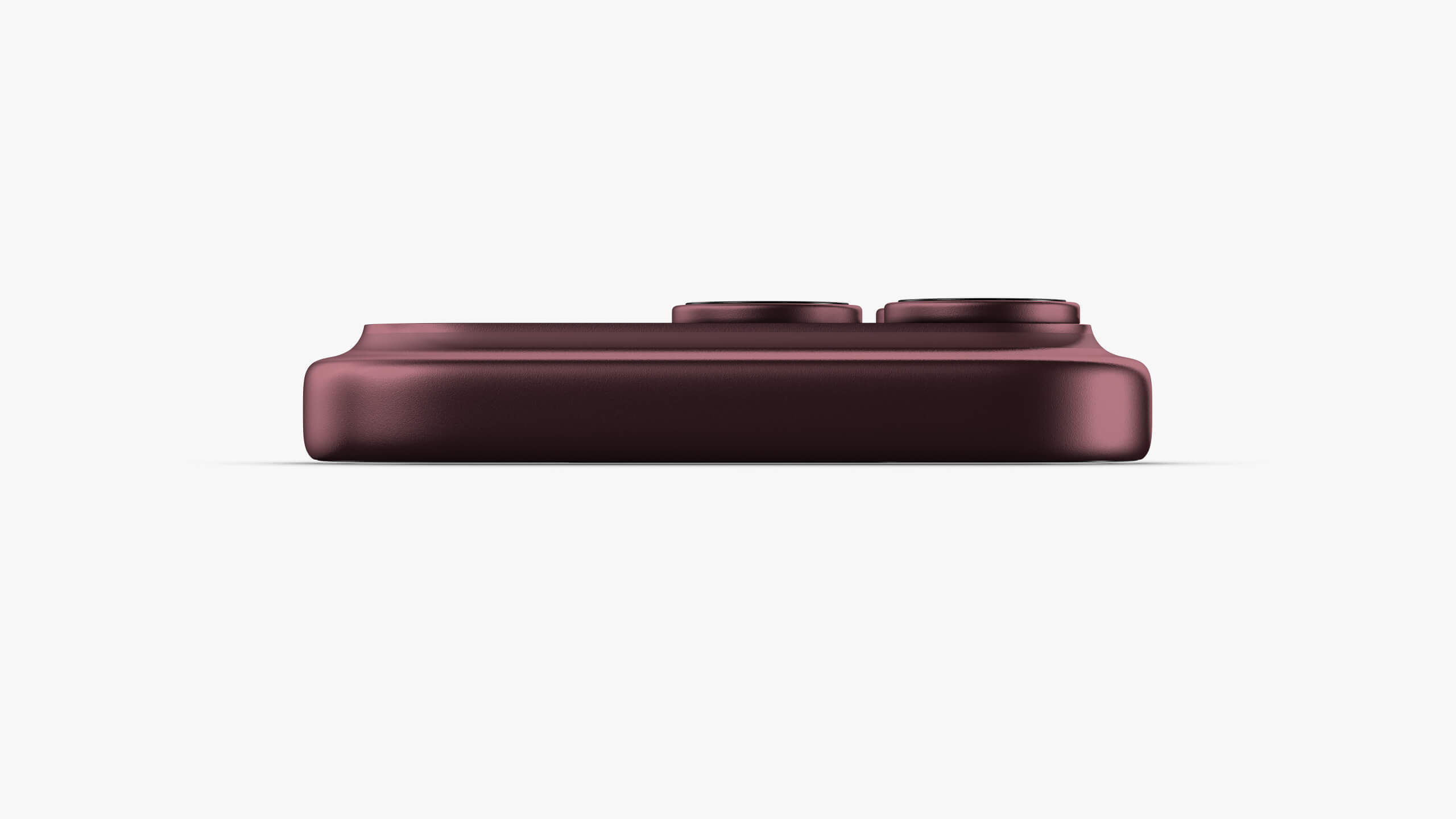
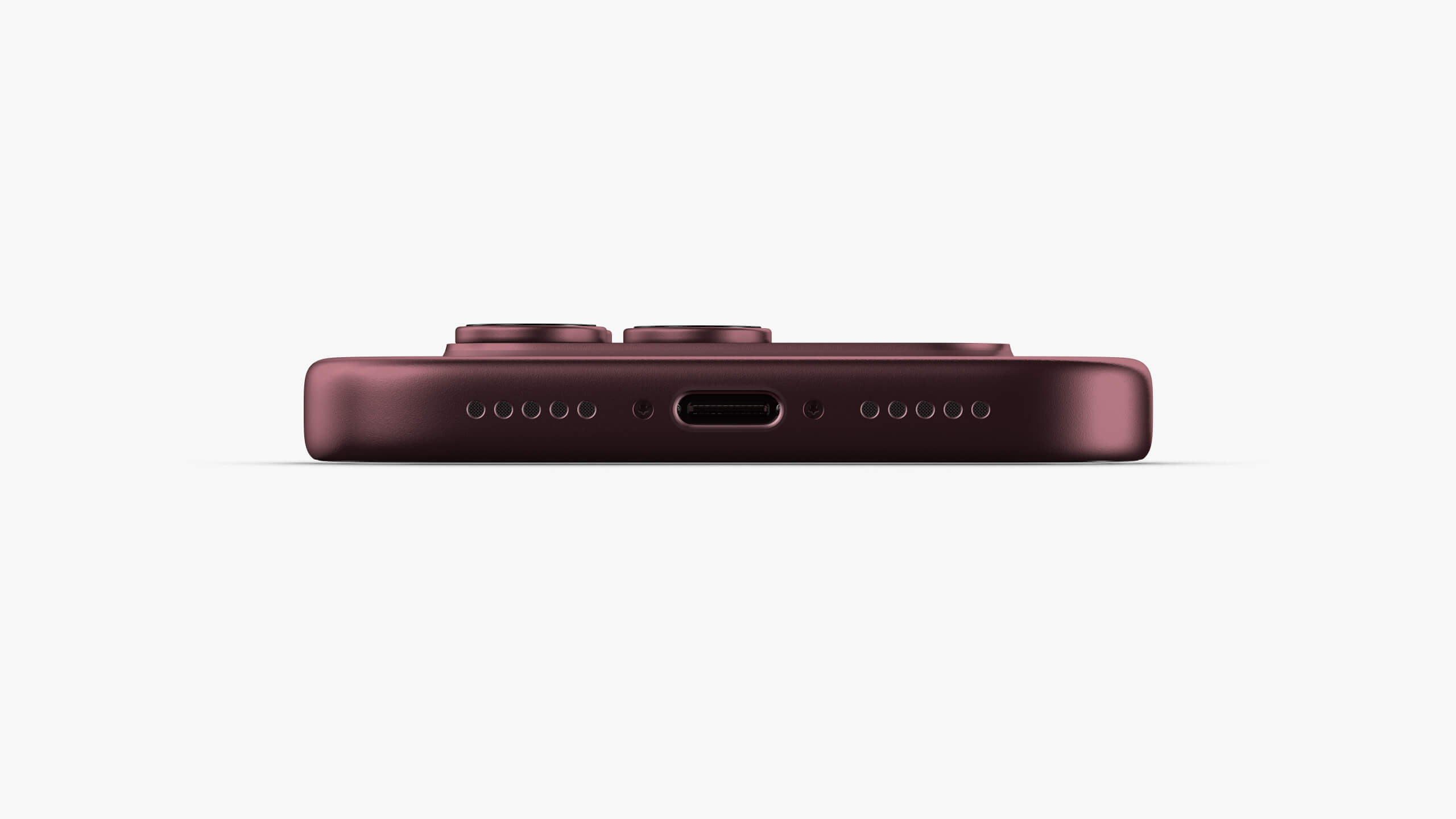
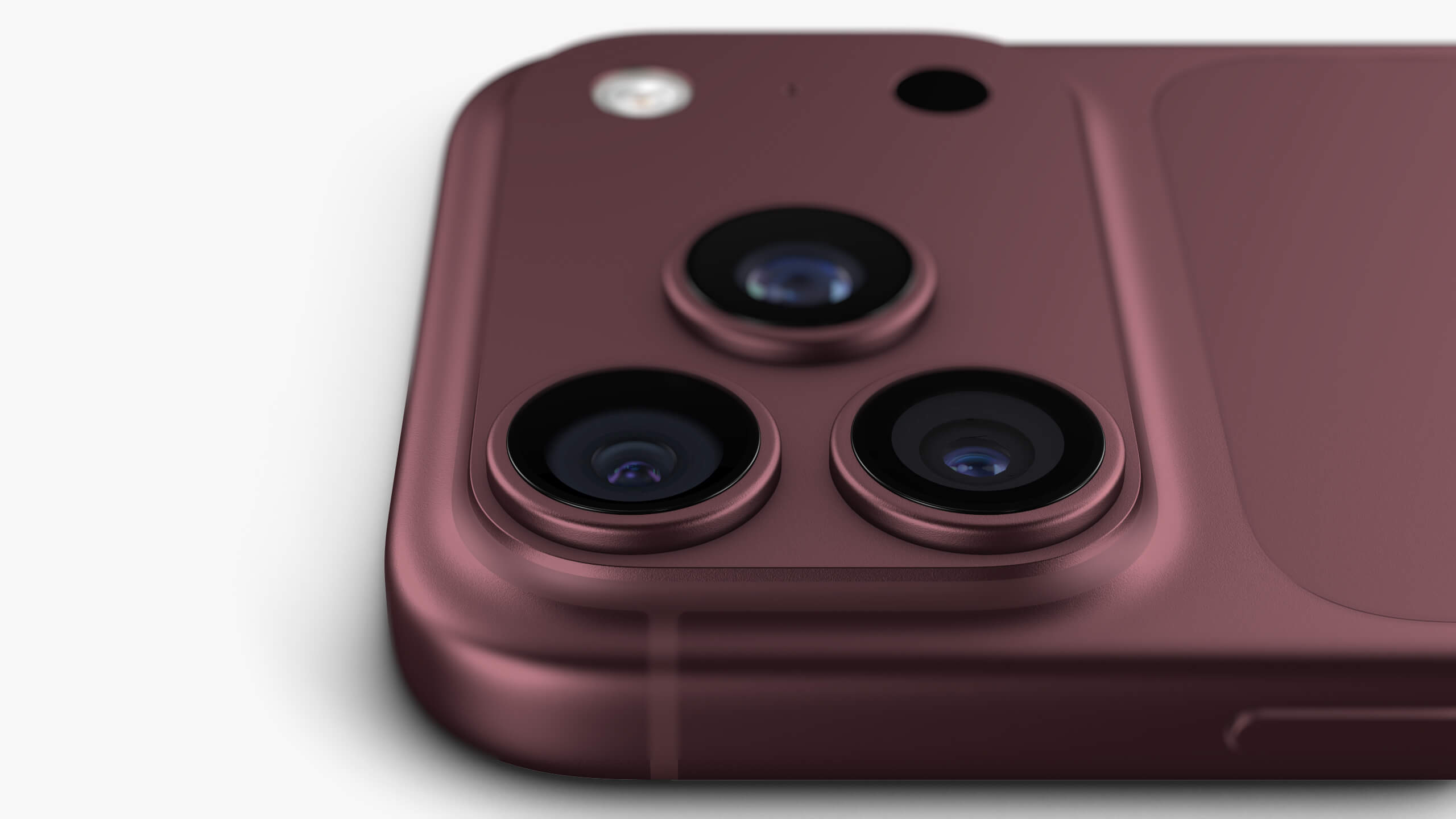
GLBElement3D - iPhone 18 Pro Collection 3D Model

Not Rated Yet


! REPORT
NOTE: DIGITAL DOWNLOAD, NOT A PHYSICAL ITEM

Add to Collection

0 Likes
Share This 3D Model


Offered By


High quality Element3D Models
Vendor's Pages


License
Extended Use License (IP Restricted)
This item comes with our Extended Use Licensing. This means that you may use the model in a variety of mediums and applications. But, because certain intellectual property depicted in this model may not be affiliated with or endorsed by the original rights holder, this model is subject to an Editorial Use Only Restriction which limits the ways in which you may use this model.
For full license terms, see our 3D Content Licensing Agreement
3D Model Details
| Vendor: | UMURdesign |
| Published: | Sep 28, 2026 |
| Download Size: | 85.9 MB |
| Game Ready: | – |
| Polygons: | 184,524 |
| Vertices: | 209,672 |
| Print Ready: | – |
| 3D Scan: | – |
| Textures: | Yes |
| Materials: | Yes |
| UV Mapped: | – |
| PBR: | – |
| Rigged: | – |
| Animated: | – |

Statistics
| Favorites: | 0 |
| Likes: | 0 |
| Views: | 33 |
Item Ratings
Not Rated Yet
Element3D - iPhone 18 Pro Collection 3D Model
iPhone 18 Pro Collection – 3D Models for Element 3D
Elevate your next project with this highly detailed, production-ready iPhone 18 Pro Collection. Specifically optimized for Video Copilot’s Element 3D V2.2, this asset is designed to save you time while delivering photorealistic results right inside your workspace.
What's Included:
iPhone 18 Pro
iPhone 18 Pro Max
Included Formats:
.E3D – Ready to render (Includes Original Material Settings for plug-and-play use in Element 3D)
.MAX – Base mesh with material name assignments only*
.OBJ – Universal format with material name assignments only*
Elevate your next project with this highly detailed, production-ready iPhone 18 Pro Collection. Specifically optimized for Video Copilot’s Element 3D V2.2, this asset is designed to save you time while delivering photorealistic results right inside your workspace.
What's Included:
iPhone 18 Pro
iPhone 18 Pro Max
Included Formats:
.E3D – Ready to render (Includes Original Material Settings for plug-and-play use in Element 3D)
.MAX – Base mesh with material name assignments only*
.OBJ – Universal format with material name assignments only*
