Free 3D
 3D Print Models
 3D Scans
 Animation & MoCap
 Textures
 Materials
 Skin Reference
 2D Game Assets
 Sound Effects
 Brushes & Tools
 Reference Photos
 Stock Images
 HDR Images
 3ds Max
 Maya
Maya Blender
 Unreal Engine
 Unity
Unity ZBrush
 Cinema 4D
 LightWave
 Marmoset
 SketchUp
 FBX
FBX DAE
DAE DXF
DXF GLB
GLB
! REPORT

Ship Desert Crash - AIRE Motion
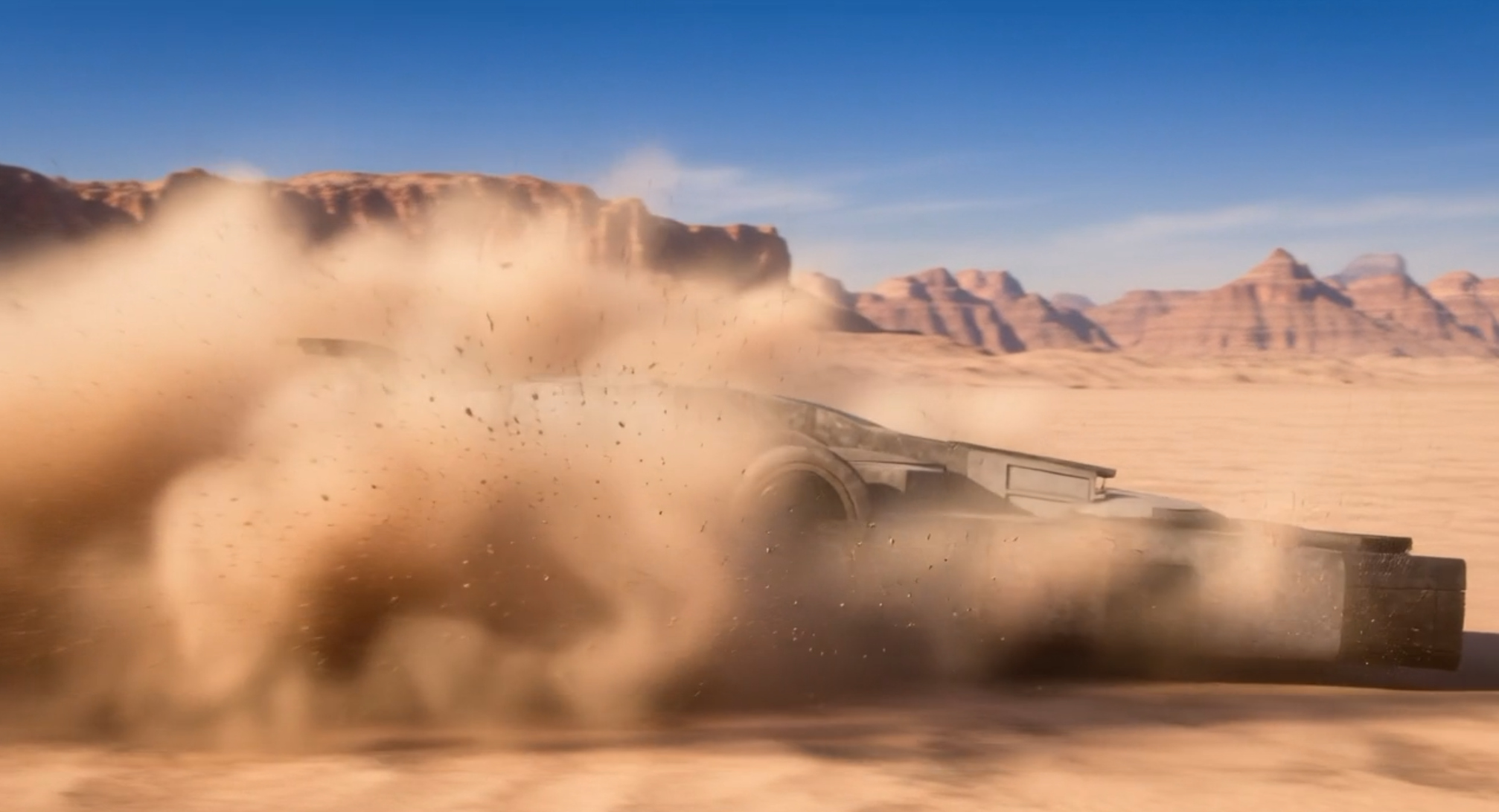
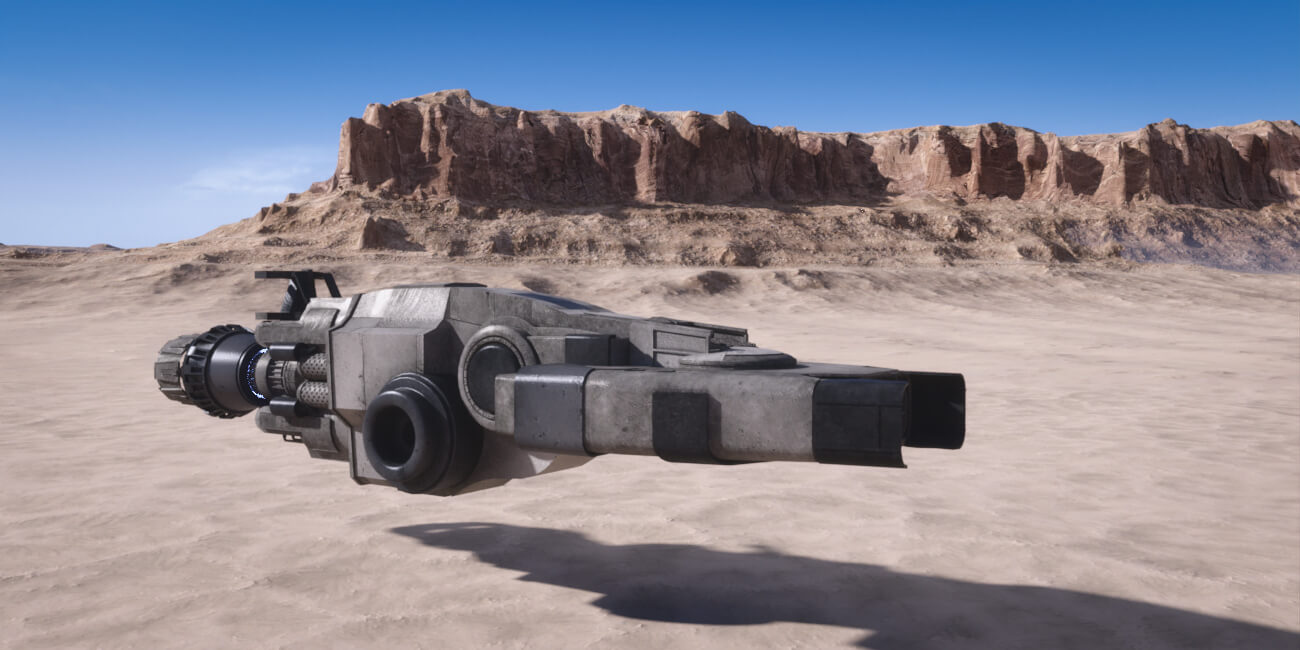
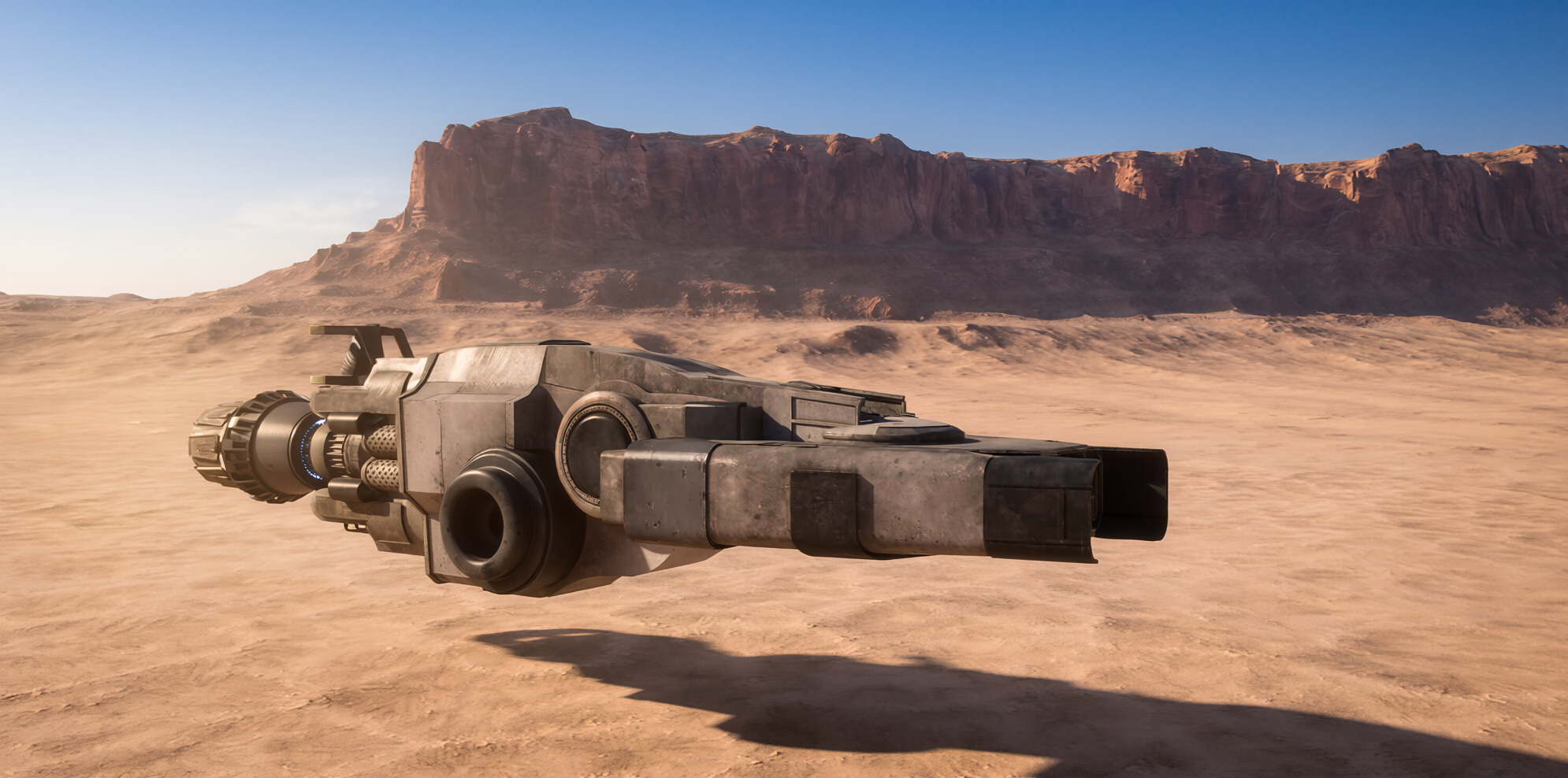
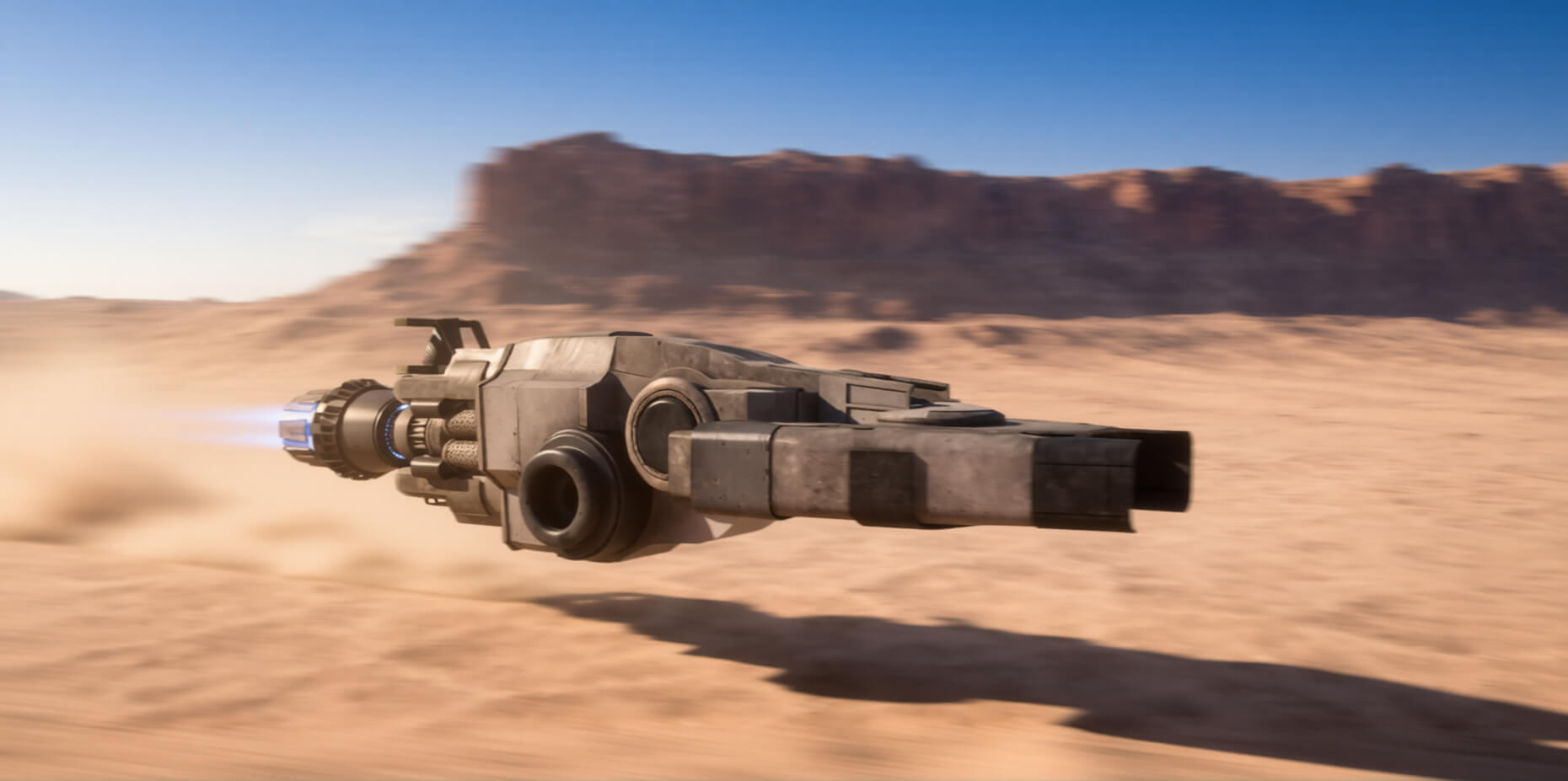
AI-Enhanced 3D Render by DreamlightThis animation was done using AIRE Motion, running an enhanced DAZ Studio Iray render via AIRE. This scenery has a lot of moving parts... First, I used my own spaceship, the Razar Recon Ship with a Mesa Desert scenery from DAZ, and I created the Iray render.
It was then enhanced with AIRE in 2 steps. First, a more realistic enhancement using Image to AIRE, then additional motion blur and lighting adjustment via AIRE Edit. I turned off the camera perspective lock to prevent some artifacts that happen at times when the camera is too tightly locked during editing. And then it was animated with AIRE Motion, at max resolution (1080p 30 fps) 3 seconds long. Took around 350 seconds to render on an RTX 4090. Prompt used: "Space ship crashes into the desert landscape at high speed, with sand and dust splashes".
Something I recommend when using AIRE Motion is to make sure the source image already has a sense of motion, and looks like it's part of the animation you're trying to make, since if that part is missing, it needs to "spin up" to gain speed, and you'll loose 1-2 seconds. Same with walking characters.
Love how it turned out though! Thanks for watching!
See more here:
https://www.renderhub.com/dreamlight/aire-motion-ai-animation-for-daz-studio
https://www.renderhub.com/dreamlight/aire-ai-render-engine-daz-studio
https://www.renderhub.com/dreamlight/razar-recon-ship
It was then enhanced with AIRE in 2 steps. First, a more realistic enhancement using Image to AIRE, then additional motion blur and lighting adjustment via AIRE Edit. I turned off the camera perspective lock to prevent some artifacts that happen at times when the camera is too tightly locked during editing. And then it was animated with AIRE Motion, at max resolution (1080p 30 fps) 3 seconds long. Took around 350 seconds to render on an RTX 4090. Prompt used: "Space ship crashes into the desert landscape at high speed, with sand and dust splashes".
Something I recommend when using AIRE Motion is to make sure the source image already has a sense of motion, and looks like it's part of the animation you're trying to make, since if that part is missing, it needs to "spin up" to gain speed, and you'll loose 1-2 seconds. Same with walking characters.
Love how it turned out though! Thanks for watching!
See more here:
https://www.renderhub.com/dreamlight/aire-motion-ai-animation-for-daz-studio
https://www.renderhub.com/dreamlight/aire-ai-render-engine-daz-studio
https://www.renderhub.com/dreamlight/razar-recon-ship


Ship Desert Crash - AIRE Motion
AI-Enhanced
[+] Give Award


8 Hours ago 16
16
 2
2
166
2
Add to Collection

6 Likes
Share This Render


Software Used
 Daz Studio
Marketplace Items Used