Free 3D
 3D Print Models
 3D Scans
 Animation & MoCap
 Textures
 Materials
 Skin Reference
 2D Game Assets
 Sound Effects
 Brushes & Tools
 Reference Photos
 Stock Images
 HDR Images
 3ds Max
 Maya
Maya Blender
 Unreal Engine
 Unity
Unity ZBrush
 Cinema 4D
 LightWave
 Marmoset
 SketchUp
 FBX
FBX DAE
DAE DXF
DXF GLB
GLB
! REPORT

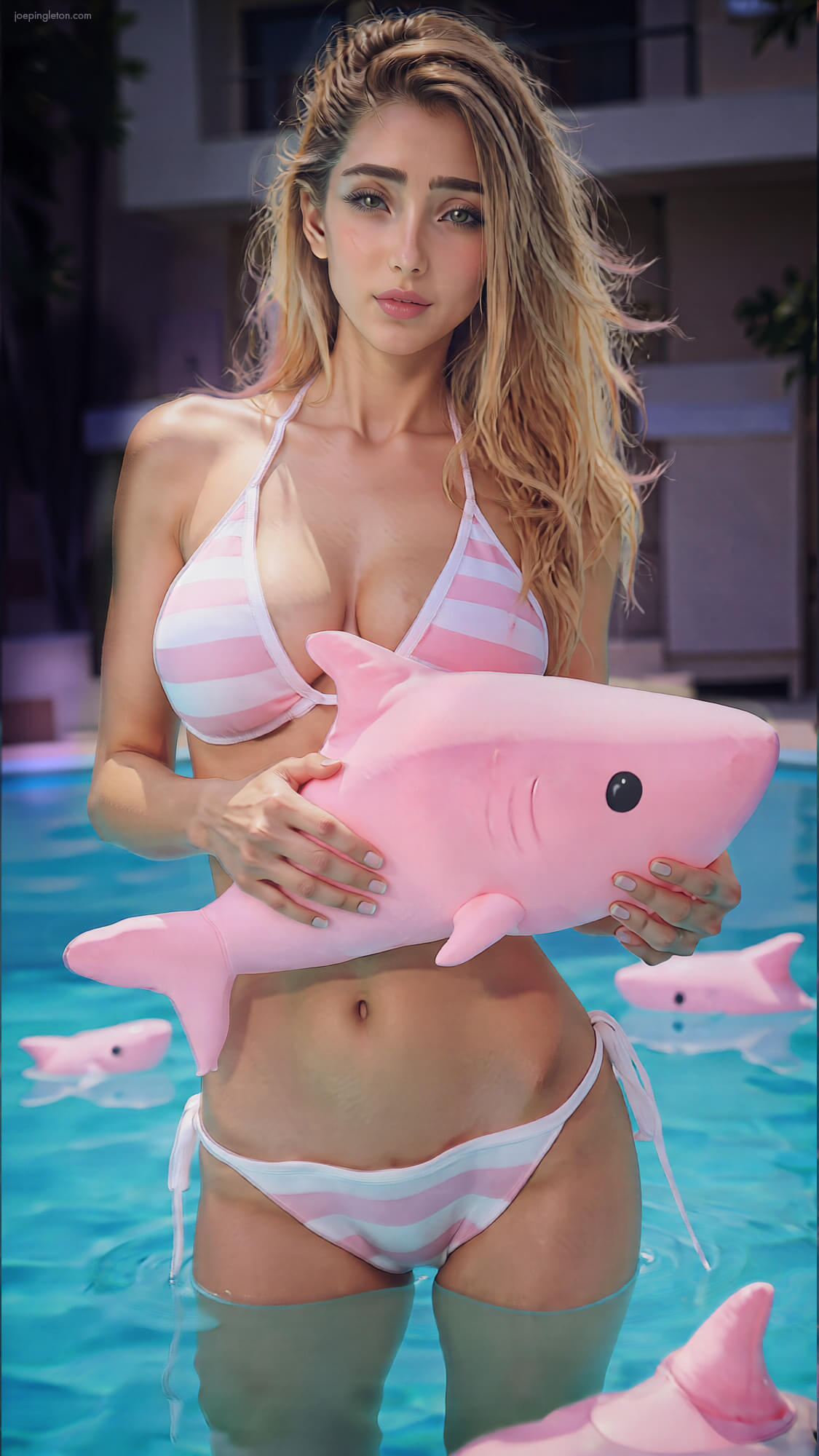
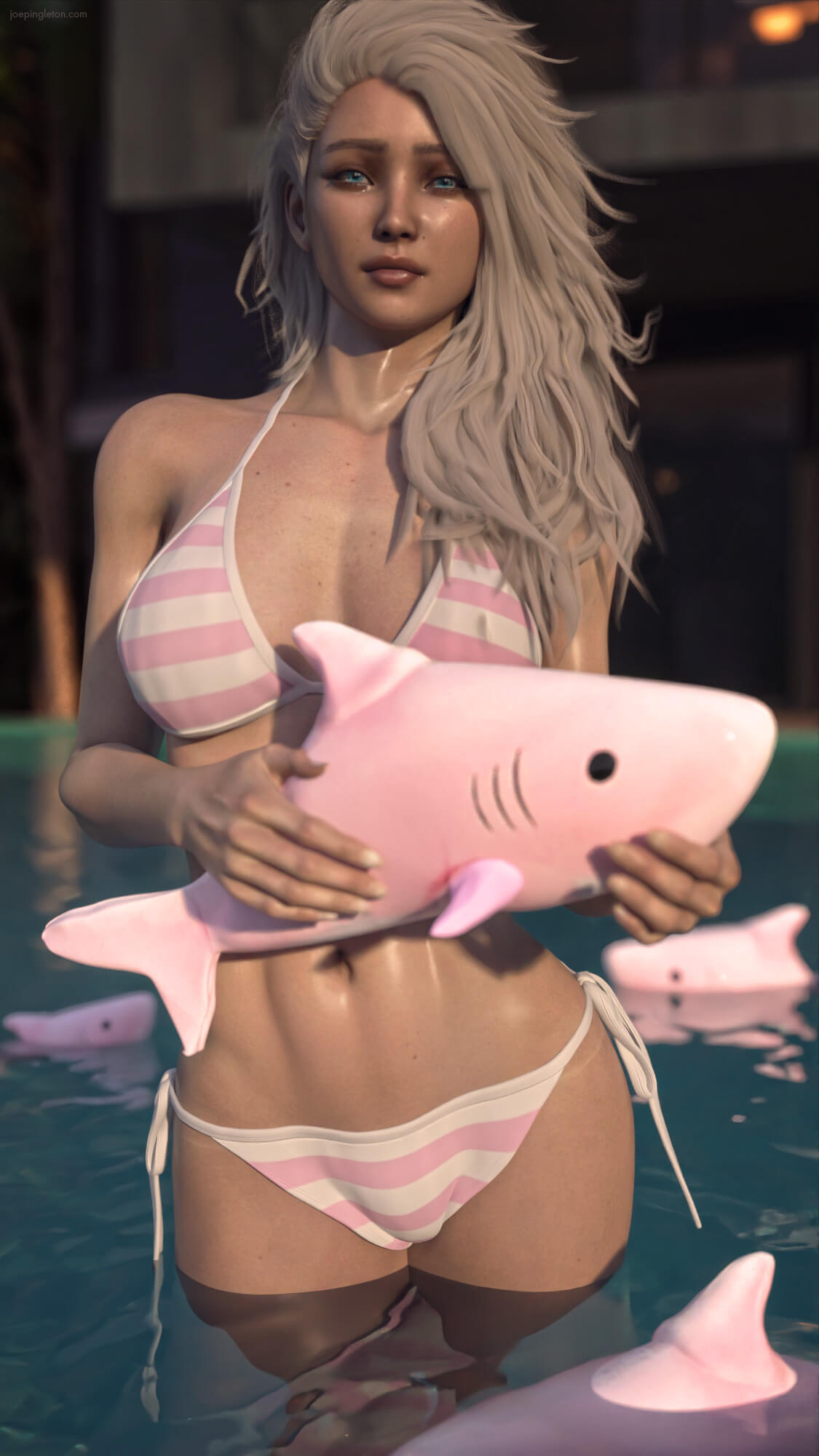
Pool Shark
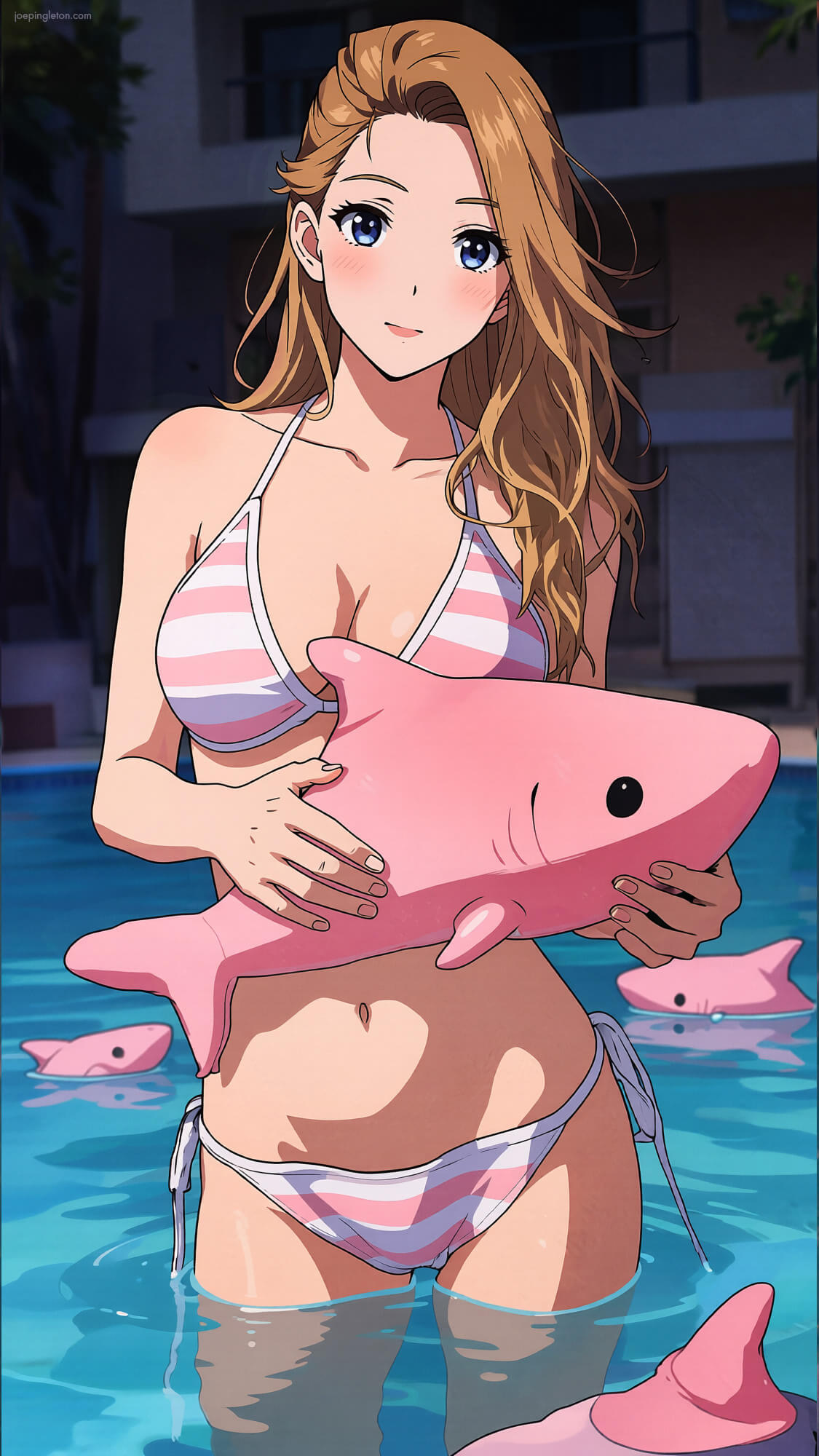
AI-Enhanced 3D Render by joepingletonPlaying with "VFox Hikari for Genesis 9" and "Plushie Shark and Cat Clock Free Props for DAZ Studio" then rendered everything with "AIRE v1.2 - AI Render Engine DAZ Studio" in DAZ Studio.
There is an "Anime" style version included as well as the original DAZ Studio scene for reference.
There is an "Anime" style version included as well as the original DAZ Studio scene for reference.

Your original Daz render still looks great and the AI adds that extra realism to your first image with very nice back lighting. How many re-renders did it take to get to the final top image?
REPLY
! REPORT
Looks great! Did you use OpenGL? It makes hair look amazing! I always use the Iray render setting and found a couple of cheats to trick the AI to give it alittle more of that OpenGL look. Kinda actually forgot about doing it since I've been playing with Aire Motion so much. Need to remember to use my cheats to see how the hair looks in a video clip!
REPLY
! REPORT
Pool Shark
AI-Enhanced
 x1 [+]
Wed, Oct 28 55
55
 2
2
5517
2
Add to Collection

17 Likes
Share This Render


Software Used
 Daz Studio
Marketplace Items Used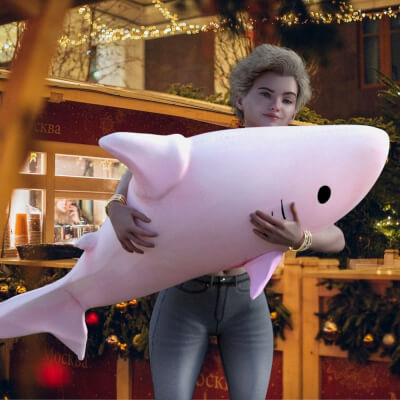

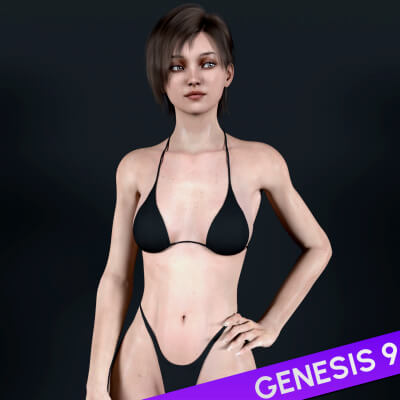

Artist Stats
Member Since:
Karma:
Followers:
Likes Received:
Karma:
Followers:
Likes Received:
Feb, 2023
2,668
41
695
2,668
41
695
Gallery Images:
Wallpaper Images:
Forum Topics:
Marketplace Items:
Wallpaper Images:
Forum Topics:
Marketplace Items:
41
0
0
0
0
0
0

74

13

2